
Modified Ender 3 Stock Case (SKR 1.3/1.4)
Print Profile(1)

Description
Summary
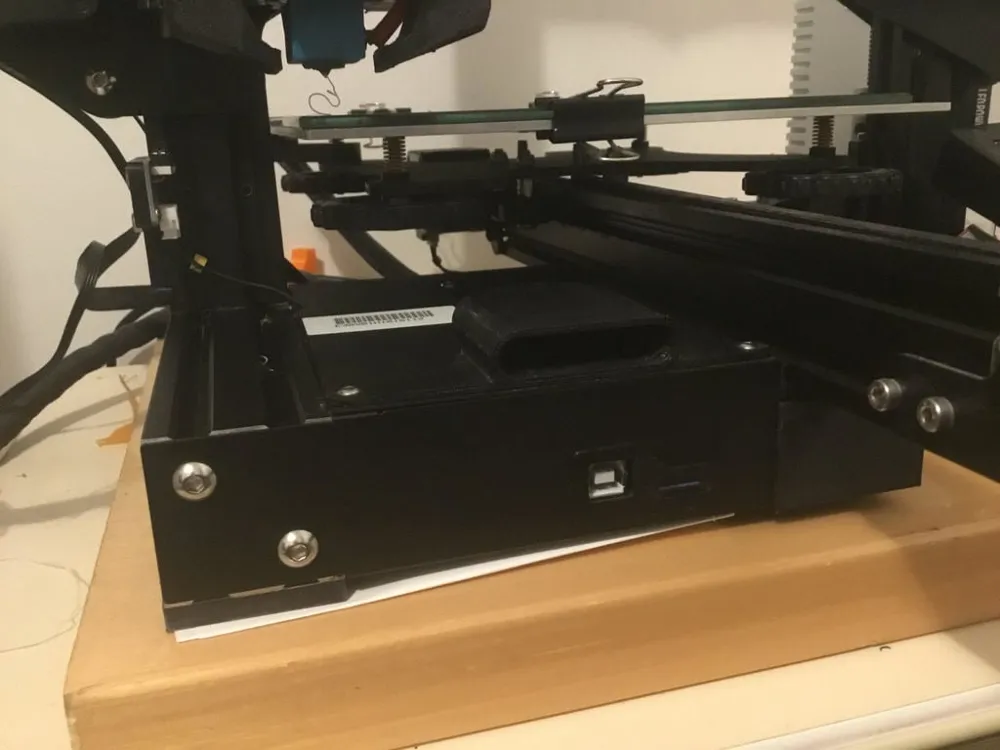
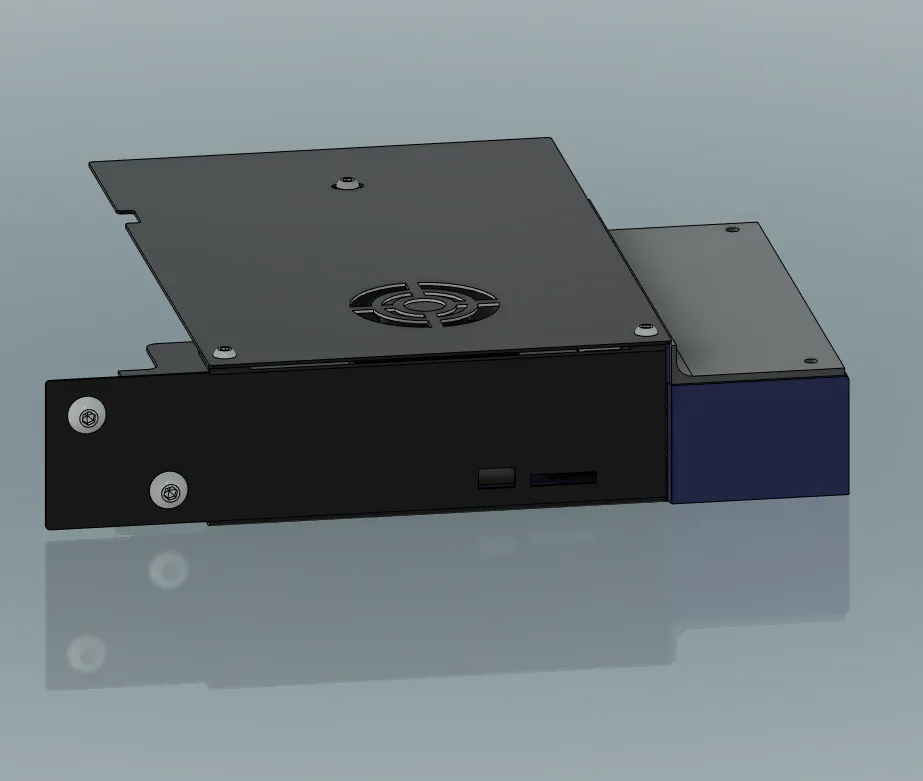
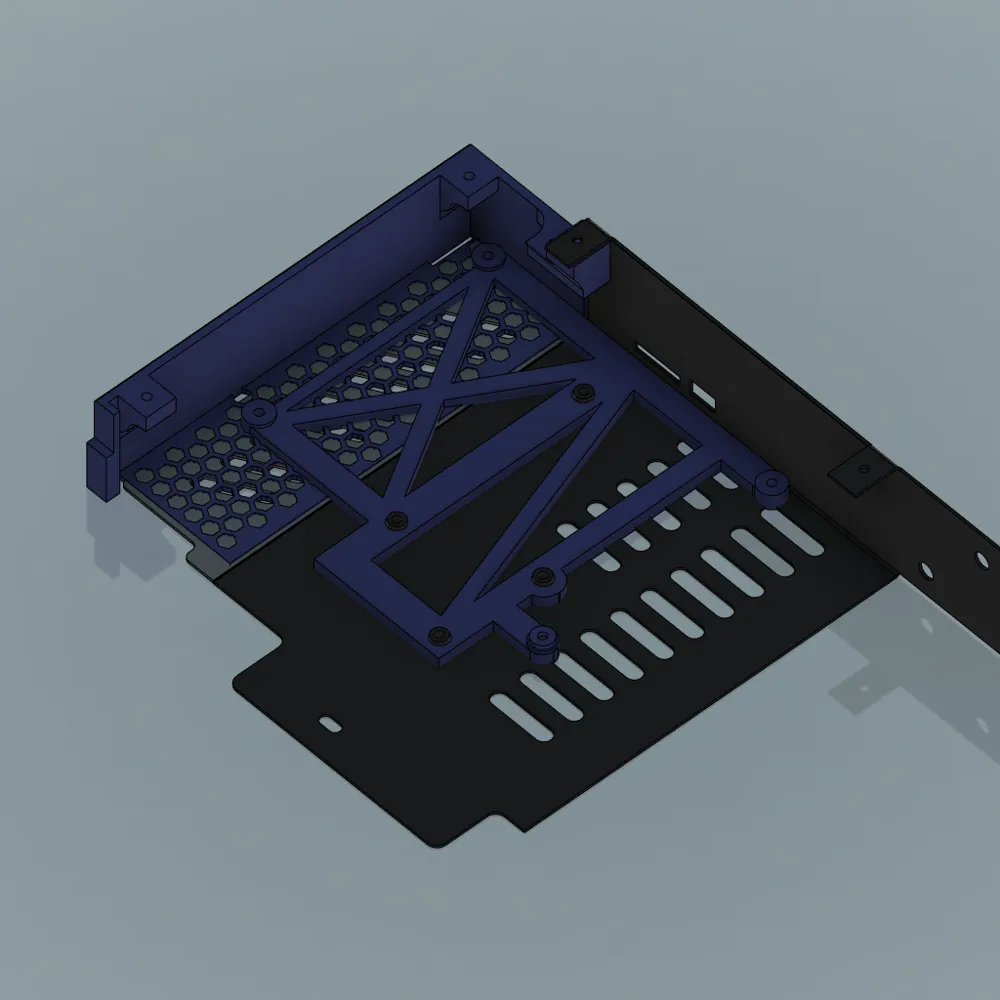
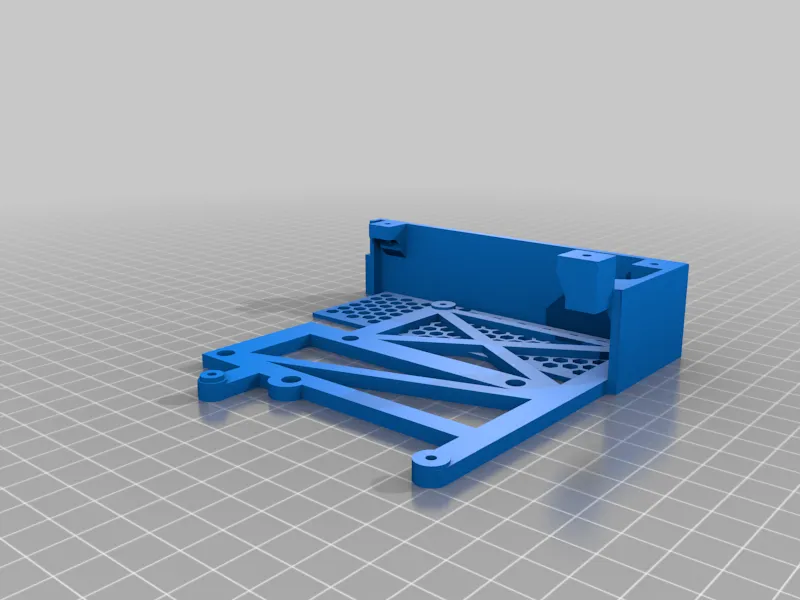
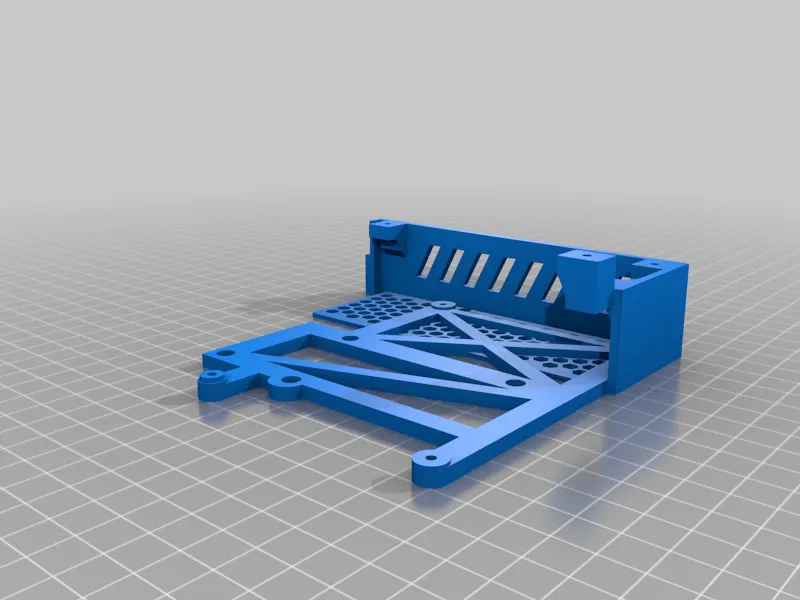
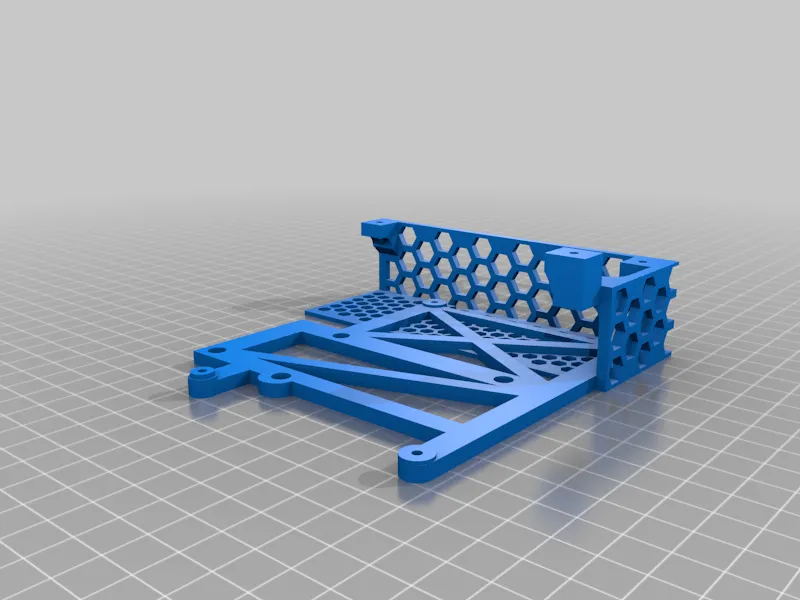
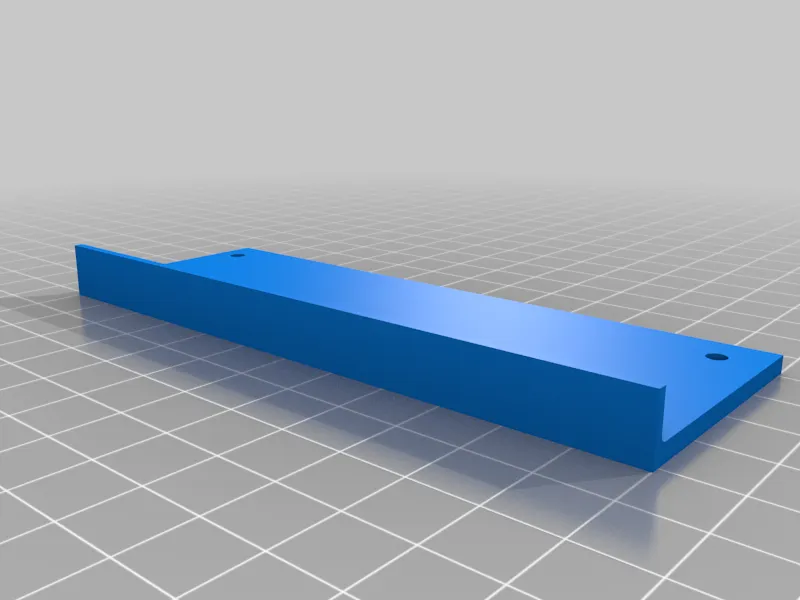
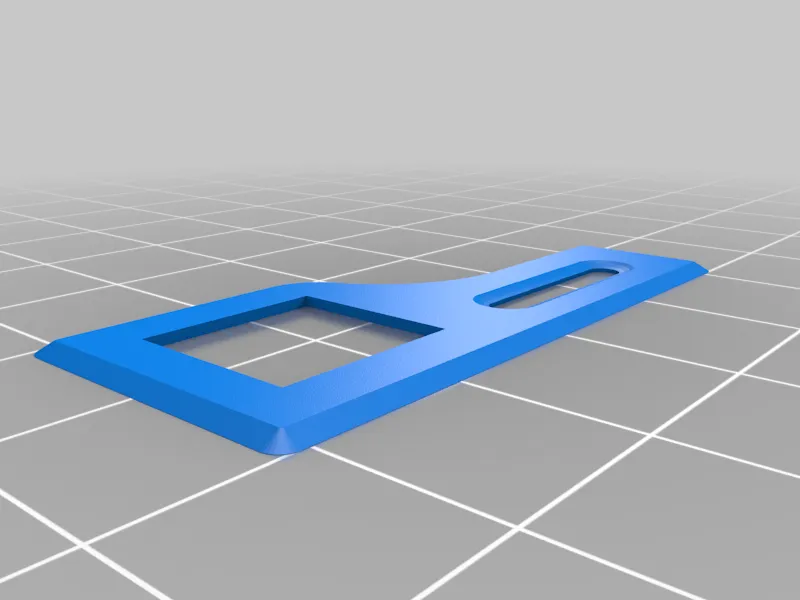
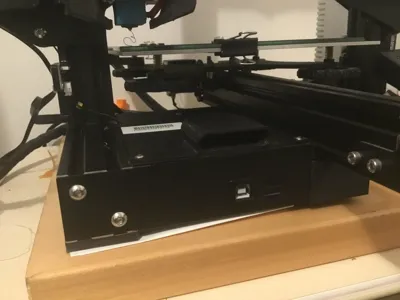
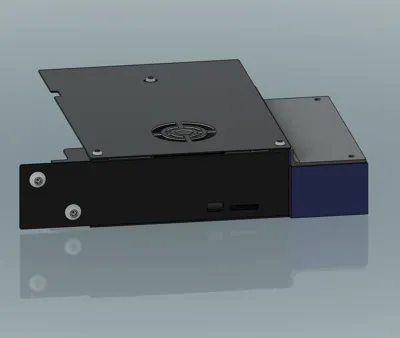
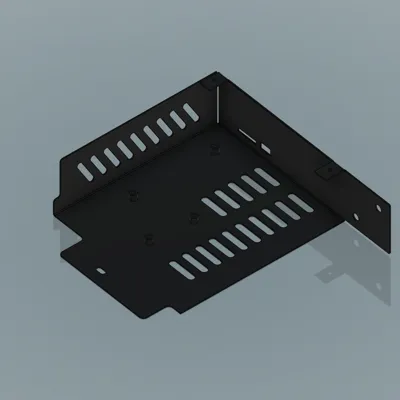
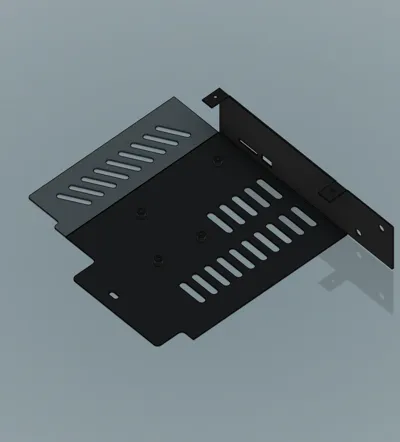
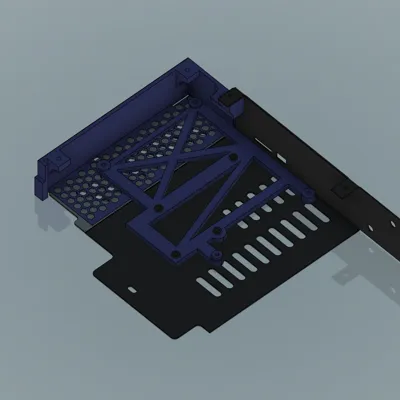
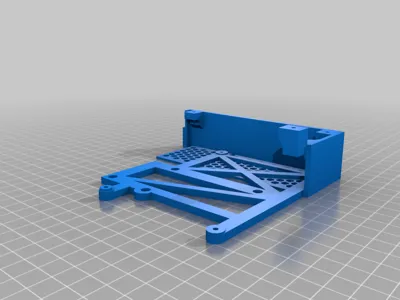
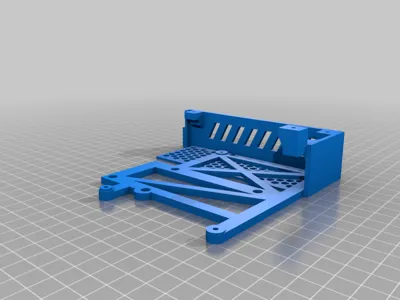
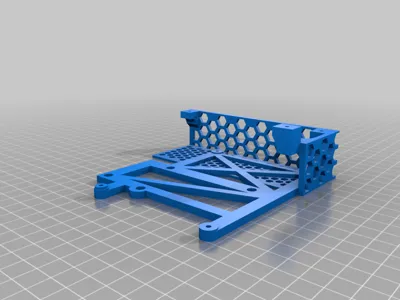
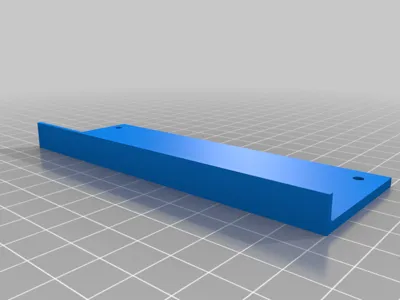
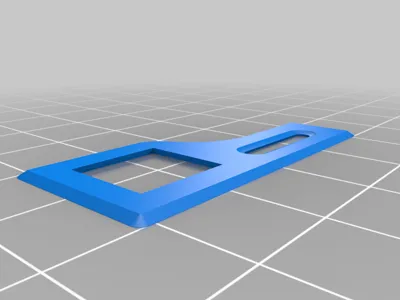
Modified the original Ender 3 case for the the SKR 1.3/1.4.
Screws:
- Stock Ender 3 screws
- Additional 6x 5mm m3 screws
Note
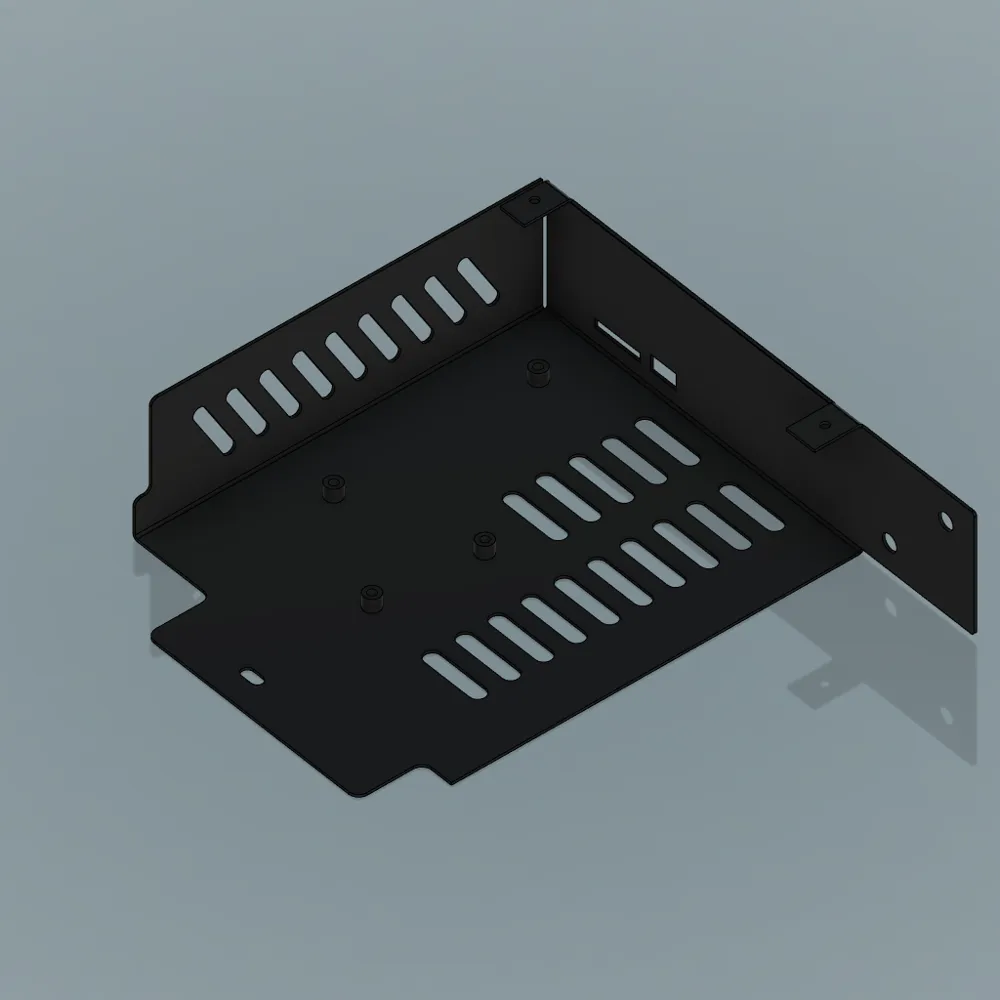
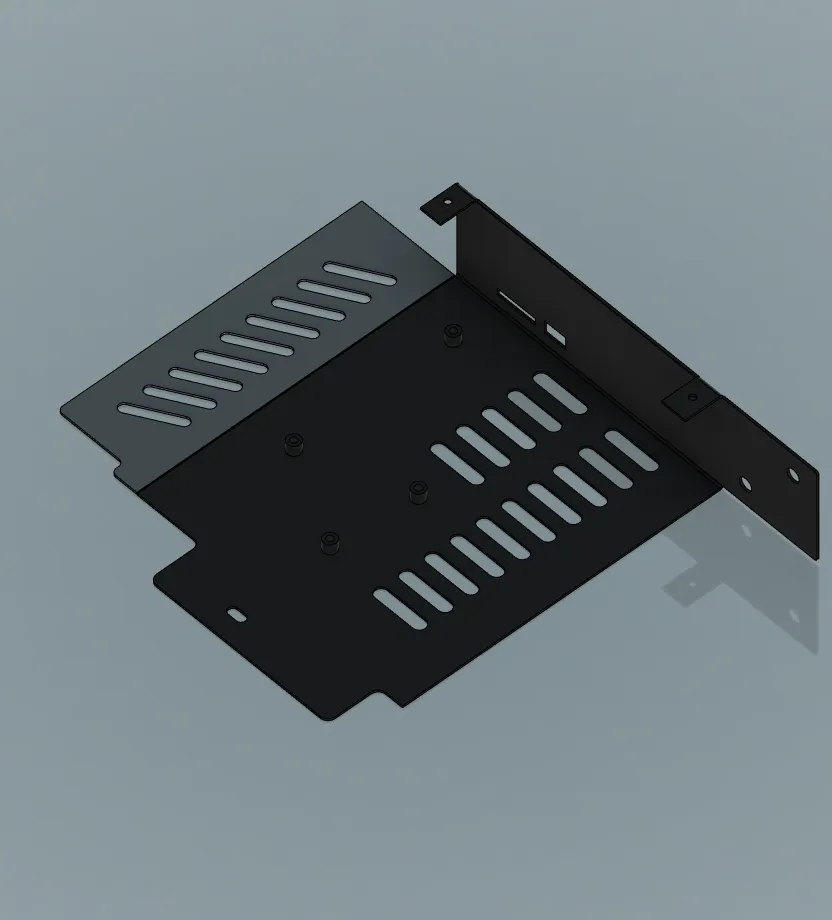
- Flatten the side of the metal case.
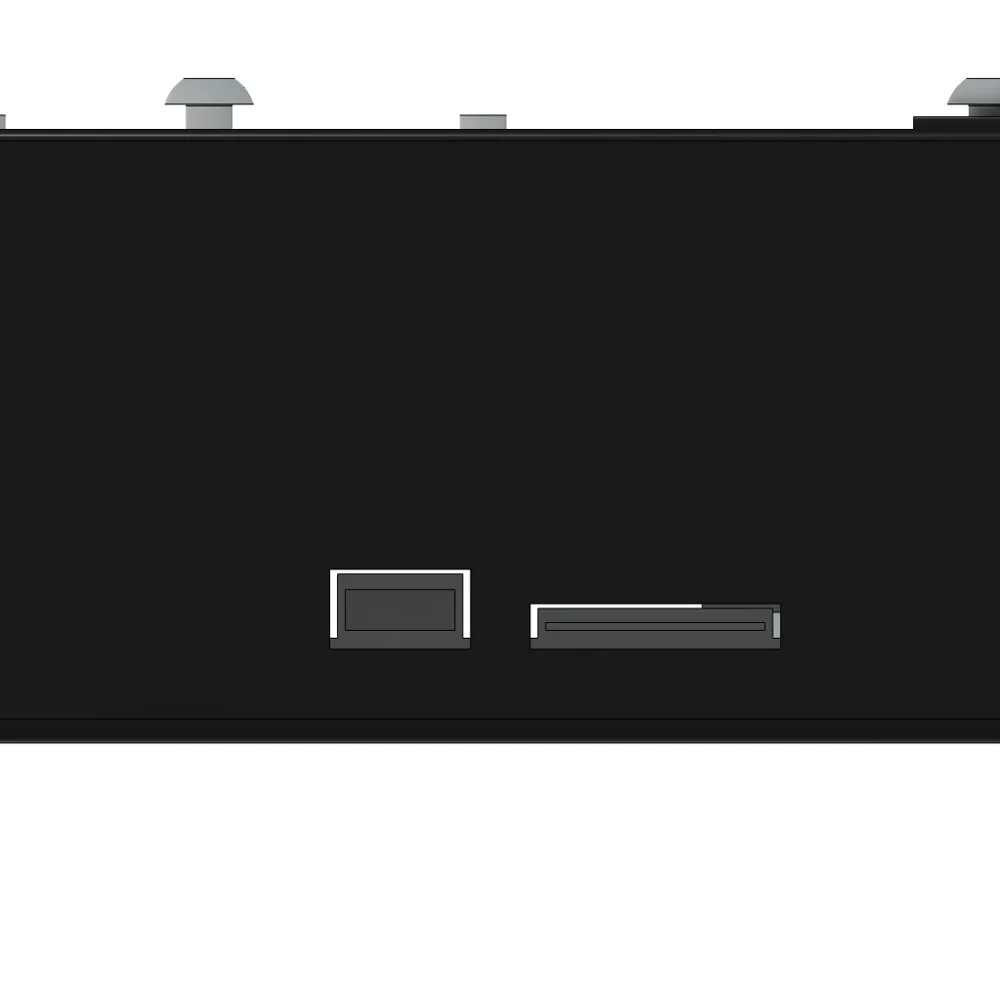
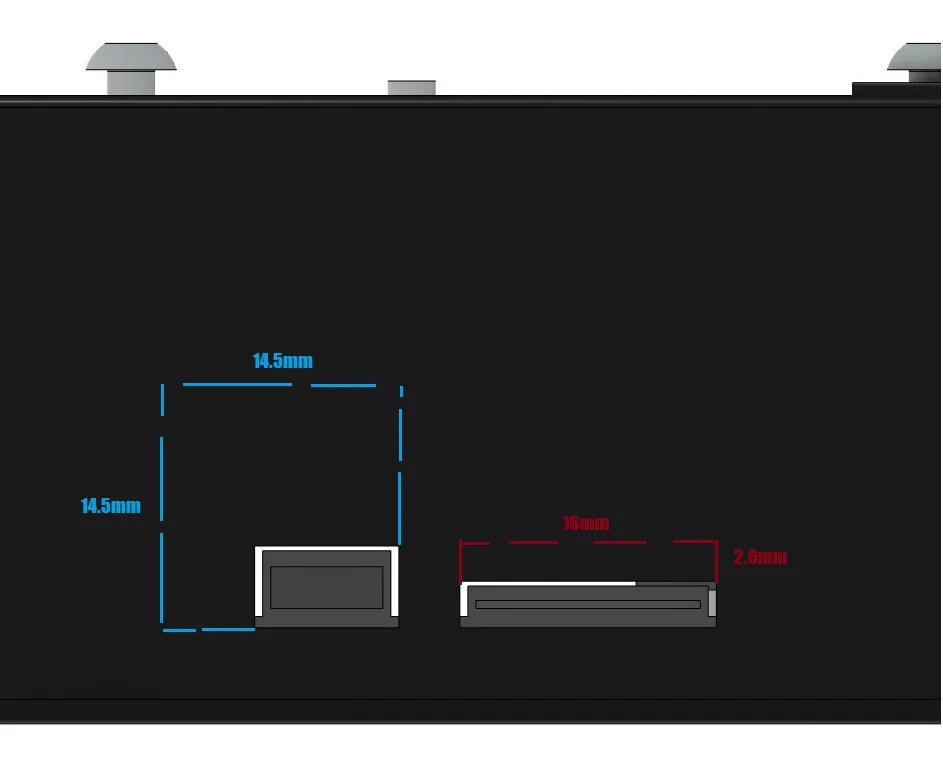
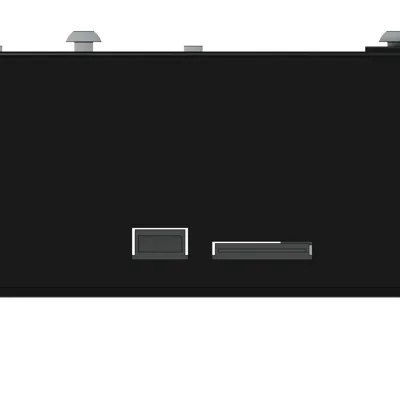
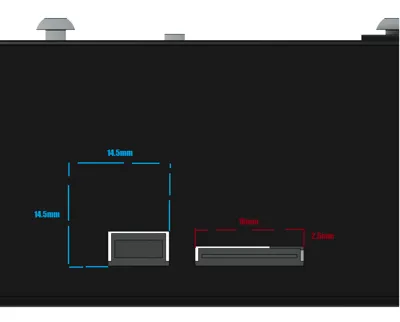
- Cut the slots on the front of the frame to fit the USB slot/SD card
Print Settings
Printer Brand:
Creality
Printer:
Ender 3
Rafts:
No
Supports:
Yes
Resolution:
0.4mm
Infill:
20
Filament: Overture ABS
Black
How I Designed This
I needed to print a new case to fit my Skr 1.3. However, I felt reluctant to replace my original Ender 3 case and leave it unused in my drawer, so i thought maybe i can reuse it somehow. Looking at the metal casing, I realized that I can try flattening the side and 3d printing a supported cover around it.
Tools I Used:
- Bench Vise
- Hammer
- Center Punch
- Dremel (cutting disk and mini drill/endmill)
- Small File
- Pliers
How I flattened the side:
First I manually bent the side out a bit, then clamped it to a bench vise up to the fold. I bent it further out, pressing it with a flat piece of metal by the fold to ensure it is done correctly. After the side is nearly bent straight, I took it out the vise and hammered the fold flat against a flat metal surface.
Cutting the front frame (USB slot/SD card):
I measured and marked the front panel using a ruler and pencil (might be hard to see). Next I used my center punch by the marked edges and drilled holes. Then carefully I cut the marked lines using a cutting disk, and finished cutting it off with the drill bit/end mill. I pulled it remainder out with pliers. Finally I finished the edges with the small file.
License



Comment & Rating (0)