
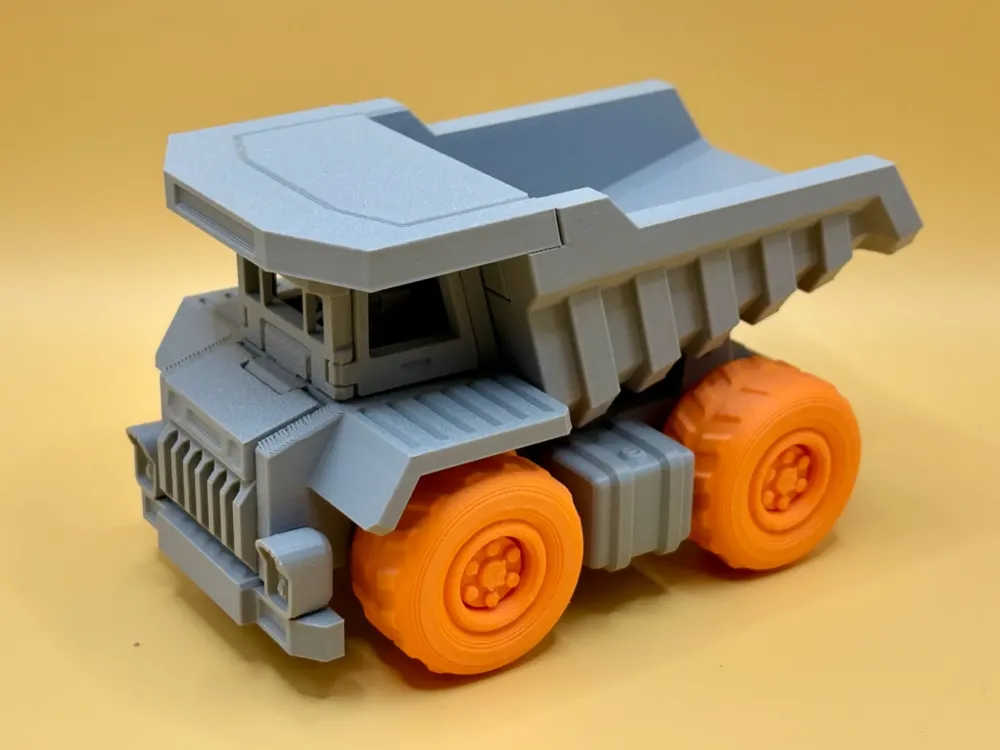
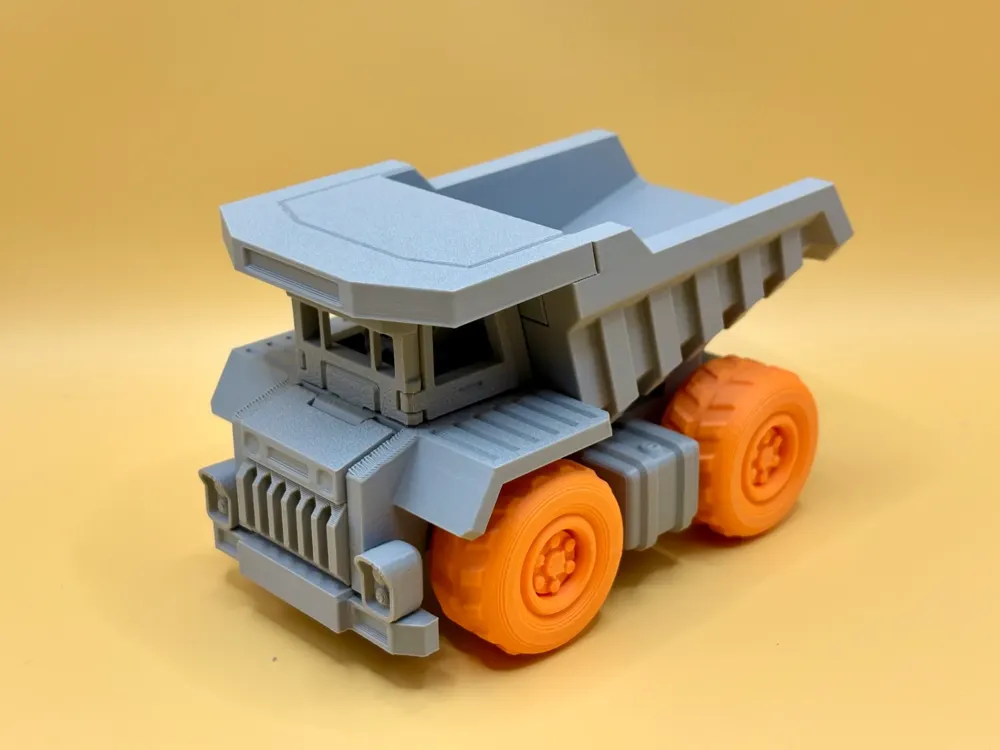
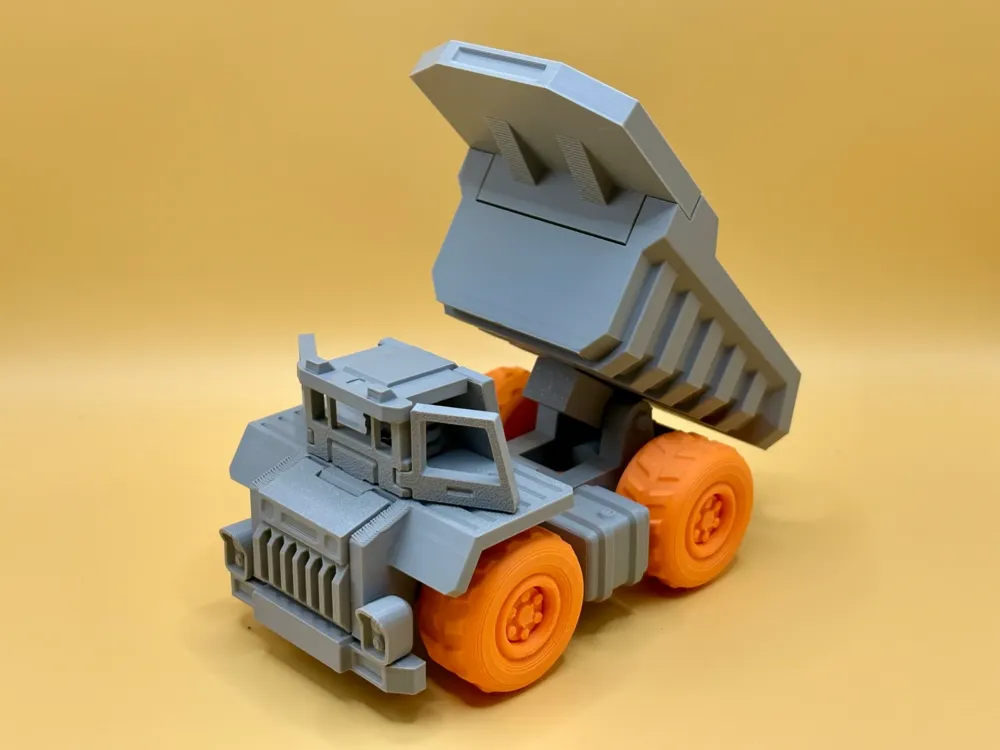
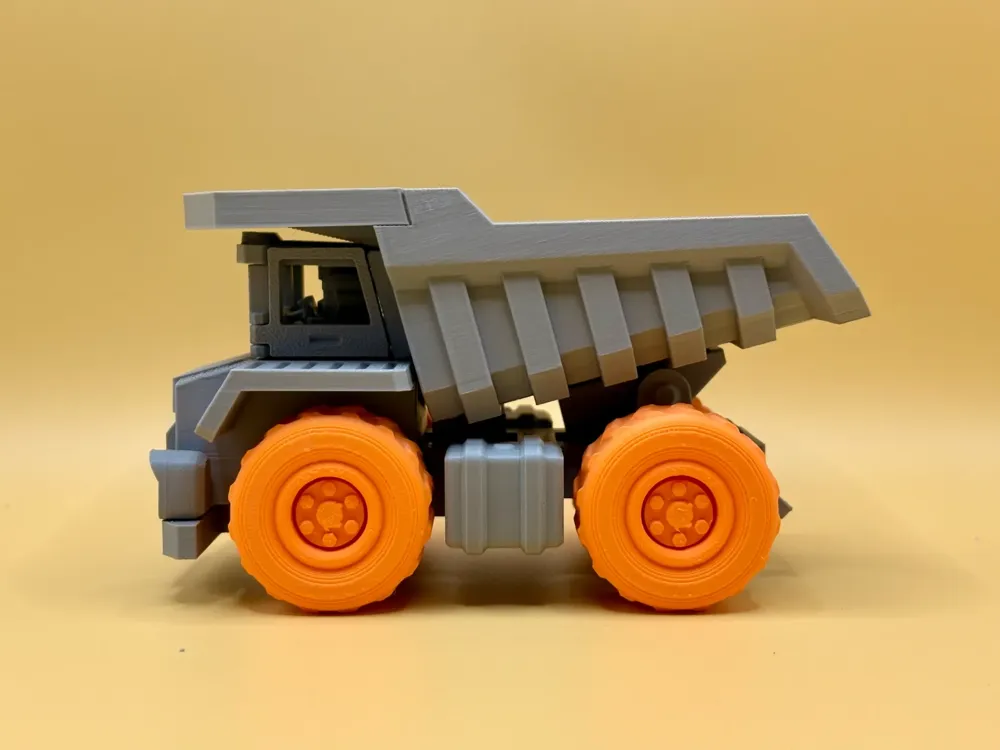
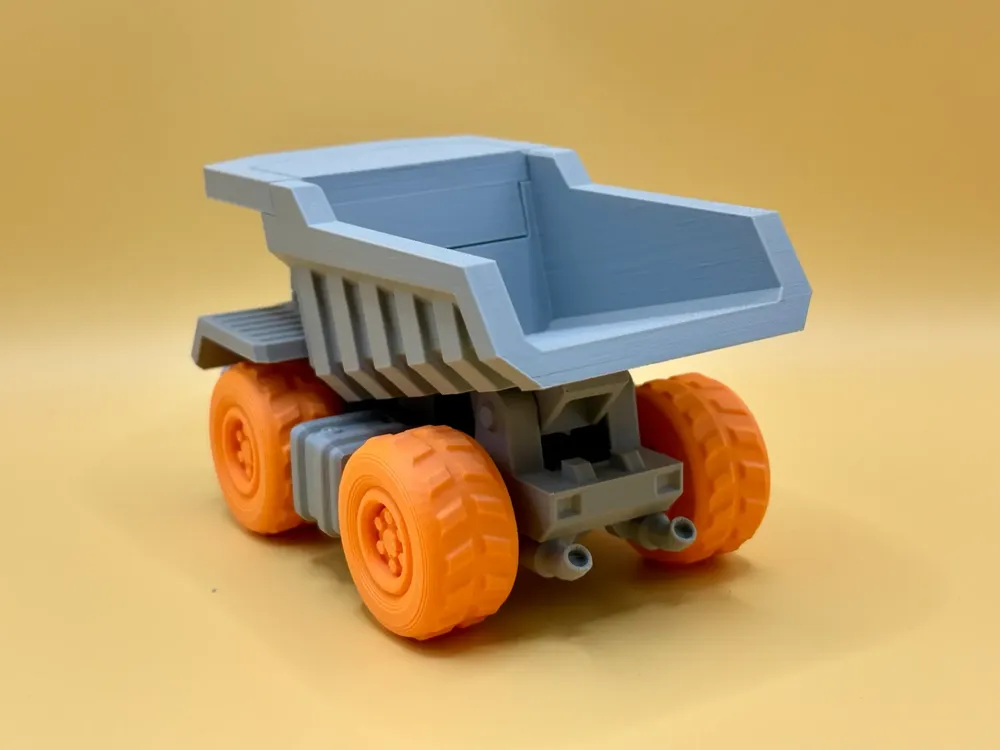
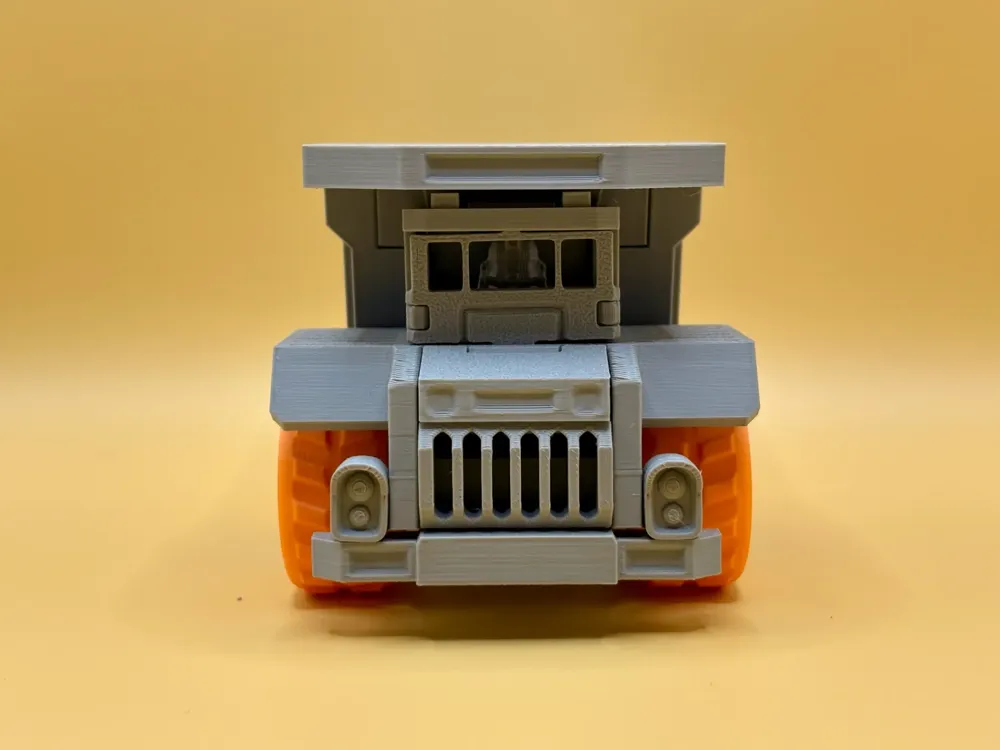
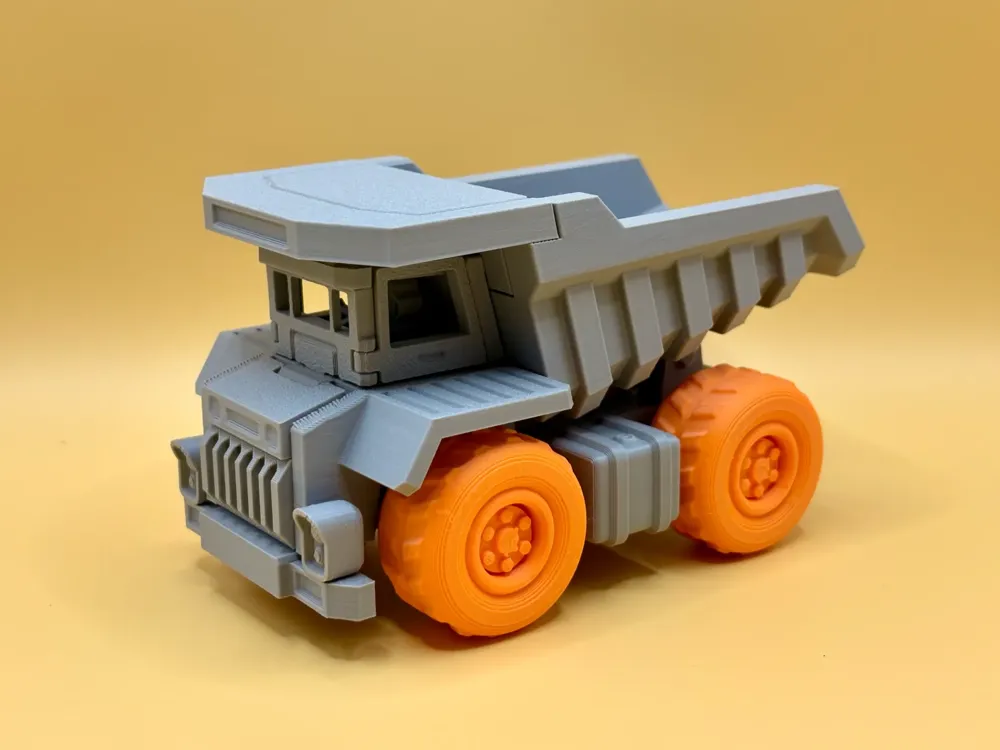
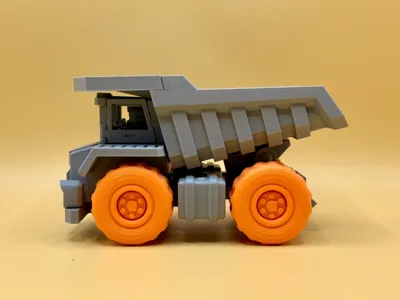
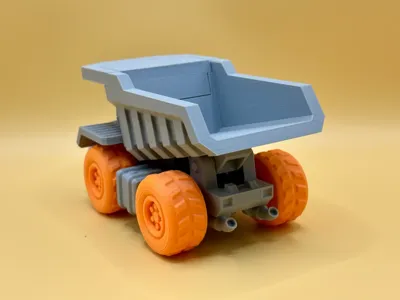
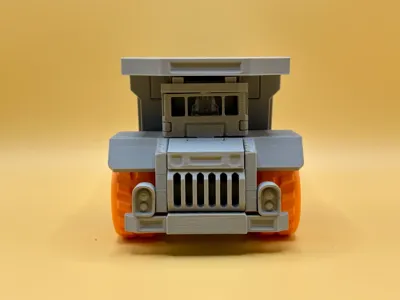
Fun Assembly Truck
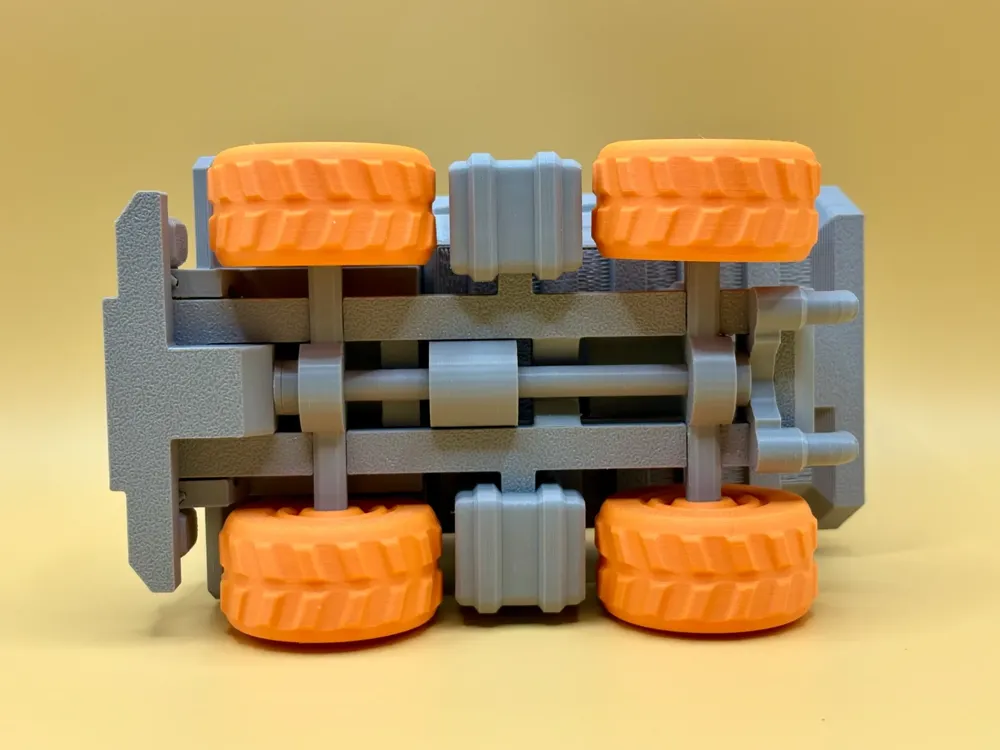
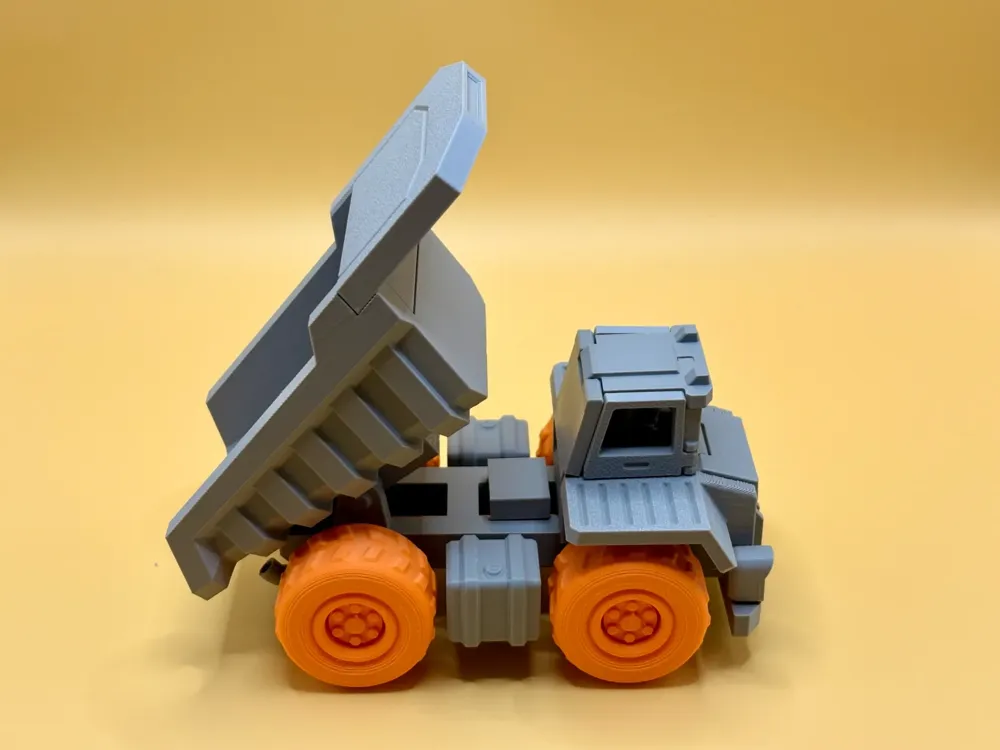

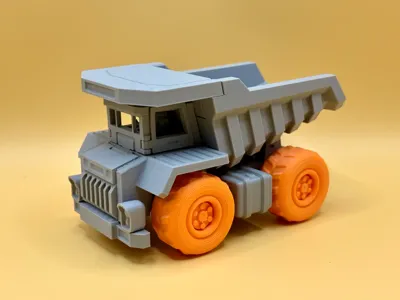
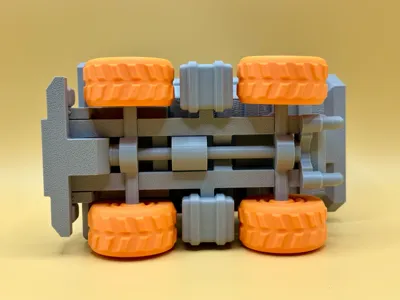
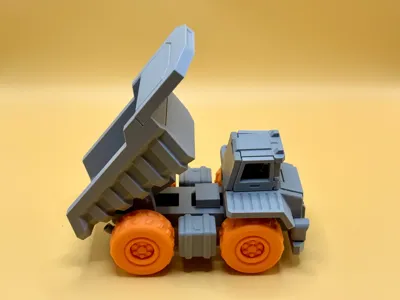
Print Profile(4)


Description
Recommended Filament: Bambu PLA Basic or PLA Matte
Assembly Diagram:
step1: Remove the white support
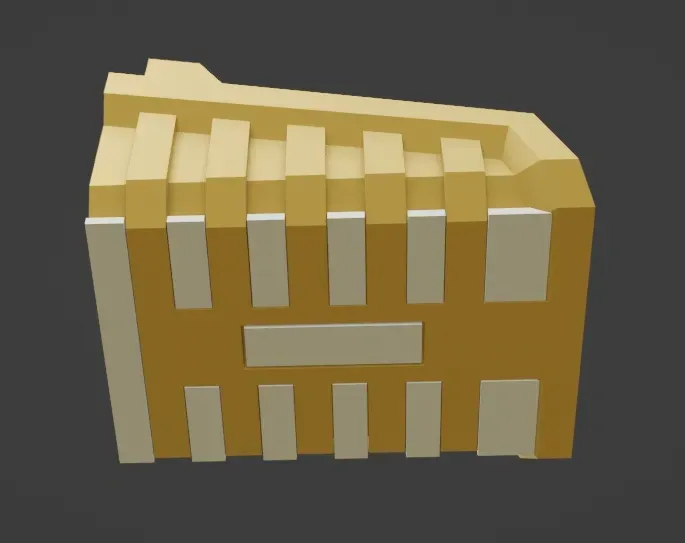
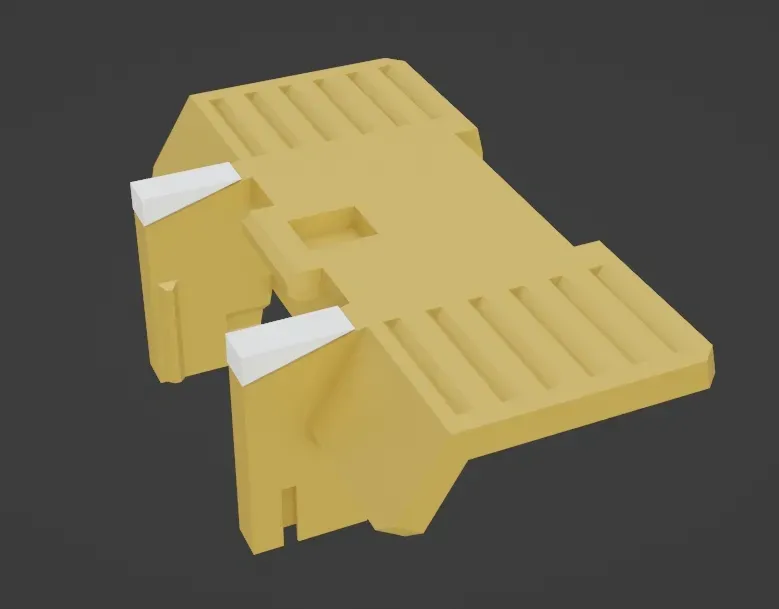
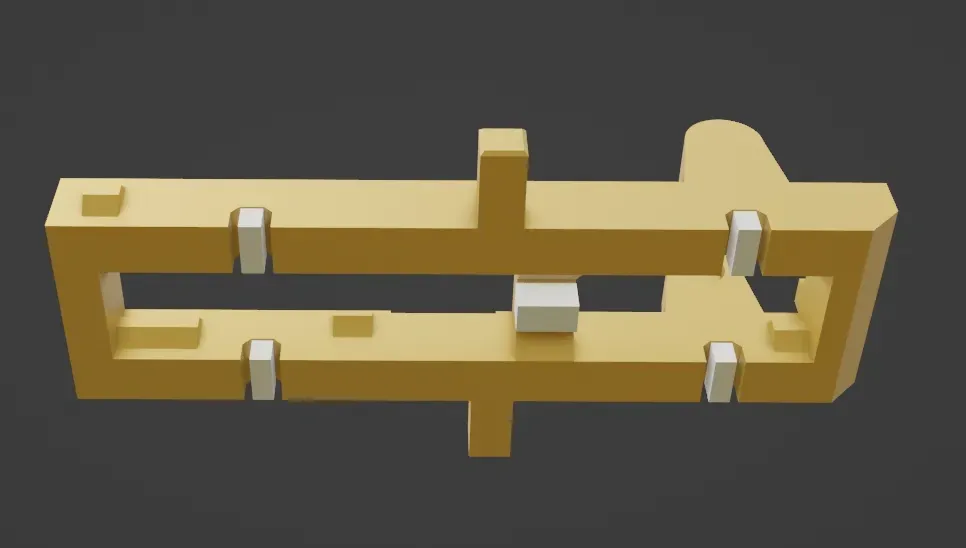
step2: Assemble the axle wheel, rotate the black part in the middle by 90°
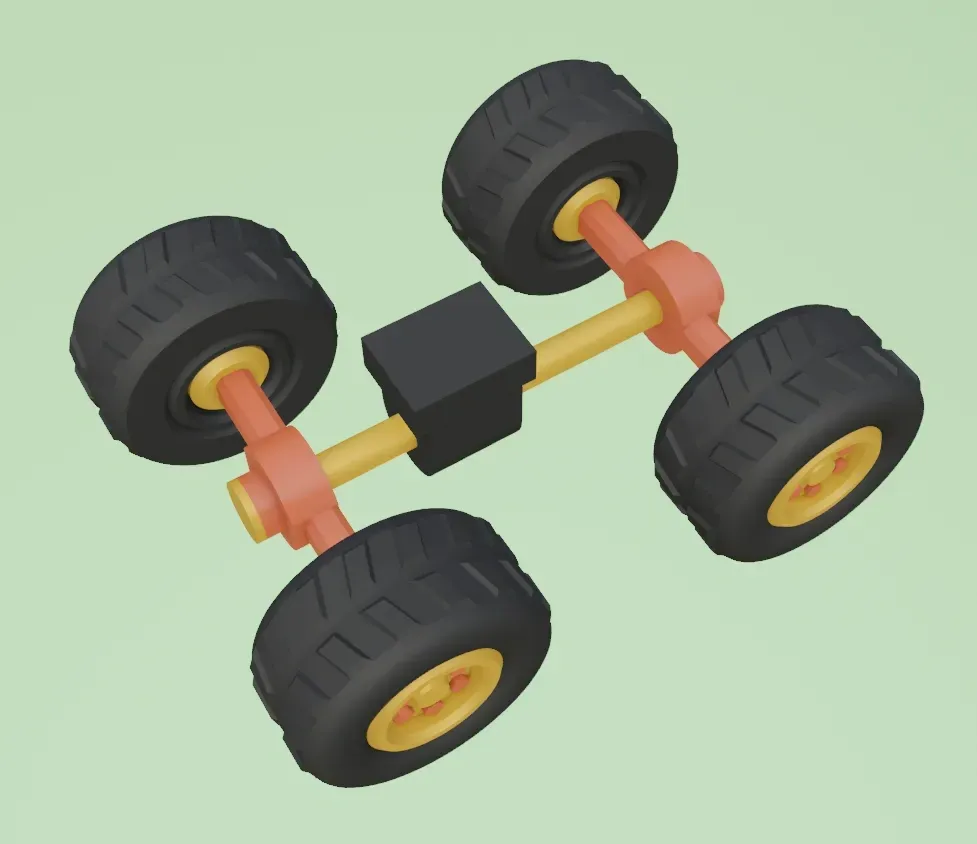
step3: Chassis assembly
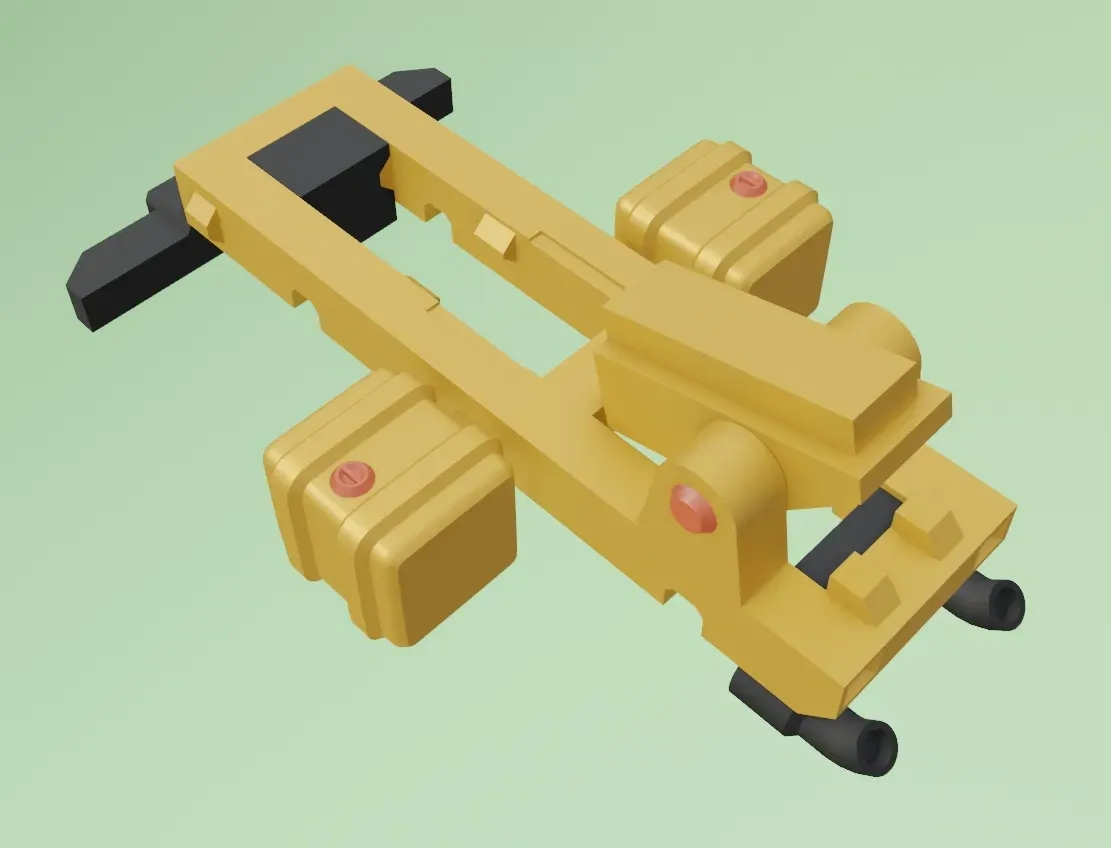
step4: Embed the axle wheel into the chassis from bottom to top, and rotate the black part in the middle by 90° to lock the chassis
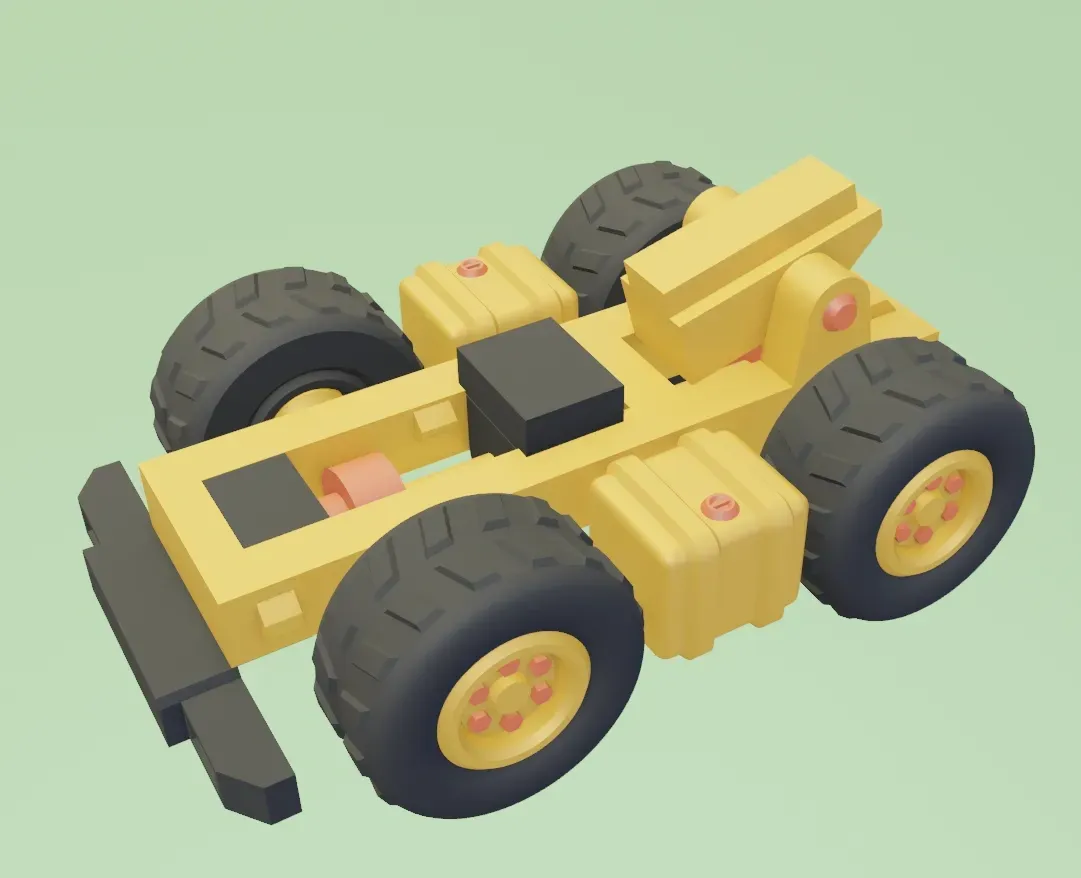
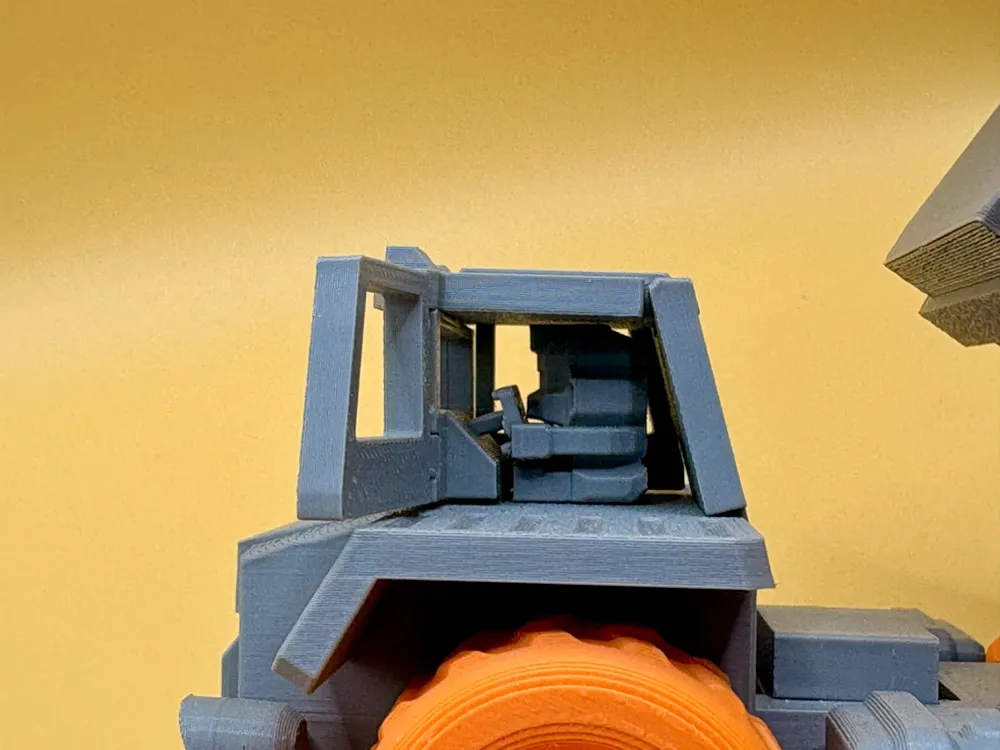
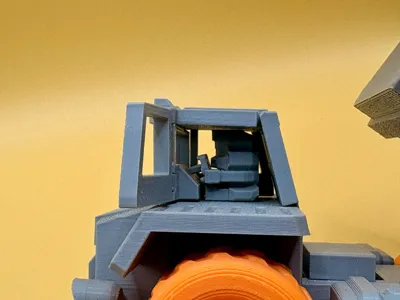
step5: Install the cab, with the little man holding the steering wheel fixed
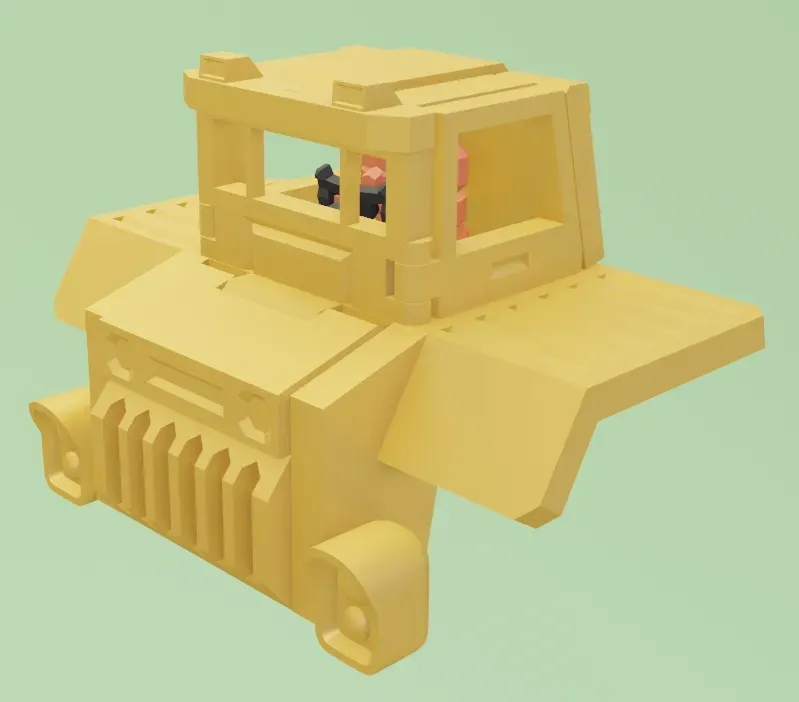
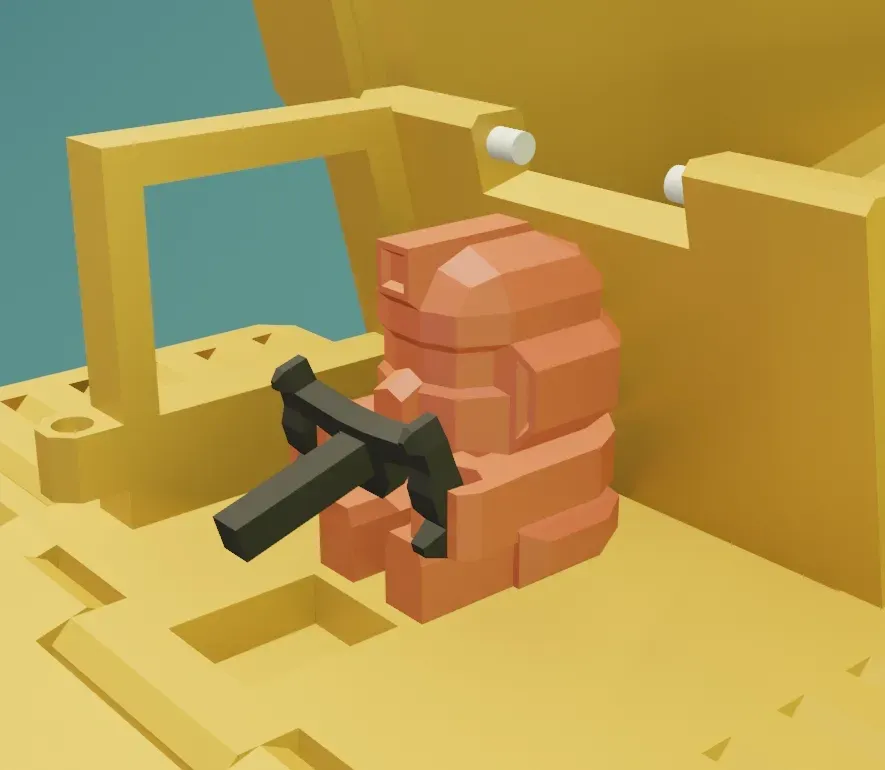
step6: Assemble the chassis, cab and cargo box together
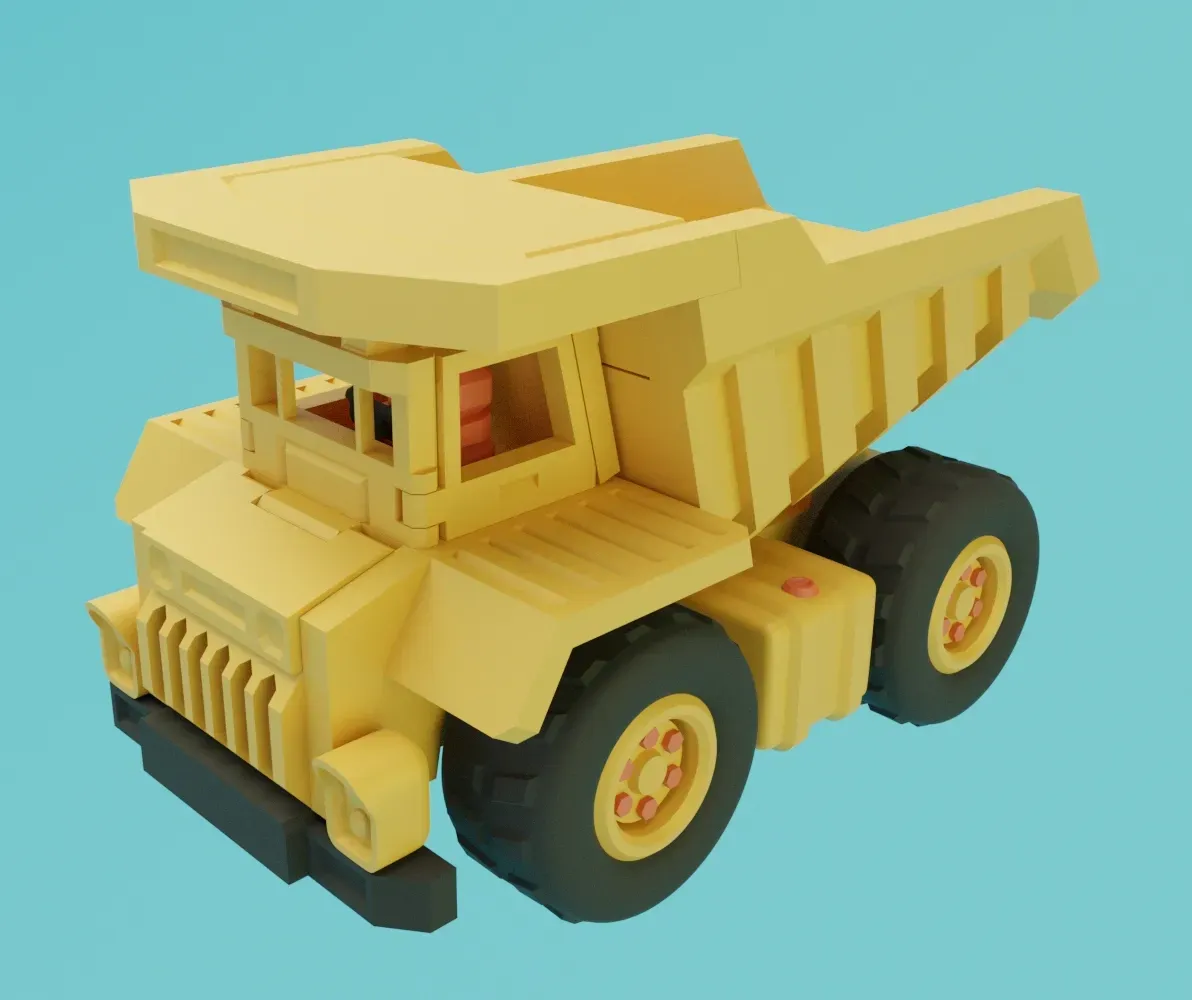
Success!!!
If the installation is too tight, you need to use force to make it happen.
If you like it, please like, share and subscribe, fun assembly series, keep updating~~~
License

You shall not share, sub-license, sell, rent, host, transfer, or distribute in any way the digital or 3D printed versions of this object, nor any other derivative work of this object in its digital or physical format (including - but not limited to - remixes of this object, and hosting on other digital platforms). The objects may not be used without permission in any way whatsoever in which you charge money, or collect fees.


Comment & Rating (267)