Search models, users, collections, and posts

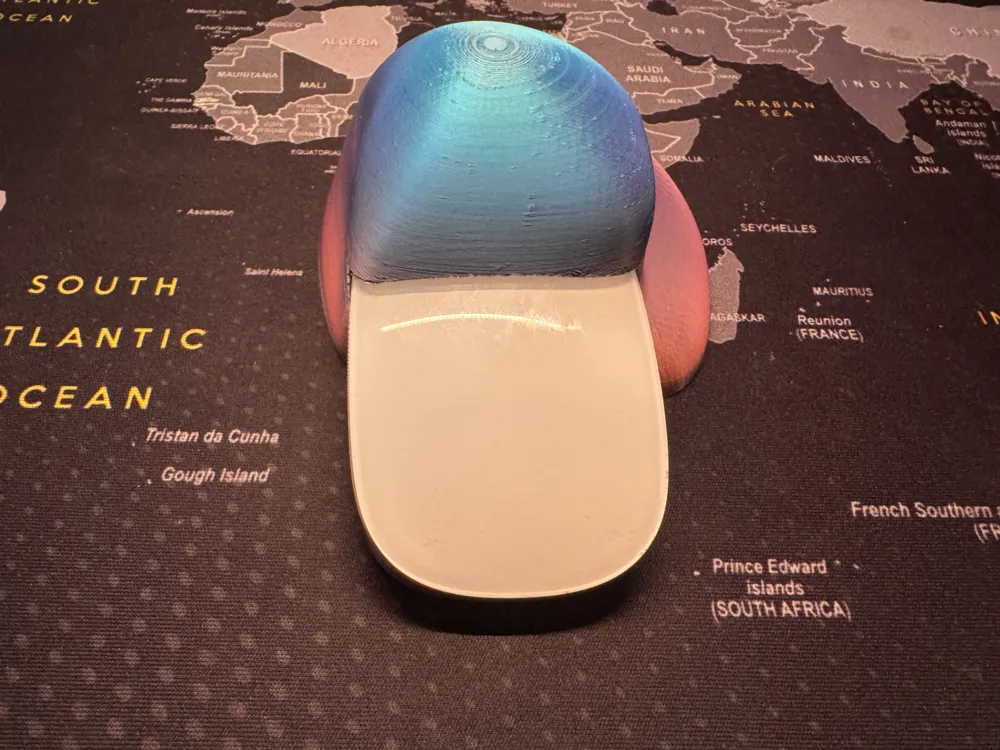
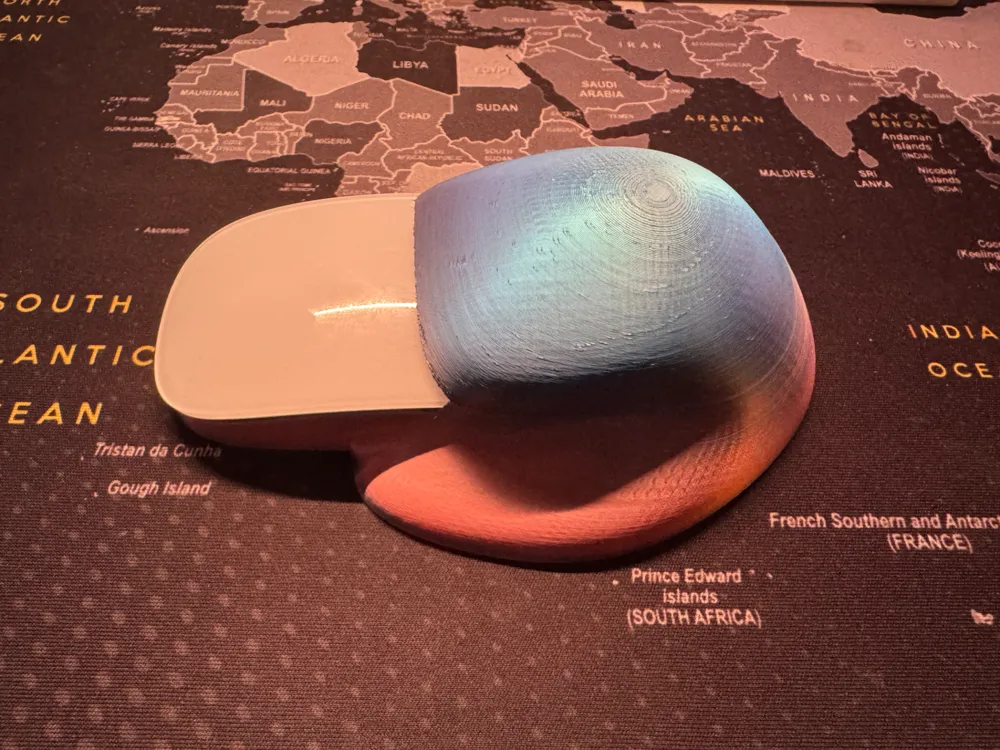
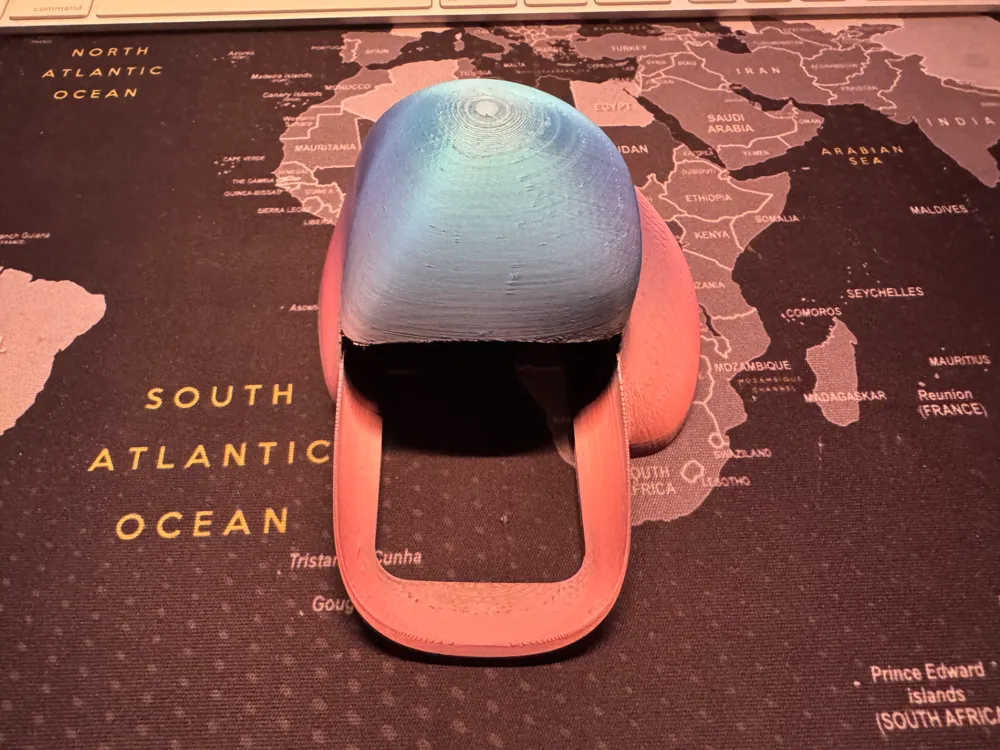
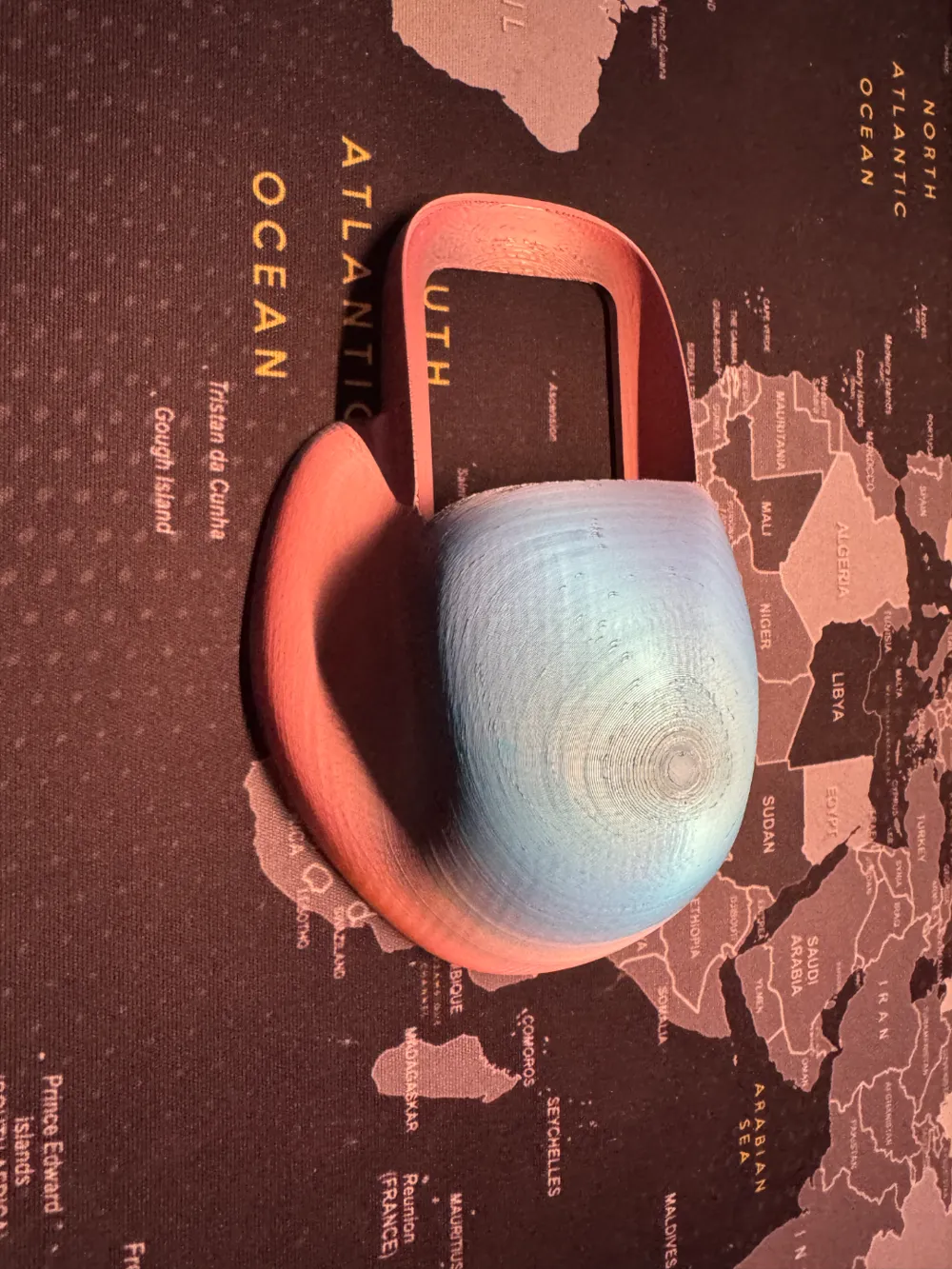
Ergonomic Magic Mouse Adapter

Remixed by
IP Report

Print Profile(1)

All
P1S
P1P
X1
X1 Carbon
X1E
A1
A1 mini
H2D
H2D Pro
H2S
P2S
H2C
X2D
A2L

0.08mm layer, 2 walls, 15% infill
Designer
4.6 h
1 plate
4.5(42)

Open in Bambu Studio
Boost
140
446
57
18
791
466
Released 

Description

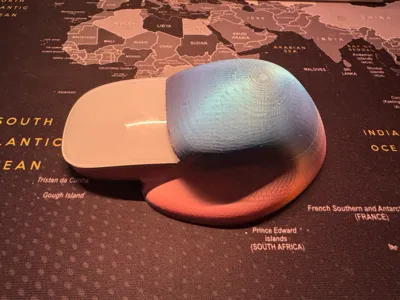
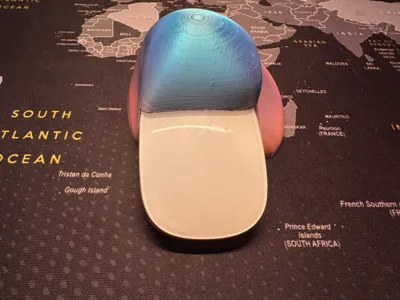
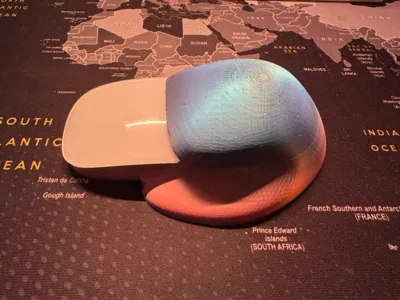
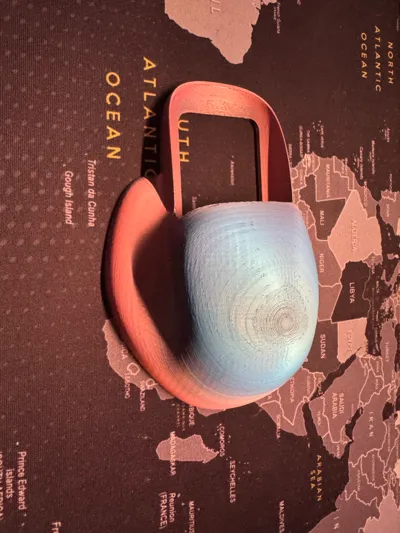
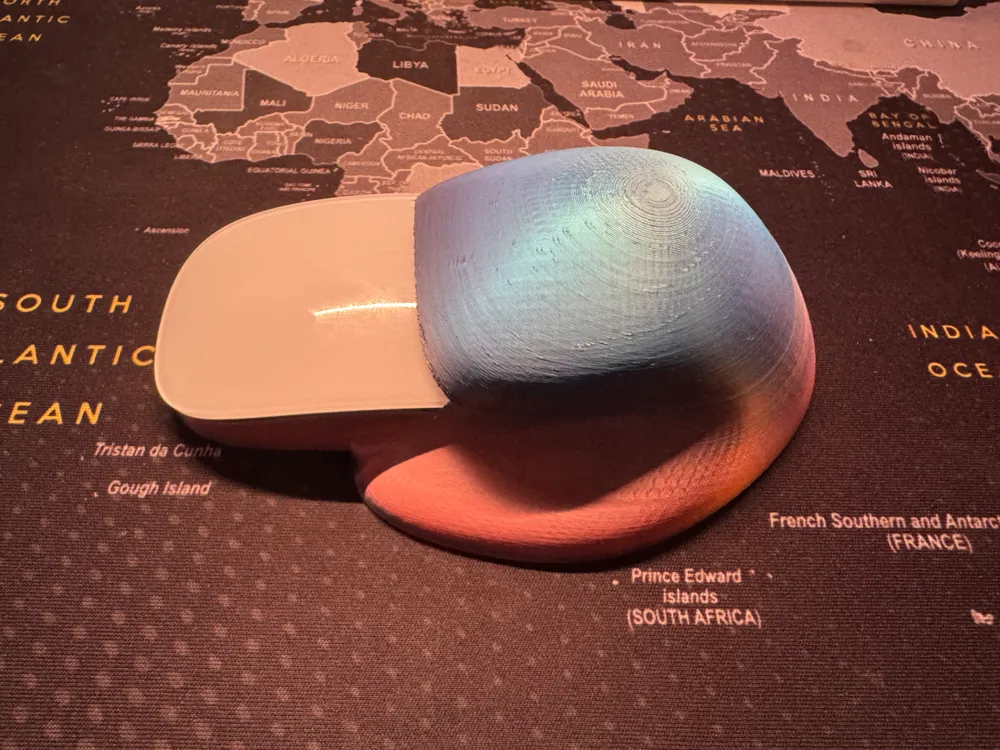
Hi, I've a magic mouse but the ergonomic of the mouse is not the best. Willing to buy a new mouse I found a youtube video of someone upgrading his mouse. Unfortunately he modified also the wiring of the mouse. So with his Idea, I found this file on the internet. There were some on makerworld but those didn't please me.


Printed with Silk PLA on my P1S. (0.08 extra fine printing profile with supports (Tree (auto)).)

Comment & Rating (57)

(0/1000)

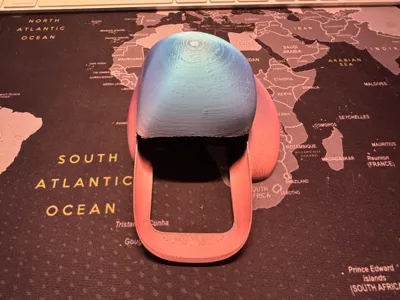
print it like this if you don't want to do any post processing. Paint extra supports on the bottom be mindful where your touch points are when holding a mouse. mine turned out clean but just incase your filament is old or damp you don't want it do be a touching a weird texture where your supports were.
0
Reply
What angle did you put it at in the slicer?
0
Reply
Replying to @LAYR :
you can see in the picture. standing straight up
0
Reply
Boosted
Just printed it with Matte PLA and attached it to my magic mouse. The supports was a pain to remove and it needs some sanding underneath to get a smooth surface. Currently it's a bit rough from the plate. It has a good feeling in the hand but it's a bit long. Har to reach the buttons. Maybe I have small hands ;) Will definitely try it a couple of days to see if it makes any difference. I like the design!
The designer has replied
designer
1
Reply
the "bubble" needs to be behind the mouse. if not the touch sensitivity (scrolling / zooming) of the mouse will be gone...
0
Reply
Print Profile
0.08mm layer, 2 walls, 15% infill
very nice fit on this Apple mouse. I do have two of the same version of mouse but on one it does put it in a permanent state of clicking. not sure if that’s the model but it works for one of them.
0
Reply
I have the same problem
0
Reply
Print Profile
0.08mm layer, 2 walls, 15% infill
looks great so far! I have massive hands and it fits perfectly, so if your hands are smaller this might not be the one for you
profile
1
Reply
Print Profile
0.08mm layer, 2 walls, 15% infill
It protected my wrist, thank you
Show original
0
Reply
Print Profile
0.08mm layer, 2 walls, 15% infill
Sooo good! Very ergonomic. the best Magic Mouse adapter I found
0
Reply
Print Profile
0.08mm layer, 2 walls, 15% infill
Very nice quality print
0
Reply
Print Profile
0.08mm layer, 2 walls, 15% infill
I’ve had loads of wrist issues with my mouse, but a designer can’t do without a Magic Mouse. This was the magic solution I needed. I have been using it for months now. And it’s so so perfect. Tip, use sticky puddy to make the mouse stay in the holder (for if you scroll aggressive like me)
0
Reply
Print Profile
0.08mm layer, 2 walls, 15% infill
Great idea. Thank you for sharing!
0
Reply
Print Profile
0.08mm layer, 2 walls, 15% infill
prints good, I had some support issues but I think that’s on my part. Only thing keeping me from using it daily is hump is a bit too big for my hand (Logitech G502 is my main mouse)
0
Reply