
JLAB Talk Go Mic Mount for IKEA Tertial
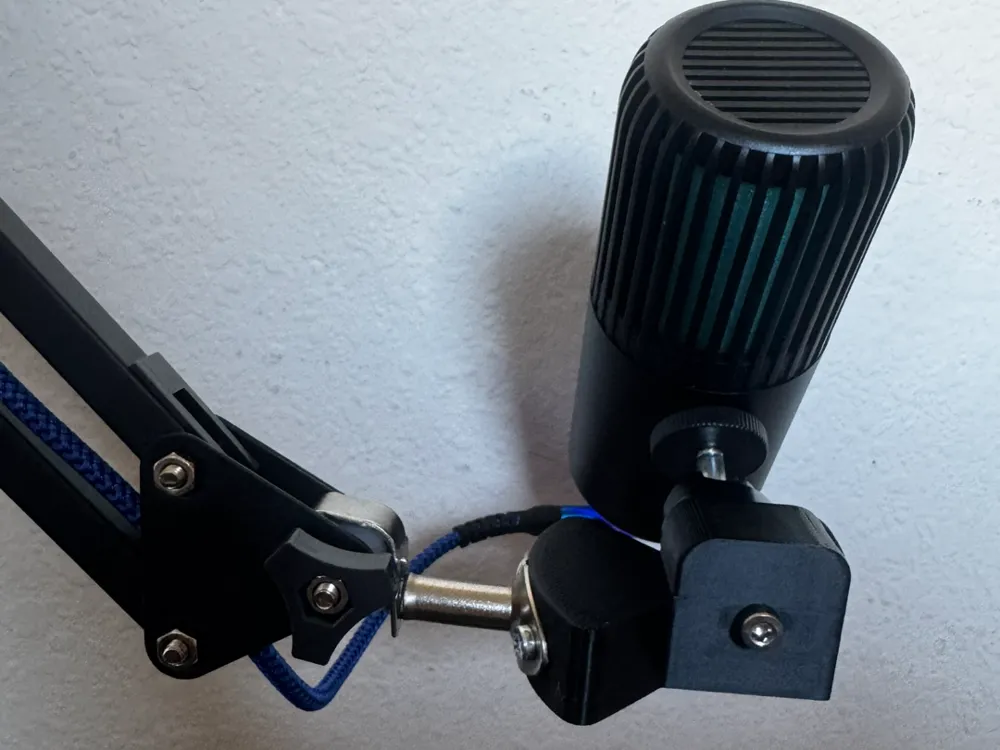
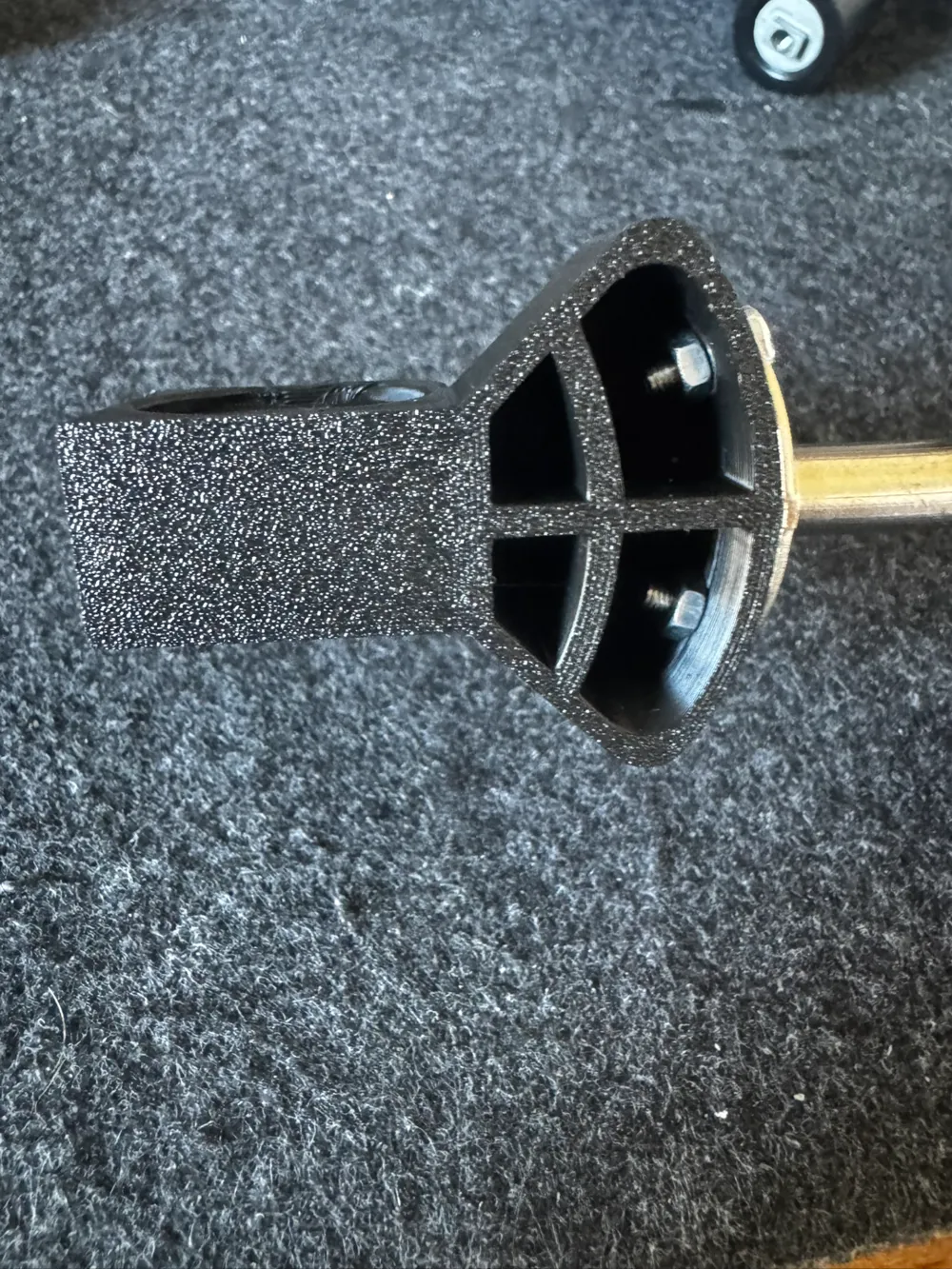
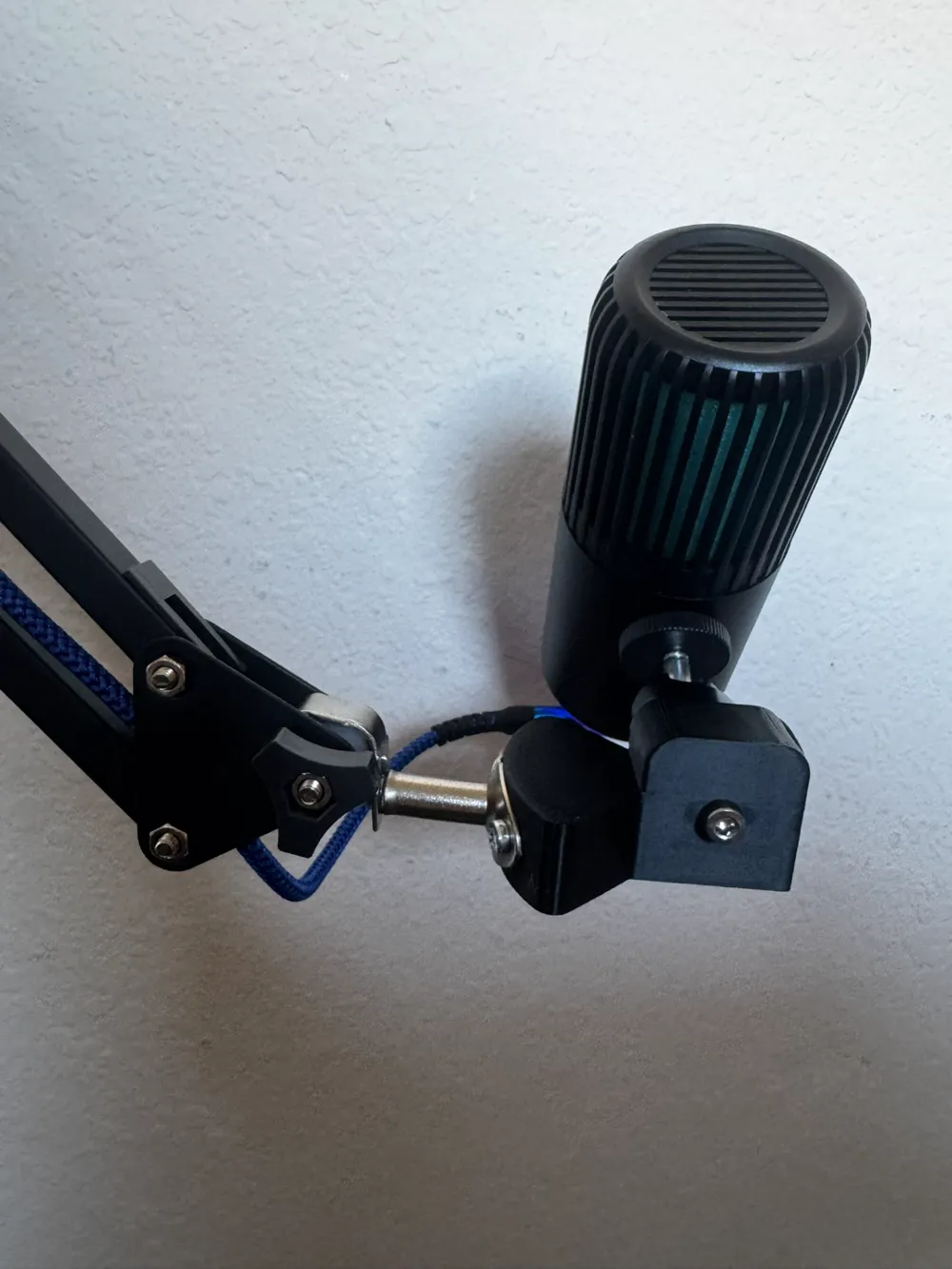
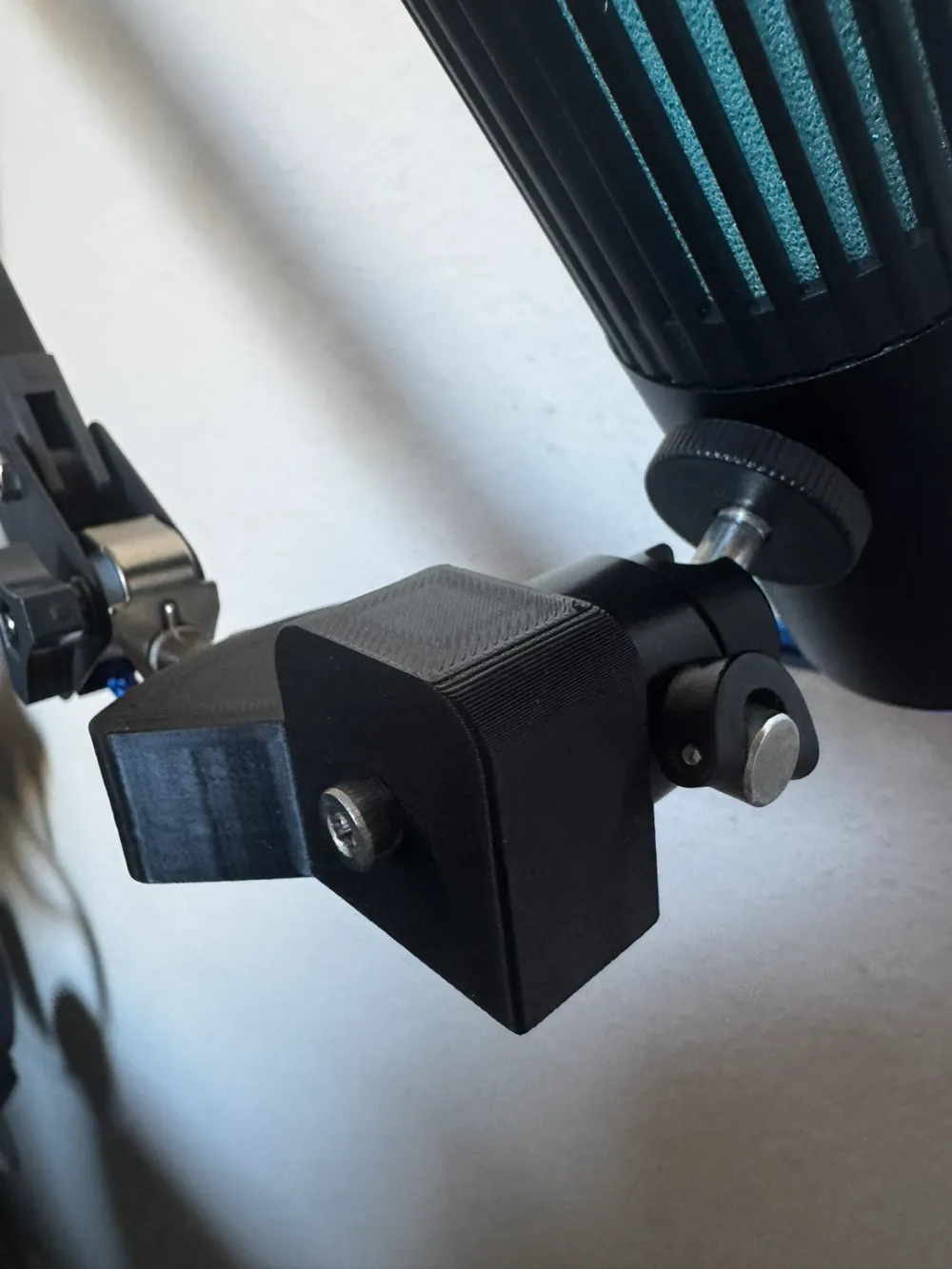
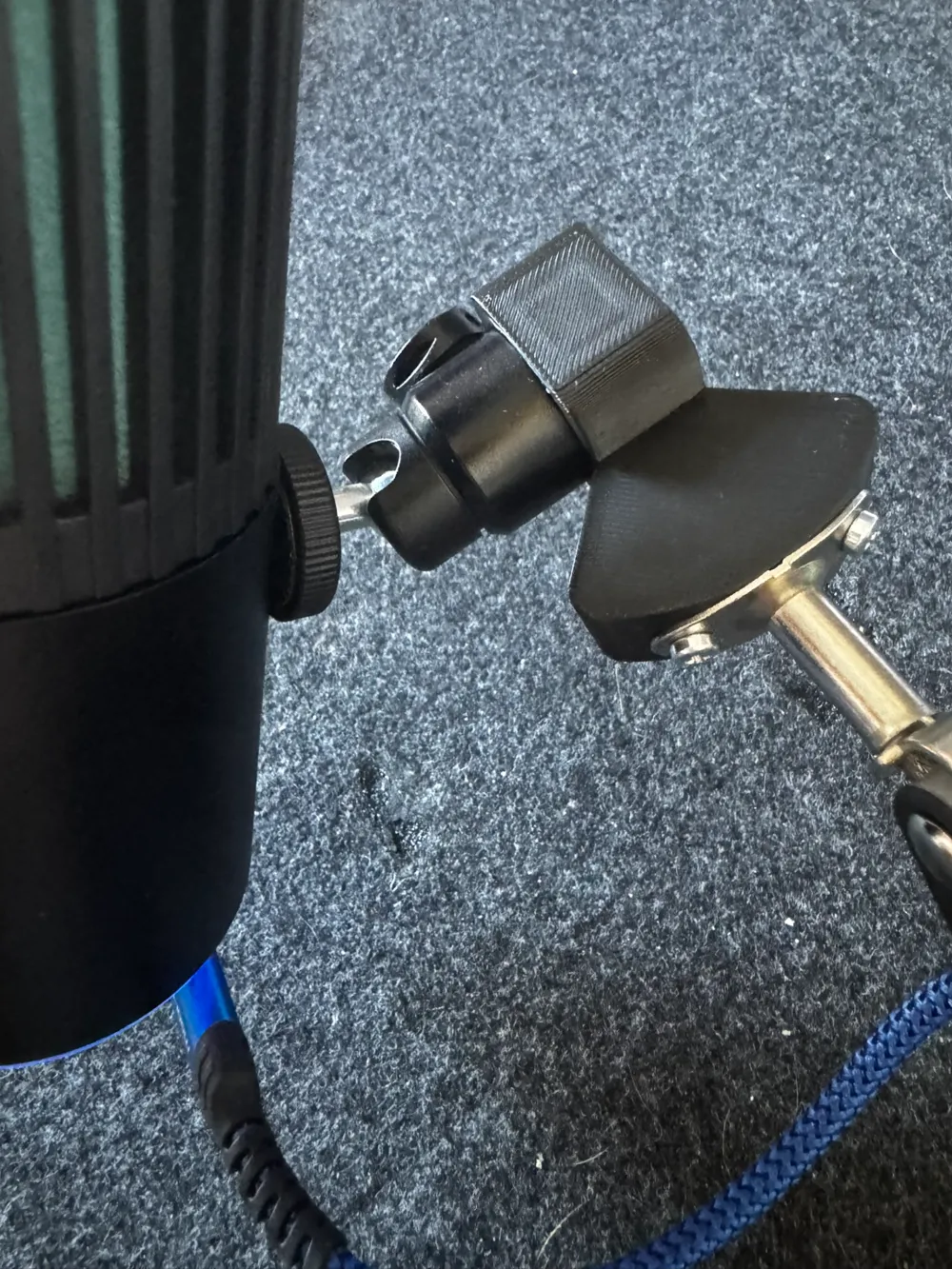
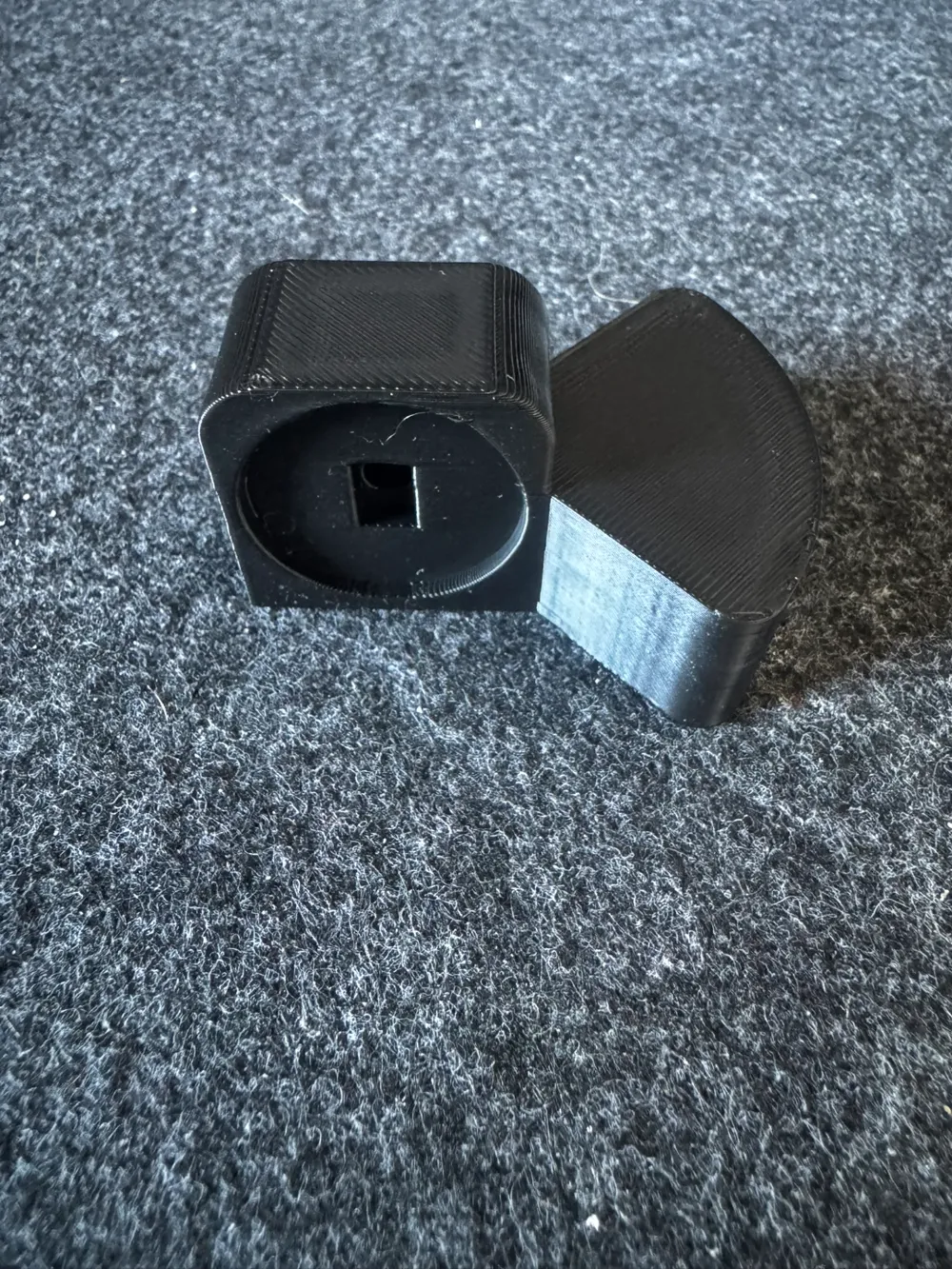
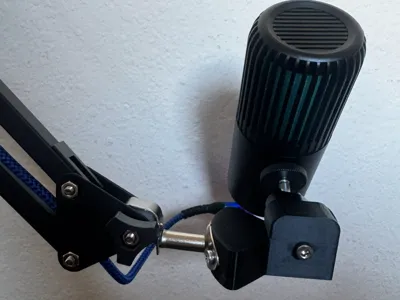
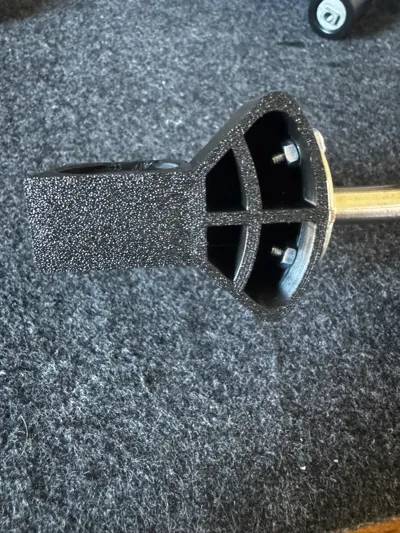
Print Profile(1)

Description
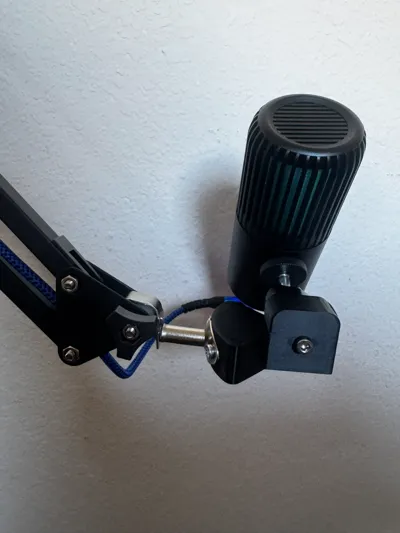
I thought this may be useful to others that also use IKEA products for unintended purposes. This does involve disassembling both the mic stand that comes with the JLAB, and removing the lamp and cable from the IKEA Tertial lamp. We're reusing the nuts and bolts from both the mic and lamp, no additional parts will be required.
You'll need the following for this adapter and from an IKEA Tertial lamp:
- Remove the lamp and cable, set the two Phillips screws and nuts aside.
- Remove the M4 bolt from the bottom of the JLAB Talk Go microphone stand and set it aside.
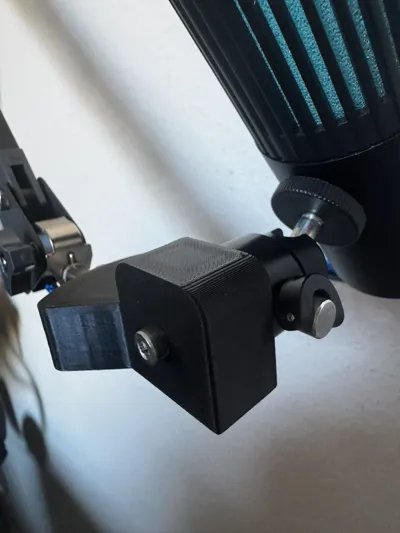
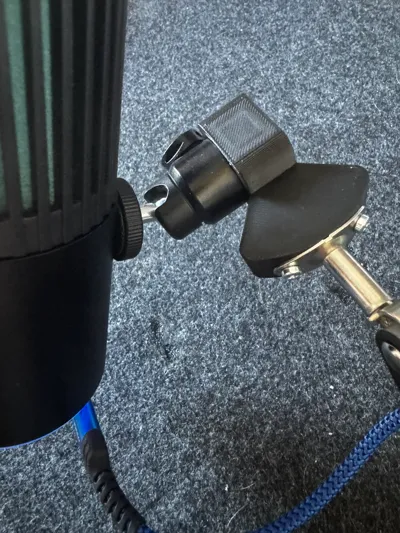
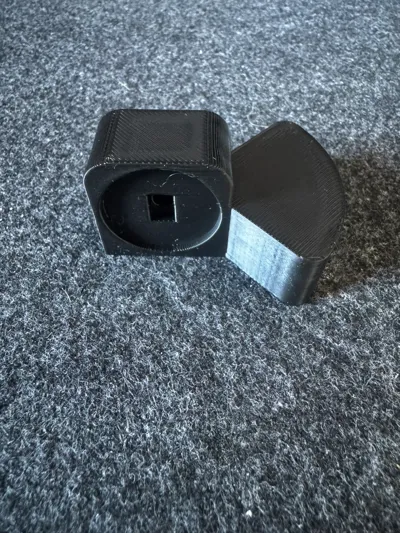
- Using the screws and nuts set aside earlier, attach the printed bracket to the Tertial stand.
- Align the rectangular cutout from the microphone stand with the bracket, and fasten with the M4 bolt from the second step.
- Route a USB cable through the Tertial lamp, some small disassembly may be required depending on cable size, etc.
License

You shall not share, sub-license, sell, rent, host, transfer, or distribute in any way the digital or 3D printed versions of this object, nor any other derivative work of this object in its digital or physical format (including - but not limited to - remixes of this object, and hosting on other digital platforms). The objects may not be used without permission in any way whatsoever in which you charge money, or collect fees.


Comment & Rating (0)