

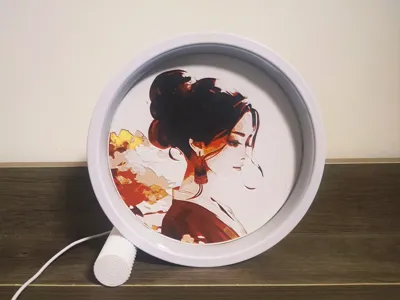

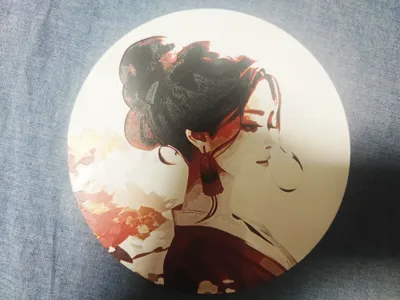
Print Profile(2)

Description
Click the link to view more of my intriguing designs
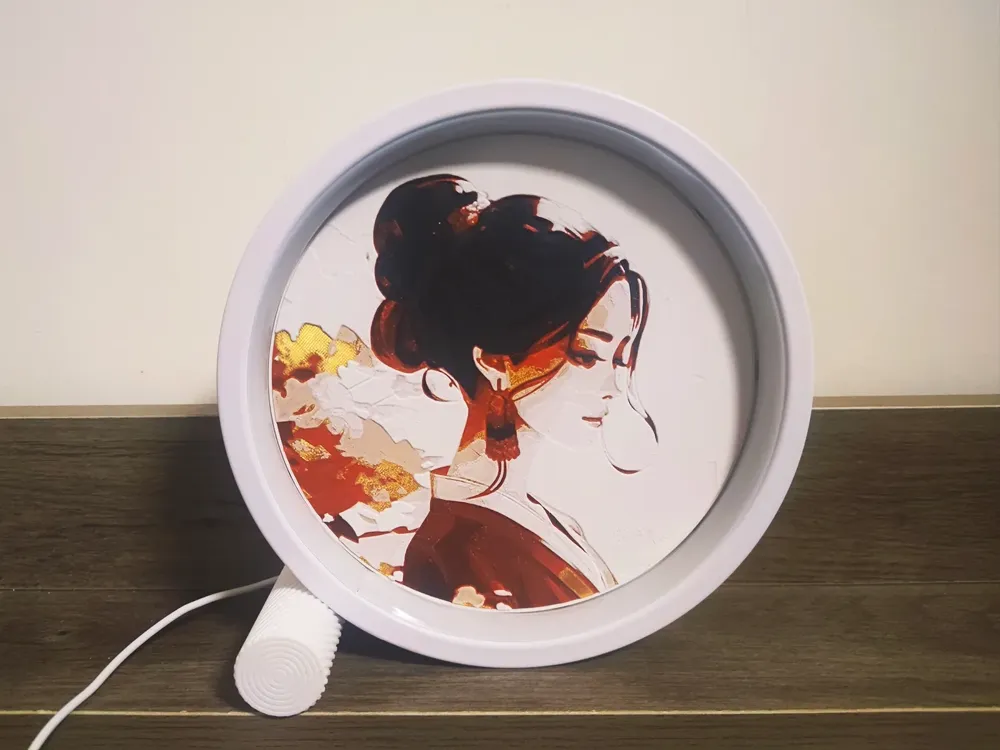
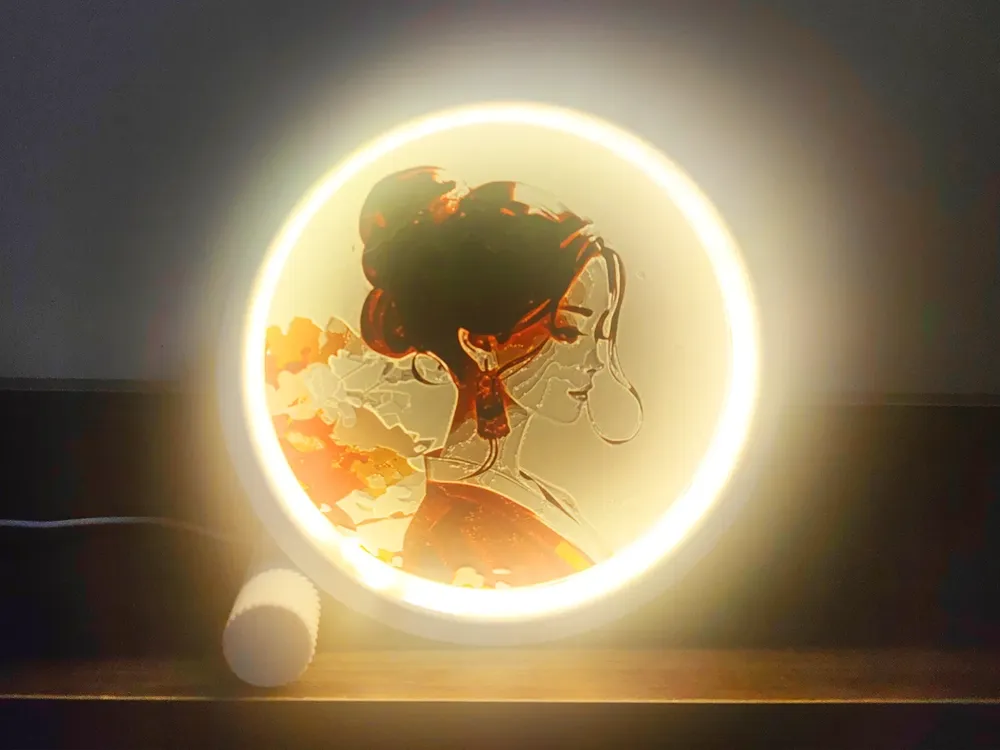
Compatible with my magnetically affixed bas-relief picture ring light, below is the download link for the ring light
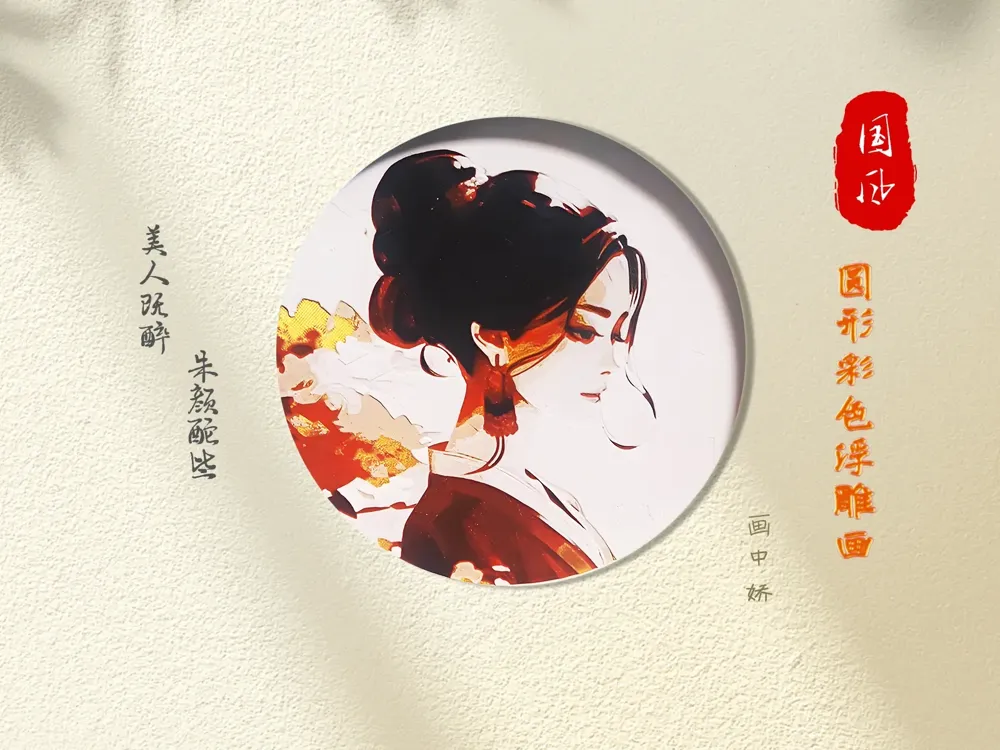
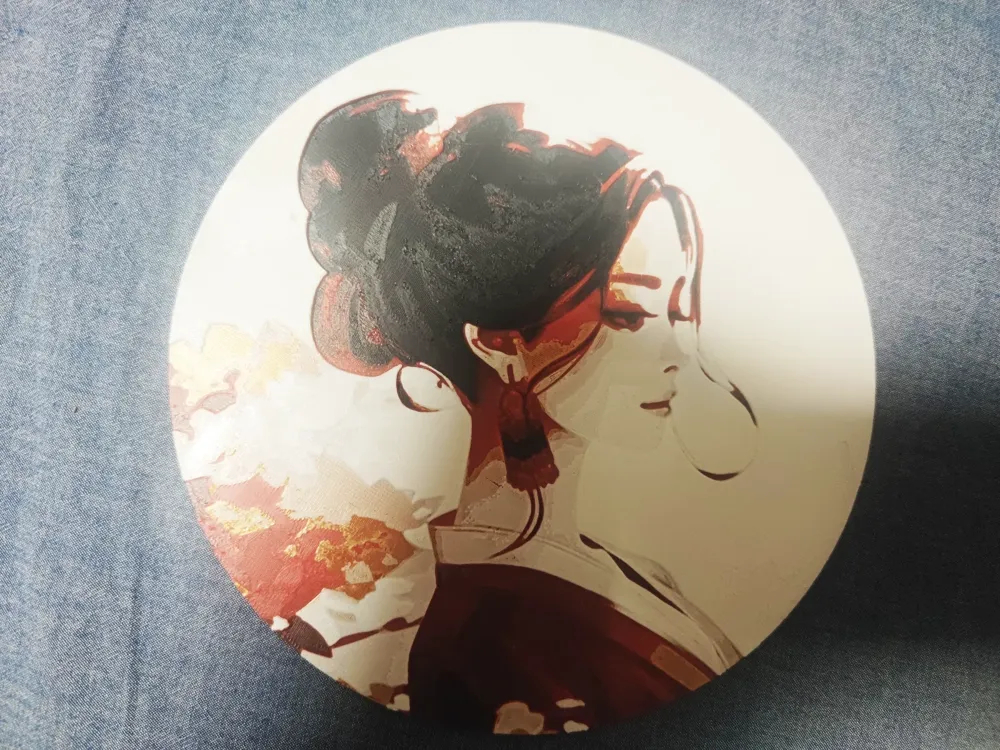
This art panel offers two modes: a circular cut mode and a full-frame mode
I have also listed the finished lamp on Bilibili's workshop. For those who wish to purchase a finished product, you can click the link below
Magnetic bas-relief picture ring light Bilibili workshop purchase link
Slicing and color scheme video tutorial address
Boost Me (for free)
Click to boost my shared model; your support fuels my continued creation
Please download the 3MF file for configuration and printing. The printing configuration is as follows:
The 3MF file has the printing mode pre-configured; you only need to adjust the color sequence
0.4 nozzle
First layer height 0.16
Other layers height 0.08
Sparse infill pattern: linear
Sparse infill density: 100%
AMS or AMS lite multicolor sequence
Slot 1: Black PLA
Slot 2: Gold silk PLA (Phoenix Feather Gold)
Slot 3: Red PLA
Slot 4: White PLA
Filaments and colors used in the author's model
Black: Black PLA
Red: Red PLA
Gold: Gold silk PLA (Phoenix Feather Gold)
White: White PLA
Color change method
Layers 0-13: Black PLA
Layers 14-23: Red PLA
Layer 24: Colorful gold silk PLA (Phoenix Feather Gold)
Layer 25 onwards: White PLA
The following is a configuration tutorial. If the GIF animation does not display, please go to the magnetic bas-relief circular light to download the video tutorial
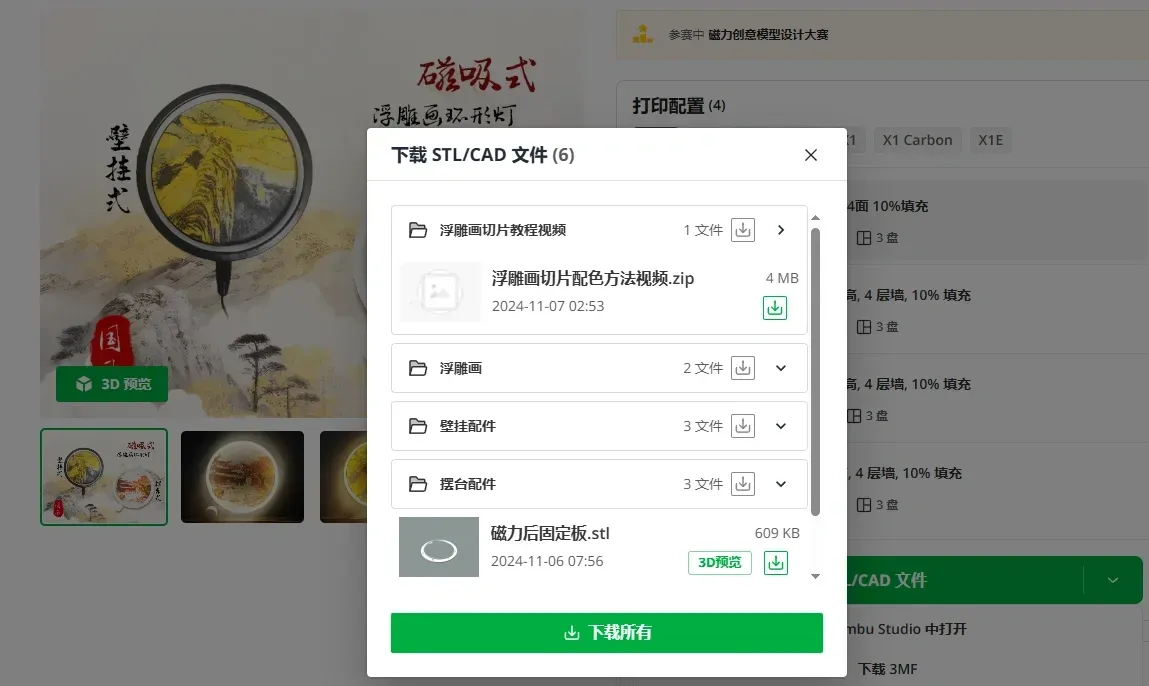
Video tutorial download method
Select to download STL/CAD files

Video tutorial download method
In the pop-up window, select to download the bas-relief slicing tutorial folder and click download
The animation below shows the slicing method for the bas-relief in the downloaded file. Slicing takes a considerable amount of time (if the animation does not display, there is a video tutorial in the downloaded file)
Operating instructions: Directly drag the 3MF file into Bambu Studio, do not adjust any settings or move the model, and directly click slice the current plate


The animation below shows the color scheme method for the bas-relief in the downloaded file (if the animation does not display, there is a video tutorial in the downloaded file)
Operating instructions: You can adjust the AMS filament slots according to the order in the instructions, or modify the filament color according to the layer number in the instructions as shown in the animation below. After modifying the color, you need to slice again, and slicing takes a considerable amount of time
Documentation (1)
License



Comment & Rating (0)