Search models, users, collections, and posts

SciFi Gothic Terrain

Print Profile(1)

All
A1
P1P
X2D
X1E
X1
H2D Pro
P1S
H2C
X1 Carbon
H2S
H2D
P2S
A2L

0.12mm layer, 2 walls, 15% infill
Designer
82.2 h
8 plates
3.0(2)

Open in Bambu Studio
Boost
376
1365
45
29
902
274
Released 

Bill of Materials

Bambu Filaments
Select all
Dark Gray (33103) / Filament with spool / 1 kg

Description

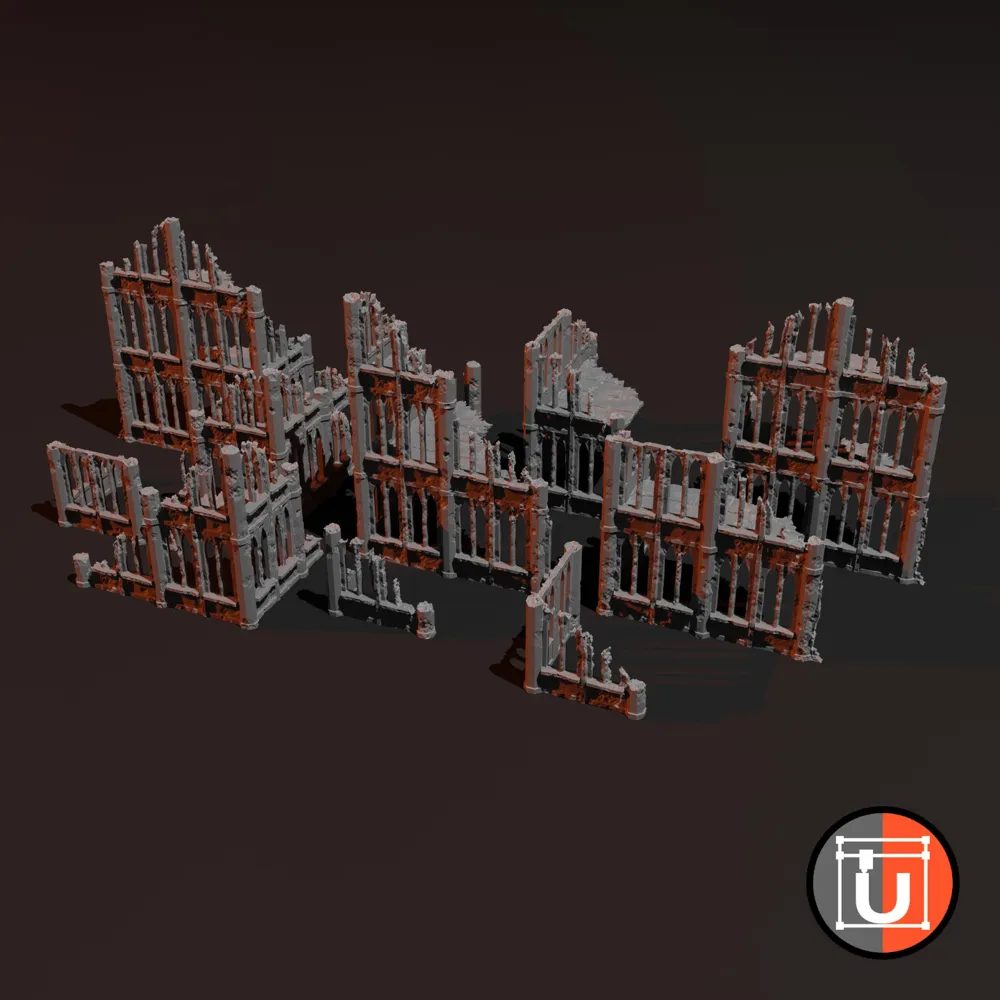
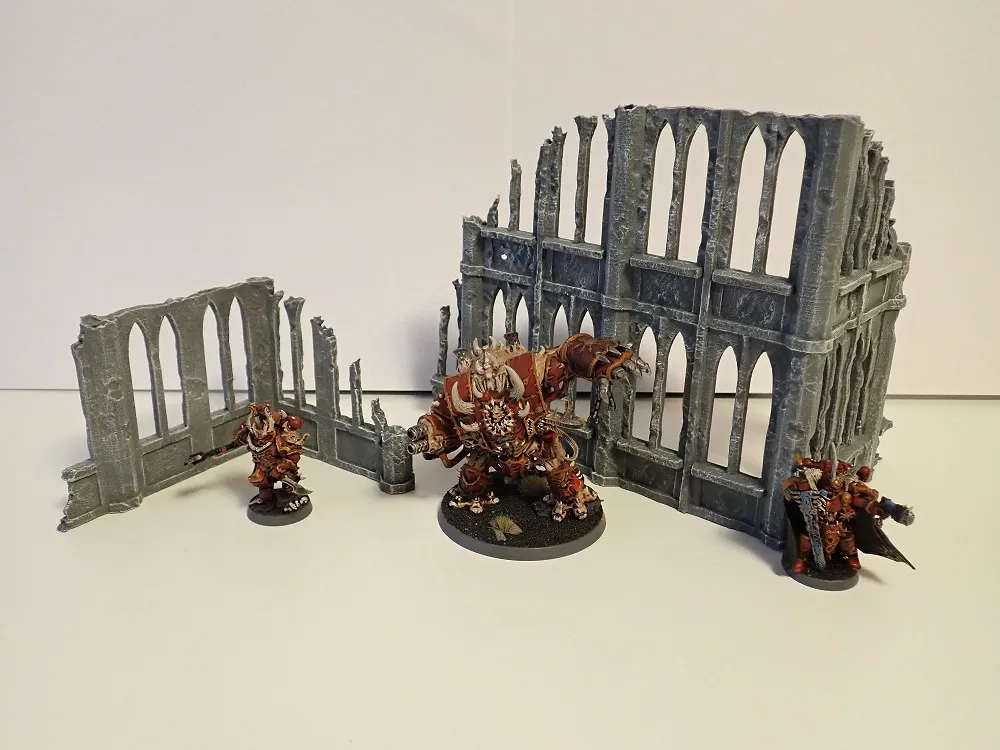
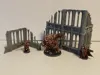
With the release of my first terrain library, I created some buildings for you. All buildings are split by the different floors so it's much easier to print.


These files are available for commercial use for several of my patreon levels, check the below link for more info.


If you want to have buildings of individual size, make sure to become a patron here and use my new terrain generator with the recently published terrain library: https://www.patreon.com/Udos3DWorld


You want these terrain pieces but don't own a 3D printer? I also offer these parts on my etsy shop, along with some other variants: https://www.etsy.com/Udos3DWorld/listing/1236672352/ruined-scifigothic-wargaming-terrain

Comment & Rating (45)

(0/1000)

Hey, I'm really struggling to print this without warping on the objects with the floors (so the upper floors!). I have tried brim, I have tried different supports, different temps, super tack plates! Has anyone got advice on preventing the corners warping up? I can see images of people who haven't had these issues so I'm really curious how people managed it :)
The designer has replied
1
Reply
The main questions as always - Material? - nozzle and bed temperature? Environment humidity and temperature?
0
Reply
Replying to @udos3dworld :
PLA, 0.4mm Nozzle (Have tried 0.1,0.12,0.16 and 0,2 layer heights), bed temperature of 65 on textured PEI and bed temperature of 50 on Supertack (both had the same issue). I have printed other objects with larger bed space and don't get these issues of warping so don't think ambient humiditiy or temp are causing this, i think the design just puts a lot of pressure on those corners as the print develops. Obviously able to combat it, just struggling with how! But my PLA is stored at 25-30% hum
1
Reply
Replying to @user_3352968016 :
Another idea - can you check in the slicer if the first layer is printed properly? Sometimes the slicer shifts the whole object up by 1 layer
1
Reply
Boosted
The print profile is no longer public
Printed great! Thanks again!
0
Reply
Boosted
The print profile is no longer public
0
Reply
some of the models are having issues with the first layer, some of them are working. I see this was an issue in the past, can you possibly take another look?
The designer has replied
0
Reply
You were right. I re-checked everything, fixed all errors (there was some strange issues with bambu studio moving the objects upwards), and re-sliced everything. looks good now. The correct file should be named FlatBottom_NEW and be around 53 mb
(Edited)
0
Reply
thank you so much!
0
Reply
I have to cut the first layer, because its not all the way at the buttom and its not getting supported
The designer has replied
0
Reply
But... I DID fix that? Need to look into it once again... thanks for notifying!
1
Reply
Should be fixed now...
1
Reply
Boosted
Do you have an A1 Mini profile for this please?
The designer has replied
0
Reply
Added :-) Had to remove two of them since they do not fit on the mini plate.
1
Reply
Boosted
Replying to @udos3dworld :
Thanks! =D
0
Reply
cool and cheaper than gw
1
Reply
Boosted
Great design! Can't wait to get full use of it in my WH games!
0
Reply
Boosted
The print profile is no longer public
Great design! It has been fun to learn from this print! Only a couple of minor issues, but super easy fixes! I am loving this terrain!
0
Reply
The print profile is no longer public
printed up nicely.
0
Reply