
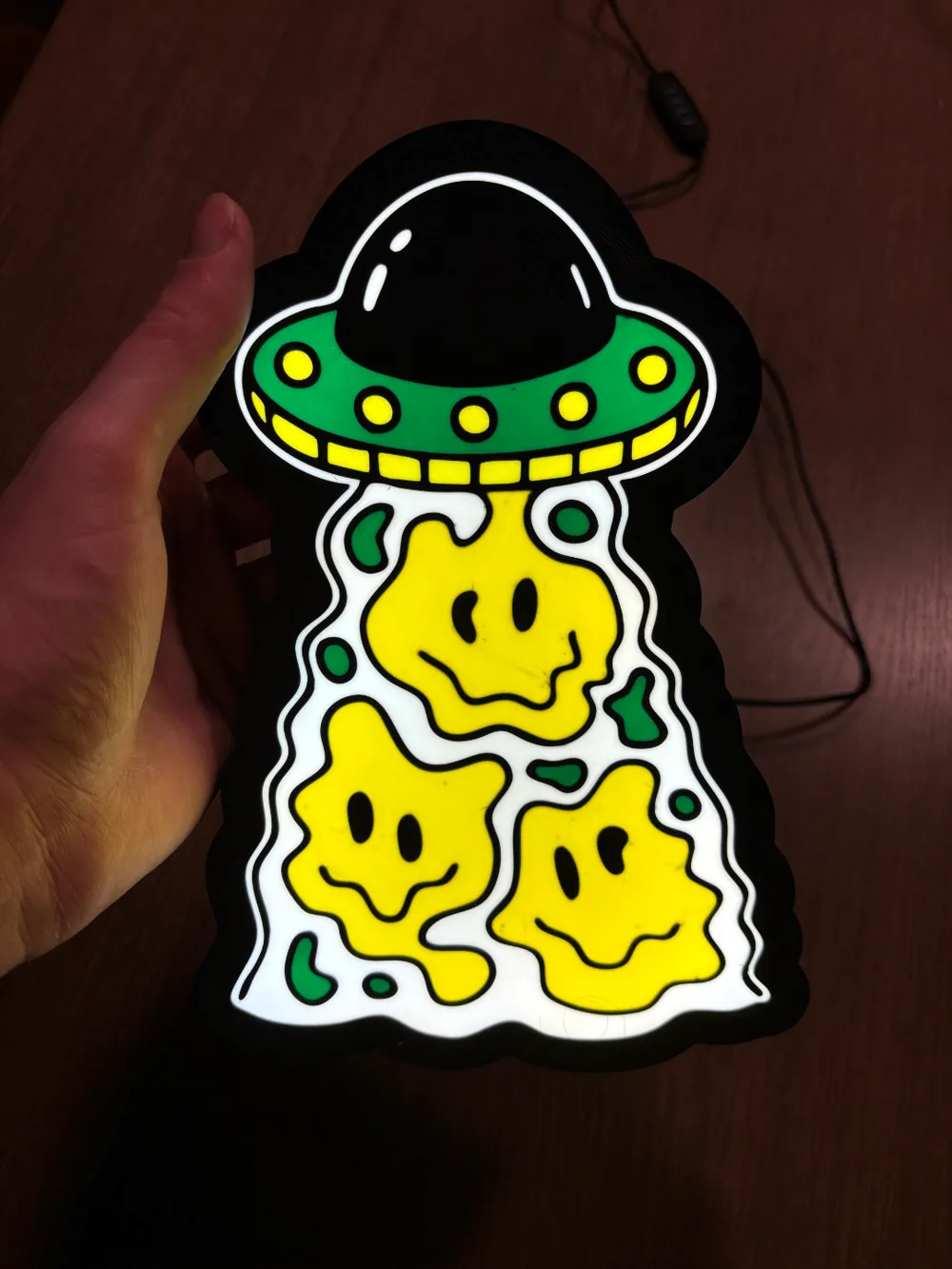
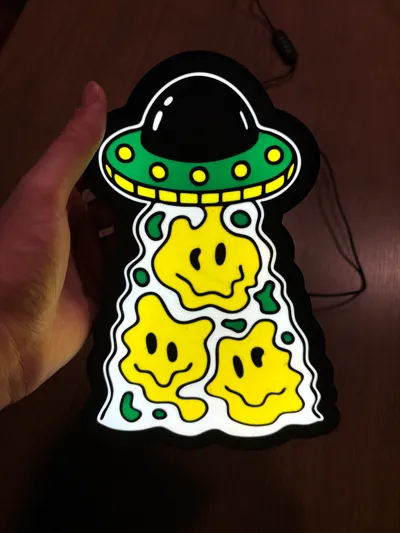
Beam Me Up! UFO Lightbox!


Print Profile(1)

Description
Instructions for UFO Lightbox:
1. 3D Printing:
Download the attached files and print the components. Use a sturdy filament that also allows light to diffuse for the best glow.
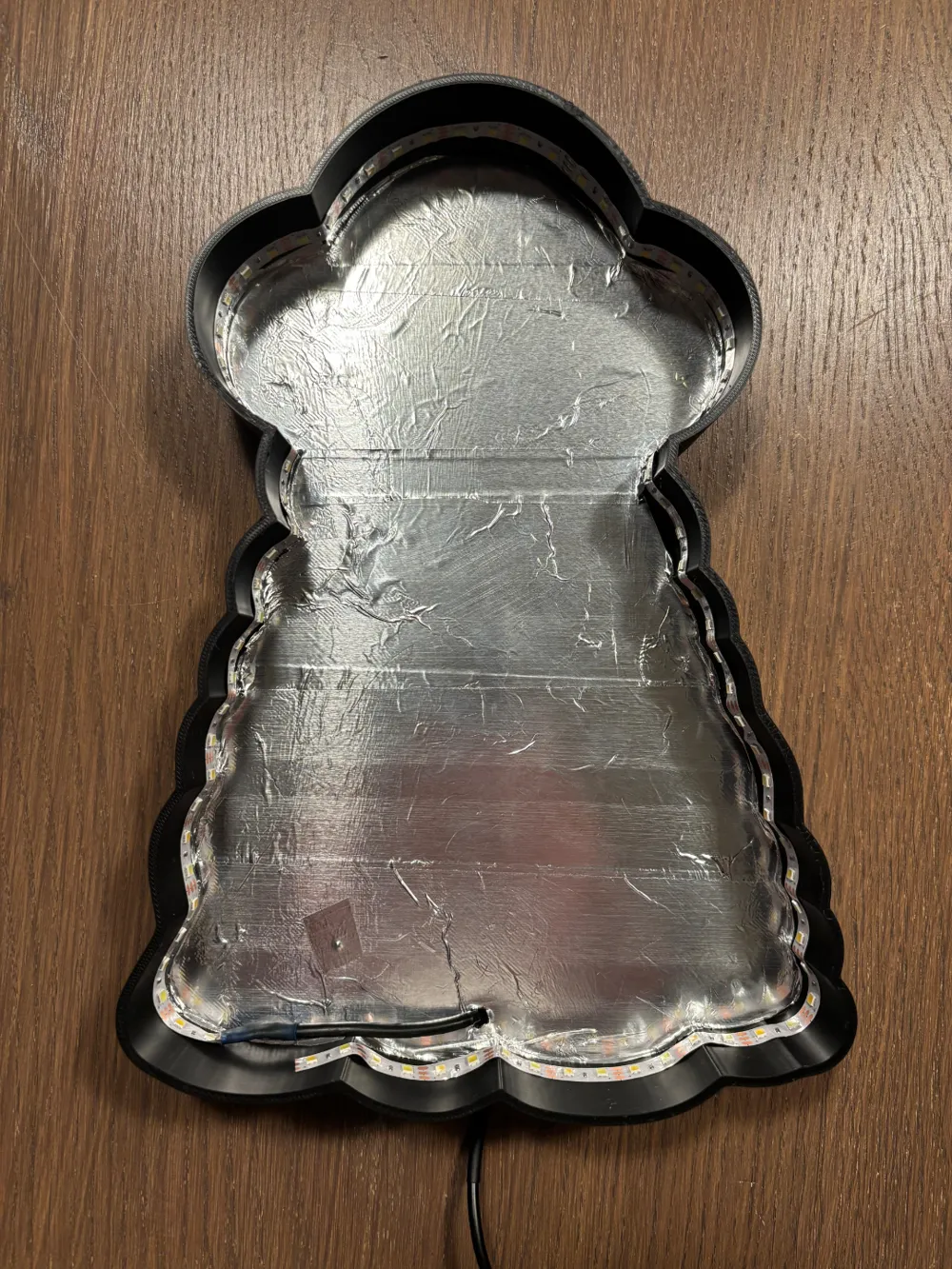
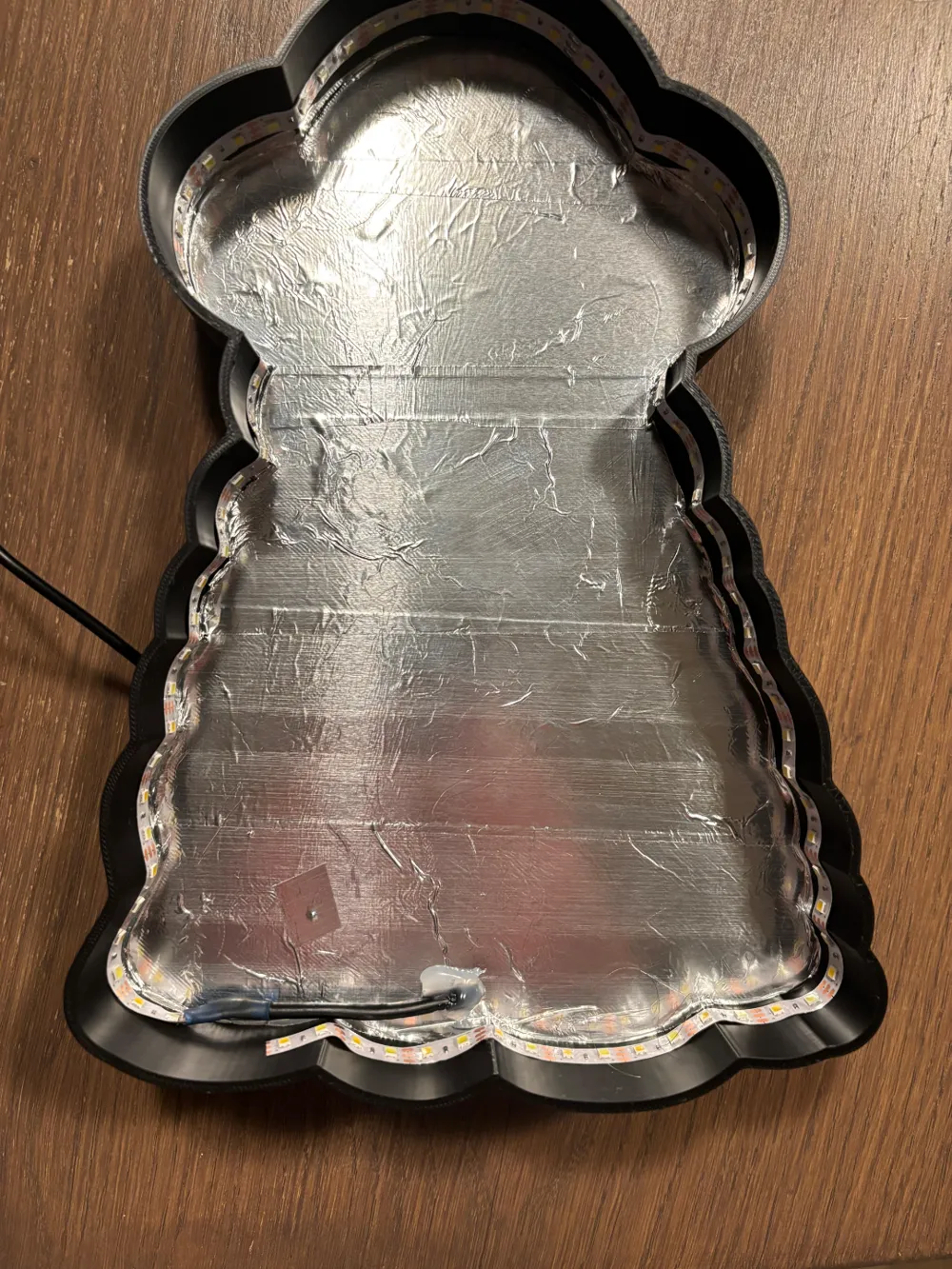
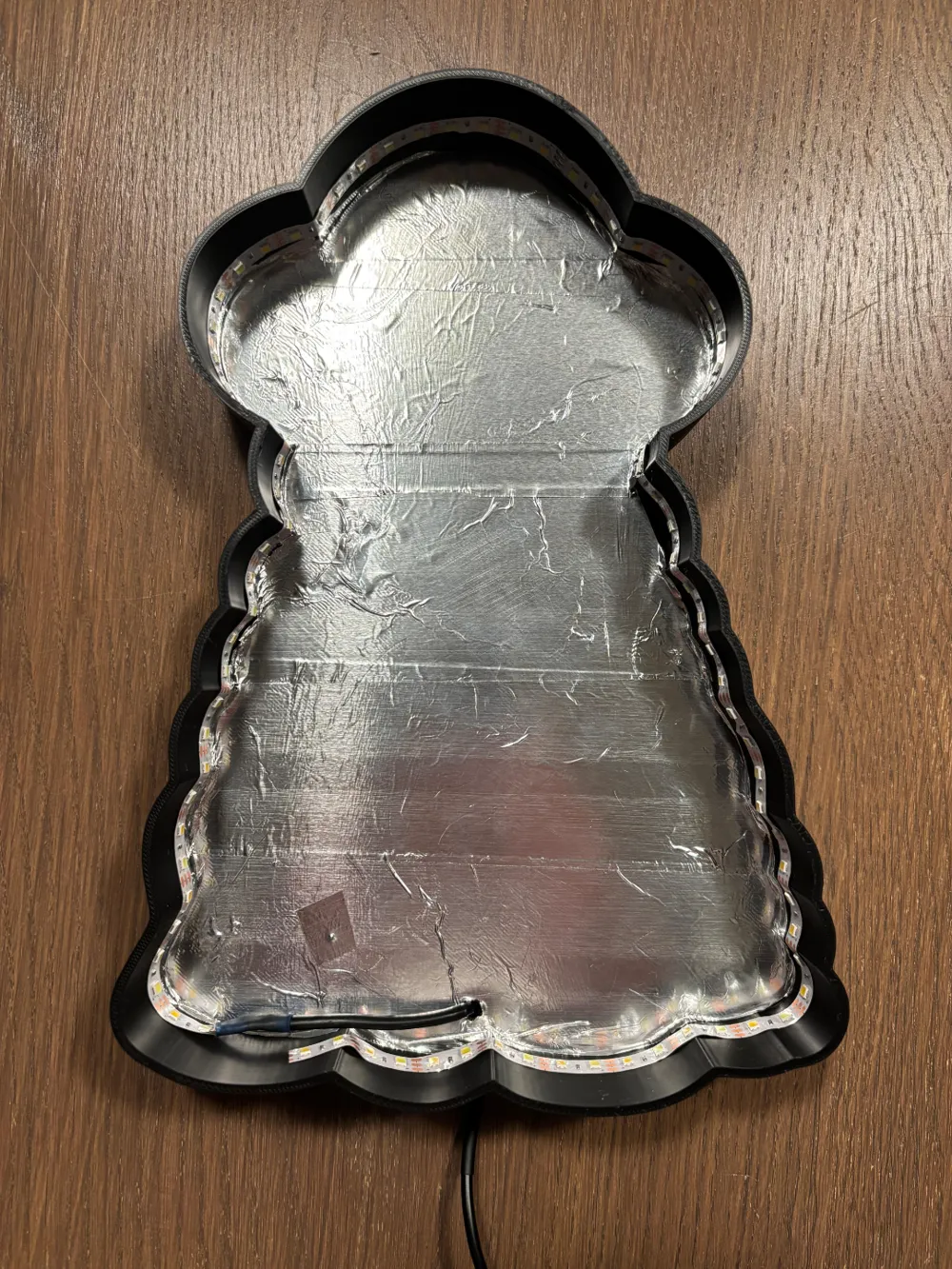
2. Reflective Interior:
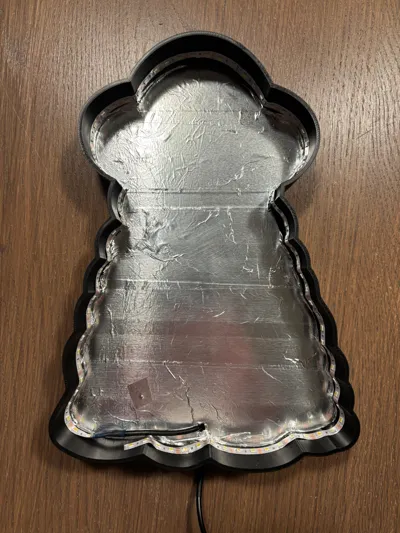
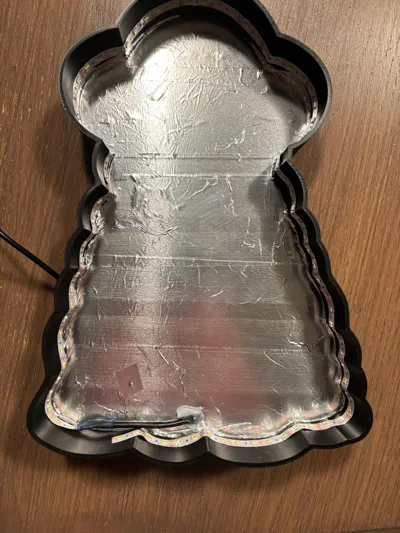
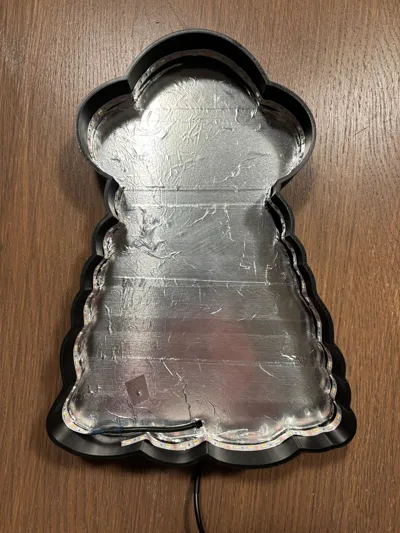
Line the inside of the lightbox with aluminum tape to maximize light reflection. This ensures even light distribution for a consistent glow. I got mine from a local Toolstation.
3. Installing the LED Strip:
I used a USB 5V LED Dual Color Strip Light Kit (120 LEDs per meter) from AliExpress. This strip lets you switch between 3000K, 4000K, and 6000K color temperatures. Securely attach it inside the lightbox.
4. Cable Management:
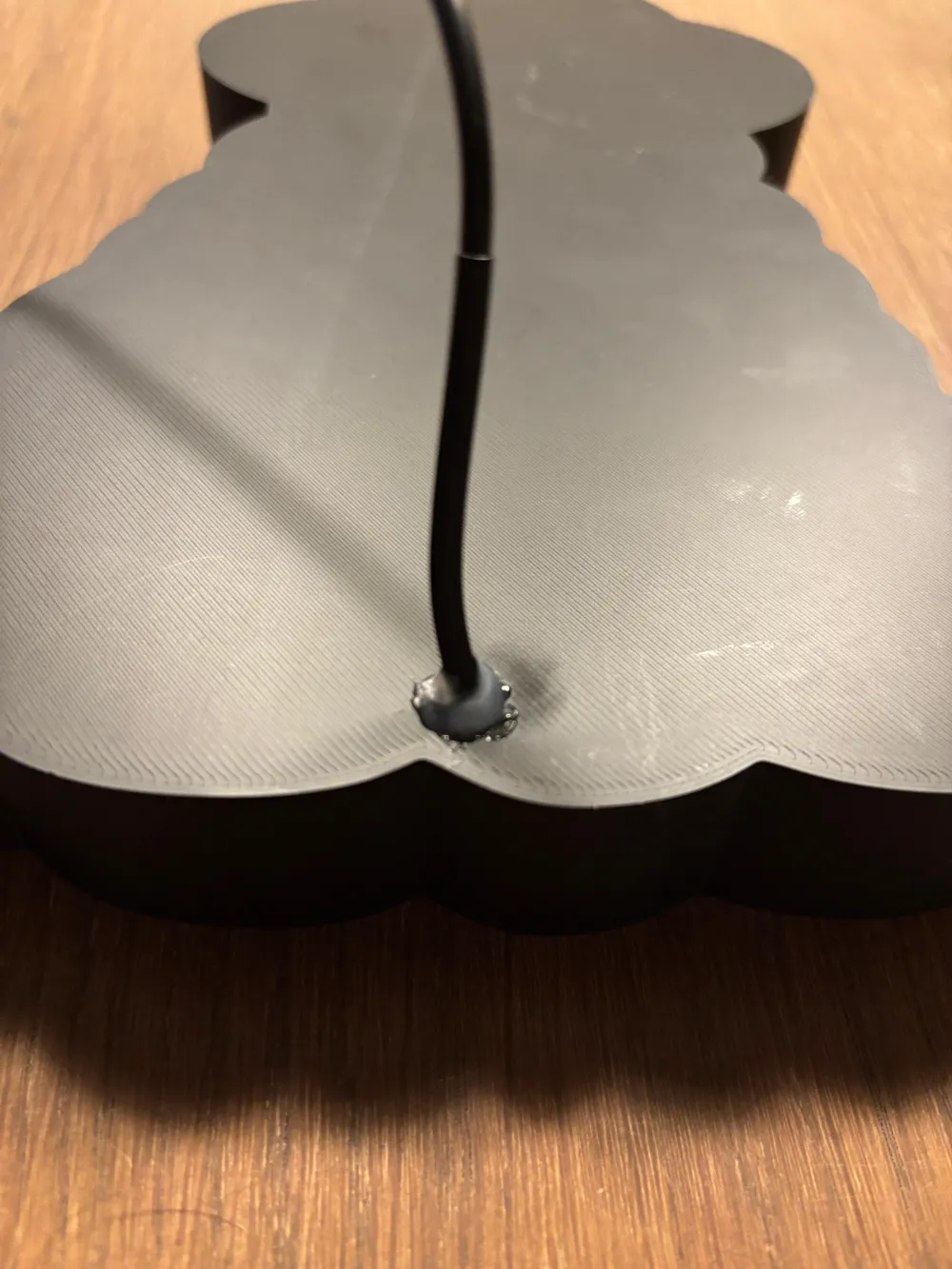
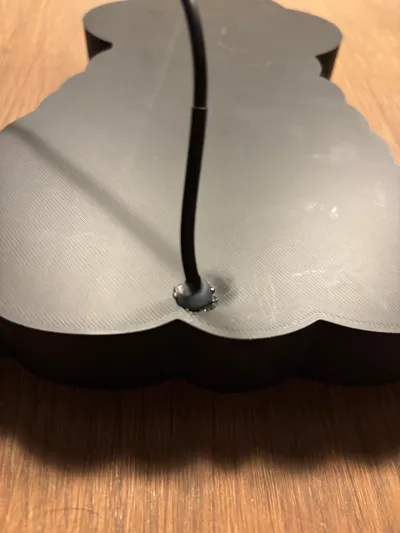
To keep things neat, I made a small hole in the lightbox with a soldering iron for the cable to pass through. This keeps the setup tidy and organized.
5. Connecting the Controller:
I connected the LED strip to a USB LED Dimmer controller, also from AliExpress. This handy controller lets you easily adjust both brightness and color temperature with a 4-key switch.
6. Assembly and Testing:
Once assembled, plug in the USB cable and test your lightbox. Adjust the settings to create the perfect alien atmosphere. 🚀💡
Boost Me (for free)
Love this UFO Lightbox?
Boost it! More boosts = more views = more out-of-this-world rooms lit up. Let’s beam up some light! 🚀👽💡
License



Comment & Rating (1)