Search models, users, collections, and posts

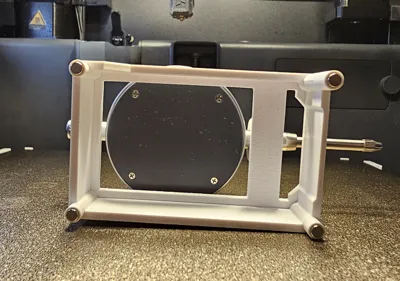
P1S Dial Gauge Holder for print bed adjustment
IP Report

Print Profile(1)

PETG 0.2mm layer, 3 walls, 30% infill
Designer
2.5 h
2 plates
Open in Bambu Studio
Boost
77
200
42
22
308
186
Released
Bill of Materials
Maker's Supply Kits and Parts
Select all


Description
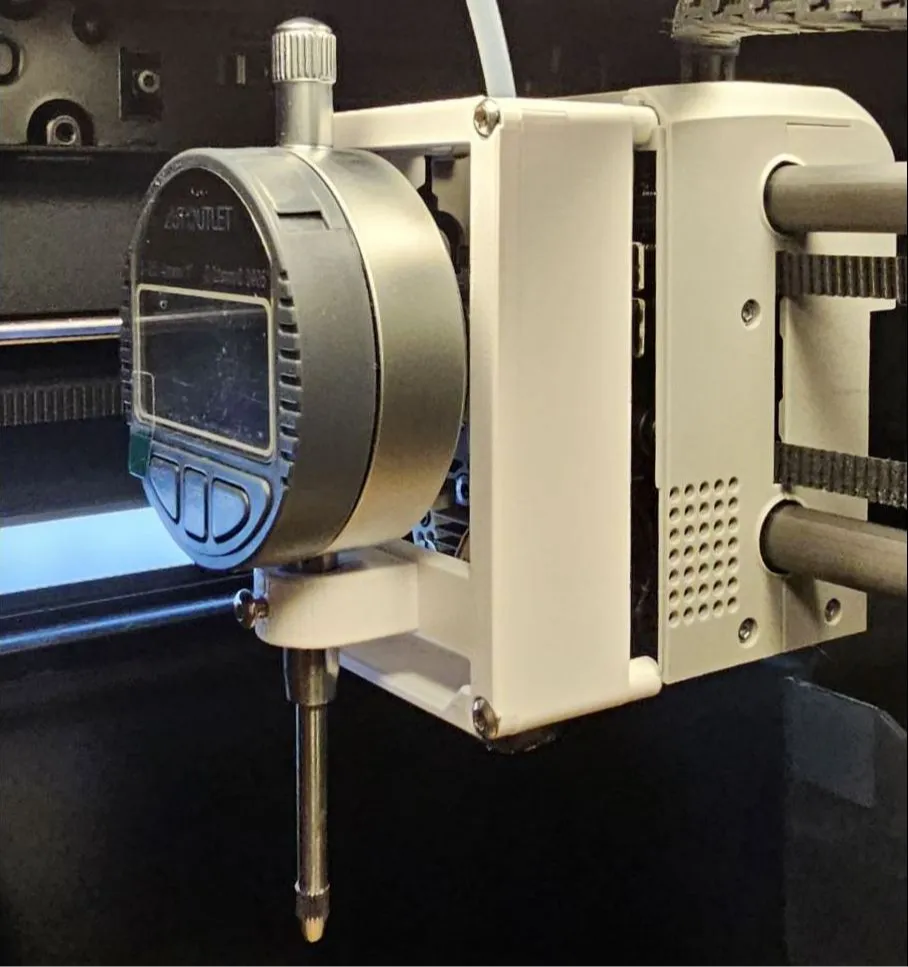
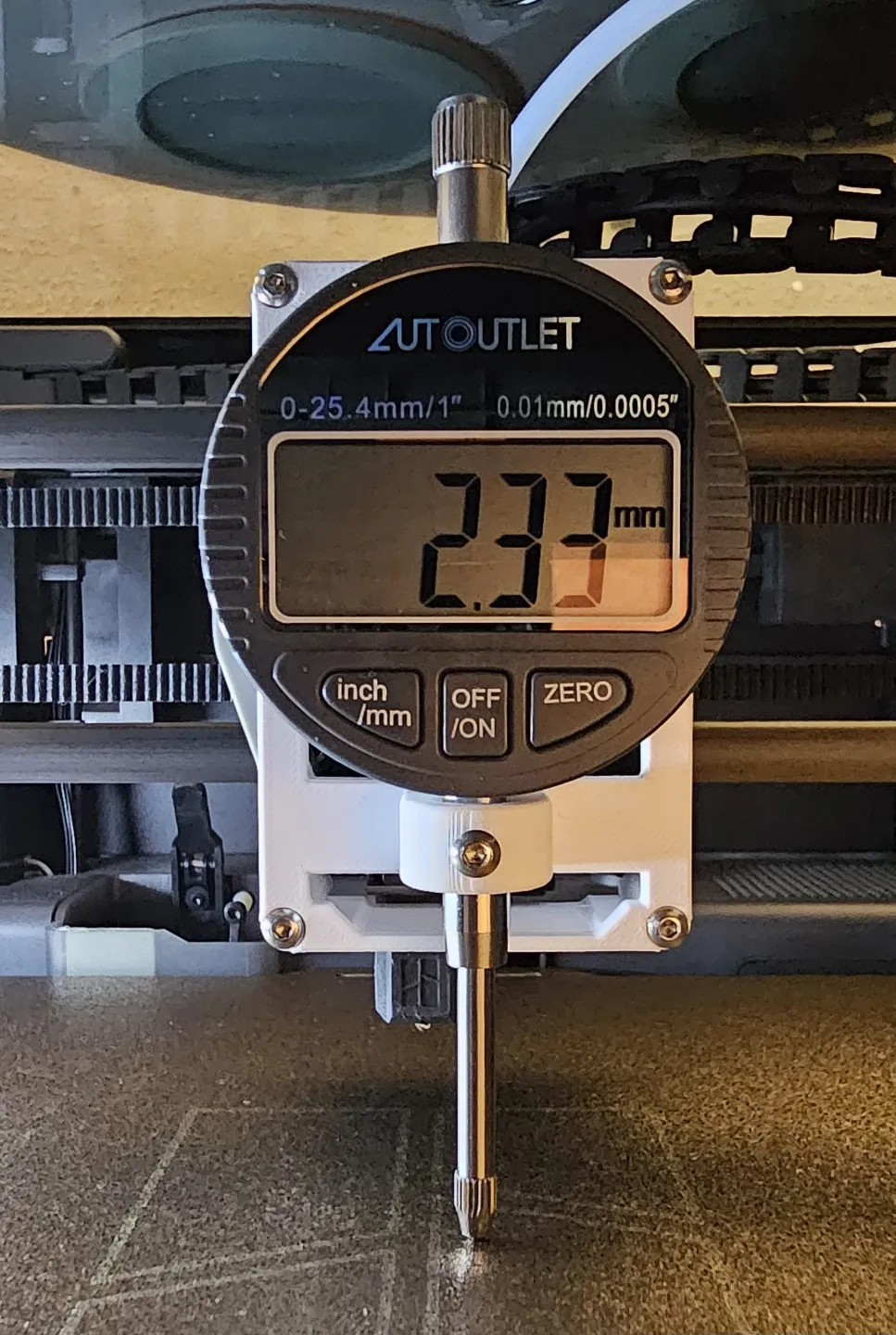
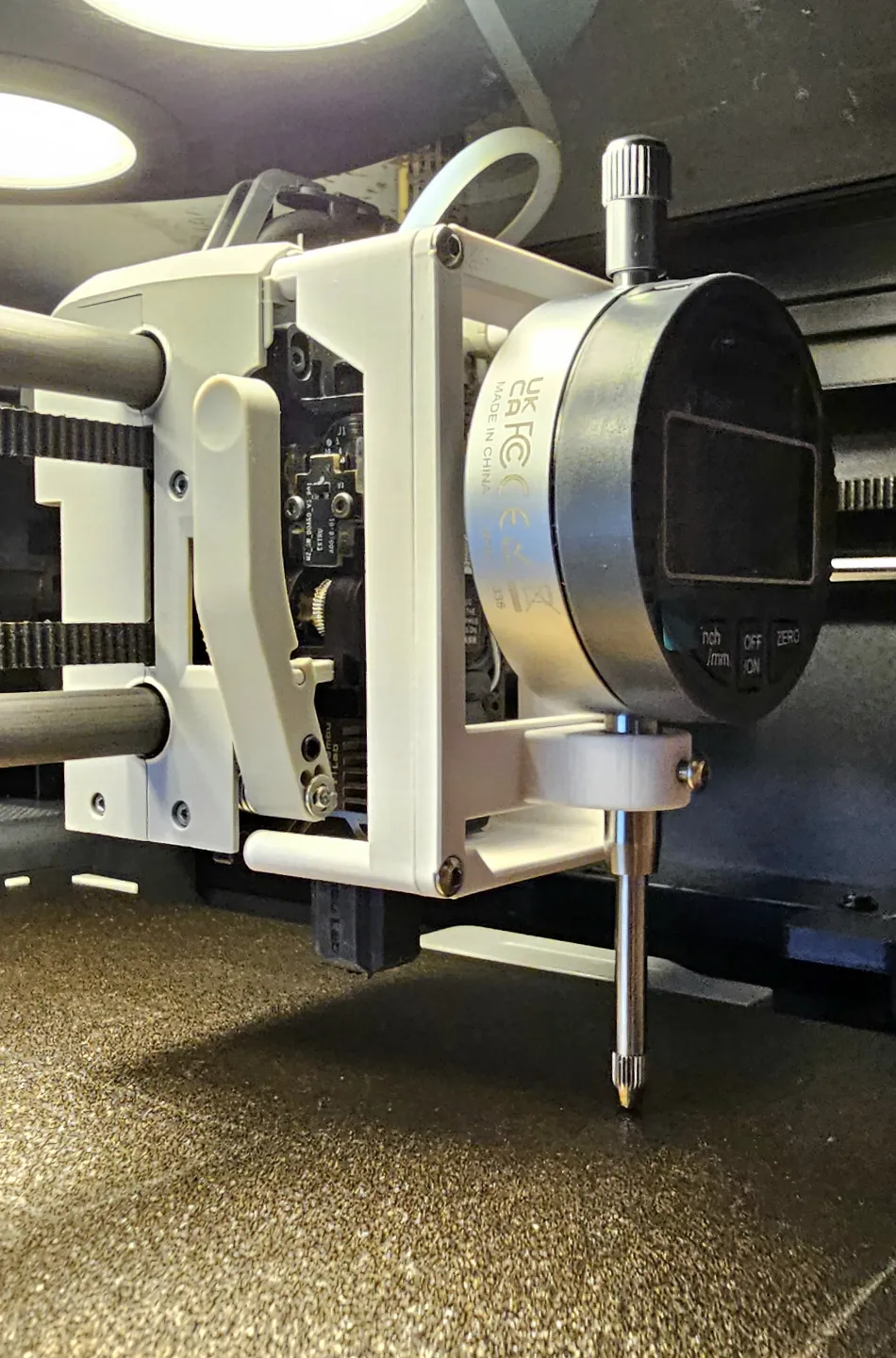
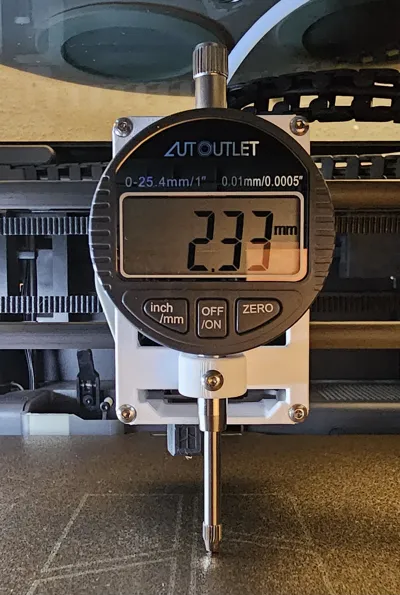
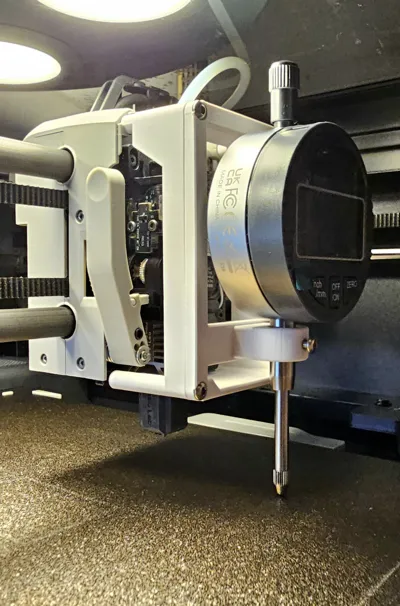
P1S Dial Gauge Holder to adjust the print bed level.
No need to remove the Hotend.
Just take of the cover, unplug the fan connector and put on the dial gauge holder.
Hint:
After you return the fan connector and cover, run the part fan manually, to ensure the connector was inserted properly and the fan is working!
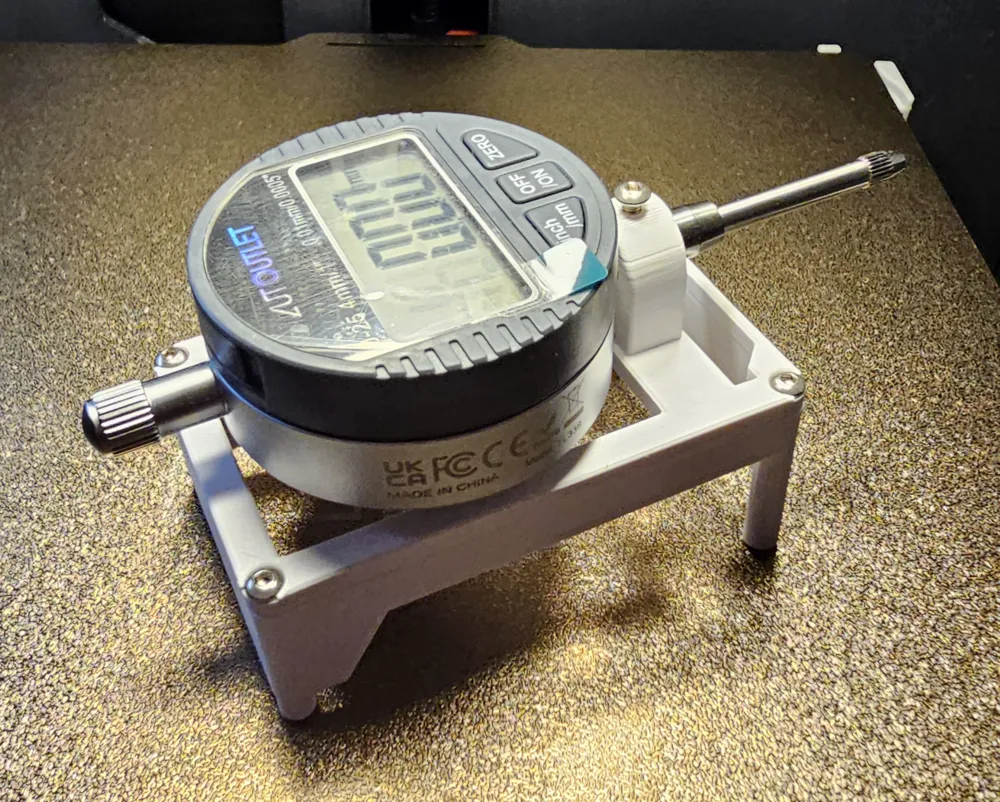
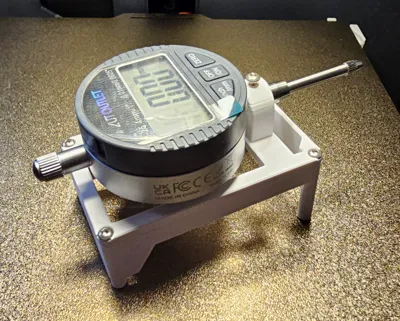
The holder contains two parts:
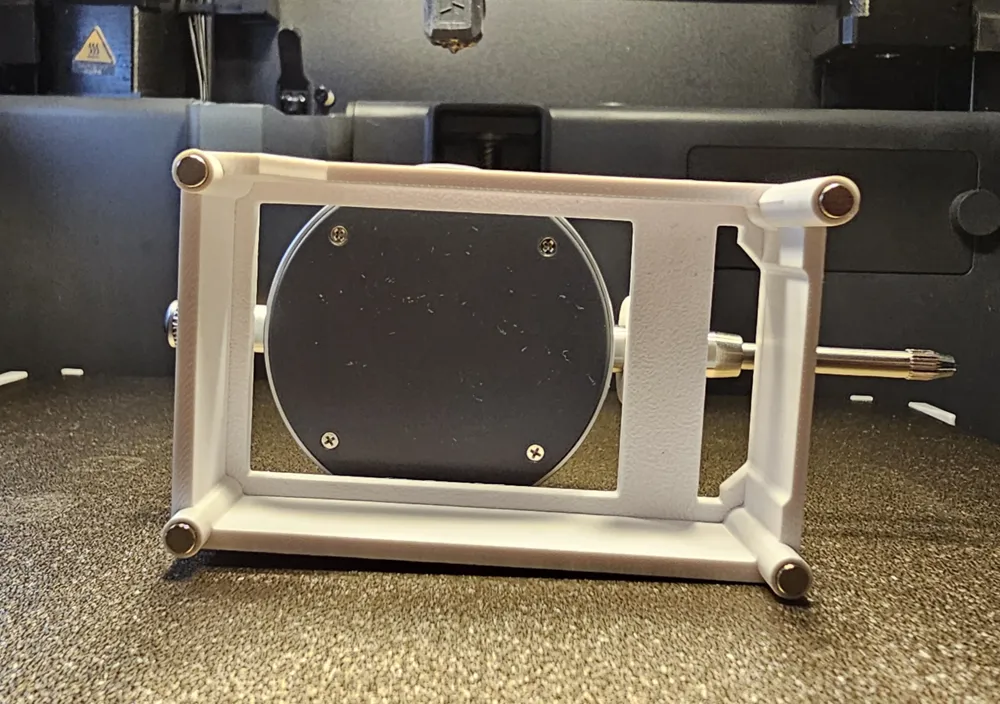
1.) The base with magnets
2.) The holder, which is available for 8 mm and 10 mm shafts
External parts for assembly:
4 Magnets with 4 mm diameter, 2 mm height
5 screws M3 x 6 (M3 x 8, M3 x 10 also works)
While testing, in 99% of tests there was no need for glue to hold the magnets.
The N pole musst point towards the print head.
License

This user content is licensed under a
Creative Commons Attribution-Noncommercial


Comment & Rating (42)