
Comedian




Print Profile(4)



Description
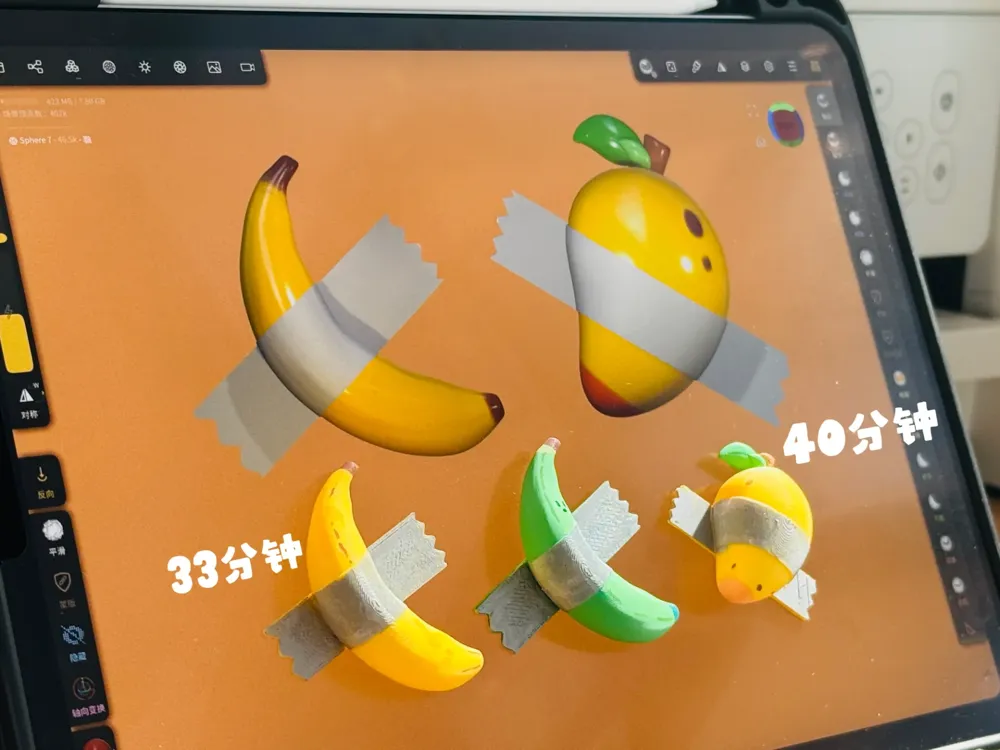
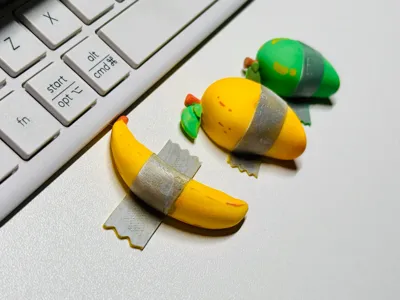
Recently, while arranging a “living” environment for the little printed creatures I've made, I noticed an empty spot on the wall. It reminded me of the work of Italian artist Cattelan—a fresh banana taped to a wall (which sold for hundreds of thousands of dollars).
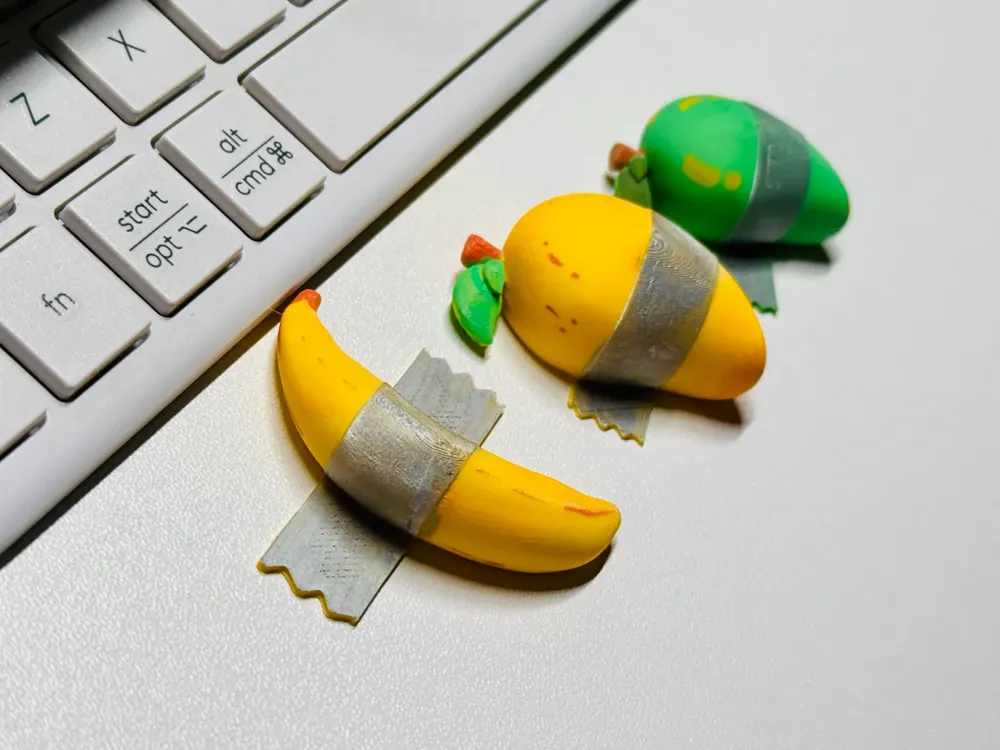
So, I took inspiration from that and created two simple yet fun little decorations. I hope you like them.
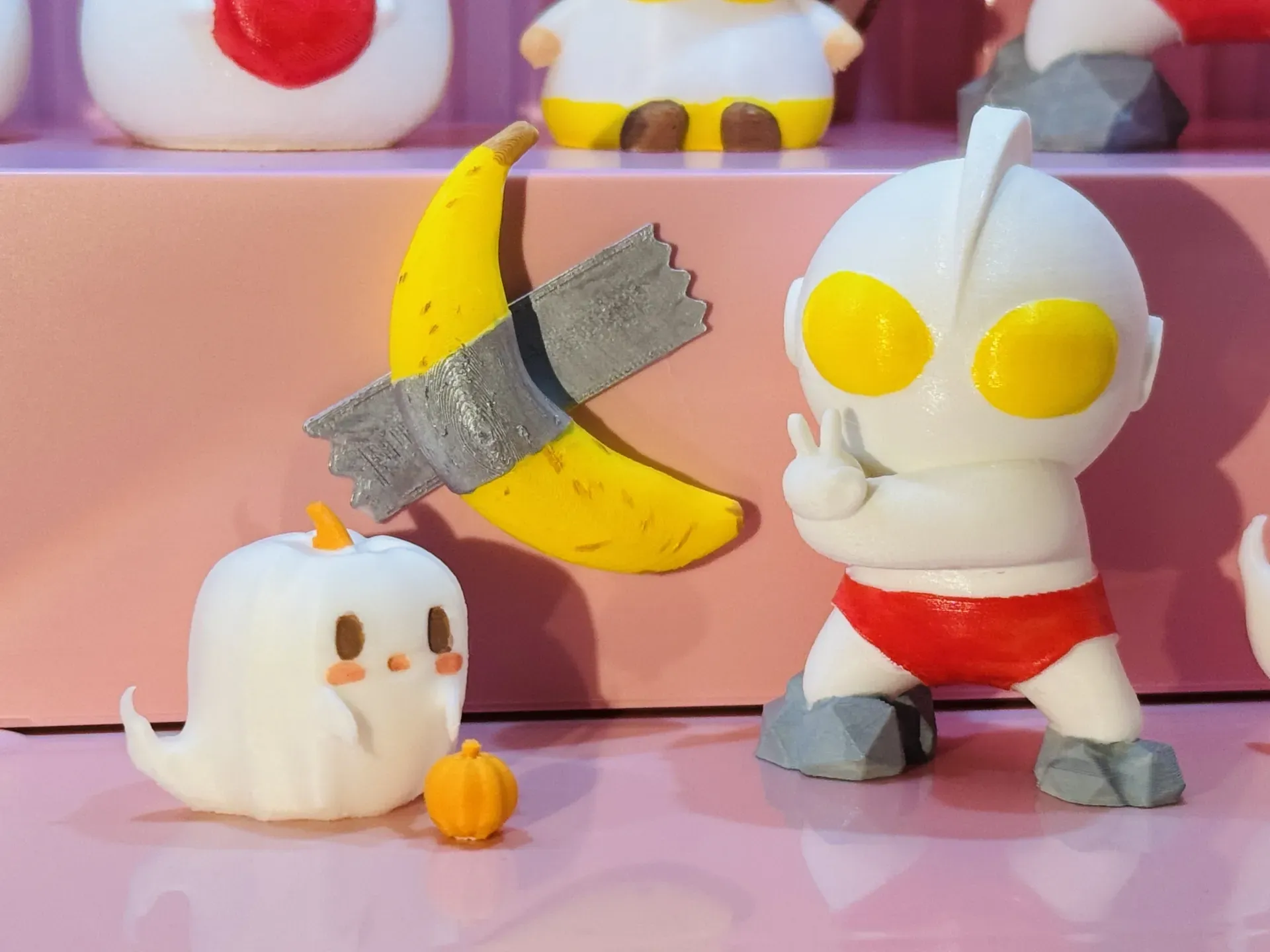
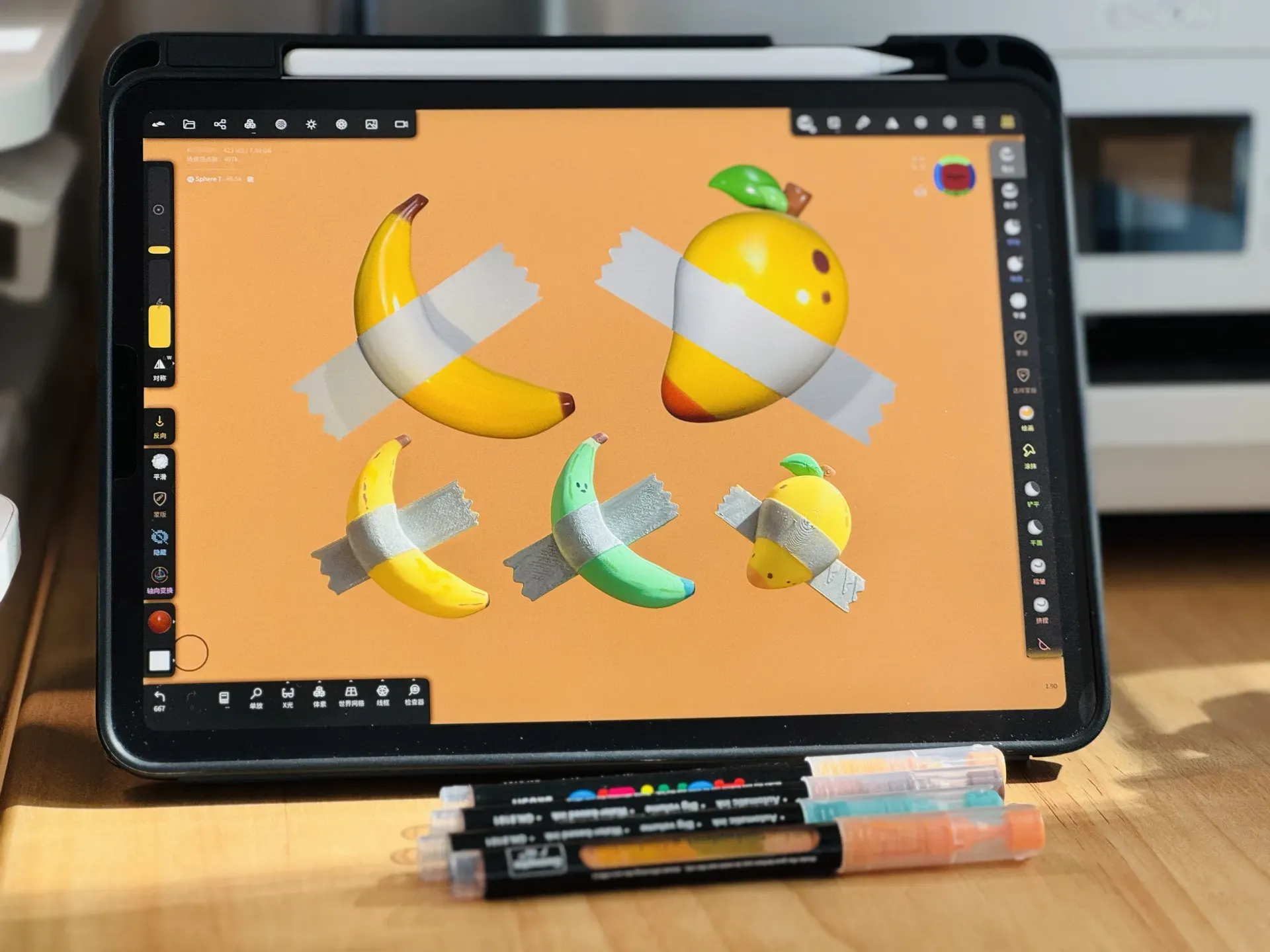
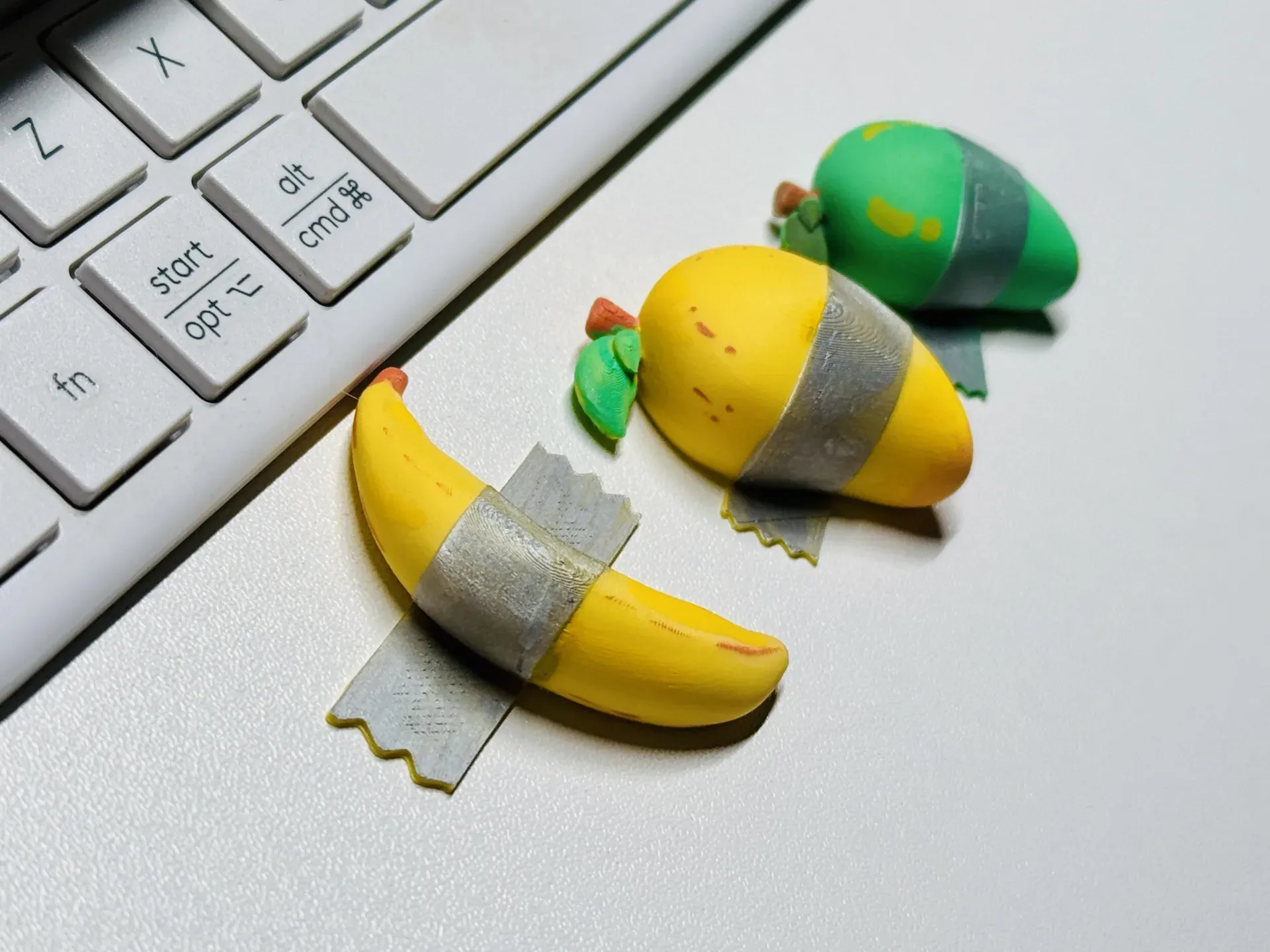
The banana takes 33 minutes to print, and the mango takes 40 minutes. They are all ready to print, so choose your favorite and start!
*Multi-color printing is too wasteful (of materials), so I made single-color versions. You can use acrylic paint or markers to color them, or draw little expressions on them yourself.
Update on 2024.11.5:
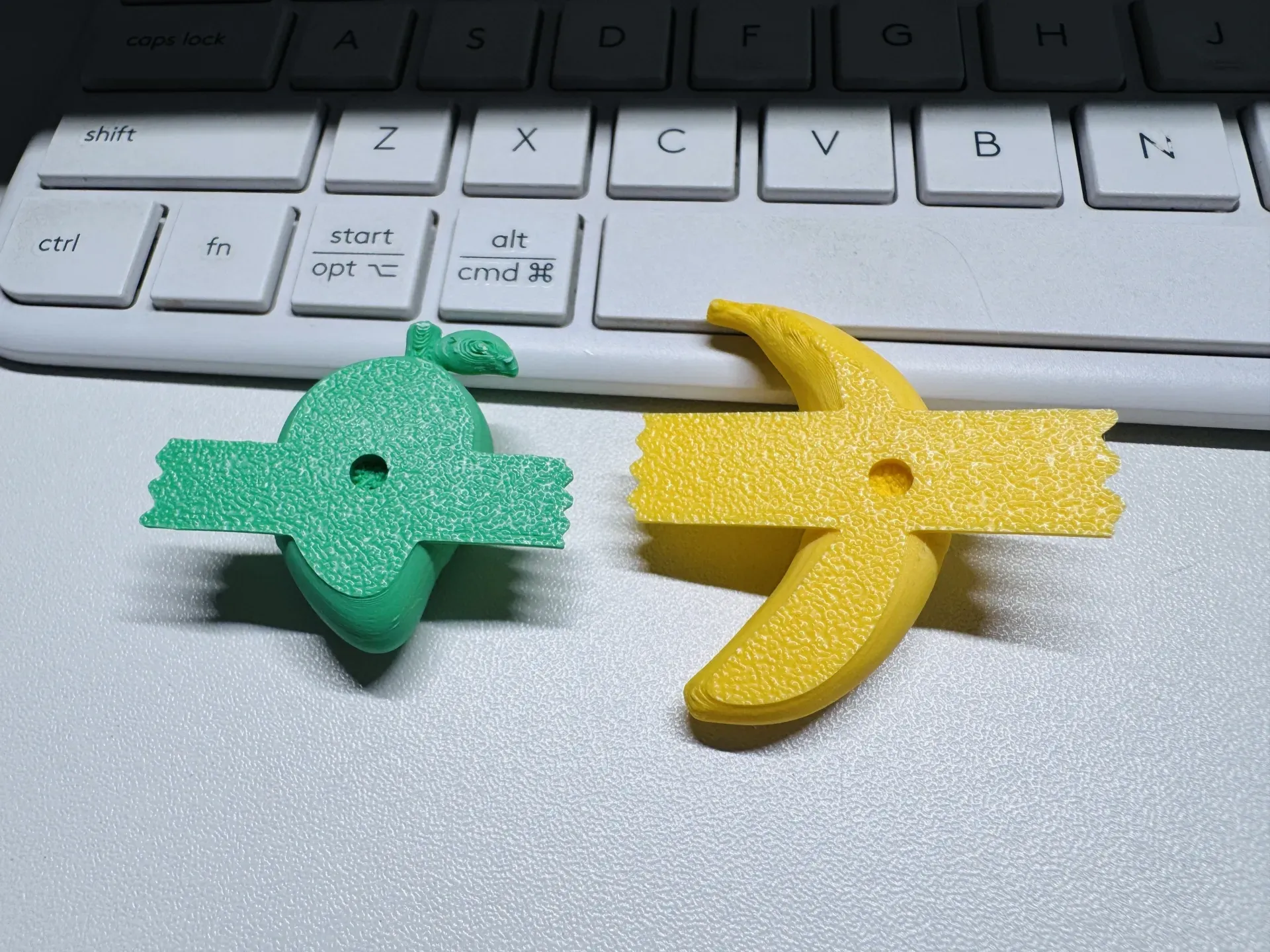
Looking at the download data, I estimate that many of you didn’t prepare magnets. So I’ve added a hole-less version (no pause, print in one go).
———————————————
2024.11.1 Initial content
- I made several settings:
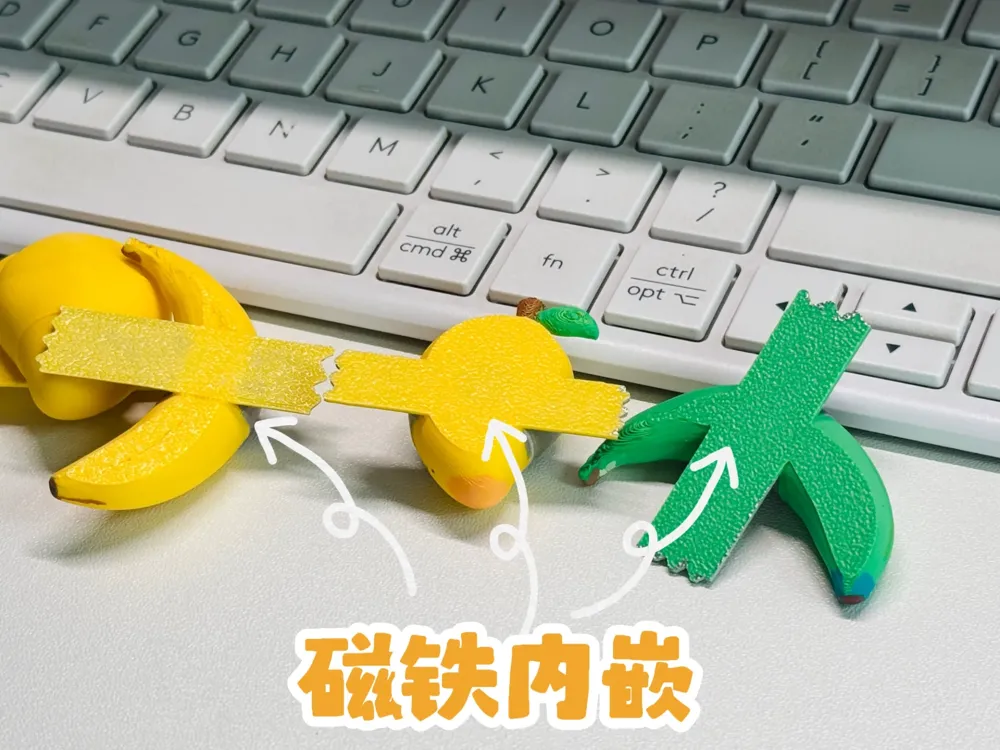
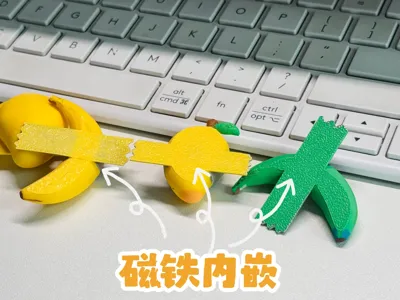
- The one I use, 8mm diameter, 1.5mm high magnets. I embedded the magnet, paused in the middle, inserted the magnet, then clicked to continue printing.
Using the official Bambu magnet size, 4mm diameter, 2mm high, I embedded the magnet, paused in the middle, inserted the magnet, then clicked to continue printing.
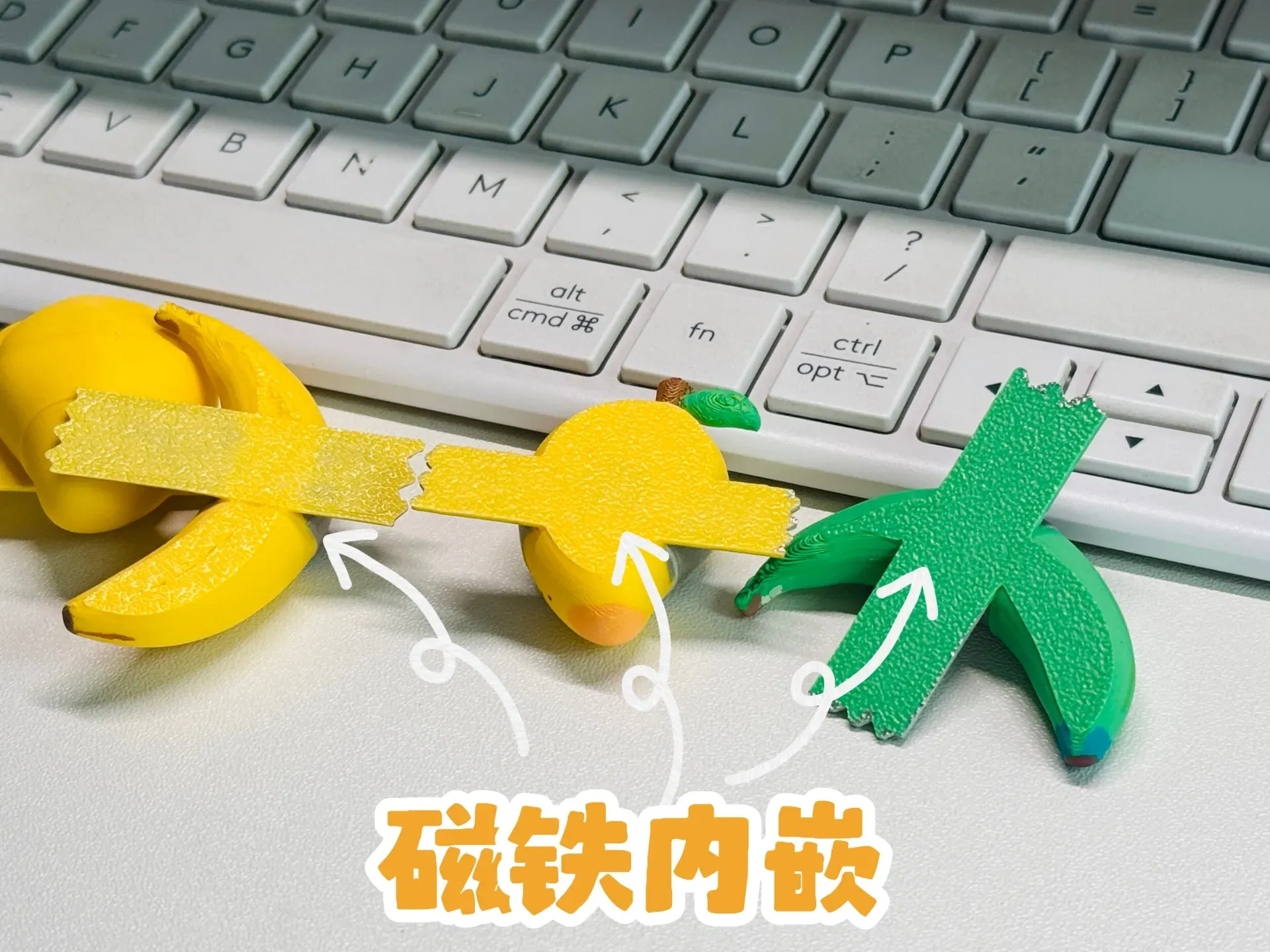
For those who want to print everything at once and then install the magnet later, I created a version without embedding the magnet, with a recess for the official Bambu size magnet.
Boost Me (for free)
Could I get a boost, thanks haha
——————————————————————————————————————
Note: The material settings have been adjusted. The settings uploaded to Handy cannot synchronize this part. If you need printing results similar to mine, you may need to adjust the settings.
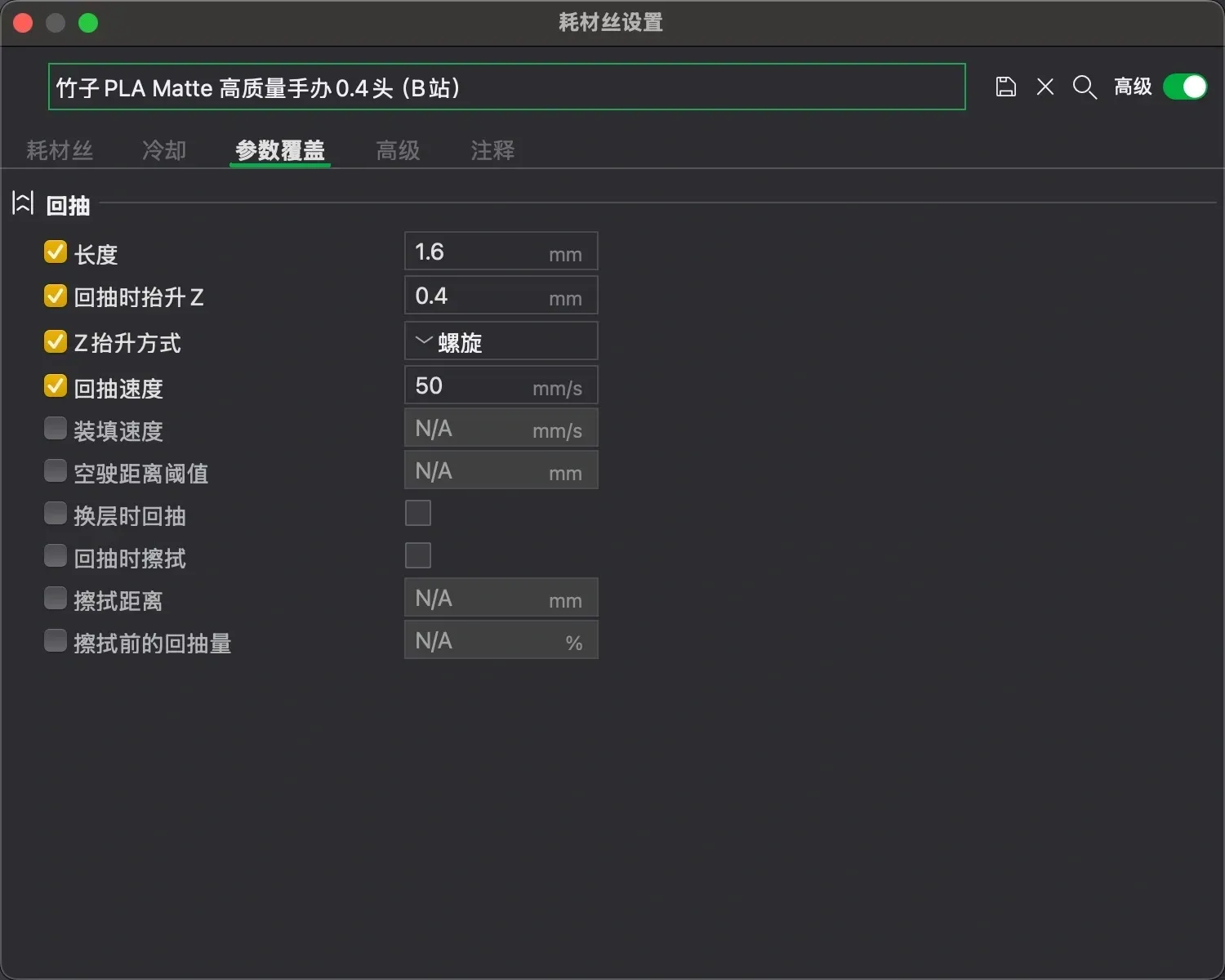
- Now you can print happily. But if your magnets are not the sizes mentioned above, please read on.
- If you have magnets of other specifications, you can also modify the sub-part in the non-embedded setting yourself. **If you adjust the height in the embedded setting, you need to adjust the number of pause layers, which is more complex. This is not recommended for beginners. For specific methods, please watch Bambu's official teaching videos, or you can contact me to change the new settings (but it may not be so fast, I can only do it in my spare time). Experienced print operators can feel free to play! :)**
- In the non-embedded setting, if you want to modify the recess size according to your magnets, here's how:
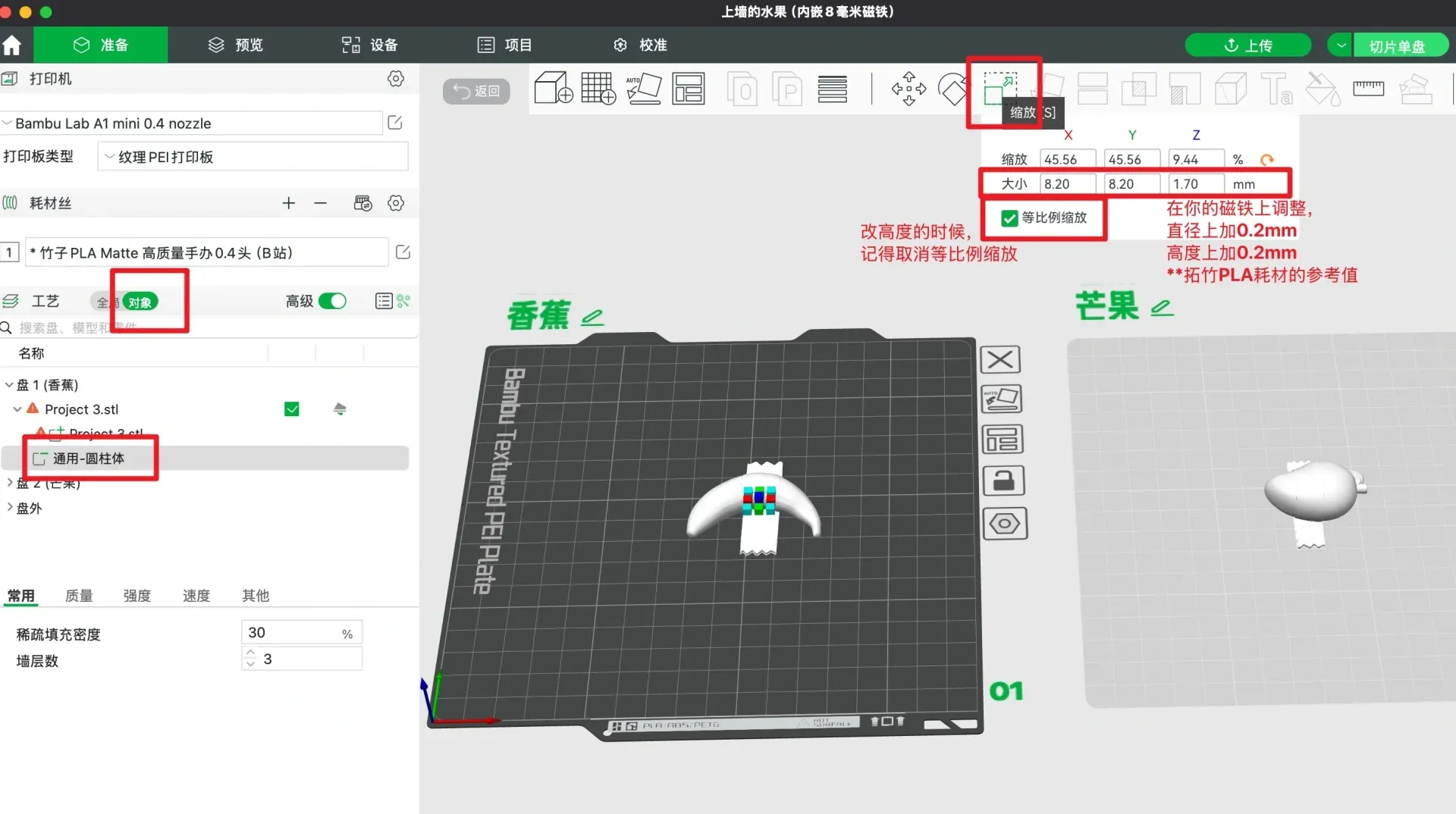
For example, if your magnet is 3mm diameter and 2mm height, then change the sub-part to 3.2mm x 3.2mm x 2.2mm.
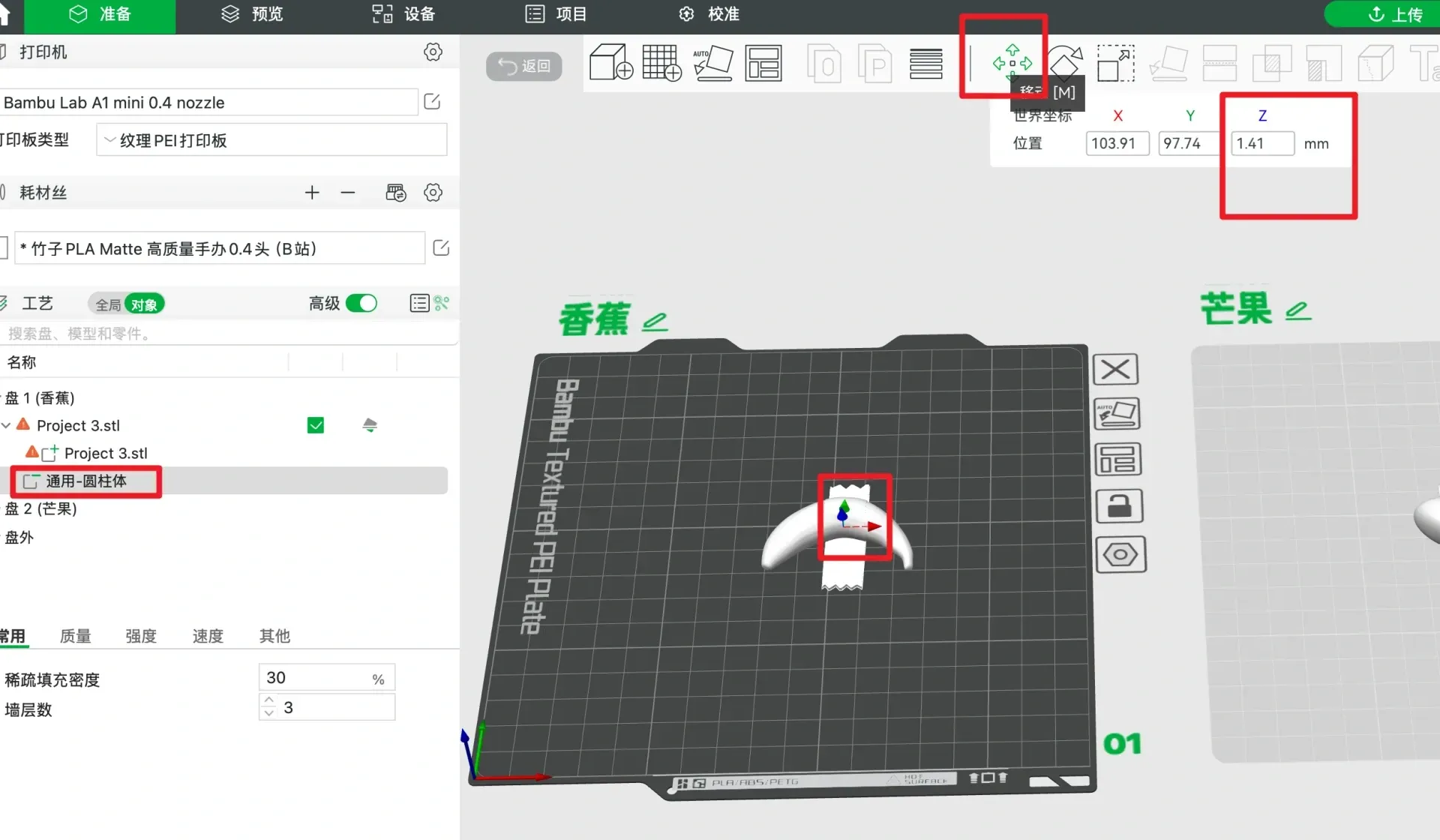
- Finally, you may need to adjust the Y-axis position (which is to make the sub-part stick to the base plate) according to the position of your sub-part (which is the "universal cylinder" in the picture).
License

You shall not share, sub-license, sell, rent, host, transfer, or distribute in any way the digital or 3D printed versions of this object, nor any other derivative work of this object in its digital or physical format (including - but not limited to - remixes of this object, and hosting on other digital platforms). The objects may not be used without permission in any way whatsoever in which you charge money, or collect fees.


Comment & Rating (0)