
Print Profile(1)
Description
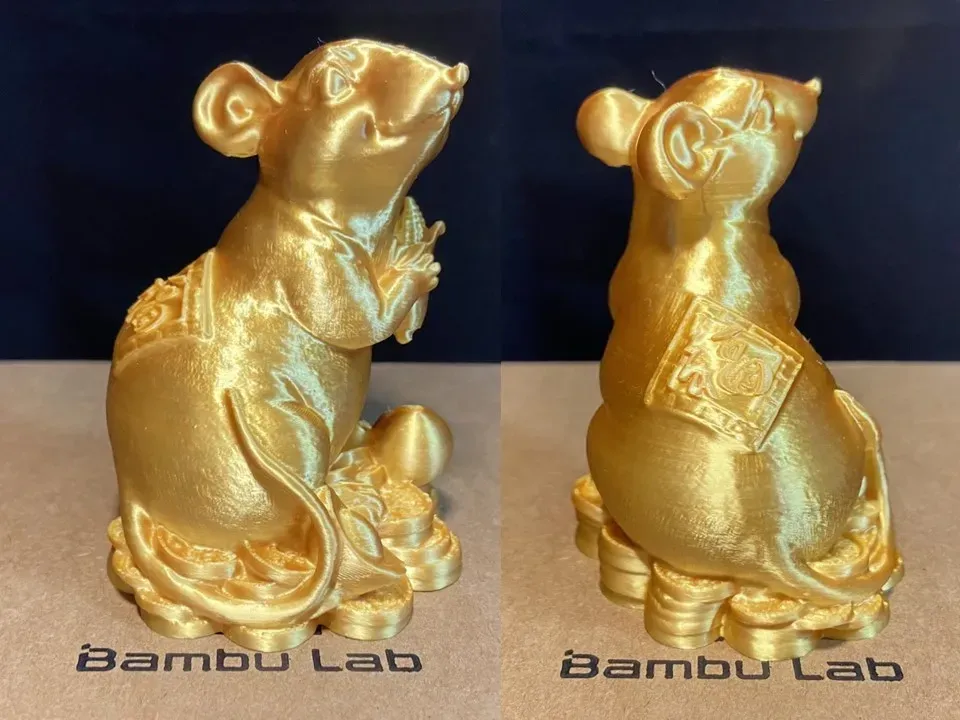
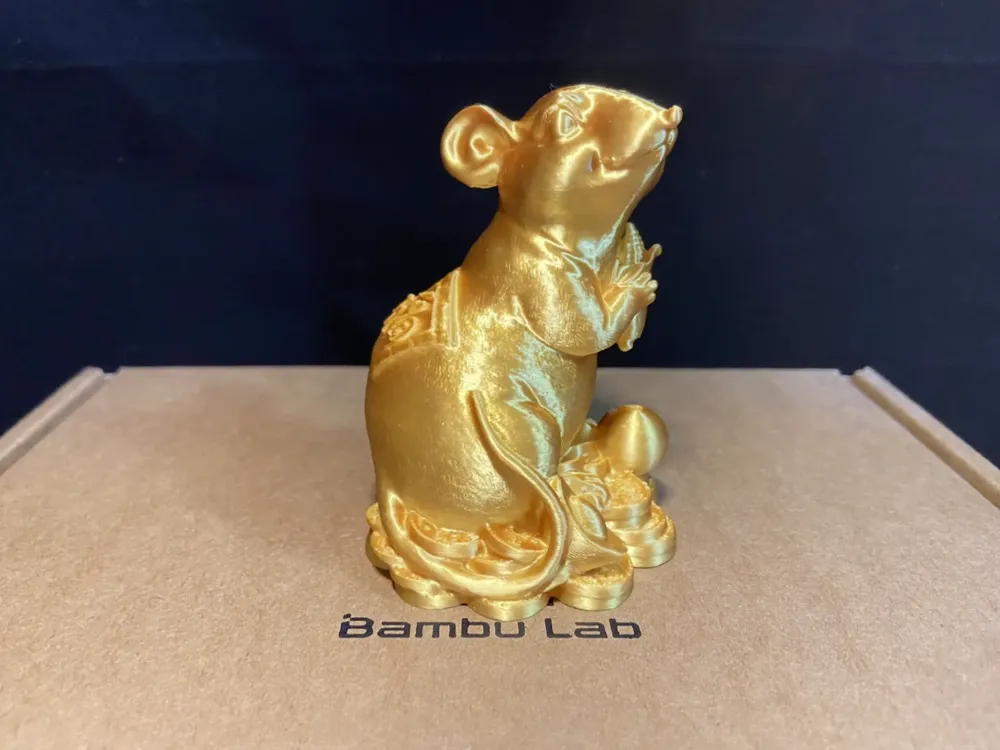
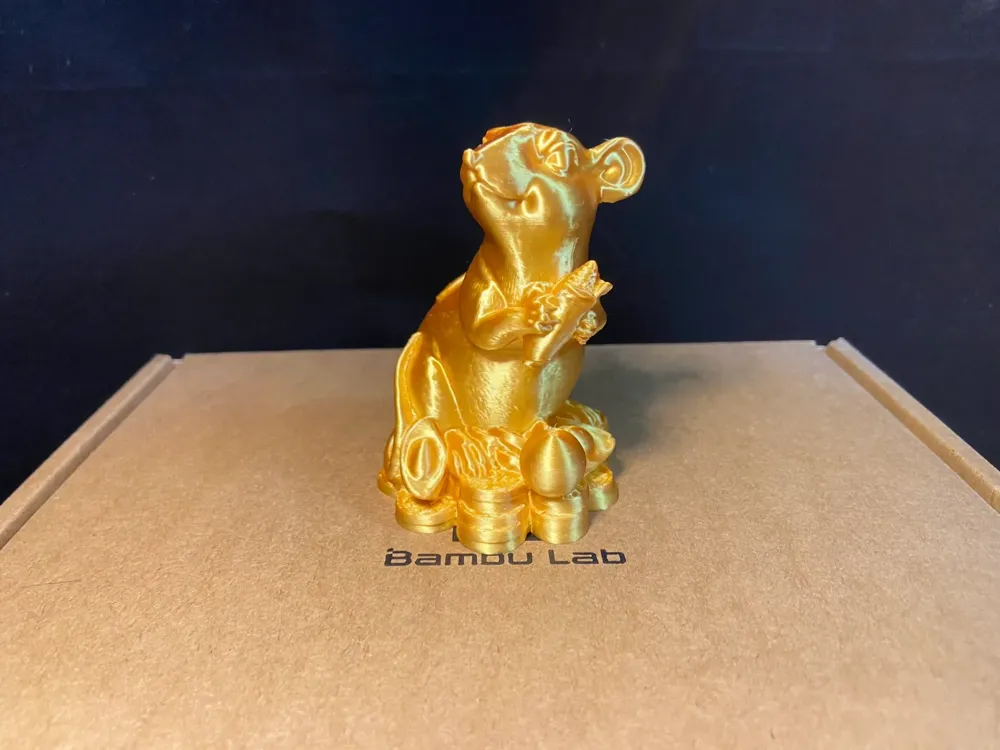
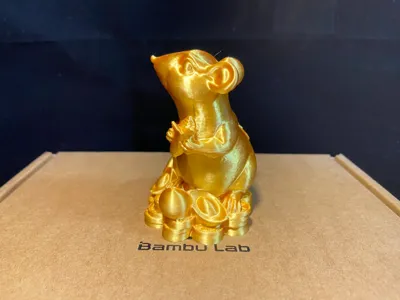
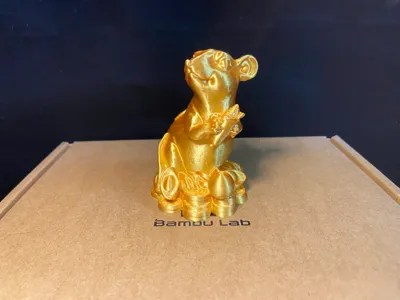
Prosperous and Abundant Fortune Mouse
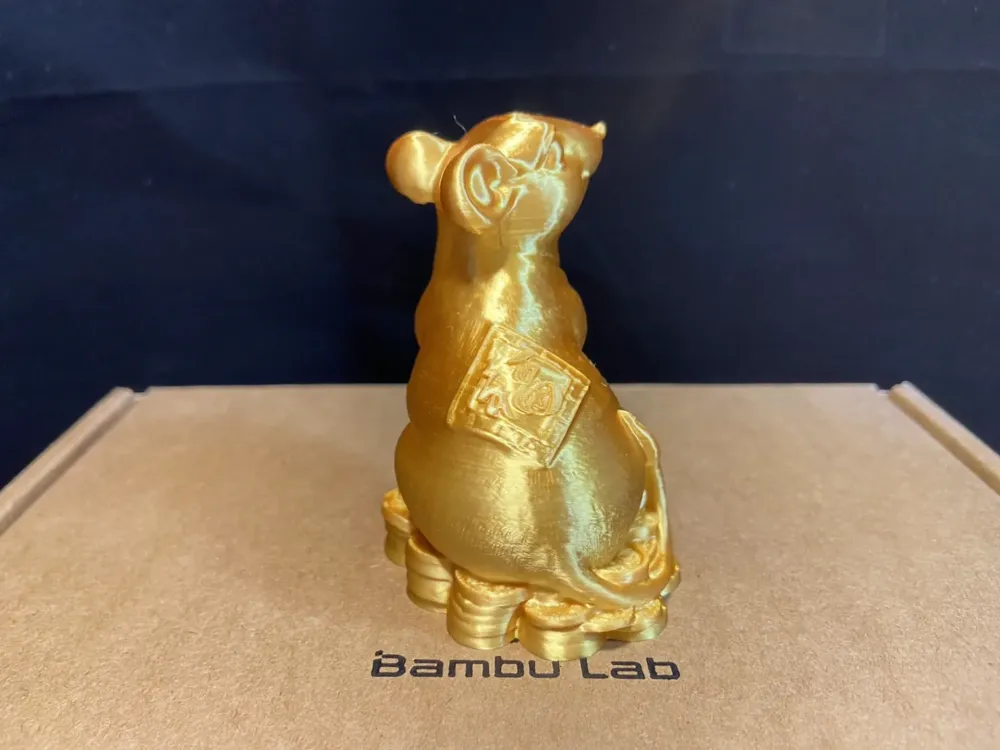
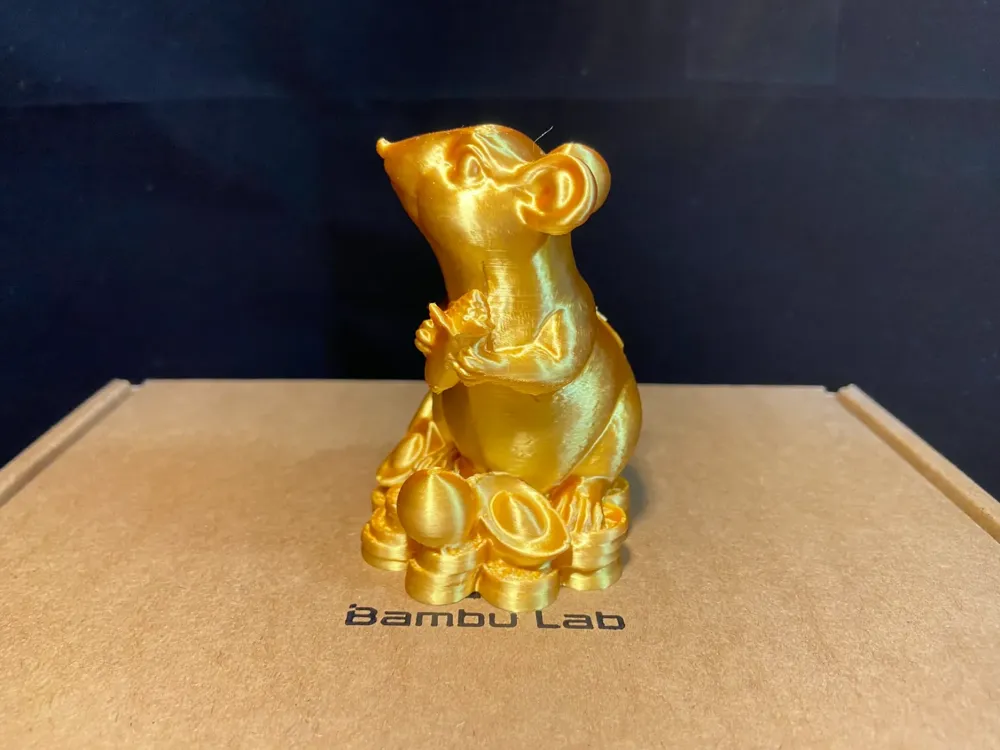
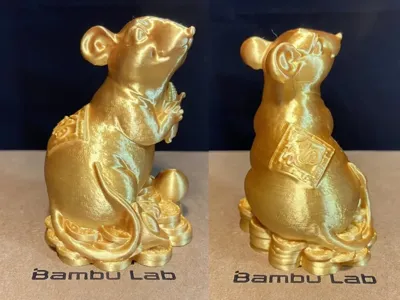
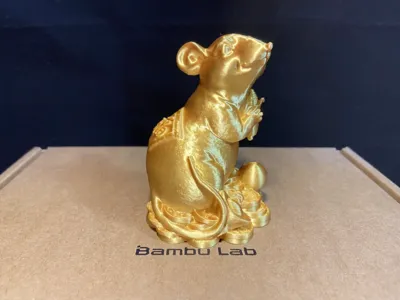
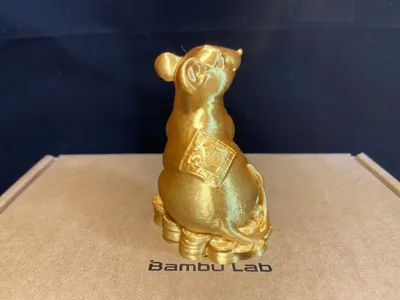
- The overall design is in the form of a standing mouse, with lively movements, a treasure pile at the bottom, symbolizing attracting wealth; holding a corn cob in its hands, symbolizing a bountiful harvest; a lucky sticker on its back, symbolizing good fortune and prosperity entering the home. A very delicate and auspicious ornament, printed as a whole, a perfect item for street stalls and a home decoration of choice.
- Initial configuration outer contour size: 59.5X55X79.2mm (Length X Width X Height)
- The places where supports are set are all large overhangs that are easy to remove, be patient when removing them, but it is recommended that you do not modify the parameters at will, and it is also recommended that you remove the supports as soon as the printing is finished, the difficulty of removing supports will increase after cooling.
- Tested with JAYO's PLA silk gold, the printing effect is good.
- The initial configuration is 0.2 layer height, and variable layer height is enabled, the printing effect and support configuration comprehensive test results are better. If you have any other questions, you can leave a message in the comment area to discuss, the configuration issue will be modified and updated as soon as feedback is received, also do not give low scores at will, work together to maintain a good community environment.
- Recommended materials: PLA, easy to remove supports. PETG may be more sticky, so be more patient when removing supports.
Boost Me (for free)
If you like this model, you can help me out by buying me a cup of bubble tea, thanks everyone
3D Printing Tips and Preparation Precautions
(Most models released by creators have been tested and can adapt to all models, many times printing problems need to check whether your printer and consumables are normal, this is a skill that needs to be learned when playing 3D printing, if you have any questions, you can also actively discuss in the comment area, this is also the meaning of building such a community)
I have explained some precautions below, if you have more questions, you can ask customer service or check Bambu Wiki, where you can learn a lotPrint Quality and Troubleshooting | Bambu Lab Wiki
- Make sure the printing plate is clean, it is recommended to clean the printing plate regularly!The grease residue on your hands after touching the printing panel will cause a significant decrease in the adhesion of the printing, and at the same time, the debris from previous printing and the small residue of the print also affect the printing quality of the first layer, thus reducing the yield.
- Pay attention to the drying of consumables, this will greatly affect your printing quality and printing experience! Consumables will inevitably become damp after being placed for a long time, if there is stringing, it is recommended to ask the manufacturer for the drying parameters to dry the consumables, at the same timeMost manufacturers' consumables are not dried when they leave the factory, so our newly unpacked consumables still have a little bit of moisture, it is also recommended to dry them before use.
- It is recommended to print with new manufacturers' consumables first time to calibrate the flow rate of consumables, and modify the calibration coefficient, this will greatly affect your printing quality, and it is also a necessary process to make the new consumables adapt to your printer.
- If you encounter the problem that the printing suddenly becomes poor quality and the yield is low, check whether the nozzle is blocked, you can also try to recalibrate the printer.
- Print at the recommended printing speed in the model description. Overhang quality is directly related to printing speed, the right speed (too fast or too slow is not good) will allow the material to have more time to cool and form when it is deposited.
- Set the hotbed and nozzle temperature reasonably according to different materials. Too high or too low a temperature will cause warping, layer deformation or adhesion problems, which will affect the printing quality and success rate.
License

You shall not share, sub-license, sell, rent, host, transfer, or distribute in any way the digital or 3D printed versions of this object, nor any other derivative work of this object in its digital or physical format (including - but not limited to - remixes of this object, and hosting on other digital platforms). The objects may not be used without permission in any way whatsoever in which you charge money, or collect fees.


Comment & Rating (3)