Search models, users, collections, and posts

CS2 Shock Gun Ornament Model CS2 Stun Gun Ornament Model Zeus X27
IP Report
Print Profile(1)
0.2mm layer, 2 walls, 15% infill
Designer
3.3 h
1 plate
Open in Bambu Studio
Boost
40
54
7
2
83
32
Released
Description
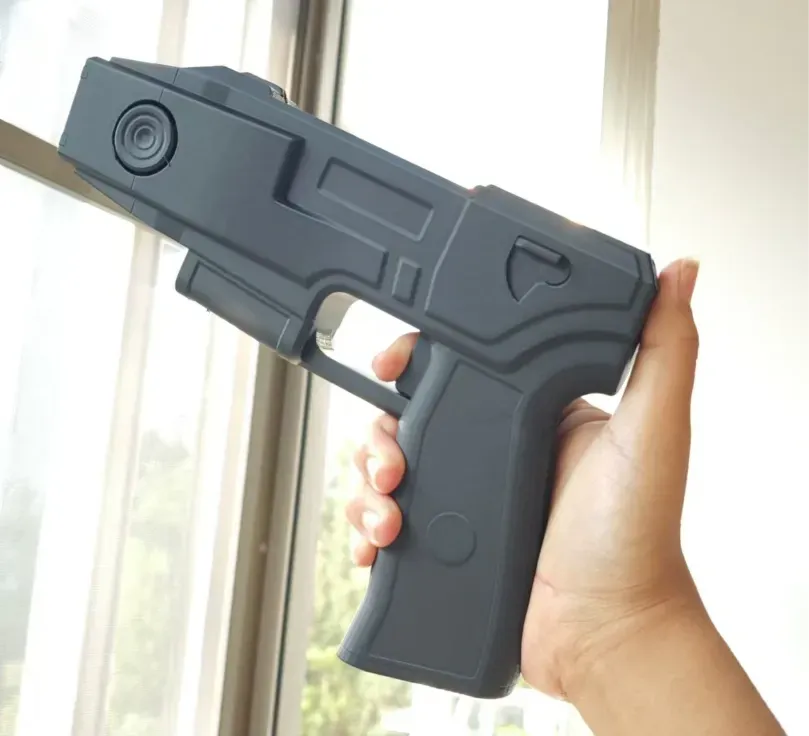
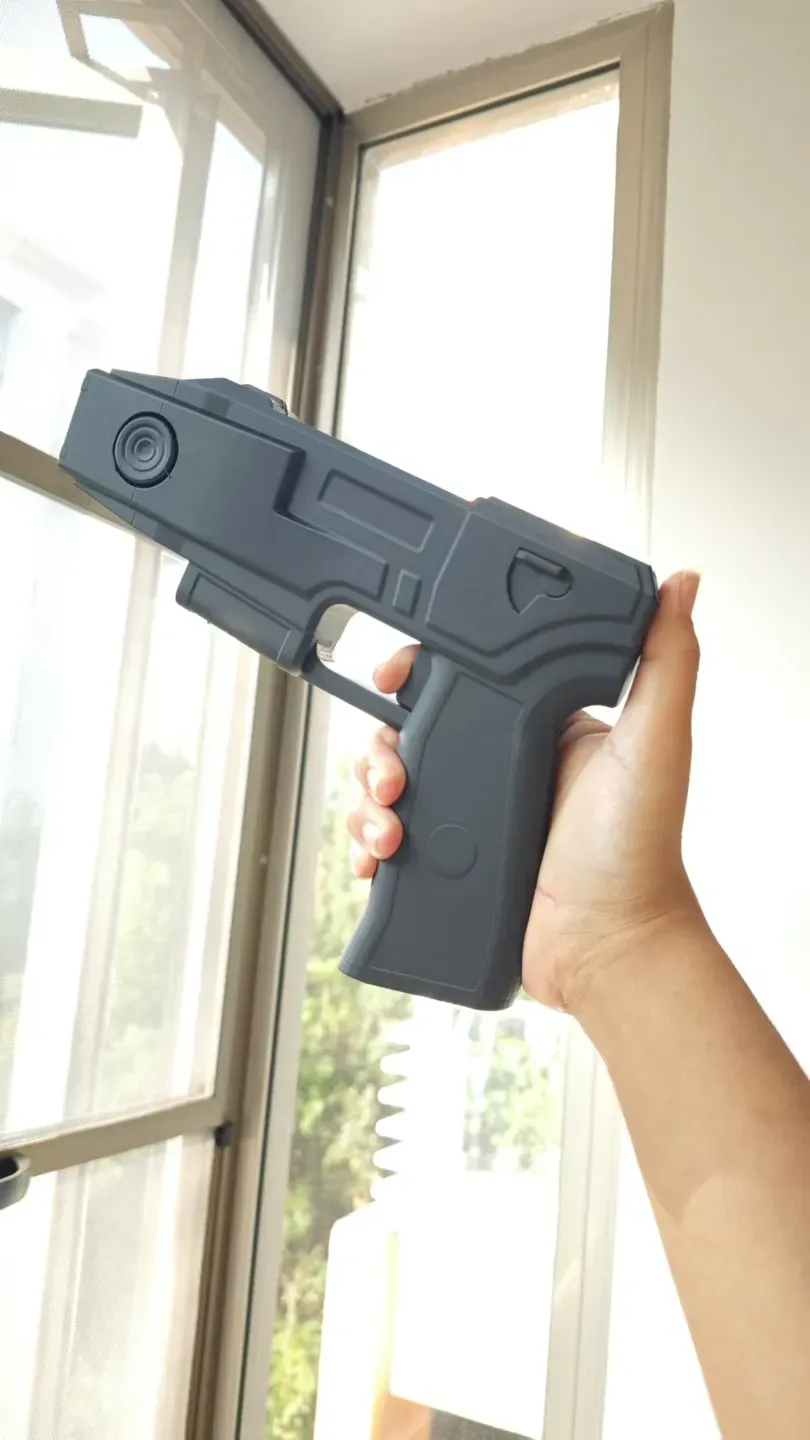
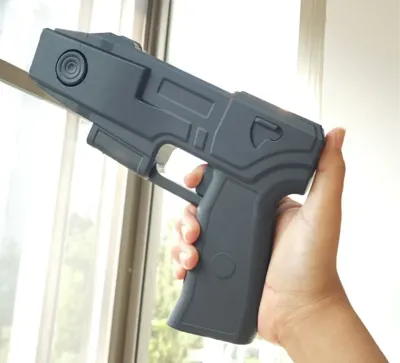
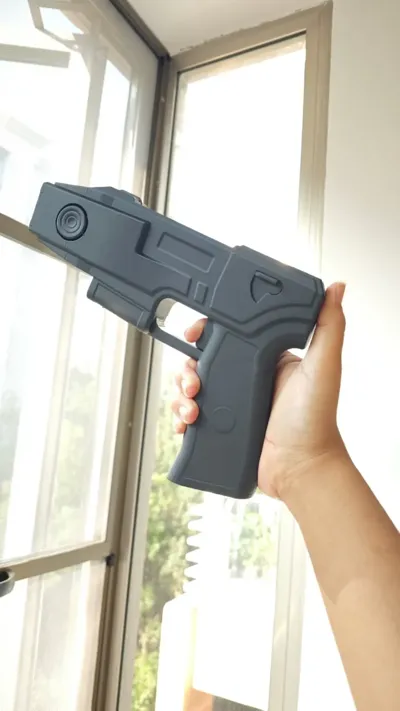
这是一把cs2游戏里里面很经典的一把电击枪一体玩具模型,
不可击发,只能做摆件
很适合作为cos的道具,或者放在家里做摆件
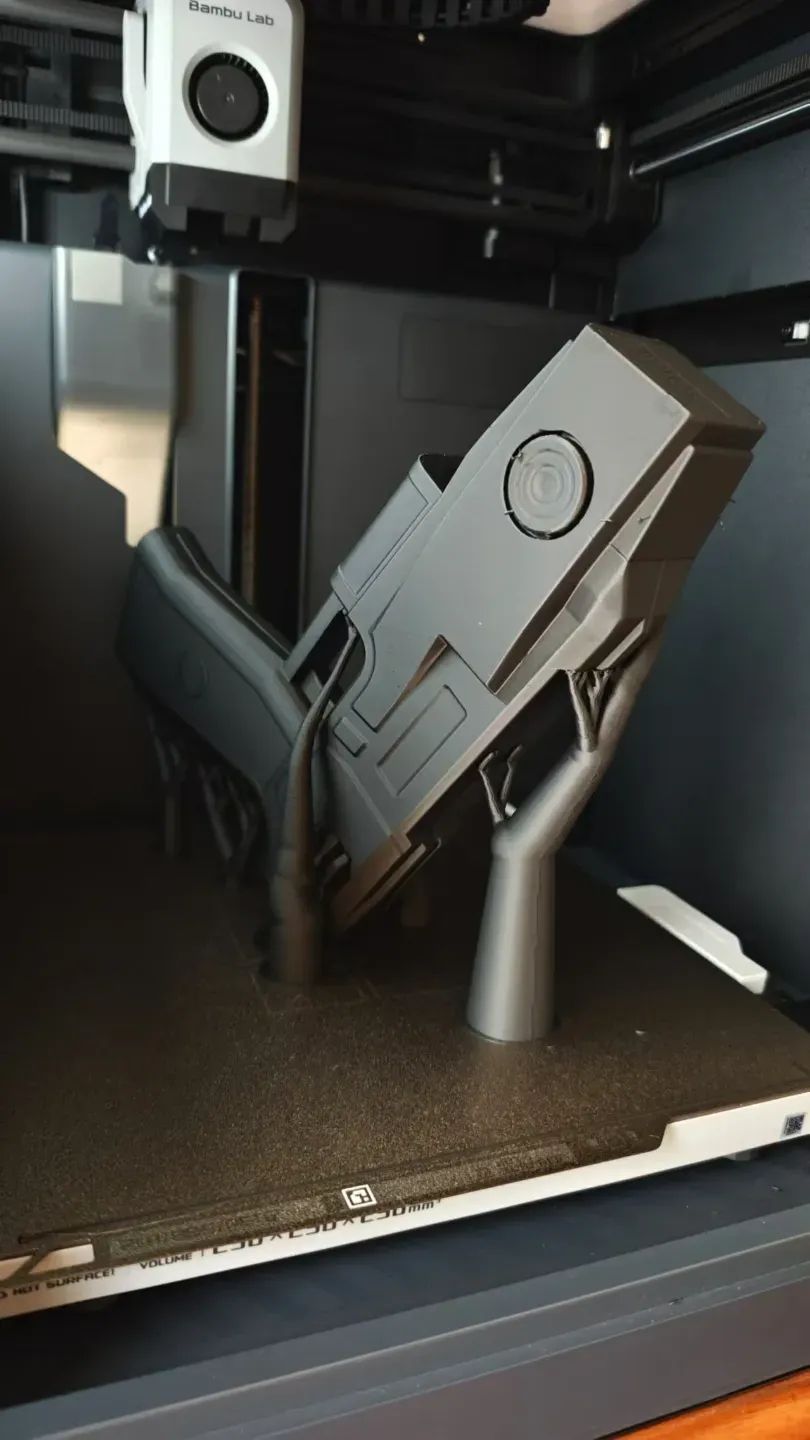
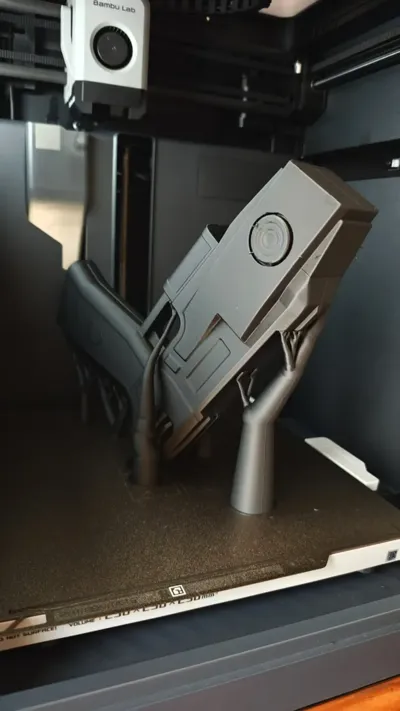
打印的设备是拓竹P1s,耗材JAYO的PLA哑光黑(喷嘴温度216,热床温度63)
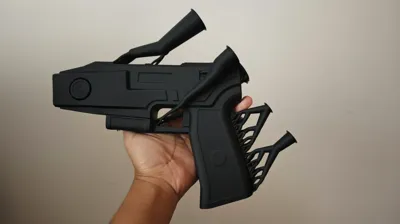
图一按照100%大小比例打印,图二用50%大小比例打印。
__________
以下是几点说明,能让你玩的更好
- 作为一个新手,这是我上传的第一个模型,可能在模型设置上存在一些问题,希望各位大佬在打印前下载到电脑端的Bambu Studio仔细确认打印参数设置再进行后续打印。
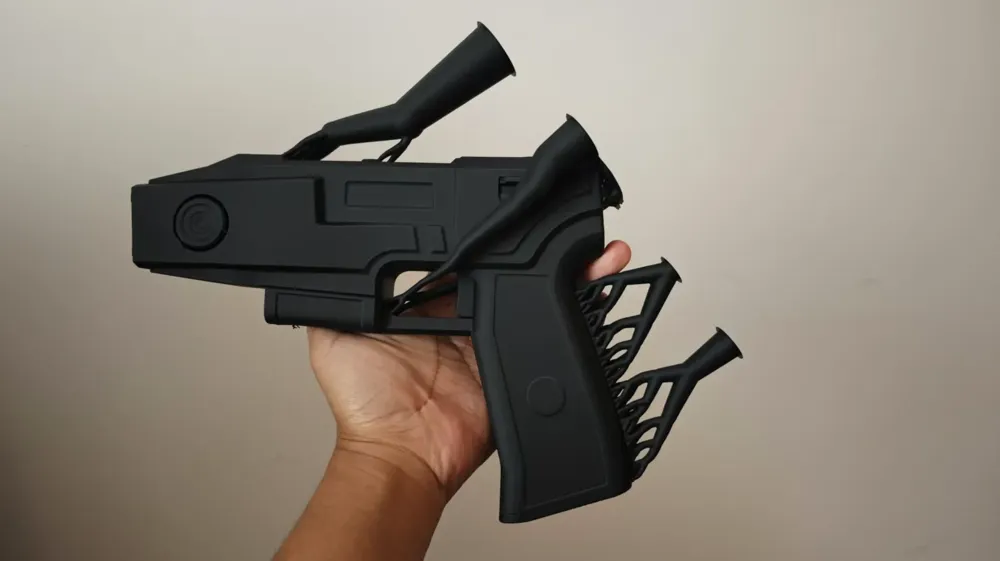
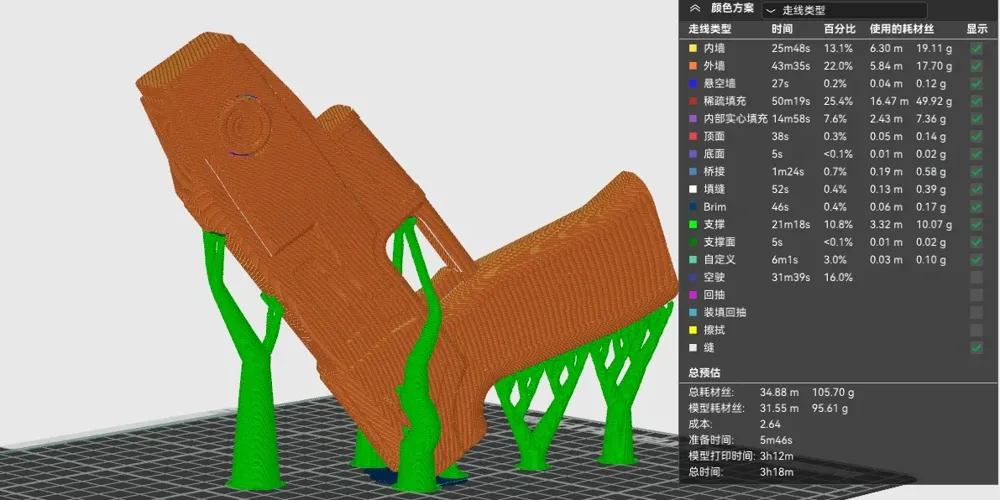
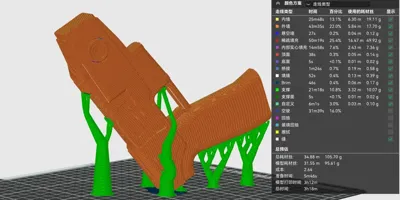
- 关于这个模型的支撑设置,我之前设置了好几个版本都打印失败了,所以目前这个算是一个目前比较稳妥的摆放方式,它能比Bambu Studio里的自动朝向减少非常多的支撑面(支撑面过多会难以拆除并且影响模型的美观),如果你使用的是A1或者A1mini可能需要再增加一些支撑确保不会失败。
- 在打印前务必确保打印板(pei板)的干净,不然会因为有油渍,导致首层不沾打印失败。
- 期待你也打出一个不错的道具,如果觉得不错可以给我助力
为我助力 (for free)
The following is an English introduction
This is a cs2 game inside a very classic stun gun one-piece model.
It can't be fired, and can only be used as a decoration
Very suitable for cos props, or put at home to do ornaments
Printing equipment is Bambu P1s, consumables JAYO PLA matte black (nozzle temperature 216 ℃, heat bed temperature 63 ℃)
Picture 1 is printed at 100% size ratio, picture 2 is printed at 50% size ratio.
__________
Here are a few notes that will help you play better
As a newbie, this is the first model I uploaded, there may be some problems with the model setup, I hope you guys and gals can download to Bambu Studio on your computer side to double check the print parameter settings before printing the subsequent prints.- Regarding the support settings of this model, I have set up several versions of this model before and all of them failed to print, so this is a safer way of placing the model at the moment, it can reduce the number of support surfaces by a lot compared to the automatic orientation in Bambu Studio (too many support surfaces will be difficult to remove and affect the aesthetics of the model), if you are using an A1 or an A1mini you may need to add a little more If you are using A1 or A1mini you may need to add a few more supports to ensure that you don't fail.
- Make sure the printing plate (pei plate) is clean before printing, otherwise the first non-stick layer will fail due to grease stains.
- Looking forward to you hitting a nice prop as well, if you think it's good you can give me a boost!
License

This user content is licensed under a
Creative Commons Attribution-Noncommercial-Share Alike


Comment & Rating (7)