
PrecisionEdge Calibration Cube

Print Profile(3)

Description
All profiles are tuned for fast PLA prints. If you like this model, check out my 6-Axis Calibration Cube.
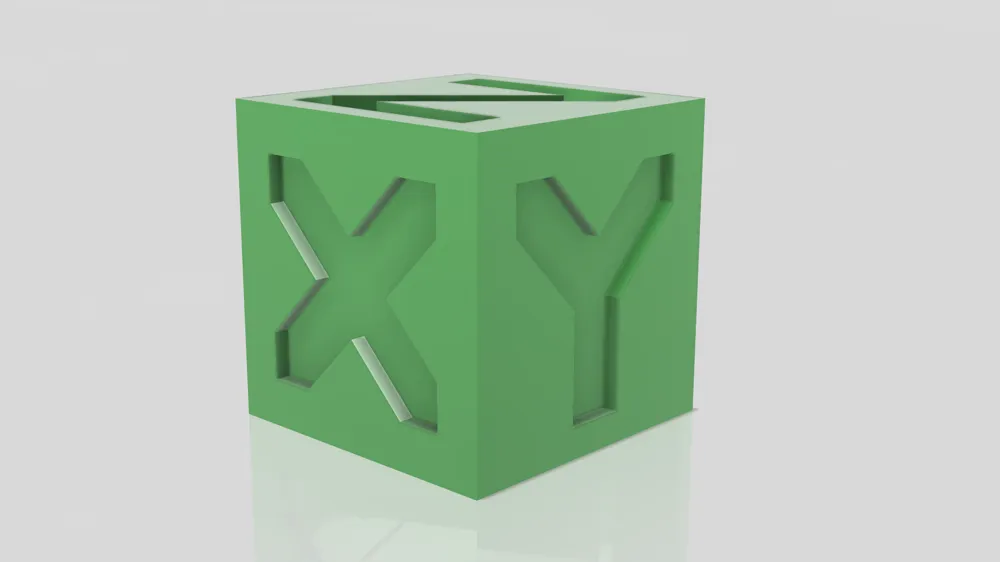
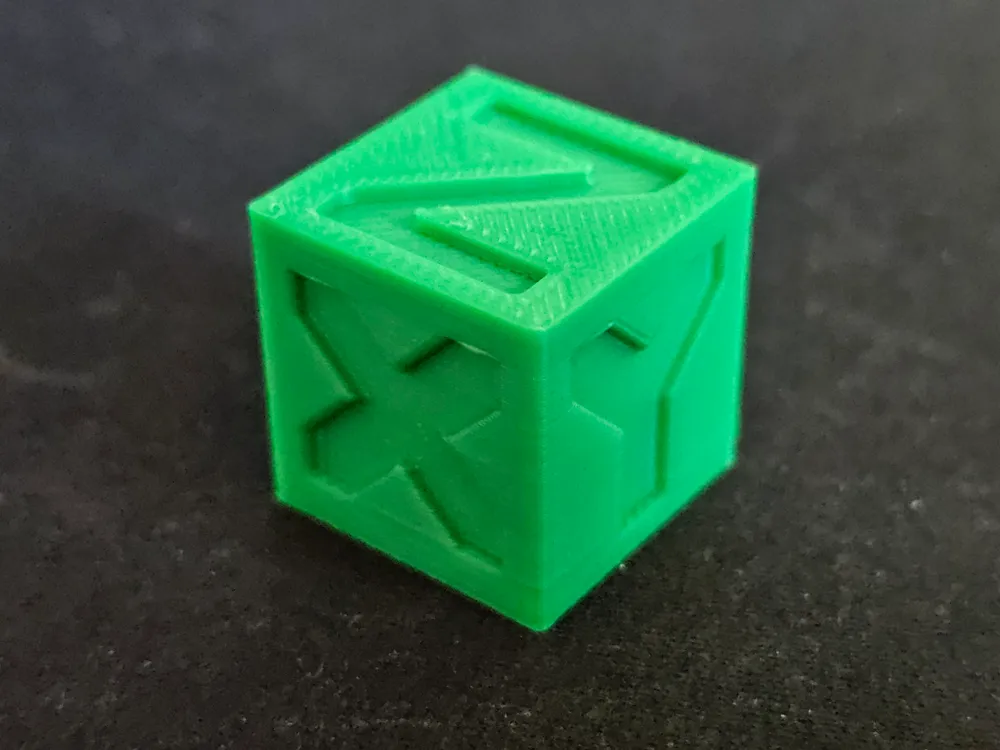
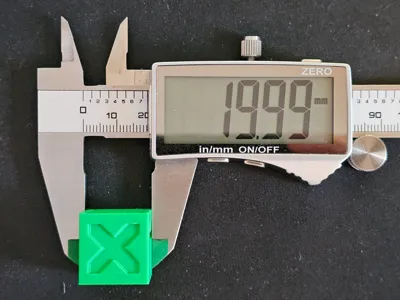
The PrecisionEdge Calibration Cube is the ultimate tool for enhancing the accuracy and quality of your 3D printed projects. A calibration cube for 3D printing serves as a benchmark to ensure that a 3D printer is properly calibrated and producing parts at the correct scale and with the intended geometries. Here are the primary advantages of using a calibration cube:
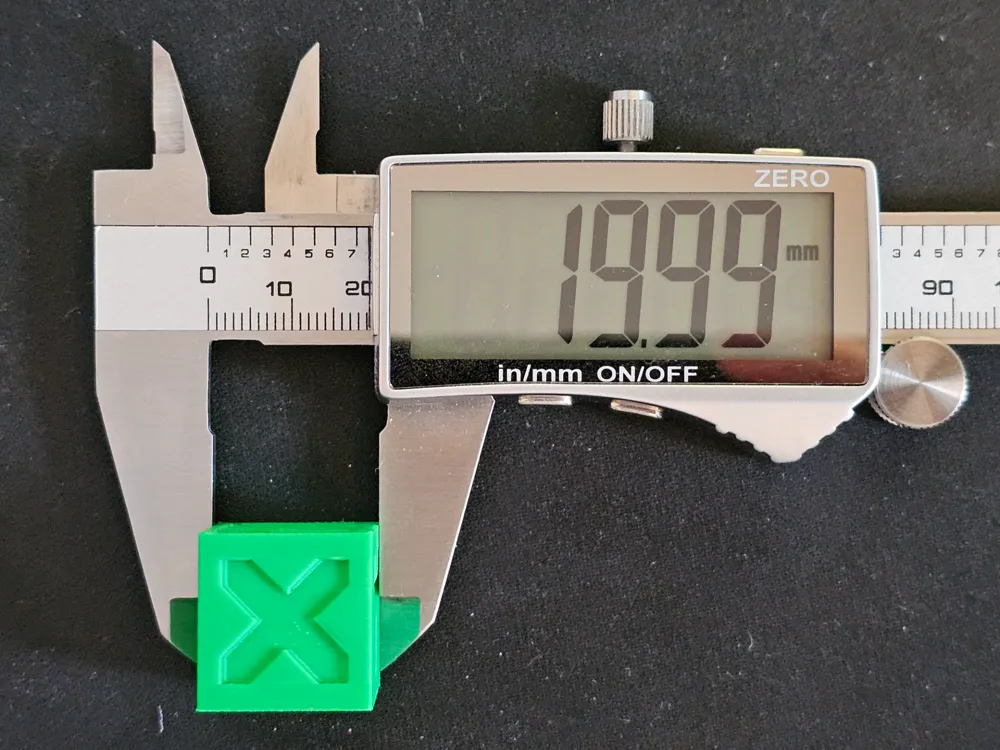
Dimensional Accuracy: By measuring the X, Y, and Z dimensions of the cube, you can verify that your printer is producing objects at the correct scale. If the cube's measurements are off, you can adjust your printer settings accordingly to achieve the correct dimensions.
Layer Alignment: The cube helps in checking the alignment of layers. Misaligned layers can lead to poor surface quality and weak structural integrity. By examining the layers on a calibration cube, you can adjust the printer to ensure that each new layer is properly aligned with the one before it.
Extrusion Quality: The cube can highlight issues with extrusion, such as under-extrusion (where not enough filament is laid down) or over-extrusion (where too much filament is used), both of which can affect the strength and surface finish of a print.
Temperature Settings: The calibration cube can help you fine-tune the temperature settings for different materials. The way the plastic cools and sets can significantly affect the accuracy and finish of the printed object.
Print Speed Settings: Testing with a calibration cube can help you determine the optimal print speed for your machine and material. Too fast can lead to poor adhesion and accuracy, while too slow can lead to oozing and stringing.
First Layer Adhesion: The first layer of the cube can indicate how well the print adheres to the build plate. Good adhesion is crucial for print reliability and dimensional accuracy.
Support Structures and Overhang Performance: If your calibration cube includes overhangs or requires support, it can help you assess how well your printer handles these aspects of 3D printing.
Detecting Mechanical Issues: Calibration cubes can also reveal mechanical issues with the printer, such as loose belts or wobbly axes, that can lead to inaccuracies in prints.
Benchmarking and Comparing: They provide a standardized model to compare different printers, materials, and settings, which can be useful for troubleshooting, conducting reviews, or benchmarking performance.
In summary, calibration cubes are a quick and effective way to ensure your 3D printer is accurately calibrated, leading to better print quality, less waste of materials, and more reliable production of parts.
Boost Me (for free)
Hey friends! I’m doing this purely as a passion project in the little free time I have (juggling two full-time jobs and a family). If you have questions, requests, or feedback, feel free to shoot me a DM — I’d love to hear from you when I get the chance. Boosts and support mean the world and help keep this hobby alive — thank you so much!
License



Comment & Rating (20)