
Parametric Maltron Keycaps for Kinesis Advantage


Print Profile(1)


Description
Summary
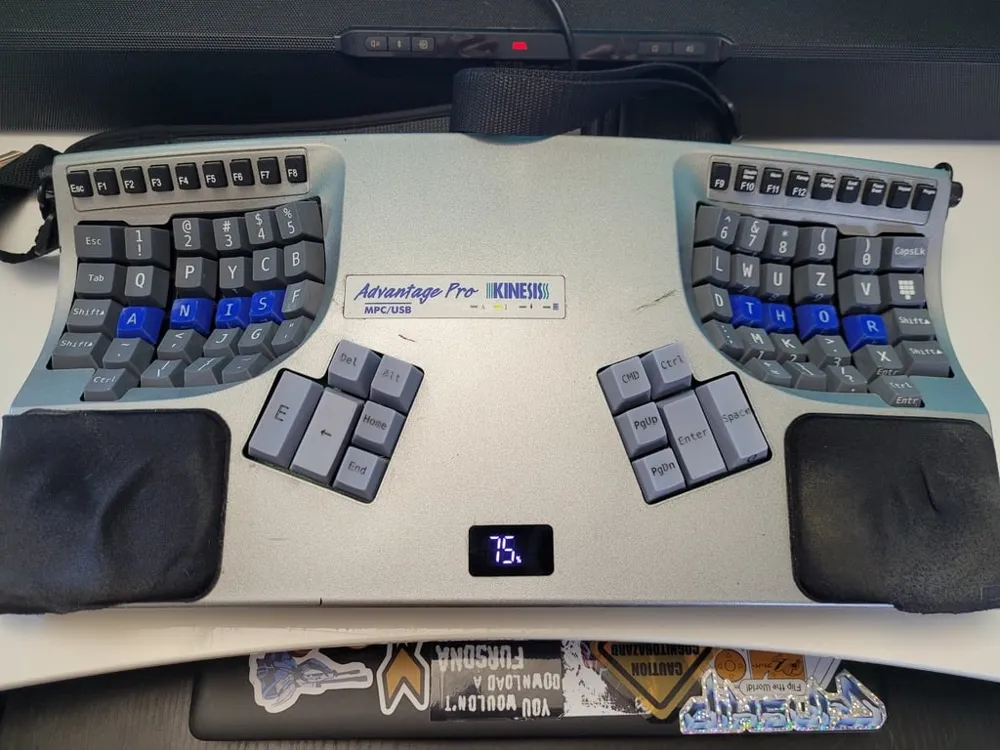
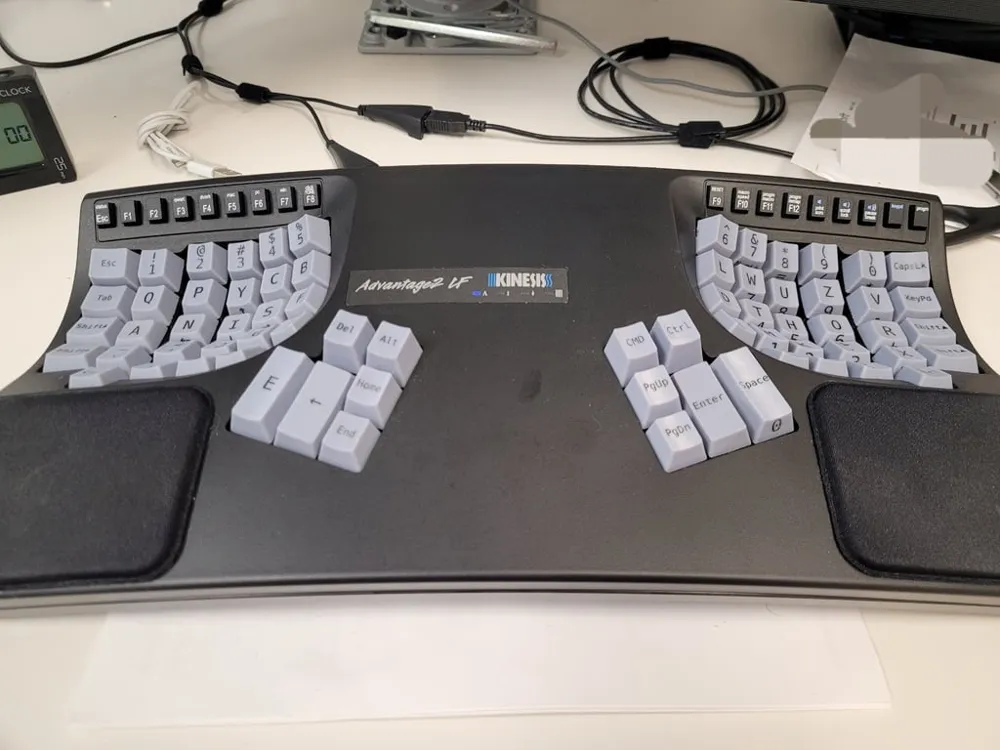
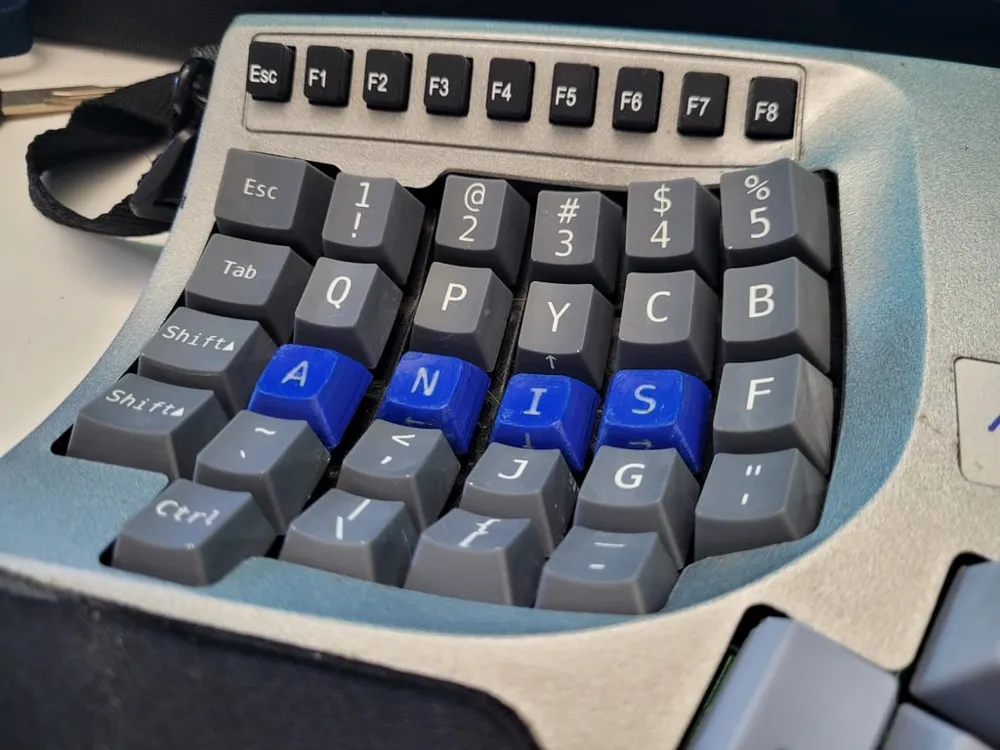
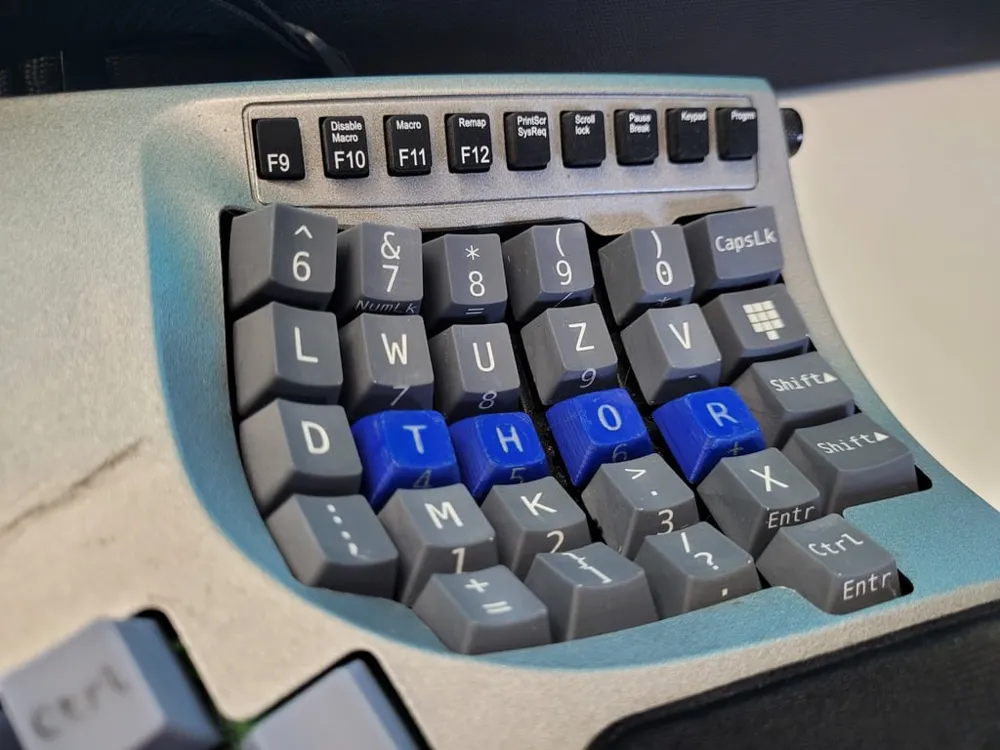
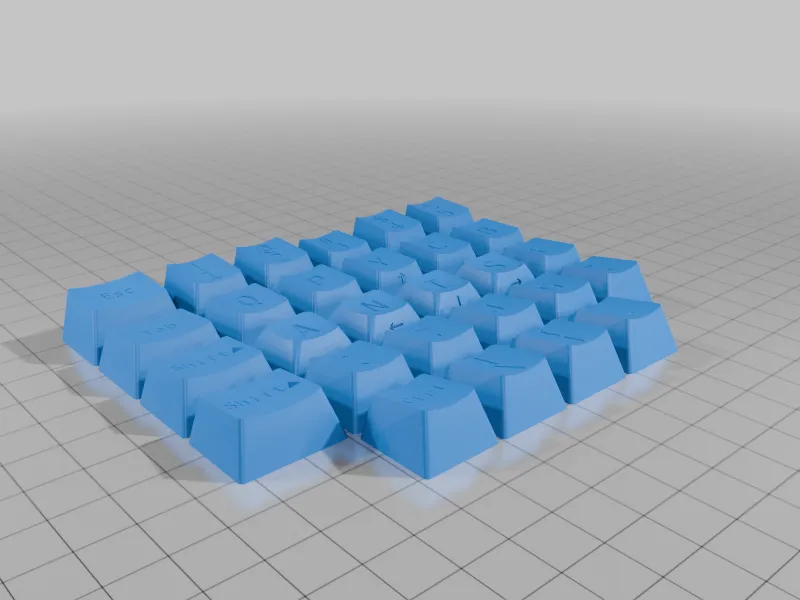
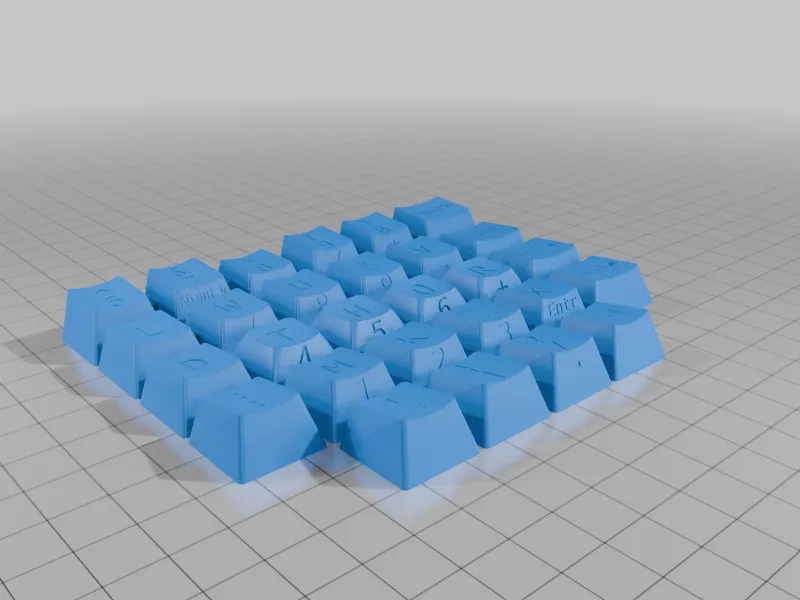
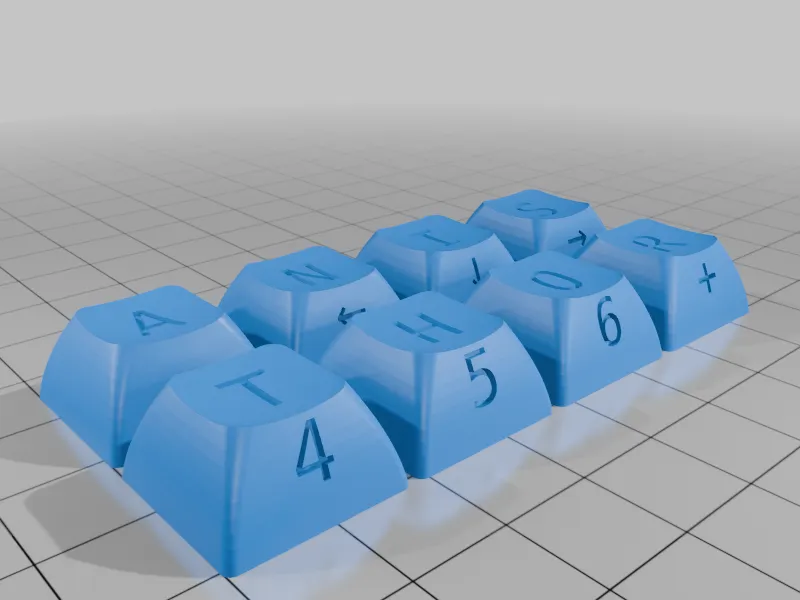
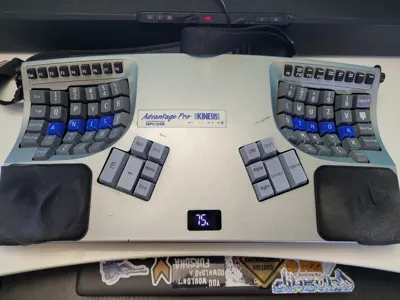
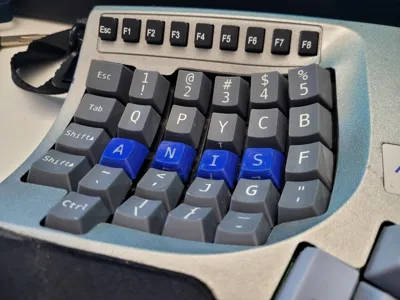
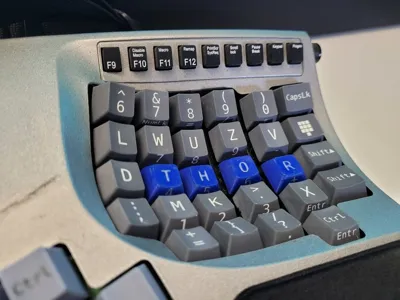
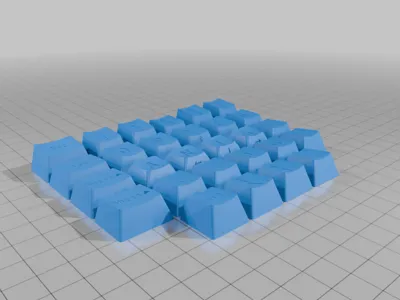
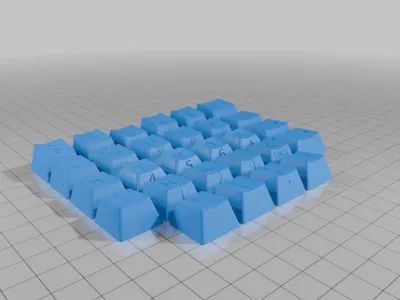
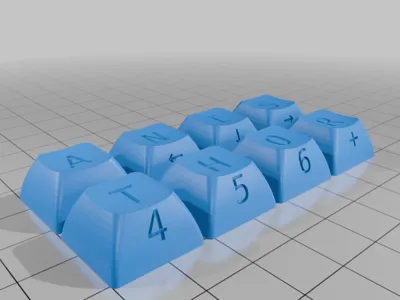
Keycap set for Kinesis Advantage with the Maltron(Mod.Z) layout
OpenSCAD source files here: https://github.com/SimplifyAndAddCoffee/KeyV2_Advantage
download the complete library from the repo and edit the layout files in /src/layouts/advantage_dactyl to define your own layouts by changing the legends in the layout arrays, then render your layout with examples/advantage_maltron_layout.scad
There are 2 sets of files for different printing options included in this model on makerworld due to size limitations. More on thingiverse and printables.
- Keys -- Keycaps with recessed legends with tight tolerances
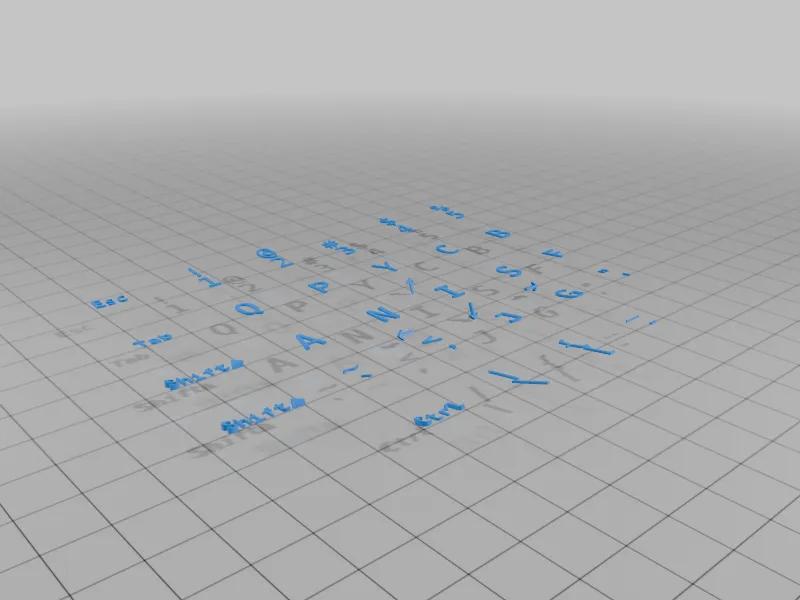
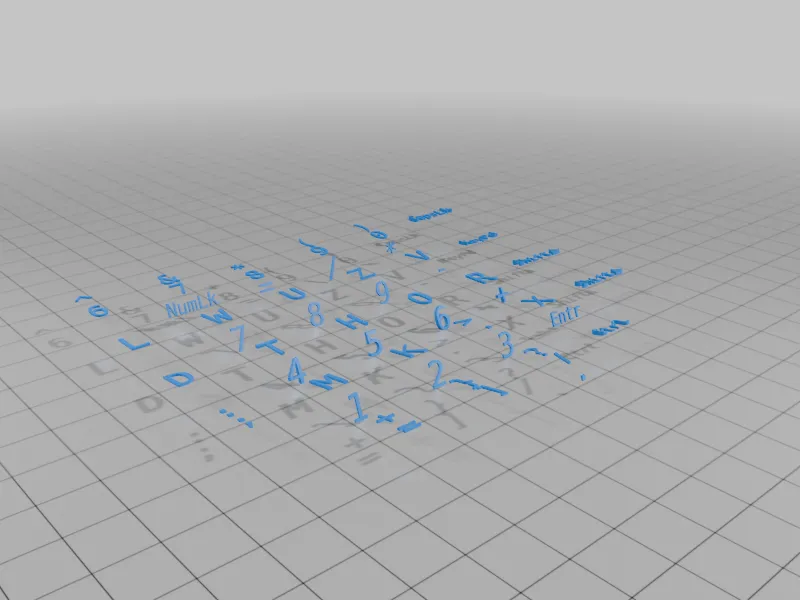
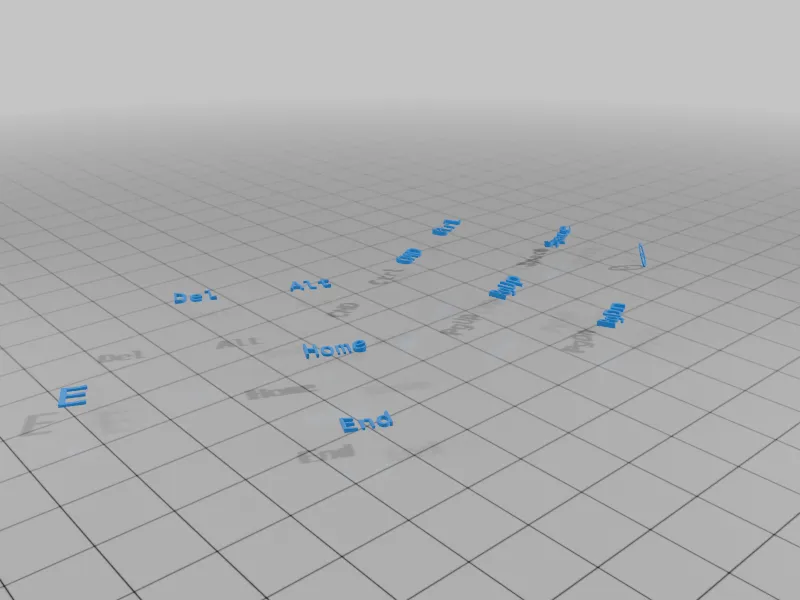
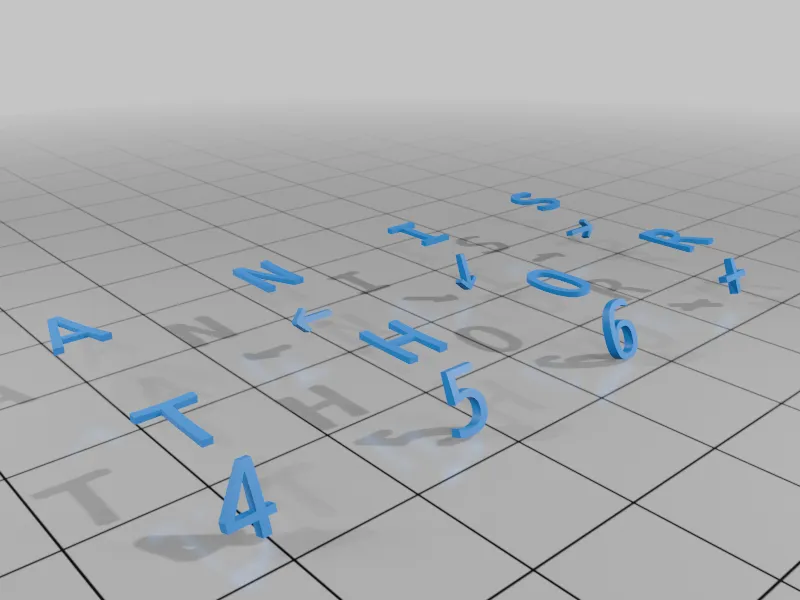
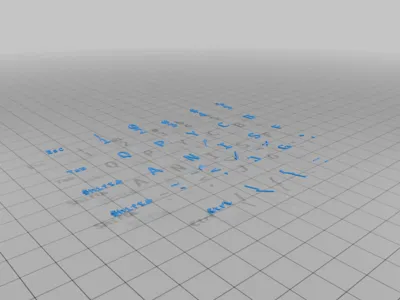
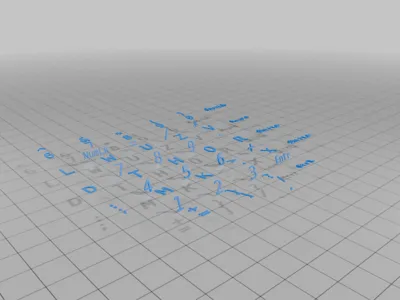
- Legends -- Use with Keys for multi-material printing. Import both files into the slicer together as parts of a single model.
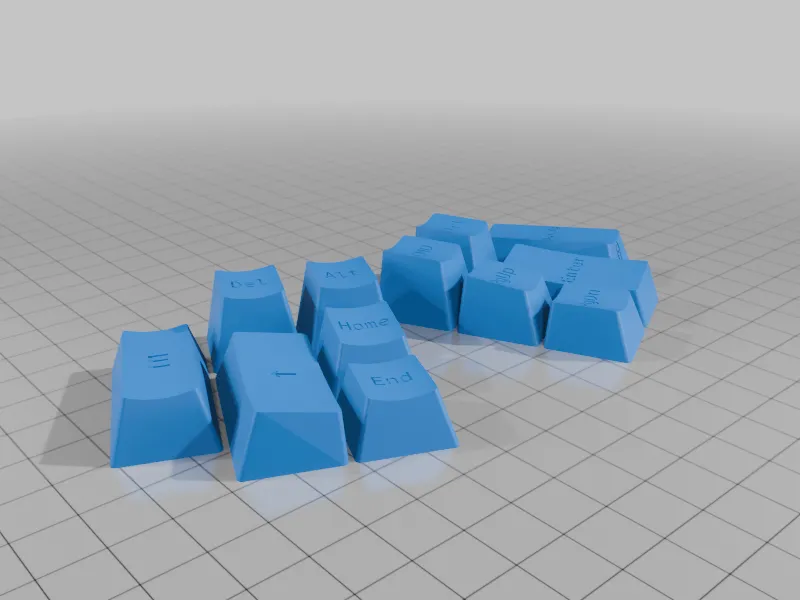
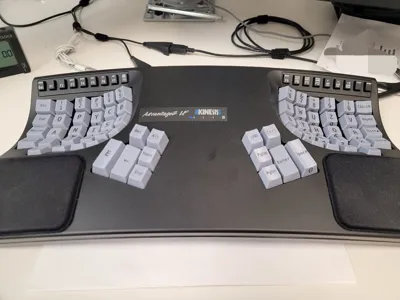
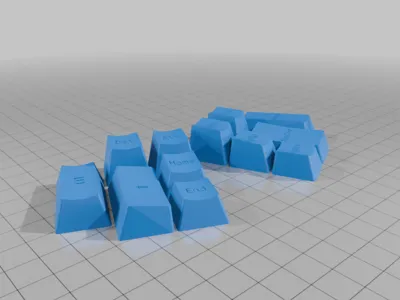
The first and so far only Maltron layout keycap set for Kinesis Advantage / Dactyl keyboards. Also included is a set of blanks.
For Multi-material printers (like Bambu A1) you need to import the files together into the slicer as parts of the same model, and assign different color filaments to the parts. The DSX homerow keys can be printed in one color, the OEM keys in another, and the legends in a third.
For SLA/MSLA if you print the keys you can fill the legends in with 2 part epoxy or epoxy putty. Putty works best. Mash the putty into the legends, scrape away the excess with a plastic spudger, then wipe it clean gently with an alcohol-soaked lint-free rag or microfiber cloth. In the pictures the black legends are JB weld plastic bonder and the white ones are epoxy putty.
I am still working on publishing the source for building your own custom layouts. It should be up in a week or two.
Print Settings
Supports:
Yes
Infill:
100%
Notes:
use supports for the stems, set a large x/y distance from model for supports for easy removal. If printing SLA, tilt keys back at a 20 degree angle. Recommend using a STRONG resin to avoid breaking stems.
License



Comment & Rating (0)