Search models, users, collections, and posts

Customizable (rounded) Rectangle/Block - Any size

Print Profile(1)

All
A1 mini
P1S
P1P
X1
X1 Carbon
X1E
A1
H2D
H2D Pro
H2S
P2S
H2C
X2D
A2L

0.2mm layer, 6 walls, 25% infill
Designer
9 min
1 plate
4.8(51)

Open in Bambu Studio
Boost
206
518
64
29
2.8 k
1.6 k
Released 

Description

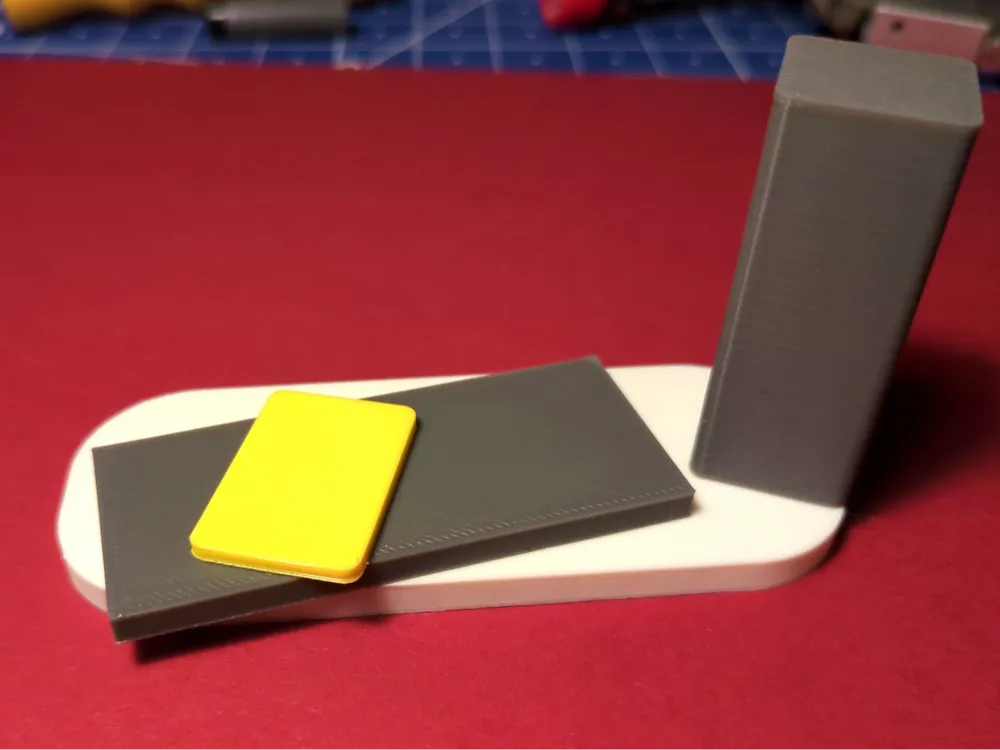
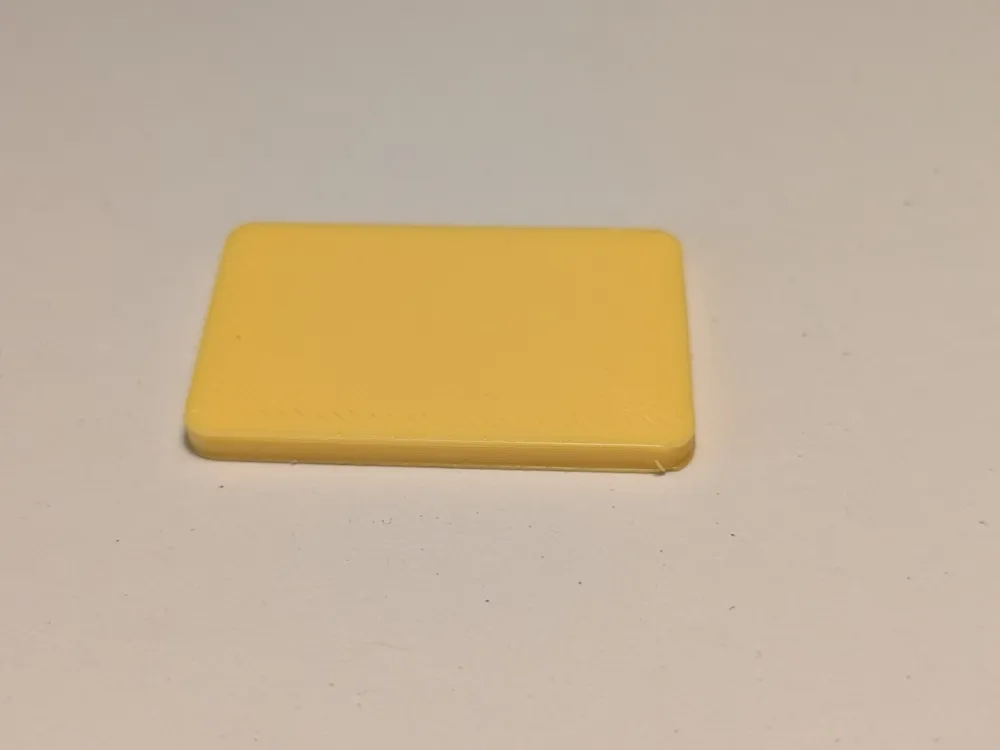
Sometimes all you need is a rectangle. 


Adjust the parameters to the size you need. If you want sharp corners, set the roundness to 0.


Can be used to create spacers, setup blocks, gauge blocks, … Put some text on it in Bambu Studio if you want.

Comment & Rating (64)

(0/1000)

Simple to use and fantastic way to create rectangles of any size, thickness and any radius corners. Have already used it on a couple of my projects and will certainly use again. Thanks
designer
2
Reply
Print Profile
0.2mm layer, 6 walls, 25% infill
Perfect little customisable tool to get the perfect rounded rectangles of any size. Have already used it on two projects and will be using many more times! Thanks.
profile
1
Reply
Print Profile
0.2mm layer, 6 walls, 25% infill
quick and simple to print
0
Reply
Print Profile
0.2mm layer, 6 walls, 25% infill
0
Reply
I can change the size of the rectangle with the scale function but how do you change the radius on the corners?
The designer has replied
designer
1
Reply
You customize the model using the "customize" button on the maker world website. There is a changeable parameter for the corner radius. Afterwards, export your customized model from the website and only then open it in Bambu Studio.
1
Reply
Replying to @Claymuh :
Thank you I can now see that and have resized the rectangle successfully
designer
1
Reply
Thanks for your help
designer
1
Reply
I have an idea and need an 8”/204mm flat circle. It is going to be a background for wall art. I just got a Bambu P1S this week to start printing. Any assistance is greatly appreciated.
The designer has replied
0
Reply
Well, probably the easiest way is adding a cylinder in BambuStudio and resizing it to the dimensions you'd like. Just right click somewhere on the build plate in the "Prepare" view and use the "Add Primitive" function:
1
Reply
Print Profile
0.2mm layer, 6 walls, 25% infill
ok
The profile uploader has replied
0
Reply
?
0
Reply
Exactly what I wasw looking for (As the Add rectangle with rounded corners in Bambu Studio does not work)...! Thanks...! Maybe there is a posibillity (for V2) to add a posibillity to round the edges too...?
1
Reply
I'm in my handy app. I'm guessing I can't change anything but the color and filament type in the app ? any help. I need 2 blocks 115mm x115mm 40mm thick with a 80mm hole in the middle
0
Reply
You’ve probably already figured it out by now but you’ll have to use the desktop app to resize and change things around to fit your needs. Unfortunatrly the handy app isn’t handy with that sort of stuff.
0
Reply