Search models, users, collections, and posts

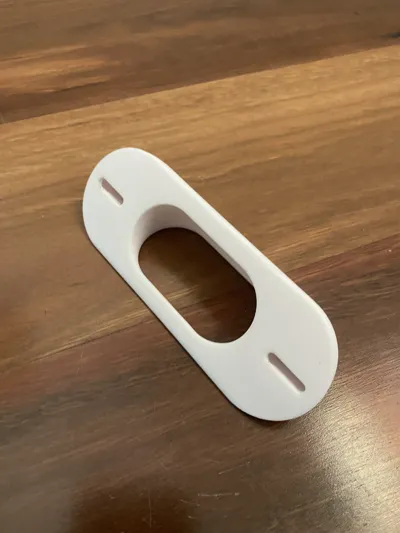
Reolink Doorbell Wedge with Guides
Print Profile(9)

All
P1S
P1P
X1
X1 Carbon
X1E
A1
A1 mini
H2D
H2D Pro
H2S
P2S
H2C
X2D
A2L

0.2mm layer, 2 walls, 15% infill
Designer
51 min
1 plate
4.9(27)

BETA - 10° Down, 45° Right
Designer
1.1 h
1 plate
5.0(8)

25° Left/Right (no downward tilt)
Designer
39 min
1 plate
5.0(5)

7° Down, 15° Left
7° Down, 15° Left
Designer
1.1 h
1 plate
5.0(3)
Click to see more

Open in Bambu Studio
Boost
97
319
101
51
716
488
Released 

Description

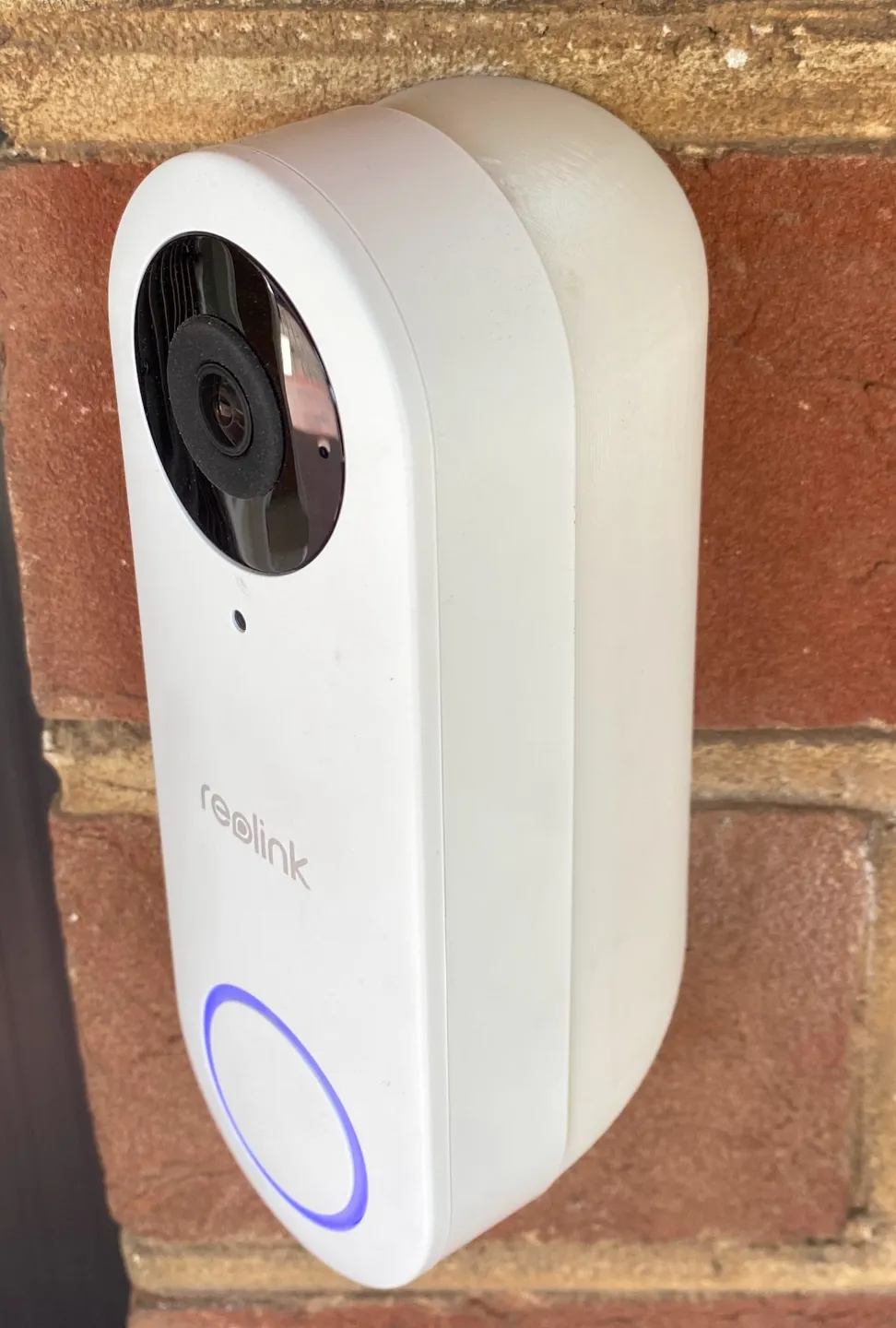
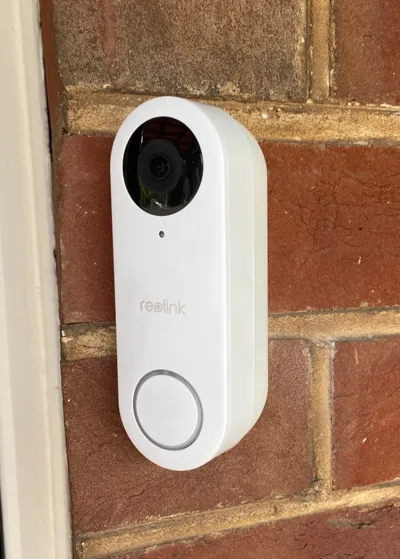
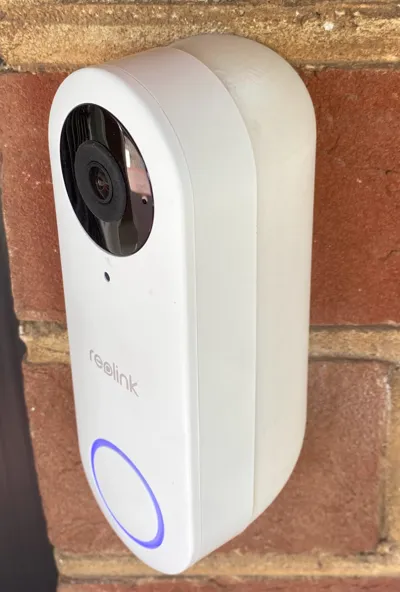
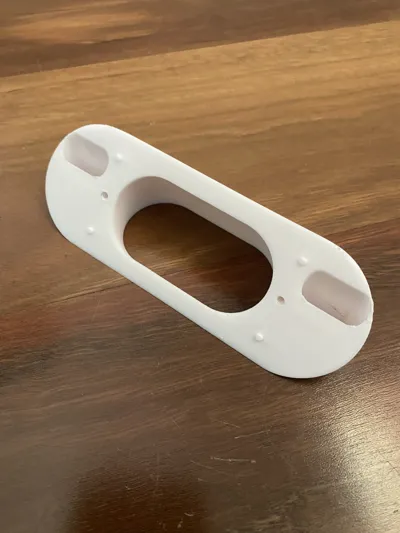
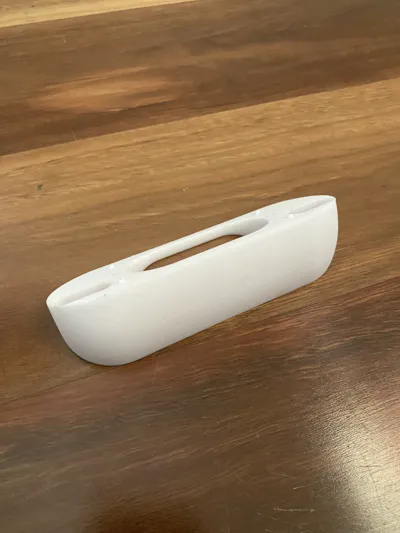
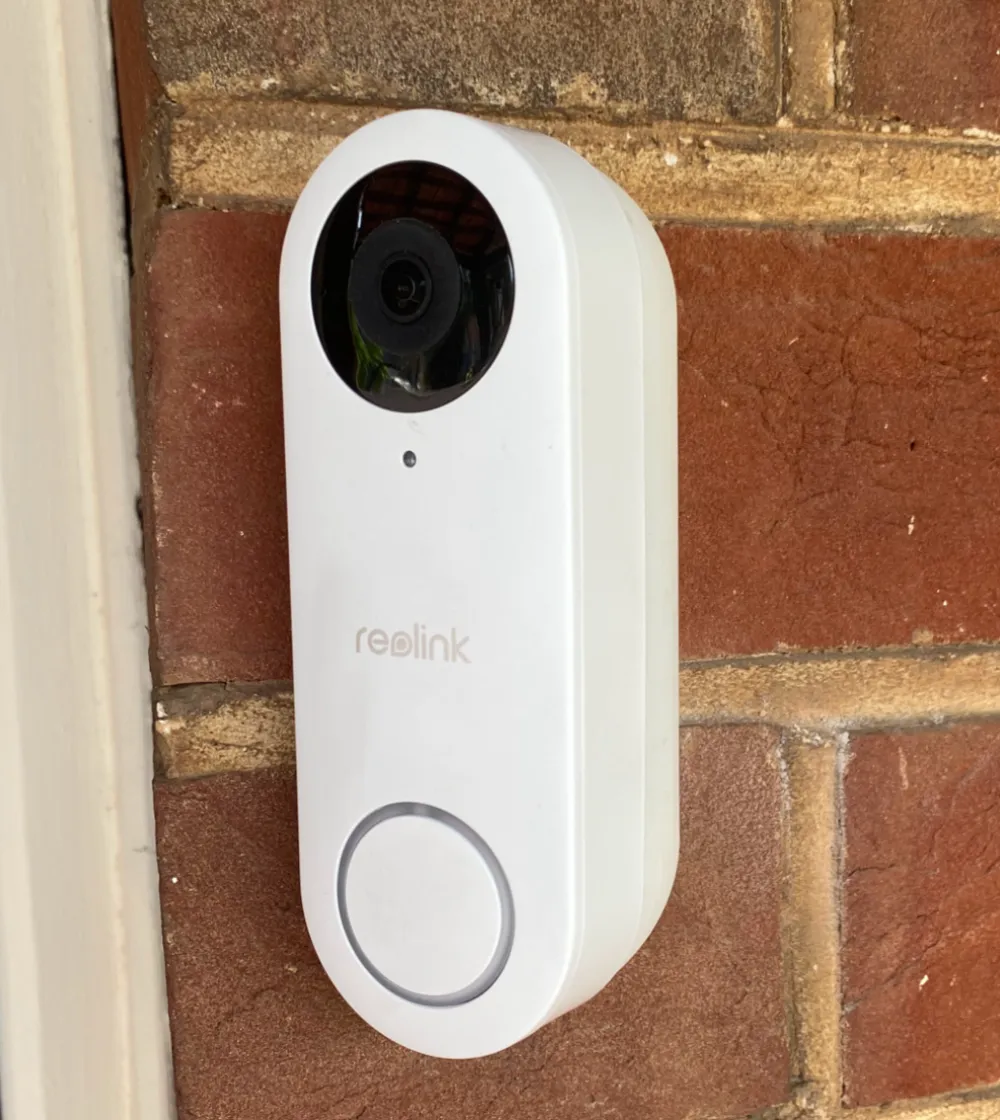
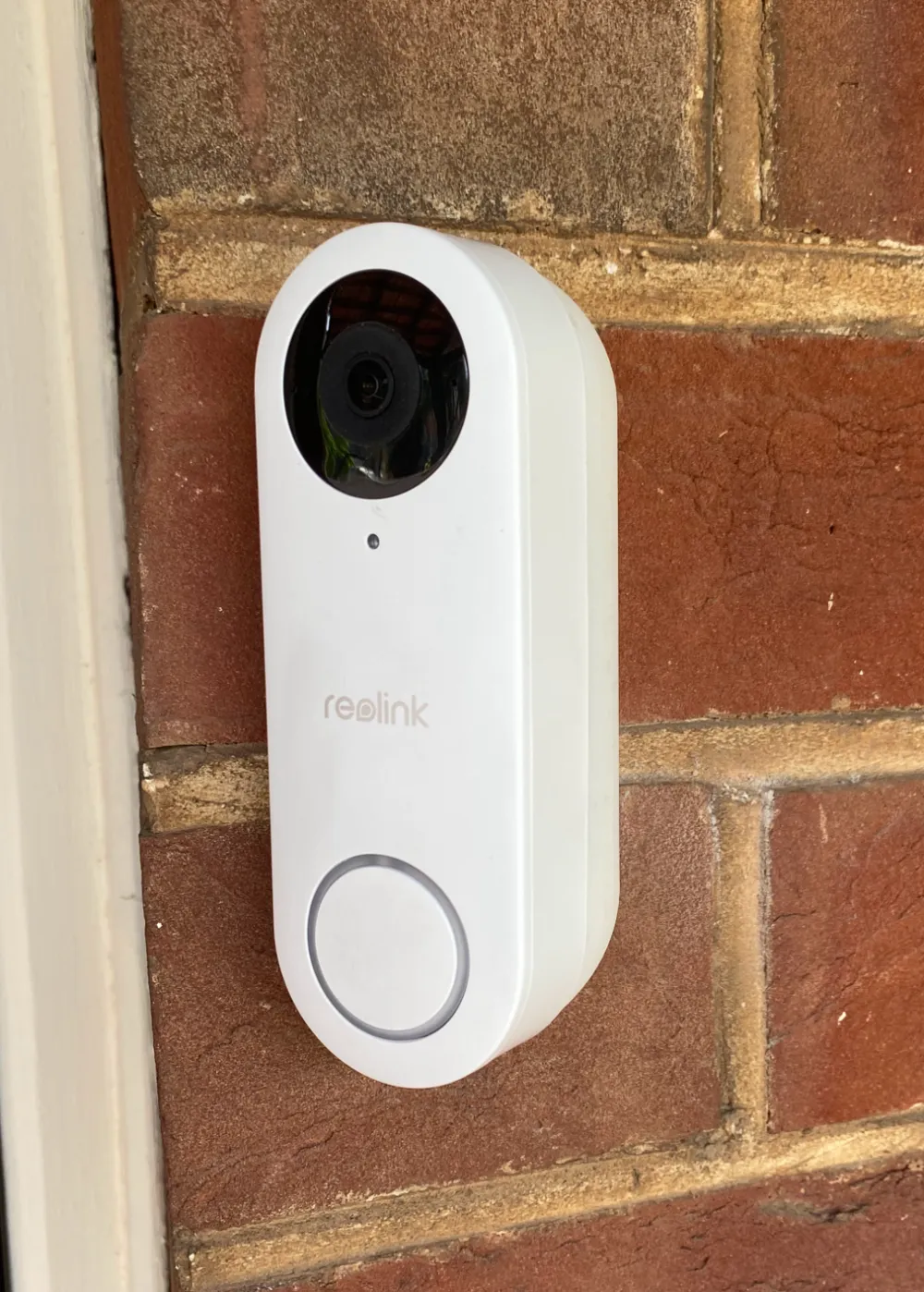
Reolink Doorbell Wedge - 45 degrees


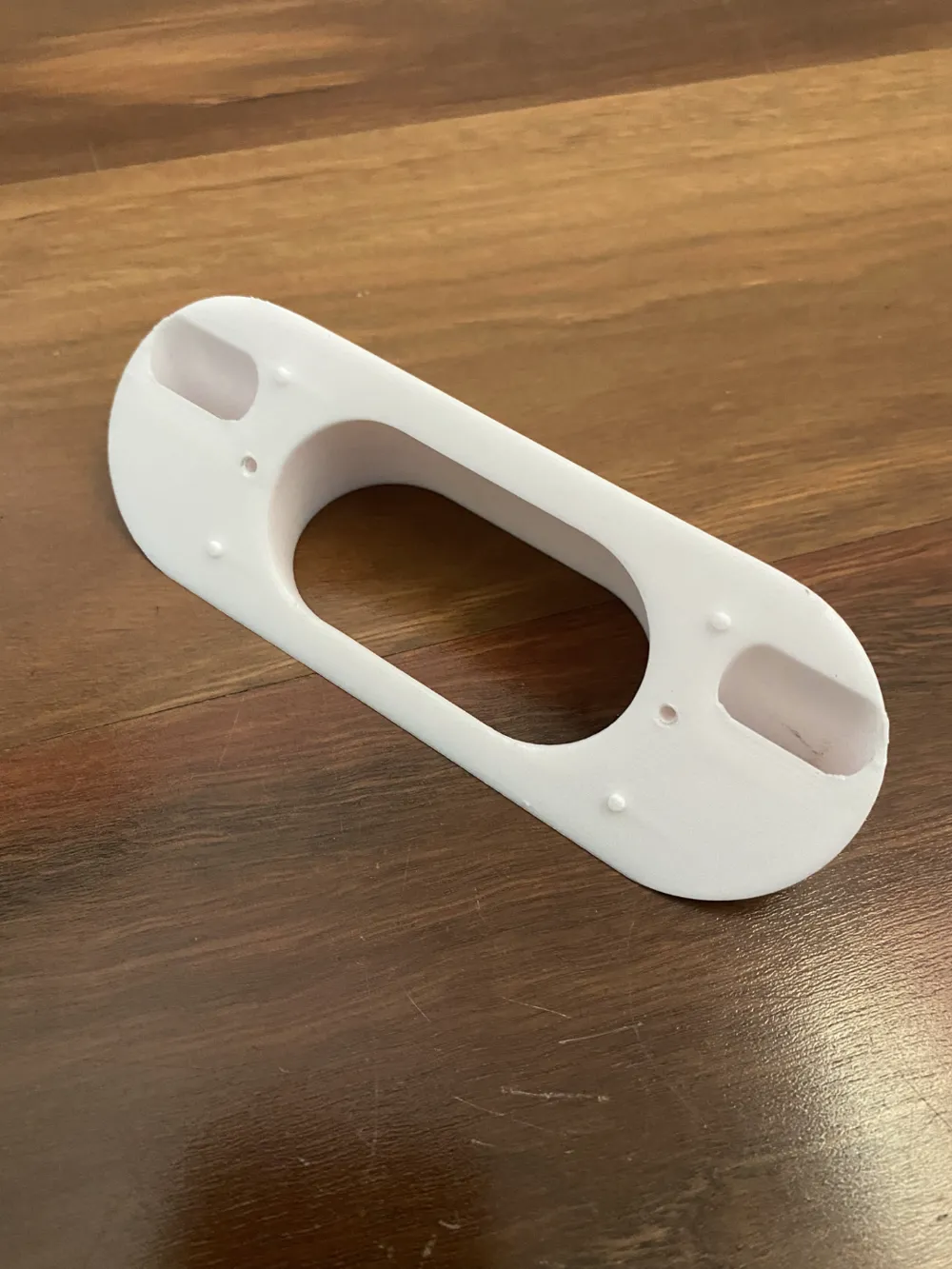
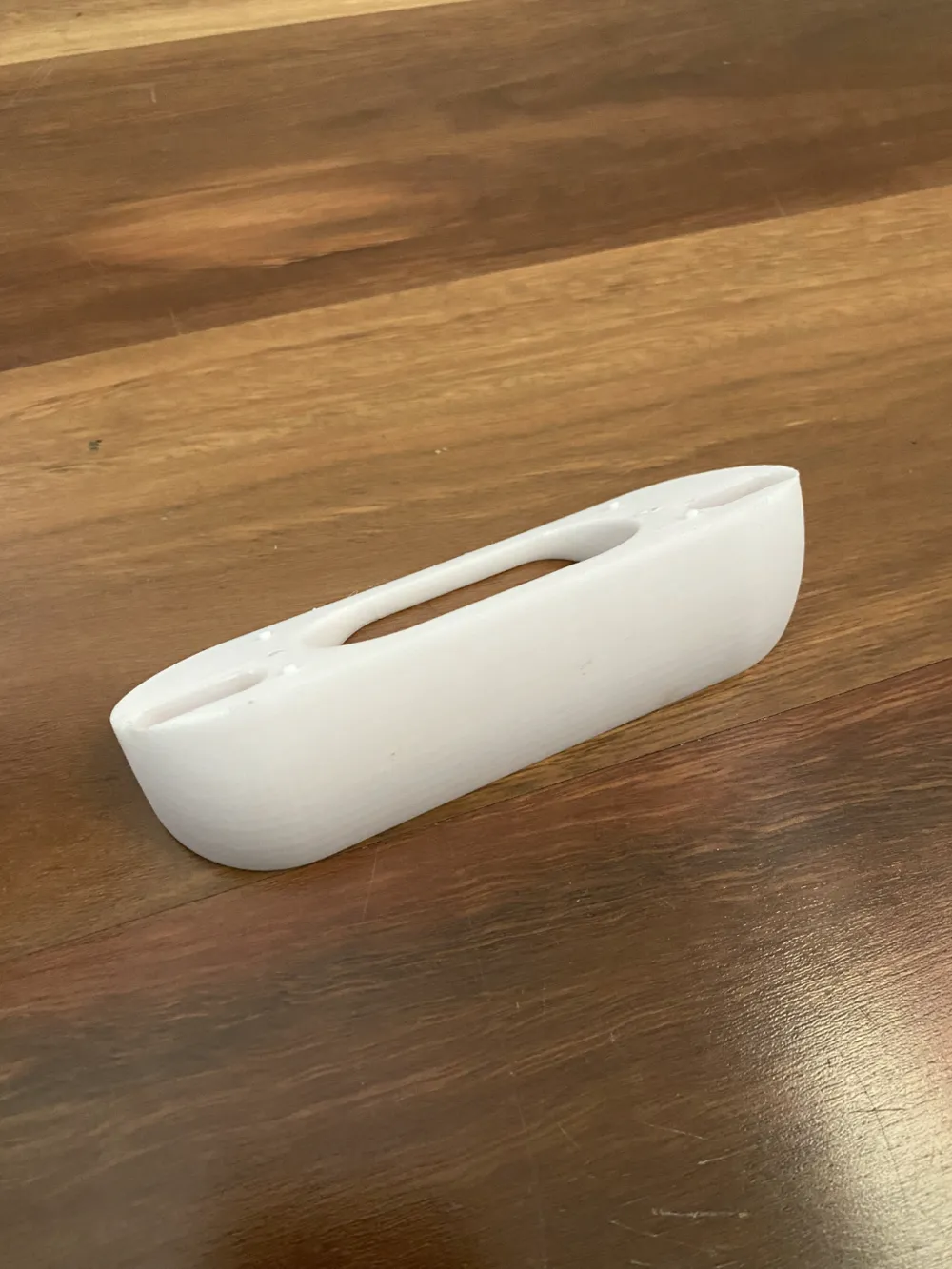
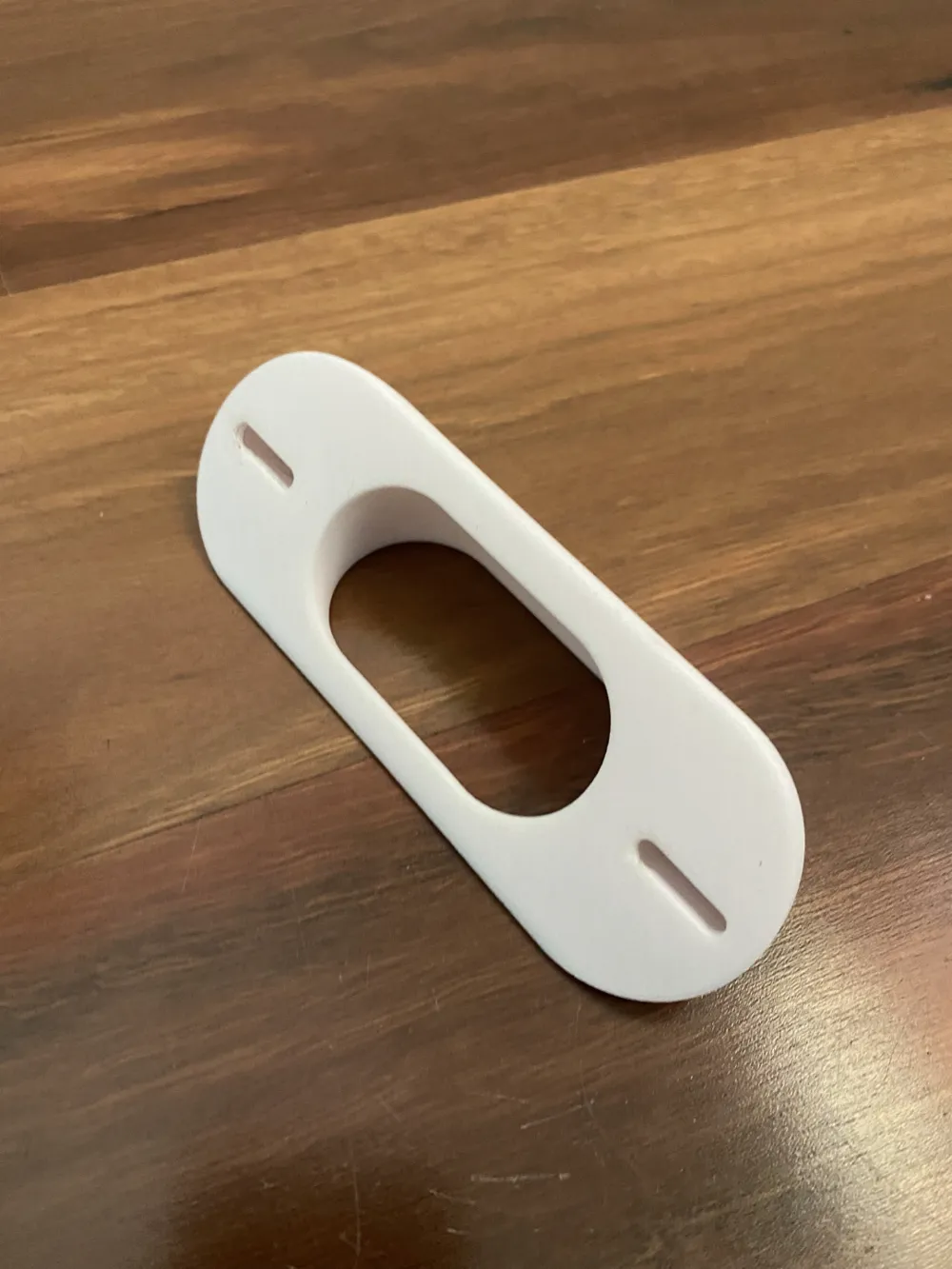
Great for mounting the doorbell to walls that are parallel to the door. This model has the same mounting dimensions as the original wedge from Reolink, both on the wall and the doorbell itself. It includes the 4 tiny guides for attaching the mounting plate at the right position, and uses the same screws as the original doorbell. Screw holes are small enough to self tap slightly, so you don't need any inserts. In short, you should be able to swap this in without any other hardware or issues.


Have tested in both PLA and ASA - the pictures showing the doorbell mounted are in ASA, the others are PLA. Both work fine, but follow the usual preparations for ASA (pre-heat the chamber, etc).


Let me know if you need a different angle, though this design probably can't go more than 45 degrees because of the mounting hole setup.


Boost Me (for free)

Boost me if this model has helped you! I appreciate it!

Comment & Rating (101)

(0/1000)

Can you make a right side version of the "10° Down, 15° Left", when I open this version in Bambu it seems like it's angled down on the wrong side of the unit (my camera will be pointing to the sky). I need my camera to point down and facing more to the right (currently on 2x 15° wedges, I need at least 40-45° angle) If you can or share the CAD of the original unit so I can do it meself, i'tll be very much appriciated.
The designer has replied
0
Reply
I've uploaded two new print profiles, one at 15 degrees to the right and one at 45 degrees to the right. Both point 10 degrees down as well. In theory, the 45deg profile will fix your problem and not require you to stack any wedges, but it's quite large and the curves are a little weird toward the bottom. Also please take note that I had to shorten the top screw hole in order to make the angles work. Hopefully this can still work for how you mount it to the wall but please check. This was one of my earliest CAD models, and I'll be honest - it's *terrible*. It takes a lot of love and care to get it to do anything right, so I won't be releasing it lest it come back to haunt me.
2
Reply
Replying to @curlydingo :
Absolute king, thanks mate!
designer
1
Reply
Replying to @user_1673613087 :
All good mate let me know how it goes
1
Reply
Hi, Thank you for this design. I’ve been using a right/down angled one happily for a while now. However I’ve just moved and the doorbell location now means I need a left angled one. However the 15 left 10 down angle isn’t strong enough. I was wondering if you’d be able to create a left/down angle one that was slightly stronger? I’ve put a photo for reference of me standing where I consider someone may stand after ringing the doorbell. Maybe 30 degrees left and 20 degrees down if possible? Again, thanks very much for this design!
(Edited)
The designer has replied
0
Reply
Hi @PattyAFC1903 , I'm uploading a test profile of that for you now. It's a pretty harsh combination of angles so I'm not sure how it will go. I had to shorten both screw holes to make them fit so hopefully it fits your existing wall holes. I put some variable layer height on the bottom to avoid nasty lines on the bottom but feel free to remove if you're not bothered by those lines. Let me know if it succeeds please!
0
Reply
Replying to @curlydingo :
It's perfect. Thank you very much! As soon as I get a boost token, one is coming your way!
0
Reply
Replying to @PattyAFC1903 :
Glad it worked and thanks for the boost!
0
Reply
Boosted
Thanks curlydingo! Printed the "10° Down, 15° Right" in ASA-CF - it fits perfectly and looks great! My camera has a much better view now.
(Edited)
The designer has replied
designer
1
Reply
Looks great! Glad it’s been helpful to you, thanks for the boost!
0
Reply
Turned out great! And looks fantastic. The previous homeowner had mounted their Ring camera, and their solution for tilting the camera was to wedge a broken pencil and a snapped-off paint stirrer lol. So ugly. This mount is such an upgrade!
The designer has replied
designer
1
Reply
Looks great - much better than a paint stirrer! Glad you like it
0
Reply
Right now i am using the angled mount that comes with it but i need it to be the angled and aimed slightly down to i can see packages.
The designer has replied
0
Reply
I don’t think I can angle this down at 45 degrees because of the mounting holes sorry. Do you need 45 degrees or could it be less?
0
Reply
Replying to @curlydingo :
yeah I really just need one slightly amed down and with a small angle. you can see my current view. I am using the slight angled mount it came with
0
Reply
Replying to @brandon32689 :
A new profile is uploading now. It should have the default angle left (15 degrees) and adds a 7 degree downward tilt. I haven't tested this personally so I suggest a draft PLA print first. Let me know how it goes.
0
Reply
Perfect fit and perfectly designed, Thank you!
designer
1
Reply
Can you add like a 25° or 30° design with no downward tilt? The 15° wedge that came with the doorbell still gets a significant portion of my wall next to it and that seems to through off the nighttime exposure.
The designer has replied
0
Reply
Just uploaded a 25 degree version with no tilt. See how you go. It's still got a slight "twist" to it but not tilted down.
1
Reply
Print Profile
BETA - 10° Down, 45° Right
good design. I mirrored the 45deg right to get the 45deg left. hoping it will be ok. i will update when it's installed
profile
1
Reply
Print Profile
0.2mm layer, 2 walls, 15% infill
printed perfectly, thanks!
The profile uploader has replied
0
Reply
No problem and thanks for the review!
0
Reply
This wedge is perfect! great fit, the alignment nubs fit perfectly. The mounting holes fit the OEM screws perfect. I went with the 10 degree down and 45 degree right. I then right click object and clicked mirror. I mirrored the X axis to make it LEFT. It looks like it doesn't capture much, but due to the camera's fish eye, it captures everything. I would probably go 40 degree, but since 45 was already there, i went with it. The 10 degree down is nice as it can see my welcome mat where packages are usually placed. I don't need anymore downward. I am tall and the camera still captures me entirely as long as I am about 2 feet away from the camera. Which most people stand about 3-5 feet away from camera/door after they ring the doorbell. The average height person could be even closer with no issues.
0
Reply