Search models, users, collections, and posts

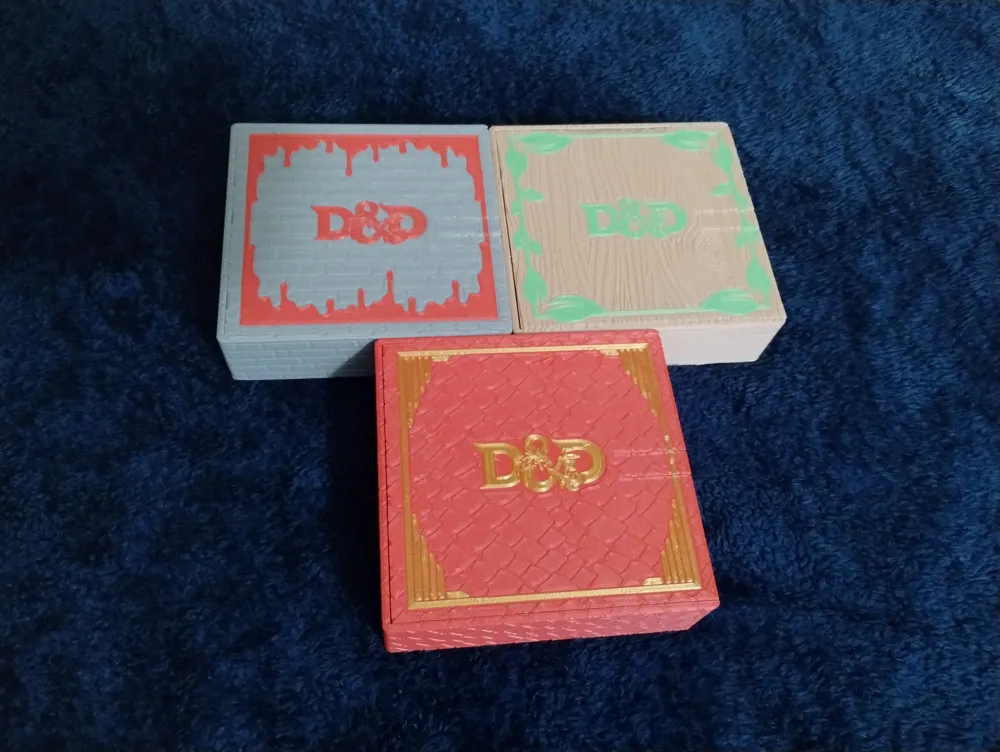
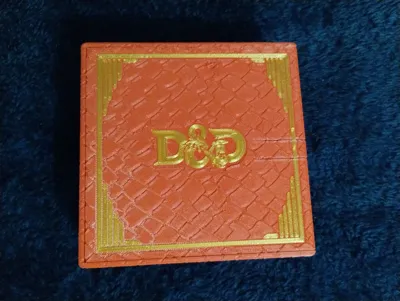
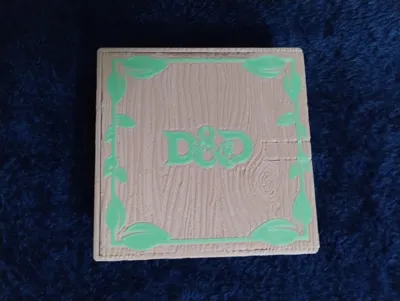
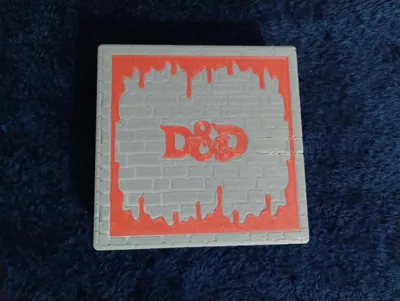
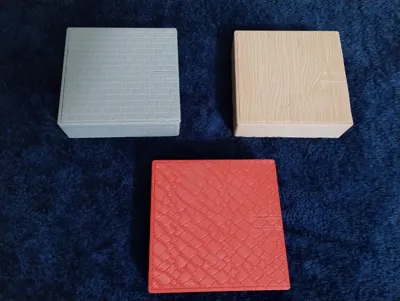
Biggs Battle Box - Compact - Stone, Wood, Dragonsc
IP Report

Print Profile(4)

DragonScale Plain Lid - 0.2mm layer, 15% infill, No Brim
Designer
7.7 h
4 plates

Wood Plain Lid - 0.2mm layer, 15% infill, No Brim
Designer
6.9 h
4 plates

Stone Plain Lid - 0.2mm layer, 15% infill, No Brim
Designer
6.6 h
4 plates

Plain Lid Set, Single Plate

33.2 h
19 plates
Open in Bambu Studio
Boost
98
310
21
22
220
96
Released
Description
More compact version of my compact dice boxes.
- No Magnets required for this one.
- The lid slides into the top of the box and is held in place with a friction latch that you have to lift up to release.
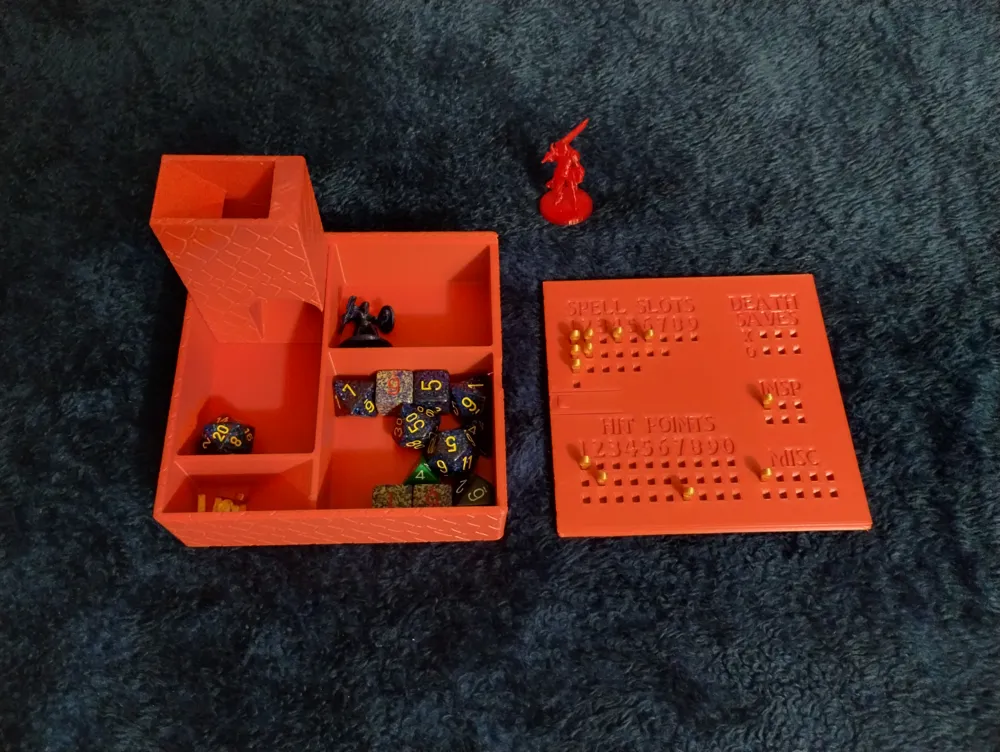
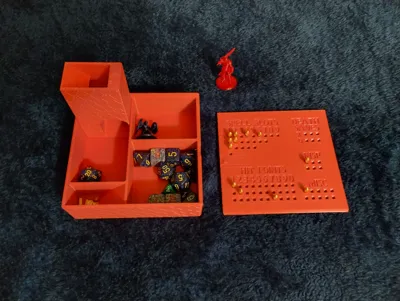
- The mini dice tower can be used in the slot it is stored in or outside of the box.
- The peg compartment tapers up for ease of removal.
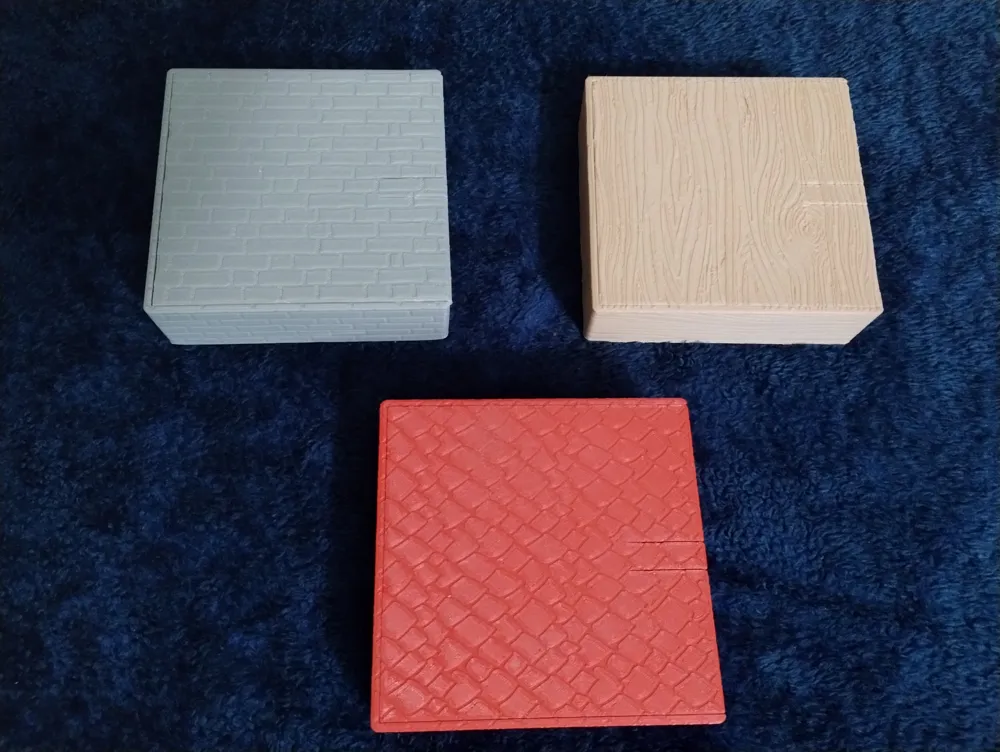
Comes in three flavors:
- Stone/Brick
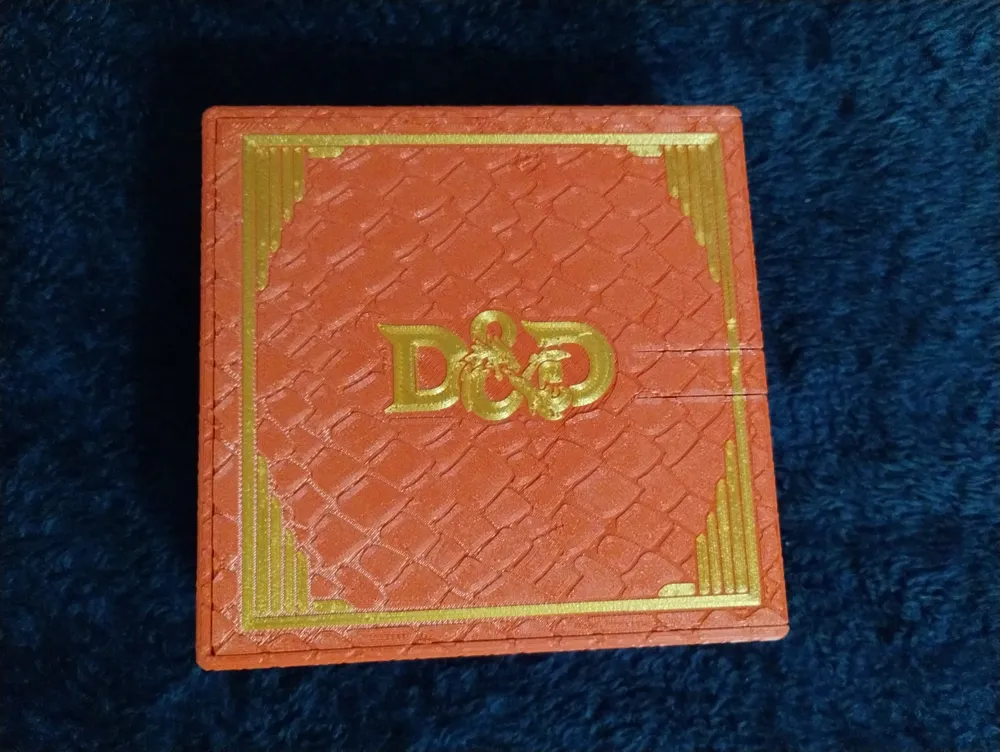
- Dragon Scale
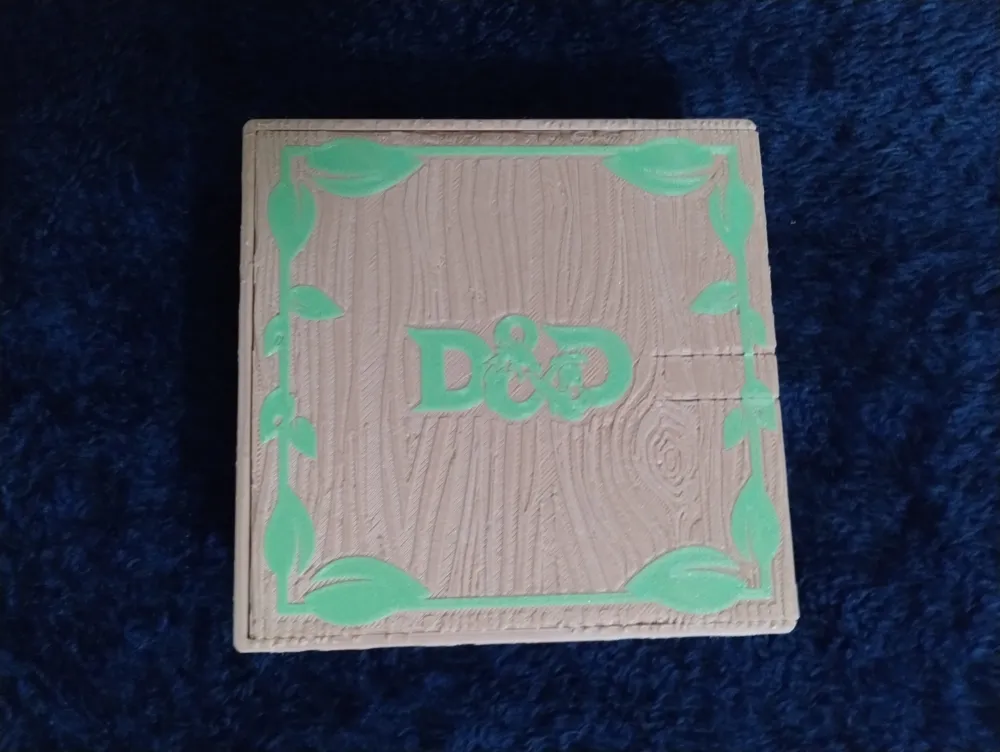
- Wood
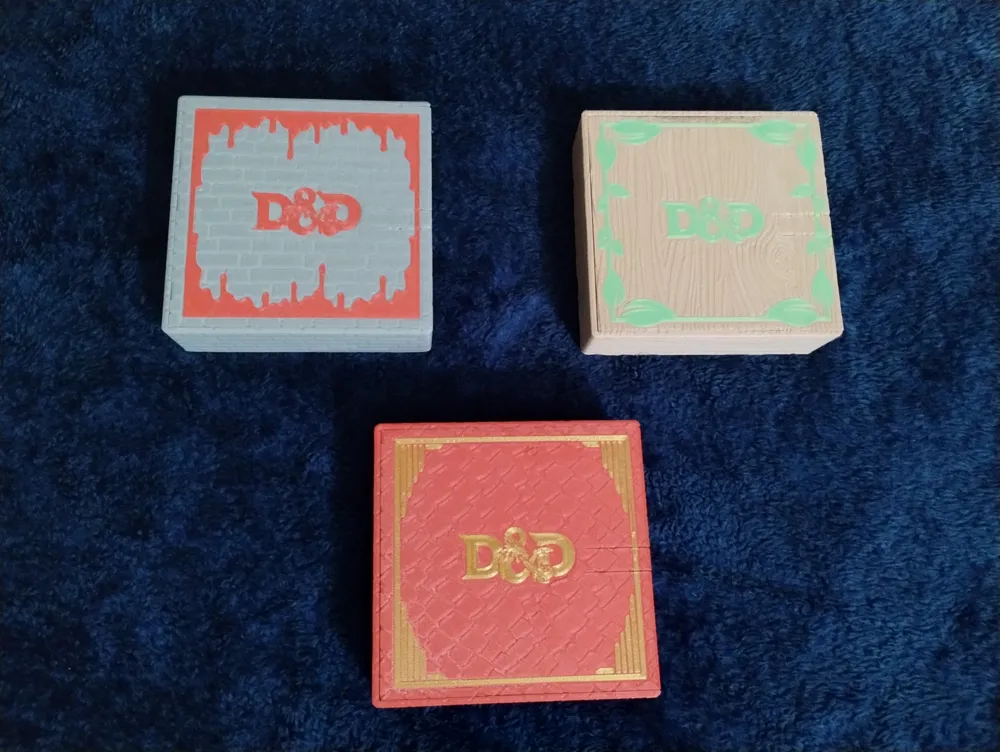
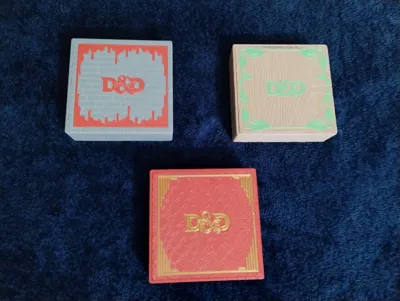
I have also included three lid designs for each of the boxes:
- Plain
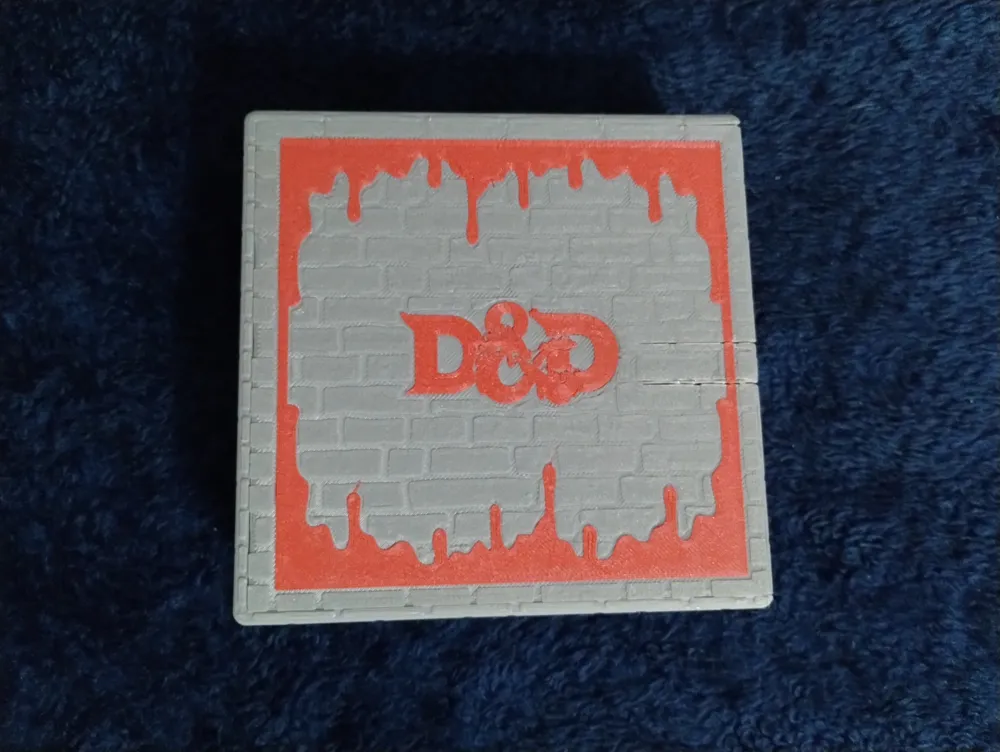
- DND Logo with Border
- DND Logo with fancy border.
I printed the ones pictured at 0.2mm layer height.
Dimensions:
- Overall dimensions are 124mm x 122mm x 37mm
- Dice Box - Has compartments for Dice, MiniFigs, Pegs, and a Dice Tray (small) / Dice tower
- Dice Box Dimensions: 124mm x 122mm x 37mm
- Internal dimensions are:
- Dice Compartment - 65mm x 65mm x 35mm
- Dice Tray/Tower Tray - 93mm x 55.5mm x 35mm
- MiniFig Compartment - 65mm x 49mm x 35mm
- Peg Compartment - 50.5mm (Tapers up after 23.5) x 21mm x 35mm
- Dice Tower Dimensions: 88mm x 50mm x 30mm
- Lid/Tracker Dimensions: 121mm x 118.75mm x 6mm
- Spell Slots - Levels 1 thru 9
- Death Saves
- Hit Points - Counters 1 - 999
- Inspiration - 6 slots for those who use more than one point
- Misc - 10 slots for tracking things like luck, tokens, etc.
- Lid/Logo Printing Instructions:
- Print the Logo first (It should look upside down and backwards)
- Center the Logo on the build plate (very important for alignment with lid) - your slicer should have an option to center the object
- I suggest printing this slowly and do Not used a Brim as you will be leaving it on the build plate, I printed mine at 30mm/s with a Skirt that was removed after printing finished
- It should only be 1 layer thick if printing at .2mm layer height
- If printing at .2mm layer height you can turn on Ironing to make sure that the layer looks a bit better
- Leave Logo and border design on the build plate and remove any wipe and/or skirt you have printed
- Print the Lid
- Center the Lid on the build plate (very important for alignment with logo) - your slicer should have an option to center the object
- Print first layer very slowly for Wood Logos or use glue. I printed mine at 15mm/s. I had issues with the sides pealing up that may have just been attributed to the wood filament that I was using
License

This user content is licensed under a
Creative Commons Attribution-Noncommercial-Share AlikeRemixes (3)

Click to see more


Comment & Rating (21)