
Customizable Light-Up Christmas Ornament

Print Profile(3)


Bill of Materials


Description
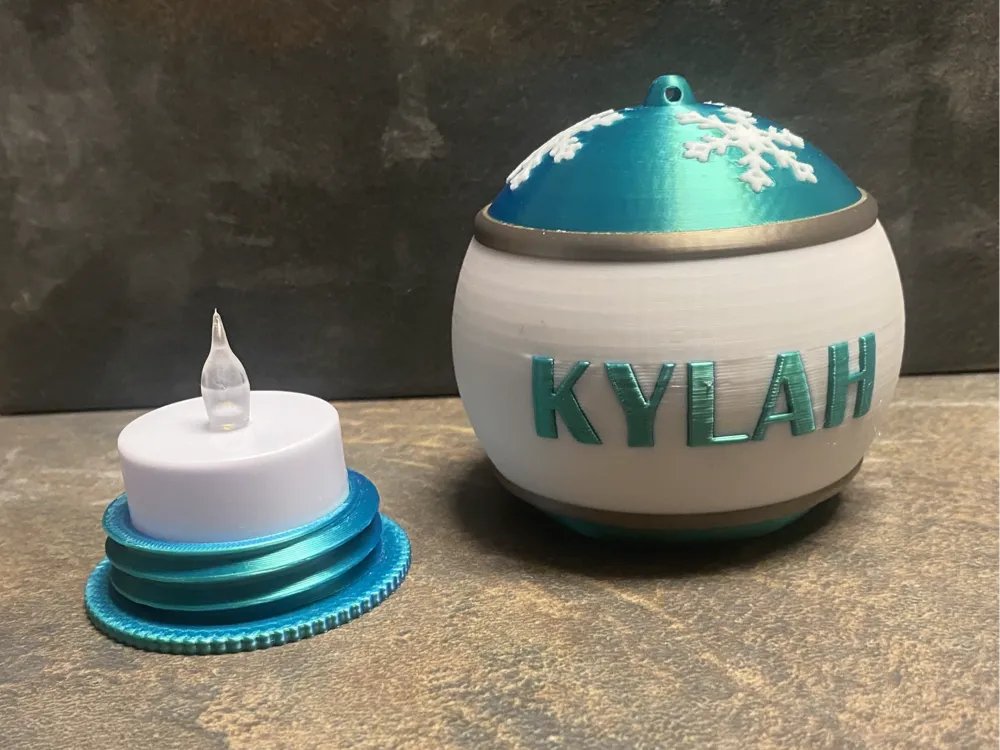
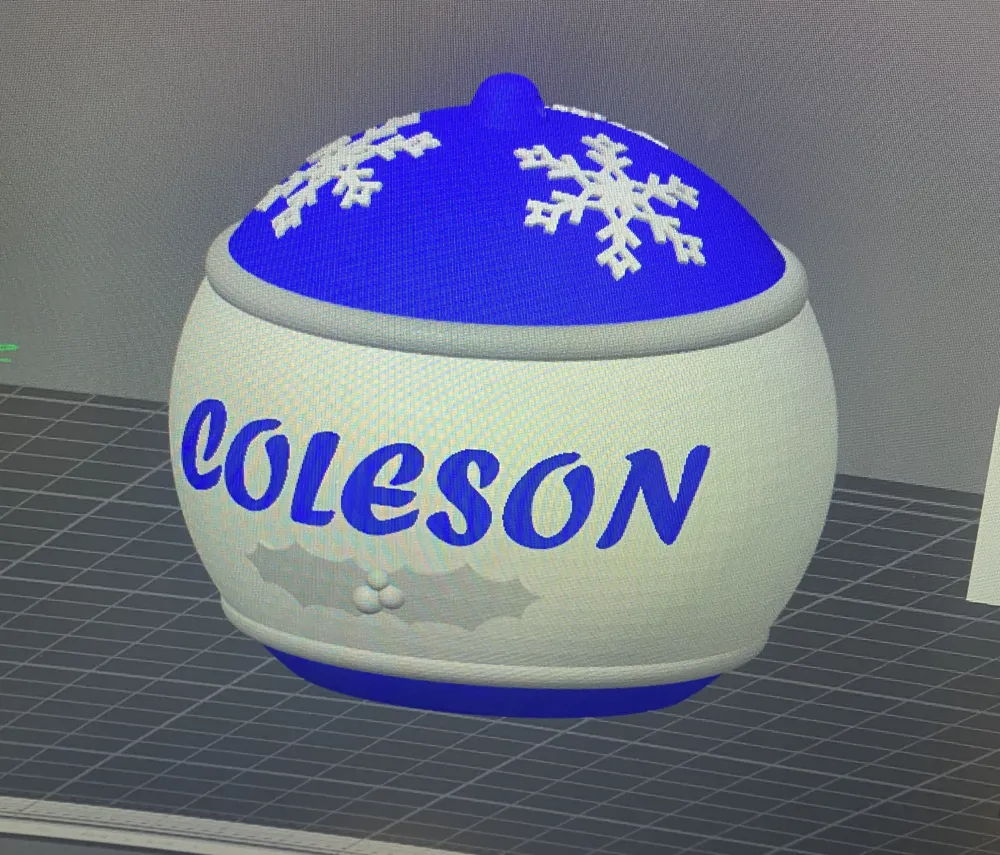
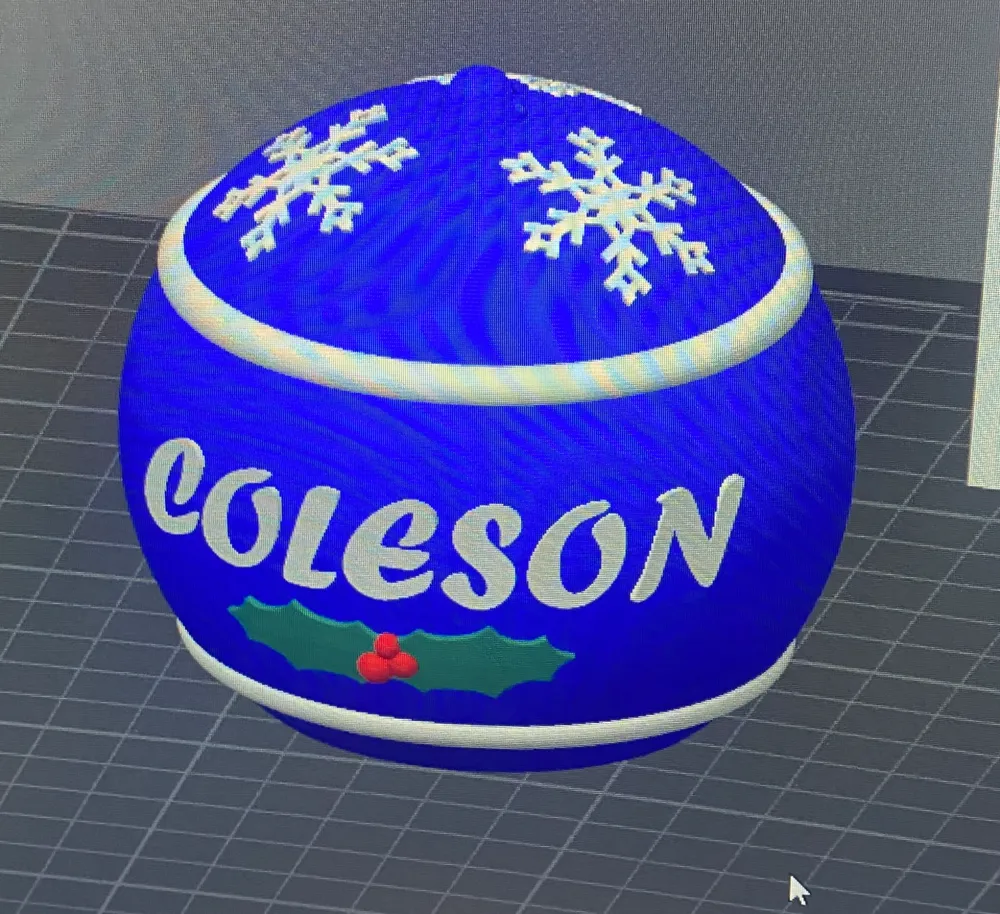
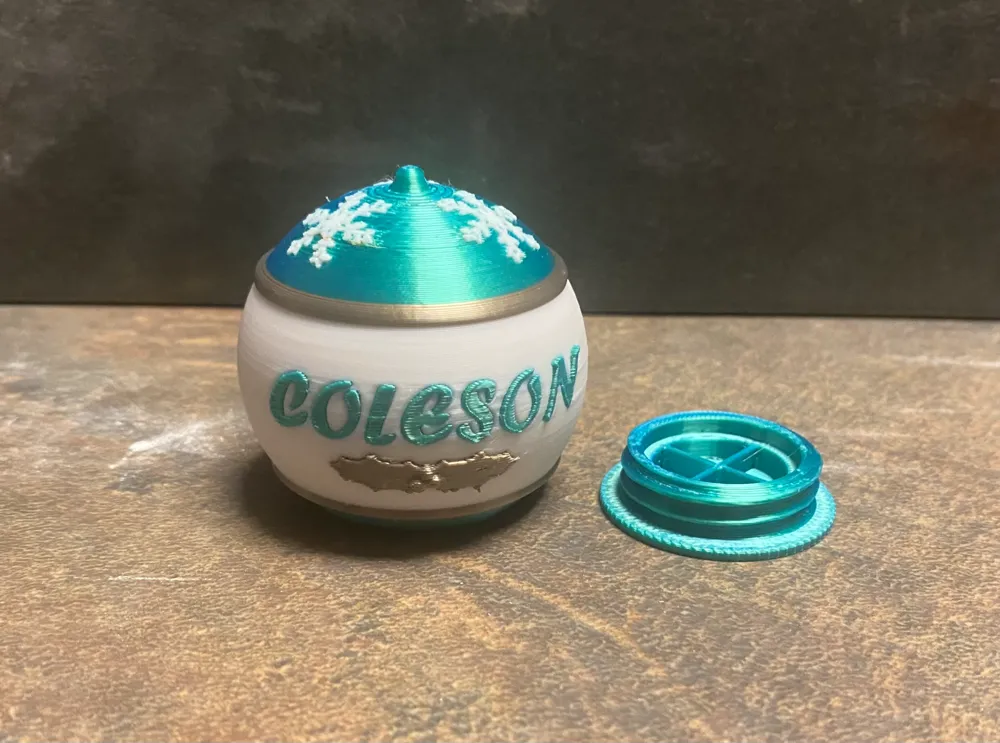
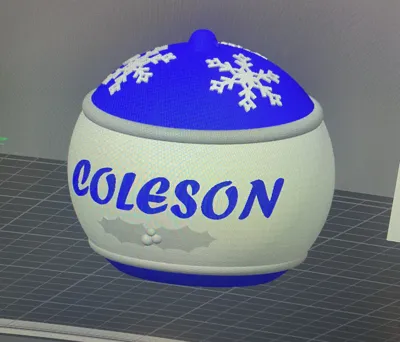
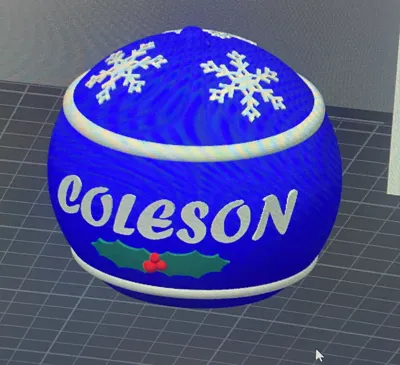
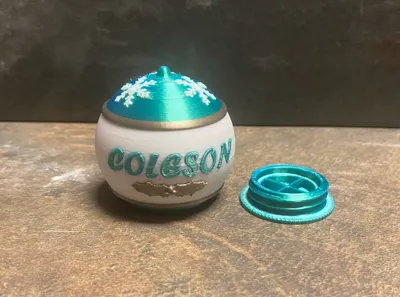
Bring a personal touch to your holiday decor with this fully customizable, 3D-printed Christmas ornament! This ornament features a sleek design, fits a standard 40mm LED tea light, and lights up to create a warm, festive glow. You can easily add a custom name or message by adjusting the pre-programmed text body in the print file. Ideal for personalized gifts or unique decorations for your tree.
Key Features:
- Fits 40mm LED tea light (not included)
- Customizable text for names or messages
- Simple assembly with screw-in base
- Festive design with snowflake accents
- Multiple Print-ready files for easy use
Make your holiday season even brighter with a custom touch!
Boost Me (for free)
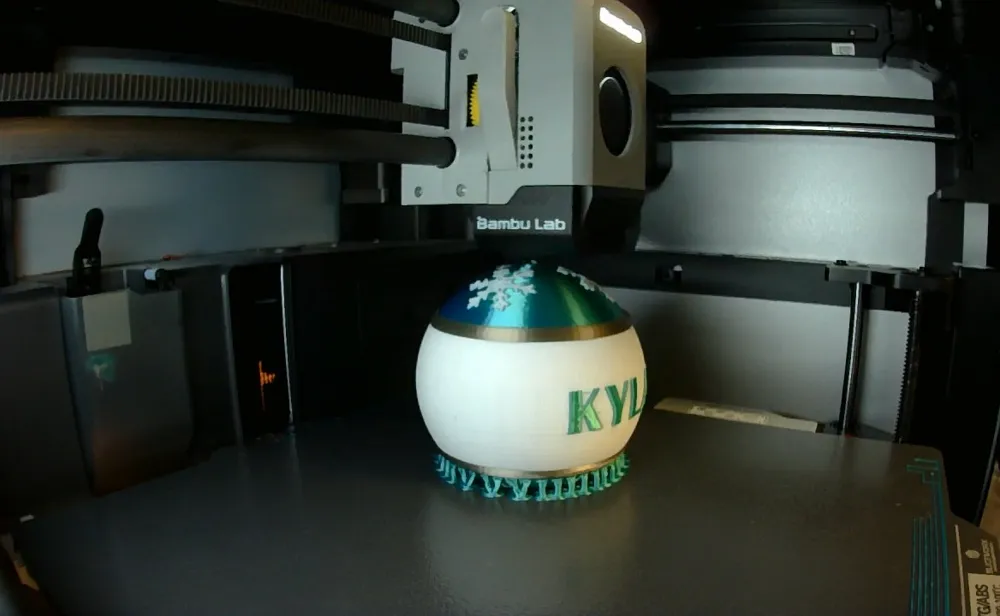
Hope you enjoyed the print! I love seeing everyone's creations and color combinations! Share your prints in the comments and let me know if you have any questions!
If resizing, make sure bottom cap is roughly 1% smaller to ensure fit.
LETTERING - PLEASE READ!! 12/14/2024
Bambu Studio has been glitching lately when trying to edit the text. If this happens you may have to delete the text object and create a new one. I have found 2 methods that work well. 1.) Use a thickness of 0.1-0.5 mm and an embedded depth of 4-6 mm, thick enough to go through the whole wall. The setting Surface should be enabled at the bottom of the text edit option. Sometimes Bambu Studio gets a little wonky and the lettering wont line up well on the surface and leave a lot of overhangs no matter what you do. If this happens, increase the thickness to something well past the surface like 5 mm. After you are all done with the text editing, go to the left side of the screen and find the text object and right click. Select Change Type and then select Modifier in the drop-down option and this will create a perfect text through the whole surface flush to the outside. Here is a video I have found to be useful for step-by-step instructions -
Tips
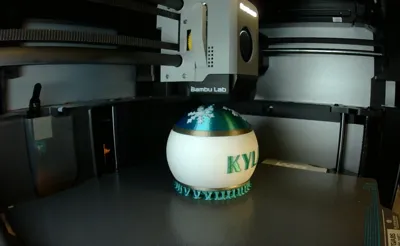
- I have found if you use white or clear filament for the lettering with it through the whole wall it will glow very nicely with the LED tea light.
- I have also found on vertical surfaces blocky and capitalized lettering seems to print best.
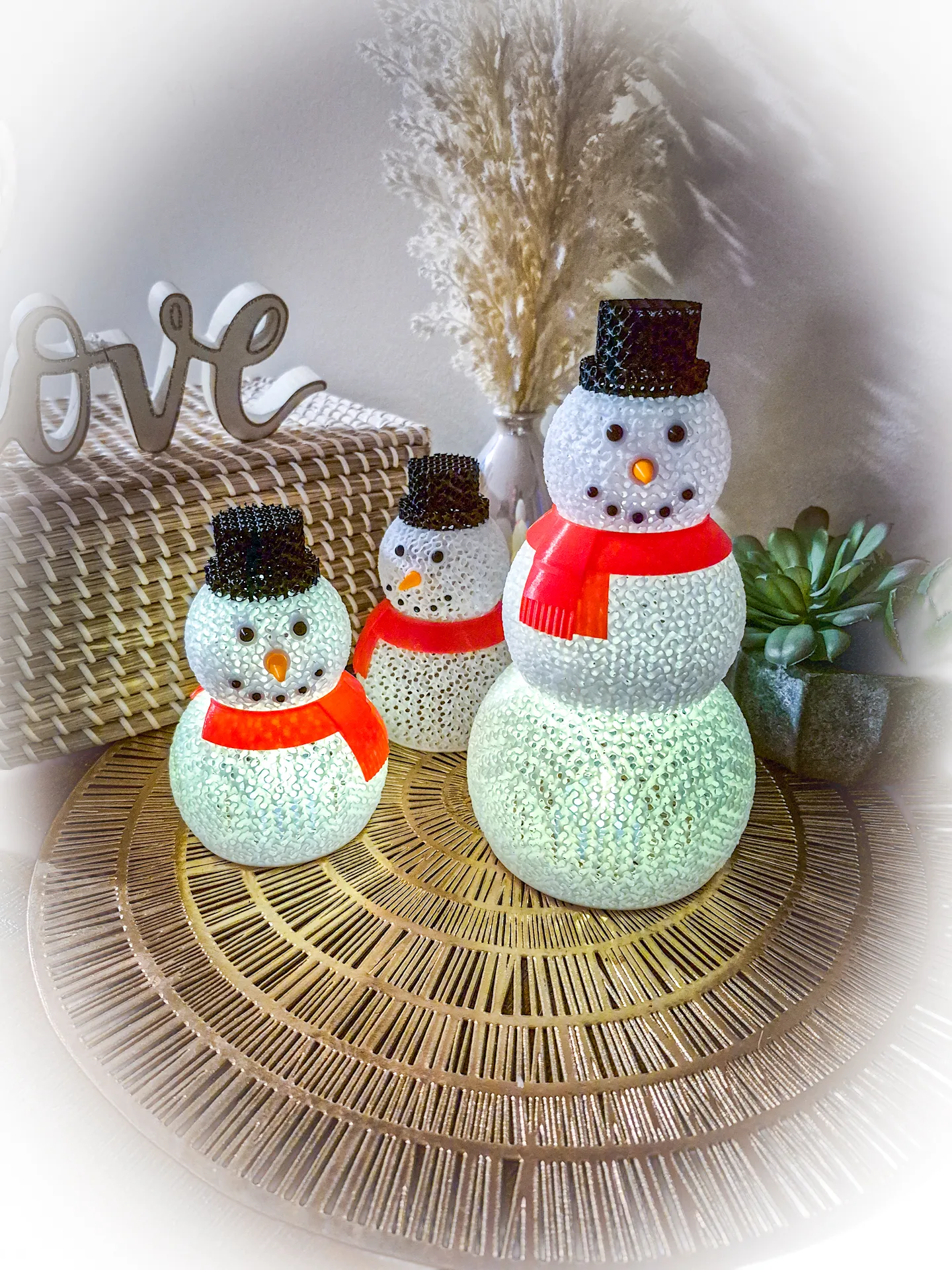
If you are looking for other light up ornaments check out my Collection of Christmas Decorations!
------------------------------------------------------------------------------------------
------------------------------------------------------------------------------------------
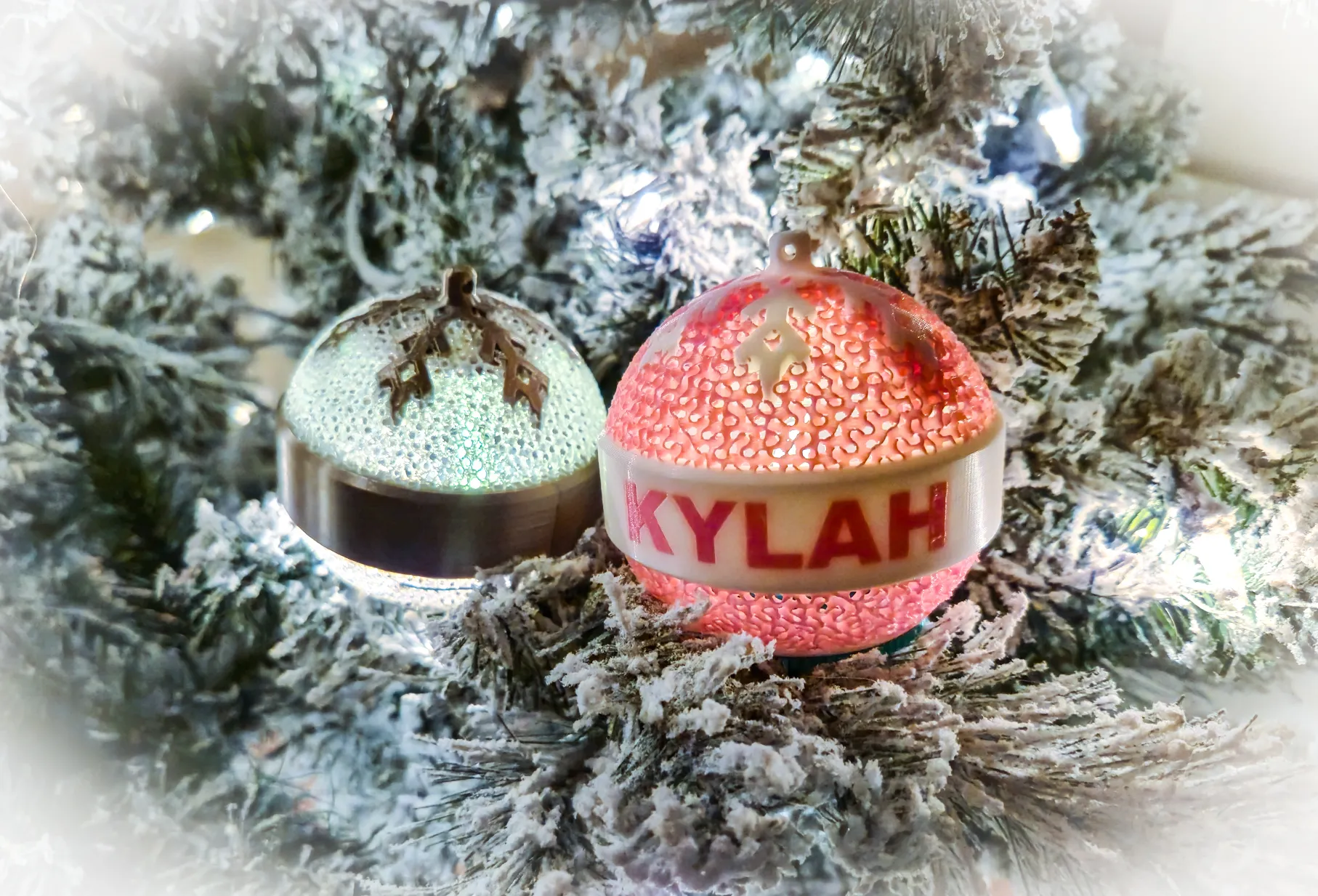
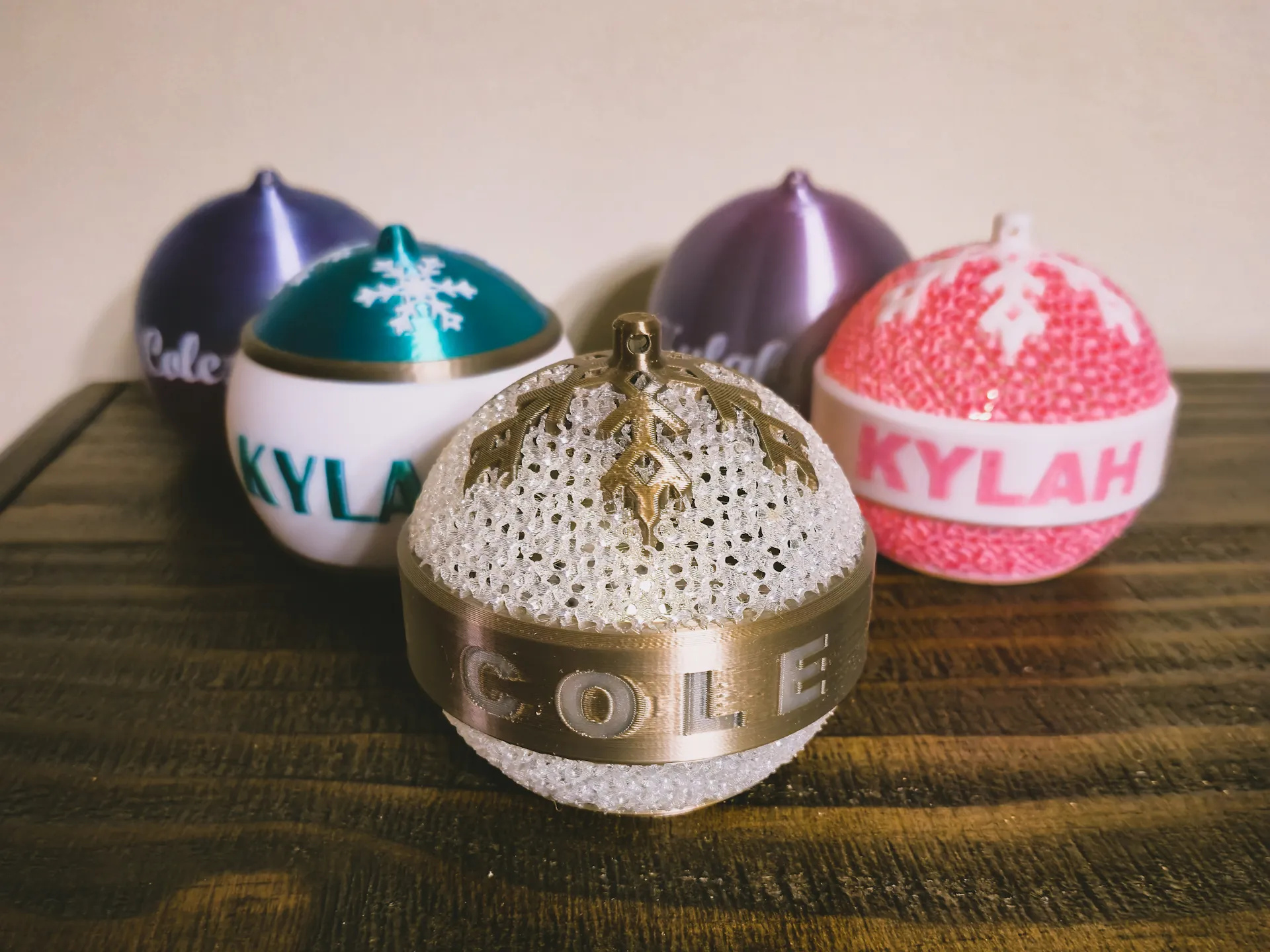
Mesh Customizable Christmas Bauble
------------------------------------------------------------------------------------------
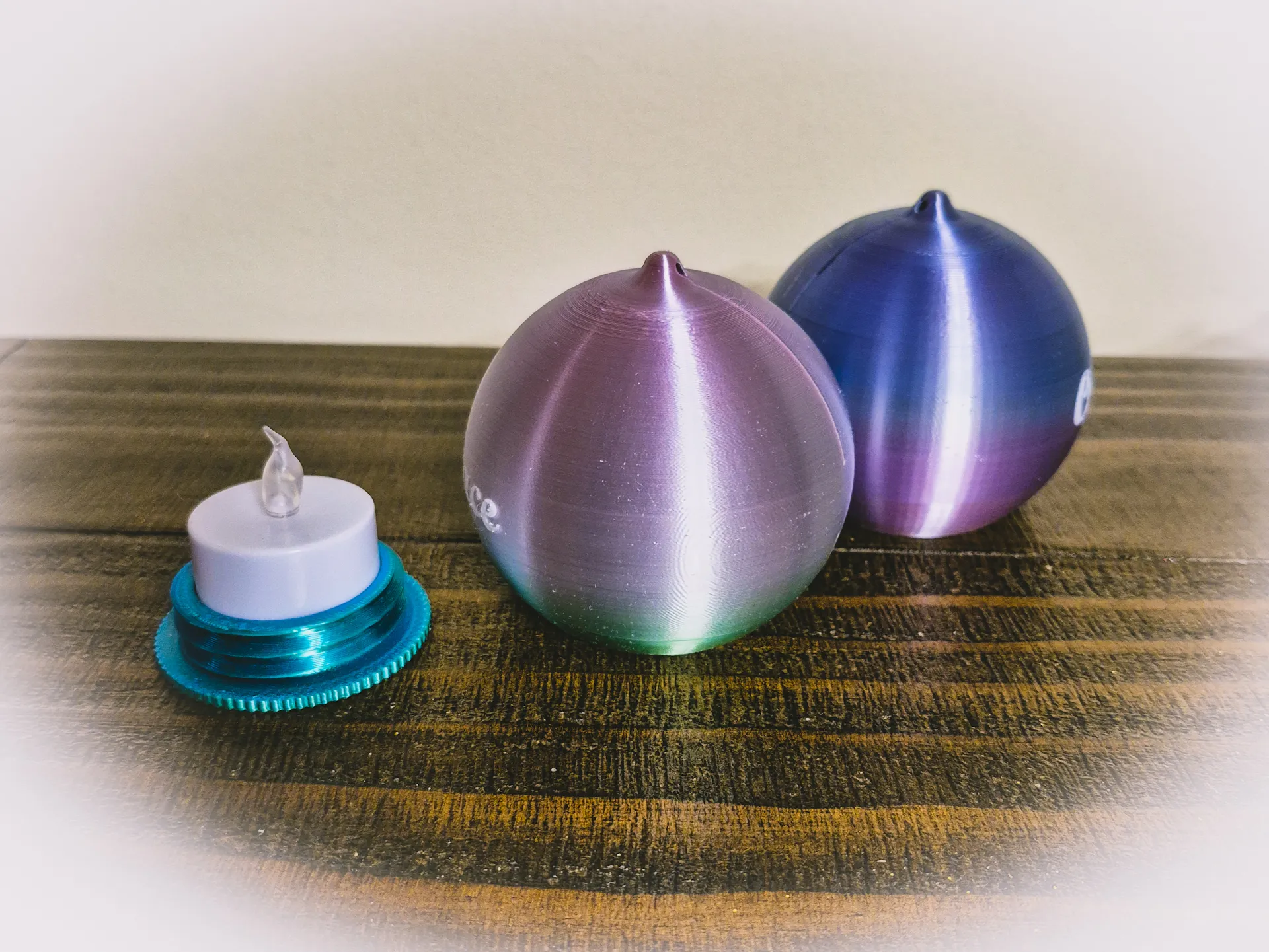
Blank Light up Christmas Bauble - Customizable!
------------------------------------------------------------------------------------------
License

You shall not share, sub-license, sell, rent, host, transfer, or distribute in any way the digital or 3D printed versions of this object, nor any other derivative work of this object in its digital or physical format (including - but not limited to - remixes of this object, and hosting on other digital platforms). The objects may not be used without permission in any way whatsoever in which you charge money, or collect fees.


Comment & Rating (28)