Search models, users, collections, and posts

Lexus / Toyota keyfob replacement
Print Profile(0)


Add the first print profile to earn points

Boost
81
202
6
7
203
0
Released 

Description

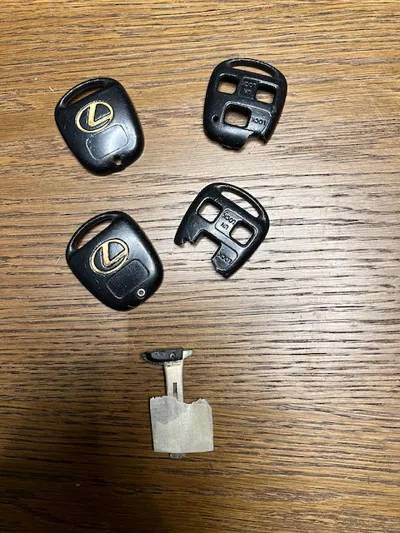
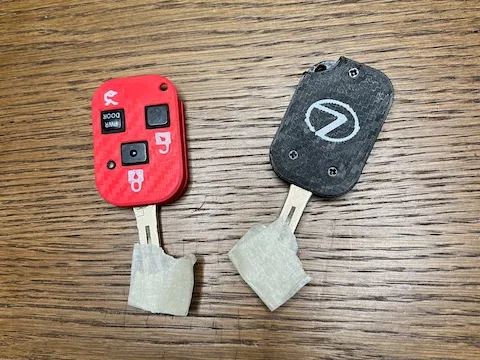
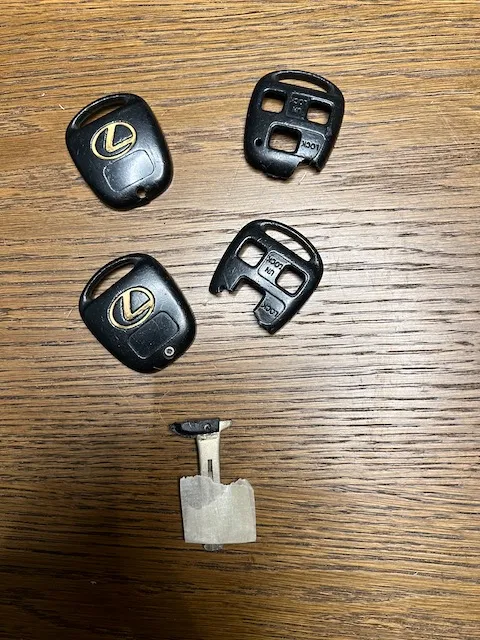
If you have an old Lexus or Toyota with the three button keyfob you are probably well aware that these don’t last as long as the cars do and they probably look like this:


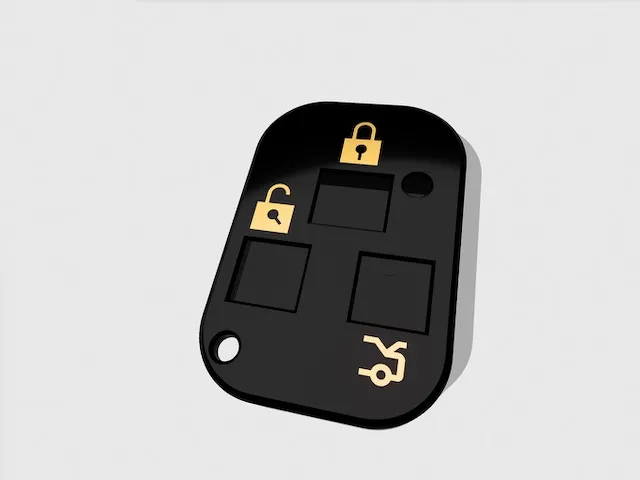
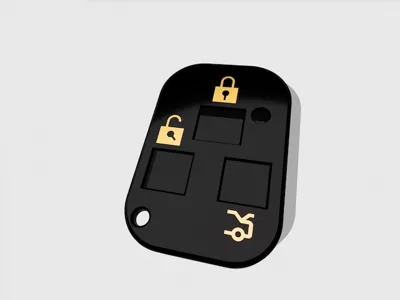
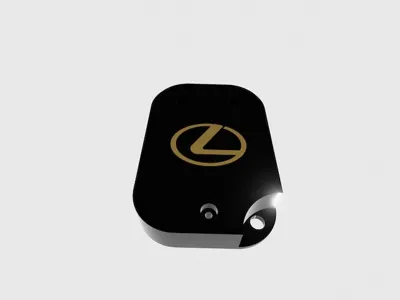
In my redesign I took the opportunity to add some icons to improve usability. Also, since the “battery case door” didn’t do a good job of holding the battery in - I did away with in entirely.

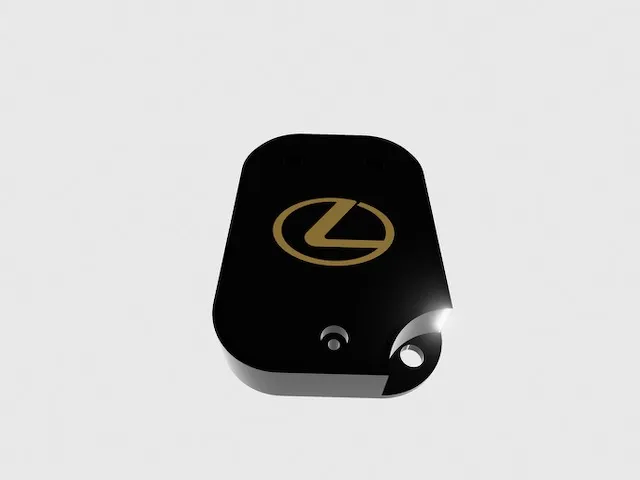
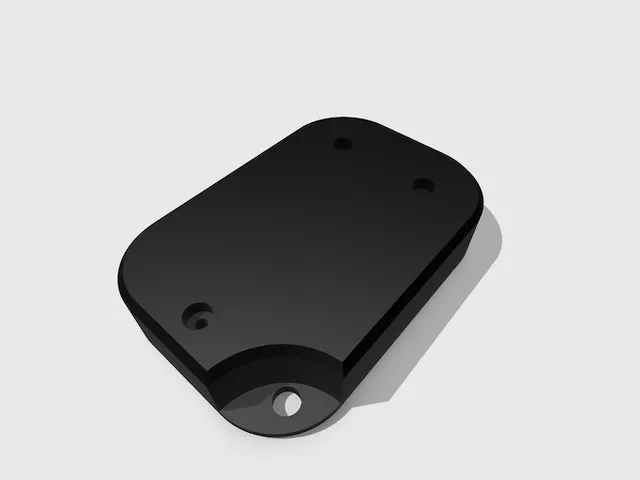
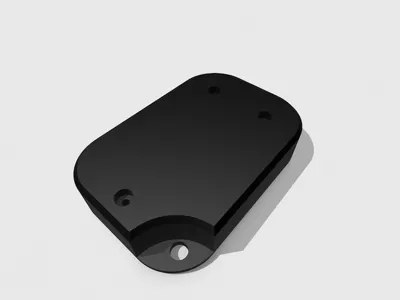
You should split this in half in your slicer of choice and print both halves flat (no support needed) and you should get something like this:
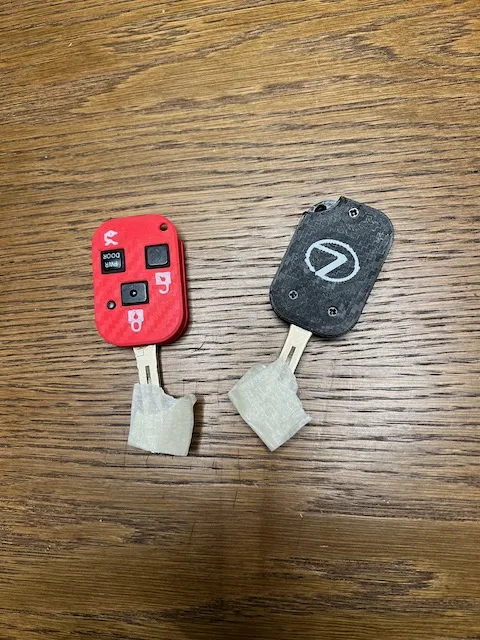
 

Note that the icons are separated out in the model so that you can color them if you want or just print in one color to “erase” them.

I printed mine with some left over PETG in Black and Clear. I printed mine with 100% infill - it needs to be sturdy!

Instructions for use:

  1. Take out the “key” part of your old keyfob by clipping out most of the plastic material to get a “flush” end. I used a pair of wirecutters to do this.  Your mileage way vary but I found these to be a good fit for my broken key ends.  You could also fill any voids with hot glue which is what I did on one of my keys where most of the plastic was off already after repeated crazy gluing
  2. Take out the battery pack thingymajig and discard the old battery case. You won’t be needing that anymore. FYI these take CR1616 batteries
  3. Use 3X M2 small screws to join the two halves together or just use a dab of glue

I printed one in Petg and another in PLA.  The iconography looked sharper on the PLA but the PETG feels like it will last longer

Feedback is welcome

Comment & Rating (6)

(0/1000)

Tried printing this a few times but unfortunately the model scale is way off. The print never fully fit. I wish you have uploaded the print profile. Not a savy just starting with 3D so still learning.
The designer has replied
0
Reply
can you please elaborate on the problem with the fit? mine are working great. I have a 2006 Lexus rx400h FWIW but I’ve heard it works with several Lexus and Toyota Keyfobs from that generation. it’s not a press fit solution though. I use a generous amount of hot glue in there.
0
Reply
Replying to @asjolund :
When opening the stl file on bambu slicer to print on my A1, the model are so big it doesn't even fit on my plate so i had to scale it down but finding the right scale is not easy. I ended up going with a different file to print. My recommendation would be to upload the print profile that you used as @lunartic suggested so that new user can print it without have to figure out the scaling.
0
Reply
Replying to @Nebilex :
ok I get it now. the model is small so Bambu for some reason asks if you want to resize it so meters and I guess thats the default choice. so if you just hit ok it will resize it to meters! but alas the model is in mm so when Bambu asks you if you want to resize it you just have to hit cancel (which is not intuitive). if I have time I’ll upload a 3mf instead. but FYI if you just accept that it’s in mm then it prints fine on Bambu slicer.
(Edited)
0
Reply
you know when you split it in your slicer you can just upload the print profile like that. that way people who arent savy with the slicer can just download and print no issue.
The designer has replied
0
Reply
yeah I was lazy when I uploaded here. sorry about that. I’ll get around to uploading a 3mf one of these days
0
Reply
No more