
Silk PLA Speed & Temperature Tower - Interlocking



Print Profile(1)

Description
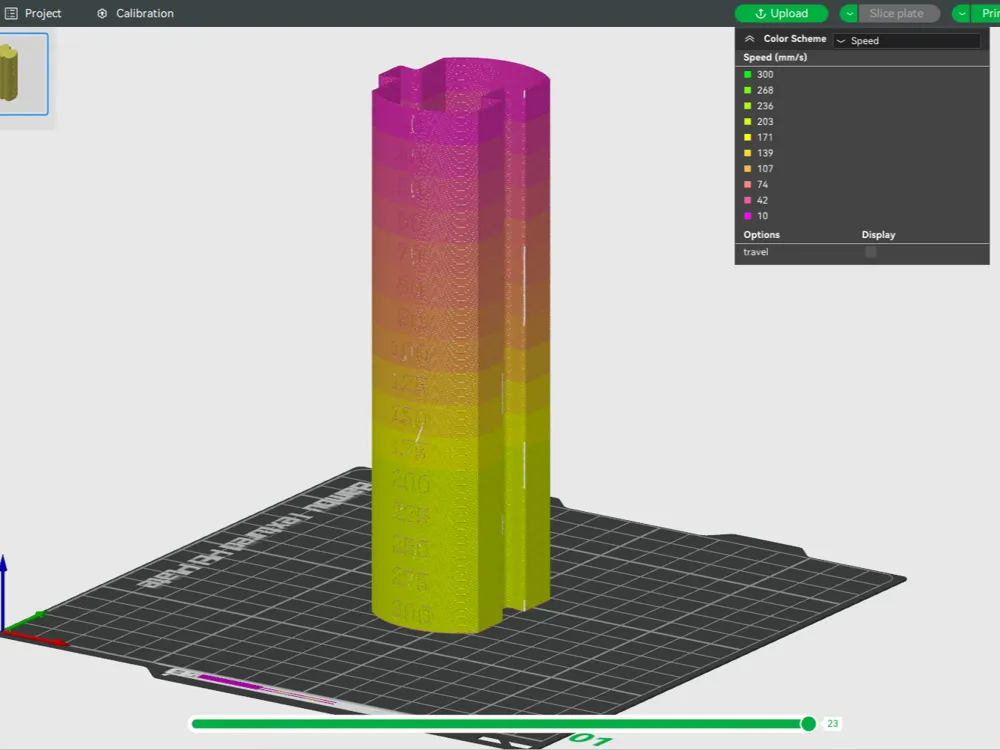

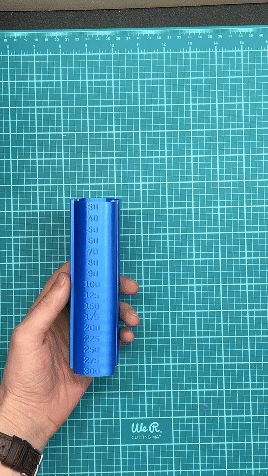
Did you know print speed and temperature impact the appearance and strength of Silk PLA? We designed this interlocking tower to test speeds of 30-300mm/s with temperatures of 200-250C. More info here ➡️ https://www.tiktok.com/@overture_3d/video/7426402002491460906
Each tower features incremental sections of 30-300mm/s, but users will need to manually change the temperature per tower. We recommend bumping temperatures up 5-10C per tower to find the ✨sweet spot✨, for the maximum satin or shine.
Please note
1.) Make sure layer height is set to 0.4mm nozzle, 0.16 Optimal Height
2.) Modify PLA profile to have your desired temperature of 200-250C
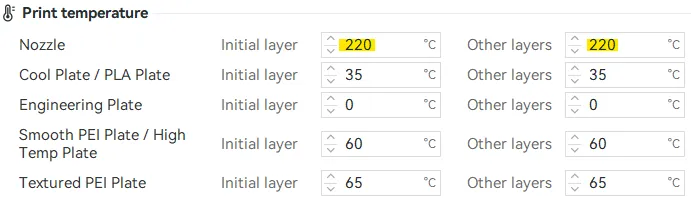
3.) Confirm “Slow printing down” is disabled.
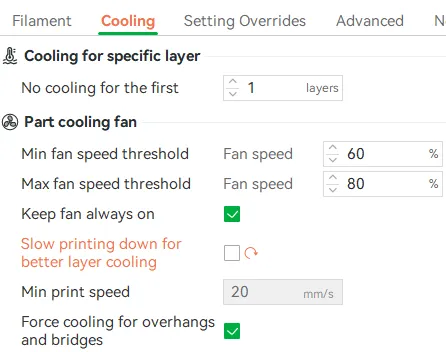
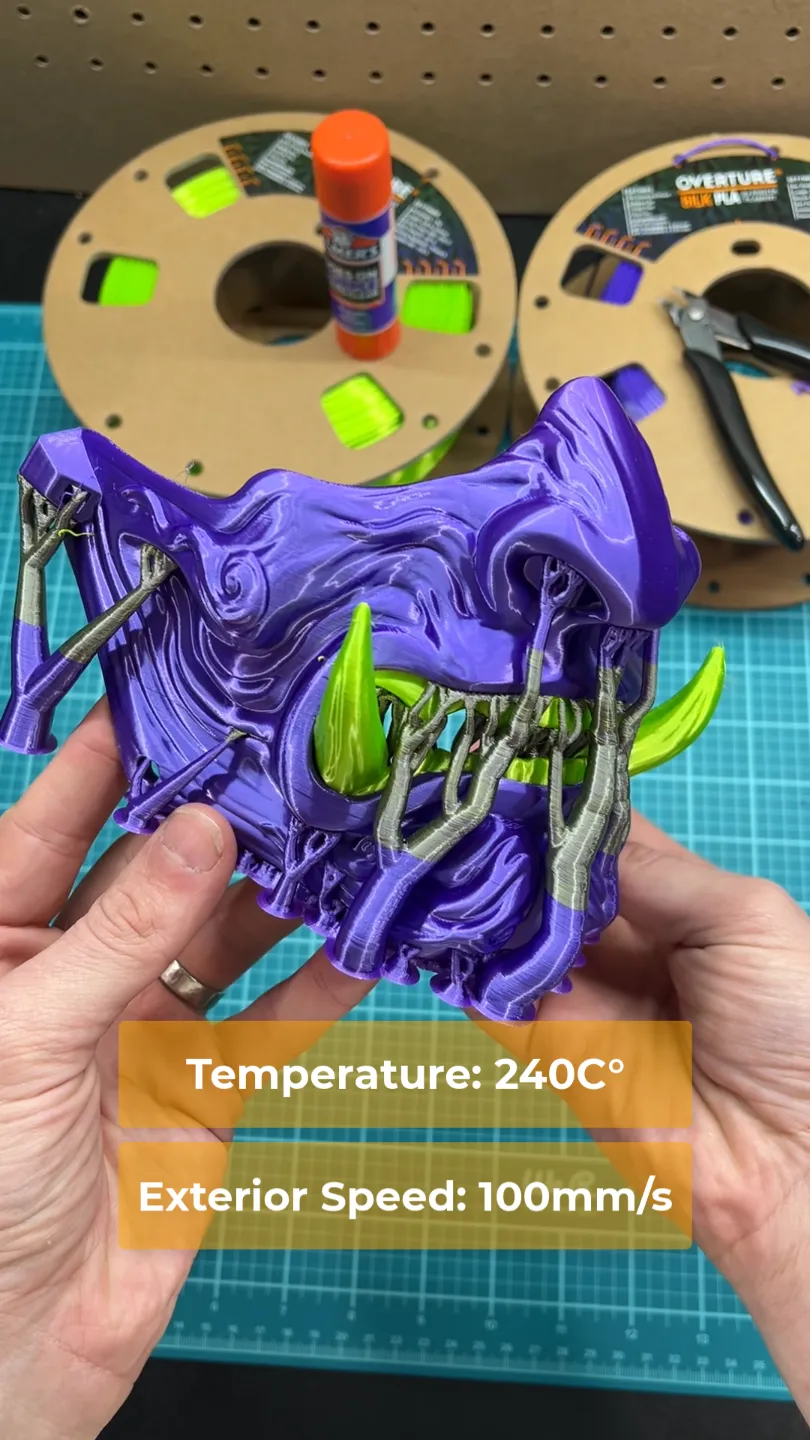
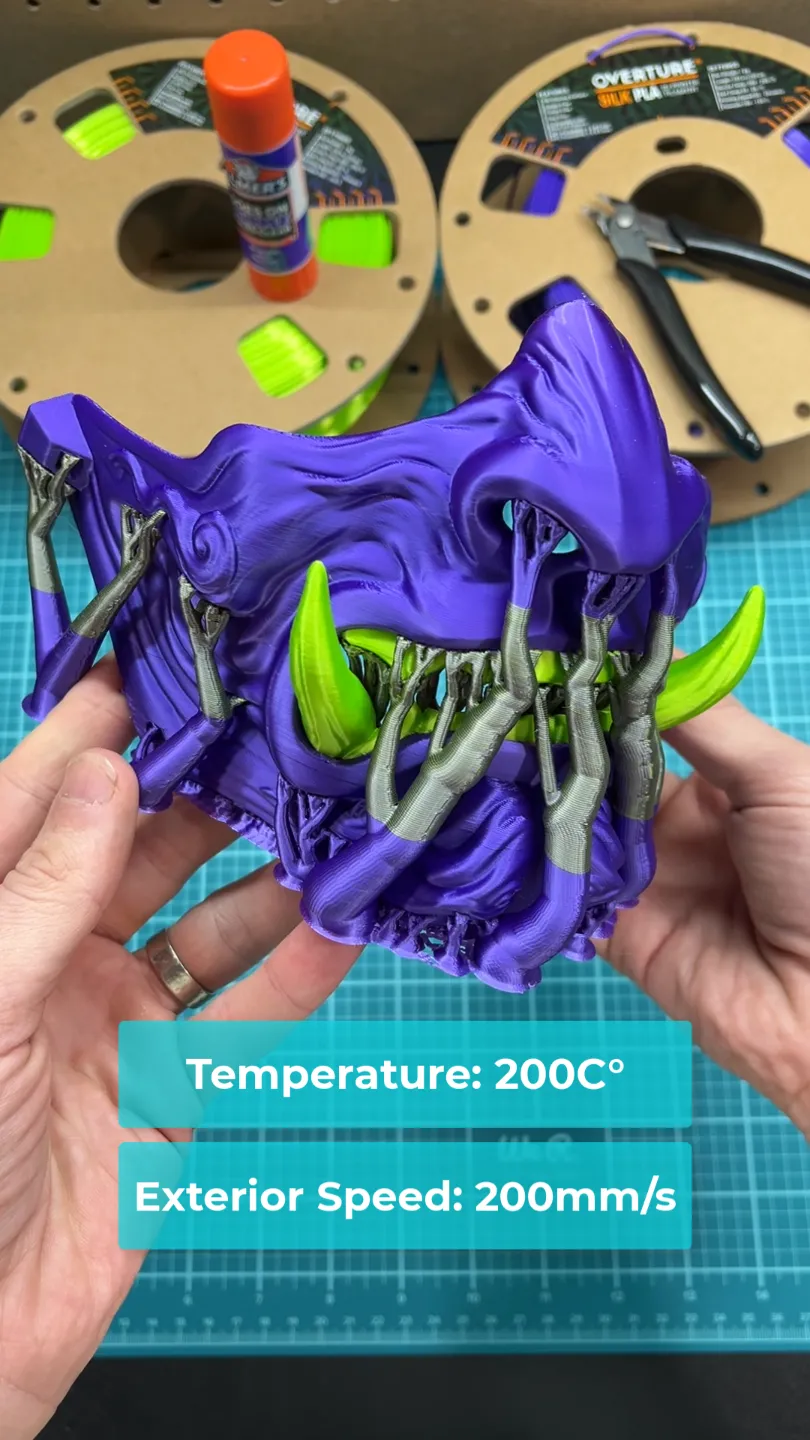
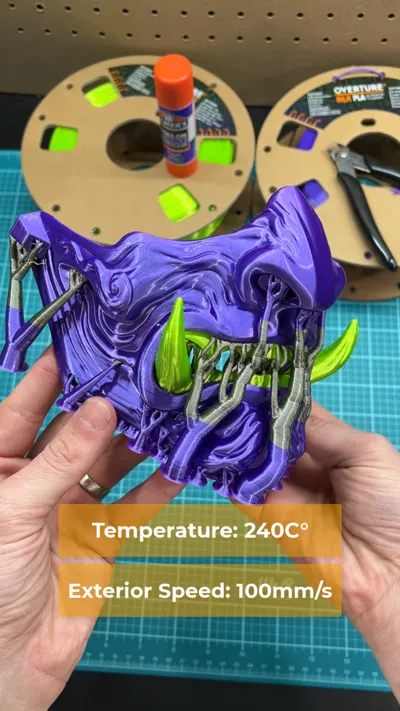
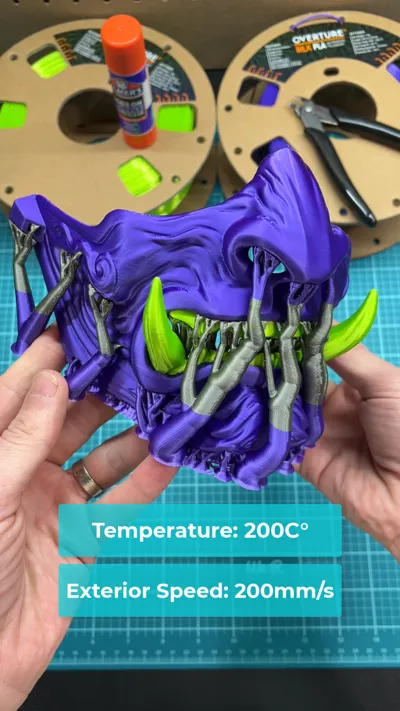
4.) Proceed with printing and record how temperature and speed impact the shine and satin appearance ✍🏻✍🏻 Our personal favorite was 200C at 200mm/s for flat metallic appearance, and 240C at 100mm/s for maximum gloss.
Happy Printing
Overture Team & Greg
License

You shall not share, sub-license, sell, rent, host, transfer, or distribute in any way the digital or 3D printed versions of this object, nor any other derivative work of this object in its digital or physical format (including - but not limited to - remixes of this object, and hosting on other digital platforms). The objects may not be used without permission in any way whatsoever in which you charge money, or collect fees.


Comment & Rating (55)