Search models, users, collections, and posts

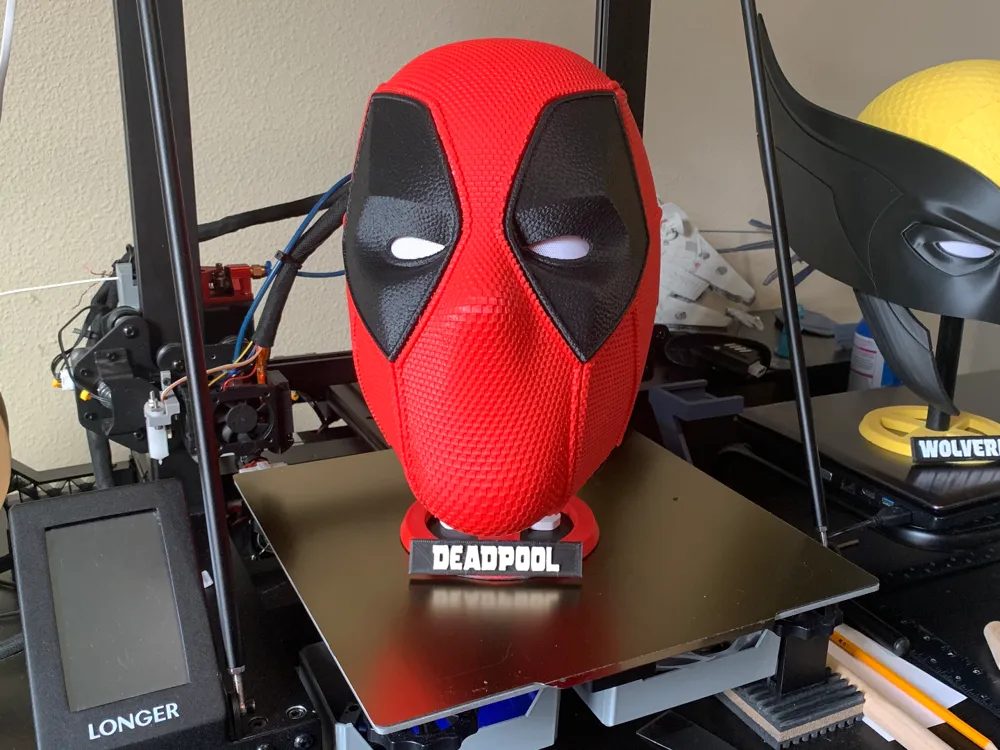
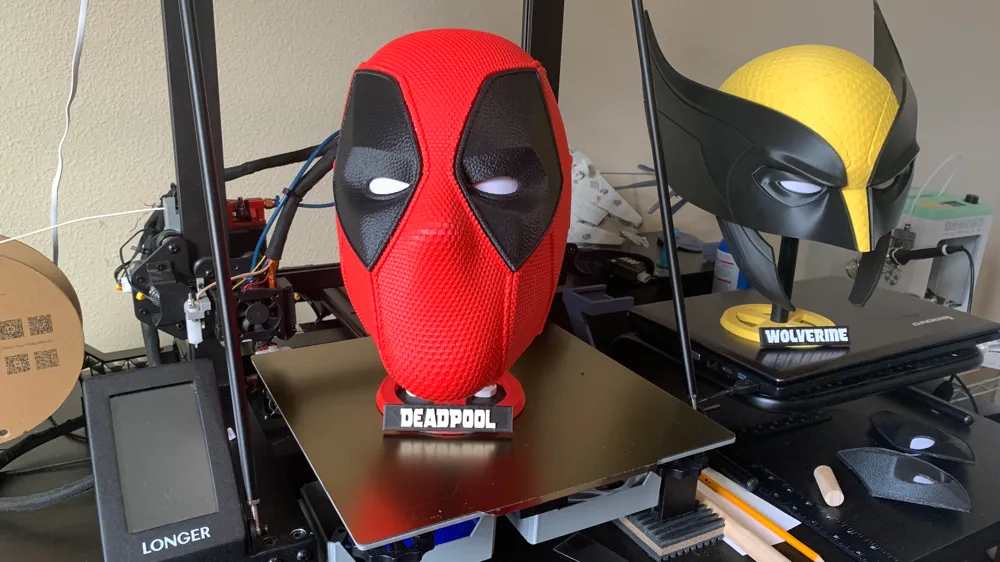
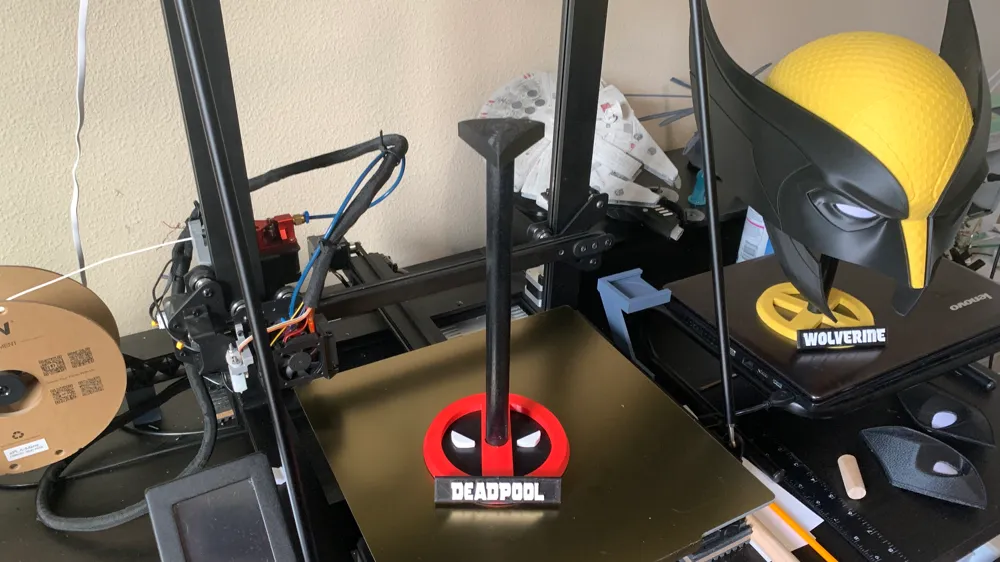
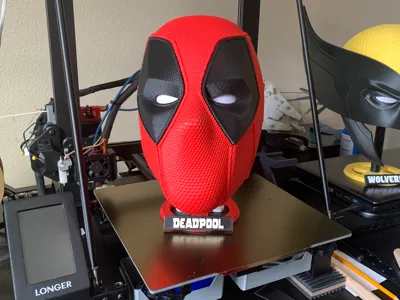
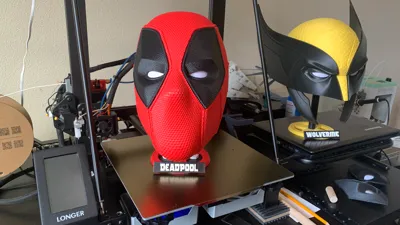
Deadpool Helmet stand
IP Report
Print Profile(3)

Colored ,best pla settings

2.8 h
5 plates

0.2mm layer, 2 walls, 15% infill

5.6 h
4 plates

A1 Mini Combo 0.2mm layer, 2 walls, 15% infill, eyes fixed + cylinder

4.7 h
3 plates
Open in Bambu Studio
Boost
1416
2824
253
116
2.8 k
1.1 k
Released
Description
Recently printout Deadpool and Wolverine masks and needed a stand. So I put this together.
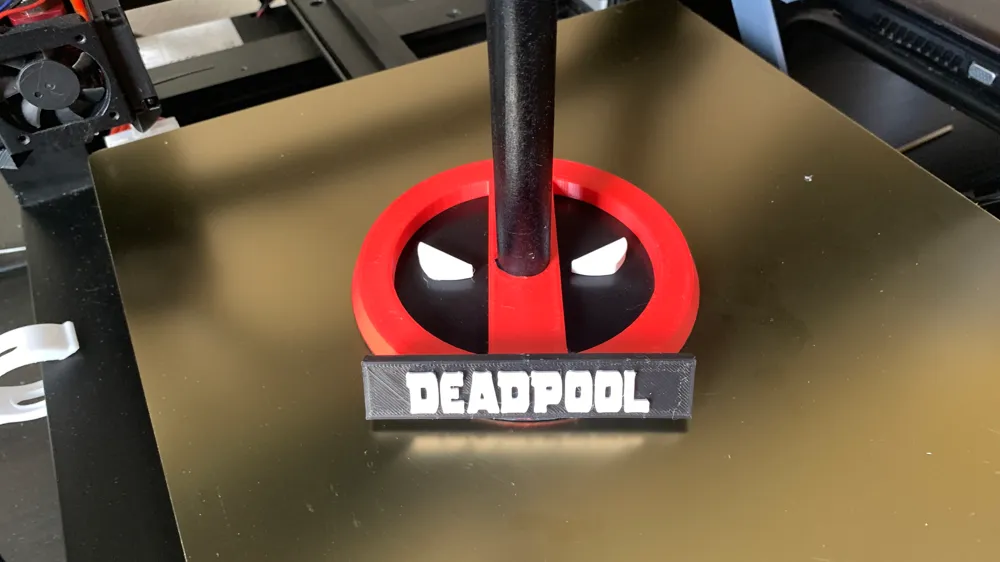
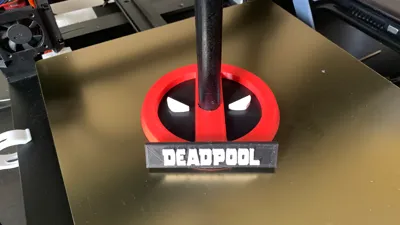
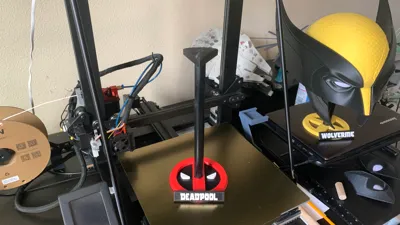
You will need a 3/4 inch wood dowel cut to your preferred length.
Plaque - has a notch in it so it can be glued on the base at an angle. You can also glue it facing straight up on the base if you like. I paused the print for the color change on mine.
I did use supports on the notch in the plaque.
base-bottom.stl - This doesn't need to be printed unless you are gluing the eyes on like I did. It is only 2mm thick so adjust the Z height in your slicer if you need it thicker.
Print Settings
- Printer brand: Longer
- Printer: Longer LK5 Pro
- Rafts: No
- Supports: Yes
- Resolution: .2
- Infill: 10
- Filament brand: Esun
- Filament color: Ruby Red
- Filament material: PLA
- Notes: I printed everything but the plaque at .28 to save some time.
Plaque was done at .2
Boost Me (for free)
Like what you see? Please consider boosting!
License

This user content is licensed under a
Creative Commons Attribution-Noncommercial


Comment & Rating (253)