Search models, users, collections, and posts

Dyson accessory wall mount expander: No drop
Remixed by
IP Report

Print Profile(3)

All
A1 mini
X1E
X1 Carbon
X1
P2S
H2D Pro
A1
P1P
P1S
H2S
H2D
H2C
X2D
A2L

Left and right, separate plates (V1.1)
Designer
4.5 h
2 plates
4.9(50)

Left and right on one plate (V1.1)
Designer
4.3 h
1 plate
4.8(16)

Left and right, reinforced tab (V1.1)
Designer
4.4 h
2 plates
4.5(13)

Open in Bambu Studio
Boost
112
404
104
47
789
551
Released 

Description

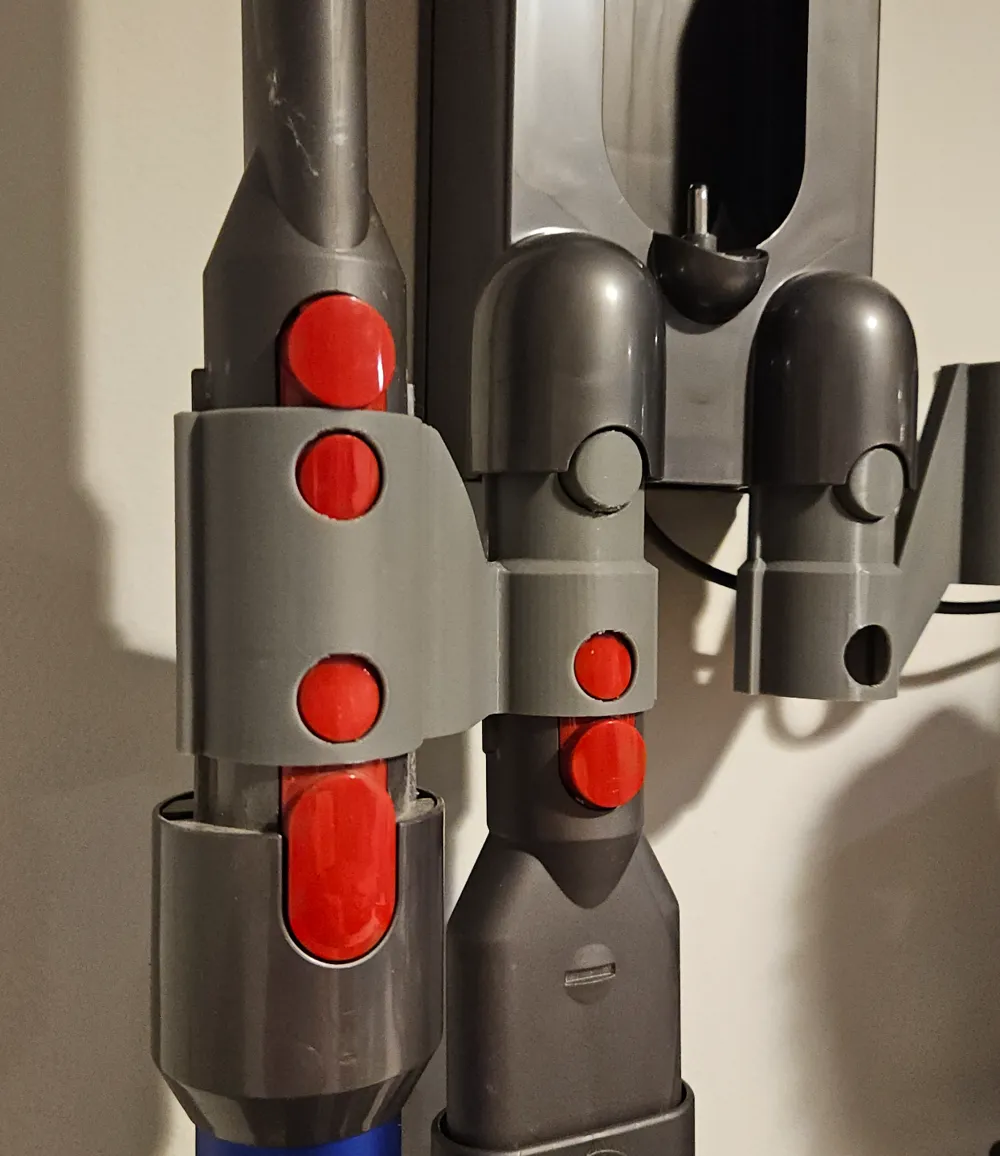
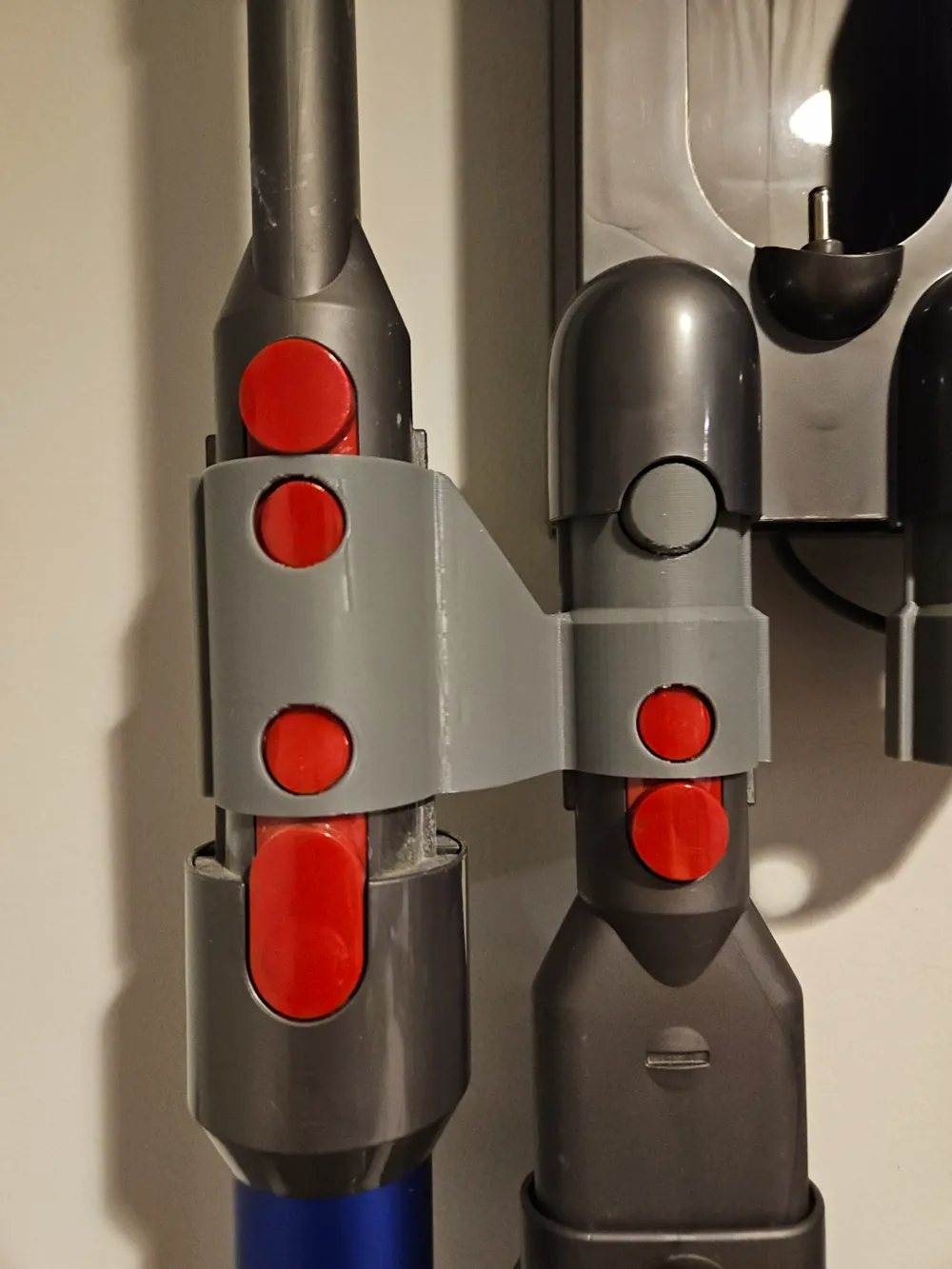
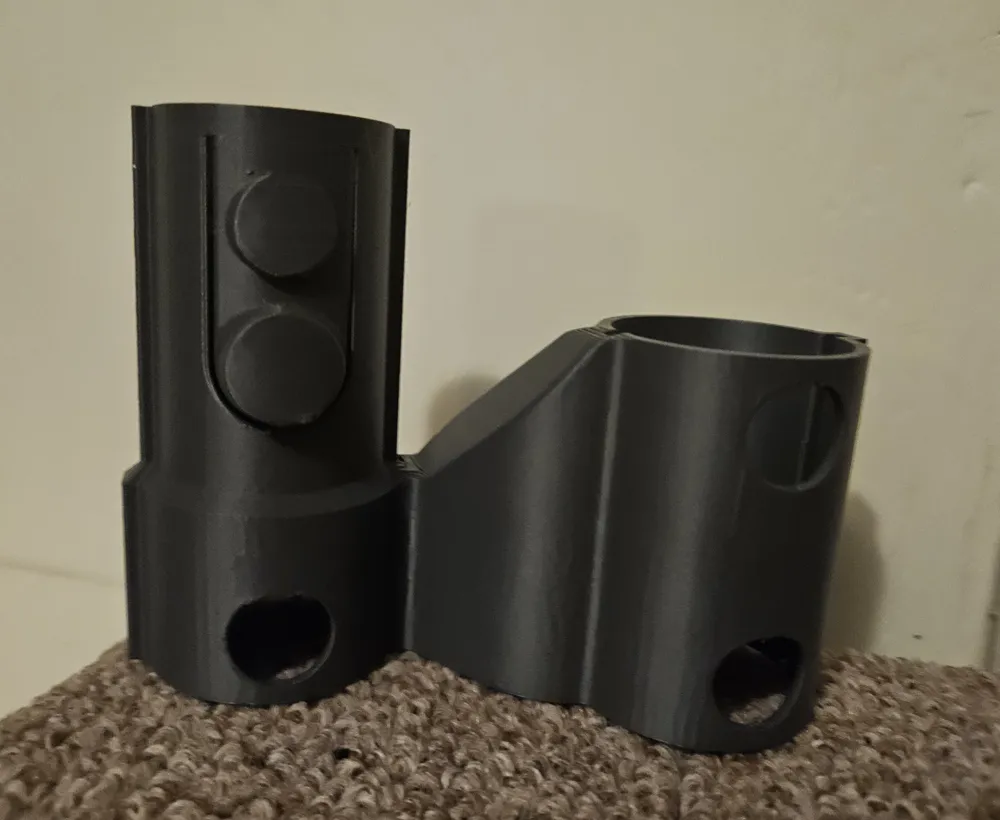
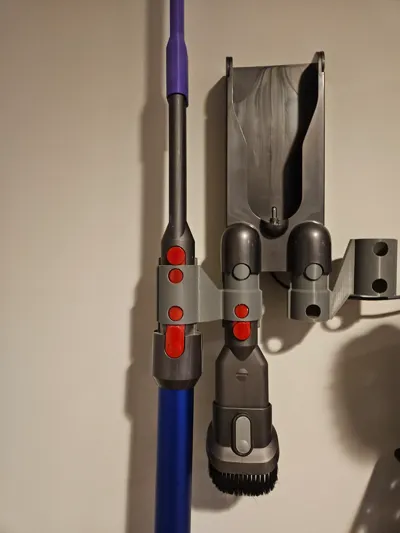
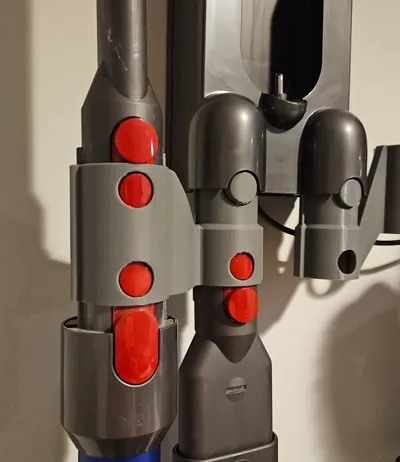
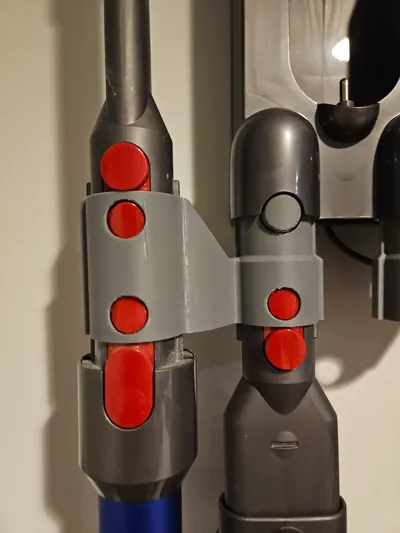
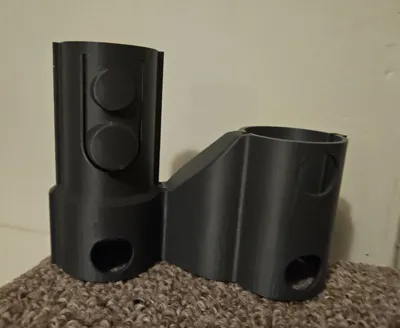
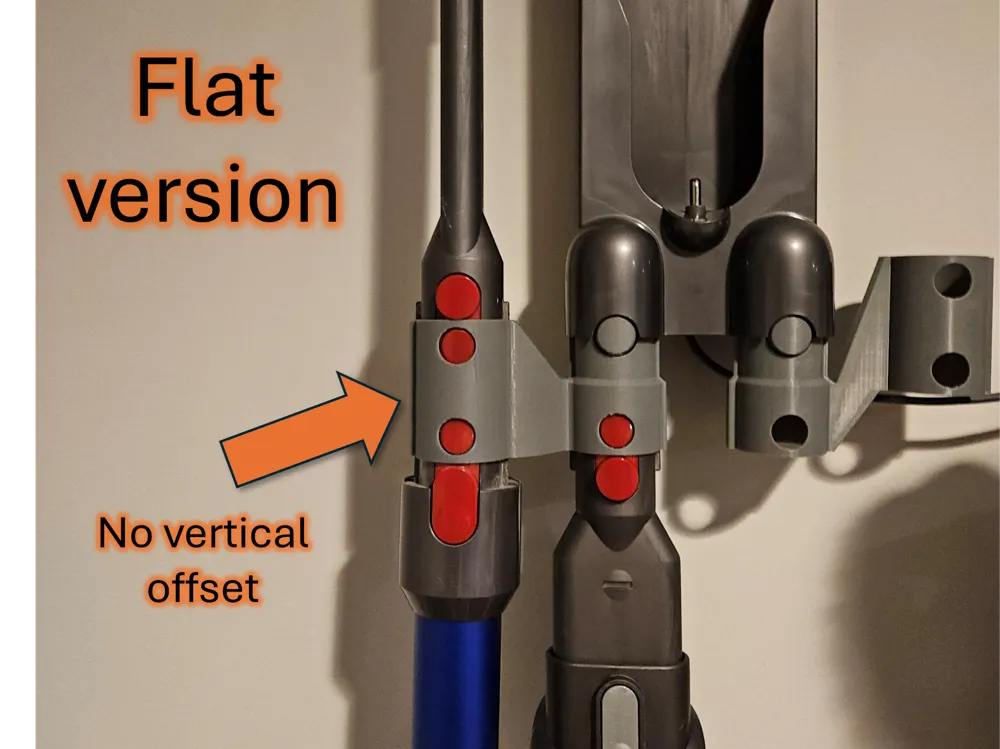
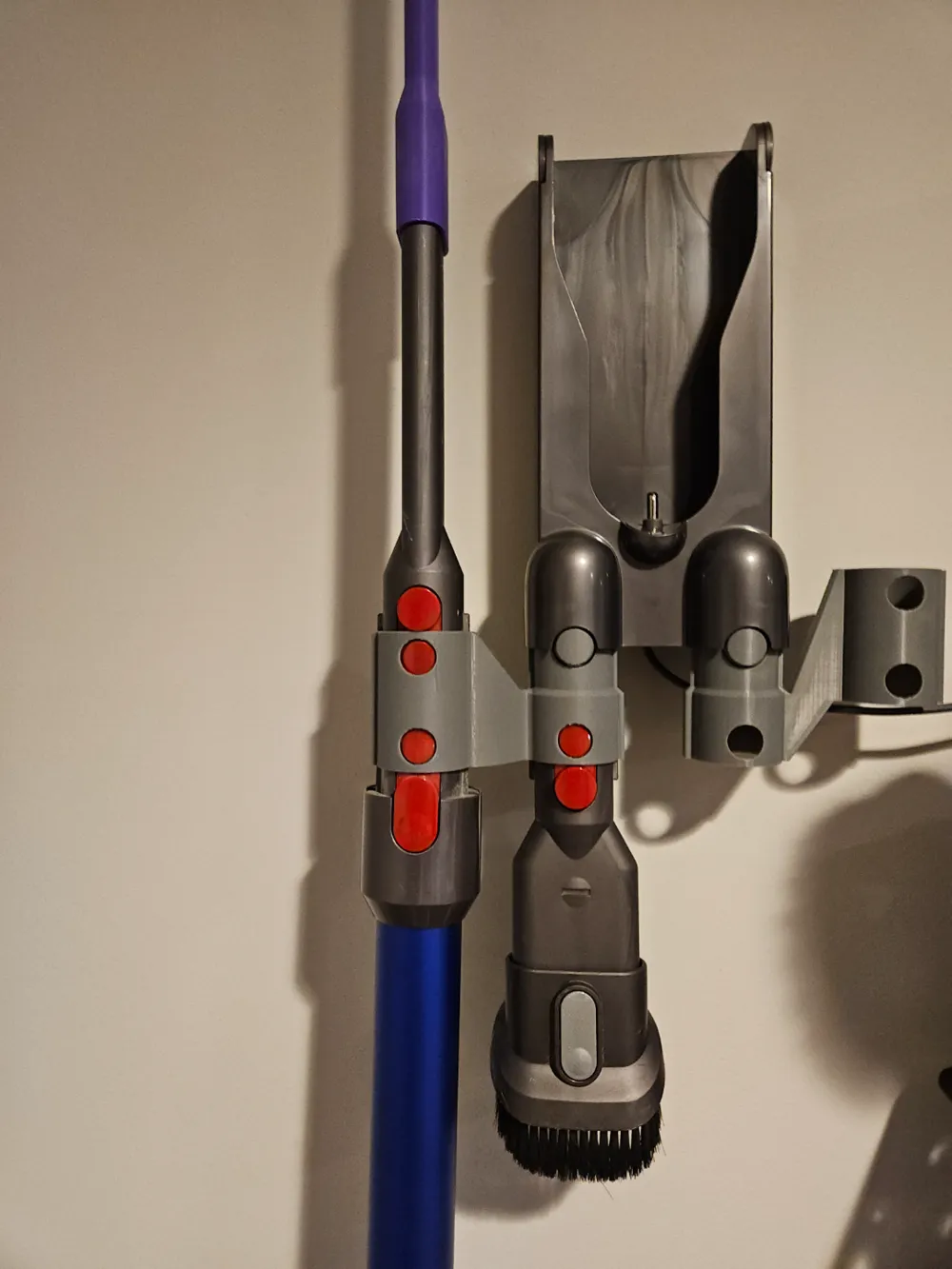
Adaptation of the Dyson wall mount adapter that removes the vertical offset which can get in the way of certain accessories. It does maintain the horizontal offset that brings the outer adapter slots a bit further from the wall, also for better accessory clearance. This maintains the tightened tolerances of my other models.

The main reason the other versions have the vertical offset is for print direction purposes, but since we've removed that we need to support the tab that locks the adapter into the wall mount.  This means that you're going to have a support interface on the tab so it won't come out quite as clean as the other versions but it will work great.  Expect to do a small amount of cleanup where those supports meet the tab.

Version 1.1 print consistency fix - The supports have been heavily tweaked to solve the inconsistent printing of the tab that some users were running into.  The issue was that the thin support was the only thing holding up the tab, the side-to-side printing motion could be too much for it and the tab would fail.  The supports are now more robust without using much more filament, and the inner and outer supports now meet in two places which makes for a massive improvement in stability, solving the issue.  It took a lot of tweaking (and a thin sacrificial support layer) to get them to do this so I suggest keeping the support settings as-is. 

The update should make for reliable printing now, please let me know how it goes!


Boost Me (for free)

If this works well for you please toss me a boost!

Comment & Rating (104)

(0/1000)

Boosted
idk what’s going on here. the right side one prints fine. the left side one after 3 prints has failed all times at the same point, the support keeps just falling off the plate. I added more support and also increased brim size to help but to no avail. I like the design and the right one is great but it’s just becoming a waste of filament to the point my black ran out. I cleaned the build plate too before anyone says adhesion issue.
The designer has replied
1
Reply
EDIT: model updated to V1.1 largely due to this conversation so thank you HB8205 for the feedback! -------------------- That tab is entirely supported by the tree support, so if the support is losing adhesion it's going to keep doing that. There's a few things you can try that could help, the first is slowing the speed down. Raising the plate temp a bit may help, and strong tree supports should make it more resilient against "tipping over", which is probably what's happening. Glue of some sort can't hurt too, you could also consider adding an outer brim to the object itself which will merge with the support brim. I'd probably do all of that at once if I was having that much trouble, personally. This doesn't seem to be a particularly rare occurrence so I may update the profile with more robust settings.
(Edited)
0
Reply
Boosted
Replying to @bovineblitz :
please do so as it’s a really good thing to print but it just doesn’t ‘ work ‘ and a lot of people printing from the app are going to be suffering. I will try your suggestions myself and see how it goes.
0
Reply
Replying to @HB8205 :
Looking at the way it's putting down the support interface, there's a couple little details that are likely contributing to the inconsistency. Between that and the relatively thin and tall tree support it can be asking a lot of that support to handle the side-to-side motion. My prints worked fine so I didn't see these issues, it's really that the initial design wasn't meant to be supported this way so I should have given more consideration to how the interface interacts with the angles. I started a test print with a number of support changes and a couple little tricks, and should have an updated file up tonight. Thanks for the comments, it'll be nice to get this fixed up.
1
Reply
Was having issues with the tab snapping when printed with PLA. Ended up modifying a bit to strengthen it, but also ended up printing in PETG. Works great!
2
Reply
so where's your profile? :)
1
Reply
it failed on the release button
The designer has replied
0
Reply
It needs supports otherwise that part is printing in the air. I know the profiles I uploaded has tree supports.
0
Reply
Replying to @bovineblitz :
yes it had, think it was to small to support. don't know why but it was really messy. lucky the rest of the print went well :)
0
Reply
Replying to @user_2496071192 :
That is very strange, it looks like it fell over at the tab. Supports look like they printed correctly. Only thing I can think of is that there's still a bit of overhang, maybe make sure the parts fan is on and slow down more for overhangs?
0
Reply
Works great. I printed one part in PLA at first and the locking tab immediately snapped off. I printed both in PETG and that fixed the problem.
0
Reply
Print Profile
Left and right, separate plates (V1.1)
Print fit and works well; thank you!
0
Reply
Print Profile
Left and right, reinforced tab (V1.1)
At last! All the accessories in one place. Great print. Thanks for sharing.
0
Reply
Print Profile
Left and right, separate plates (V1.1)
Printed great, does the job. Not sure what's going on with the lofts between the 2 cylinders, but it works well enough and it's hidden facing the wall. Be careful taking off the Supoorts, I broke the latch on one of mine.
0
Reply
Printed great and solved my problem beautifully. One of those prints that really shows off why you need a 3d printer.
0
Reply
Print Profile
Left and right, separate plates (V1.1)
works great. great for gen5 v15 stair attachment for not touching wall
0
Reply
Print Profile
Left and right on one plate (V1.1)
Some stringing in the middle but worked great, I fit every single attachment which makes me incredibly happy
0
Reply