Search models, users, collections, and posts

Filament Sample | Crystal collector With CAD file

Print Profile(9)

All
P1S
P1P
X1
X1 Carbon
X1E
A1
A1 mini
H2D
H2D Pro
H2S
P2S
H2C
X2D
A2L

PLA
PLA
Designer
41 min
1 plate
5.0(142)

Silk PLA
Silk PLA
Designer
42 min
1 plate
5.0(65)

PETG
PETG
Designer
54 min
1 plate
5.0(42)

a1mini, PLA text
a1mini, PLA text
Designer
45 min
1 plate
5.0(24)
Click to see more

Open in Bambu Studio
Boost
843
1836
350
109
2.1 k
1.9 k
Released 

Description

If you want a commercial license, join my Commercial license club.

Membership

If you want a commercial license, join my Commercial license club.

Join


Back to a while ago, I was trying to make some filament sample model for my design display, Because I am having hard to to choice what type of filament to run the test. So I designed this one. And, maybe it would be fun to share with you guys, and you show me what's your crystal collection looks like. Good Deal?


Box available here:

https://makerworld.com/en/models/69421#profileId-73743
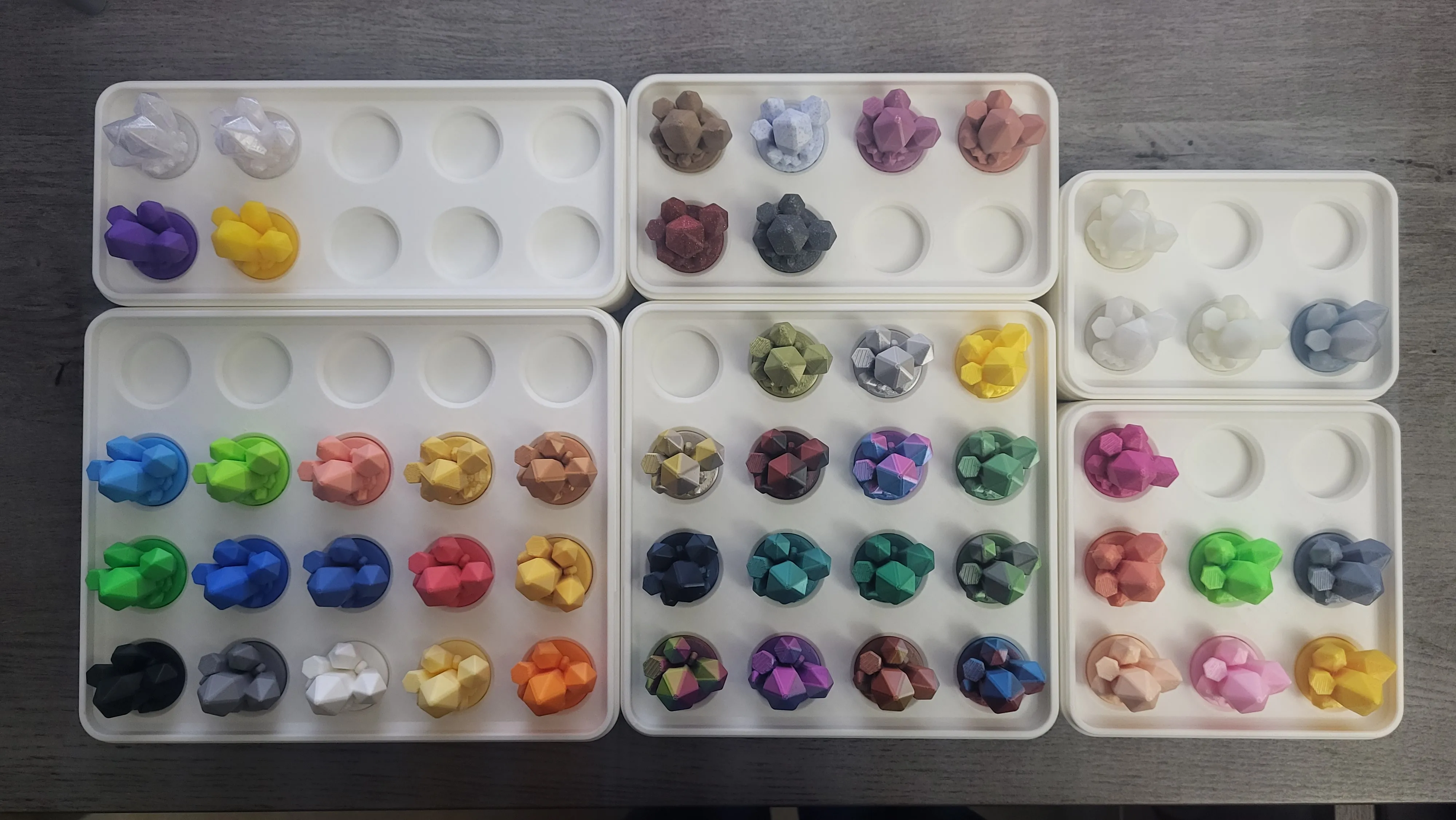
I add brand and color under the crystal so I can find out which roll of filament I am looking at, You can doing so on slicer or use my STEP file to make your own text on CAD software. Have fun! (That's my collection, lol)
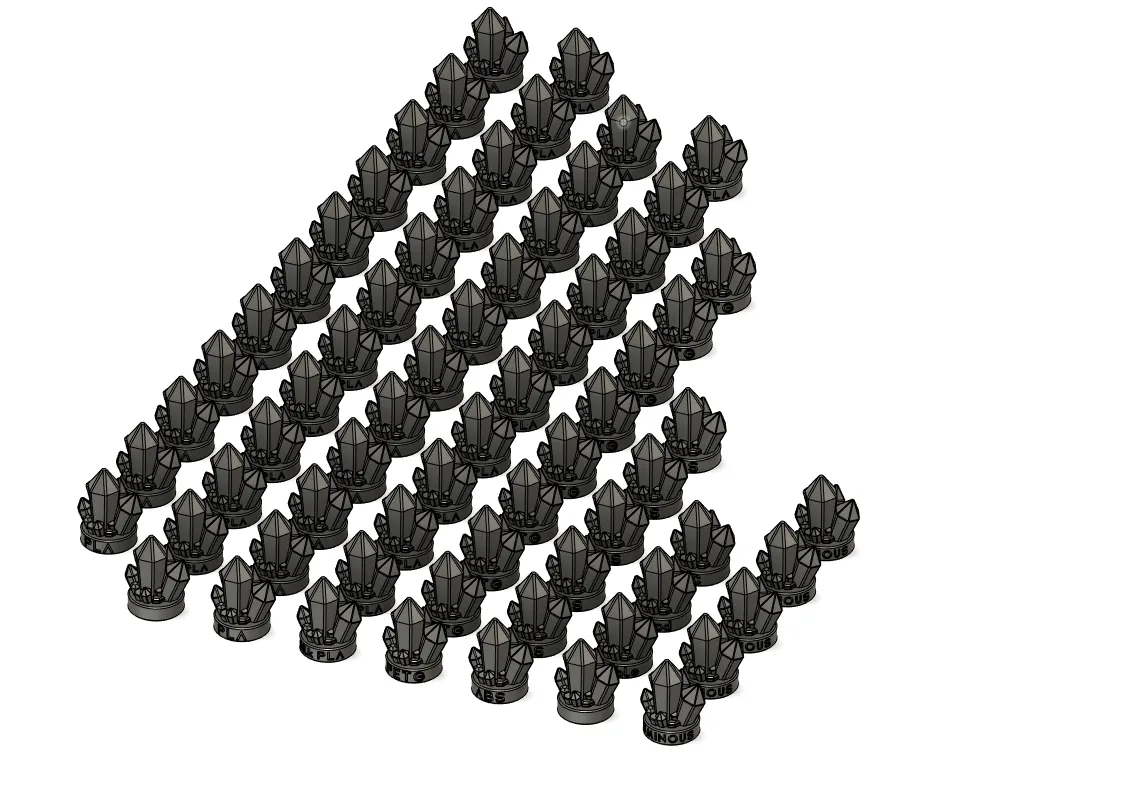
I also have attached basic types of filament on model setction, or you want to directly download the print file.

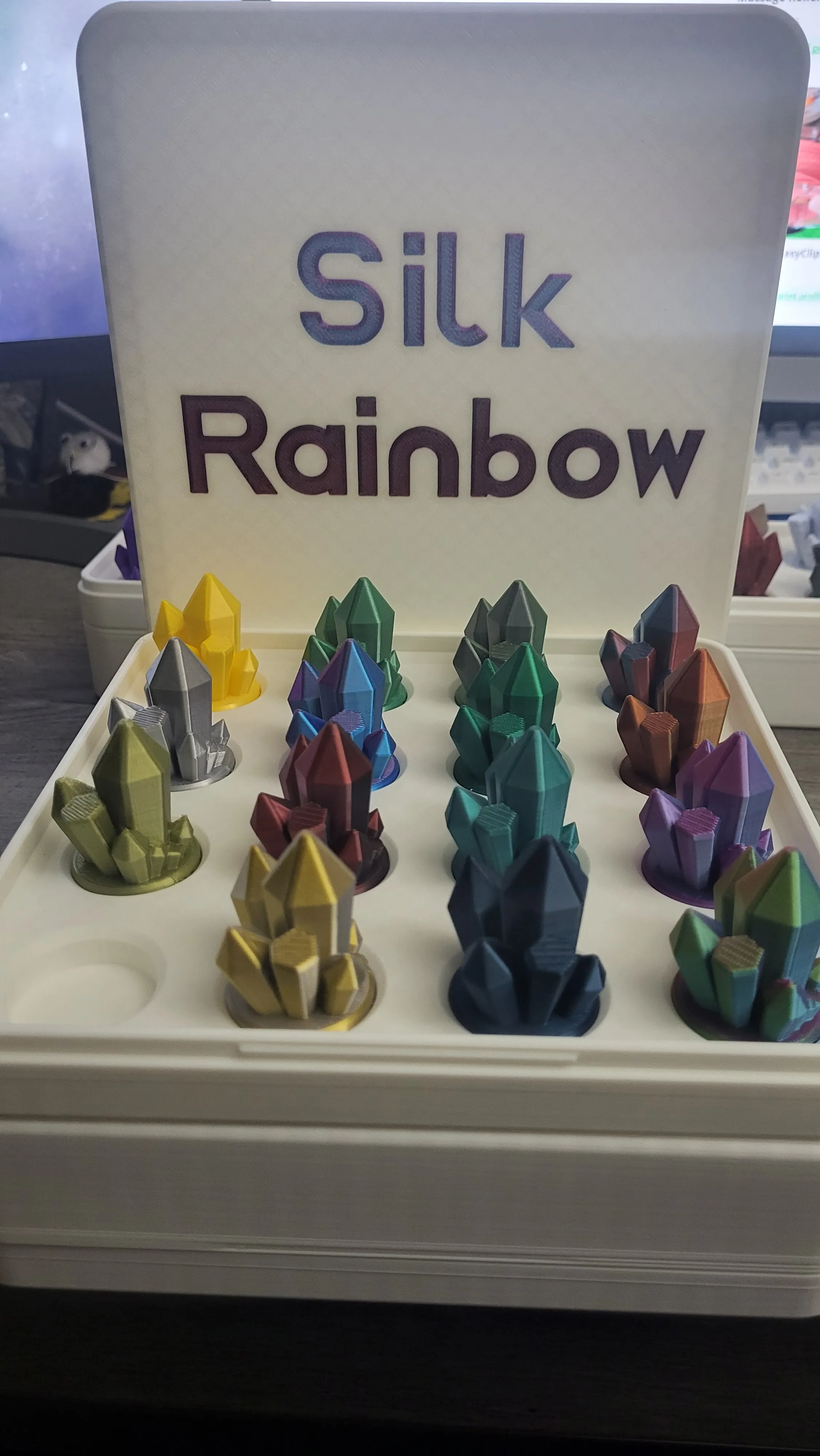
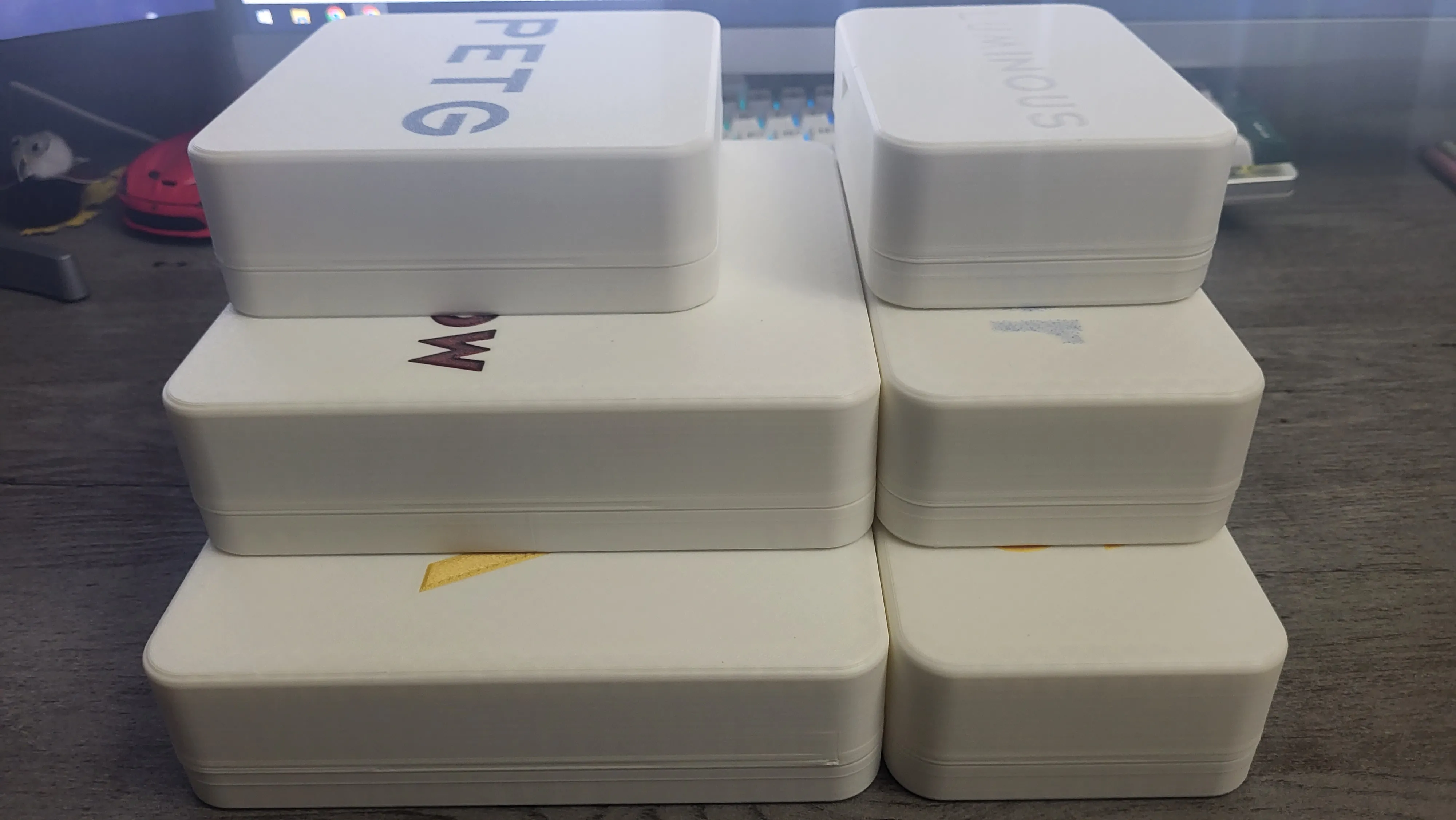
I also have design box for all the crystal to sit. The slot of perfect sliding fit, looks good too I guess.
Comment & Rating (350)

(0/1000)

Print Profile
PLA
great samples
4
Reply
where can i find that shelf?
0
Reply
Replying to @user_128598926 :
it's mine own project :)
0
Reply
please upload the file 🙏🏻😍
(Edited)
2
Reply
Is there any chance of getting a version with "Edit Text" for the bottom label? None of the options can be edited in Studio (this is from the version "PLA-with brand and color information at bottom")
(Edited)
5
Reply
Just check the "text" icon at the top right corner with a double click and edit ;)
0
Reply
I really love these, super well made
Show original
0
Reply
Quick question: How did you change the writing on the side of the sample to "Eleco"?
0
Reply
Replying to @Pinky75 :
With Fusion360
Show original
0
Reply
Replying to @Pinky75 :
or also in Bambu Studio
Show original
0
Reply
Print Profile
PLA
love them, plenty more to go
The profile uploader has replied
profile
1
Reply
don't forget there is box design for those:) Look nice!
0
Reply
Replying to @SavageLau :
how did you change the name on CAD i was using fusion360 (kinda new at this) I wanted it to say Tough PLA
0
Reply
Print Profile
Silk PLA
16 Perfect Prints!
2
Reply
Print Profile
PLA
Fun print I use to test out new filament.
2
Reply
Print Profile
PLA
great filament sample & I love how it fits in the holder so nicely 🤩
1
Reply
Boosted
Print Profile
PLA
Works great for dual and tricolour filaments.
1
Reply
Print Profile
PLA
Jayo Matt Dual Color Red Yellow looks great. thank you for your work
Show original
0
Reply
Print Profile
PLA
Magnifique
0
Reply

License

If you want to use this model commercially, please join my membership.
Join Now
This user content is licensed under a Standard Digital File License.

You shall not share, sub-license, sell, rent, host, transfer, or distribute in any way the digital or 3D printed versions of this object, nor any other derivative work of this object in its digital or physical format (including - but not limited to - remixes of this object, and hosting on other digital platforms). The objects may not be used without permission in any way whatsoever in which you charge money, or collect fees.
