Search models, users, collections, and posts

Simracing LED Matrix 8x8 Box
GIF

Print Profile(1)
All
X1 Carbon
H2S
H2C
H2D Pro
A1
X1E
P1S
X1
H2D
P2S
P1P
X2D
A2L

0.2mm layer, 2 walls, 15% infill, all plates
Designer
4.3 h
4 plates
5.0(18)

Open in Bambu Studio
Boost
109
292
46
18
399
178
Released 

Description

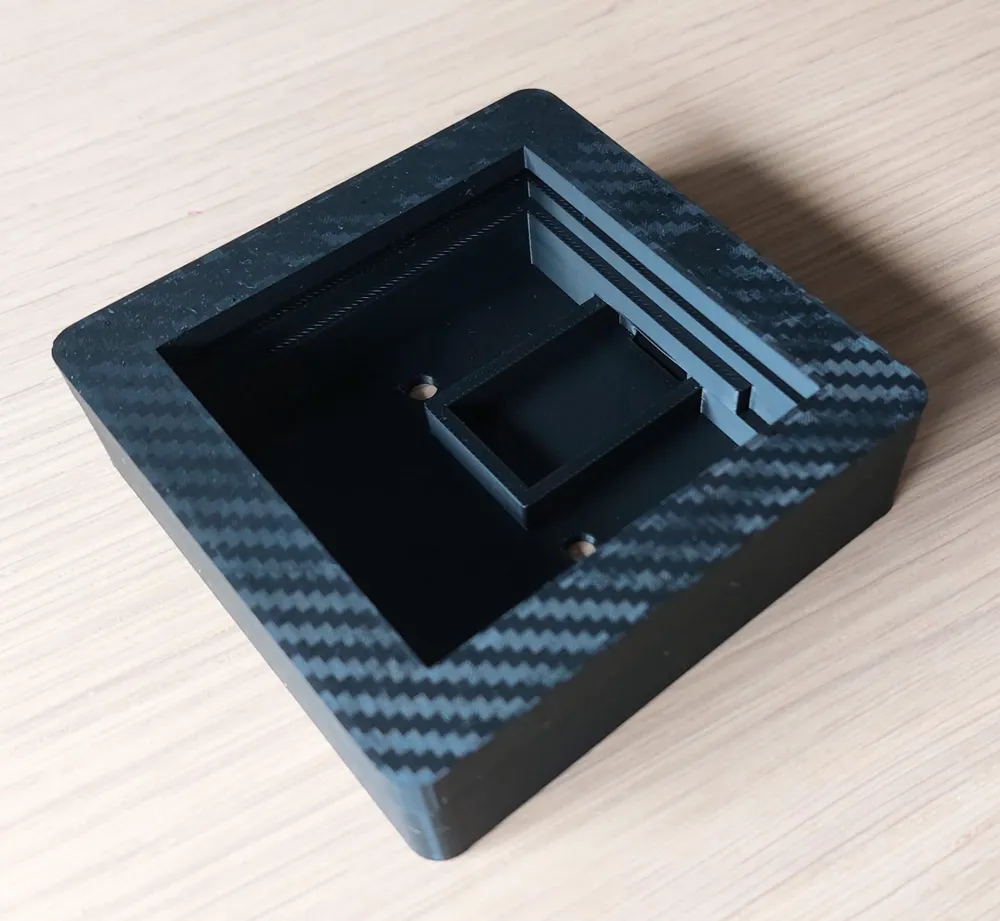
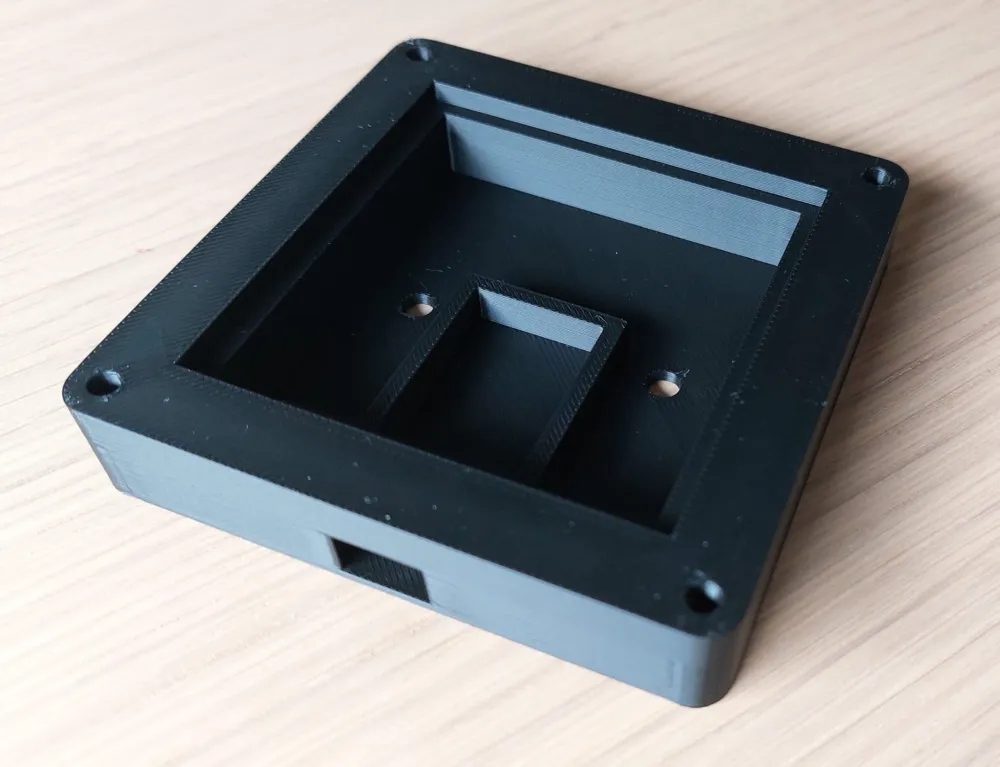
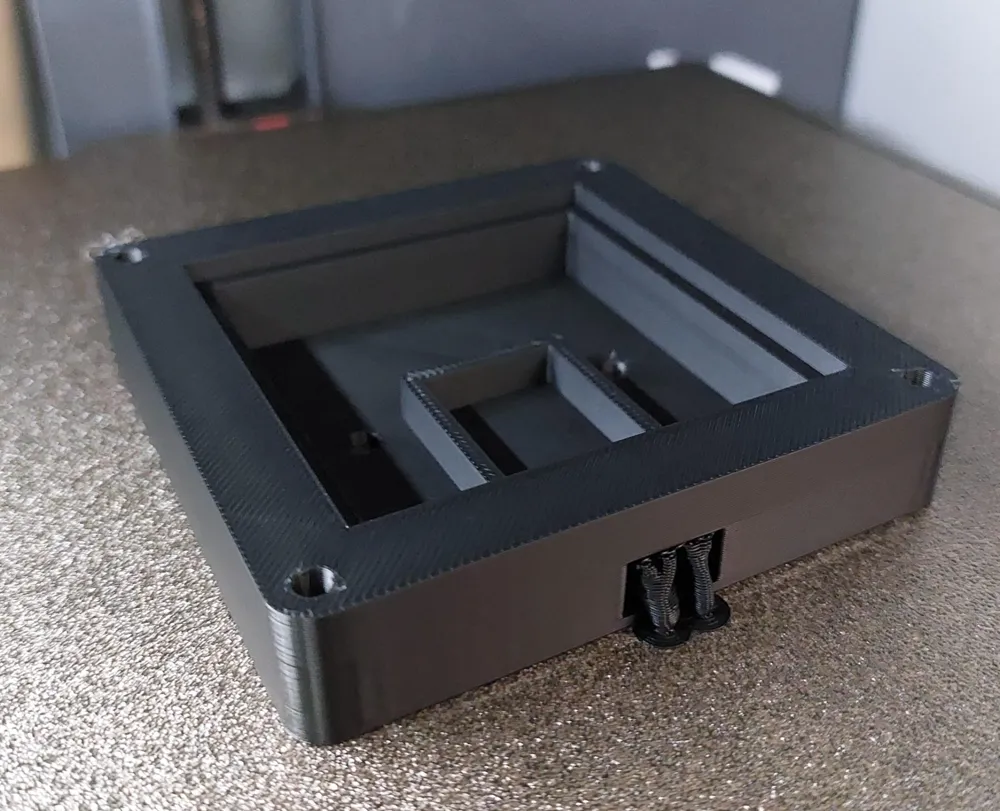
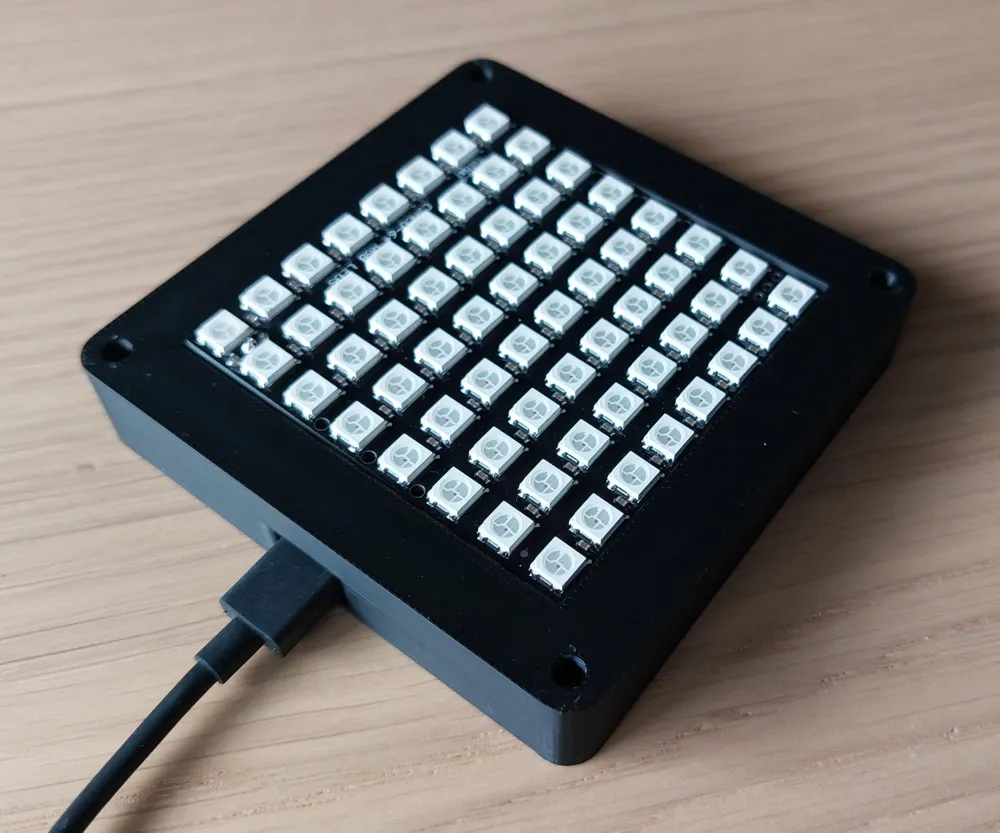
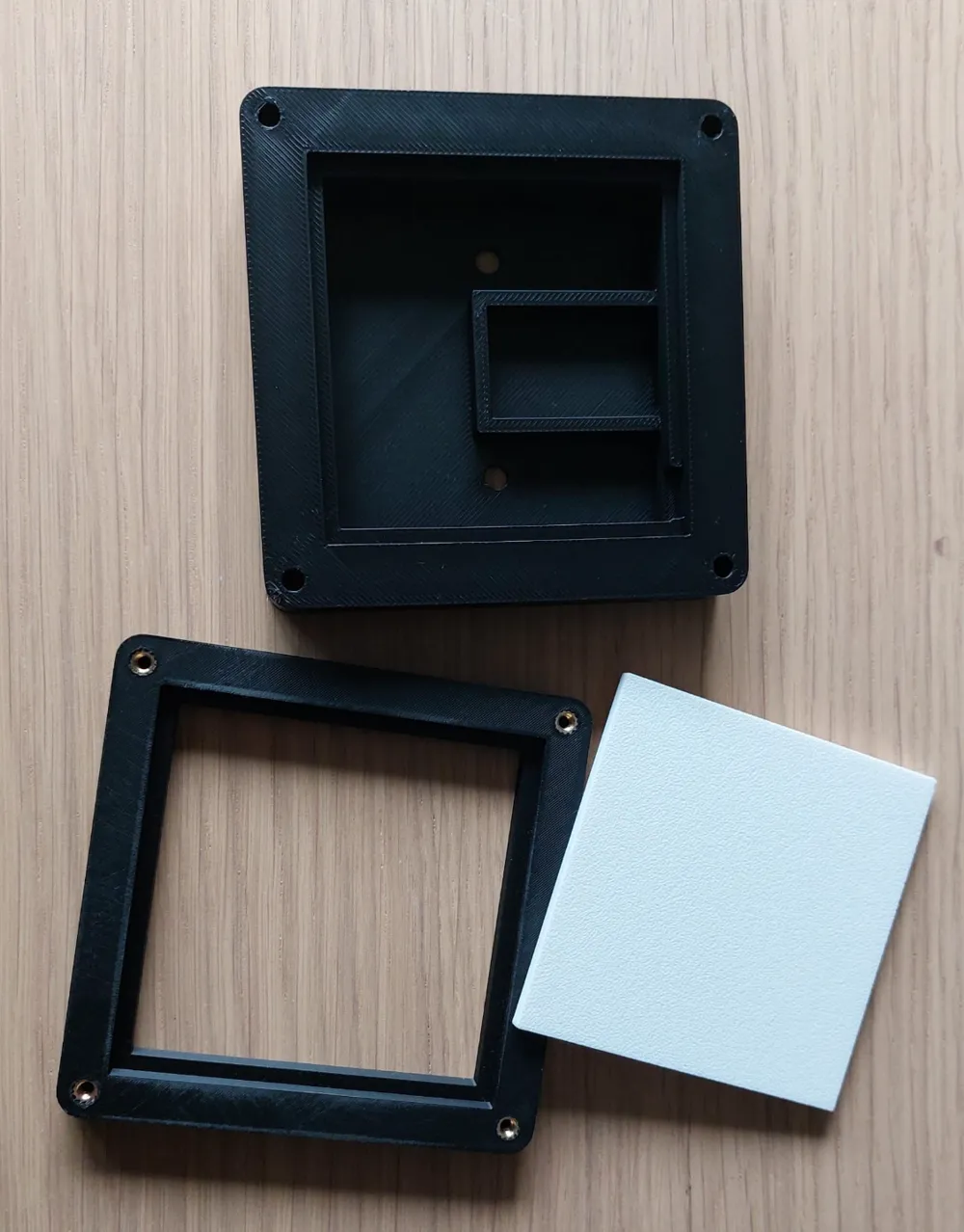
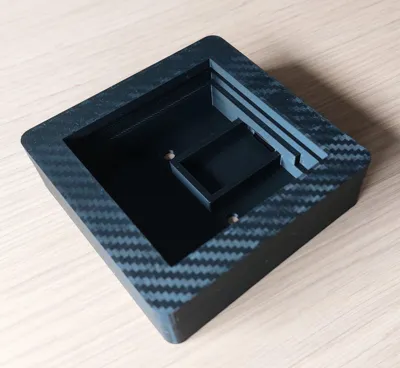
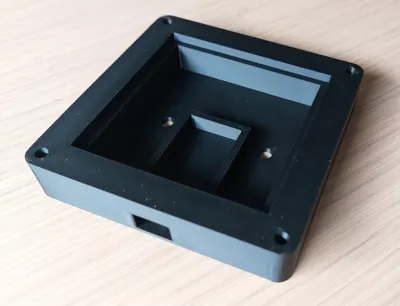
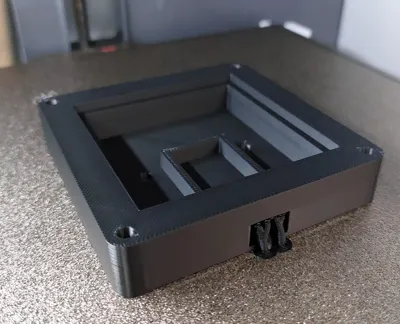
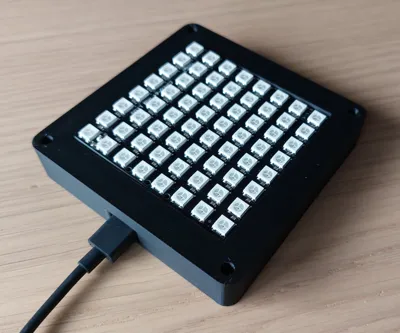
For all the simracers out there I've created my own version of a RGB 8x8 Led Matrix Box!


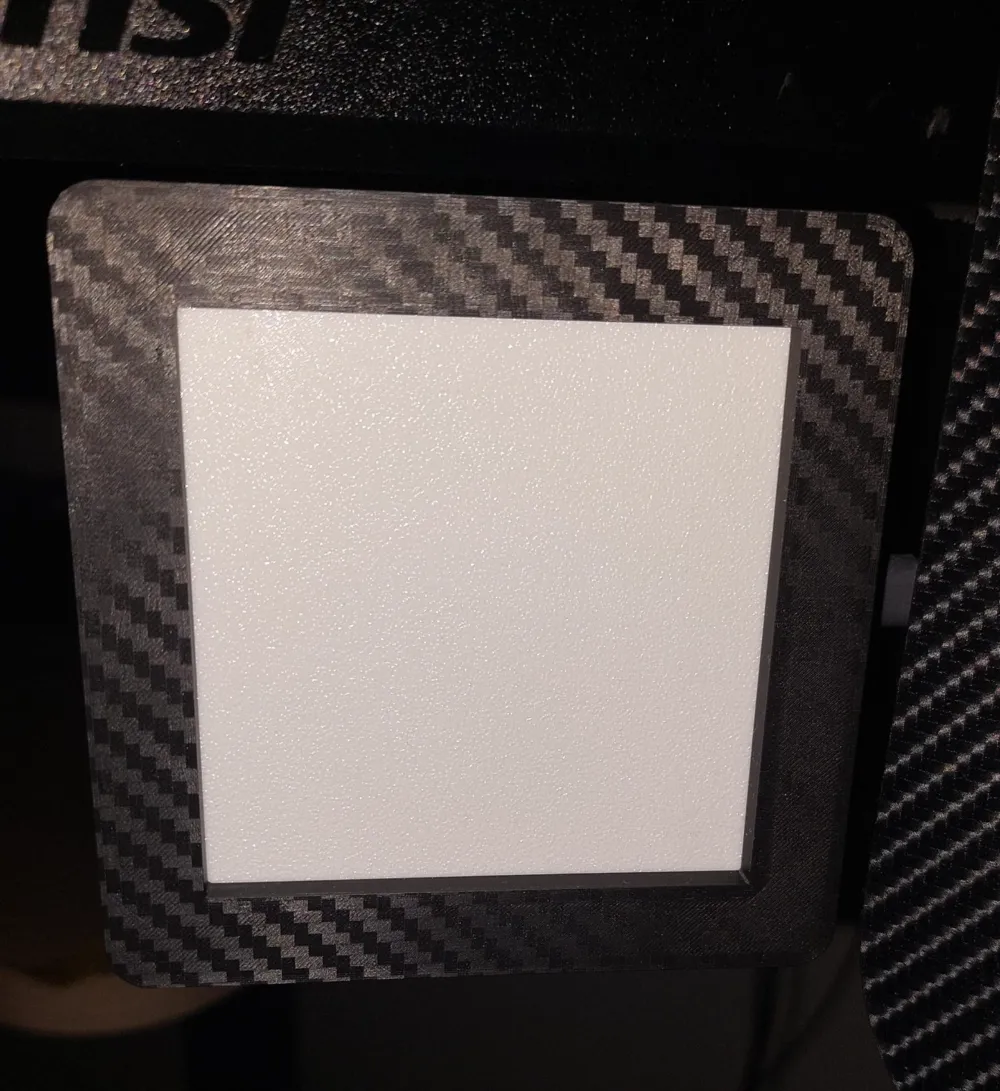
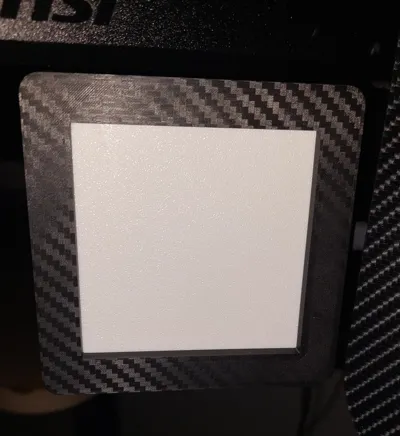
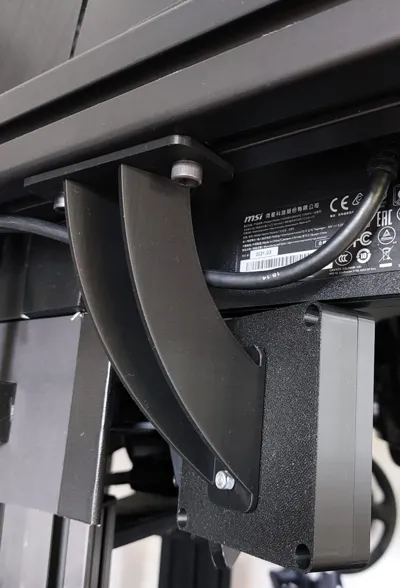
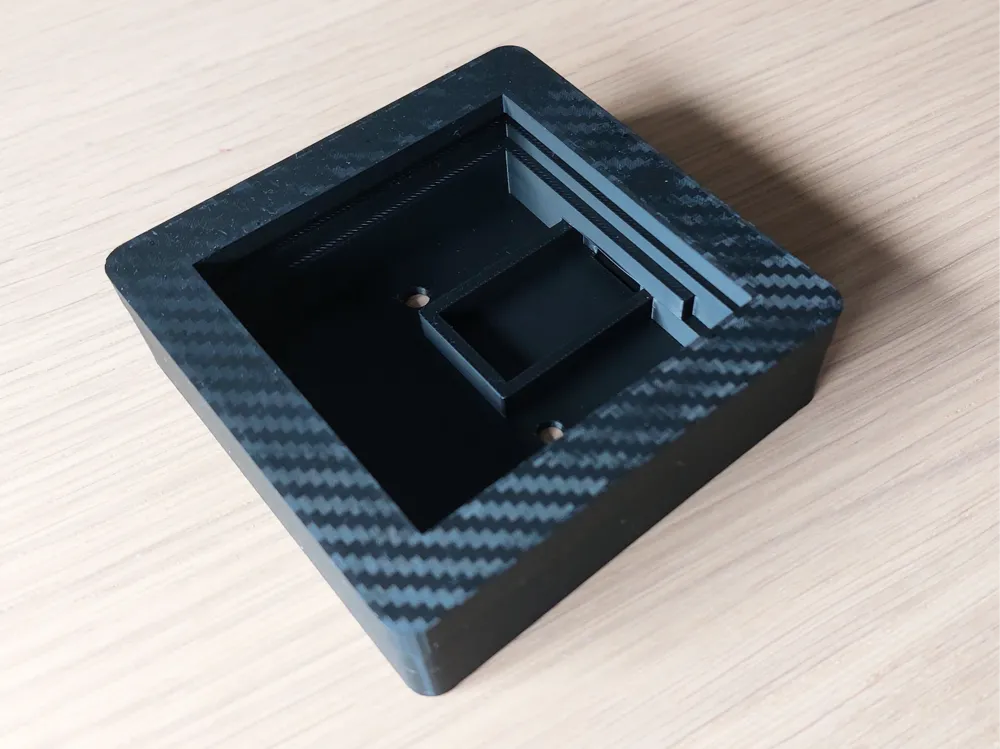
For myself I've printed the front on the Bambulab Carbon plate so it fits the rest of my simracing setup.


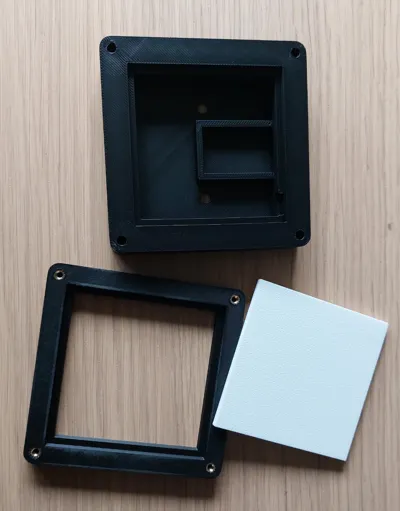
The well-known WS 2812 LED 8x8 RGB matrix fits perfectly in the box with a 3mm(see print file) full infill print of white filament.


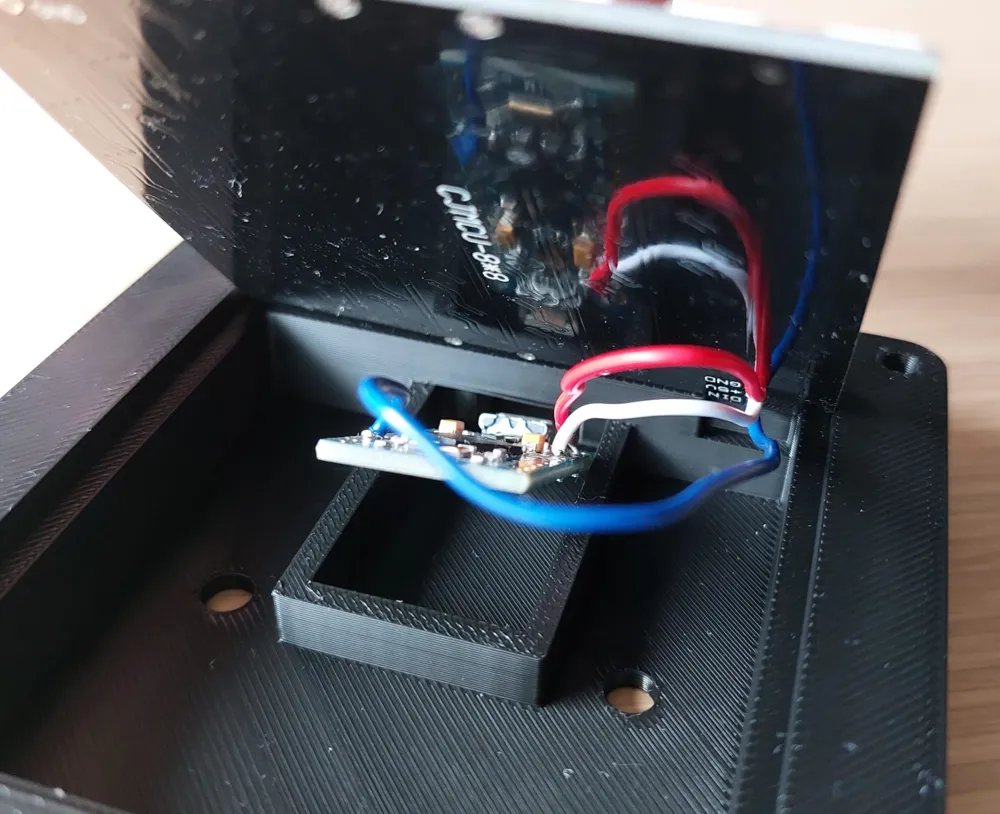
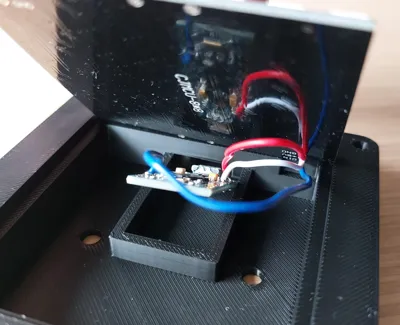
An Arduino Pro Micro that's in the box can be programmed in SimHub.


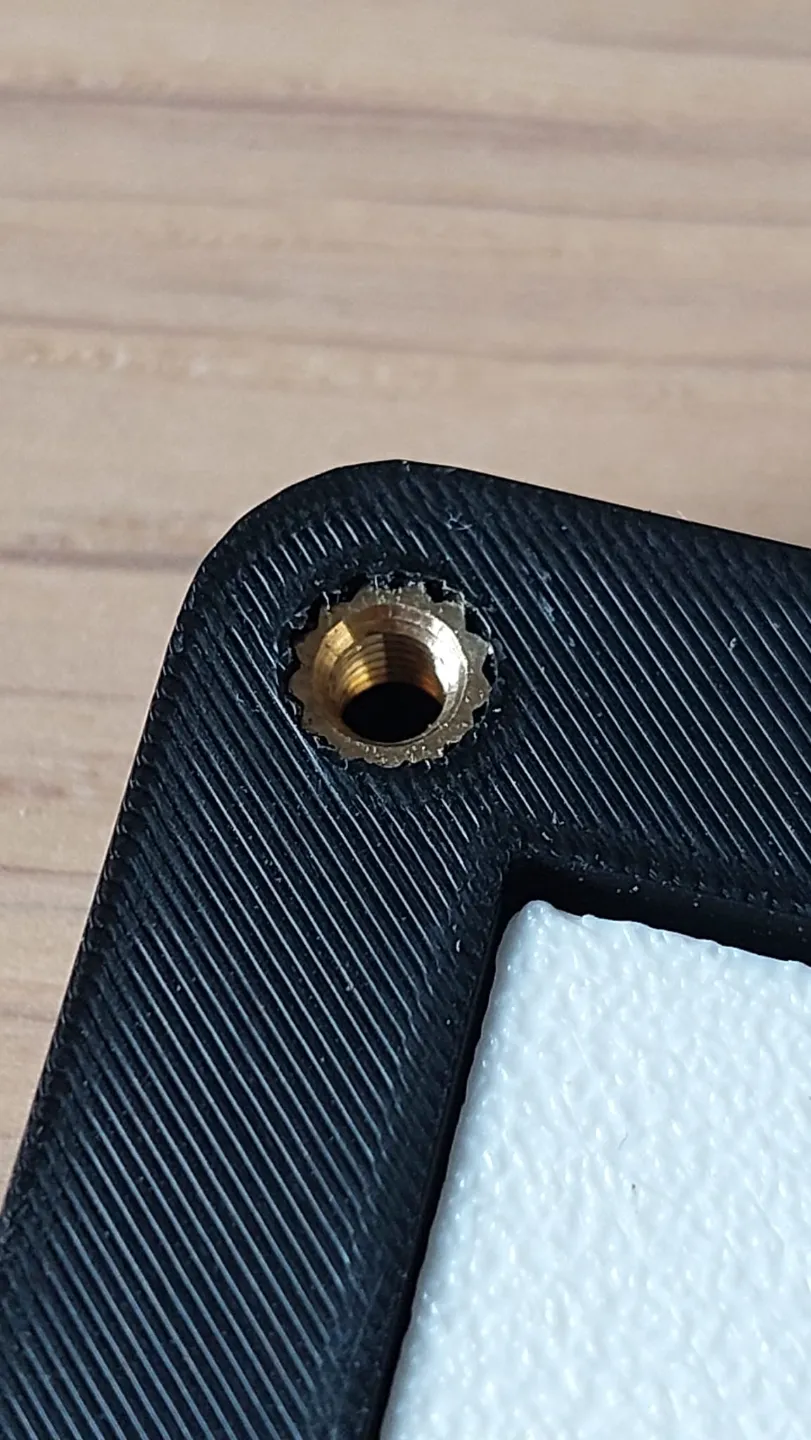
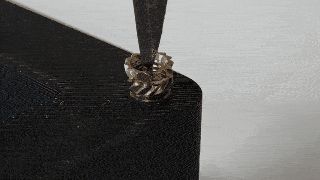
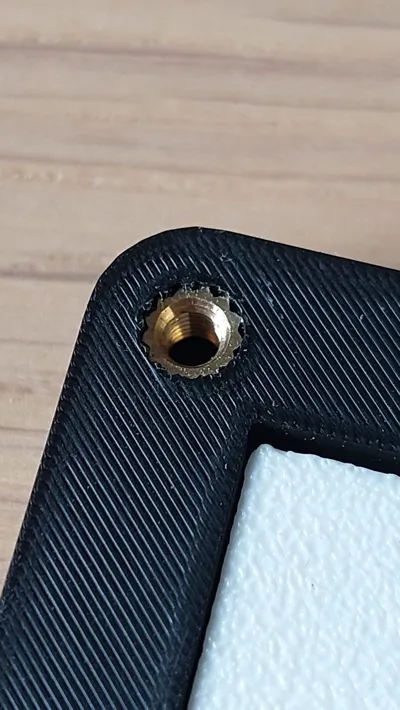

The front is mounted with 10mm M3 screws with a soldered in M3 insert. In the GIF you can see that it is very easy to melt in.


Have fun printing and building!

Comment & Rating (46)

(0/1000)

Nice design, suits me very well, but I've just changed the cover to adapt it to 2mm acrylic sheet (instead of 3mm infill print).
The designer has replied
designer
1
Reply
Looks very nice!
0
Reply
Print Profile
0.2mm layer, 2 walls, 15% infill, all plates
Everything fits perfectly
The profile uploader has replied
profile
1
Reply
Thanks for the feedback. The print looks very nice! enjoy!
0
Reply
Great design thank you! I modified it slightly to fit my Aliexpress pieces which had different size
The designer has replied
designer
1
Reply
Good to hear you managed to adjust it, have fun!
0
Reply
Boosted
Print Profile
0.2mm layer, 2 walls, 15% infill, all plates
Turned out great!!
(Edited)
The profile uploader has replied
0
Reply
looks very professional, thanks for the boost! enjoy
0
Reply
It' 7x7, not 8x8! :/
The designer has replied
0
Reply
Then that's not the matrix where it's made for😉
1
Reply
Print Profile
0.2mm layer, 2 walls, 15% infill, all plates
Excellent model. It just needed more robust supports
(Edited)
Show original
profile
1
Reply
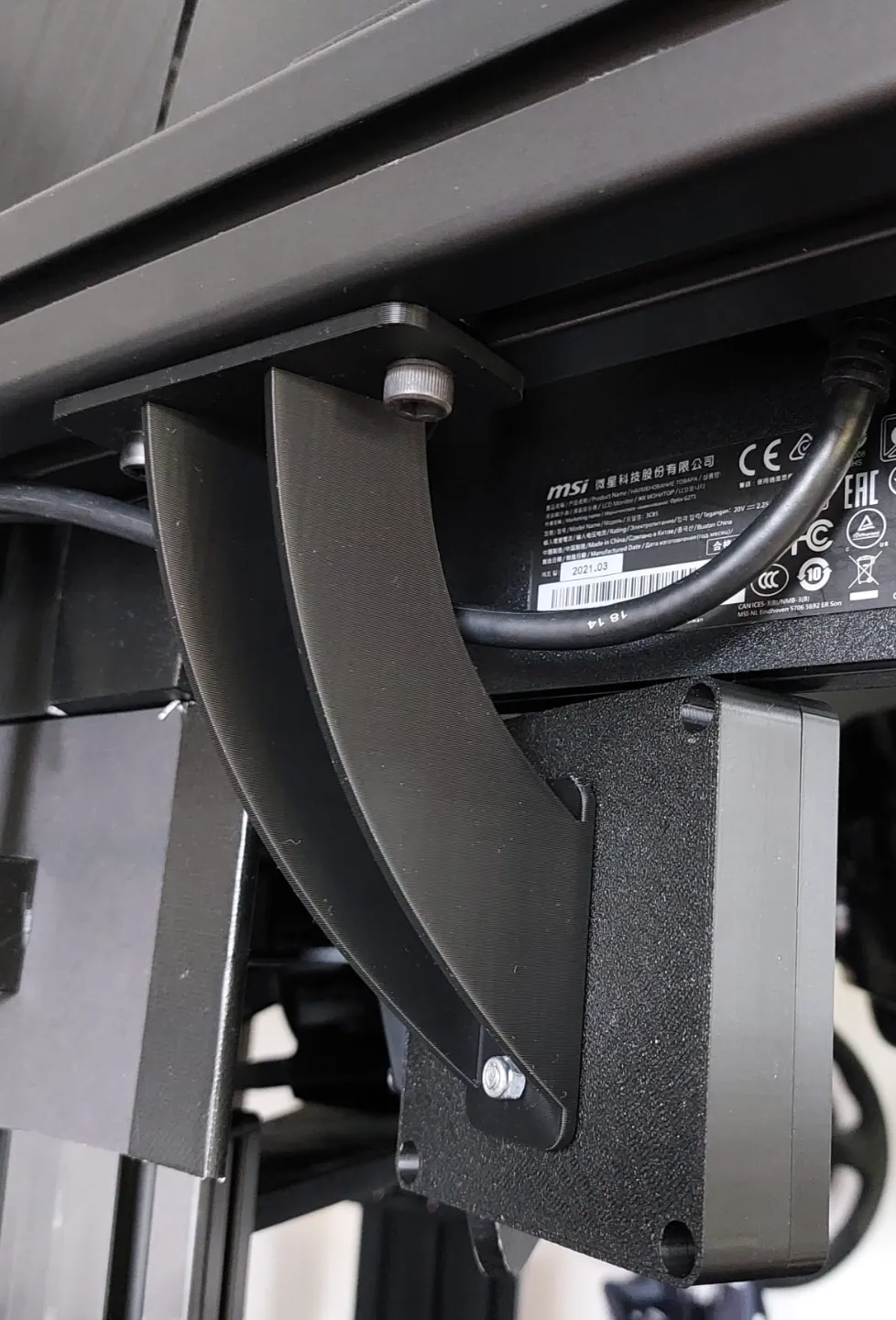
Hey Fella sweet design ! I see that is mounted to your rig with a very cool stand/mount..I need this in my life lol. also how do I use the carbon build plate as I have the Bambu one and can't get anything to stick. cheers !
The designer has replied
designer
1
Reply
Hello! Did you selected the right build plate in the slicer? (see attachment) You can also try the glue for better adhesion https://eu.store.bambulab.com/collections/spare-parts-for-x1-series/products/liquid-glue-for-build-plate Let me know if it works!
(Edited)
0
Reply
Hey, when I bought the build surface stickers and the smooth plates from Bambu, there wasn't a barcode on them, the printer looks for the barcode and throws an error of it doesn't find one.
0
Reply
Replying to @Ian8947 :
I think it's better you reach out to the Bambulab costumer surface or the forum. I'm afraid I can't help with this...
0
Reply
Print Profile
0.2mm layer, 2 walls, 15% infill, all plates
The printing was fine, but I have an ardunio nano. 😄😄
profile
1
Reply
Did you use a Nano with a pinne? If you have adapted the housing, could you give me the change?
Show original
0
Reply
Replying to @floduester :
Hi! I put in a panel that didn't have the pins soldered in. I'll try to find it, but I'm not sure if it's there. If I don't write within 24 hours, then unfortunately I won't find it, otherwise I will write.
(Edited)
0
Reply
Replying to @cstibikeee :
Danke dir
0
Reply
Boosted
The print was perfect! Everything already printed 3 times except for the holders 👌🏻 Unfortunately my 8x8 matrix board is 67x66mm and doesn't quite fit into the cutout Is it possible for you to upload it again with the adjusted sizes for me ☺️
The designer has replied
Show original
designer
1
Reply
Good to hear you like it! Regarding the Matrix size, you can easily perform a additional cutout in the Bambulab Slicer. Right click on the object, choose "Add Negative Part" and the Cube. On the left side of your screen go to Objects on the Process tab. Select the Generic Cube. Then you can move and resize it just like you can with any other object. And finally choose for Slice Plate and the cut-out is there. Let me know if it works for you!
3
Reply
Boosted
Replying to @Mart_B :
Worked great with the adjustments Thanks
Show original
designer
1
Reply
My WS2812B came 80mmx80mm lol
0
Reply
The file for the front panel is unfortunately not complete or damaged and not available as an STL
The designer has replied
Show original
0
Reply
That's strange, I've just tested by downloading it from the website, but is works just fine with me. Have you updated Bambulab Studio? Maybe download it again?
0
Reply

License

This user content is licensed under a Standard Digital File License.

You shall not share, sub-license, sell, rent, host, transfer, or distribute in any way the digital or 3D printed versions of this object, nor any other derivative work of this object in its digital or physical format (including - but not limited to - remixes of this object, and hosting on other digital platforms). The objects may not be used without permission in any way whatsoever in which you charge money, or collect fees.