
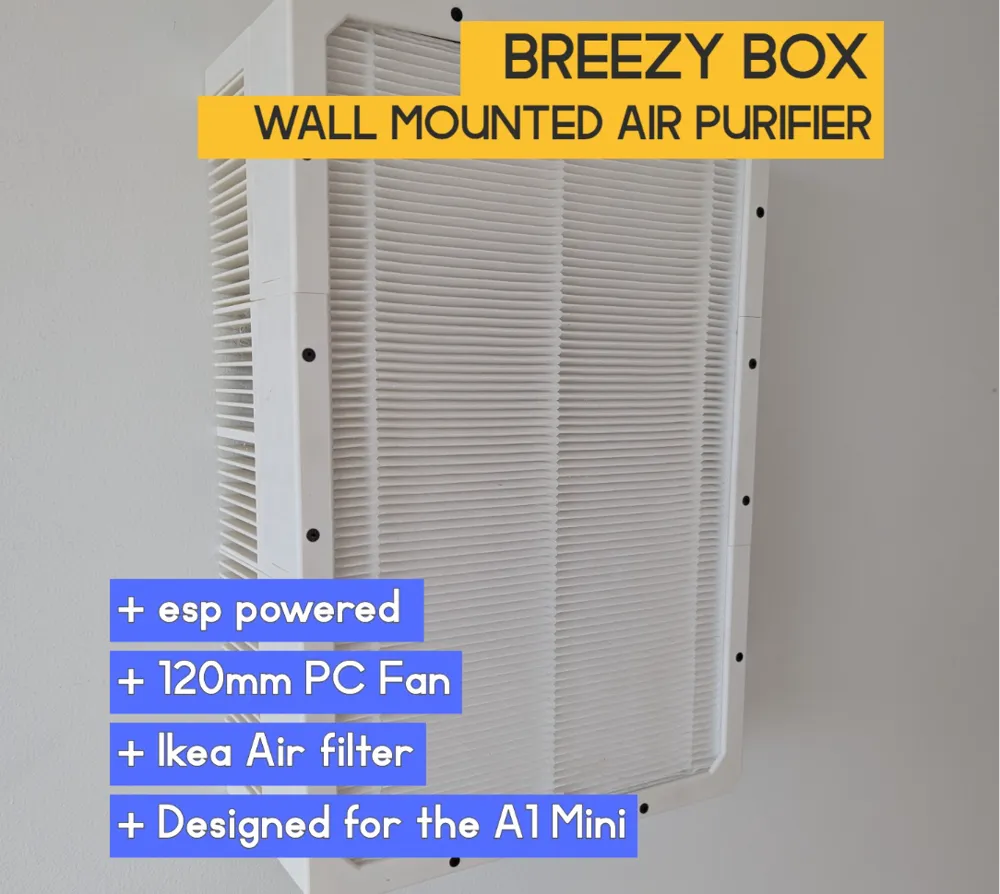
Breezy Box - Smart wall mounted air purifier
Print Profile(1)

Bill of Materials


- SeeDescription x 1: atleast1
Description
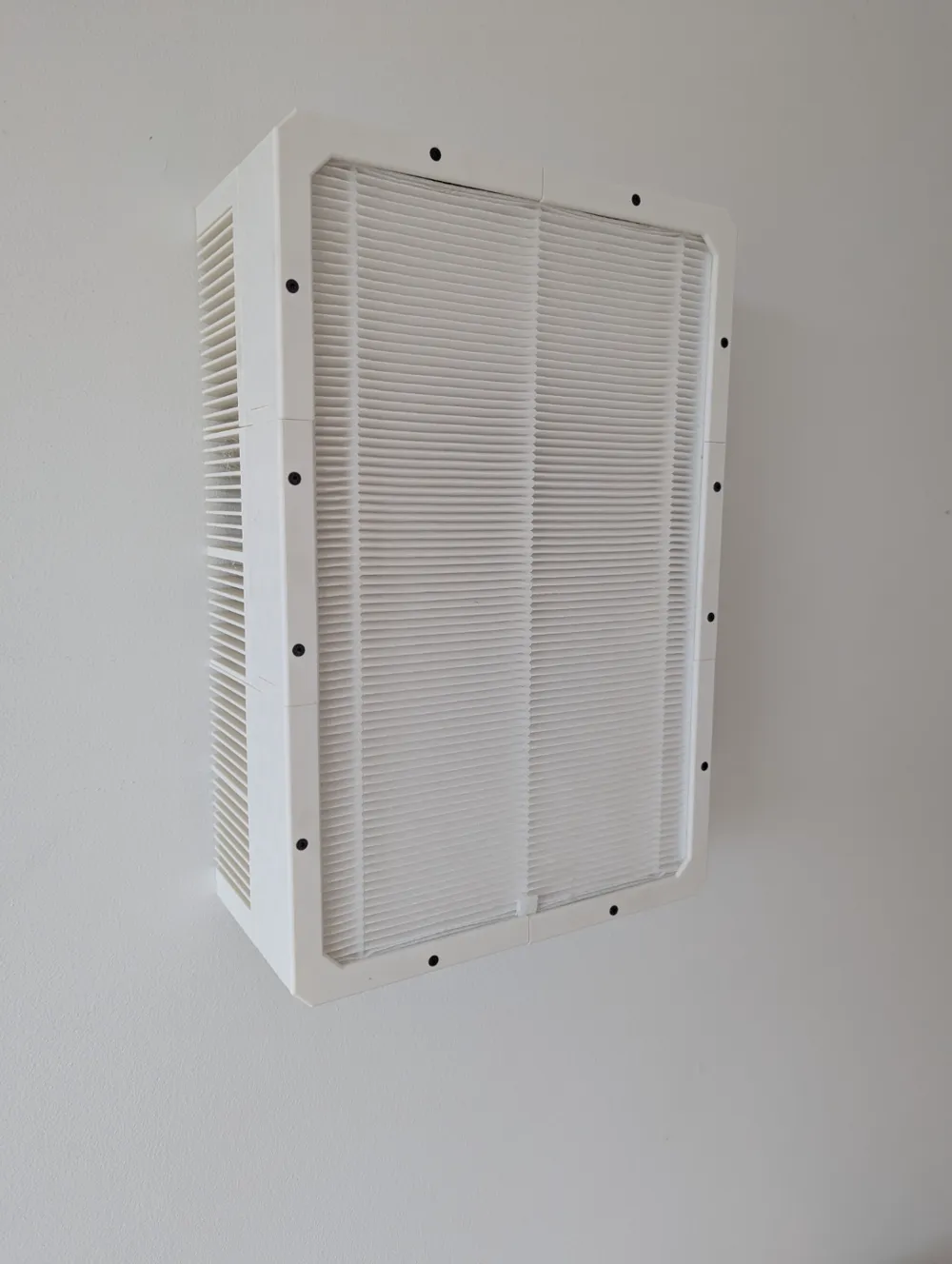
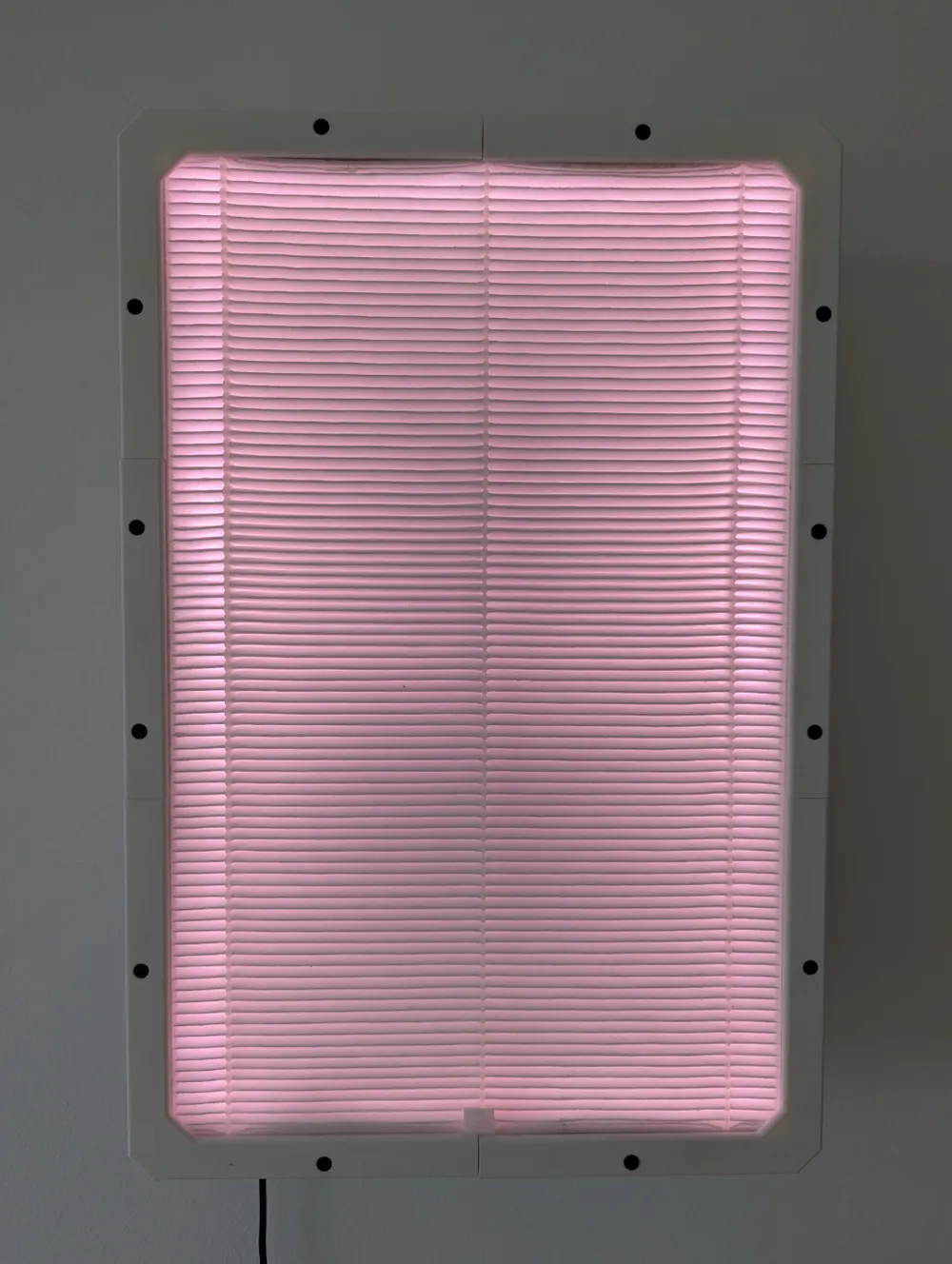
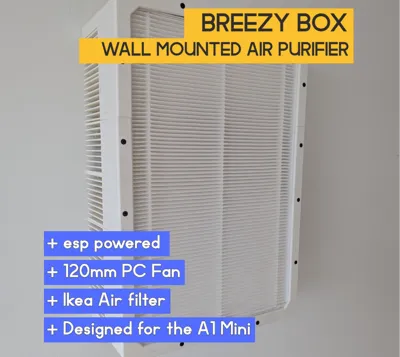
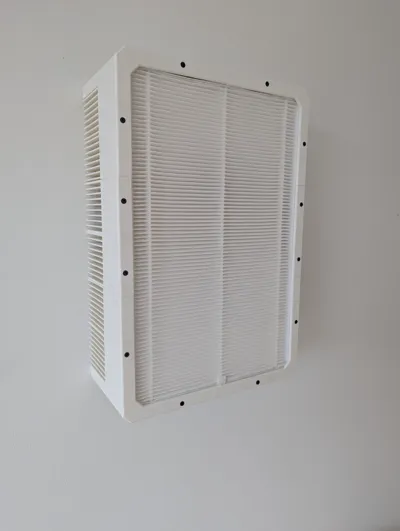
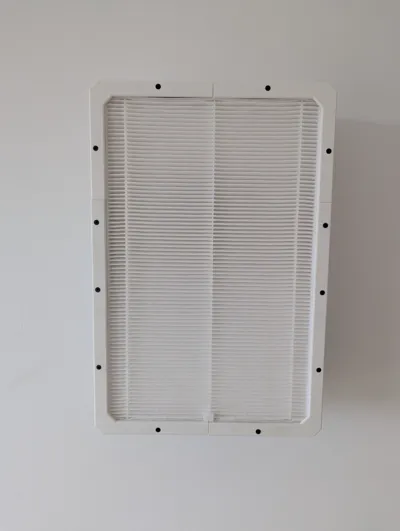
Breezy Box: Wall-Mounted Air Purifier for A1 Mini+
Breathe easy with Breezy Box, a compact and efficient DIY air purifier designed for wall-mounted convenience. This project is perfect for anyone looking to improve their indoor air quality, and it's optimized for 3D printing on A1 Mini.
Features:
- Wall-Mounted Design: Frees up valuable floor space and blends seamlessly into your home environment.
- A1 Mini Compatible: Optimized for printing on the Bambu Lab A1 Mini (128 x 128 x 128 mm build volume), but printable on larger printers too.
- Efficient Filtration: Accommodates two 120mm PC fans for powerful air circulation and filtration (fans not included).
- Easy Assembly: Simple construction with clear instructions and minimal hardware.
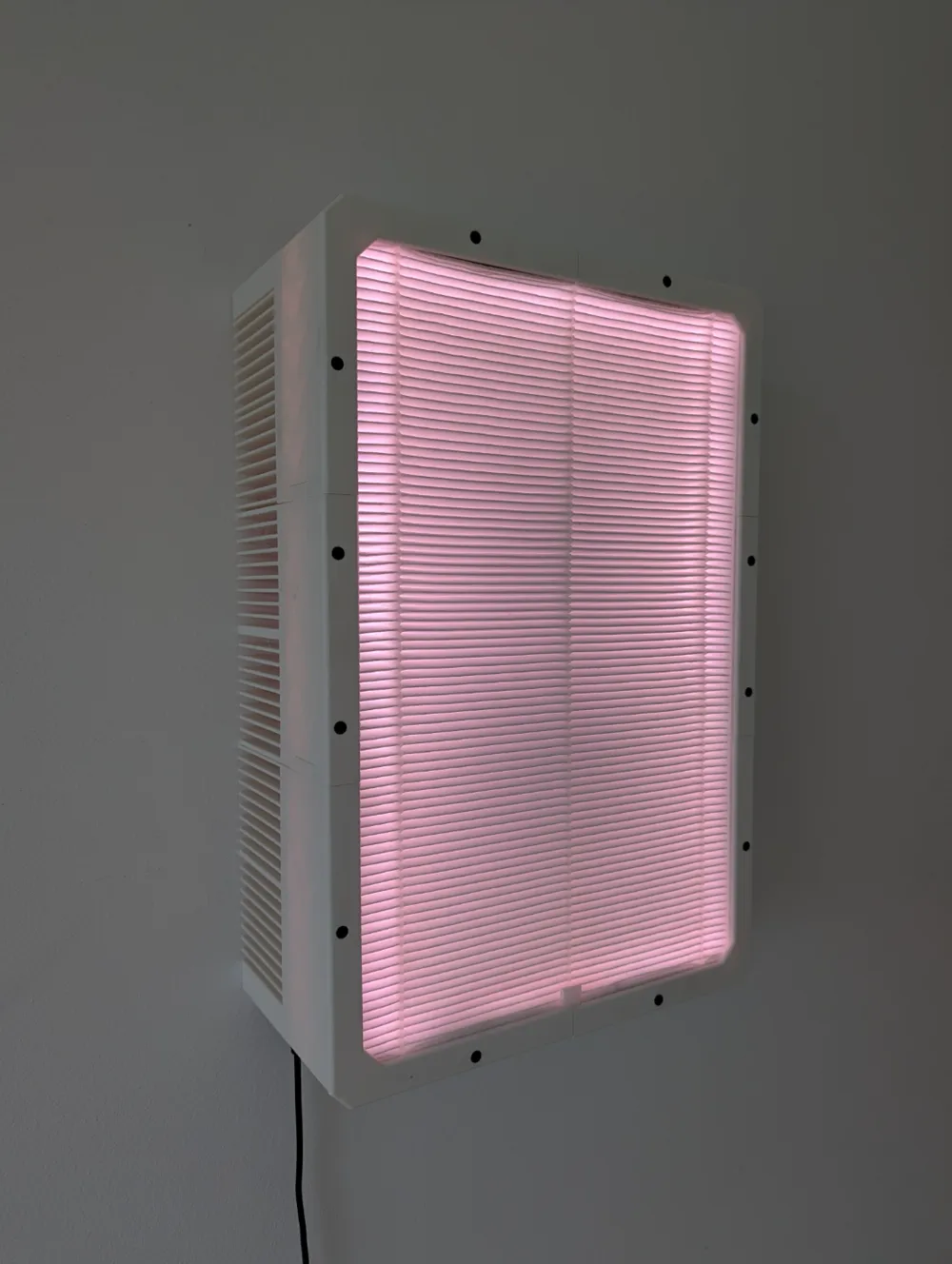
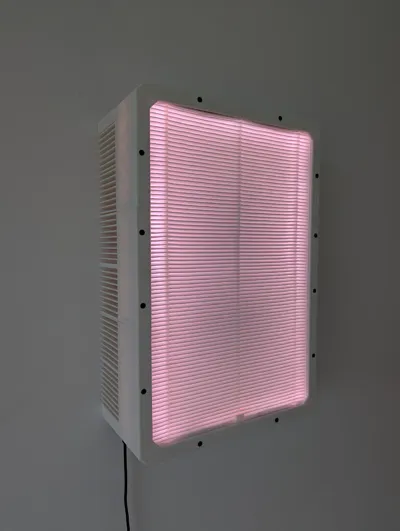
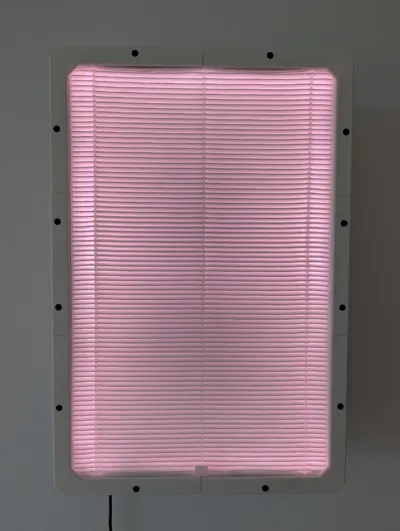
- Optional addressable LED strip for ambient lighting or a PWM fan hub for precise fan control.
Materials:
- 1.2 kg PLA filament (Sunlu Matte white for me)
- 16 x M5 16mm screws
- 12 x M3 8mm screws
- 2 x 120mm PC fans (I suggest Artic P12 varients for cost efficency)
- 12V 3A power supply
- DC female 2.1*5.5mm barrel jack connector
- 12V to 5V USB step-down converter or SAMIORE DD4012SA 12v → 5v
- ESP32-WROOM-32 board
- 1x Ikea FÖRNUFTIG air filter
- Optional: Addressable LED strip (WS2812B or similar)
- Optional: 1 to 5 PWM fan hub
Print Settings:
- 8% adaptive cubic infill
- 5 bottom and top layers
- 2 walls
Assembly:
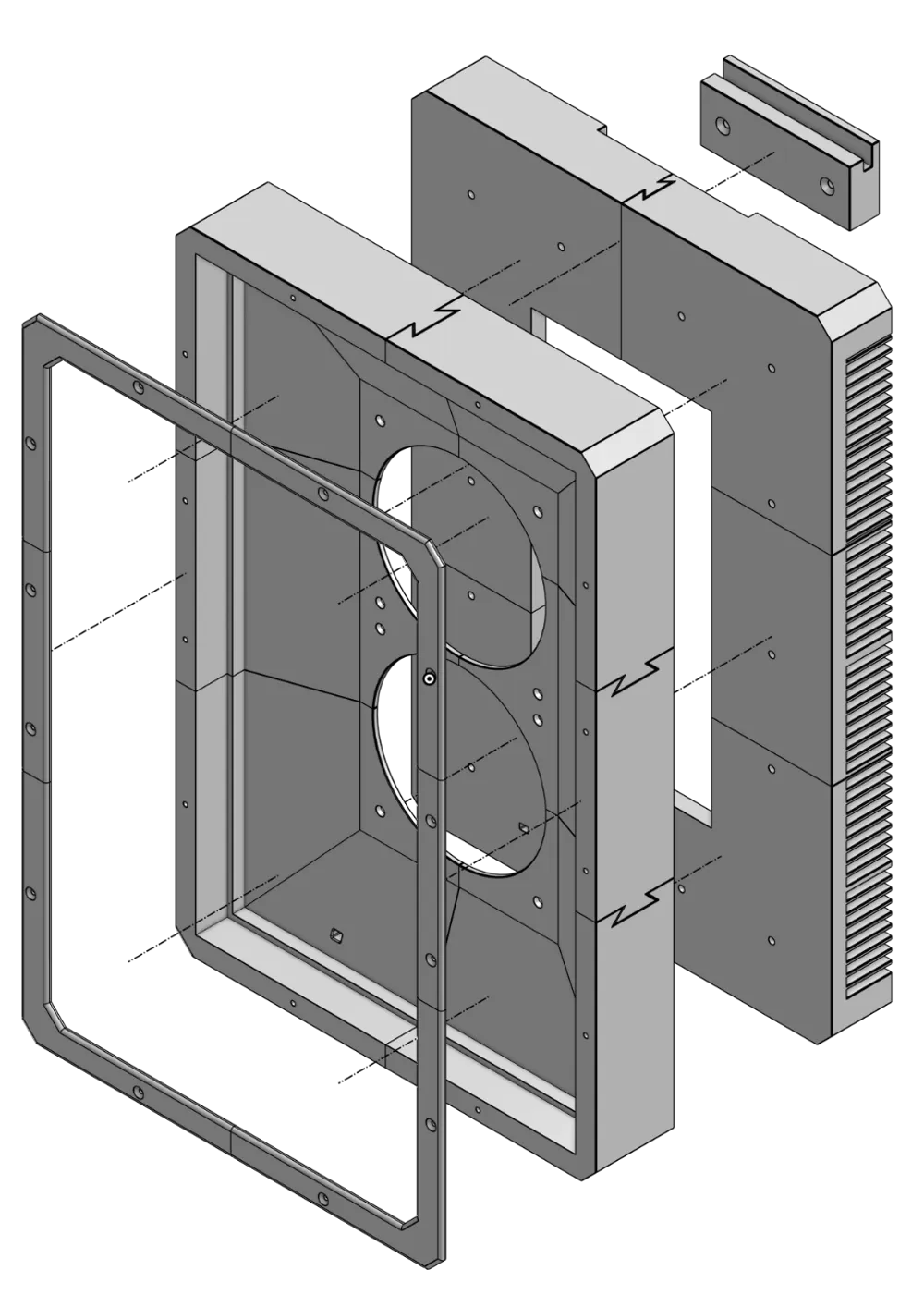
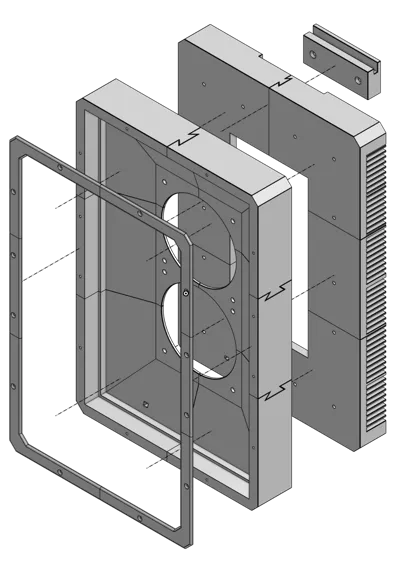
There are three assemblies:
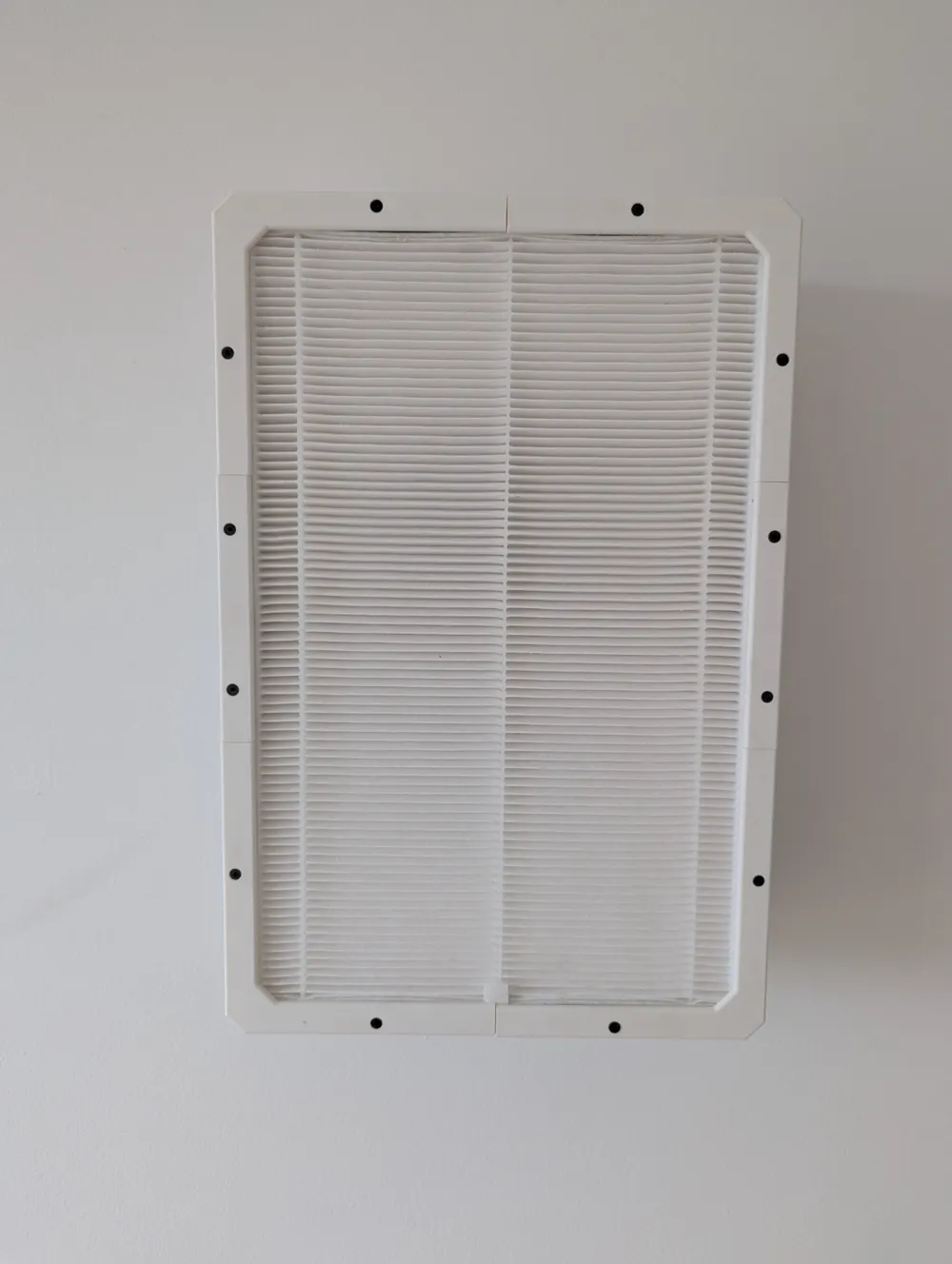
- Face plate: Holds the filter inplace
- Front housing: Air intake
- Back housing: Air outlet and electronics housing.
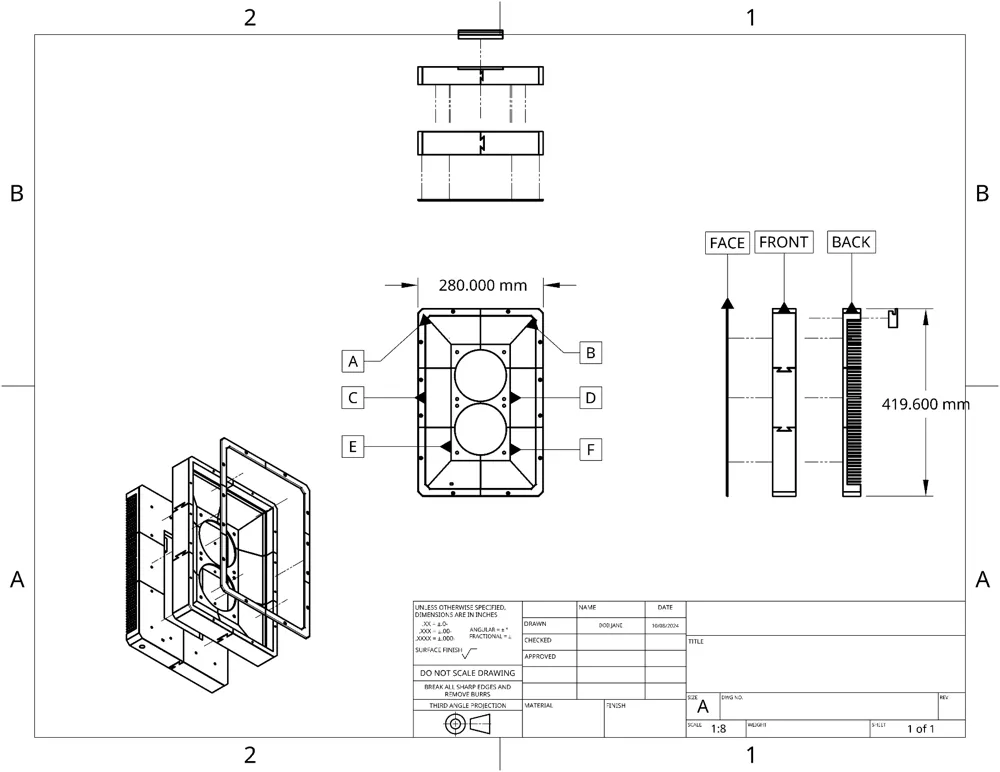
Each of these assemblies has 6 parts: A, B, C, D, E & F.
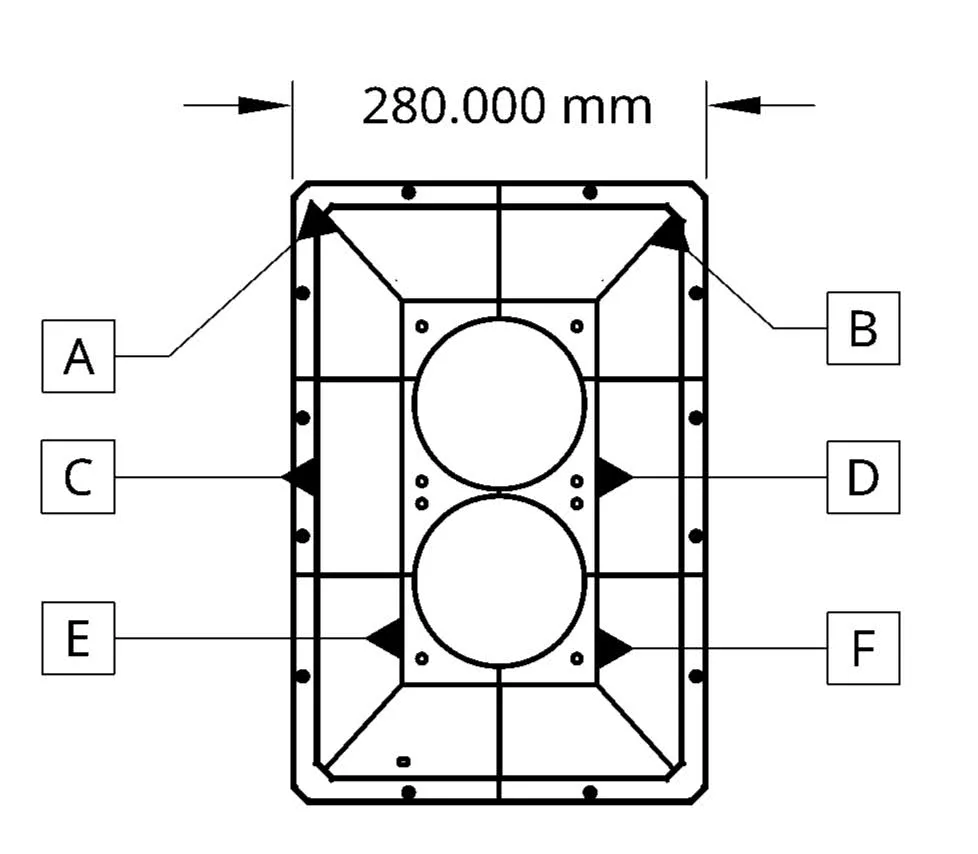
Step 1: Assemble the front, this shound be parts “Front A-F”
Step 2: Assemble the back housing:
- Screw together parts “Back A” to “Front A”
- Screw together parts “Back B” to “Front B”
- Screw together parts “Back E” to “Front E”
- Screw together parts “Back F” to “Front F”
- Leaving “Parts Back C & D” for last. Screw these into place to front C and D respectively.
Step 3: Screw the faceplates “Cover A-F” to the “Front A - F”. Note all parts are unique apart from the Cover C & D which are interchangeable.
Step 4: This is more or less what I have done (I'm not the creator of this video):
Resources:
- My code for esphome: https://github.com/phippsy22/breezy-box/blob/main/README.md
- Onshape model: https://cad.onshape.com/documents/55e77fb48b88f72f231104a7/w/4872458c8a01fc11673e7299/e/92d6217f3e9dea51032c20e3?renderMode=0&uiState=6704b1b008682a02aba6b6d0
My ask to you!
I'm new to the 3d modeling, printing and DIY electronics world, so I would love feedback on how I can improve my design!
Thanks!
License



Comment & Rating (9)