Search models, users, collections, and posts

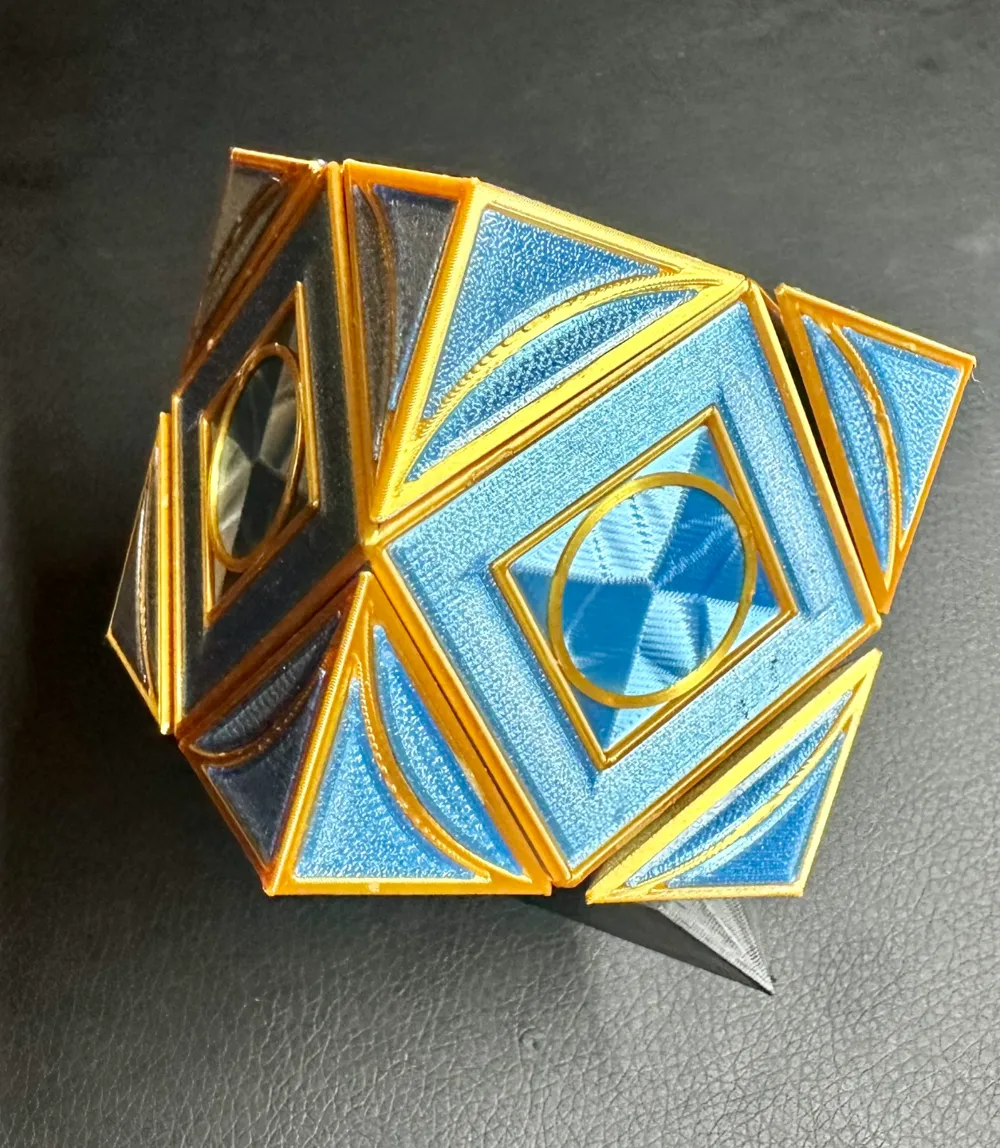
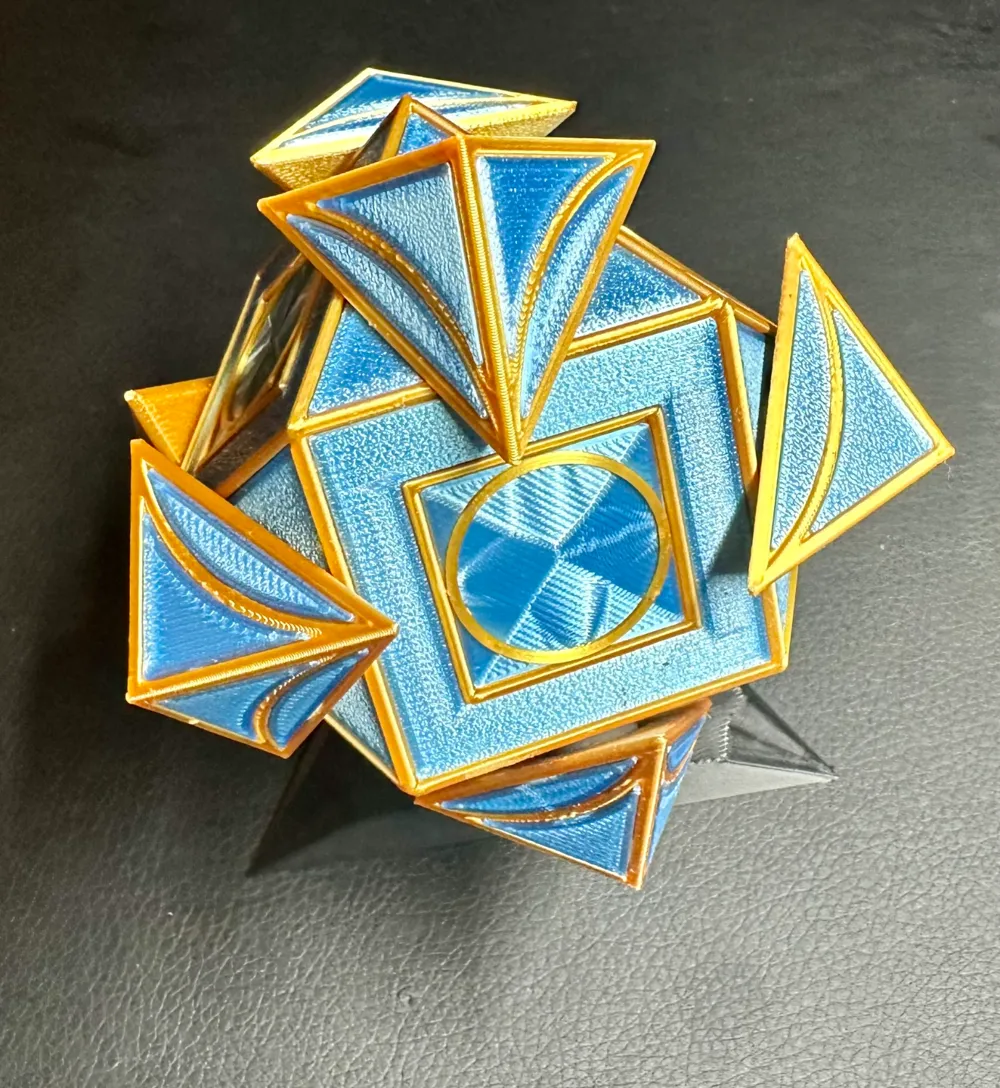
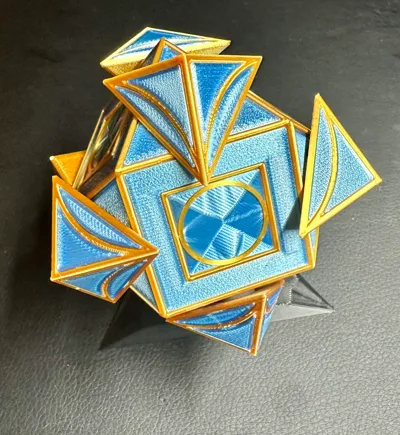
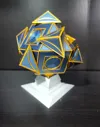
Jedi Holocron (Geared) with Updates
Remixed by
IP Report

Print Profile(3)
0.16mm layer, 2 walls, 15% infill
Designer
8.8 h
11 plates

A1 Mini, 0.16mm layer, 2 walls, 15% infill. gears coloured

9.4 h
12 plates
0.16mm layer, 2 walls, 15% infill

10.4 h
4 plates
Open in Bambu Studio
Boost
292
886
74
55
536
499
Released
Description
Remixed the great model from UnimatrixRed.
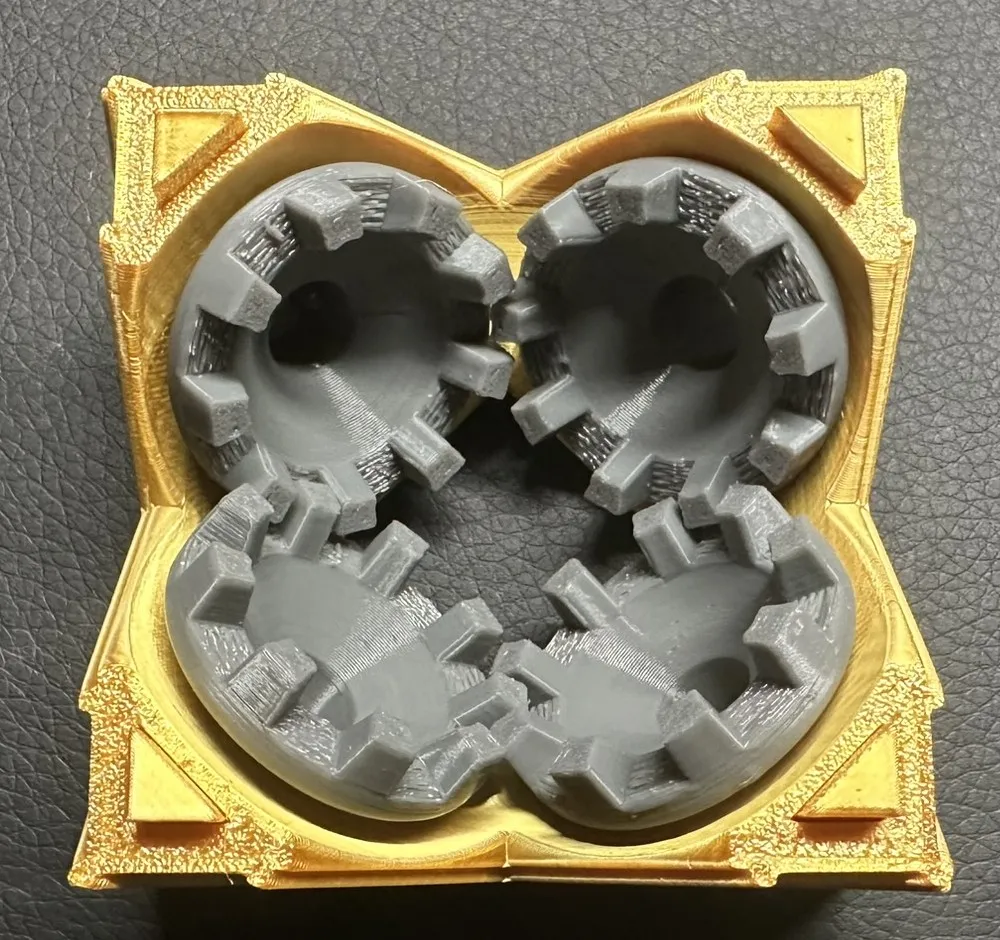
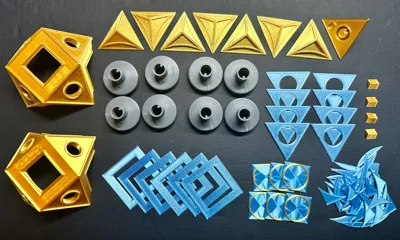
- Gears trimmed by .64mm for easier assembly
- Center windows painted for multi-color
- Center windows use Concentric top layer for appearance
Assembly:
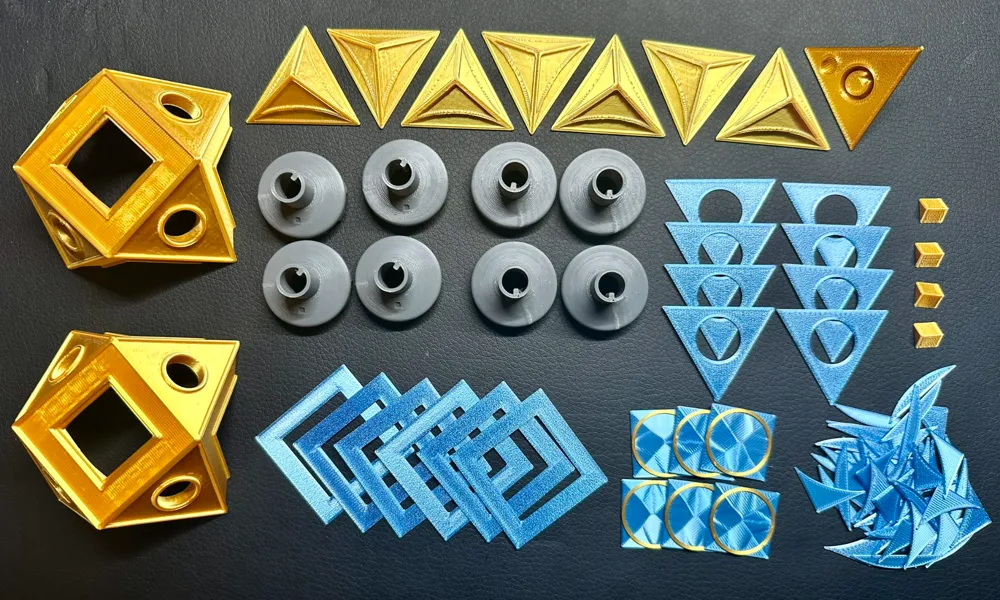
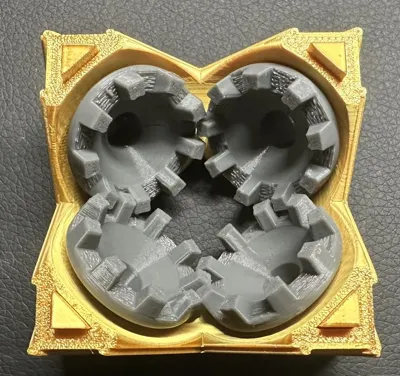
- Insert gear A into core half 1 with the gear "notch" aligned to any point of the triangle on the outside of the core half.
- Press a corner pyramid on to the gear shaft. This will help keep the gear in the correct position during assembly.
- Work around the core half with remaining 3 gears, alternating gear types A & B. The same gear types should never touch each other.
- Core half 1 has a recess for a 6x2mm magnet. Be sure to use the corner pyramid with the matching magnet recess in this location.
- Repeat steps 1-3 with core half 2.
- Glue magnets into core half 1 and matching pyramid.
- When you've verified that each core half works smoothly, glue triangle windows to the core and then the pyramids to the gear shafts.
- Glue the 4 alignment pegs into one completed core half.
- Place the second completed core half together with the first, using the pegs for alignment.
- If the pyramids are not aligned, rotate one core half by 90 degrees and re-assemble.
- Glue the core halves together with the pegs.
- Glue the pyramid windows, center windows, and frame windows into place.
This remix is based on

License

This user content is licensed under a
Creative Commons Attribution-Noncommercial


Comment & Rating (74)