
Borg Cube with LED as a vape tube holder
Print Profile(1)


Description
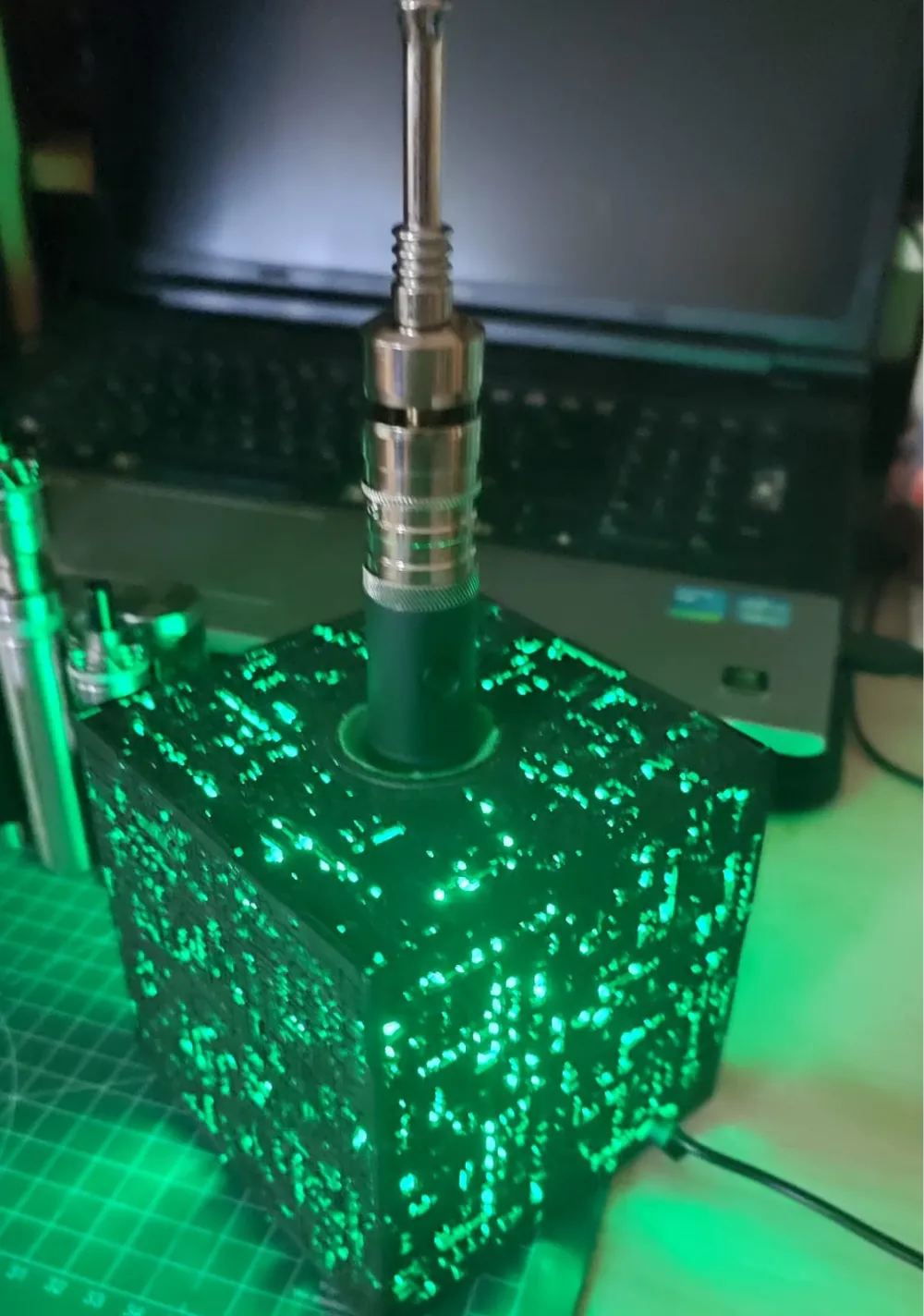
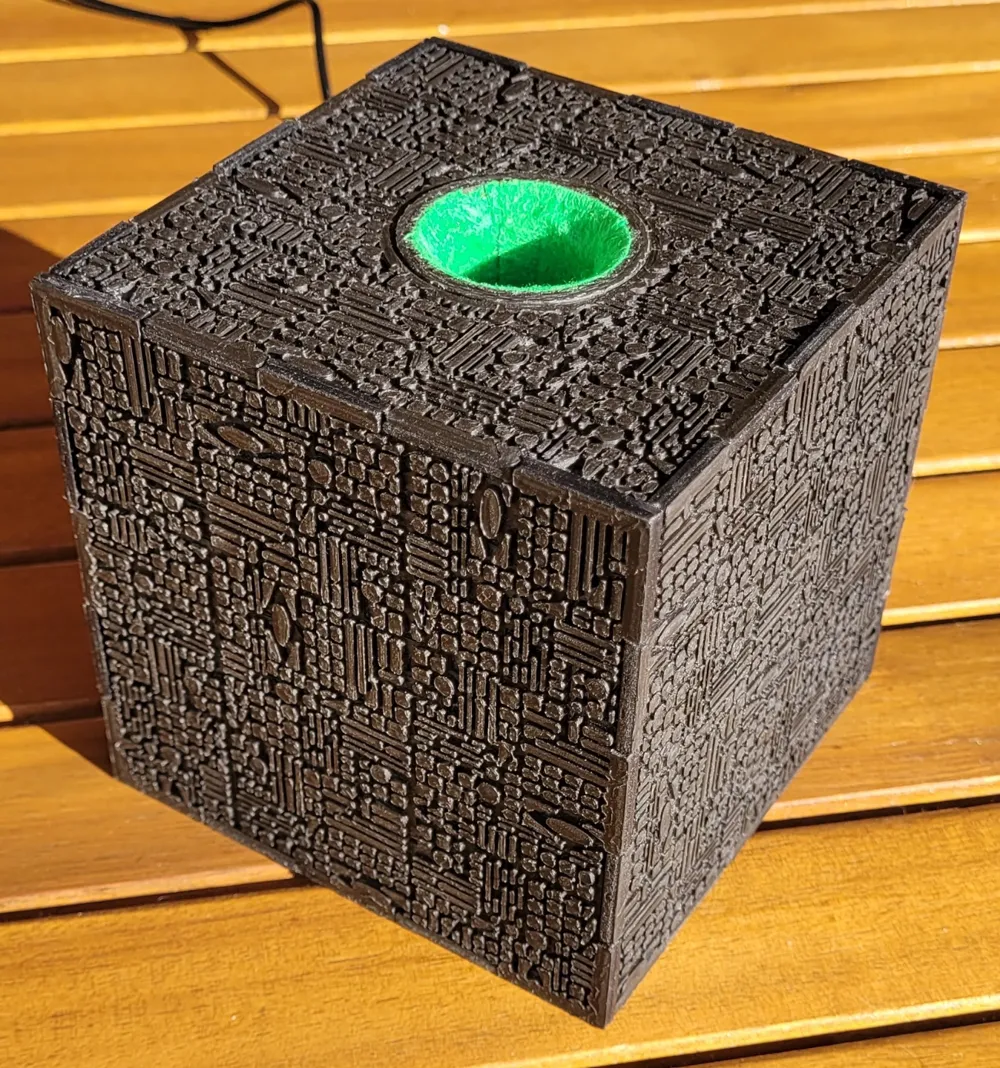
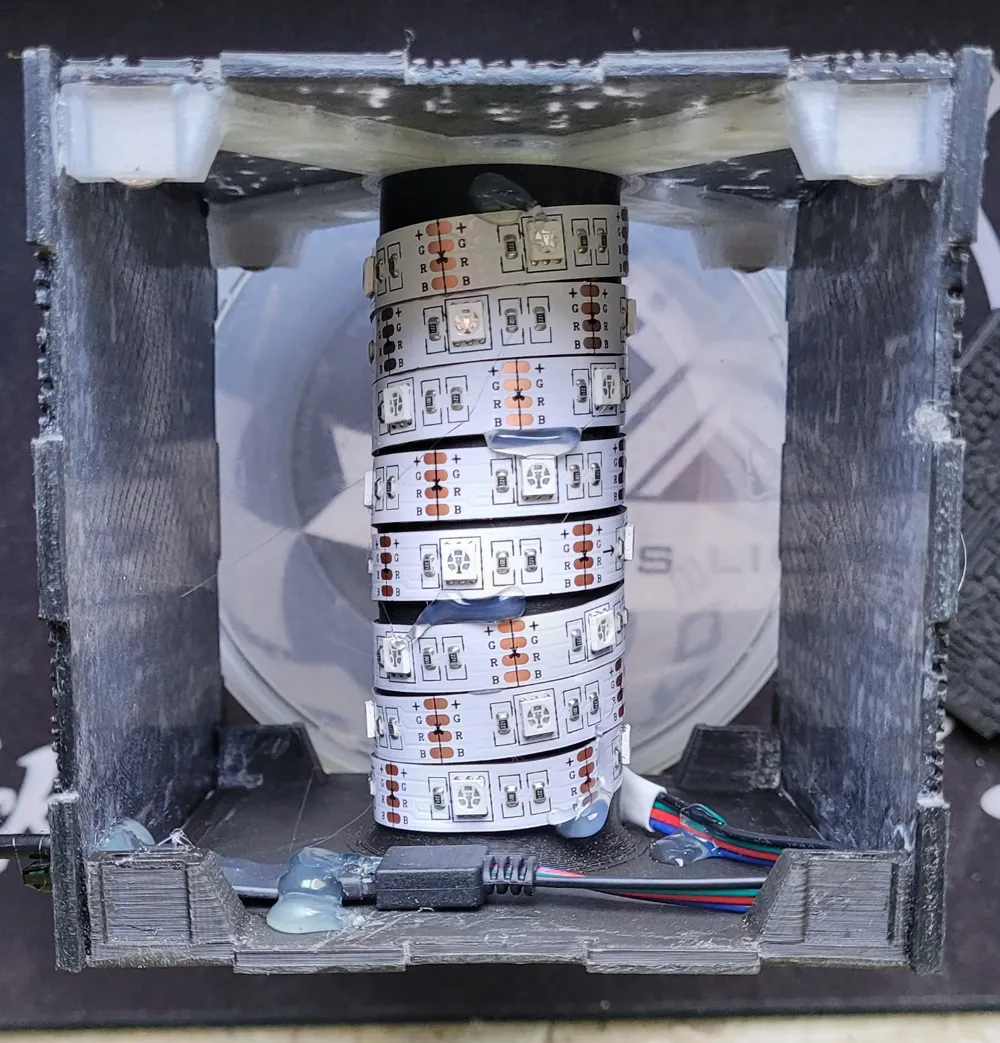
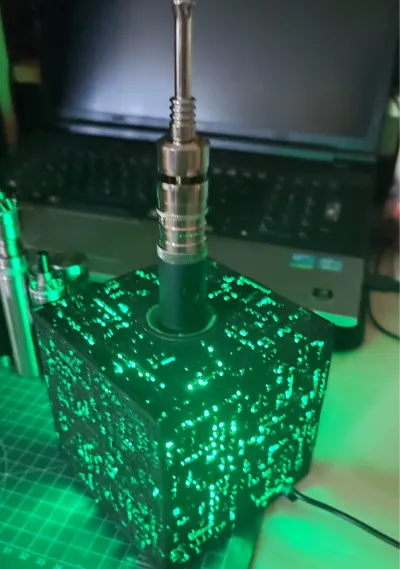
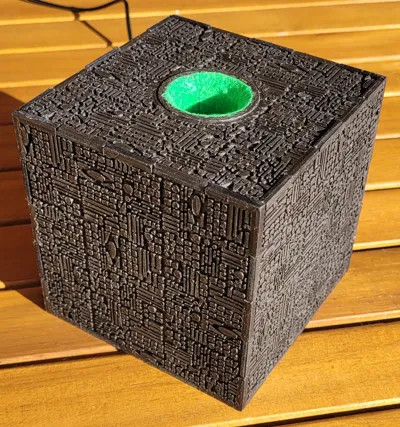
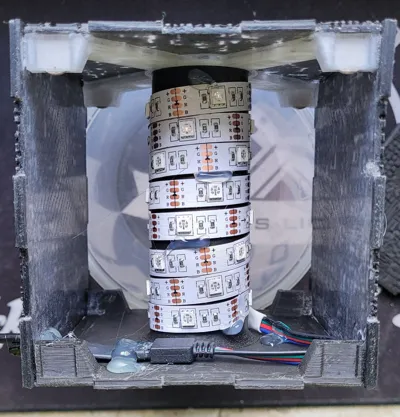
Since I could not find a Borg Cube that I could rework, I had to design a new Borg Cube from scratch. I have uploaded the result as STEP and STL files. The bottom 6-7 layers of the visible sides are printed with transparent filament, the layers above are then printed in black. The cube is illuminated with an LED strip that is wrapped around the inner holder (z.B. https://www.amazon.de/dp/B0D6BDMBJS?ref=ppx_yo2ov_dt_b_fed_asin_title&th=1 ). The RGB strip can do more than the typical Borg green, but also the typical green.
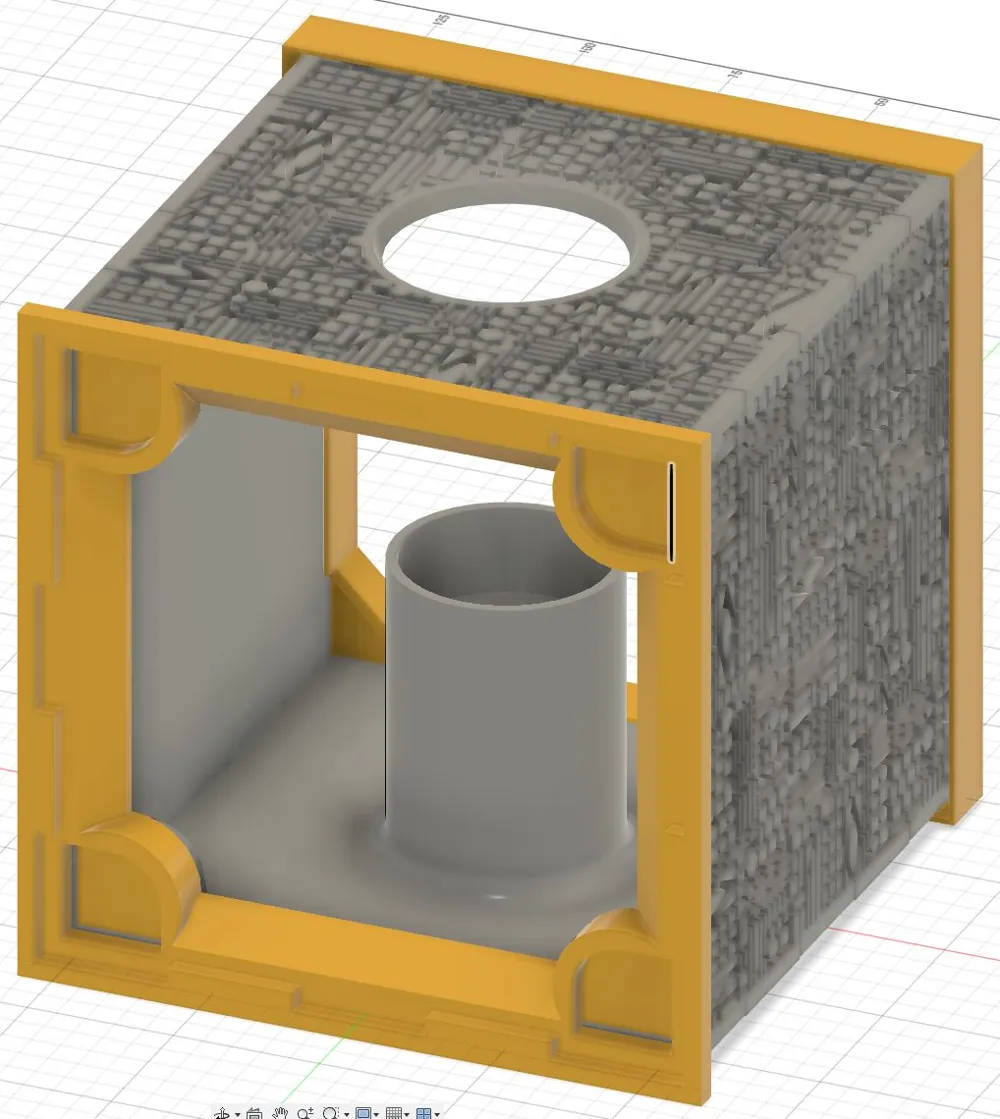
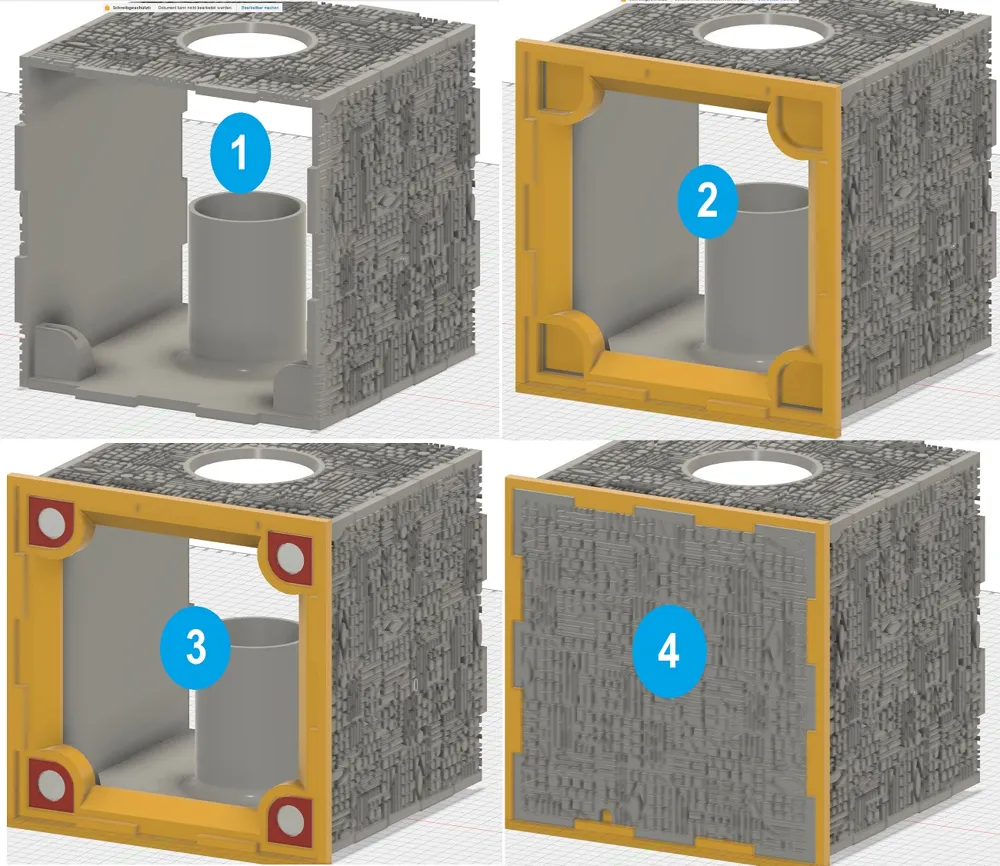
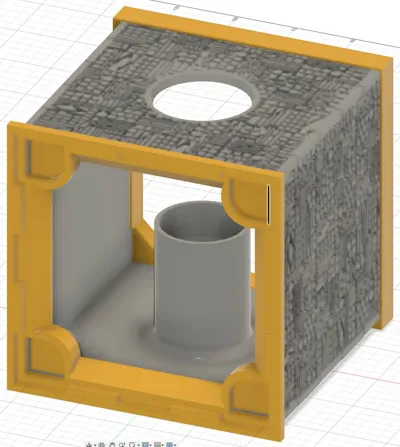
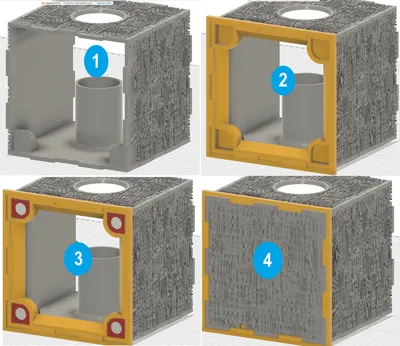
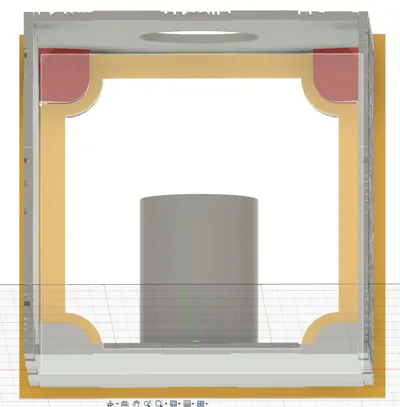
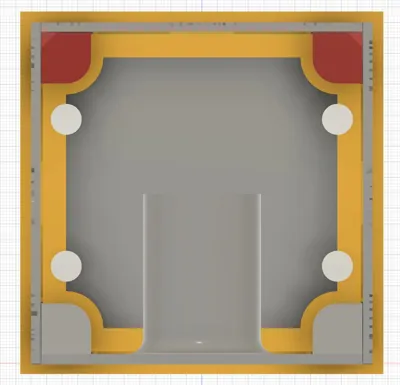
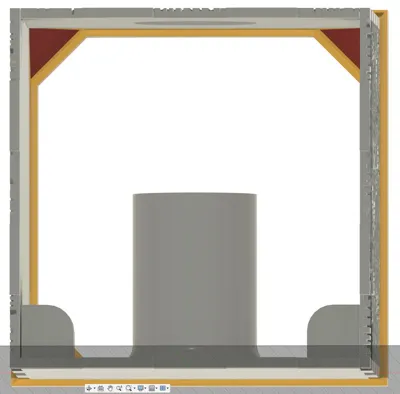
Version 2 only has one side with eight magnets (10x1.5). I have also added a picture of each step to make it clearer. In the first step, the top, bottom, right and left are held in position with the frames and glued to the inner edges. In the second step, the magnets are then glued to the back. The frame keeps the holders and magnets in the correct position. Make sure that all magnets have the same orientation and first attach them to the frame with just a little glue. If they hold, you should securely attach them again without the frame with more glue. Step 3 is to attach the magnet holders inside on the top side. The frame ensures the correct distance to the back. Here too, first attach it from the inside with a little glue and then attach it securely without a frame. However, the recesses for the magnets must remain free. The magnets are inserted inside in step 4. Here again, attach securely with a little glue and then without a frame and backside. In the last step, the corner holders are attached to the front, this can be done in two steps with the frame and then without the frame with the front or directly with just the backside.
I recommend coloring the transparent edges black before assembly so that the light doesn't shine through on the sides. If anyone wants to use the basic shape of the cube for something else, I have also made it available for download without the tube and holder. The rear holders can also be glued to the bottom as well as to the top.
Since I couldn't find a Borg Cube that I could rework, I have to design a new Borg Cube from the scratch. I uploaded the result as STEP and STL files. The bottom 6-7 layers of the visible pages are printed with transparent filament, the layers above are then printed in black. The cube is illuminated with an LED strip that is wrapped around the inner holder (z.B. https://www.amazon.de/dp/B0D6BDMBJS?ref=ppx_yo2ov_dt_b_fed_asin_title&th=1 ). The RGB strip can do more than the typical Borg green, but also the typical green.
Version 2 only has one side with eight magnets (10x1.5). I also added a picture of each step to make it clearer. In the first step, the top, bottom, right and left are held in position with the frames and glued to the inner edges. In the second step, the magnets are then glued to the back. The frame keeps the holders and magnets in the correct position. Make sure that all magnets have the same orientation and first attach them to the frame with just a little glue. If they hold, you should securely attach them again without the frame with more glue. Step 3 is to attach the magnet holders inside on the top side. The frame ensures the correct distance to the back. Here too, first attach it from the inside with a little glue and then attach it securely without a frame. However, the recesses for the magnets must remain free. The magnets are inserted inside in step 4. Here again, attach securely with a little glue and then without a frame and backside. In the last step, the corner holders are attached to the front, this can be done in two steps with the frame and then without the frame with the front or directly with just the backside.
I recommend coloring the transparent edges black before assembly so that the light doesn't shine through on the sides. If anyone wants to use the basic shape of the cube for something else, I have also made it available for download without the tube and holder. The rear holders can also be glued to the bottom as well as to the top.
License



Comment & Rating (4)