
Zelda World Map (Breath of the Wild / TOTK)

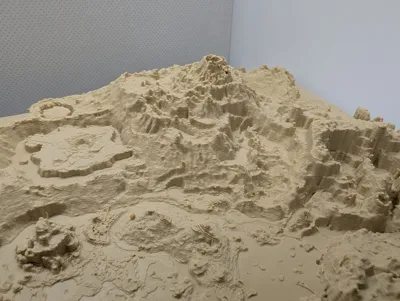
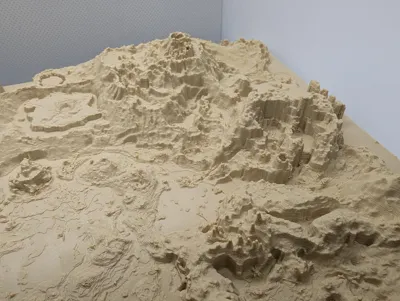
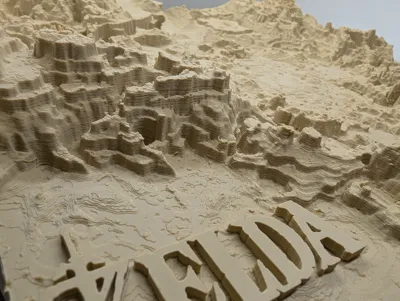
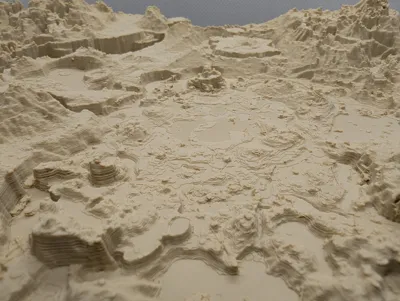
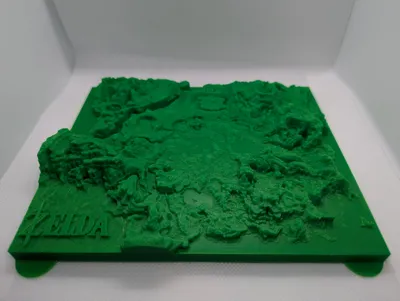
Print Profile(7)


Description
Link… Open your eyes...
Planning a trip to Satori Mountain on the back of Epona? Want to decide the perfect landing spot to crash from the Sky Islands? Want to mark out where you have altready collected or helped all the Kurok? Just need a beautiful artpiece to hang behind your gaming station?
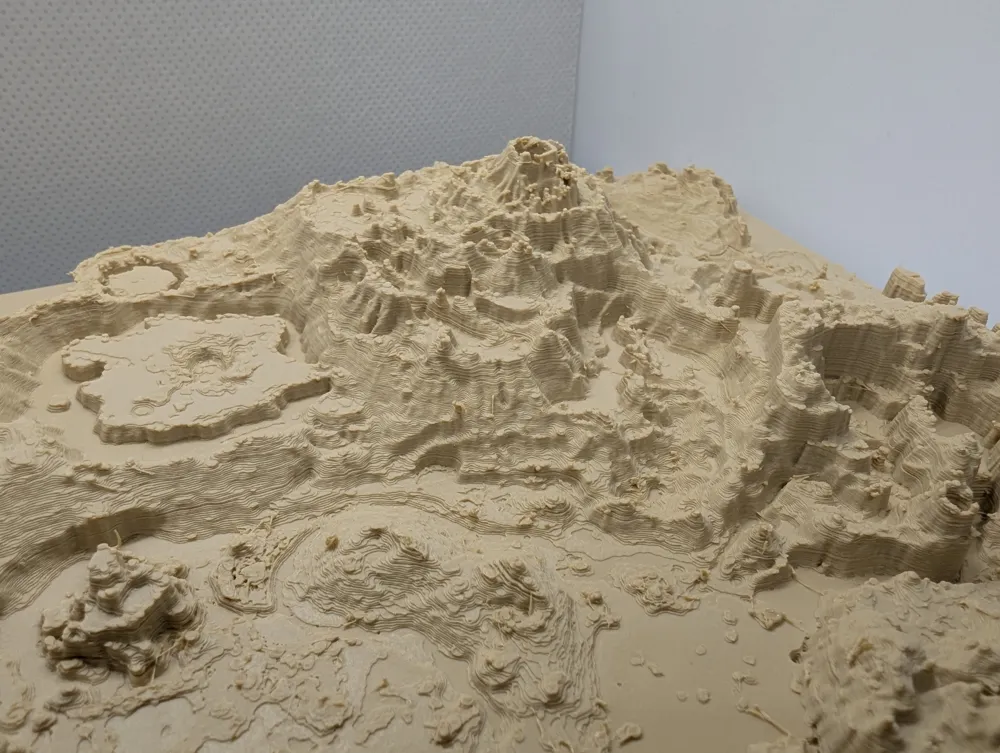
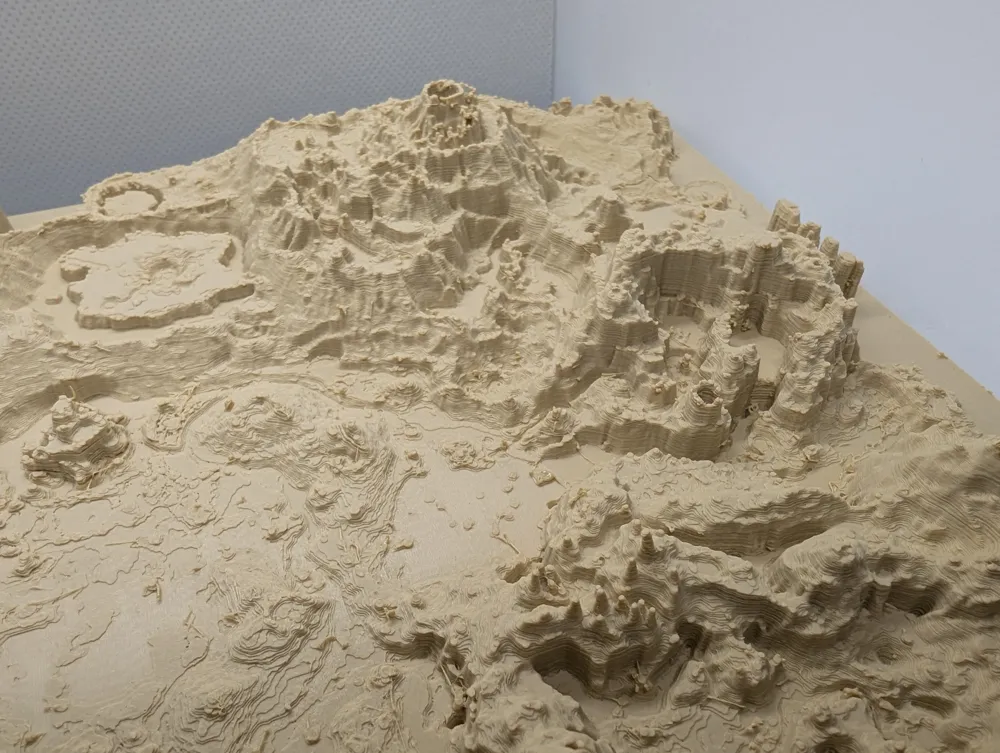
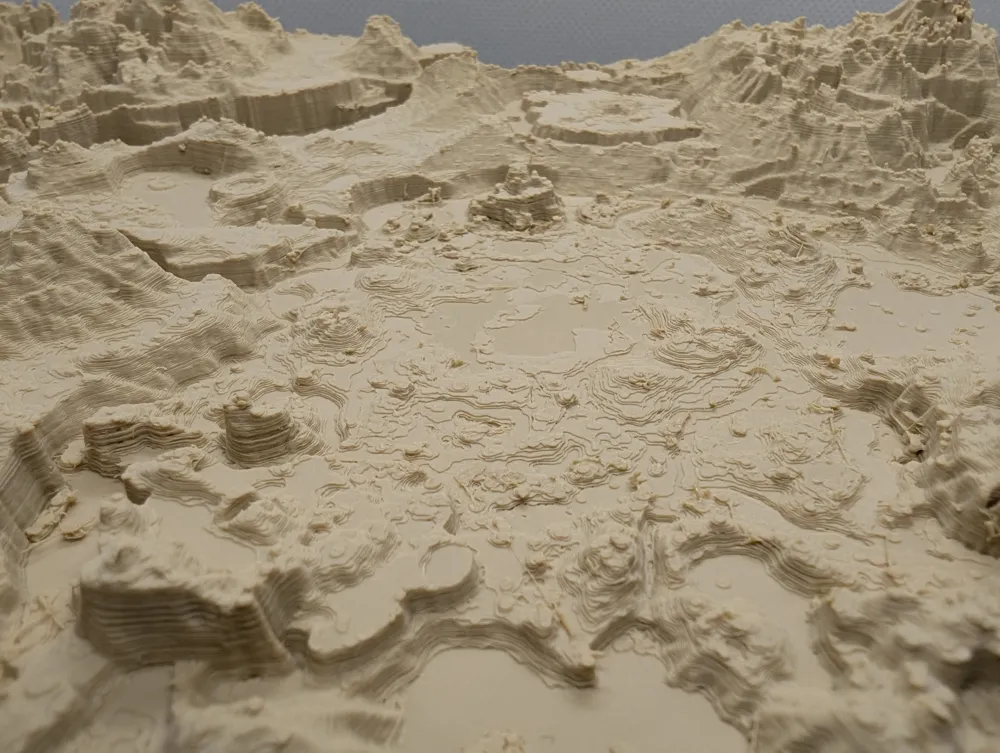
You can use this detailed world map of the two recent switch Zelda games (BOTW e TOTK).
This is the new world of Zelda. It's quite a vast world, isn't it? You can even reach those mountains in the distance, if you walk far enough. (Eiji Aonuma first describing the game at E3 2014)
Boost Me (for free)
If you boost this model princess Zelda will help me buy my first AMS / Multicolor system! I'd love to make a colored version of the map.
Hint before printing:
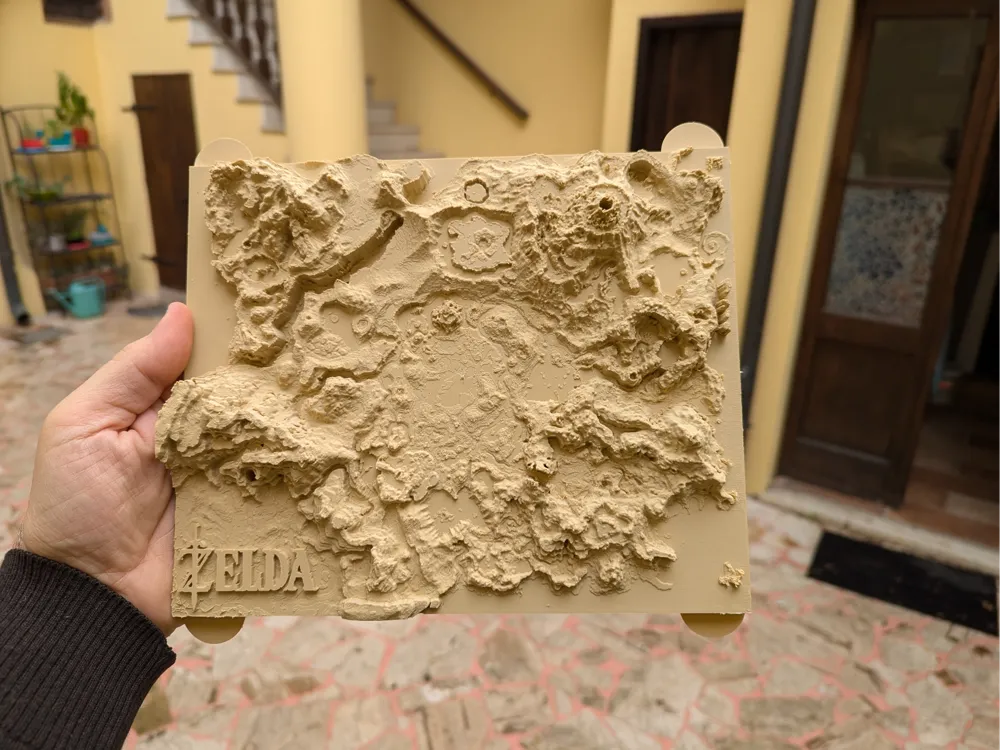
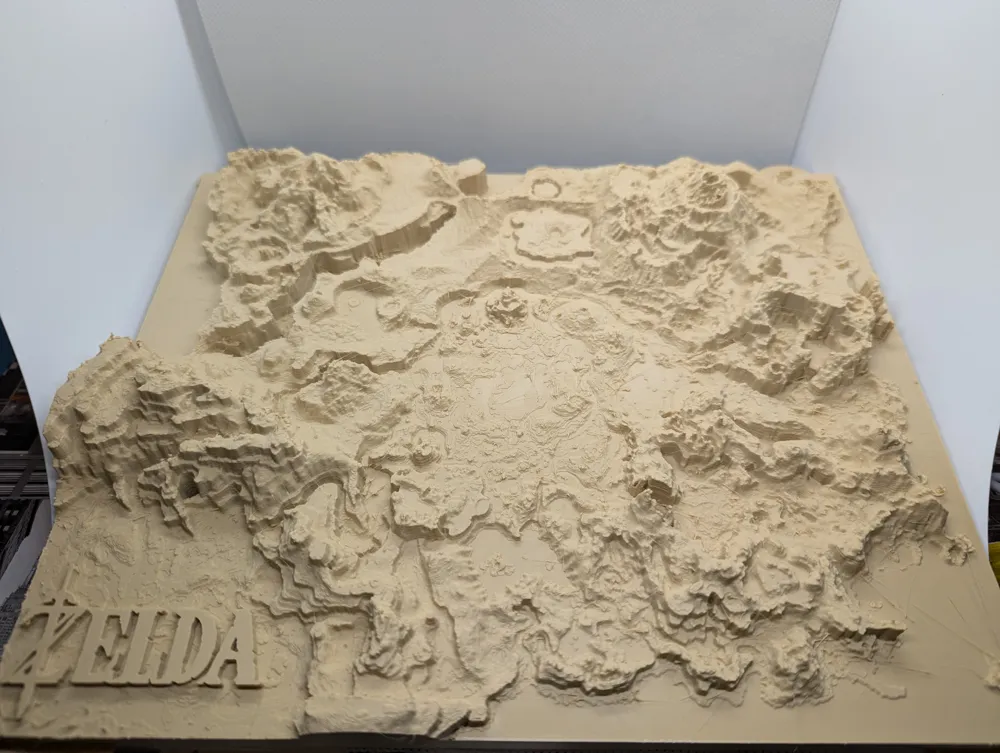
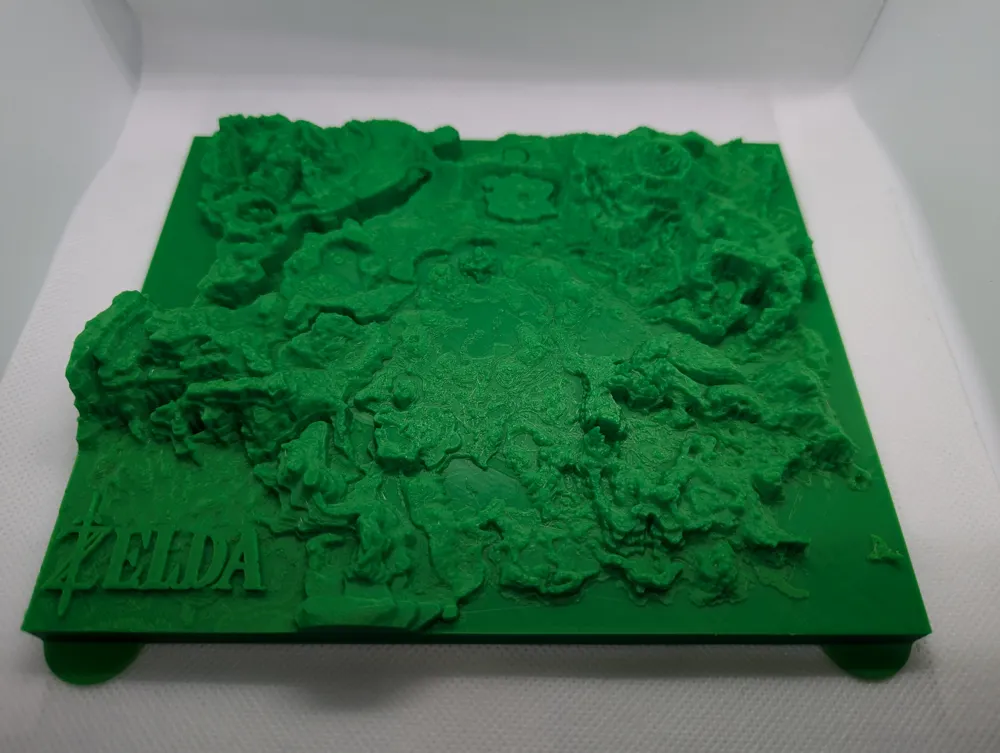
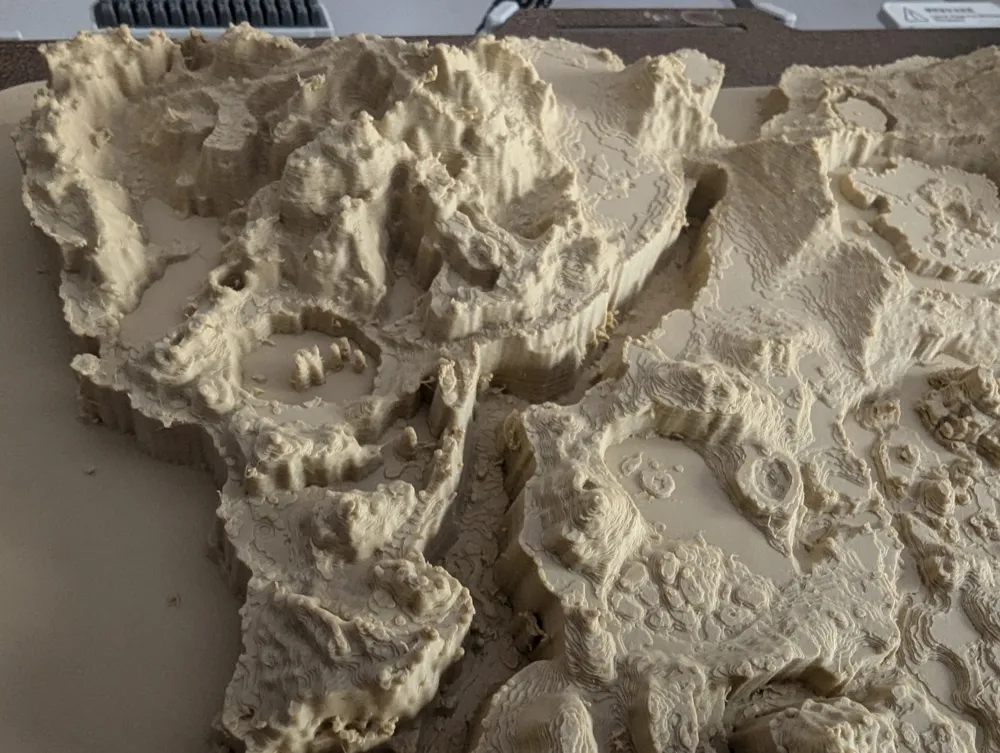
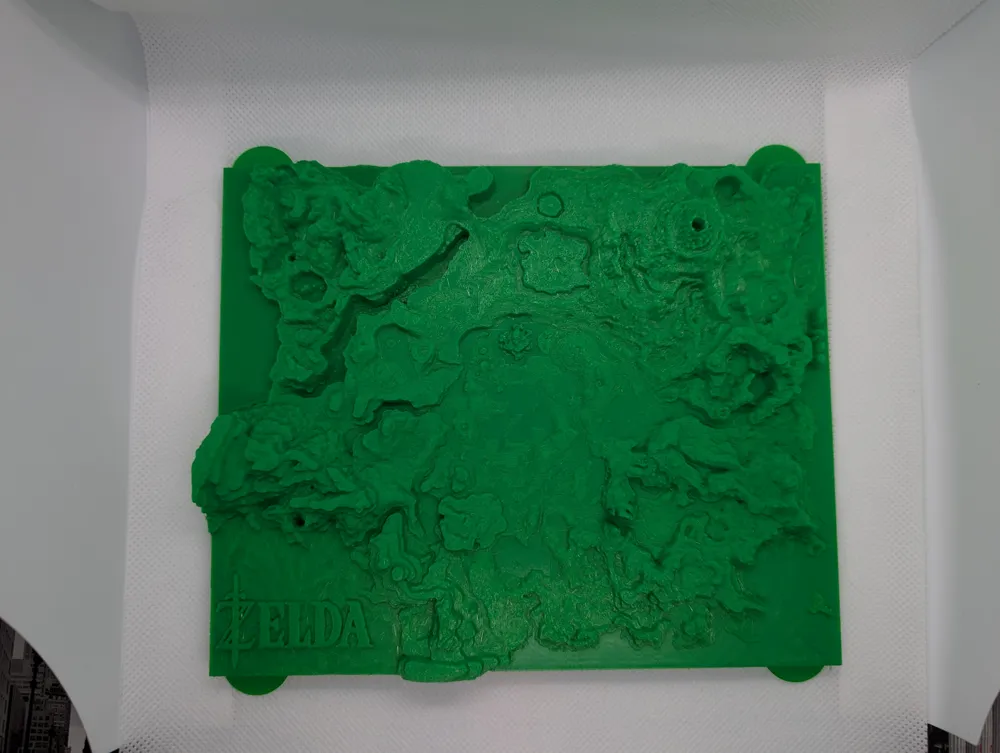
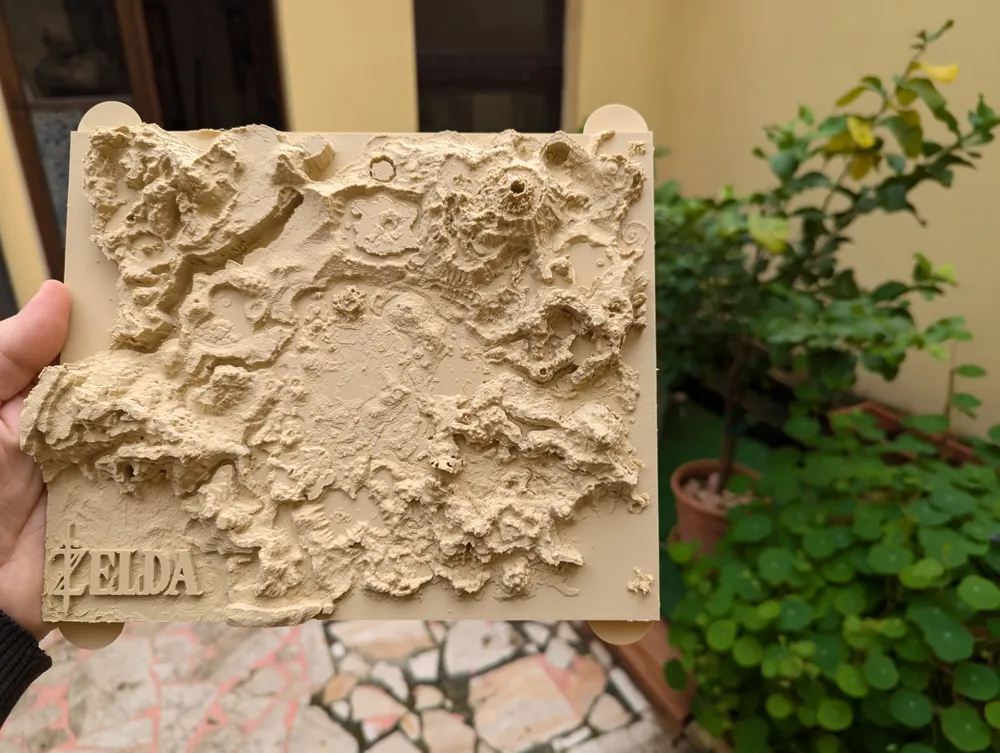
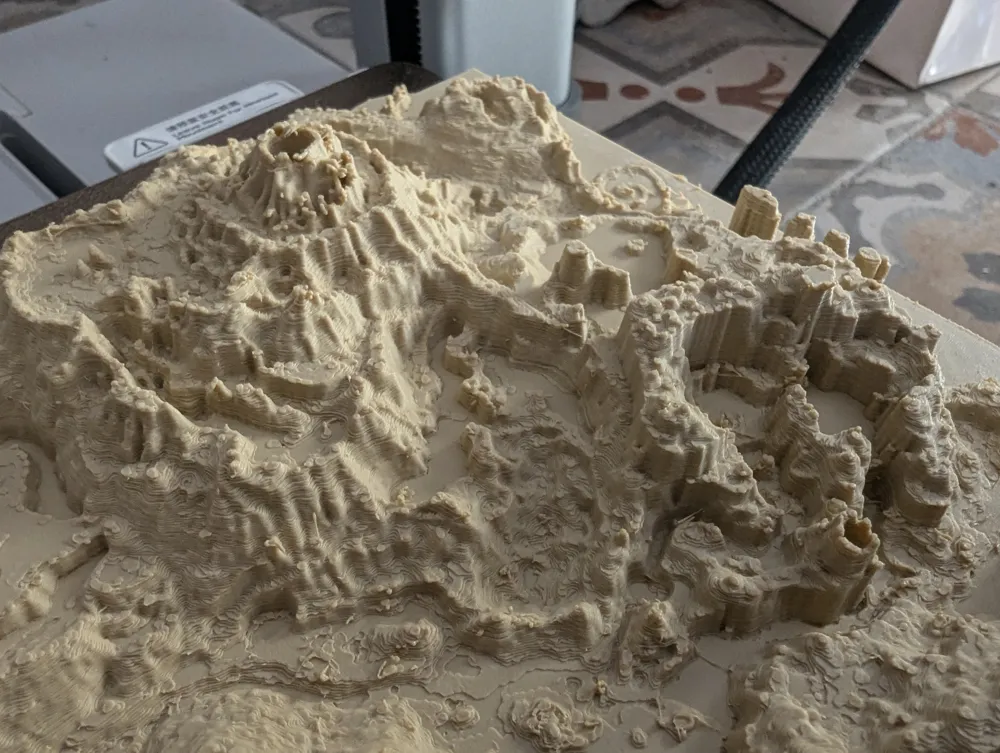
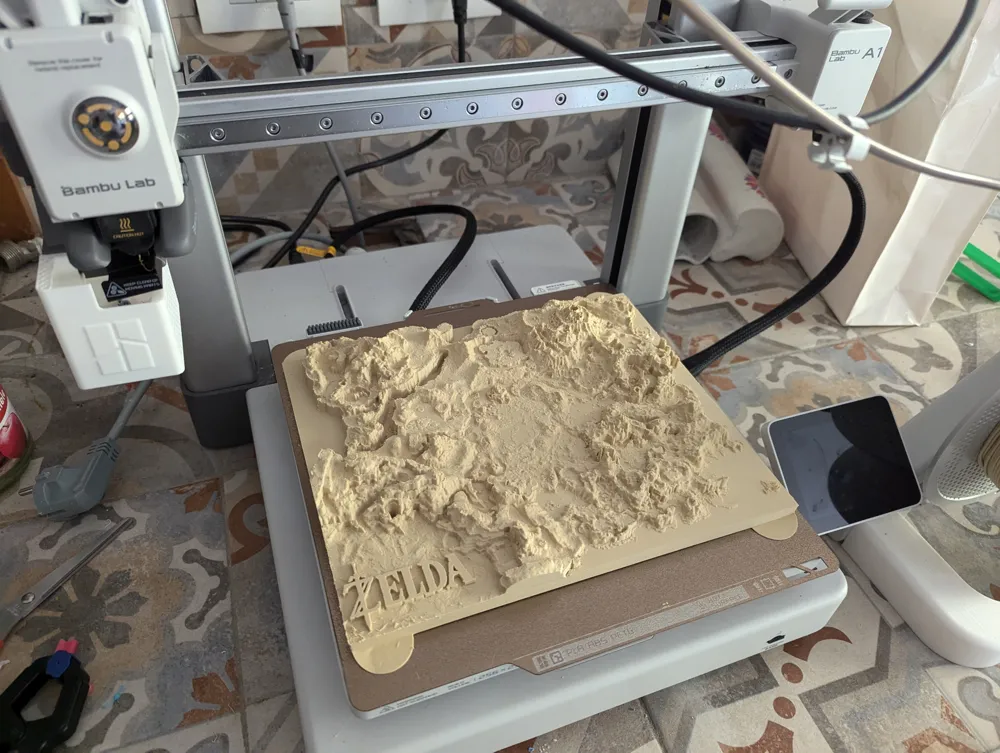
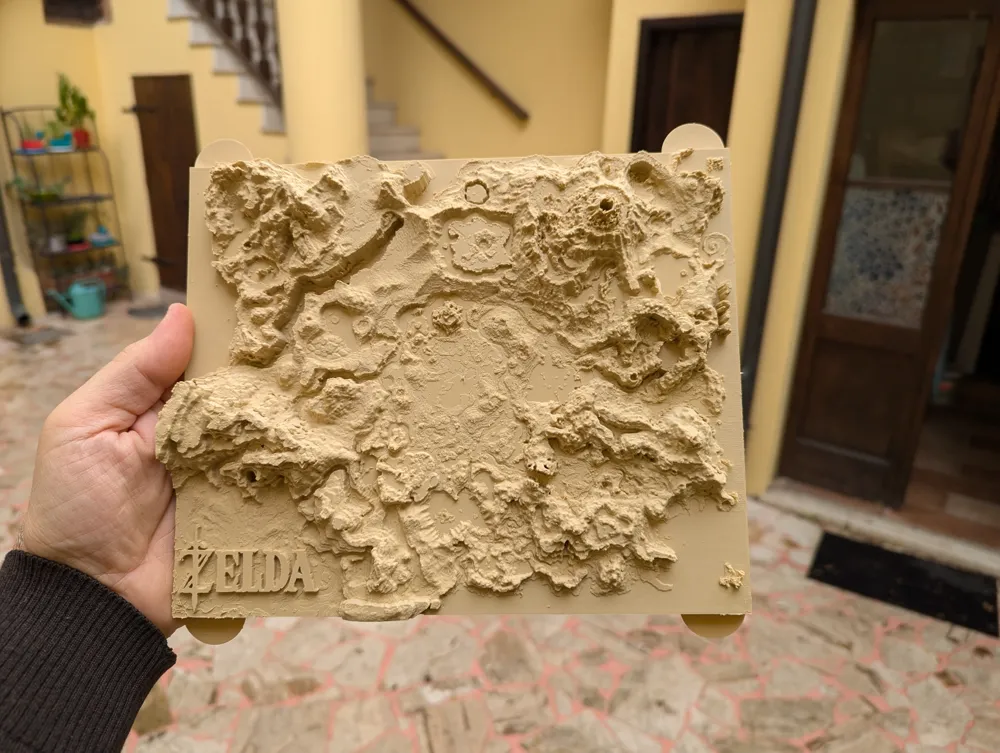
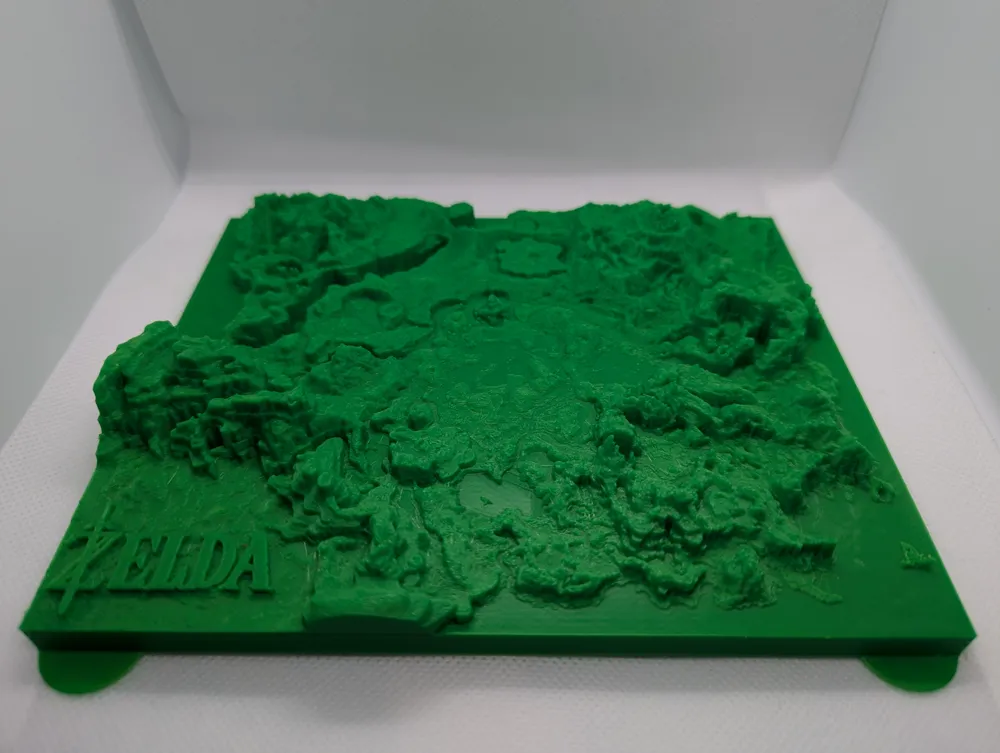
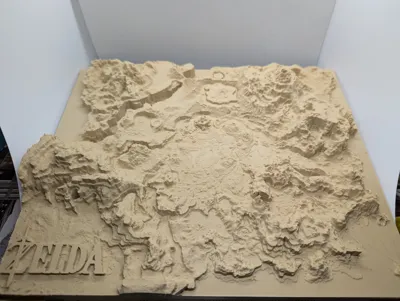
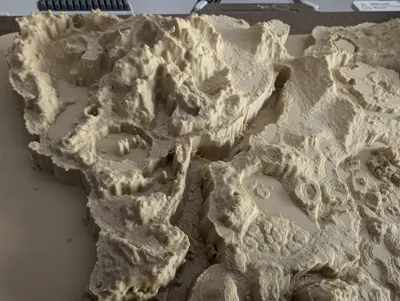
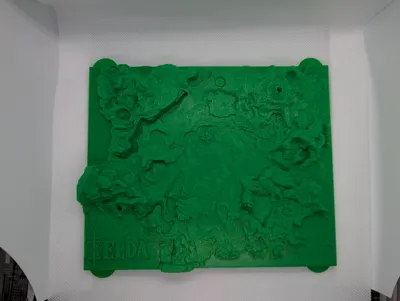
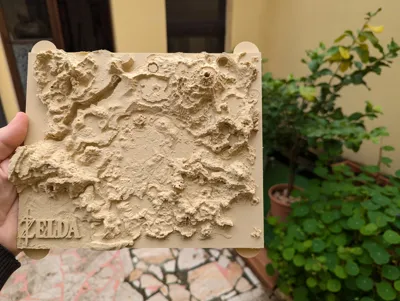
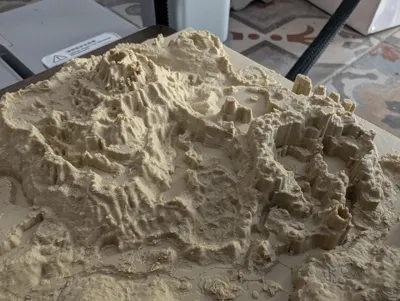
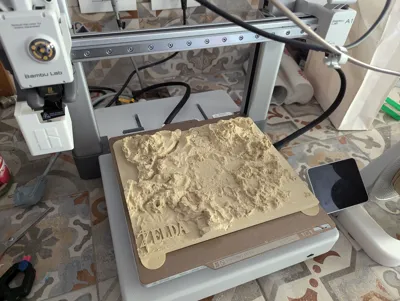
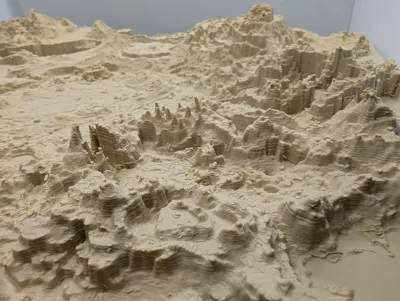
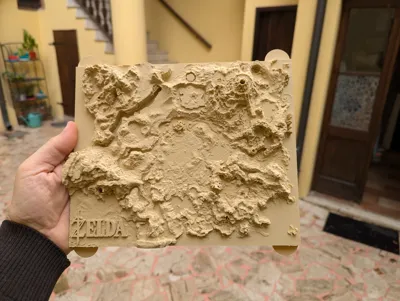
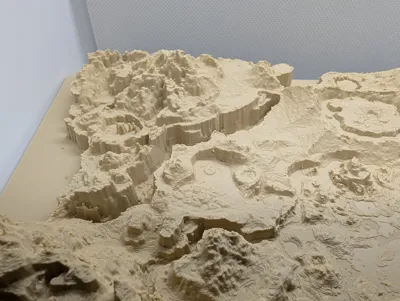
In the photos there are 2 versions, both printed on the A1: the XL i printed with the Desert Tan matte PLA from Bamboo Labs and the Mini i printed in Green PLA from eSUN.
The XL version might want to slightly lift at the corners regardless of the mouse ears i added, so i supersized them in the final file. I'm not sure if a stronger infill could help on that regard, but in my case the damage was negligible.
Post processing:
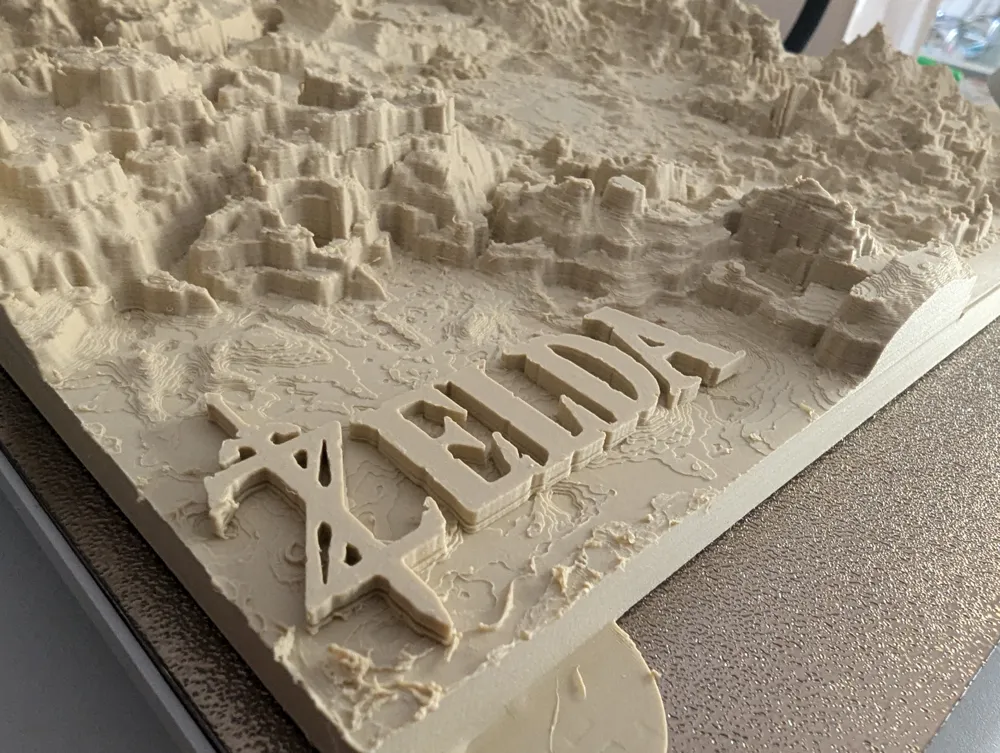
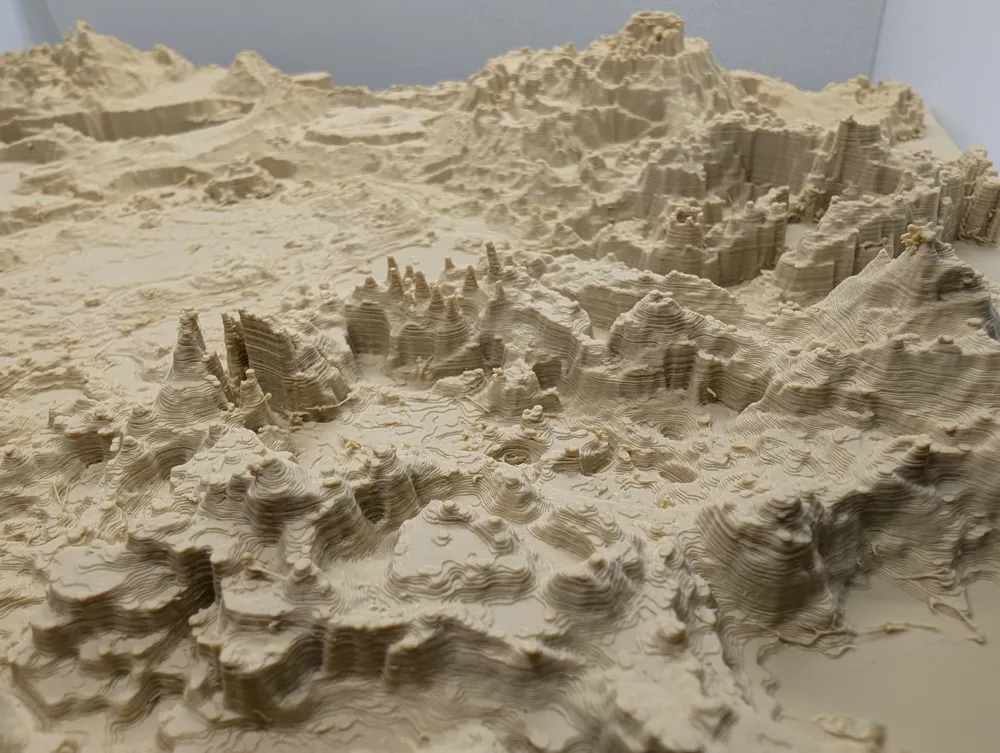
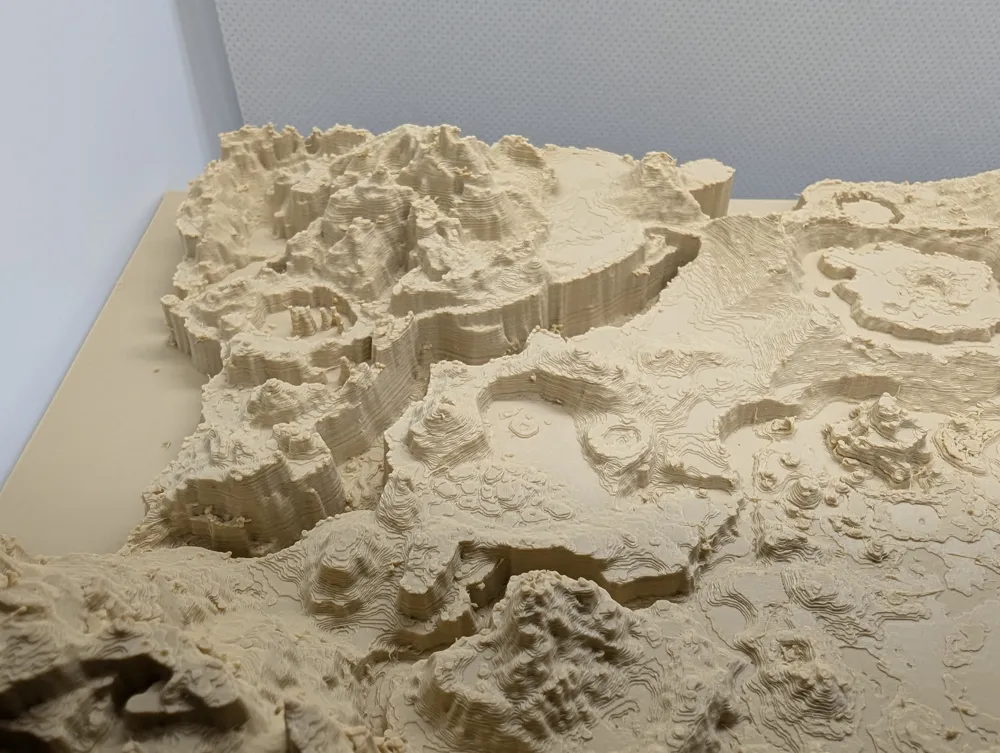
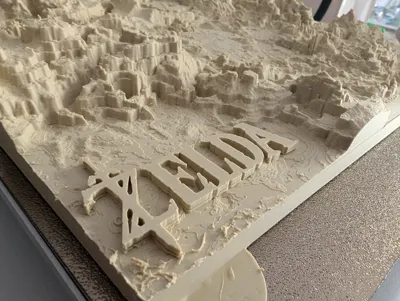
Keep in mind that printing with 0.12 mm layers causes quite some stringing, at least it did in my case, regardless the quality of the filament.
To clear the print i used a heat gun at 450 degrees and strong fan speed, but you might get a comparable or better result with a decent Hair Drier. IMPORTANT: always keep the hand and the target of the heat moving around the model and never focus the heat in a single place, you will ruin the model.
If you have a 0.2 mm nozzle, this could be the time to put it to work :)
Process:
I created this map by an extremely detailed heighmap that is available online (that extends way out of the playable area) and refined it in Photoshop to make the sea and the rivers and the lakes flat and at the correct quote. I think it especially shows in the mountains where there were extremely deep lakes that would have otherwise looked like abysses.
I then applied the resulting png in blender on a 10fold subdivided plane (heeaavyyyyy) and extruded it to give thickness, then boolean cut with a resized cube to remove the lower bump.
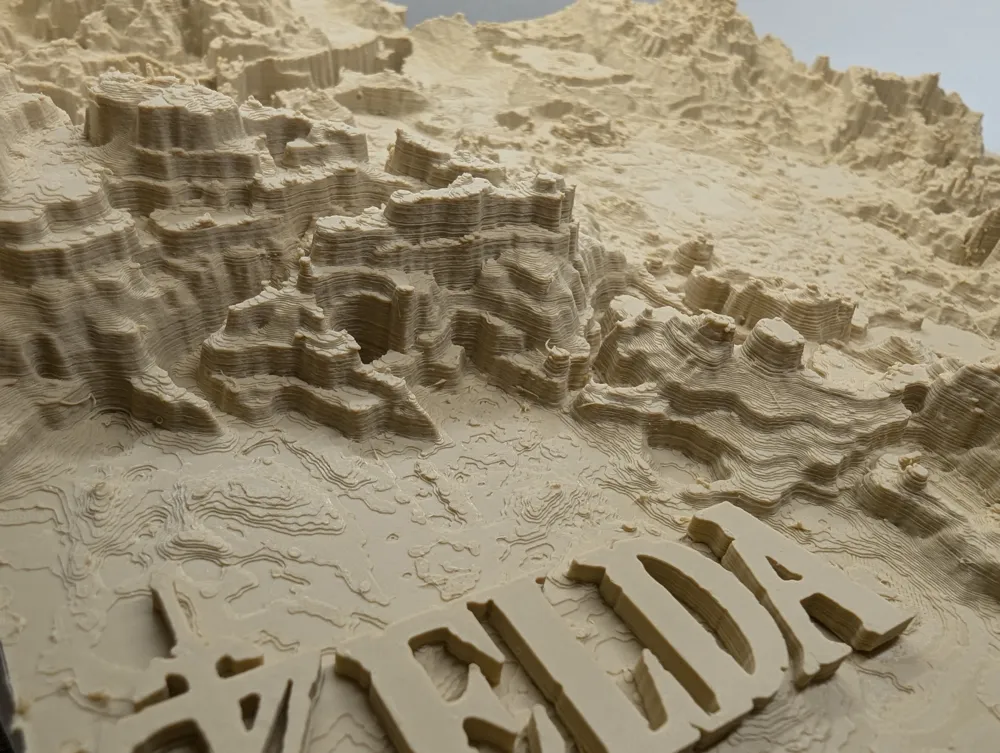
I also used blender to extrude a simplified logo that can work for both BOTW and TOTK and added it to Gerudo Desert… sorry for the fans of the dunes, but that place just felt like the right one, as it also sends the eye to the beautiful cliffs to the north of the desert.
Extra:
If you want to move or remove the logo it was “merged” inside bamboolab and in the stl they are separate files.
That and all the source material and the blender file are available in the makerworld zip file for you to tinker with.
License

You shall not share, sub-license, sell, rent, host, transfer, or distribute in any way the digital or 3D printed versions of this object, nor any other derivative work of this object in its digital or physical format (including - but not limited to - remixes of this object, and hosting on other digital platforms). The objects may not be used without permission in any way whatsoever in which you charge money, or collect fees.


Comment & Rating (524)