Search models, users, collections, and posts

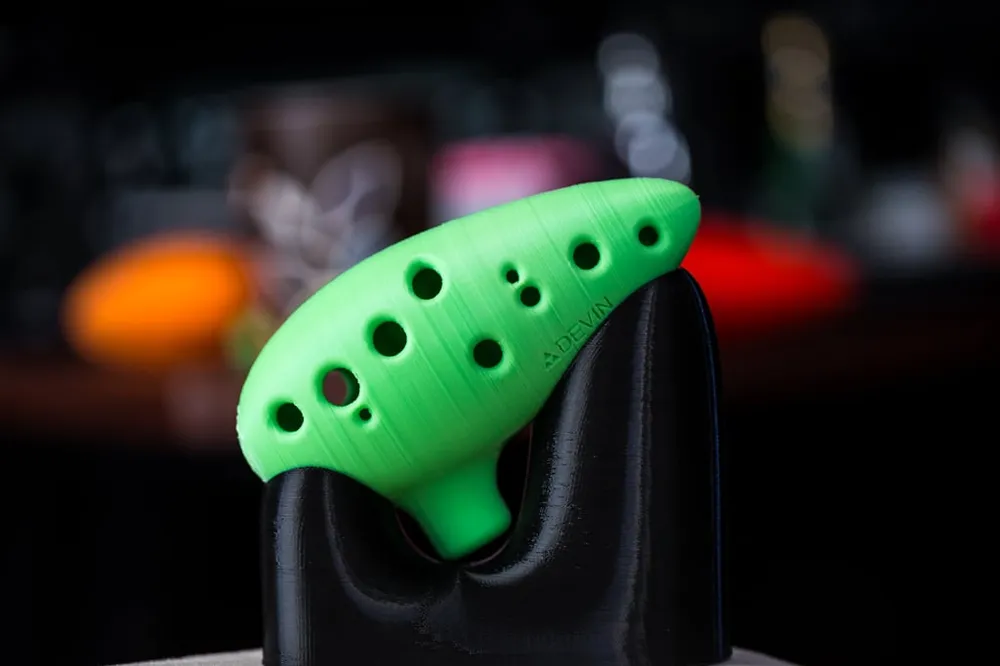
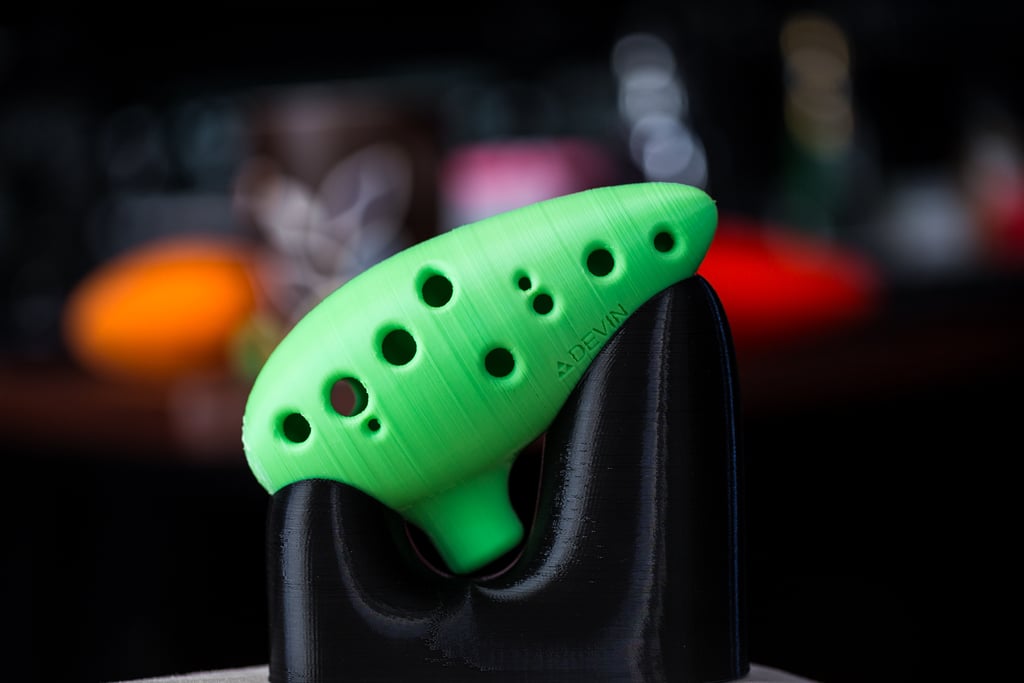
Updated 12 Hole Ocarina

Remixed by

Print Profile(5)

All
A1 mini
P1S
P1P
X1
X1 Carbon
X1E
A1
H2D
H2D Pro
H2S
P2S
H2C
X2D
A2L

0.24mm layer, 2 walls, 15% infill
2.2 h
1 plate
4.8(94)

Flat Bottom, 0.24mm layer, 2walls, 15%infill, self-balancing
2.1 h
1 plate
4.7(12)

0.18mm layer, 2 walls, 25% infill, custom supports
2.2 h
1 plate
4.8(6)

0.24mm layer, 2 walls, 15% infill
21 h
3 plates
5.0(4)
Click to see more

Open in Bambu Studio
Boost
701
1750
523
137
6.3 k
5.2 k
Released 

Description

Imported from Thingiverse I am not the original author. I will make a profile for it to be printable via the phone app.

12/7/2023: Updated a print profile to have only supports on the build plate.
Imported the Ocarina Stand.

Comment & Rating (523)

(0/1000)

The print profile is no longer public
Very easy to print but difficult to play. Shame about the support bits but it's a rounded object so what else can you do!
1
Reply
there is something we can do.... we can change the shape of the ocarina to just be flat so it has a built in stand... it may be worth it... it won't change the inside shape so sound sound be the same. and we could make the end loom cool like a triforce actually . also we could even print it with mouth hole facing down... I'd like to see how that turns out... inbet there's a ton of ways to actually optimize this and I should really try ...ima start with getting g the bottom flattened
(Edited)
2
Reply
Replying to @zackza :
That's great, looking forward to it! I have some leftover support PLA which came from my X1Carbon, I might try to print a Silk PLA + PLa Support version
0
Reply
Replying to @Fran_Oyaji :
it's ready to try, I've tested it, even use it to make keychains which I think I also uploaded
0
Reply
The print profile is no longer public
i'm a beginner, this was my first print after the benchy and it came out all clogged up.. 😂 should have taken the v2. it took a long time to smash every support inside into pieces with a screwdriver and take it out.. now the ocarina plays well (its really loud though, for the sake of my neighbors I didn't play for a long time). i just give one star because i used this model instead the v2 because of the better rating. maybe it can "save" someone else. otherwise great model!😊
(Edited)
The profile uploader has replied
1
Reply
thanks. what I think you’re trying to tell me is that I should see if I can reorder the profiles so v2 is at the top, or just delete v1.
(Edited)
2
Reply
Replying to @theJJM :
sorry I didn't want to cause you additional effort, but thanks! 😊 and thank you for adding this model here
(Edited)
1
Reply
no prob. I hid v1 so others can just use the v2 now.
(Edited)
3
Reply
Very nice model, printing was easy and it feels very good in the hand I printed mine with fuzzy skin
Show original
4
Reply
oh should of thought about the fuzzy skin! must feel really nice with fuzzy skin
0
Reply
Boosted
The print profile is no longer public
Came off the build plate with no hassle.
1
Reply
yeah it felt good didnt it? isnt it oneof the best things youev ever printed that just makes u feel liek a factory owner?
0
Reply
The print profile is no longer public
I had try this print on the A1 before multiple times and it always failed, now I used the x1c and it worked flawlessly. I edited the printing profile a bit when it comes to supports and the infill is set to gyroid
1
Reply
try my profile with flat bottom for almost no waste, maybe we will even have one with no supports ort the supports are shaped as triforces
0
Reply
The print profile is no longer public
looks nice but not all holes work. PETG
1
Reply
yes they do. you just have to press really hard maybe because of the small grooves that let air out so maybe sand that part down, a simple sanding in the holes should make this thing perfect
0
Reply
print turned out great! though I do have a question if someone can point me in the right direction, I used sunlu pla + silk dual color and just clicked print from the app. if you zoom in on the pic you’ll see these little dots, is that just the seam lines that need to be adjusted? or is it something else entirely? sorry I’m relatively new to 3d printing
0
Reply
you are correct. those are your seams. you can adjust where the seams land in the settings in slicer
0
Reply
Print Profile
0.24mm layer, 2 walls, 15% infill
Bonne impression. Chouette résultat. Support de base un peux dur à retirer (cf photo)
0
Reply
i have a flat bottom profile that fixes the base.
0
Reply
The print profile is no longer public
great, i used 25% infill, .18 layer height and a custom support to get more on the bottom part. (only outside supprort)
1
Reply
The print profile is no longer public
Very nice, good sound
(Edited)
Show original
profile
1
Reply