Search models, users, collections, and posts

Palm Relief - Circular Relief Photo Cutter
IP Report

Print Profile(1)

0.2mm nozzle, 0.1mm layer, 4 walls, 15% infill
Designer
1 h
1 plate
Open in Bambu Studio
Boost
1
0
0
0
4
0
Released
Description
Content has been automatically translated.
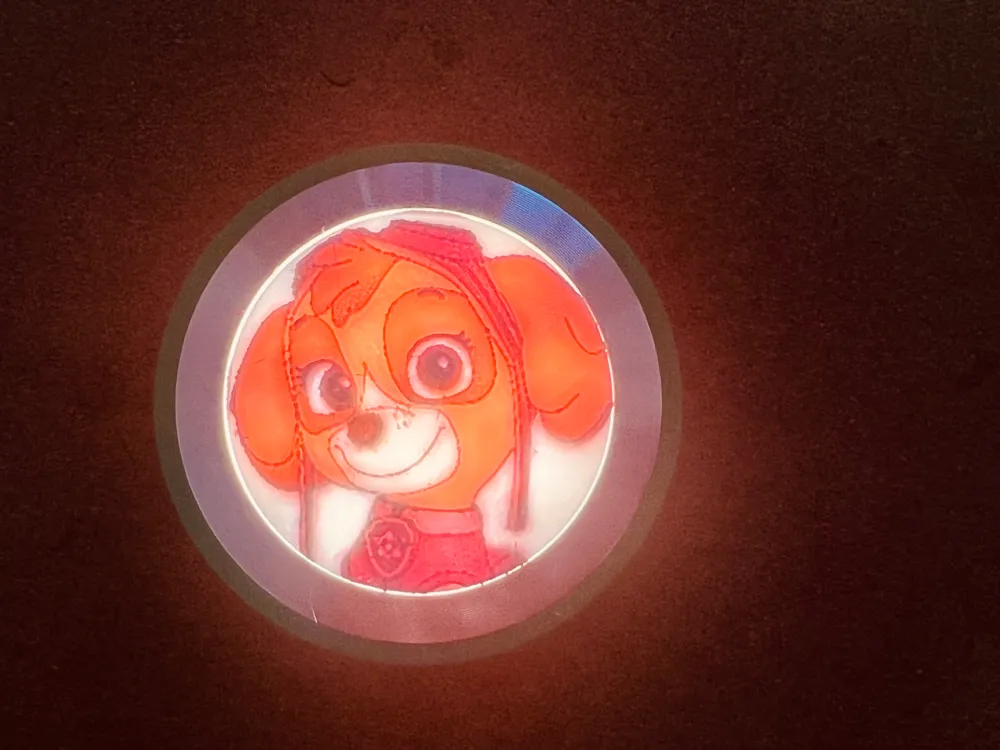
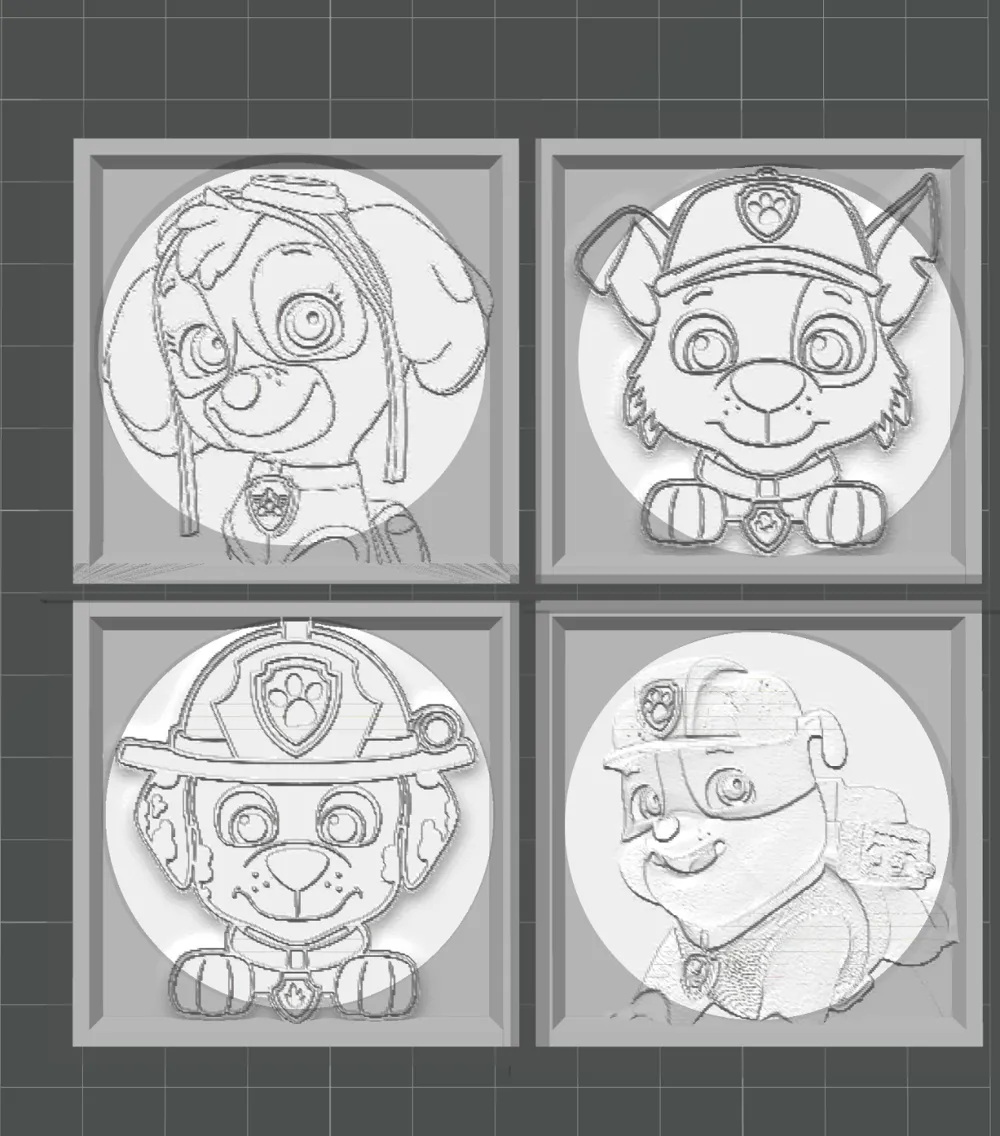
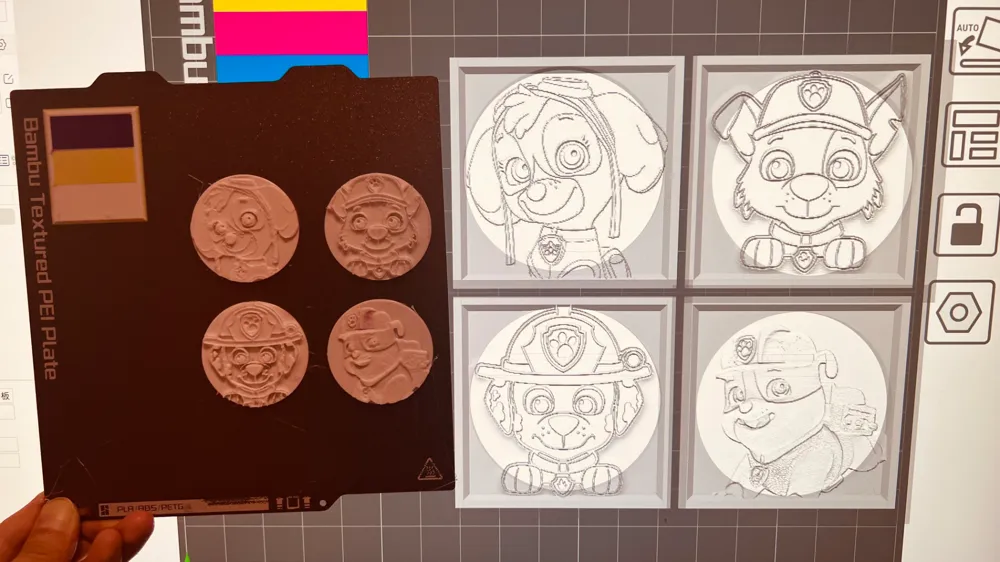
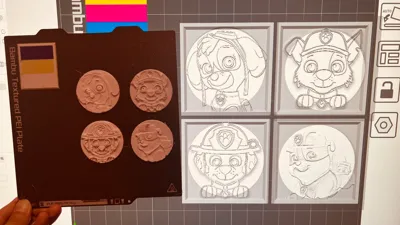
Provides a simple model with a diameter of 47mm that can be used to cut photos published in my Palm Relief photos, aiming to teach everyone how to use slicing software to create circular relief photos.
How to Use:
- Download the stl file provided by this link
- Use Makerlab to create a 50X50 relief photo
- Download and open the generated relief photo, and center the layout
- Right-click the model - Add a negative part - Load - Select the stl file in this link
- Right-click the imported negative volume model, select center, slice to get a circular relief photo with a diameter of 47mm
Similarly, you can add a cube model of appropriate size in any slicing software, then add a cylindrical negative volume with a specified diameter, and then use Boolean operation difference to generate a custom-sized circular cutting file to create a circular relief suitable for yourself, have fun!
License

This user content is licensed under a
Creative Commons Attribution-Noncommercial-Share Alike

Comment & Rating (0)