
WABBT (Wifi & Bluetooth Badge Tool)
Print Profile(1)

Bill of Materials

- CORE-ESP32-S3 x 1: rare
- Neopixel-5mm-THT x 2: https://www.digikey.com/en/products/detail/adafruit-industries-llc/1938/6827082
- oled-i2c-0.91 x 1: https://www.amazon.com/dp/B09MZ8DW4R
- usb3-to-usbc-adapter x 1: https://www.amazon.com/dp/B0BFPL6DLW
- battery-holder x 1: https://www.amazon.com/dp/B0CN6RVQB3
- dupont-female-to-female x 1:
- nfc-tag x 1: https://www.aliexpress.us/item/3256806961692066.html
Description
WABBT (Wifi & Bluetooth Badge Tool)
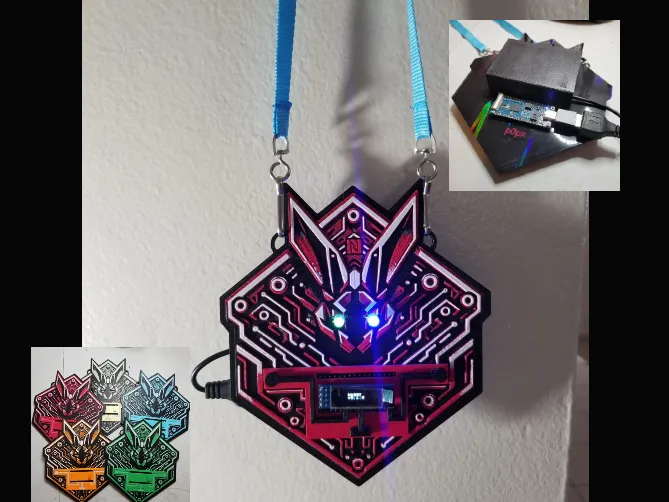
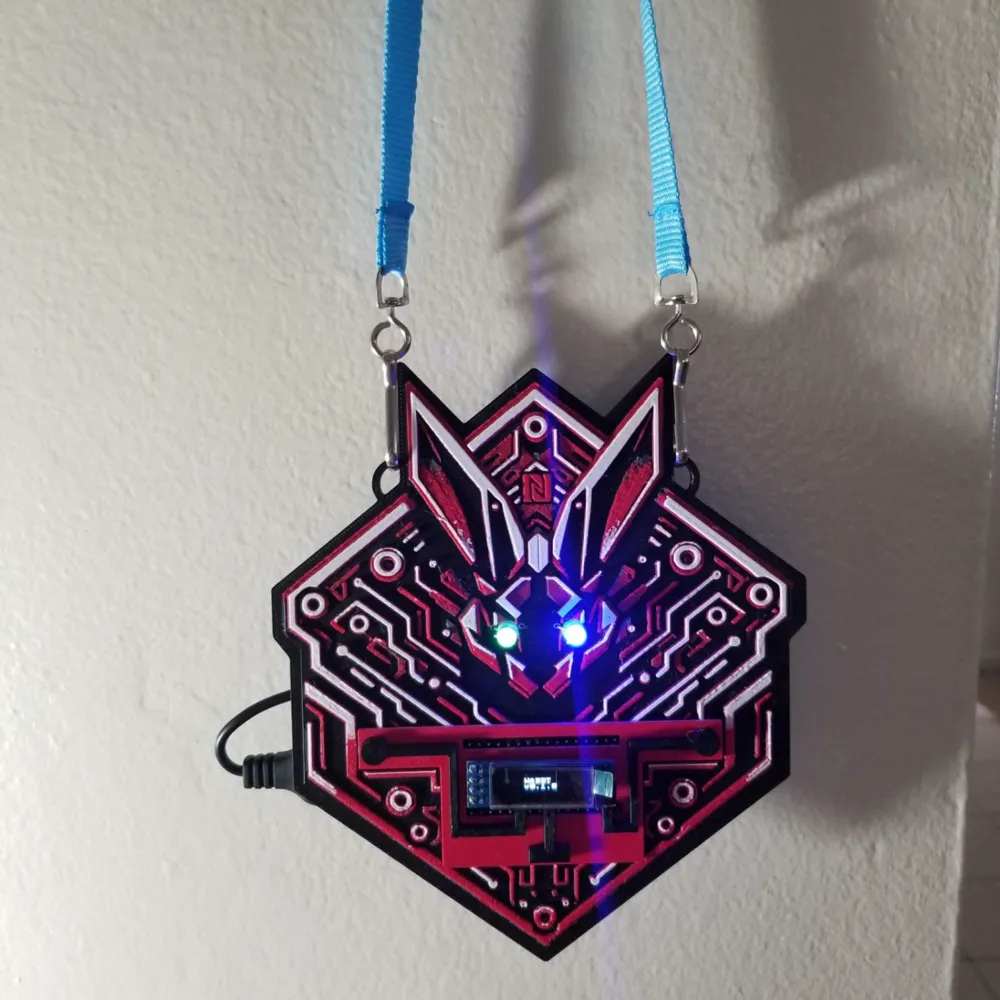
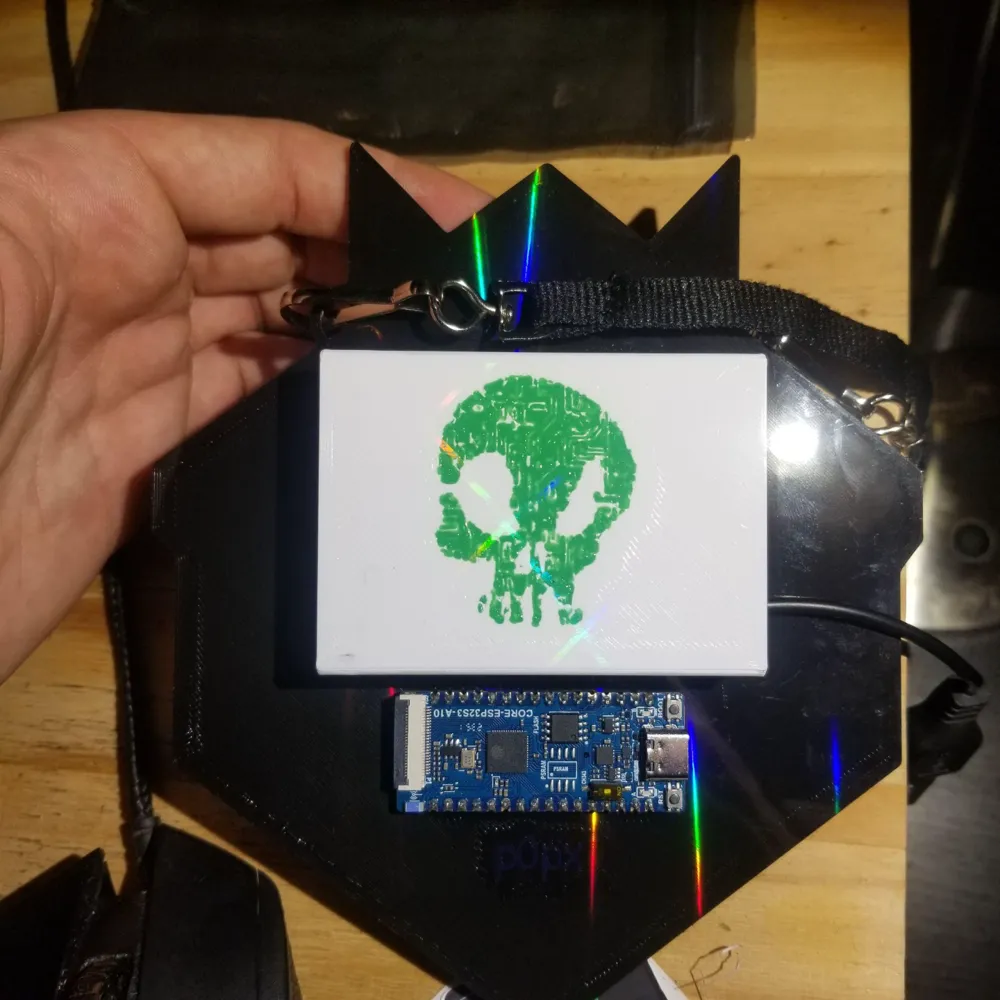
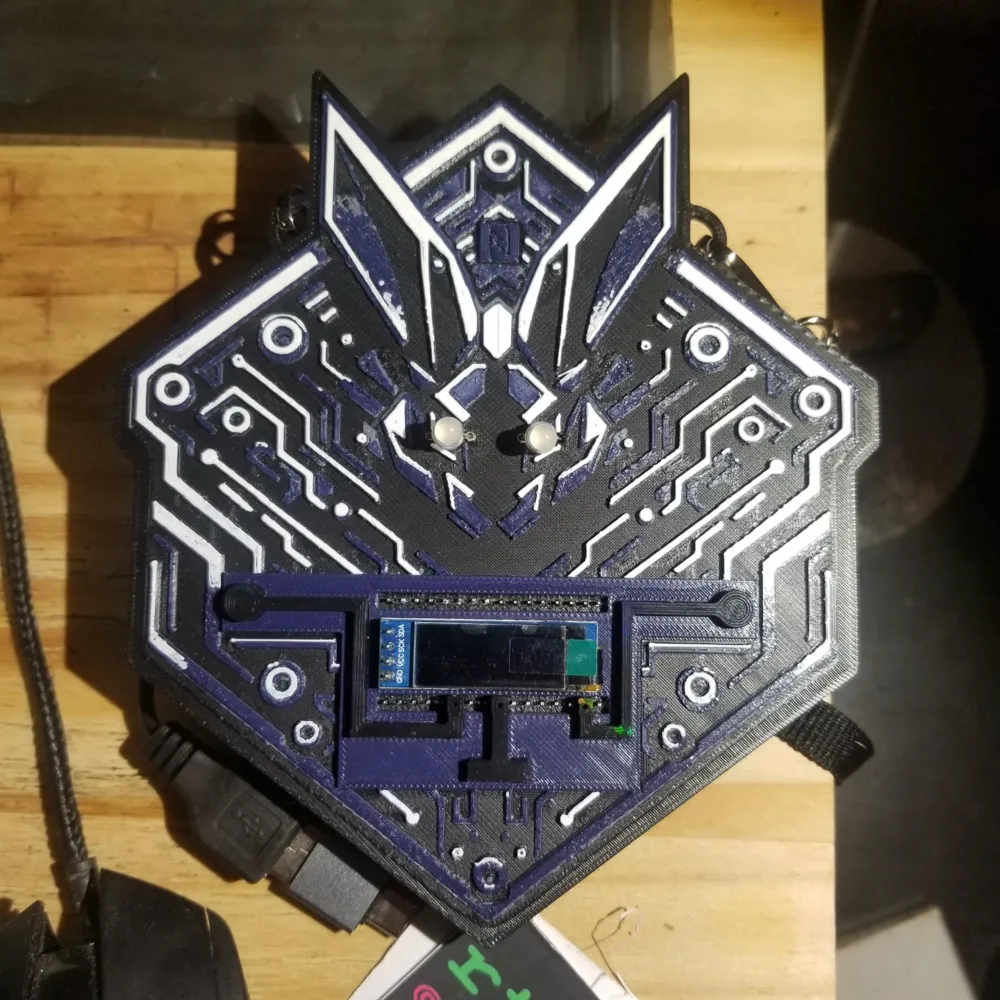
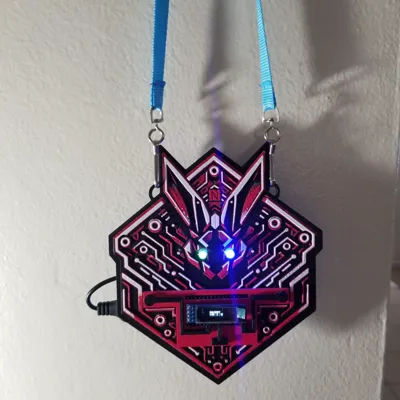
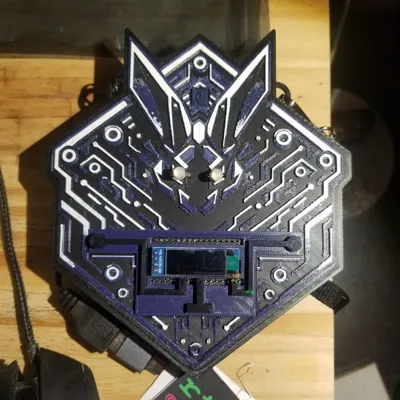
A ESP32-S3 powered Wifi/BLE Tool that is housed in 3D printed badge.
The firmware for this project can be found here
Physical Features
- ESP32-S3 Development Board
- OLED Screen
- 2x Neopixel RGB lights
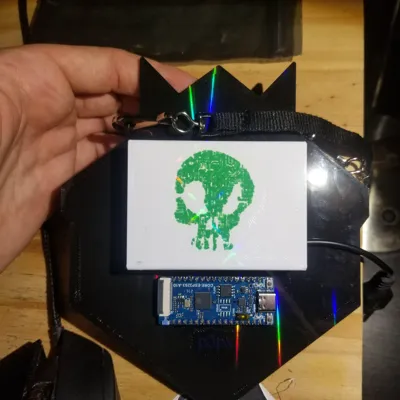
- NFC Tag - Writable Block0
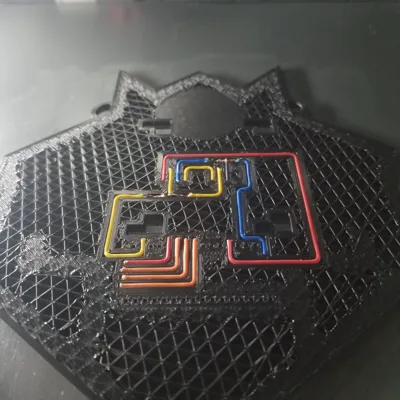
- Built in circuit
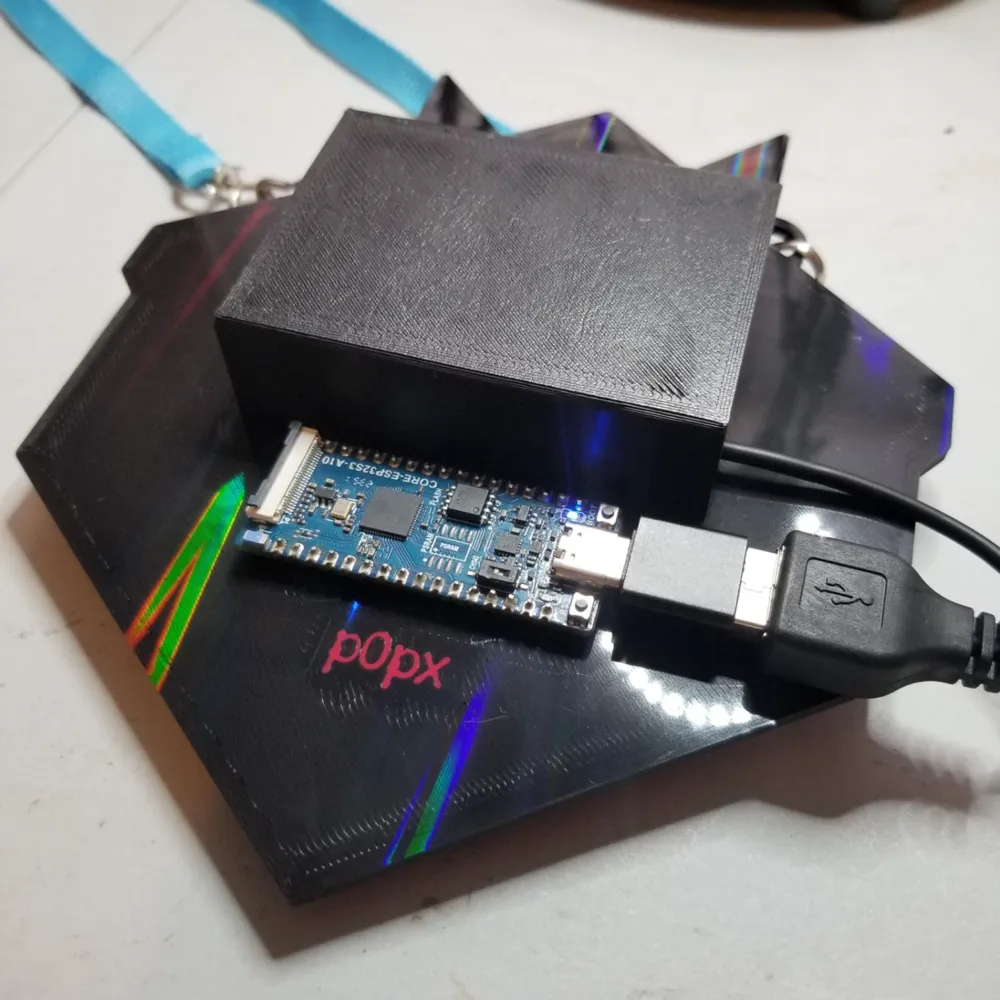
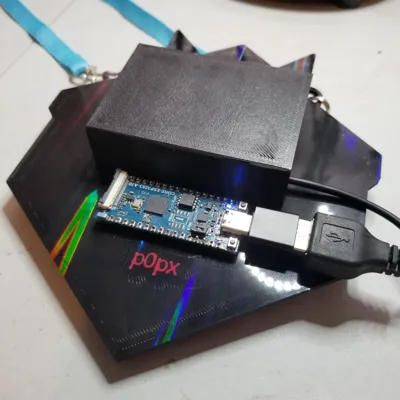
- 3D printed battery case/pack + usb -> usb3 connector
- 3D printed conductive touch pads
Firmware Features
- Web UI or with touchpads / screen controls
- WiFi Tools
- Deauth
- Deauth Detect
- PMKID
- BLE Tools
- BLE MITM aka Gatt Attack (I will separate this into another project as well)
- AirTag / Tracker Detector (Smart Tagger) - can set off audio alert for AirTag
- Fake Drone - Sends spoofed OpenDroneID packets over BLE to spoof a drone flying around
- Skimmer Detector - sparkfun research gave some advertisements to lookout for known gas station skimmers
- Name Spam - Overwhelm "trackers" with tons of fake macs/advertisments
- FastPair Spam - Google FastPair - not super reliable - ported from the recent BLE Adv popup spammers
- EasySetup Spam - Samsung - not super reliable - ported from the recent BLE Adv popup spammers
- Spam Detector - Detect above + other advertisment spams
- vHCI - Talk directly with the Bluetooth controller over the UI websocket
Print Instructions
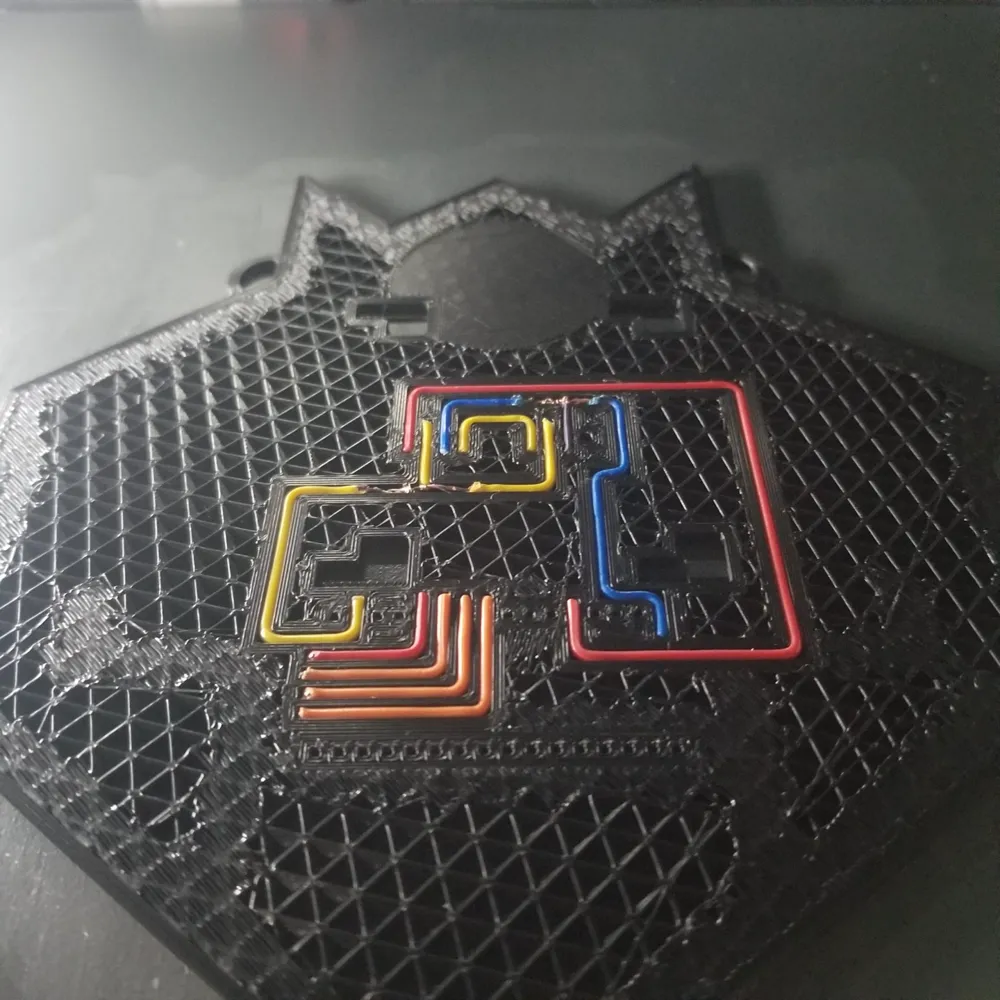
Circuit Prep
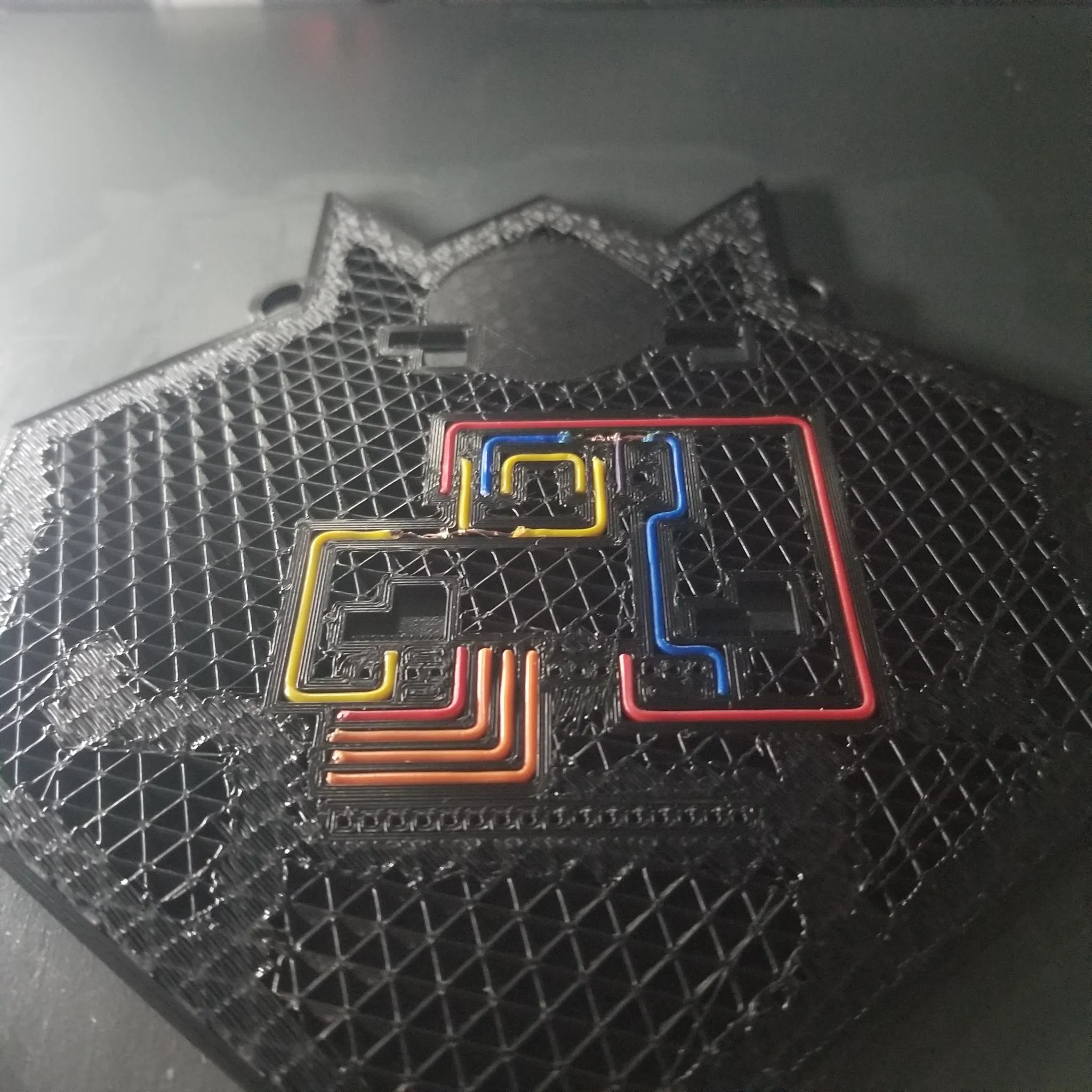
Print out the plate title “Wiring Template” and fill in the circuit with dupoint wire (24gauge), cut them to size. For the wires that are split 3 ways I melted a section in the section and scrapped the wiring with a scapel to expose the bare wire, then I twisted another wire around it.
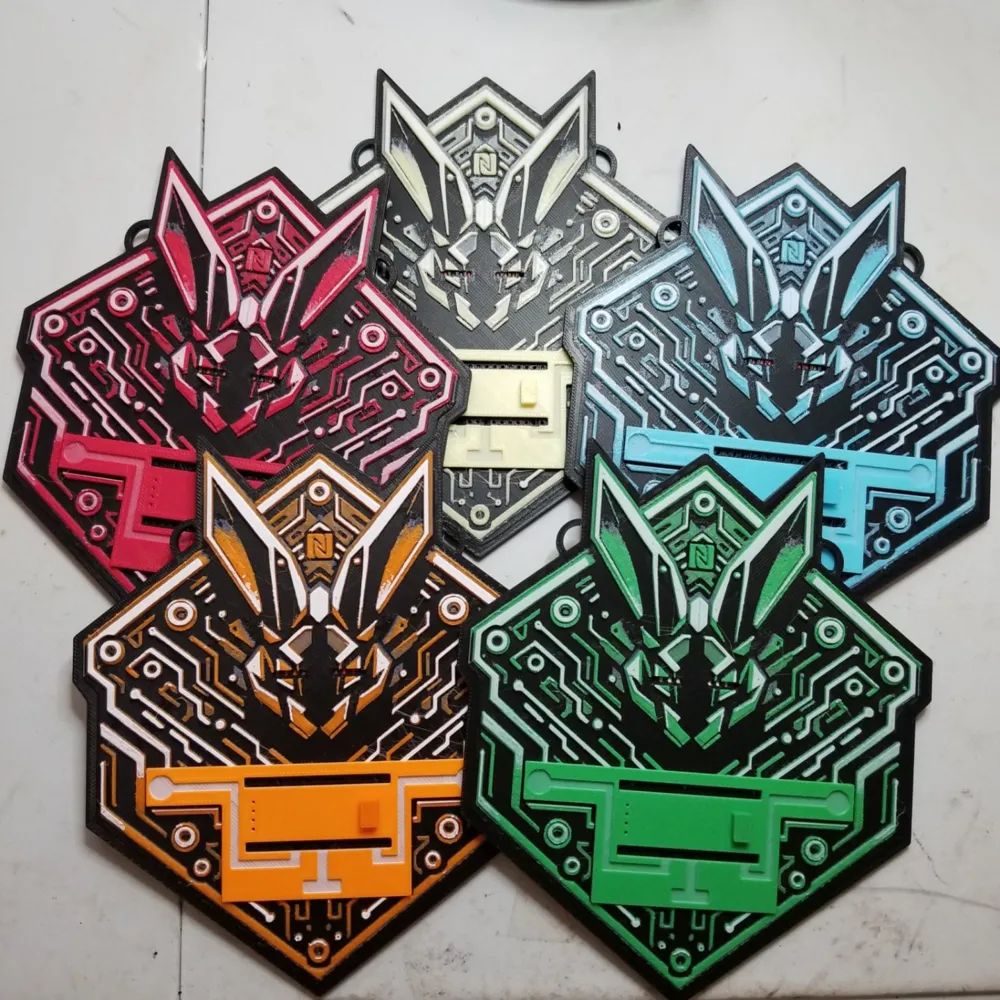
Badge
Makerworld strips layer changes and other things so in order to print correctly make sure to have the following settings/color changes.
Layer Height - 0.2mm
Height Range Modifier (3.00-4.80mm) - 0.08 layer height
Layer Changes:
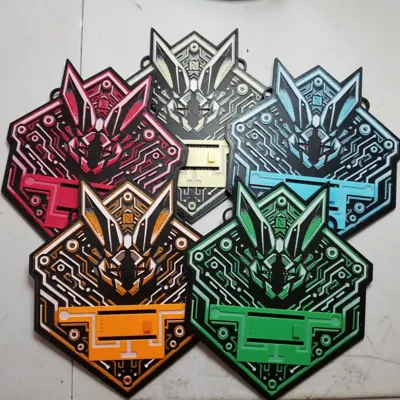
- start with black
- Layer 11: Pause - Insert Prebuild Circuit
- Layer 14: Pause - Insert NFC Tag
- Layer 20: Color Swap - Gray
- Layer 22: Color Swap - Primary Color
- Layer 32: Color Swap - White
- Layer 38: Color Swap – Primary Color
Touch Pads
I used Proto-pasta conductive filament. This has to be conductive filament. Any should work.
https://proto-pasta.com/collections/all/products/conductive-pla?variant=1265211476
Post Processing
- SMD reflow tool heated at 195c to melt any stringing on the top of the mesh.
- Use a 0.5mm sewing needle to puncture the circuit through the holes
- For the ESP insert the needle from the back
- For the OLED insert the needle in the front
- For the LED eyes insert the needle in the exact middle on the front. This are the most tricky to get right.
- Use some pressure to insert the OLED and ESP into the place. The ESP the usb port faces to the right.
- Insert the ends of a female dupoint wire connector into the LED eyes
- I used tweezers to get it started then used my punch to press it all the way through
- Run the needle through the middle of the dupoint wire eye tht connectors.
- Test connections with multimeter!
- Insert LED eyes. Ground is on the right.
- Flash & Have Fun!
Note: In the part, bambu was making me include a part of theirs for the BOM. You just need the neopixels I listed below it.
License



Comment & Rating (0)