Search models, users, collections, and posts

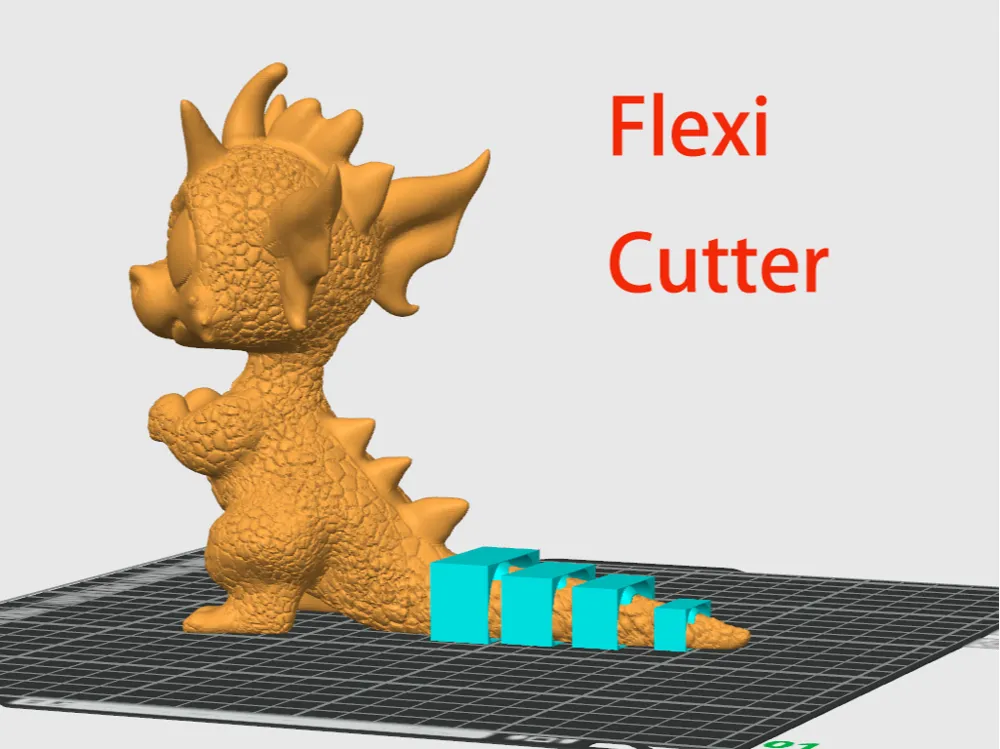
flexi cutter

IP Report

Print Profile(1)

All
P1S
P1P
X1
X1 Carbon
X1E
A1
A1 mini
H2D
H2D Pro
H2S
P2S
H2C
X2D
A2L

0.2mm layer, 2 walls, 15% infill
Designer
8 min
1 plate
5.0(9)

Open in Bambu Studio
Boost
1152
2262
41
87
2.9 k
93
Released 
Description

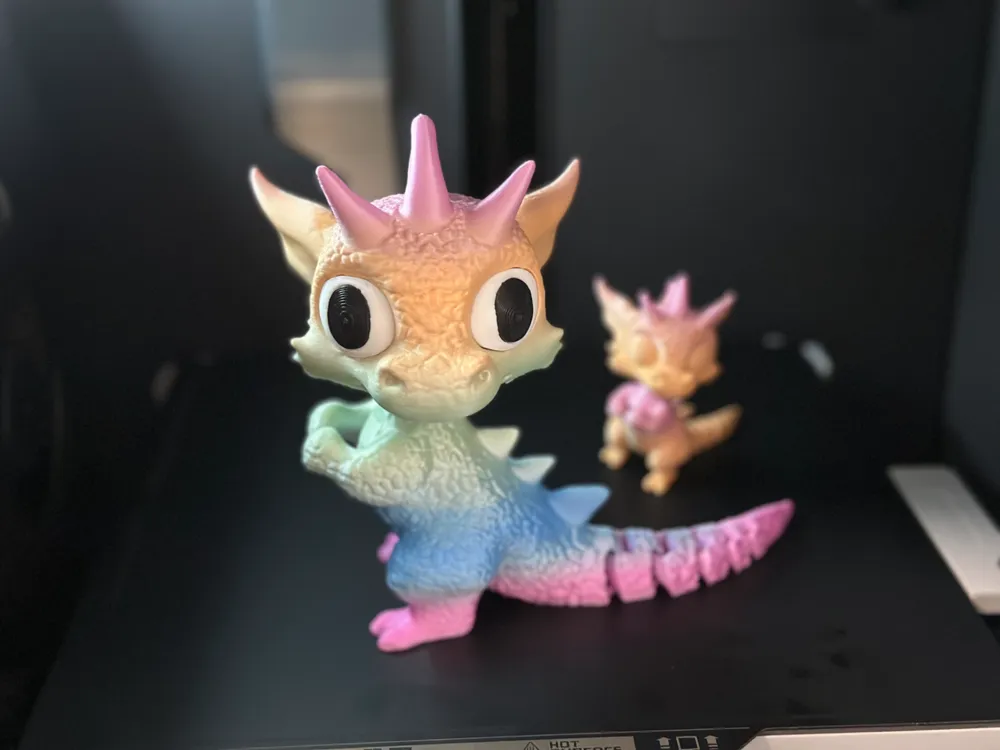
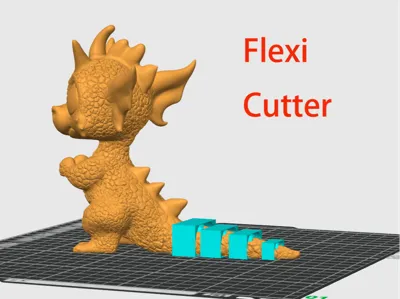
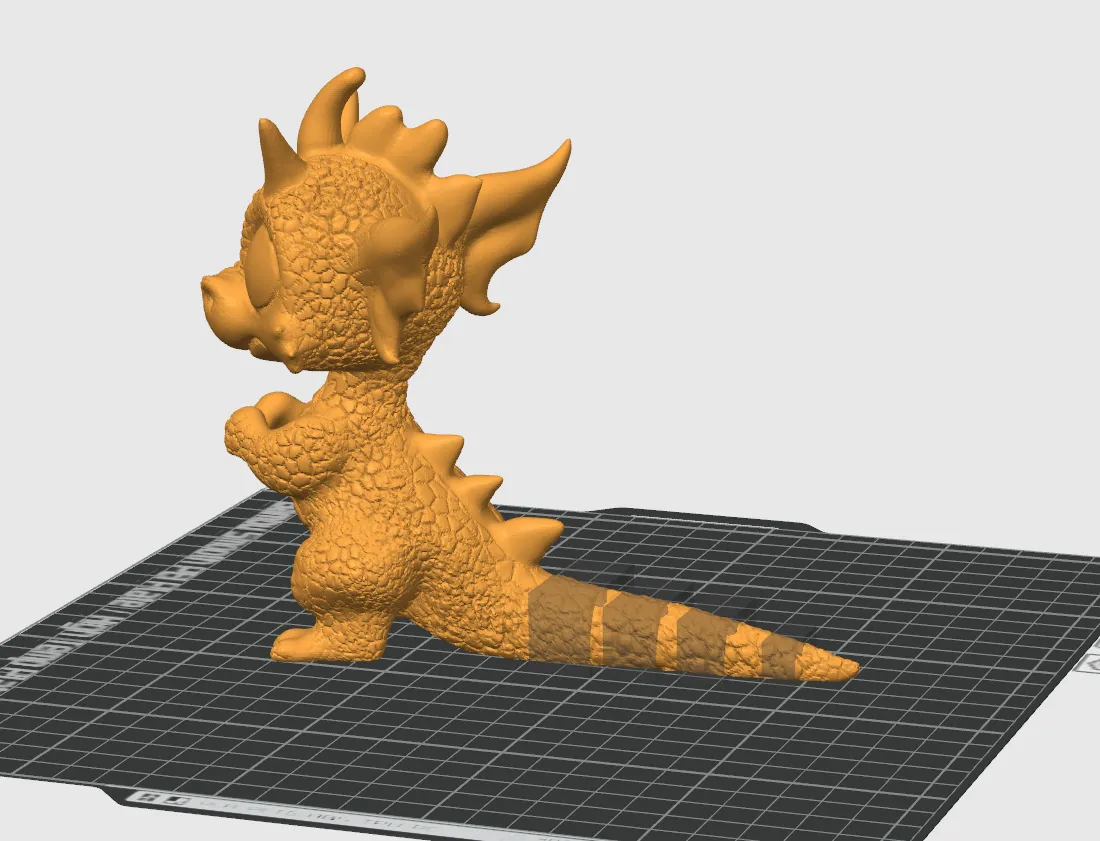
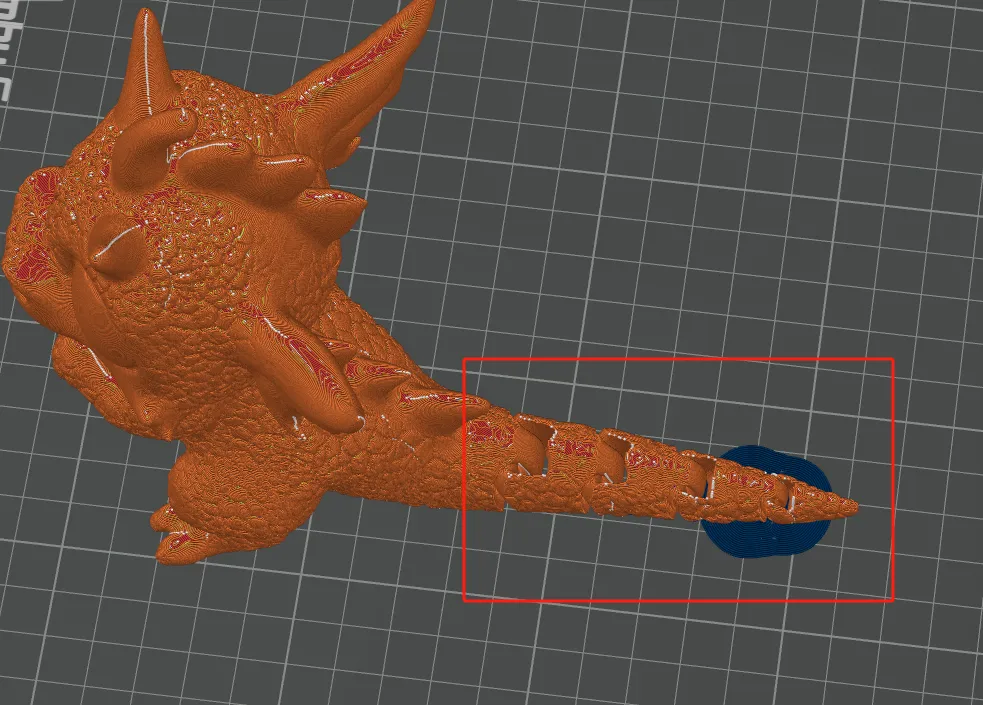
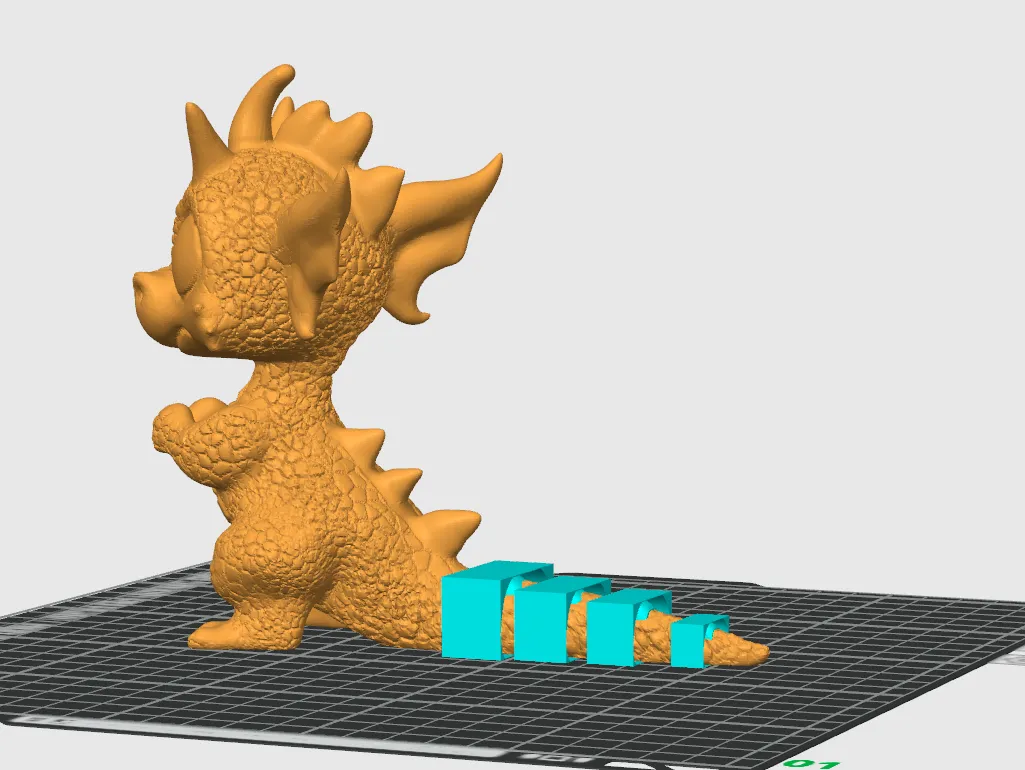
Download this cutter file, wrap the tail with it, and then assemble the model

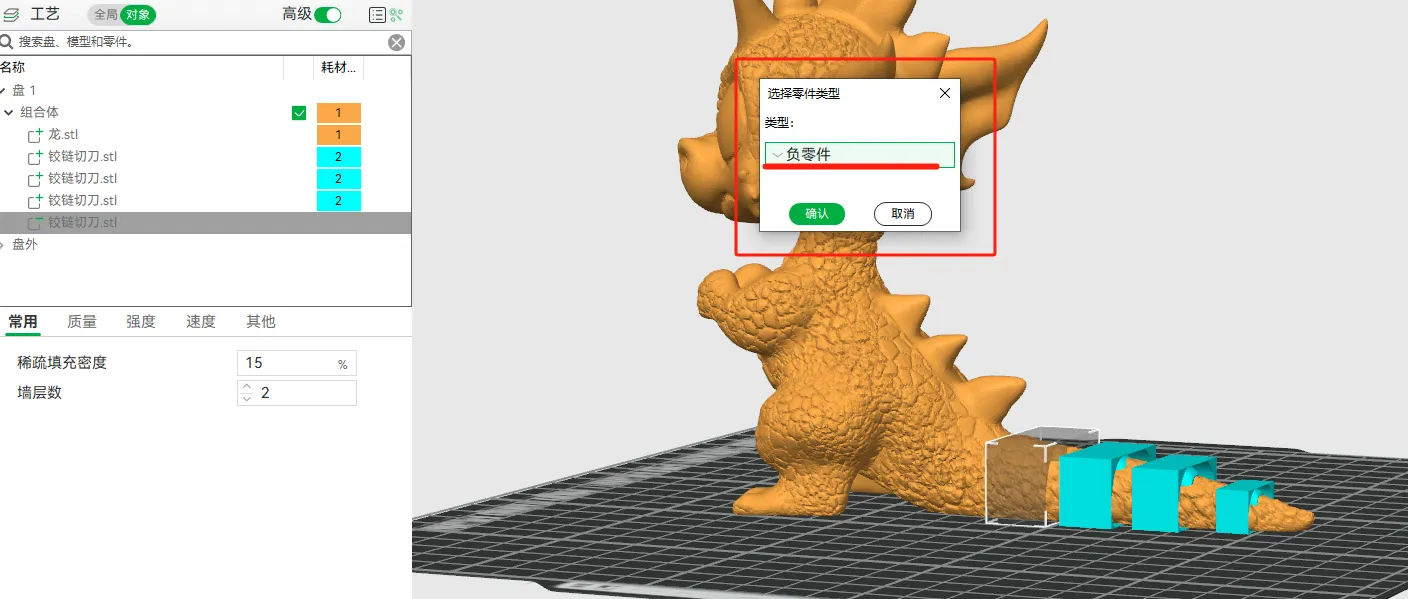
Change the type of cutter to negative part

Preview the model to get the tail of flexi


Comment & Rating (41)

(0/1000)

Boosted
wicked awesome, gonna print something totally pointless right away 😂
Show original
6
Reply
How does that work with that
Show original
0
Reply
Boosted
Replying to @user_3092291159 :
absolutely grand 👌
Show original
1
Reply
So sad that i dont undrstand Chinese so i can better understand tutorial :(
5
Reply
yeah i cant figure out how to change it to negative part, when i add negative part and use this and slice, its not working
1
Reply
Replying to @Fatalchaos25 :
The object you want to cut needs to be selected when you add a negative part. You then may have to select it in the part menu under "objects" tab and then select the move icon to move it. Otherwise you will move both objects at the same time.
0
Reply
Replying to @ductapensuprglu :
I tried that, I selected the object and added negative part from files. then when I put it on the model in the right place it looked ok but when I sliced it done nothing. I've had to add the model and the part in tinkercad and do it that way then export it to the slicer
0
Reply
Boosted
didnt test it. but you get my boost for the idea 👍
4
Reply
Thanks for this simple but awsome idea! This gives me a lot of opportunities as hobby designer and will make learning much more convenient! Thanks and you really earn my boost for this!
3
Reply
does someone have a video tutorial of this?!
1
Reply
It's on Douyin
Show original
0
Reply
standard digital licence means if I use this to make something flexy I can't then upload it to share it ???
The designer has replied
0
Reply
I only chose this license to participate in Bambu's activities. You are welcome to share without signing
8
Reply
can I share too please?
0
Reply
Print Profile
0.2mm layer, 2 walls, 15% infill
Oh, the possibilities 😍. I made a flexi torus as a test print, and it worked perfectly. Fantastic tool, thank you so much for sharing!
1
Reply
This has helped my 3D modeling journey in so many ways. Thank you for sharing this tool! You rock!
1
Reply
Used Blender's "Boolean", works fine!
1
Reply
Super useful tool, hope that in the future, the masters can release more convenient tools like this
Show original
1
Reply

License

This user content is licensed under a Standard Digital File License.

You shall not share, sub-license, sell, rent, host, transfer, or distribute in any way the digital or 3D printed versions of this object, nor any other derivative work of this object in its digital or physical format (including - but not limited to - remixes of this object, and hosting on other digital platforms). The objects may not be used without permission in any way whatsoever in which you charge money, or collect fees.