
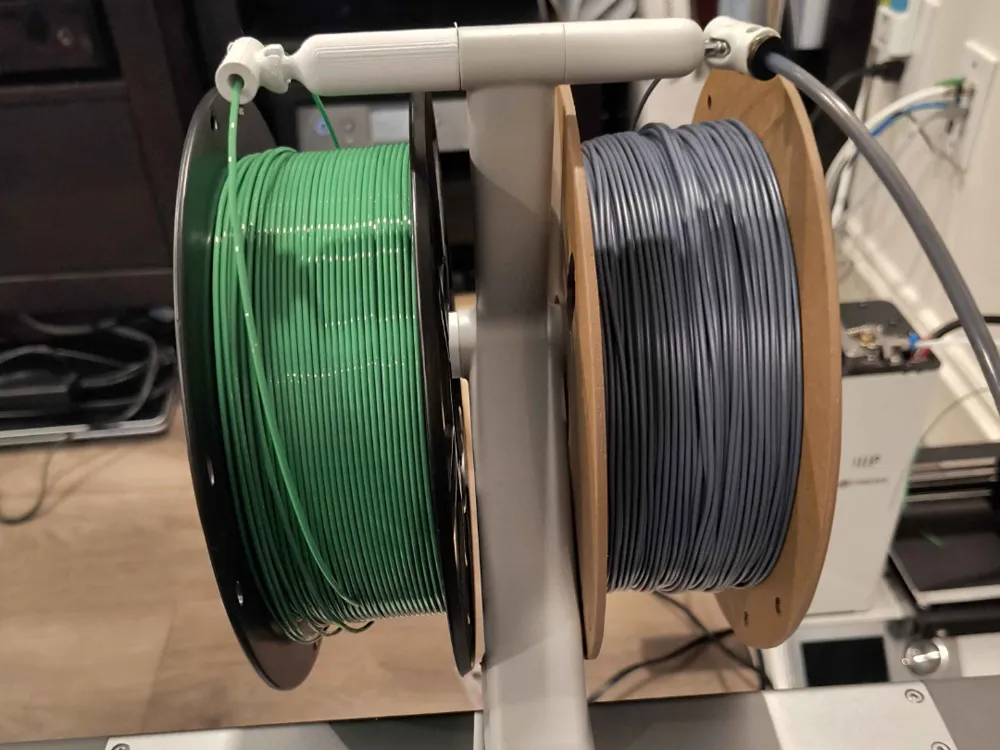
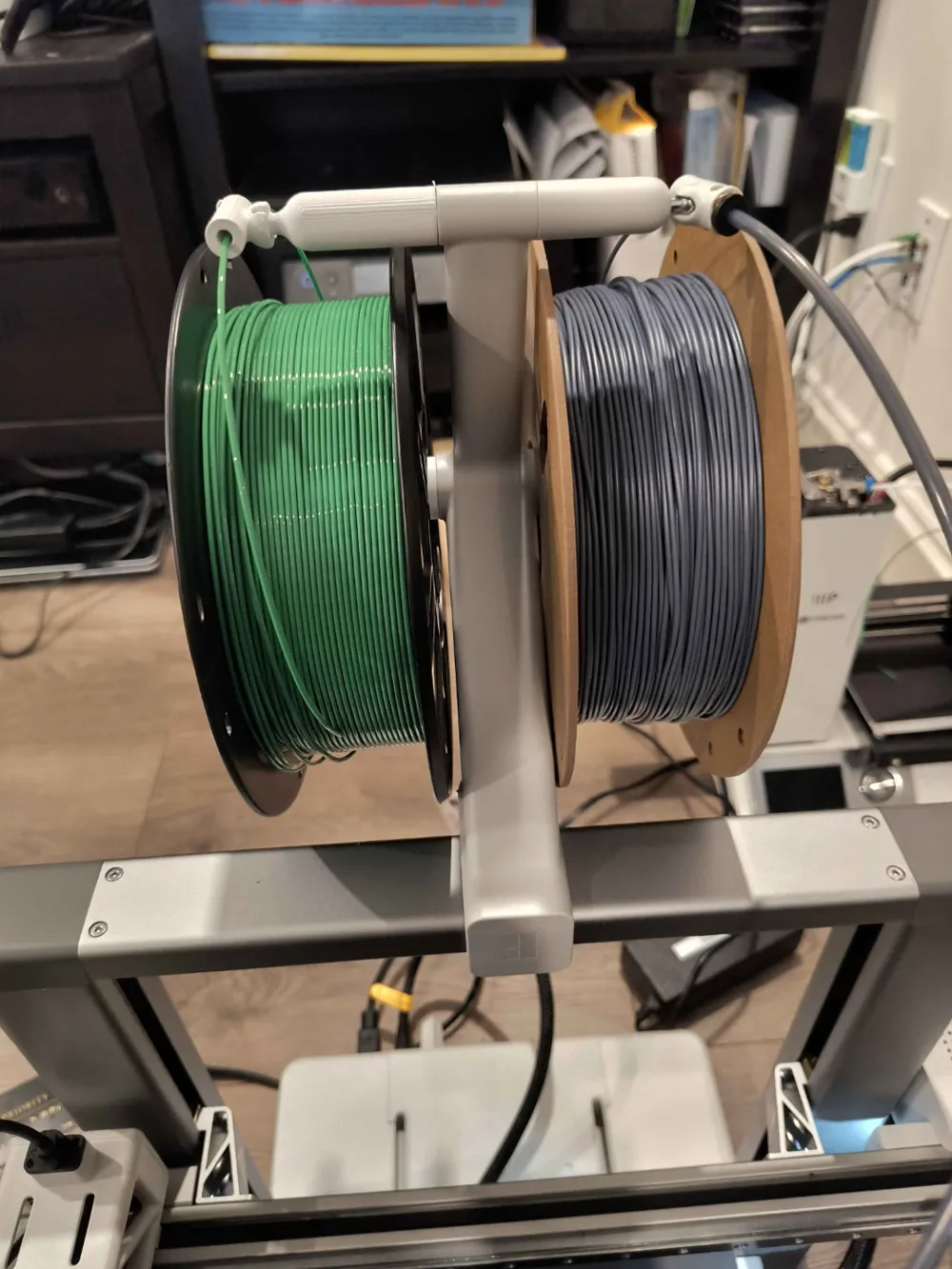
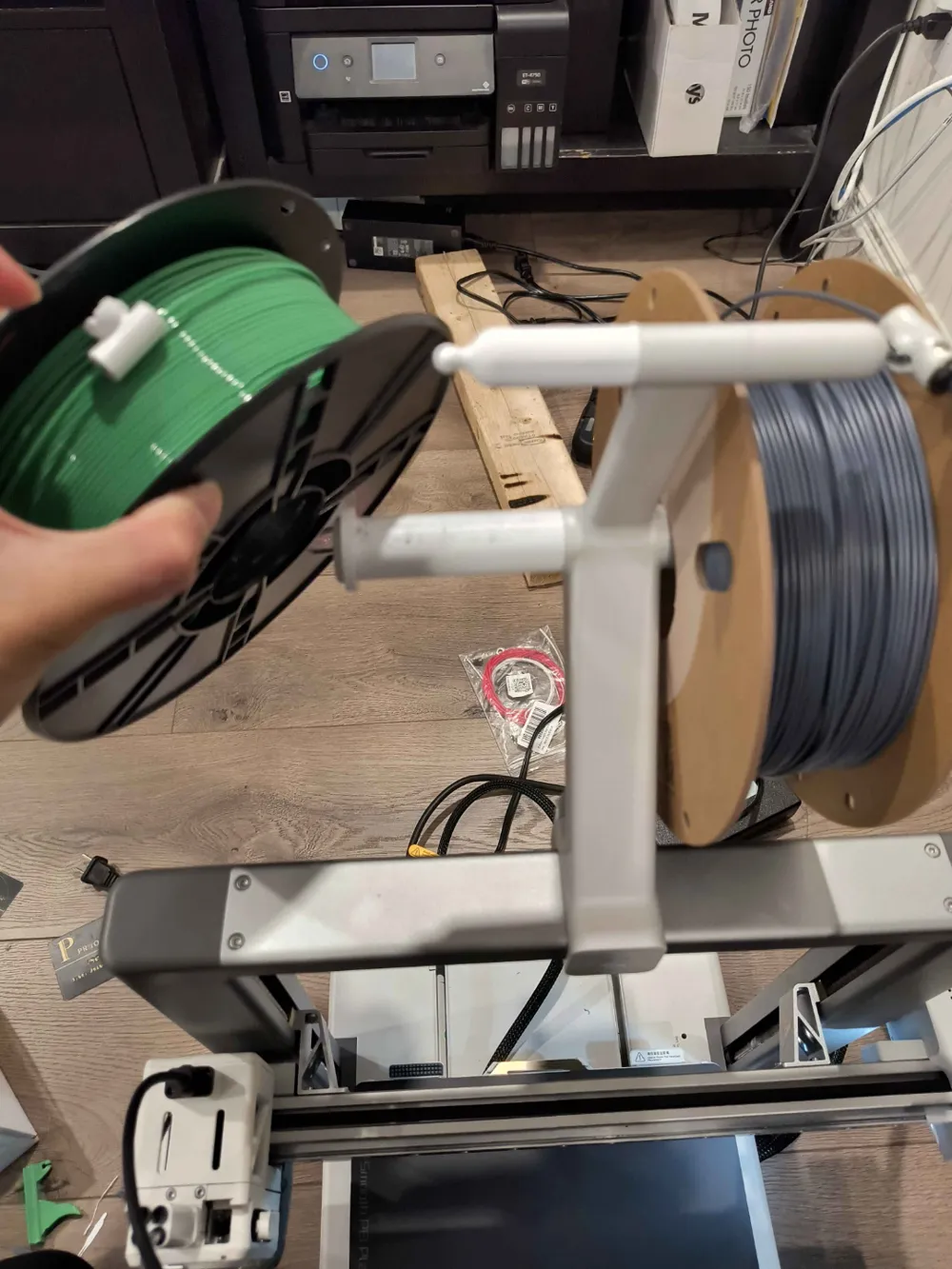
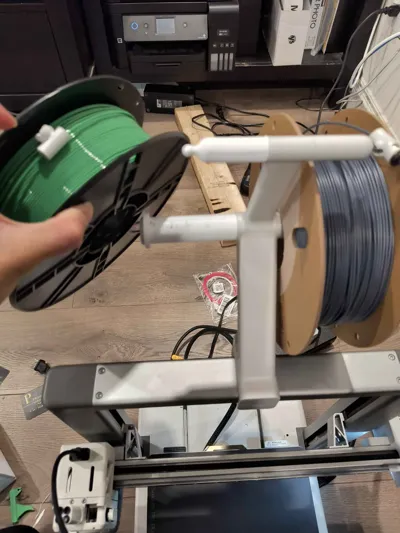
Additional filament holder extension for A1

Print Profile(2)

Description
Adds another holder for the external filament holder for the a1. Take out rubber gromet on the other side of the holder where the original arm holder is. to switch filaments easily, just unload the filament and pull it back slightly and feed the new filament into slot 1 if your original filament was loaded into slot 4.
I've heard that the newer versions of the A1 don't have a screw hole where the rubber gromet is, so you might need glue to attach it.
License

You shall not share, sub-license, sell, rent, host, transfer, or distribute in any way the digital or 3D printed versions of this object, nor any other derivative work of this object in its digital or physical format (including - but not limited to - remixes of this object, and hosting on other digital platforms). The objects may not be used without permission in any way whatsoever in which you charge money, or collect fees.


Comment & Rating (112)