
CNC 1610 Improvements
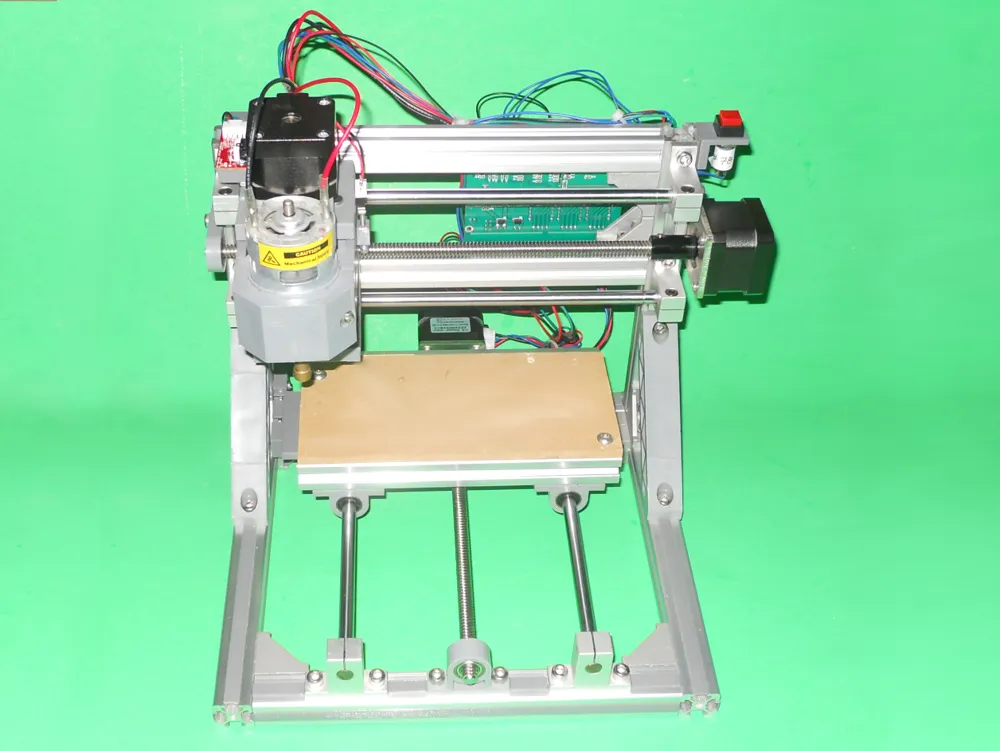
Print Profile(1)
Description
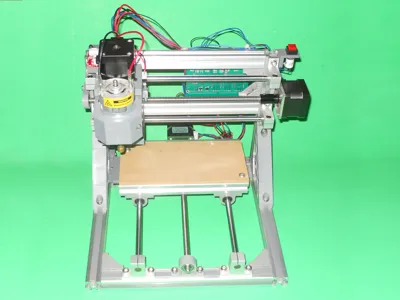
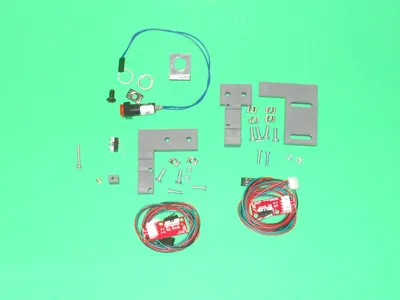
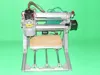
This project contains 5 improvements for a 1610 CNC. These improvements were inspired by the following YouTube videos of JJ Hontebeyrie:
1. Extrusion slot covers
I've used the following project to cover most of the extrusion slots:
https://www.thingiverse.com/thing:4641897 . Print the 100 mm long one and
scale it in the slicer to get the length you need.
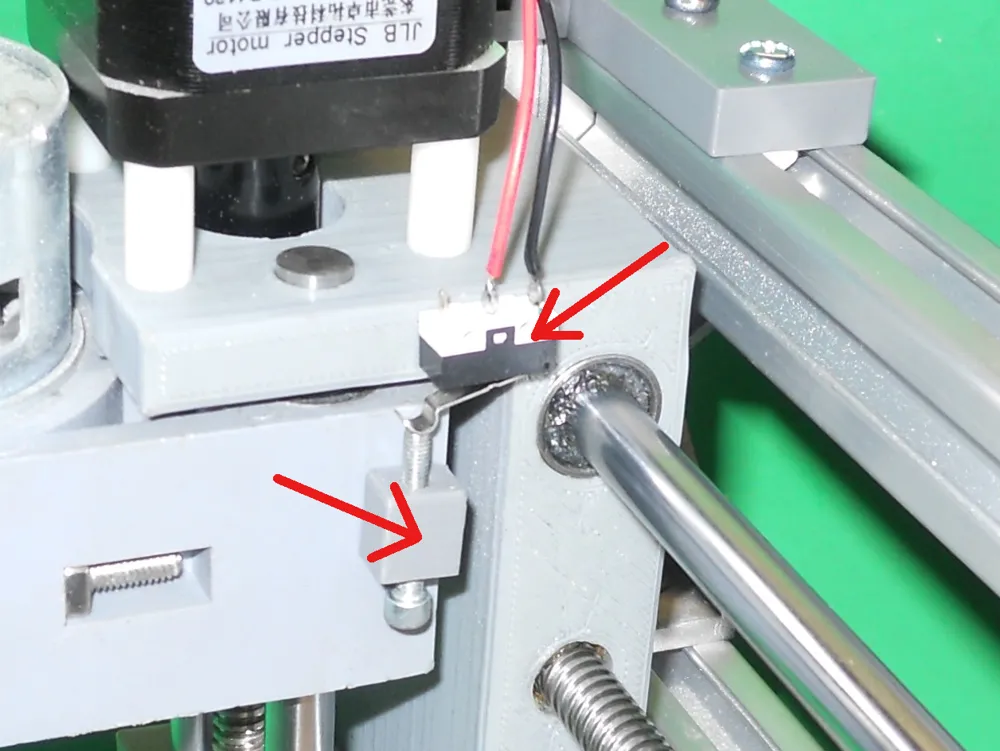
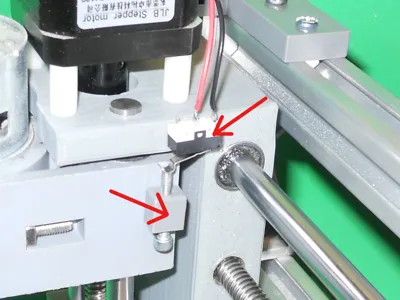
2. Z-axis endstop
The sensor must be plugged on the Zen pins of a Woodpecker GRBL board. You
will need the following material:
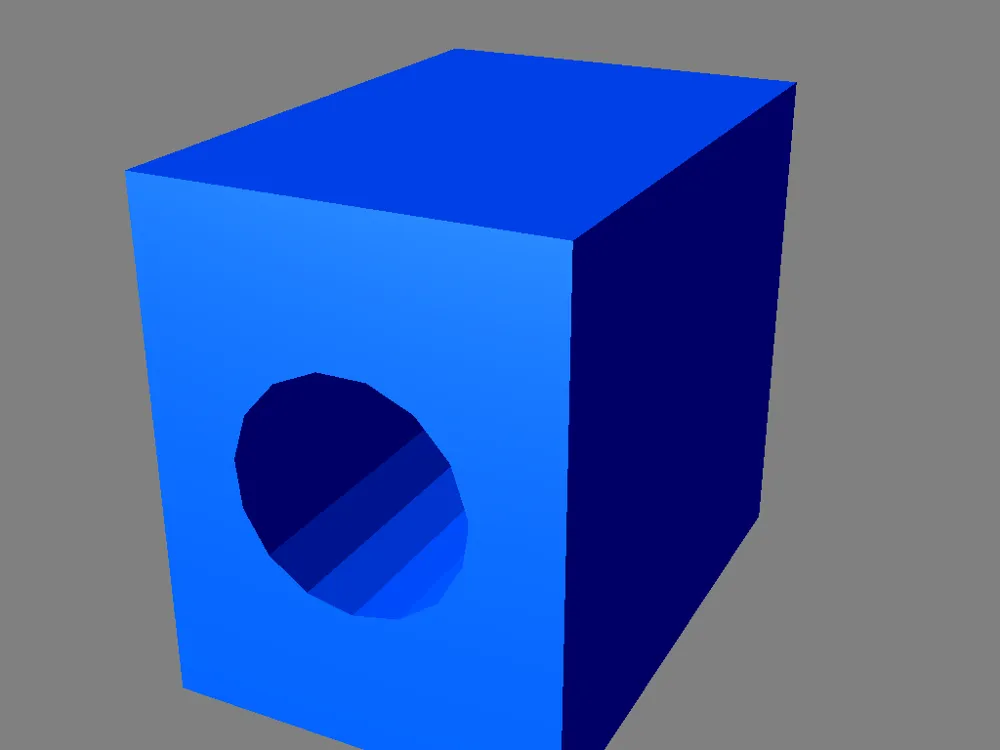
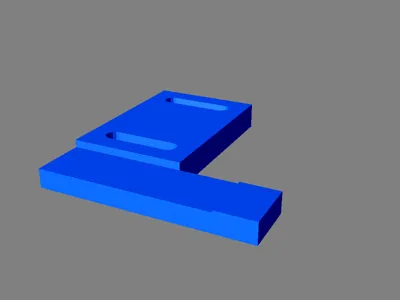
* One EndStopZBumper.stl printed part
* One micro switch. You can remove the one on a Makerbot style end-stop.
* One M3 x 20 mm screw
* One M3 x 5 mm brass insert
* Some wire, terminated with Dupont female connectors at one end
* Some Super Glue
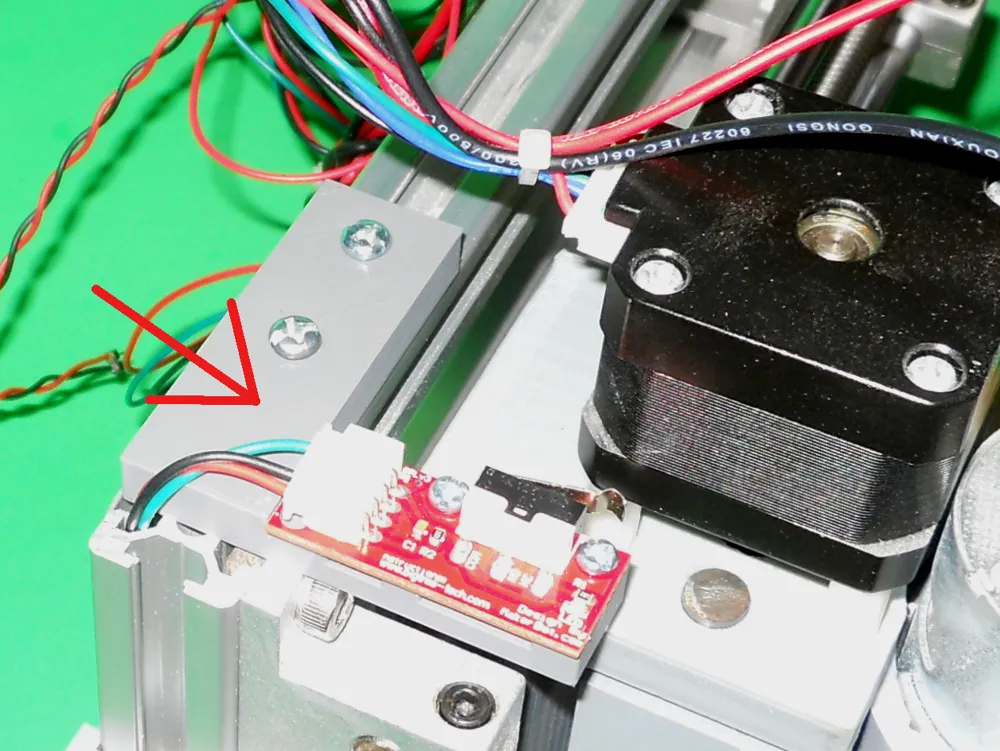
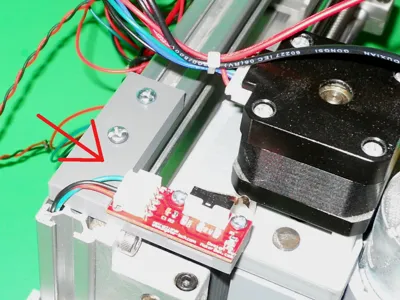
3. X-axis endstop
The sensor must be plugged on the Xen pins of a Woodpecker GRBL board. The red
wire should be left unplugged. You will need the following material:
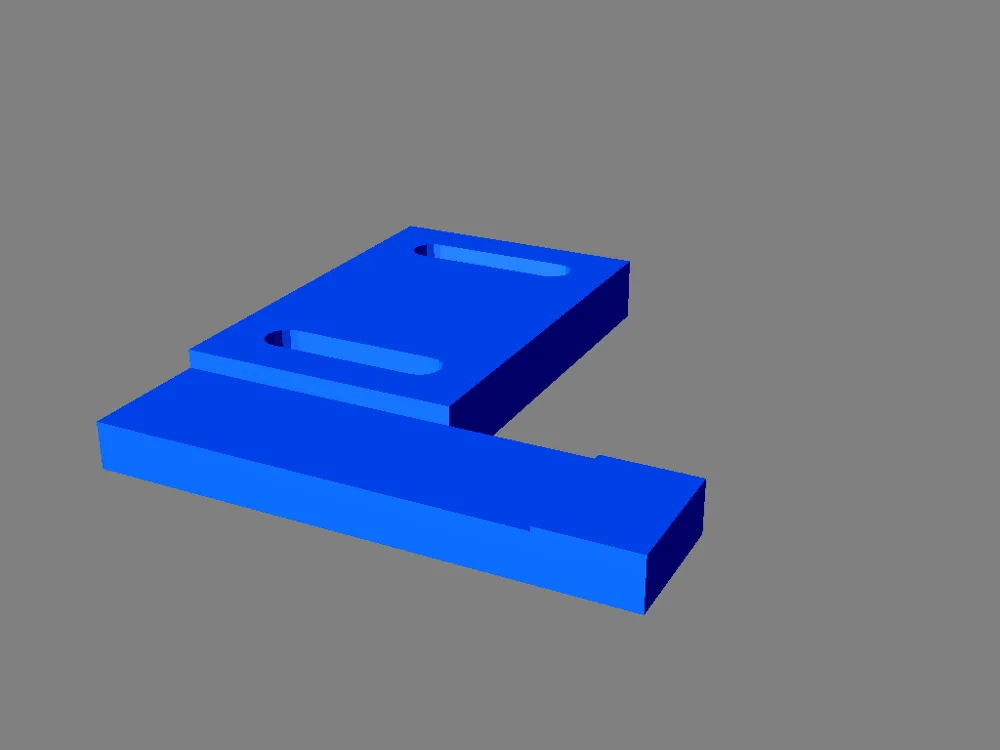
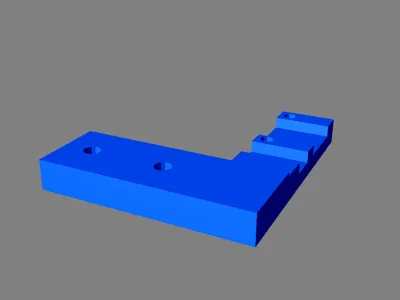
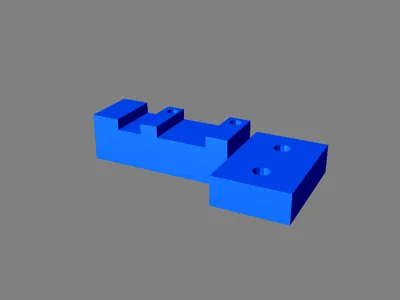
* One EndStopXAxis.stl printed part
* One Makerbot style end-stop along with the connecting wires
* Two M4 x 12 mm screw
* Two M4 T-nuts
* Two M3 x 12 mm screw
* Two M3 nuts
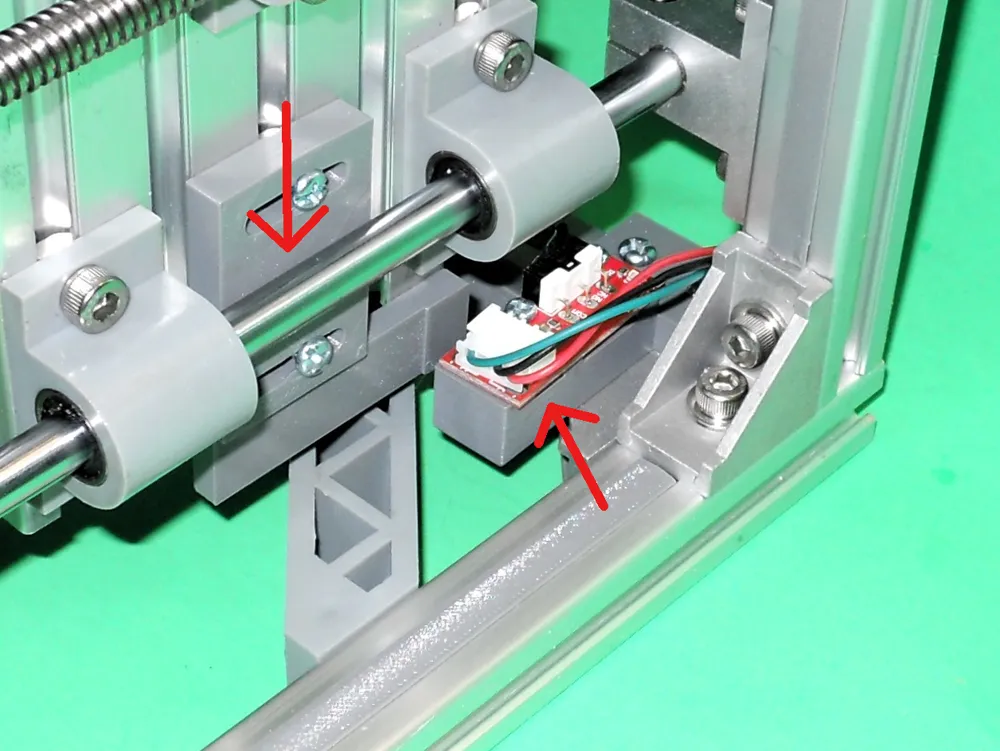
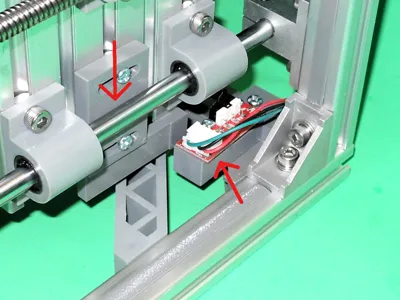
4. Y-axis endstop
The sensor must be plugged on the Yen pins of a Woodpecker GRBL board. The red
wire should be left unplugged. You will need the following material:
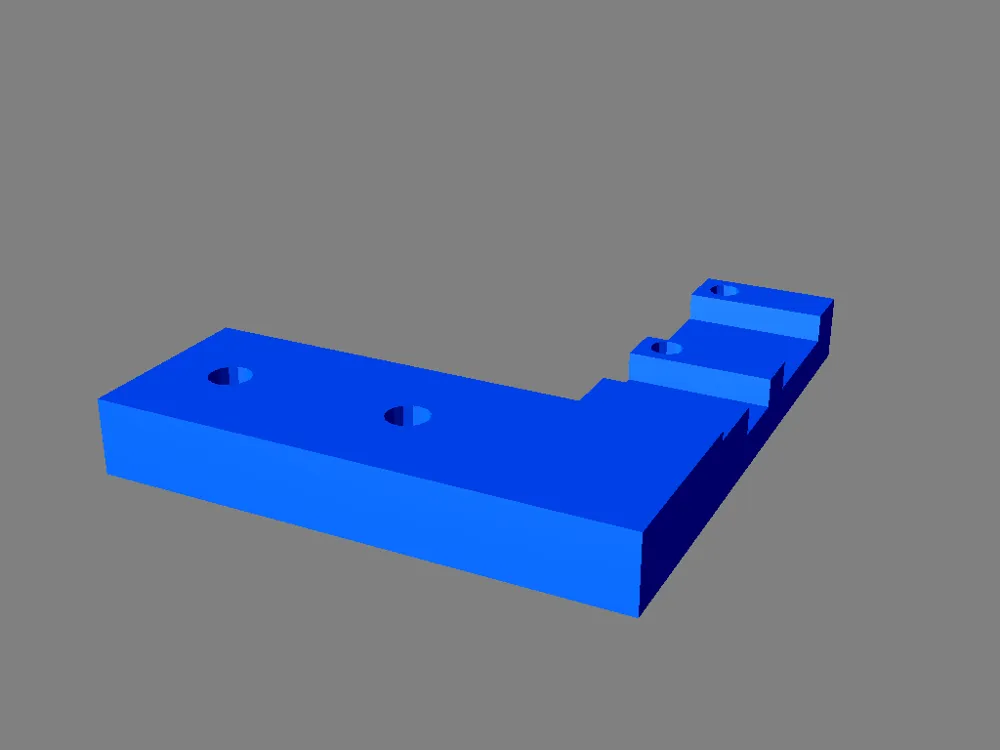
* One EndStopYAxis.stl printed part
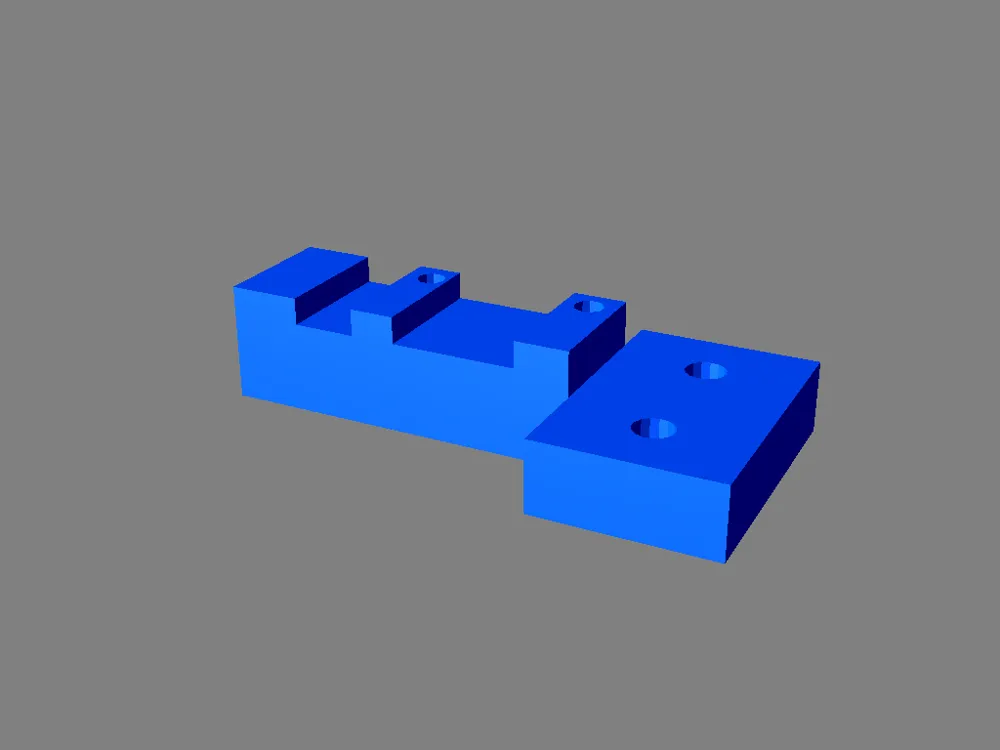
* One EndStopYBumper.stl printed part
* One Makerbot style end-stop along with the connecting wires
* Two M4 x 12 mm screw
* Two M4 T-nuts
* Two M3 x 12 mm screw
* Two M3 nuts
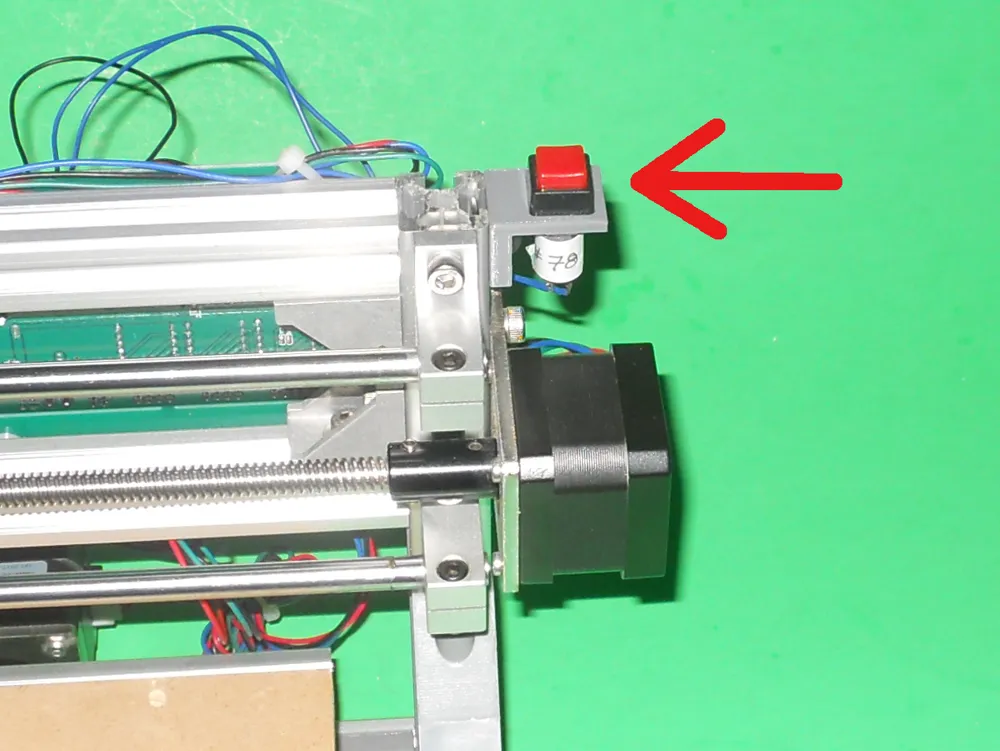
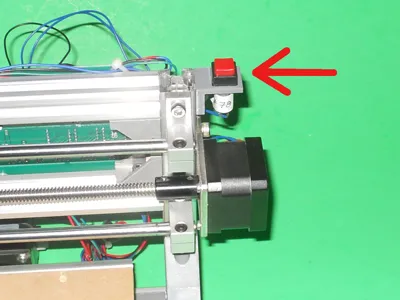
5. Emergency stop switch
The sensor must be plugged on the A0 pins of a Woodpecker GRBL board. You will
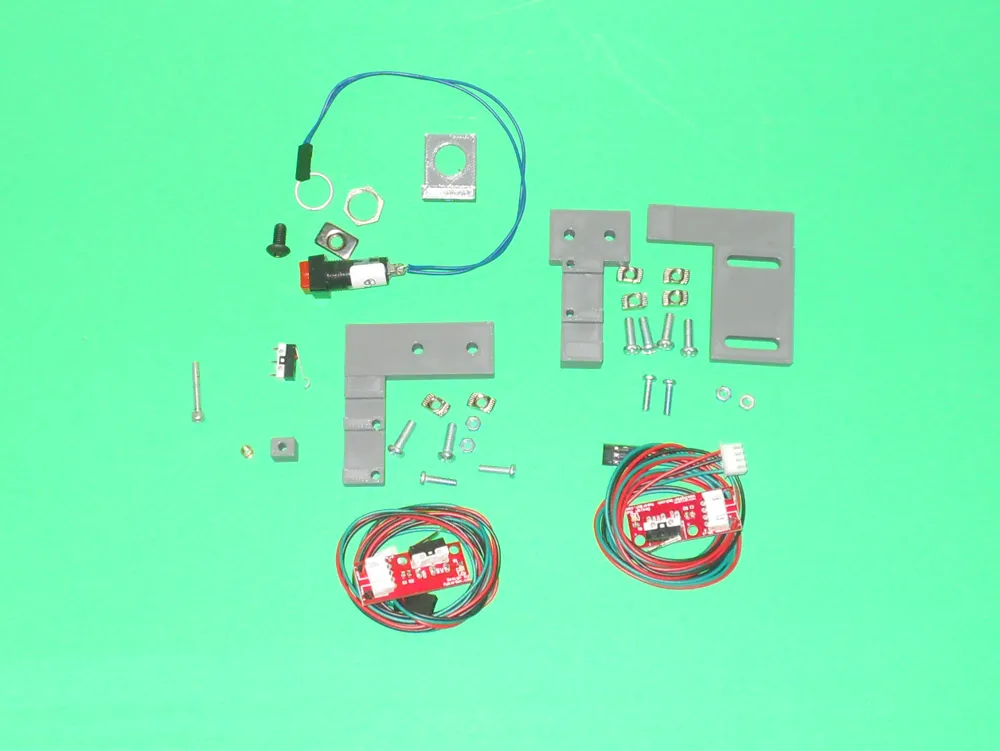
need the following material:
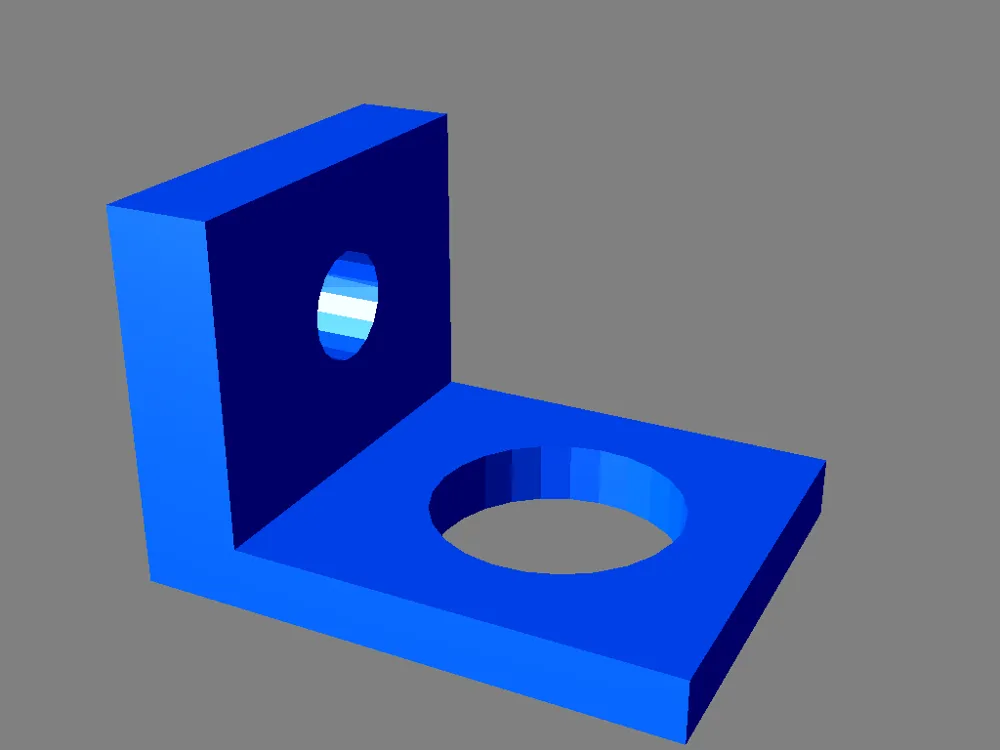
* One EmergencySwitchHolder.stl printed part
* One 12 mm in diameter normally open switch
* One M4 x 12 mm screw
* One M4 T-nuts
* Some wire, terminated with Dupont female connectors at one end
You will have to use the command **$21=1** to enable the limit switches. You may need to use the command **$23** if an axis does not go in the proper direction after doing a HOME command. For the printed parts, support material is not required. An infill of 20% is recommended.
This object main web page is: http://www.ctheroux.com/cnc-1610-improvements/.
This object was designed using Solid Edge Community Edition.
You can request the source files on the page listed above.
License



Comment & Rating (0)