Search models, users, collections, and posts

CR-10 X-axis Height Adjustment Tool
IP Report
Print Profile(1)
0.2mm layer, 2 walls, 15% infill
Designer
36 min
1 plate
Open in Bambu Studio
Boost
4
17
0
0
17
0
Released
Description
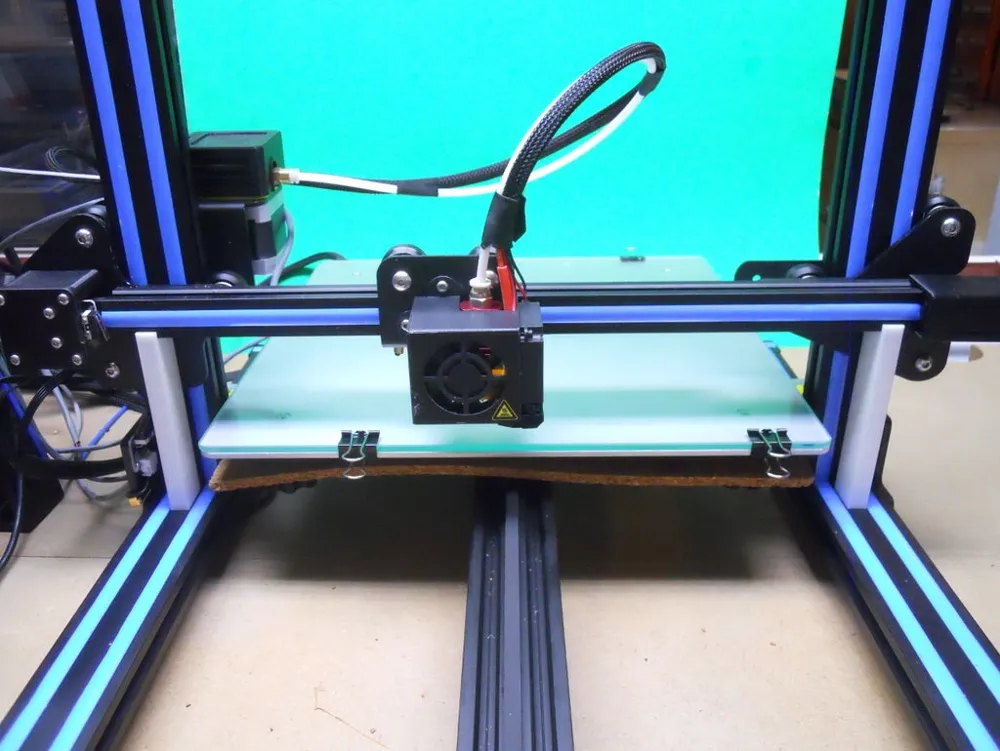
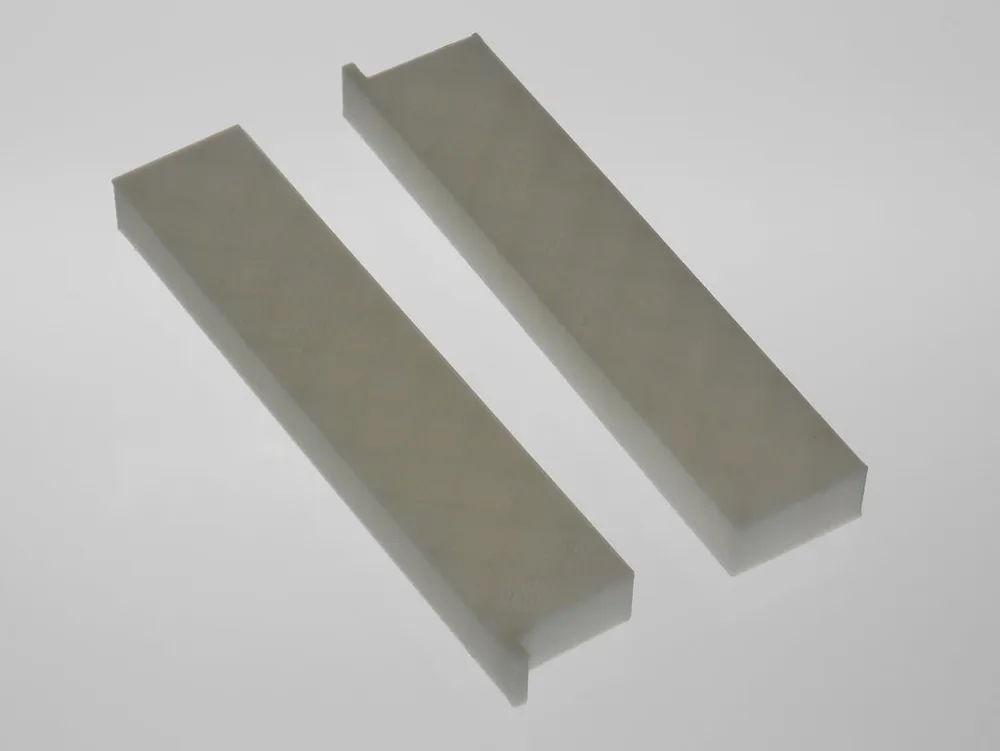
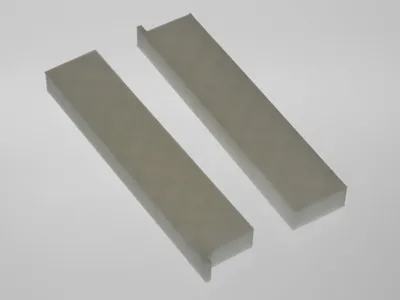
This is an X axis height adjustment tool designed for the CR-10, especially if the Z axis upgrade is installed. Nevertheless, it can be certainly used for other 3D printers. You need to print two tools to use it.
- Move the extruder in the middle on the X-axis.
- Put the adjustment tools on the bottom frame on each side of the X-axis, as shown on the main photo.
- Turn the lead screws manually until the X-axis sits on the adjustment tools on both sides.
- Remove the tools and adjust your bed.
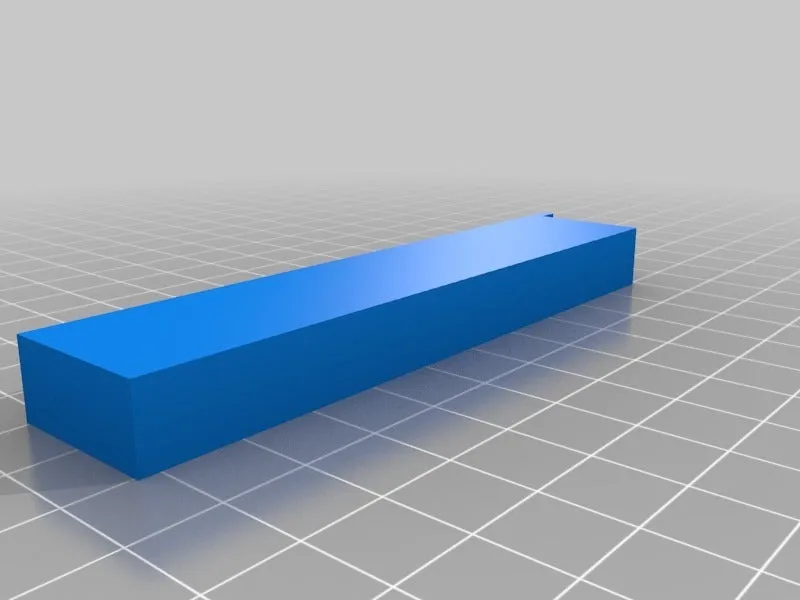
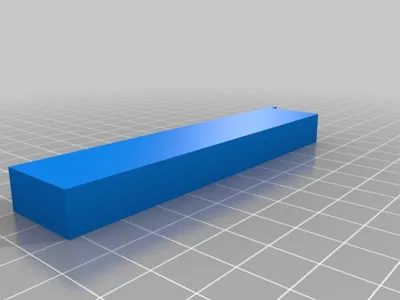
The tool is about 100 mm in height, 21 mm deep and 10 mm wide.
License

This user content is licensed under a
Creative Commons Attribution-Noncommercial


Comment & Rating (0)