
Chorda Button Repair
Print Profile(1)

Description
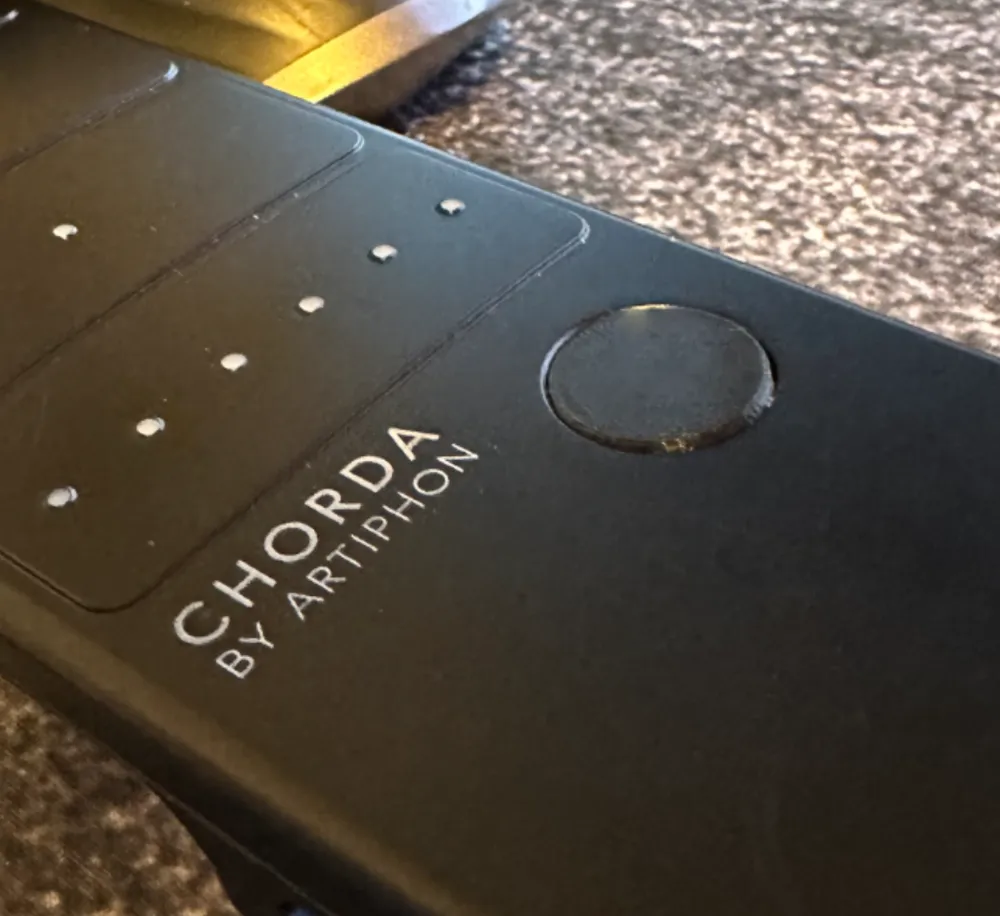
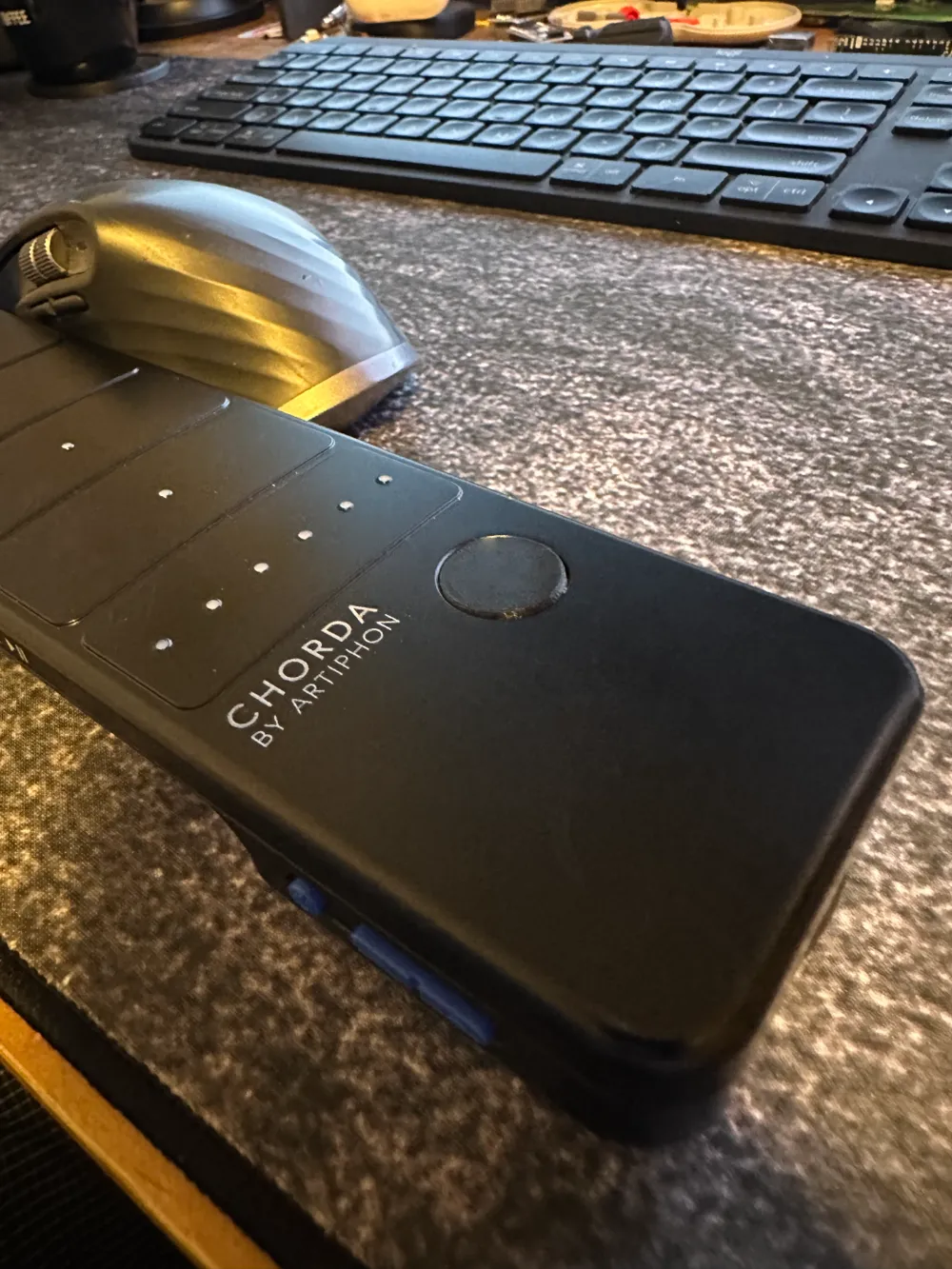
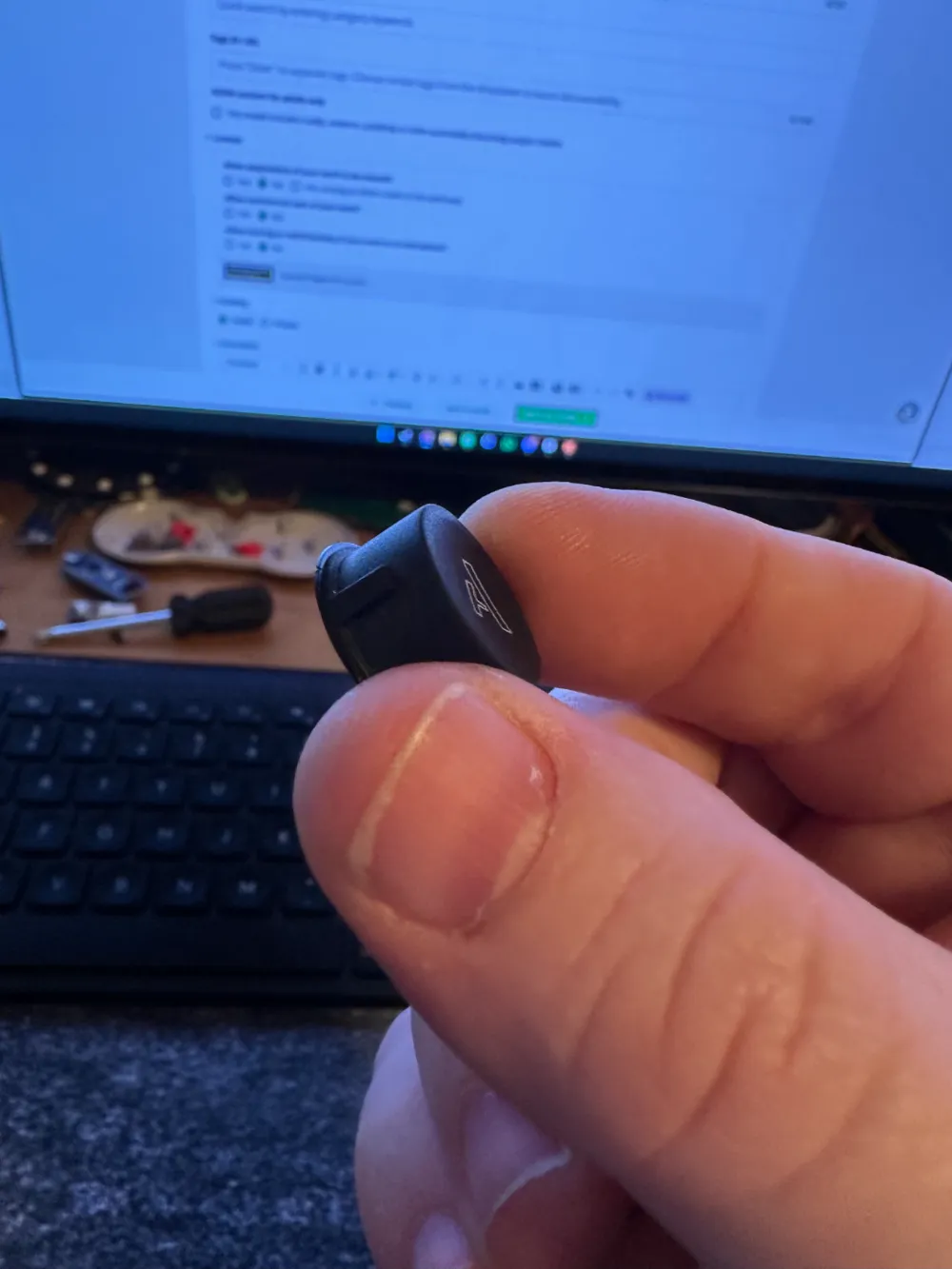
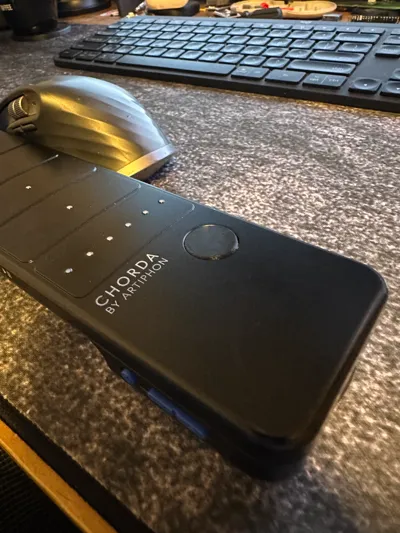
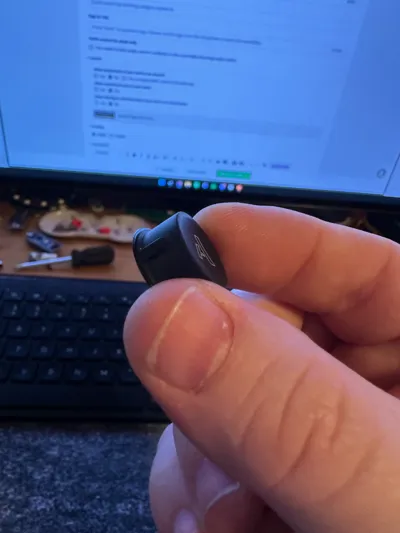
This is a button to repair the Artiphon Chorda button. Every user of the Chorda knows that the button was a huge design and engineering error. The button is sticky and most of the time doesn't release until way after you've stopped pressing it. The issue is singular: the rubber coating that covers the “A” button also runs down the side of the button's barrel, drastically increasing friction. 3D print my replacement button in PETG with a low layer height, like .16, and print in the “top hat” orientation.
The button is super easy to replace. I might make some instructions on how to get into the Chorda, but I honestly believe anyone can figure it out. The screws are under the rubber pads, and the most difficult part will be that the middle section is clipped together. Run a guitar pick down the seam after removing all the screws and gently pulling open the speaker side of the Chorda. Everything comes apart really easily, drop in your new button then press and screw it back together.
License



Comment & Rating (2)