
Butt Out Tool Hunting Tool
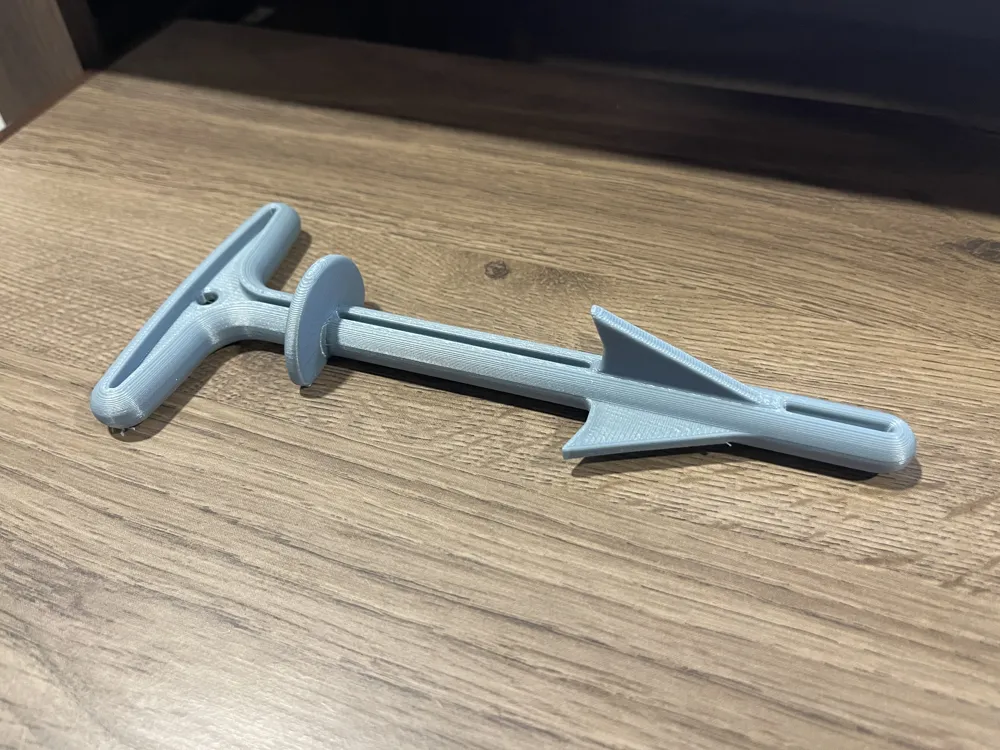
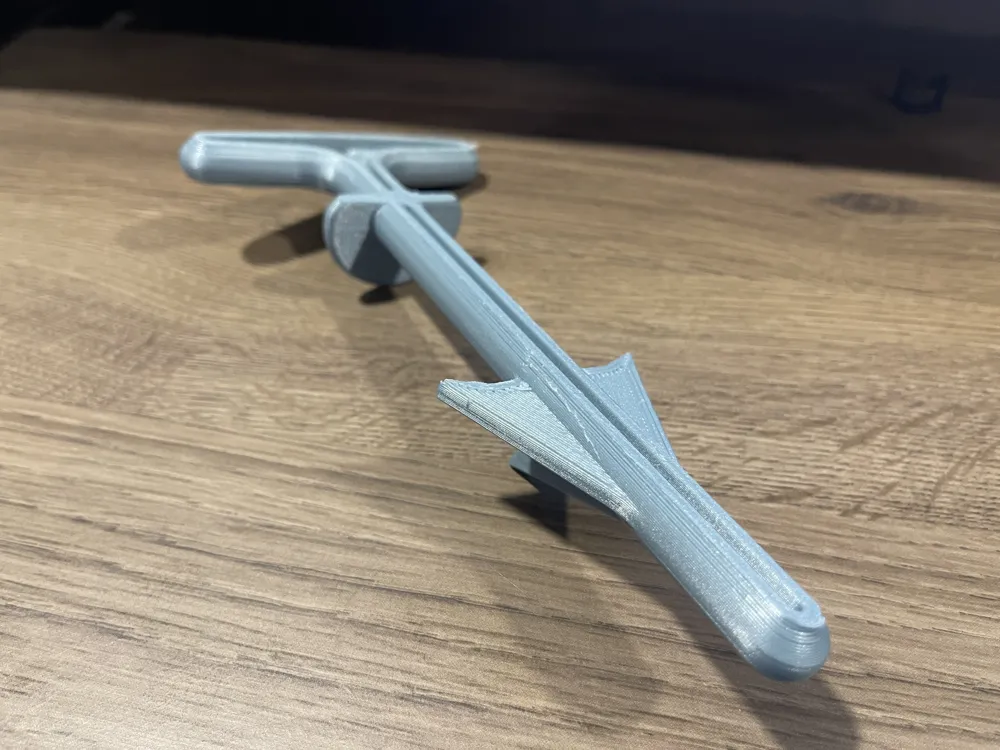

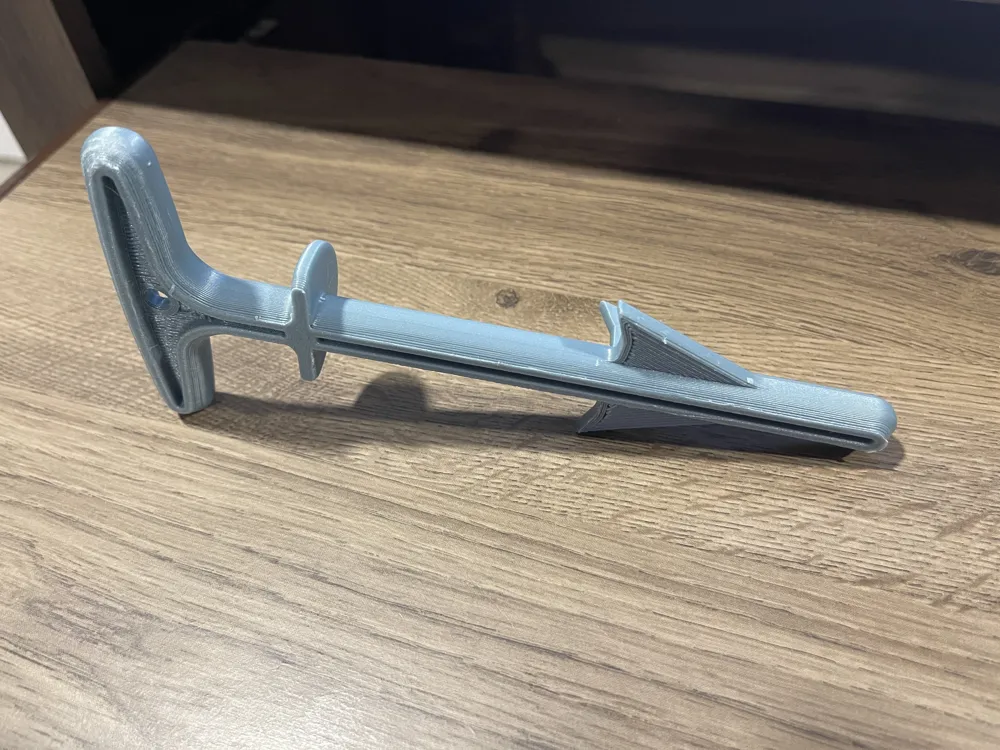
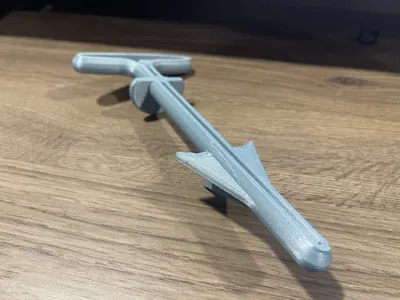

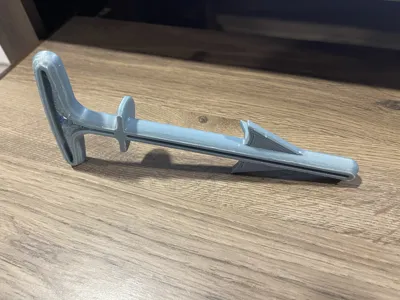
Print Profile(2)


Description
*12/20/25 Update - Thank you for everyone who liked and downloaded this model. I also hope that some have been able to use it while filling out their tags. If you want to print it as close as possible to the original one, size it down to 80%. If you are having trouble removing supports, I recommend increasing the “Top Z distance”. It is defaulted to .20 and go up in incriminates of .1 or .2 on test pieces before try it out on final prints. I learned that the hard way.
*Here is the copy and paste from Bambu Labs Wiki:
> Supports
Support settings in Bambu Studio
Top Z distance & Support/object XY distance
When the filament of the support interface is a kind of support filaments, such as Bambu Support for PLA, Bambu Support for PLA/PETG, Bambu Support for PA/PET or etc., the top Z distance can be set to be 0. However, when the filament of the support interface is also the body filament, it's not recommended to be set to be 0 but about 0.2, or the support structure will be really hard to remove *. The following are the values of top Z distance and their results:
| Top Z distance value | bigger | smaller |
| Support structure removal | easier | harder |
| Interface quality | lower | higher |
Wanted to get ready for deer season and thought I’d this. Thankfully someone had already made in Thingiverse. Here is the original details:
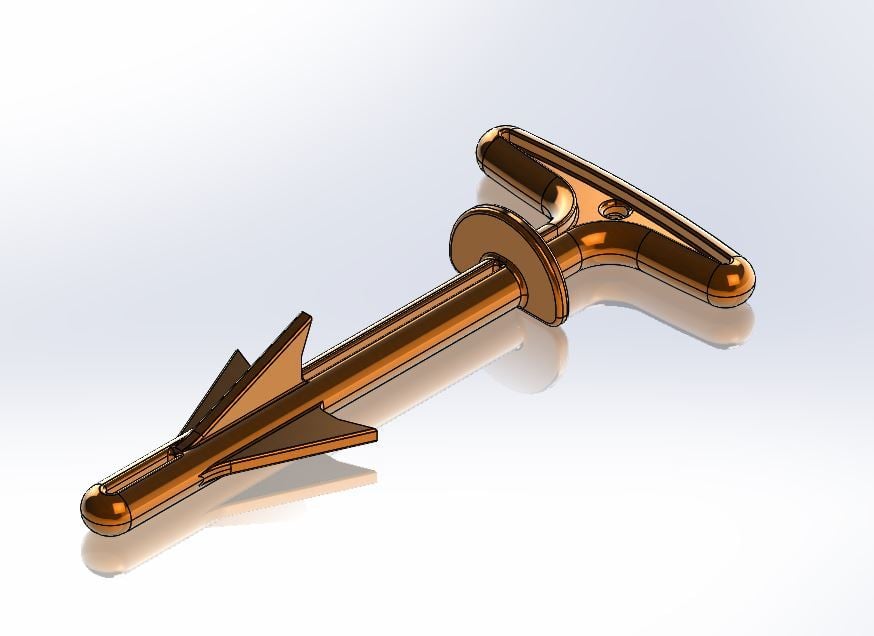
“Butt Out, Hunting Tool, simple field dressing tool that I was trying to redesign for printing. This is a copy of an on the market tool but had to be modified to make it printable. This includes removing 1 fin. But should still work. Nice thing for those wanting to try it is that it's scaleable in slicing software.
If you haven't used one before check out You Tube for instructions for (Butt out Tool), not getting into that here.”
Credit goes to:
https://www.thingiverse.com/psomeone/designs
https://www.thingiverse.com/thing:3374095



Comment & Rating (32)