Search models, users, collections, and posts

Desk Leg Mounting Template (3cm Corner Offset)
IP Report
Print Profile(1)

0.2mm layer, 2 walls, 15% infill
Designer
1.6 h
1 plate
Open in Bambu Studio
Boost
8
6
0
0
1
1
Released
Description
Boost Me (for free)
Save Your Furniture Project! 🪑
Did this little tool save you from wobbly, misaligned legs?
Drop a Boost to help other DIYers find it! Perfect alignment is satisfying. 📏✨
What is this?
Stop measuring with a tape for every single leg!
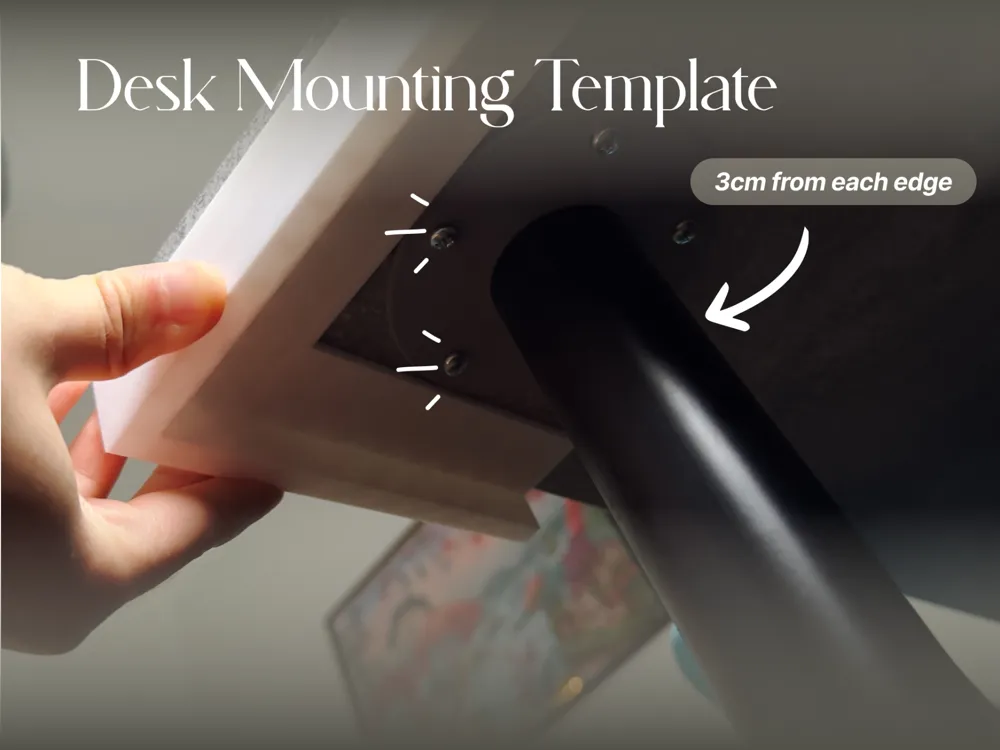
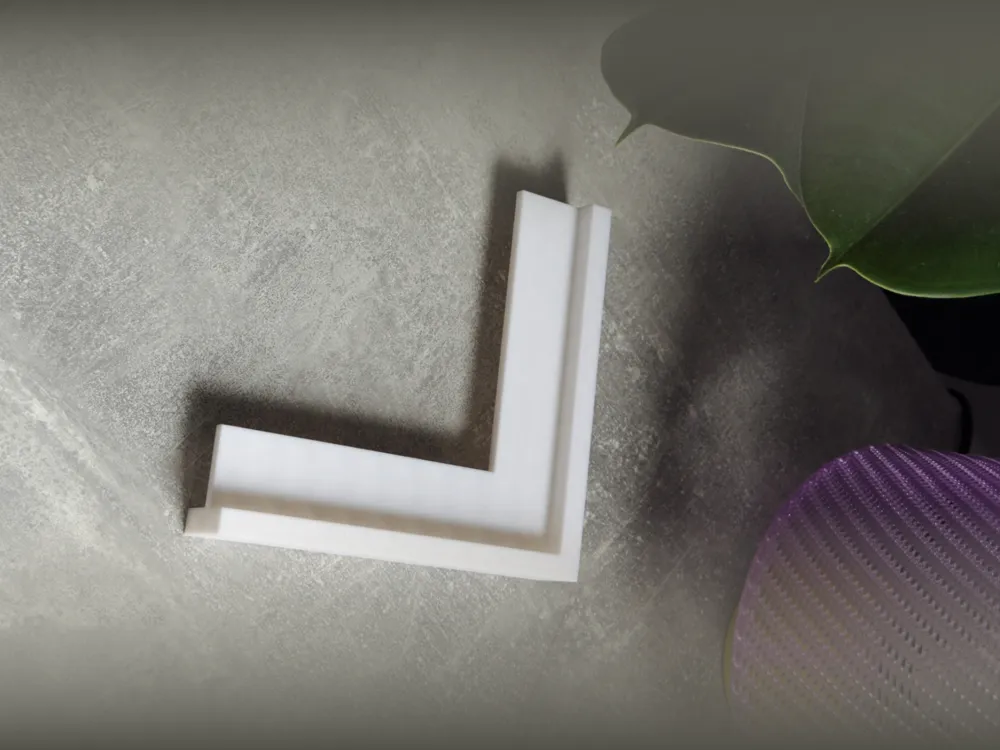
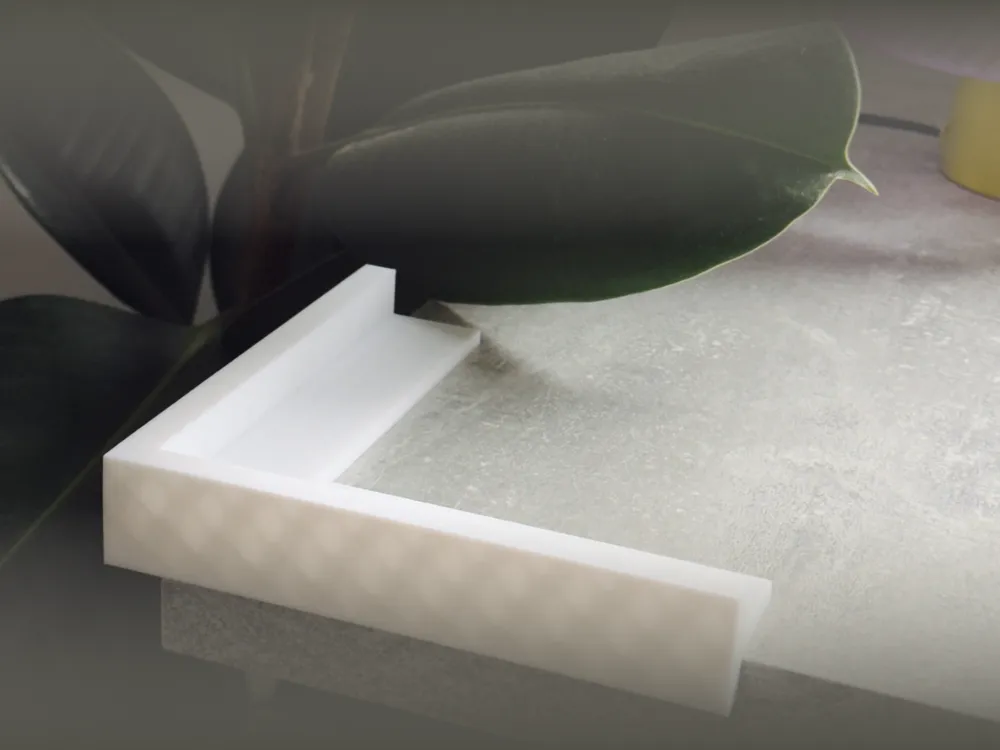
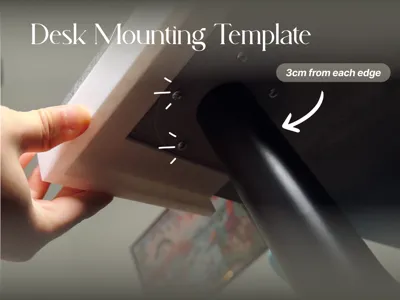
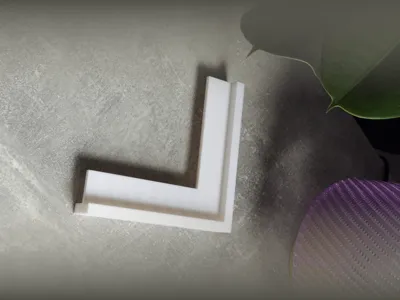
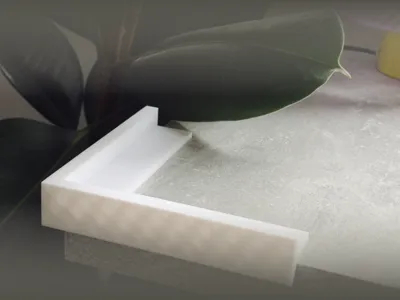
This simple corner jig ensures your desk legs are mounted exactly 3cm from both edges. Just slide it onto the corner of your tabletop, place the leg against it, mark your holes, and drill.
Why use this?
- Perfect Consistency: All 4 legs will be identically positioned (symmetrical lookup).
- Time Saver: No need to measure 8 times (2 measurements x 4 corners).
- Foolproof: The "L" shape hugs the corner tight, eliminating guesswork.
How to use
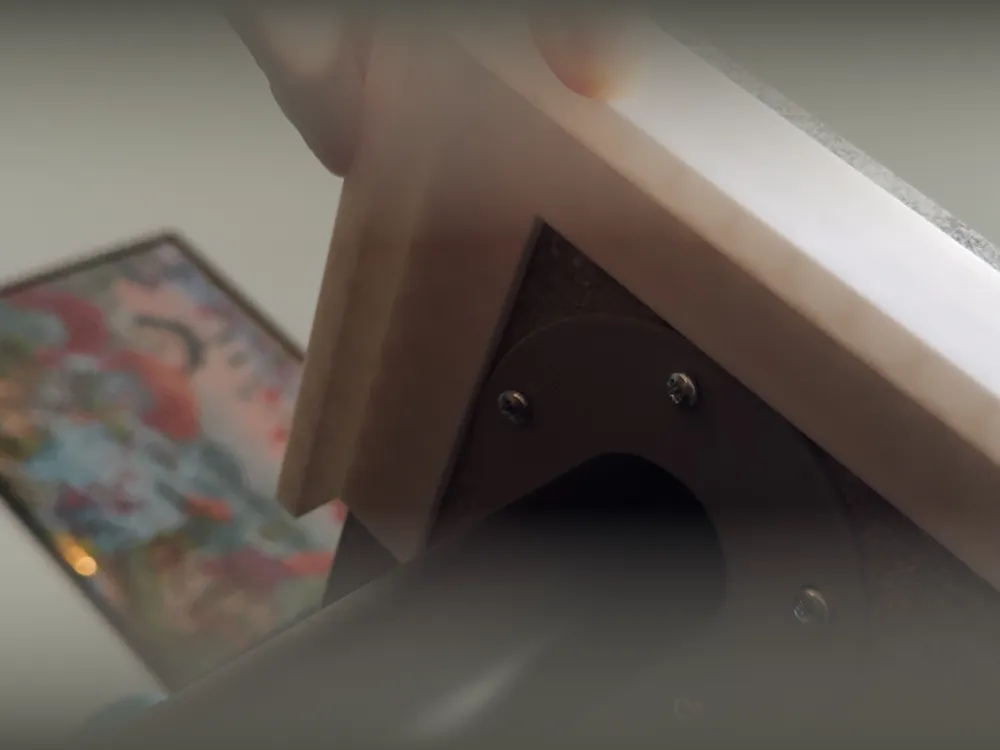
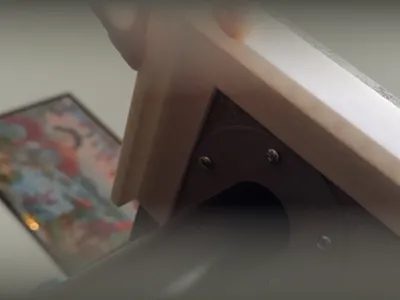
- Place the template on the corner of your desk (upside down).
- Push your desk leg mounting plate firmly into the corner of the template.
- Mark the holes with a pencil or center punch.
- Drill & Screw. Done!
Print Settings
- Material: PLA, PETG, ABS (anything rigid).
- Infill: 15% (doesn't need to be solid).
- Walls: 2-3 perimeters.
- Orientation: Print flat for best accuracy.
QUICK TIPS
- Clamp it: Use a small clamp to hold the template in place while you position the heavy metal leg - saves frustration!
- Check your legible plate: This is designed for standard legs (IKEA Adils/Olov style). If your leg plate is huge, check if the 3cm offset is enough for the plate itself!
- Custom Size? Need 4cm or 5cm? Leave a comment! I can upload a remix for different offsets.
License

This user content is licensed under a
Creative Commons Attribution-Noncommercial


Comment & Rating (0)