
The Modular Lantern - Mk3


Print Profile(8)


Bill of Materials



Description
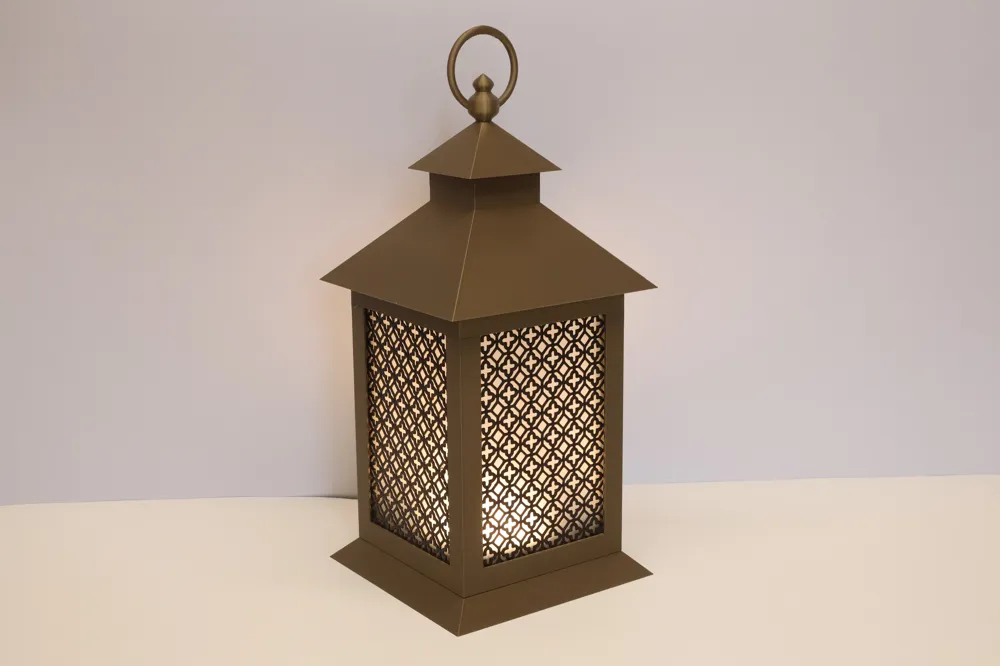
Welcome to The Modular Lantern, a fully stackable system of cross-compatible parts that supports lithophanes, coloured PLA or PETG panels, and stencil inserts.
The idea behind the system is simple — you can completely change the look of your lantern with the seasons. And with over 300 inserts available, and many combinations of additional parts you’ll never run out of ways to refresh it.
Mk3 introduces the new MagFit clip, please download it from here. You do NOT NEED MAGNETS but you have the option to do so if you wish, the clips fit in the same location as the magnet mounts. Don't try inserting them in the slots closer to the edge of the lantern they are the Mk2 clip holes for backwards compatibility.
Mk3 is backward-compatible with Mk2 tops, retaining the original clip slots and matching magnet alignment.
IMPORTANT: If you are downloading the STL files and slicing yourself please see the slicing section.
Boost Me (for free)
A boost is just that! A huge boost to me and reason to keep creating and sharing knowing that people are enjoying my creations and appreciating the time spent preparing them for others to print. Thankyou!
Assembly
Add the base
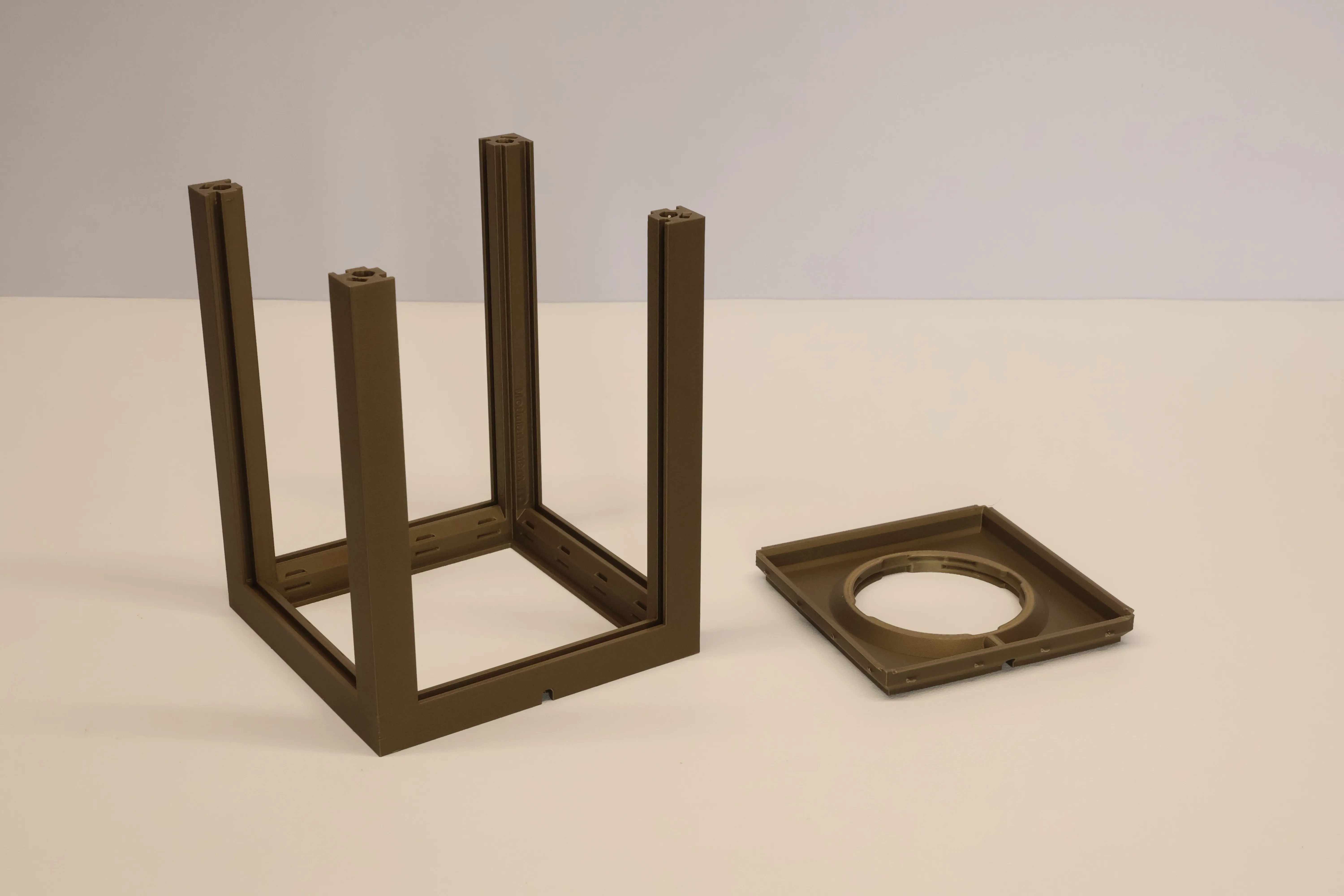
Start with Plate 1, which includes the main lantern body — the Core.
Print this along with the RLock Base from Plate 2.
These parts simply push together and click into place, yet can be separated when needed. Make sure you align the cable exit.
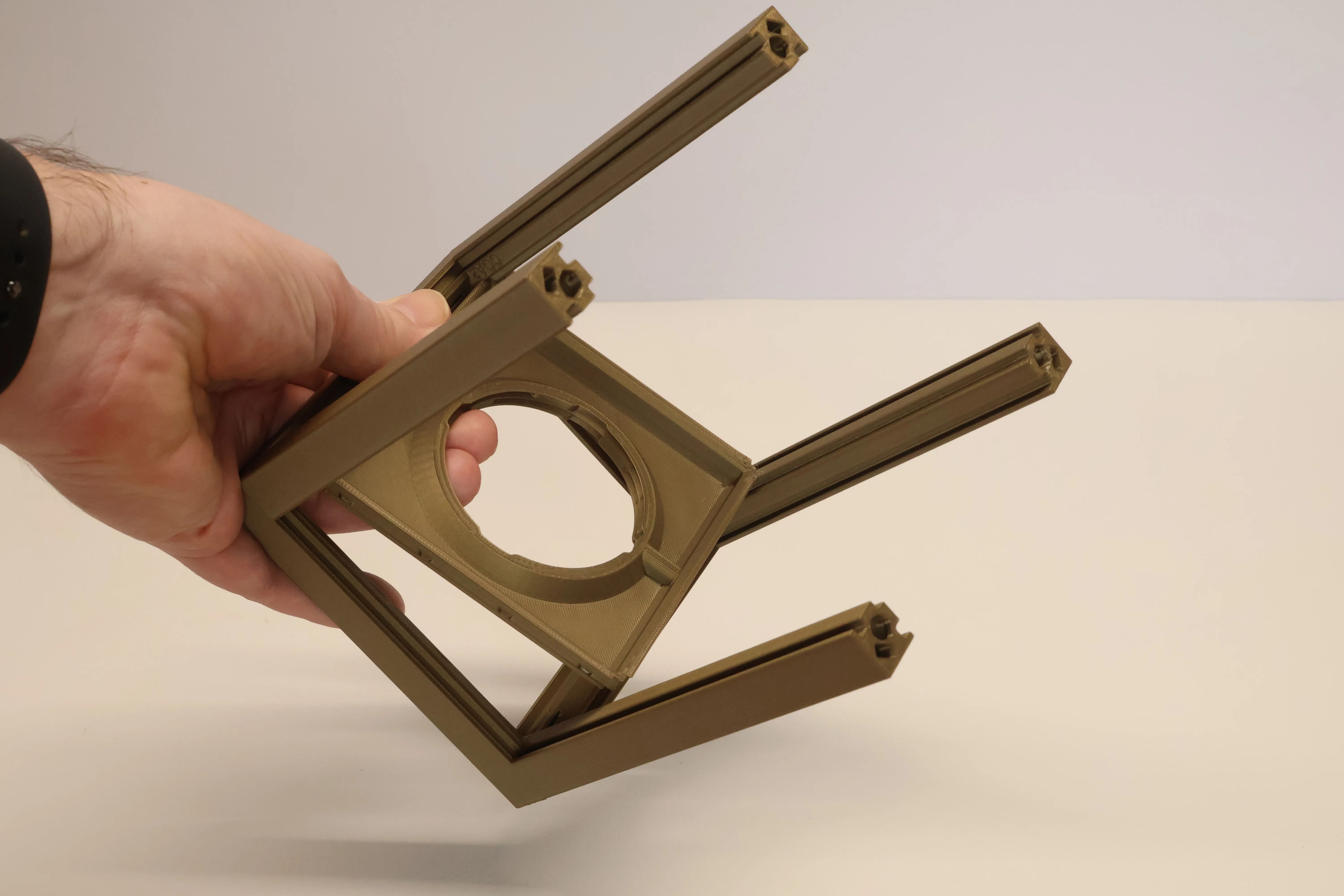
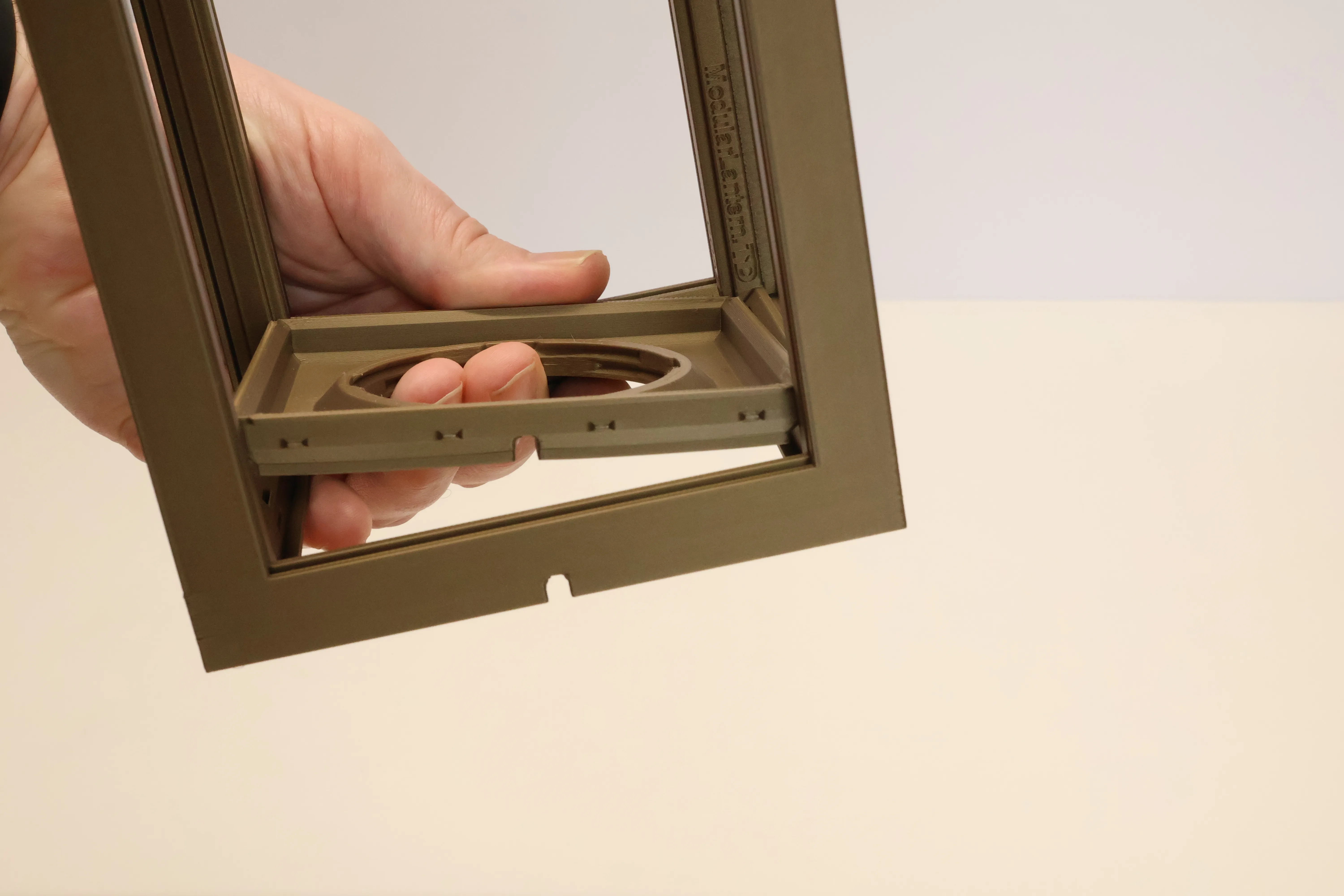
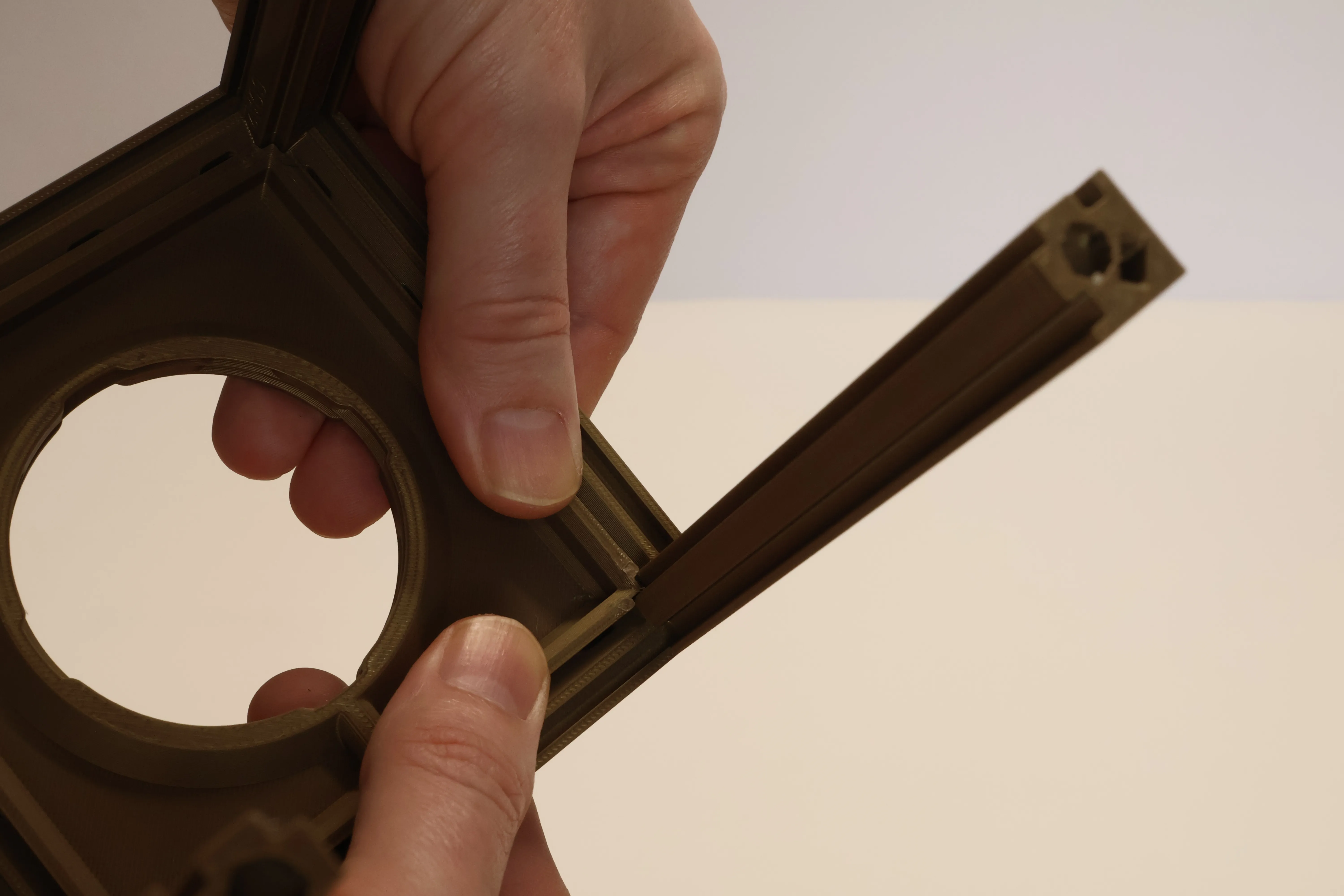
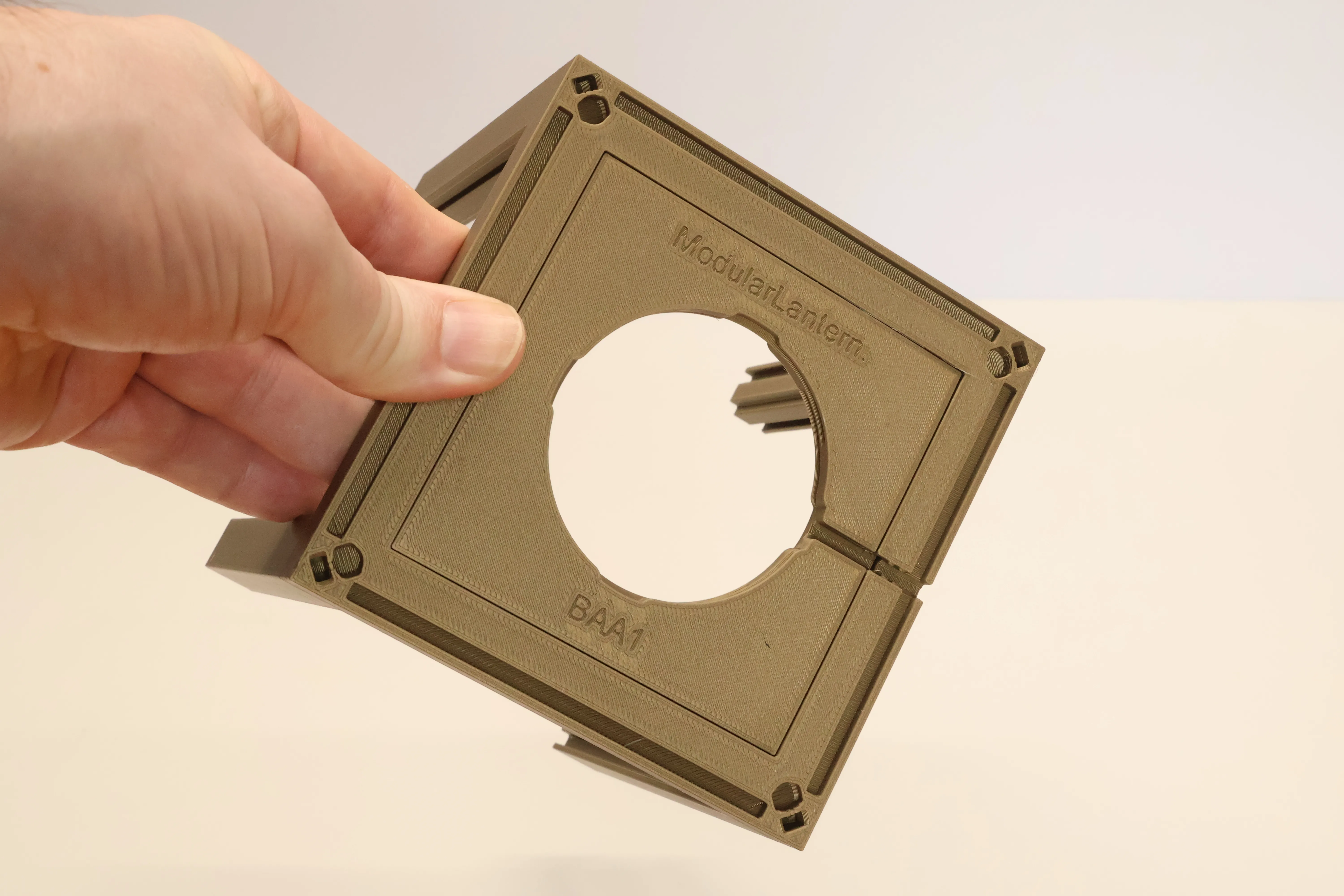
There are more bases available here they hold the LEDs directly requiring fewer parts and are also customisable.
Pick a RLock fitting
The RLock base accepts the same RLock LED fittings as the Mk2 lantern so all the Mk2 options available will work with Mk3. Including the Variable Tea Light fitting and Light Strip Cylinder. Included in this profile are the most common fittings made for the Bambu range of lights, just print the one according to the LED you’re using:
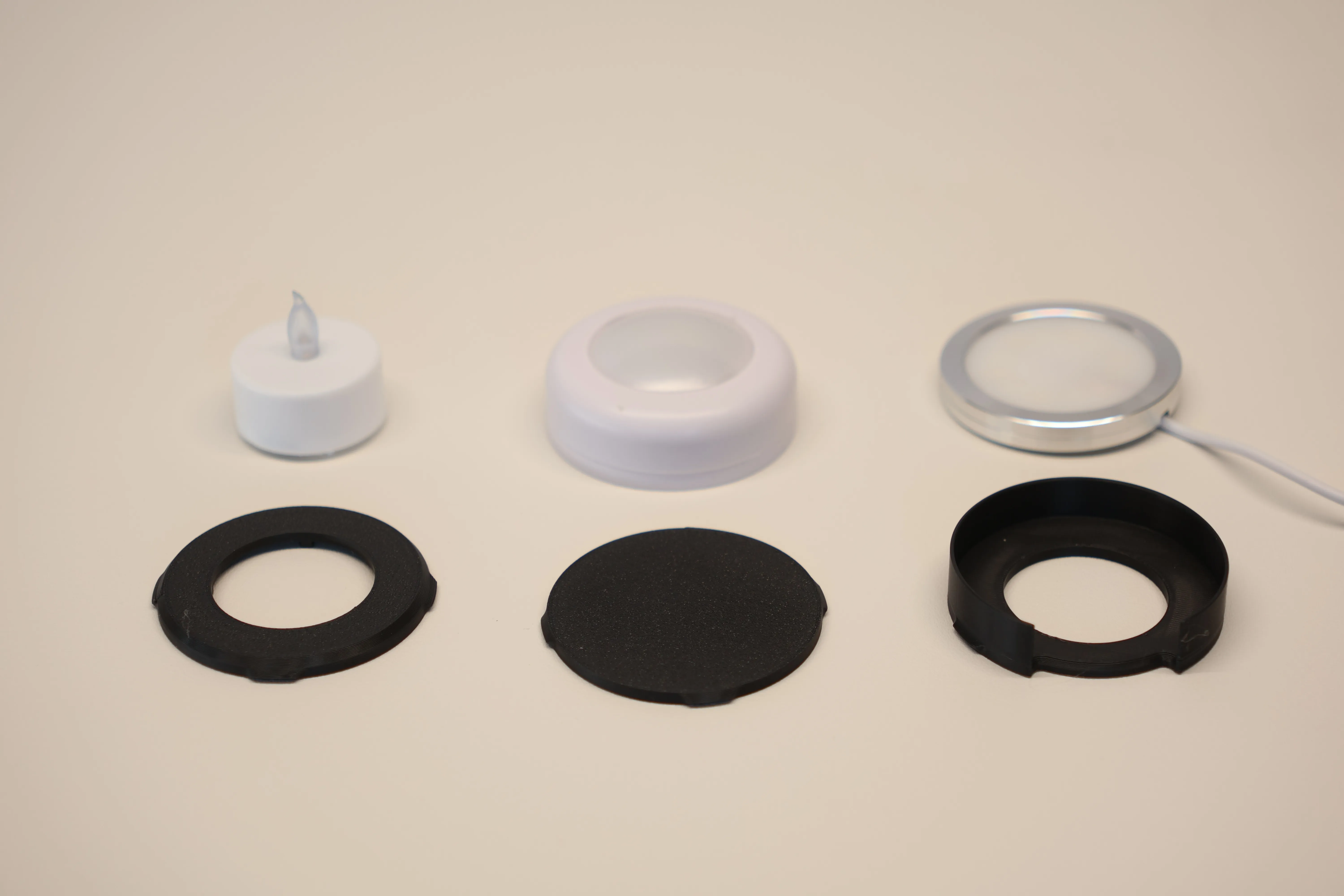
Push a 37mm Tea Light into the hole, it's a tight fit but will push in and be held securely allowing you to tilt the lantern over and switch the switch with he other hand.
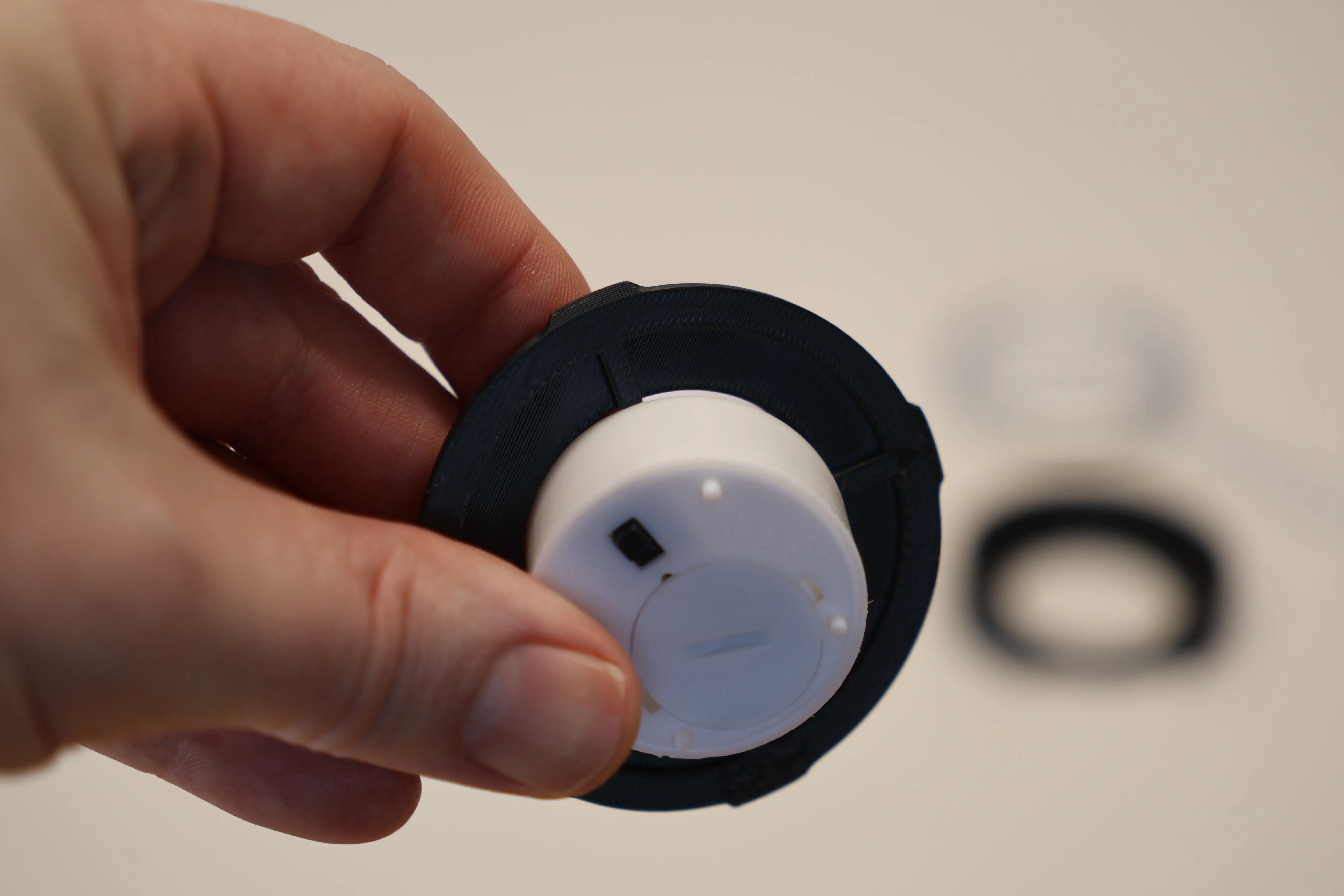
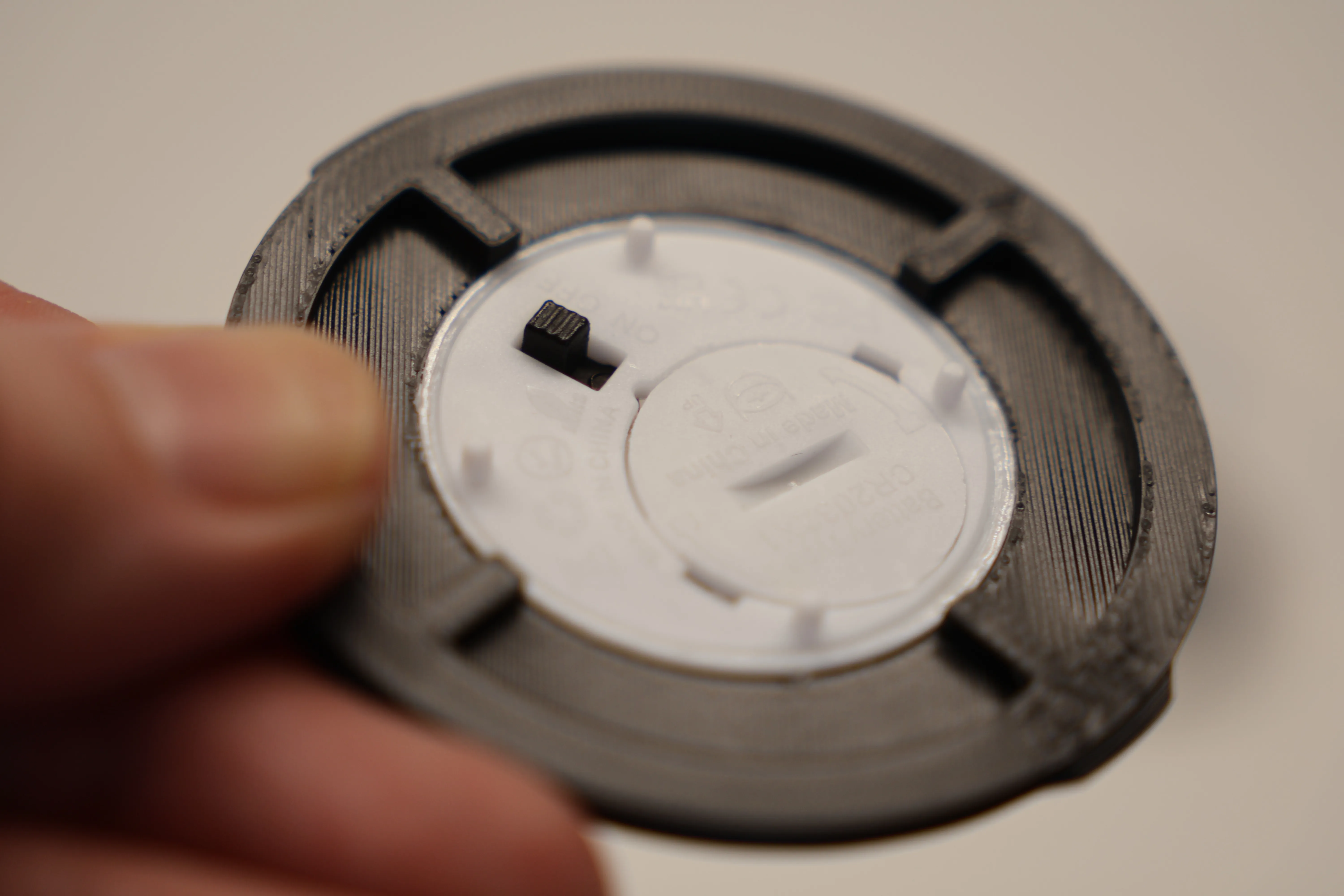
For the Bambu LED Kit (59.6mm) pop it in the holder and insert from the bottom, aligning the tabs to insert and rotating 45 degrees clockwise to lock in place. Finally push the cable into the core, there are a couple of indents to hold the cable.
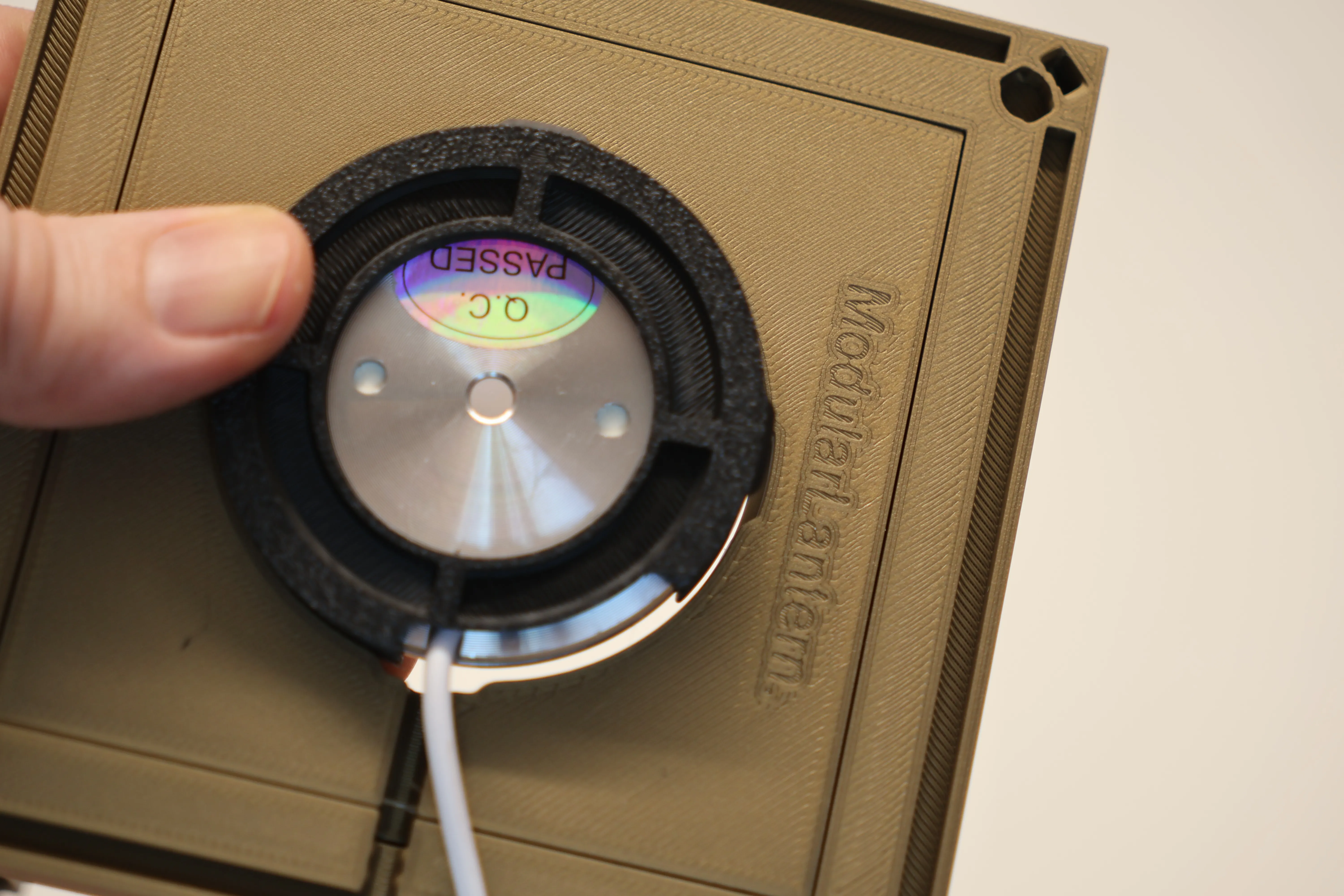
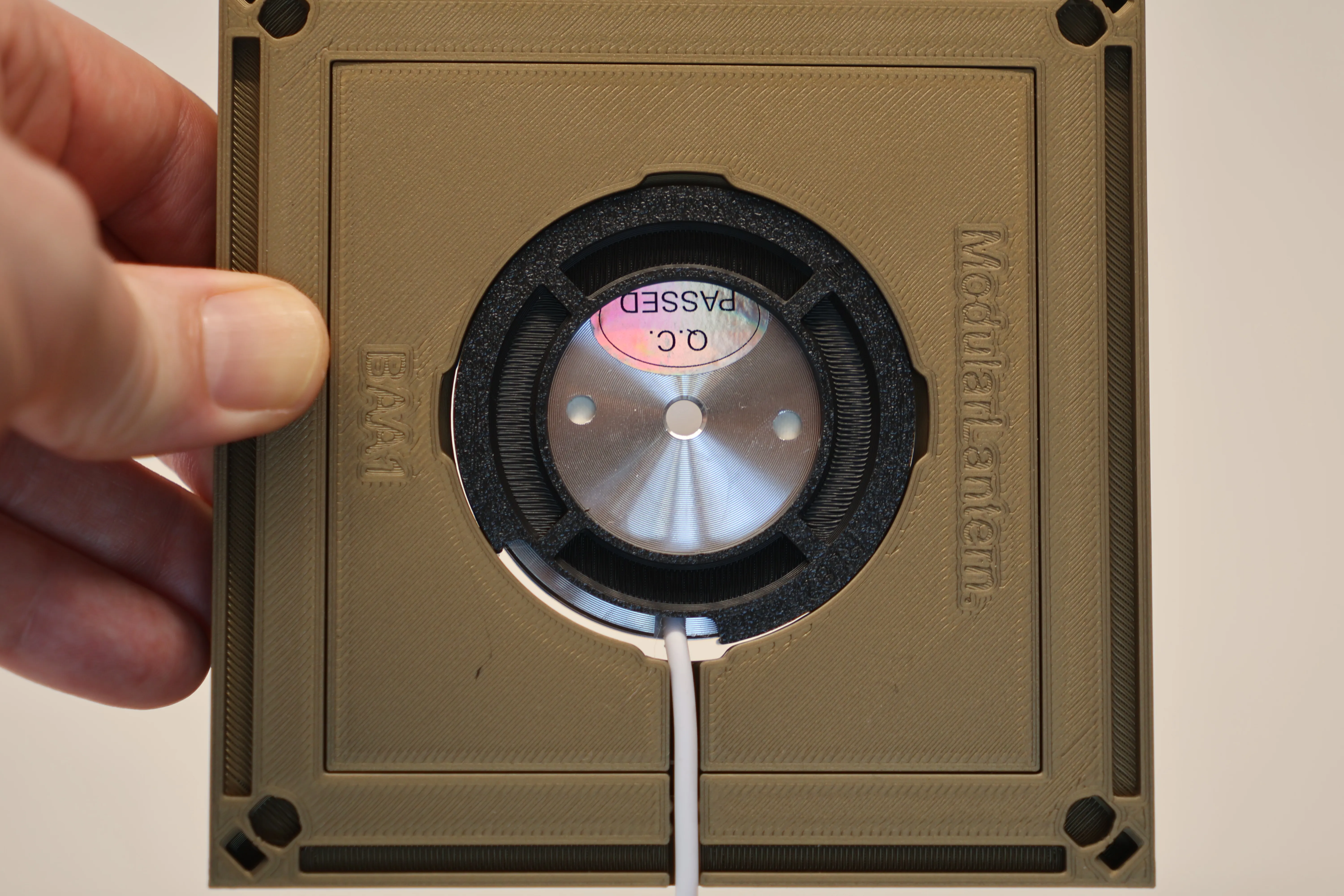
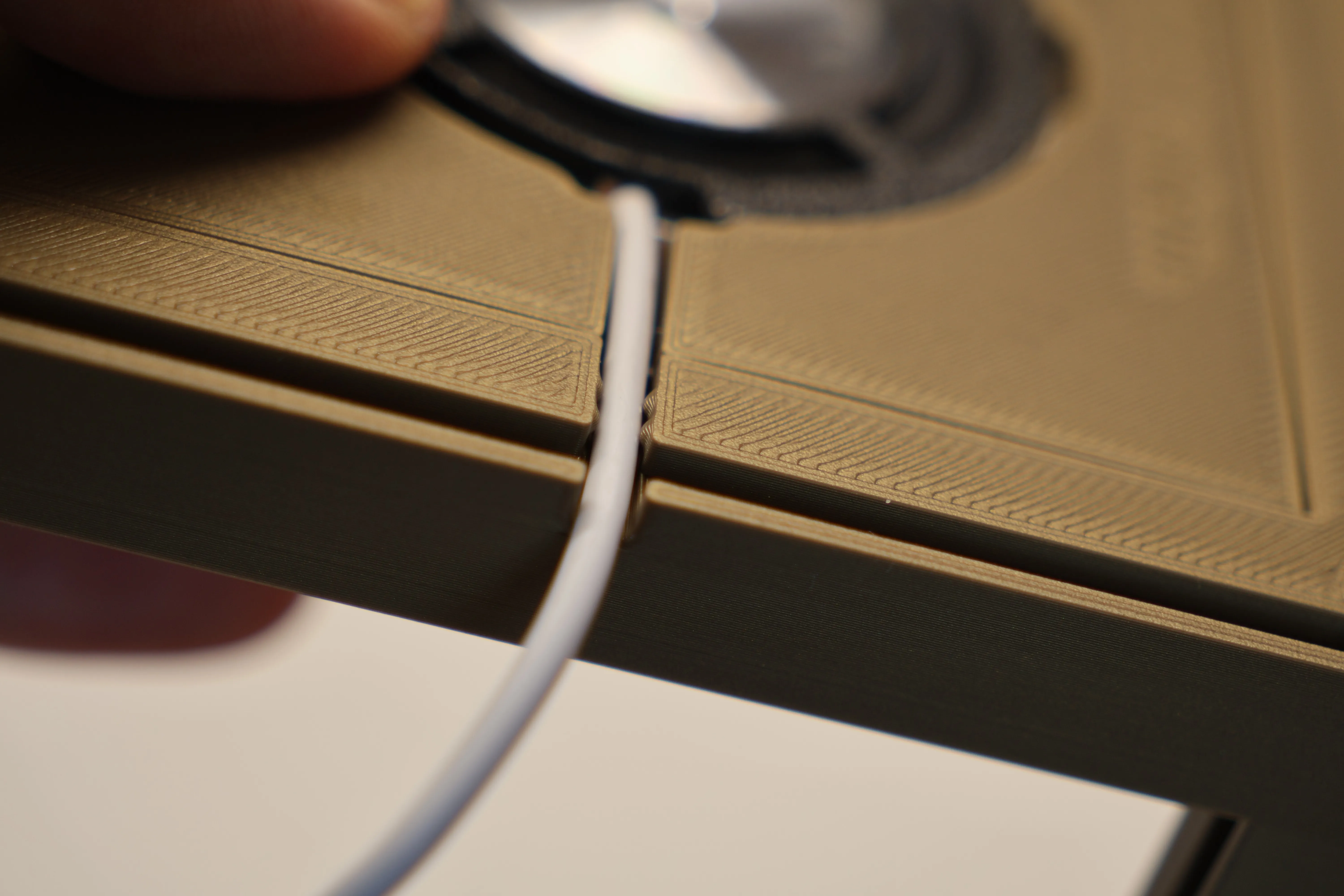
I’ll explain later how you can change the radius of this if you have a different wire.
There are also some alternative adjustable bases here including a completely flat base.
Add lithophanes or inserts
Insert your lithophanes (100mmx150mmx3.4mm) or Coloured Panel and Insert into each side.
The coloured panel is a simple 3-layer PLA rectangle (100x150x0.6mm) — nearly all PLAs allow light through at that thickness.
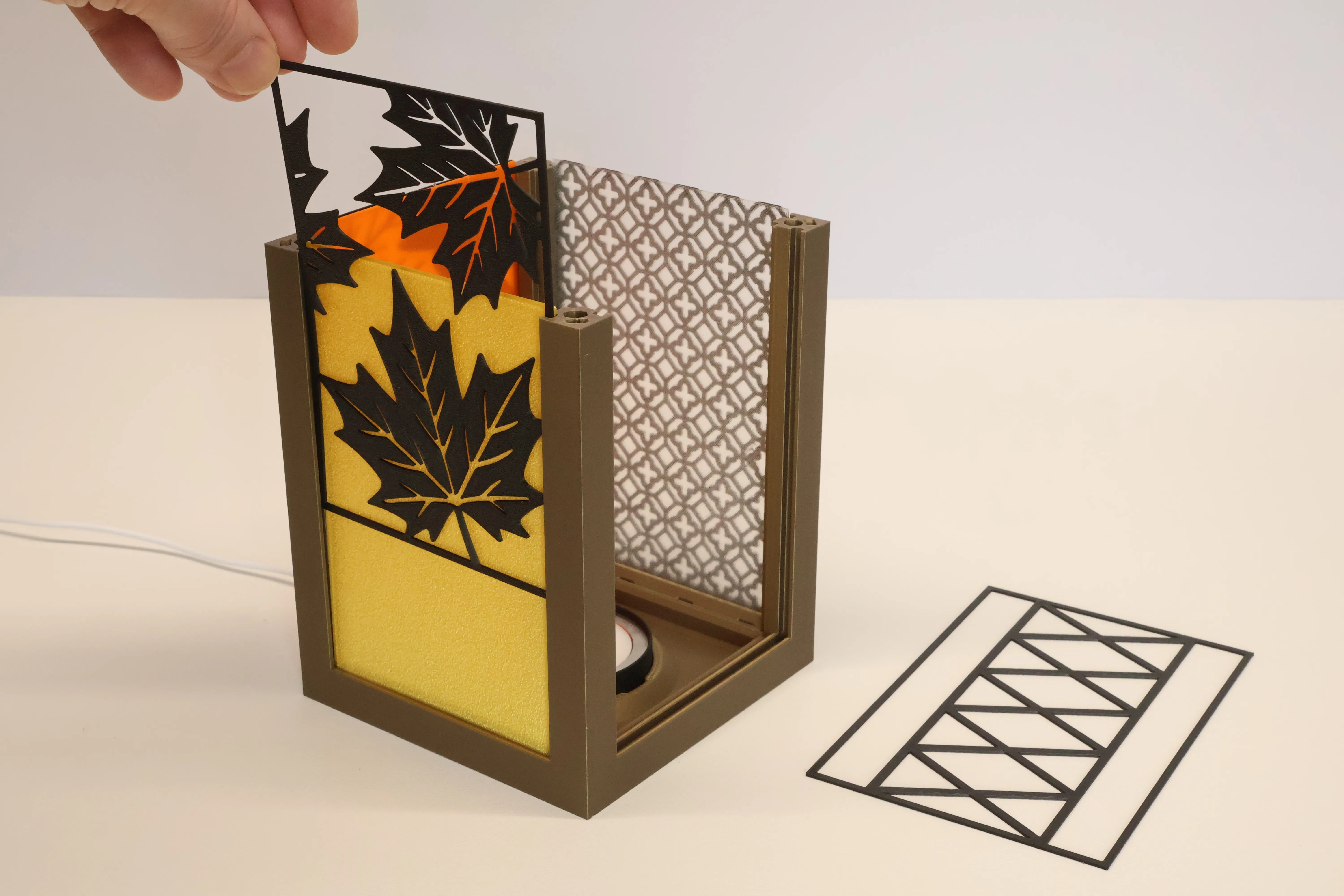
Because the colour layer is separate from the image, you can easily mix, match, and reuse panels across designs.
Try the Stencil behind PLA for an out of focus look or skipping the coloured panel entirely.
Add a spacer between the core and top
Found on plate 4 this is optional but I think it really balances the lantern out. I usually use 4 of the MagFit clips instead of magnets. But be sure to use the LIGHT version of these you will find the strong ones too strong and it will make removing the top with panels installed difficult.
I explain how to use magnets in a section later below. The Old Mk1/2 clips are also included in the profile (disabled so you need to enable them in Bambu Slicer) but these are much weaker than MagFit.
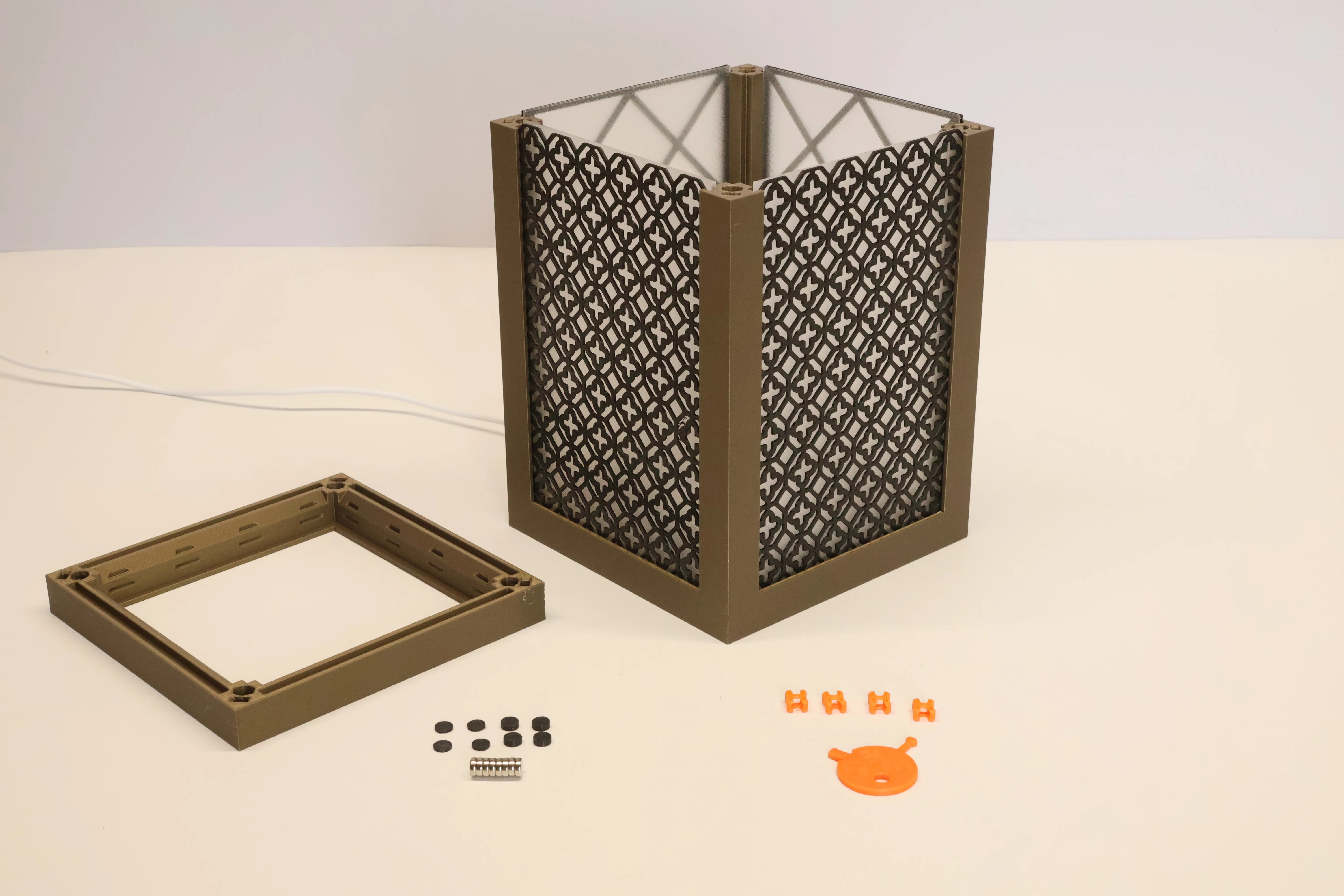
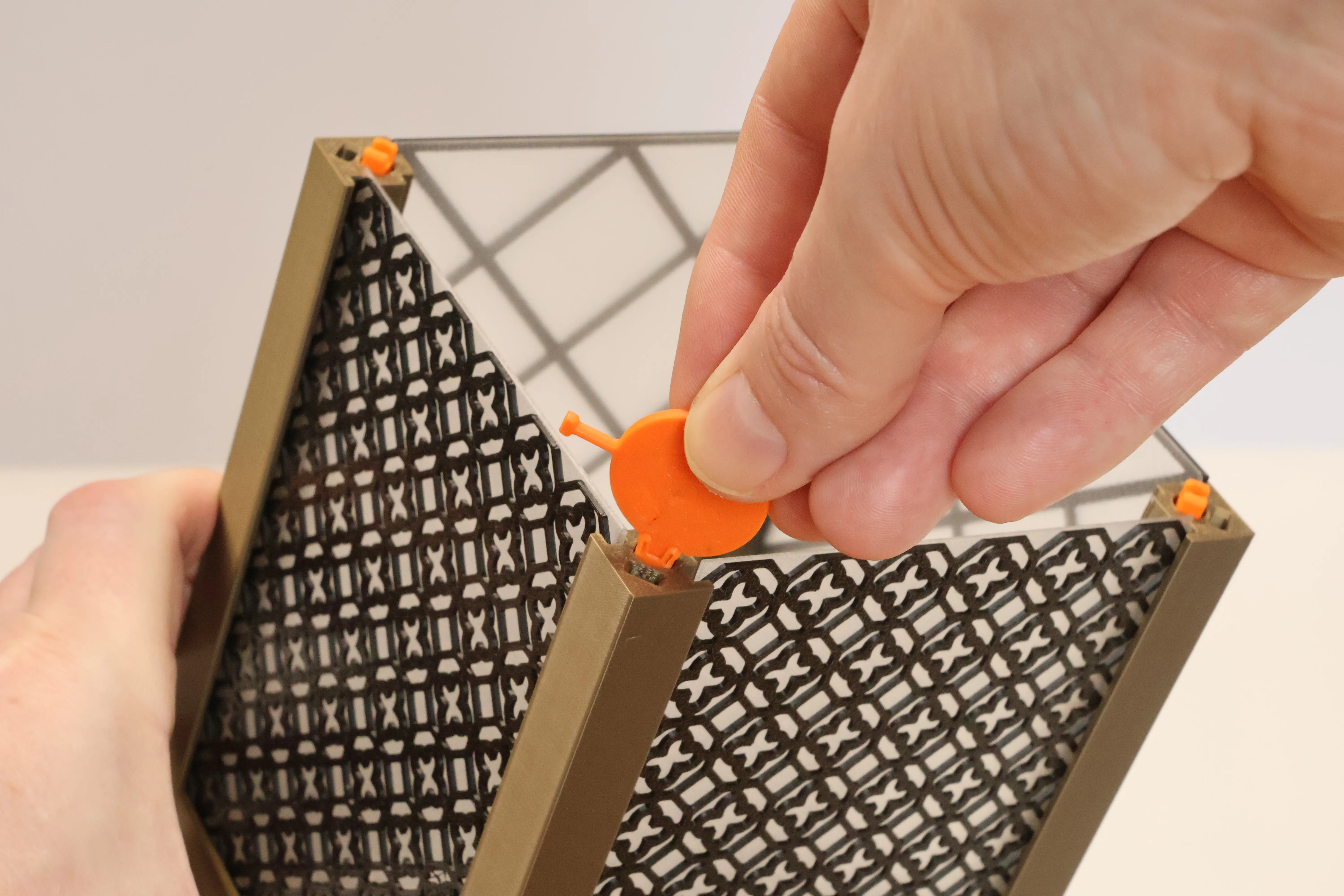
Then just push the spacer on and listen for that satisfying click!
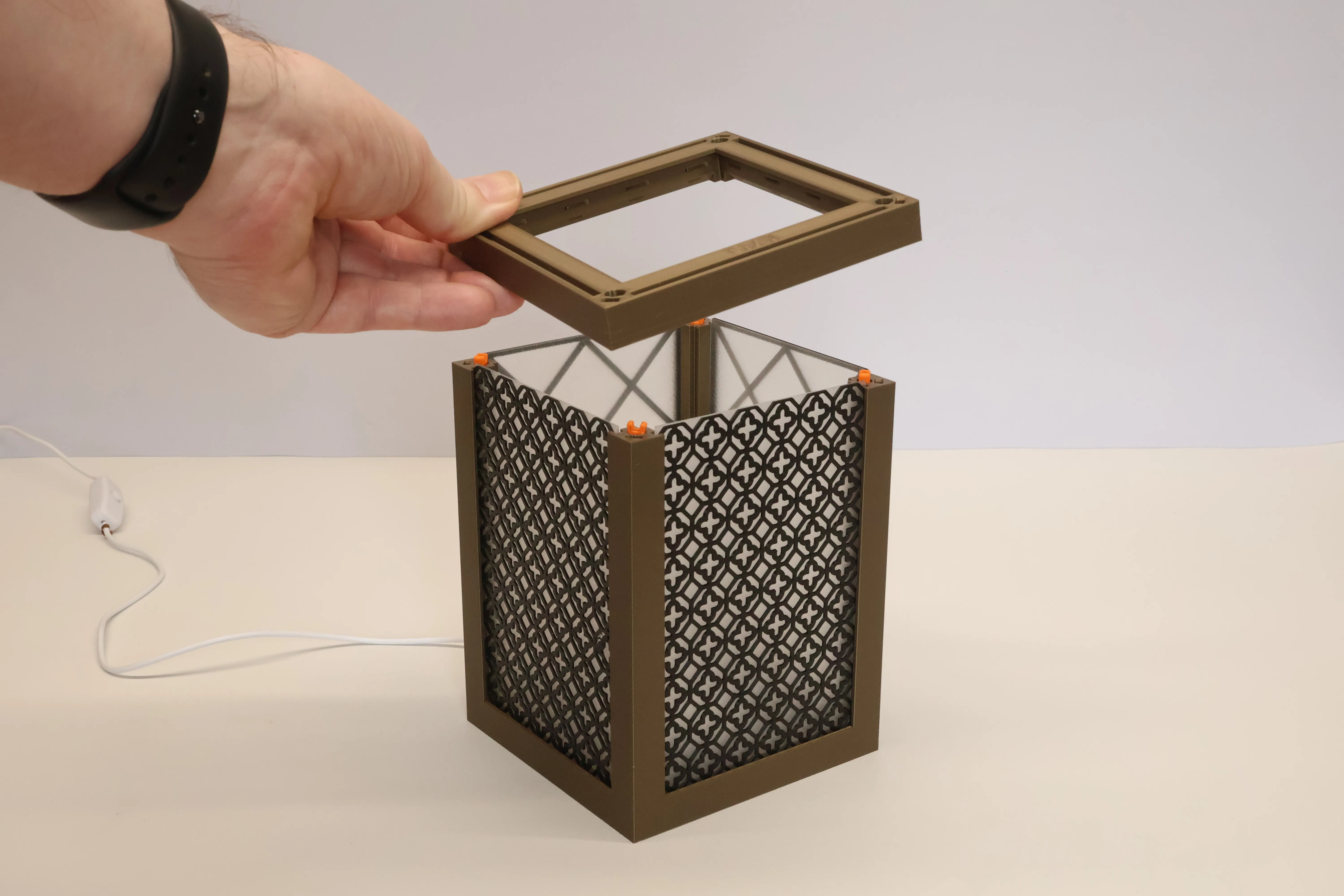
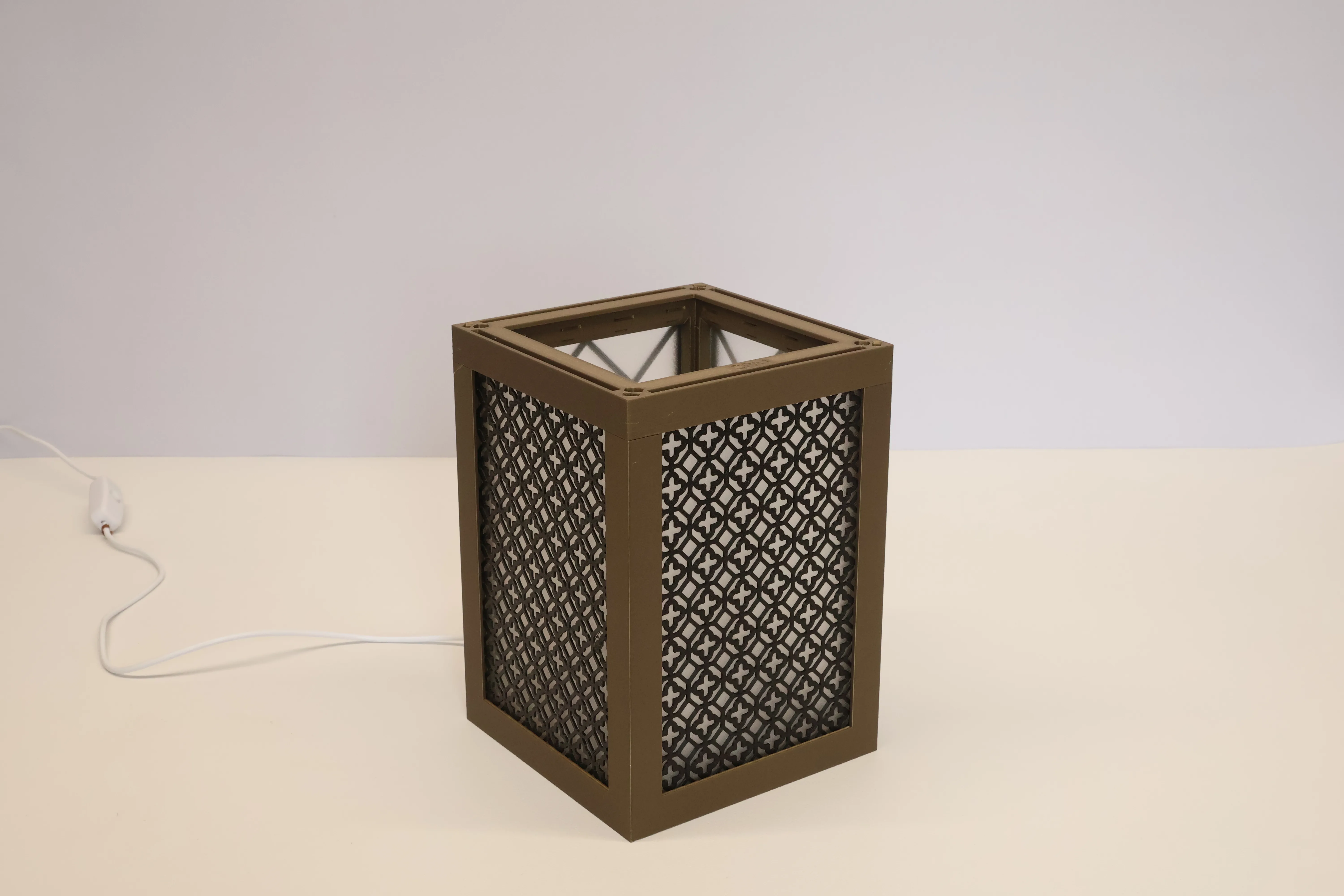
Fit the top
Now repeat but for the top from plate 5. There are other tops available too Blank, Flat, Bell, Concave, Straight With Inserts amongst others.
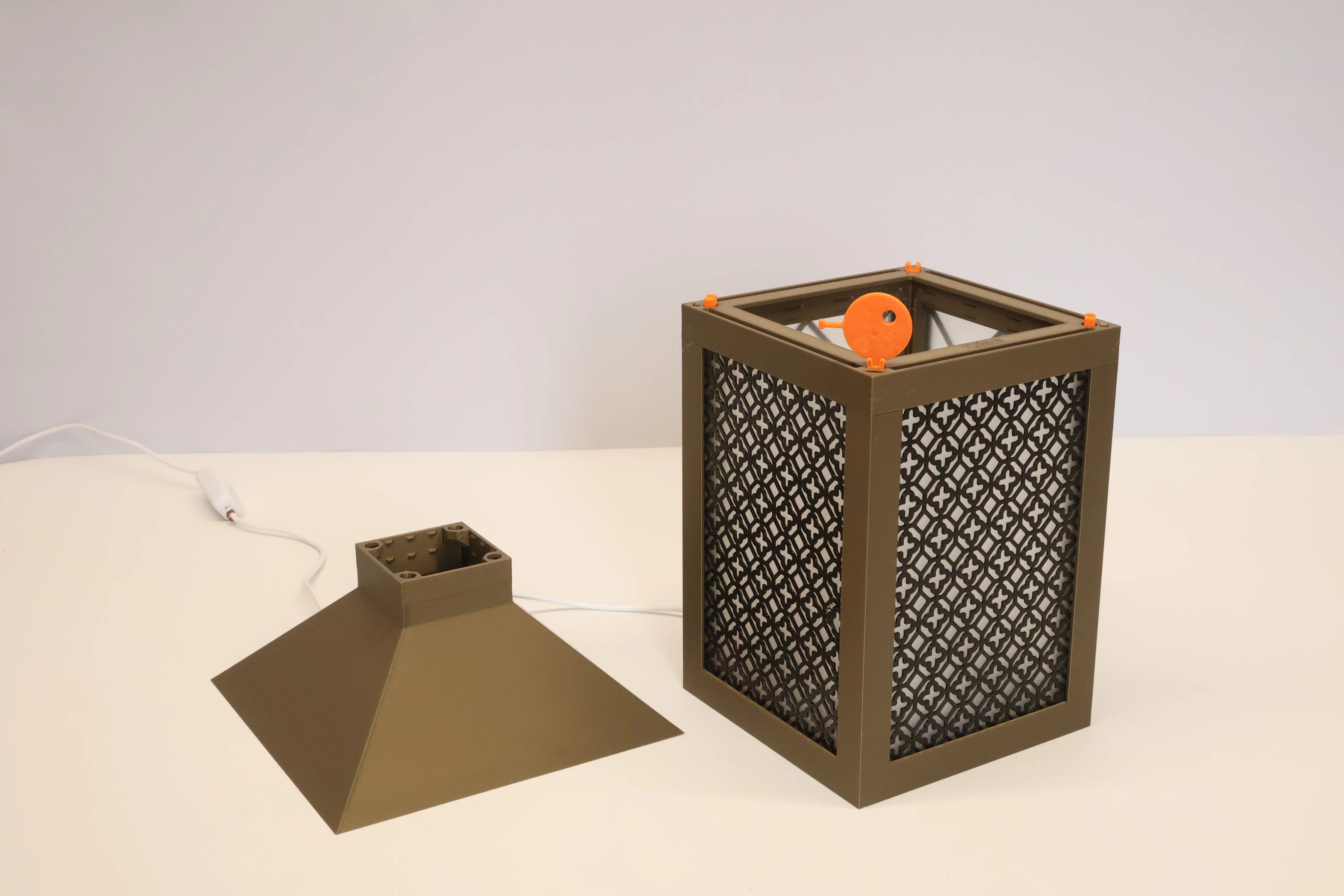
Toppers
What goes on top of tops? Toppers and Decorators! Yes the modularity and choice continues.
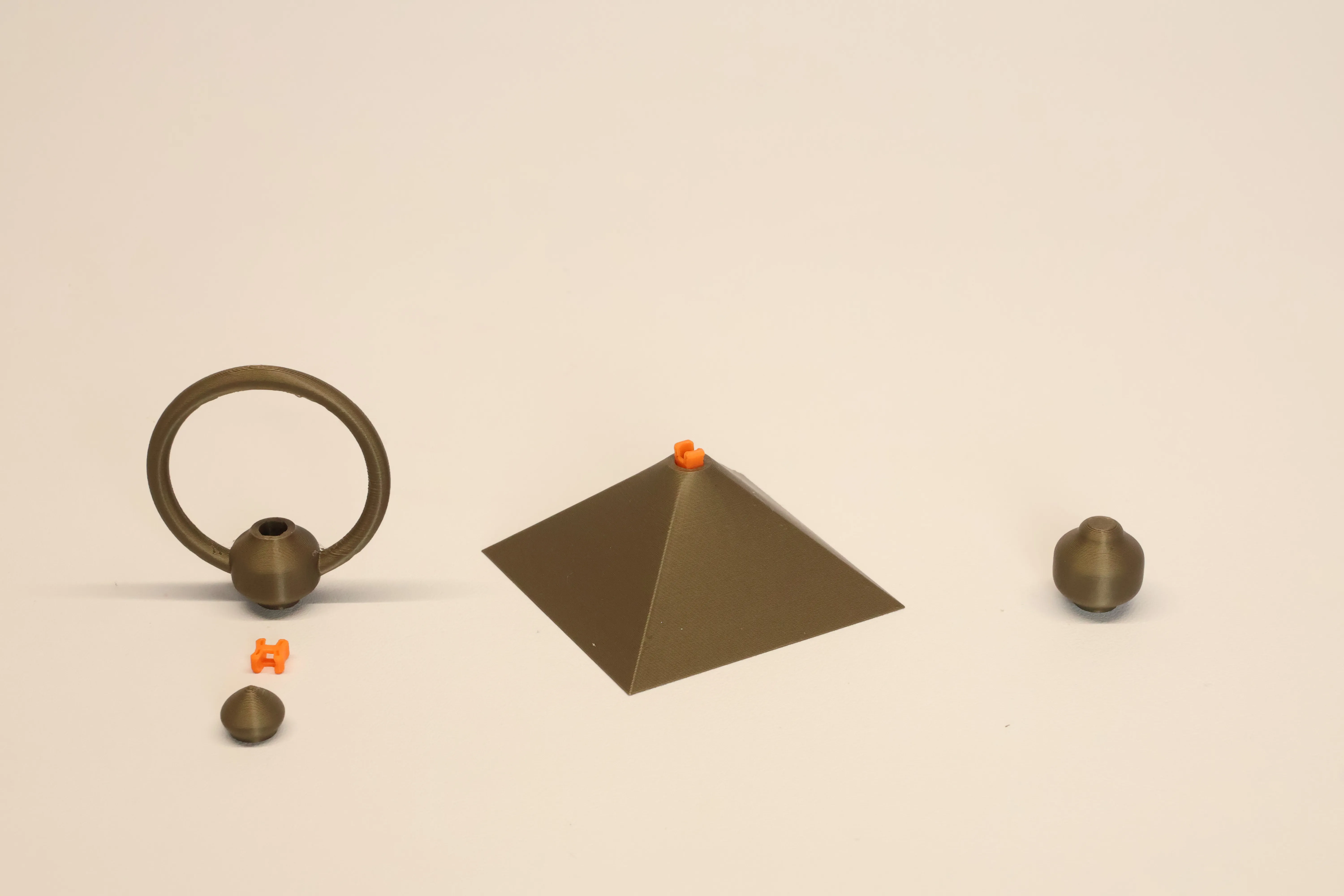
Found on plate 6 the larger part in the middle is a topper that fits straight on top of a top. Many toppers have a clip allowing you to decorate further with a decorator. And some decorators even allow a further decorator to be chained on top.
When using a single MagFit to connect decorators you can opt to use the strong version as it will resist being pulled out more allowing you to pick up the lantern. But note it's still a tiny bit of plastic so if you plan on going out trick or treating or something you may need to apply some glue to the decorator and topper.
Push a clip into the Sira Decorator and connect it to the Belan and Ring decorator before assembling further, or choose the plain Belan decorator without ring.
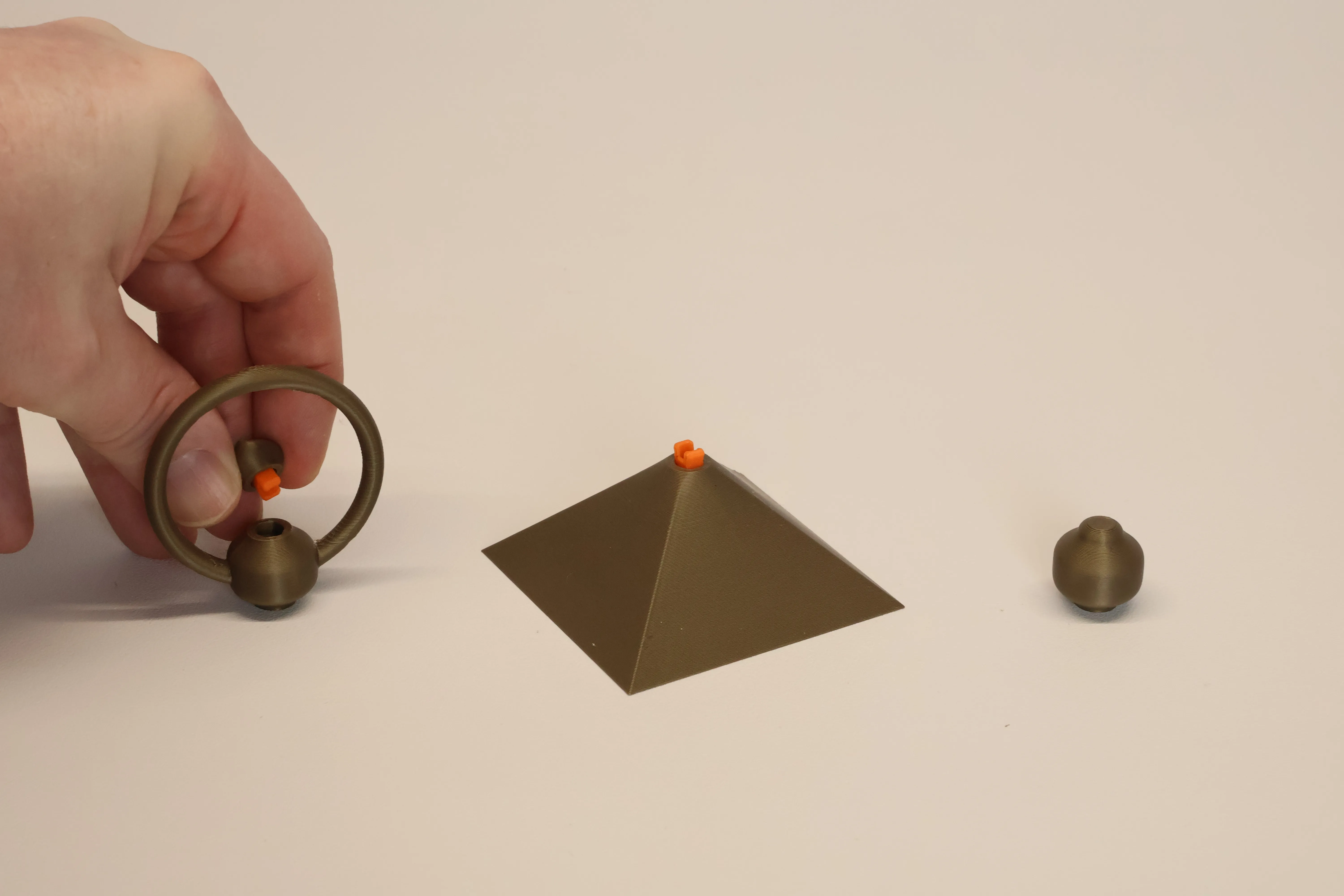
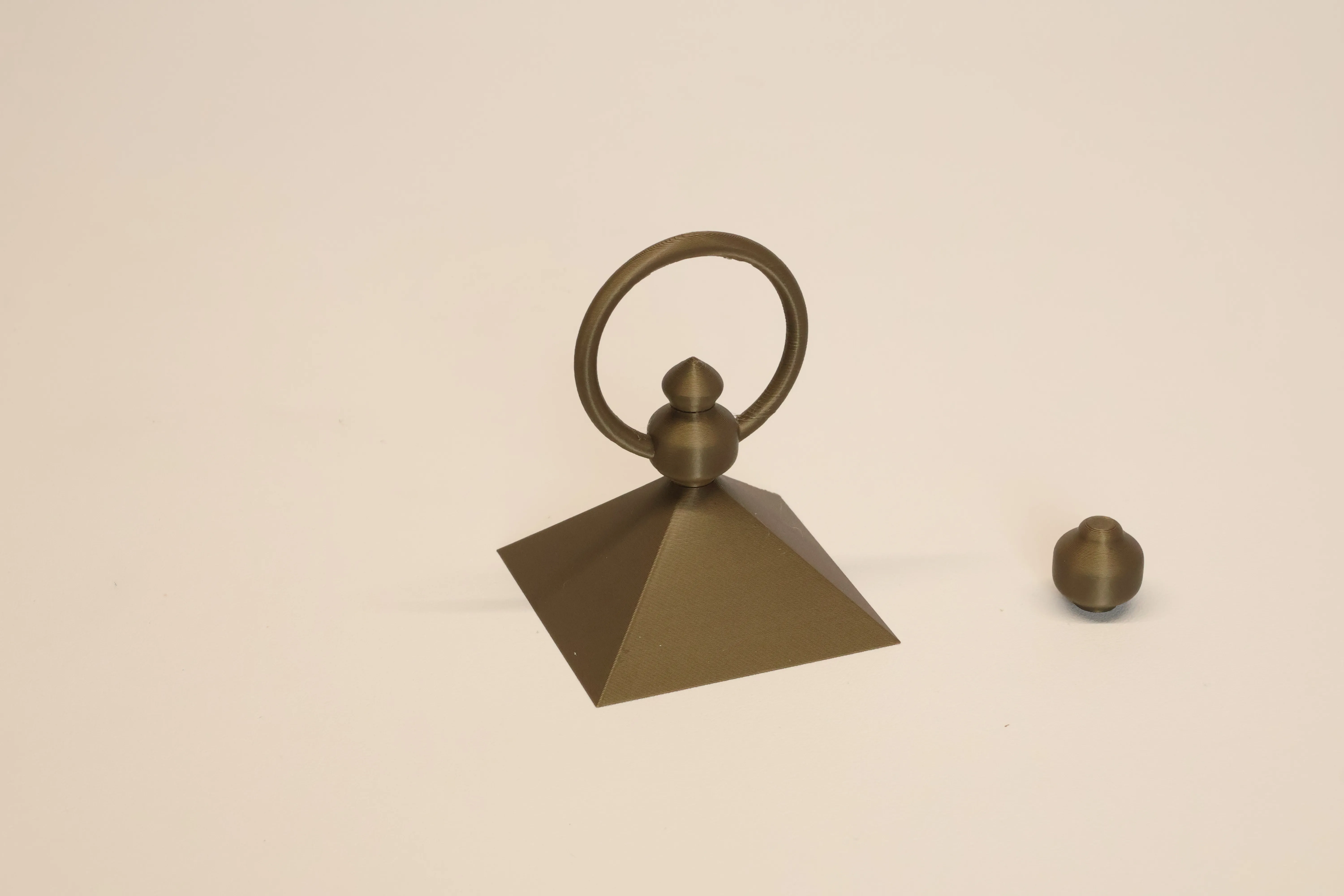
You will also find other decorator options in the print profile.
Now connect the topper to the top with 4 MagFit clips.
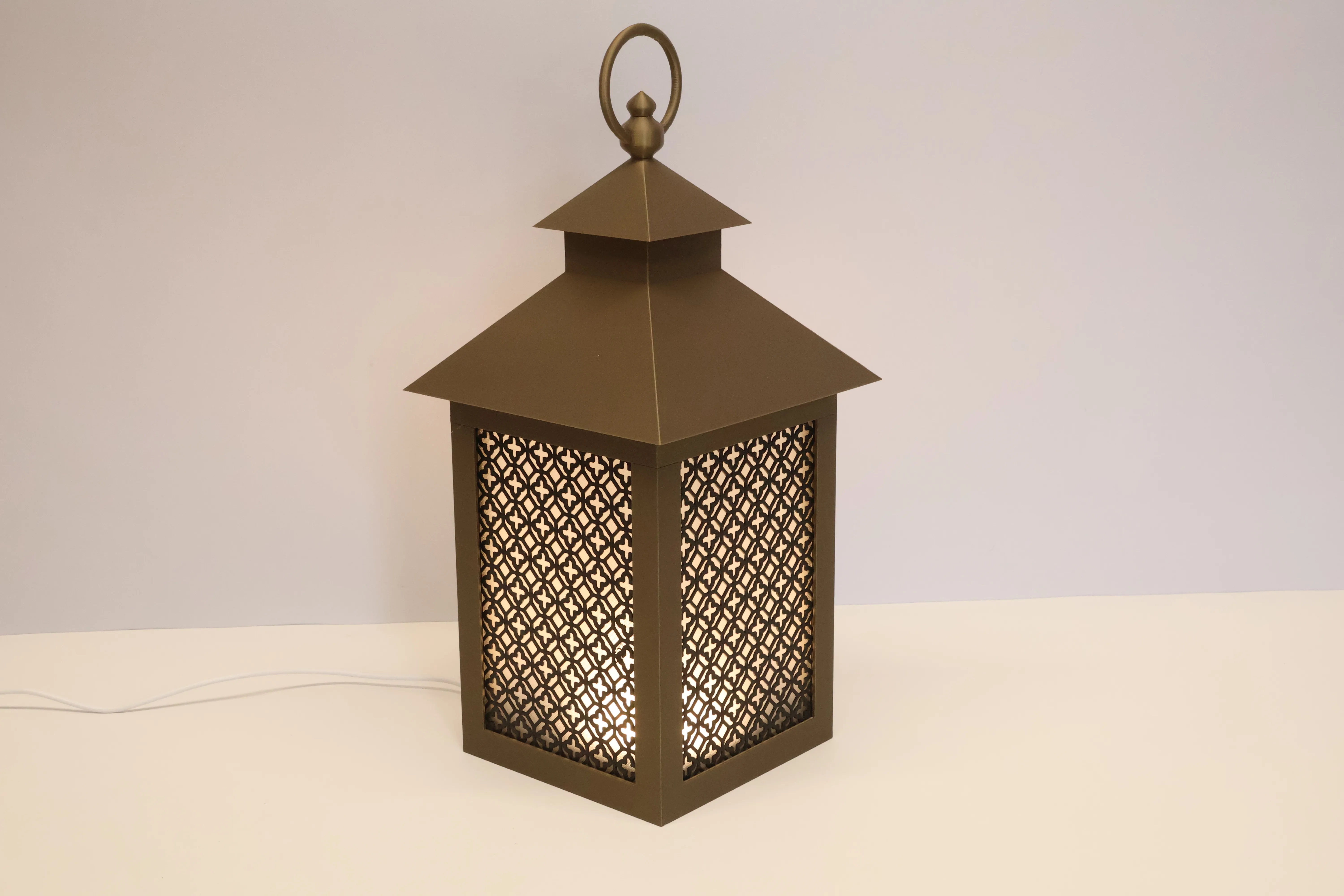
Here are links to some other toppers: Flat Topper & Chimney, Wideband, Arches. And some insert packs contain funkier ones such as Maple leaves and hearts.
Skirts
Wait you're not finished we can customise further by adding a skirt, the straight skirt is included in the print profile and snaps onto the bottom with you guessed it 4 MagFit clips :-)
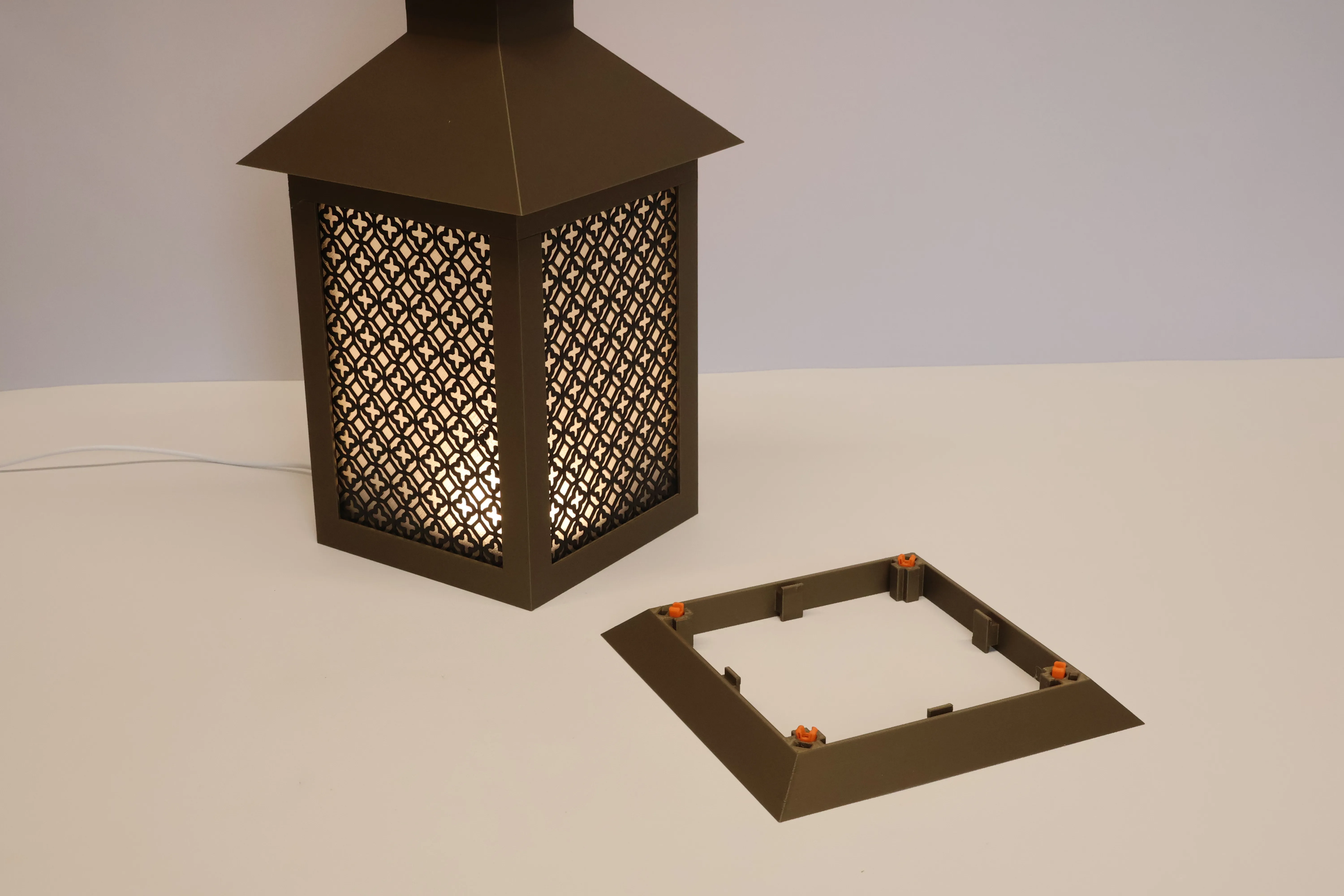
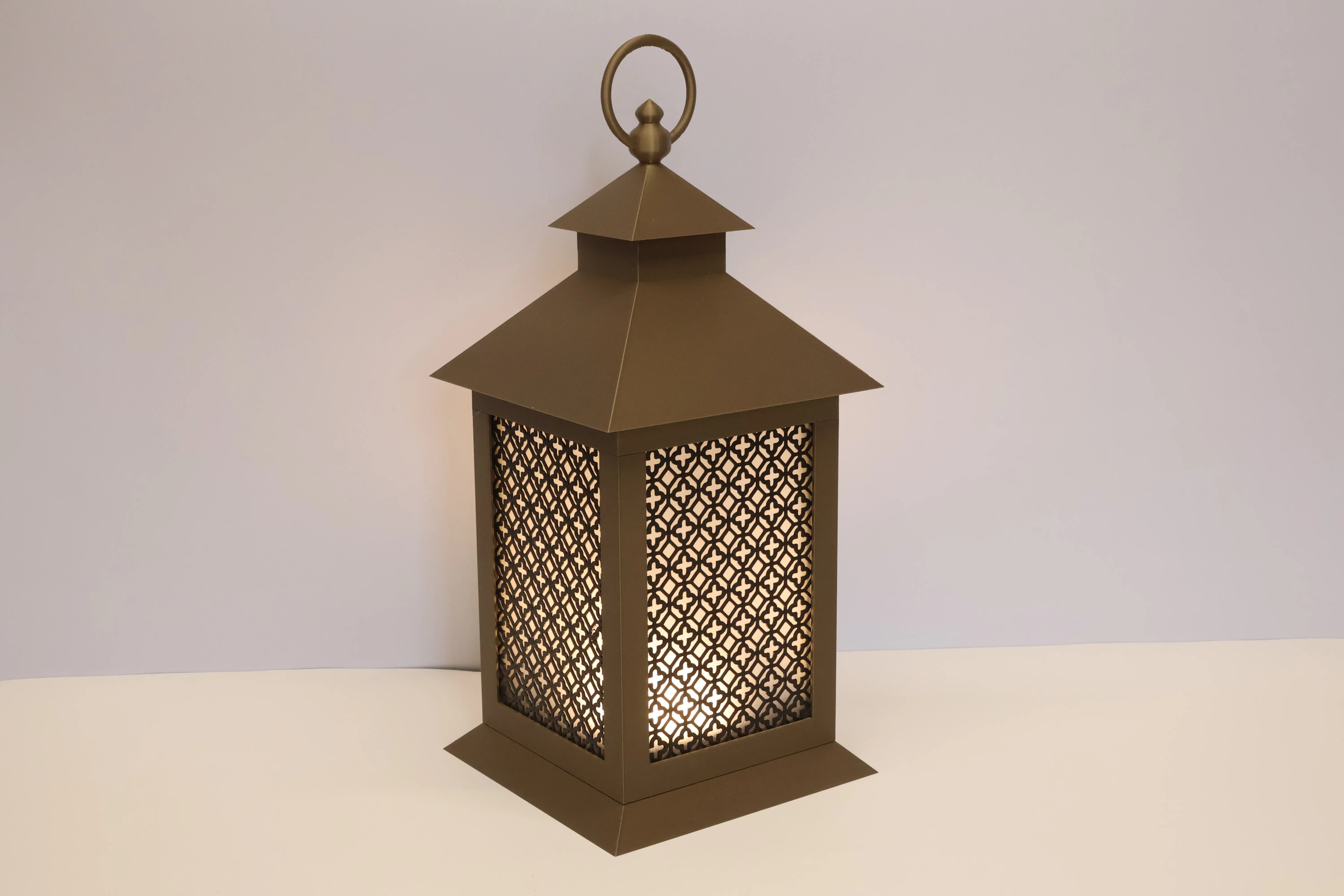
You can find 6 more skirts here.
Lantern Stacks
Most lantern parts are designed so that they can be used upside down and placed anywhere in the stack. So experiment! Look what happens when you turn a skirt upside down and place it between the top and core:
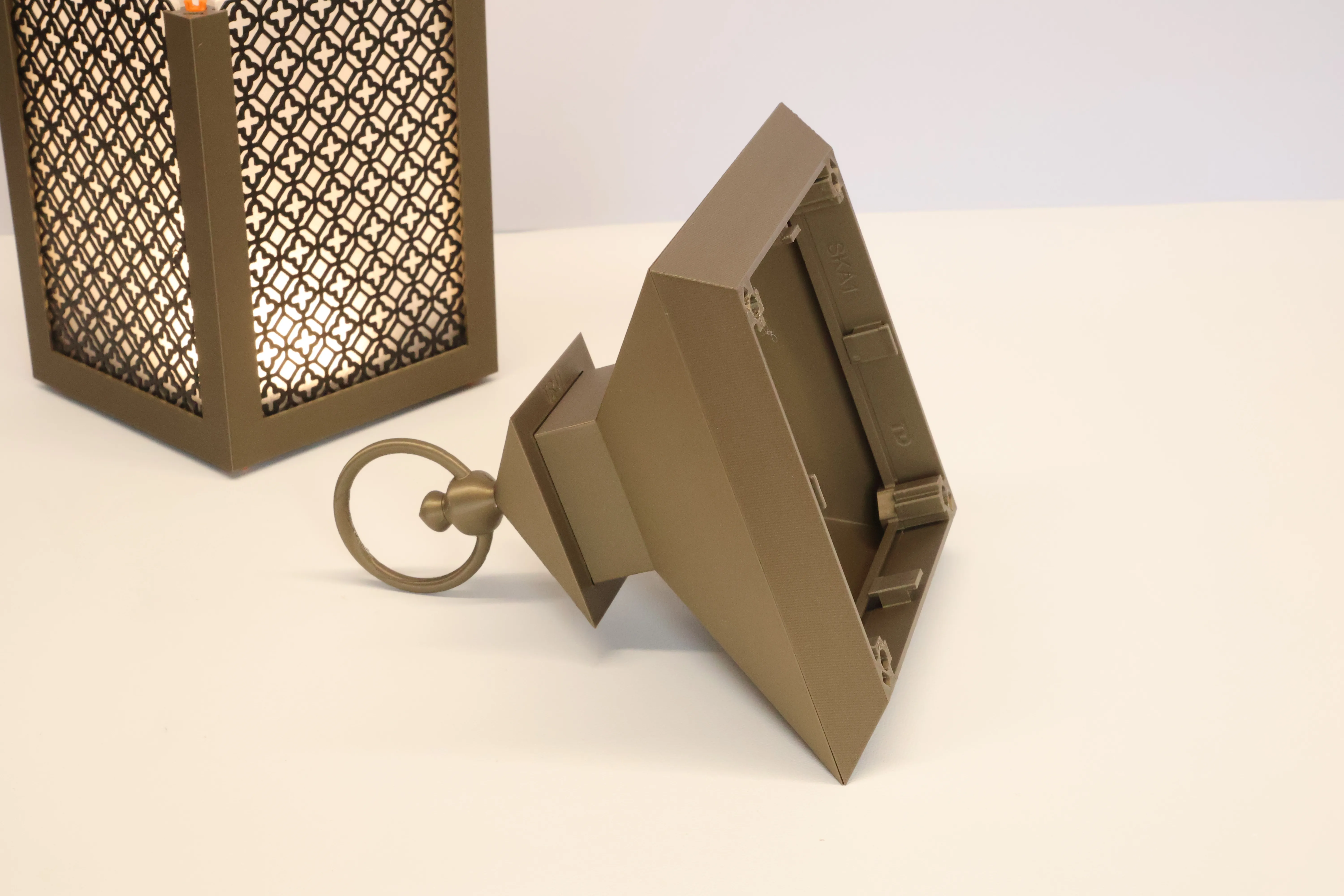
You can also connect multiple cores together
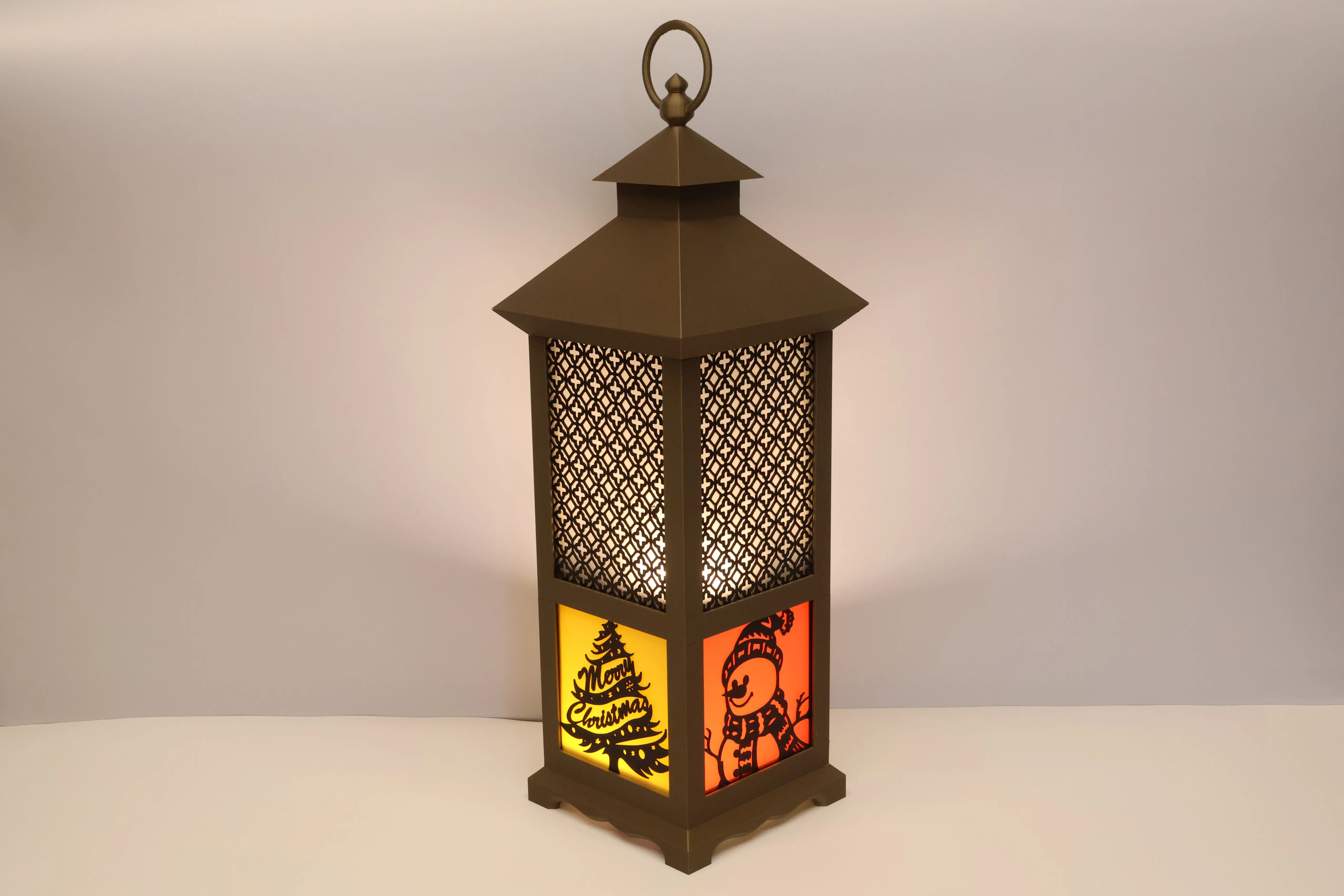
What about the wire? Well If you load the print profile into Bambu slicer and look in the Objects view you will see a couple of negative parts. These are what cut the wire exit and bottom connections out of the core. By deleting these we get a base without wire exit (Plate 5) or even a smooth base on the core (Plate 6). I said earlier about different wire dimensions. You can scale the negative part too!
6mmx4mm Magnets
If you want a really easy way to remove the top I suggest using magnets and you have several options here. The holes are 6mm diameter by 4.2mm, you can simply use 6x4mm diameter magnets which will provide a super strong connection or…
6mmx2mm Magnets
I suspect many of you have 6mmx2mm magnets if you’ve played with gridfinity. If you want simplicity, print 2mm spacers and pop these in with opposing poles facing each other, you know how magnets work.
Want a smarter setup? Alternate the magnet poles as you go around the Core instead of keeping them all the same.
Why? Because it keeps the system reversible — you can flip or stack sections in any orientation without losing alignment.
Make the magnets Stand proud, use a 1mm spacer with the south pole and 3mm with the North pole. Now when you put parts together they can’t slide!
Proud Without Spacers
If you purchase 6mm x 1mm magnets and 6mm x 3mm magnets then you can follow the same approach as above but without the hassle of adding spacers!
Part Numbers
You may notice some cryptic 3-5 letters followed by a number on Mk3 parts. These identify the part and the number is the revision. Note 3 does not mean Mk3 it means I’ve released 3 major revisions of that part. Some Mk3 parts have a version 1 as they are new. I have given all old parts a unique number too and am updating old profiles to include it in the file name. A catalogue of all these parts and compatibility between parts will be released soon, check out Patreon to learn more.
Experiment and Share
I read all comments and reply to every DM — your feedback directly shapes future parts.
There’s a lot more to come, so follow along or join me on Patreon for exclusive inserts, early releases, and community projects.Create Your
Own inserts
Use your favourite vector editor (Inkscape, Affinity Designer, Illustrator etc) to create your design. Set the page to 100mm x 150mm.
The area that sits within the frame is 2.5mm so I draw a rectangle of 100x150mm and one of 95x145 within that to create the frame.
Make sure there are no overlapping splines, use a boolean operation (eg Add) to join them into one curve.
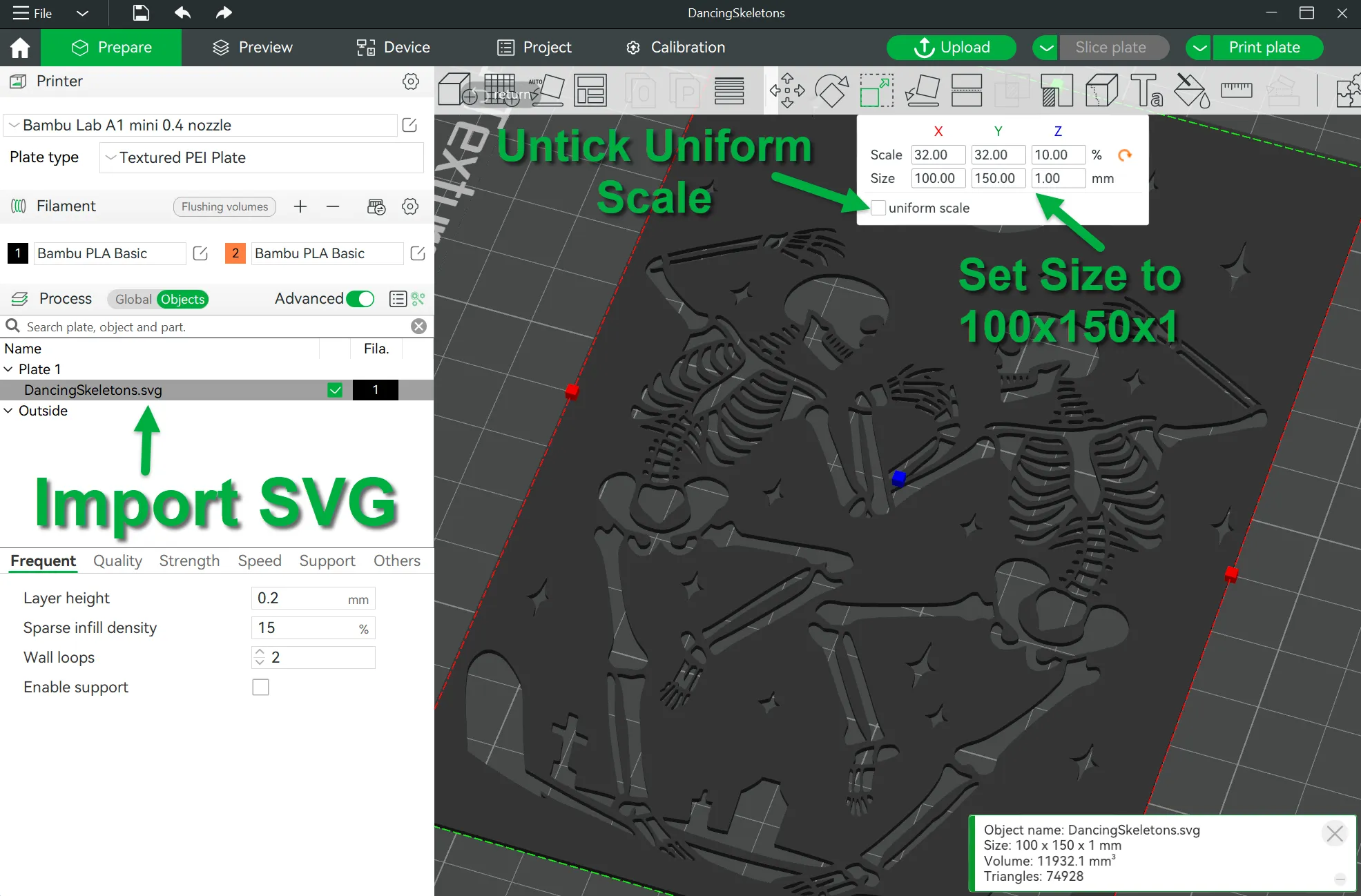
Drag straight into Bambu slicer and then open the scale tool, untick uniform scale and set the size to 100x150x1mm and print :-)
You right click on the object in Bambu Slicer and export as a svg if you want to upload and share.
Slicing
I really advise you to use the 3mf file even if you open it in a different slicer. It is set up to include negative parts to cut out holes in the bottom of parts and has tested settings, some per model.
For the core you most likely want to include the MagFit connections and possibly the cable exit on it's base but you may decide to have neither and use it upside down with a smooth top.
Add COA1_Core, NEA1_Negative_BaseConnectors and NEB1_Negative_CableExit to your slicer at the same time.
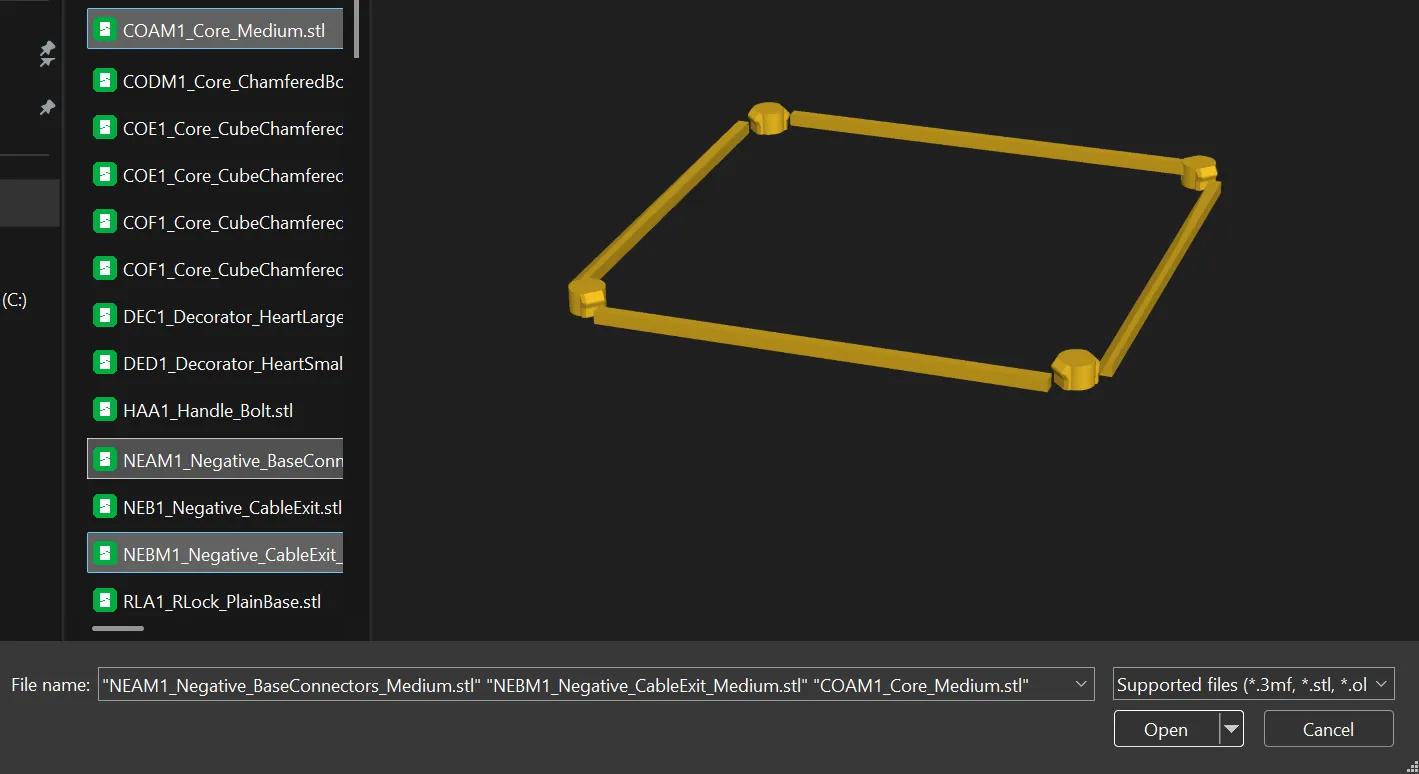
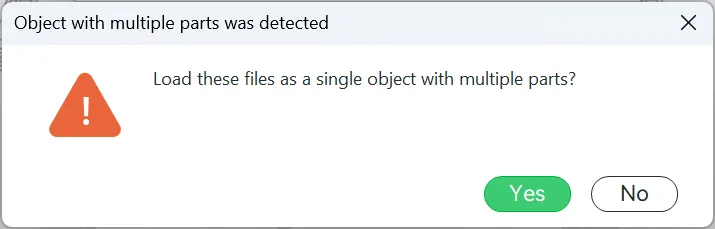
Answer yes to ‘Load these files as a single object with multiple parts?’
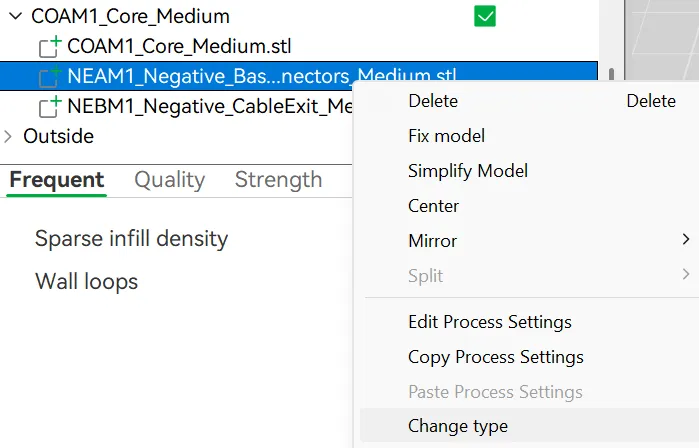
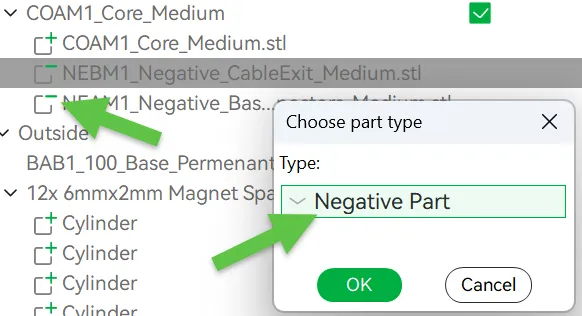
Then in object view right click on the parts that start with NE (Negative) and change the part type to Negative. This will cause them to cut a hole in the core.
I add ears to the corners of most parts to avoid them lifting during the cooling place.
It's designed for a 0.2mm layer height
2 Walls
I use 5% but feel free to use more plastic.
I tend to use painted ear brims on the corners of the larger parts to avoid lifting during cooling.
Wall order. I use Outer/Inner to avoid internal details affecting the outer surface.
For the LED Holders I use 10% Infill
For the Bellan with ring I paint support at the bottom of the ring to avoid automatic supports on the bottom of the ring and inside the MagFit.
Navigating the Land of parts
I will be releasing a compatibility and search tool to help people navigate the many different print profiles, be sure to follow me on Makerworld and check out my Patreon for details and many other goodies! Also browse my Modular Lantern Collection of parts and inserts available on Makerworld designed by me and other creators.
There are two sizes of lantern ‘Original’ and ‘Medium’ and these come in an angular (Makerworld exclusive) and Chamfered style. Toppers fit on both sizes. Many Mk2 & Mk1 parts will work with Mk3 ones, so you can continue to use what you have already printed. Most will be updated to include improvements of Mk3.
Other Inserts
The following are available on my Patreon. Some to free members other to paid.
Halloween:
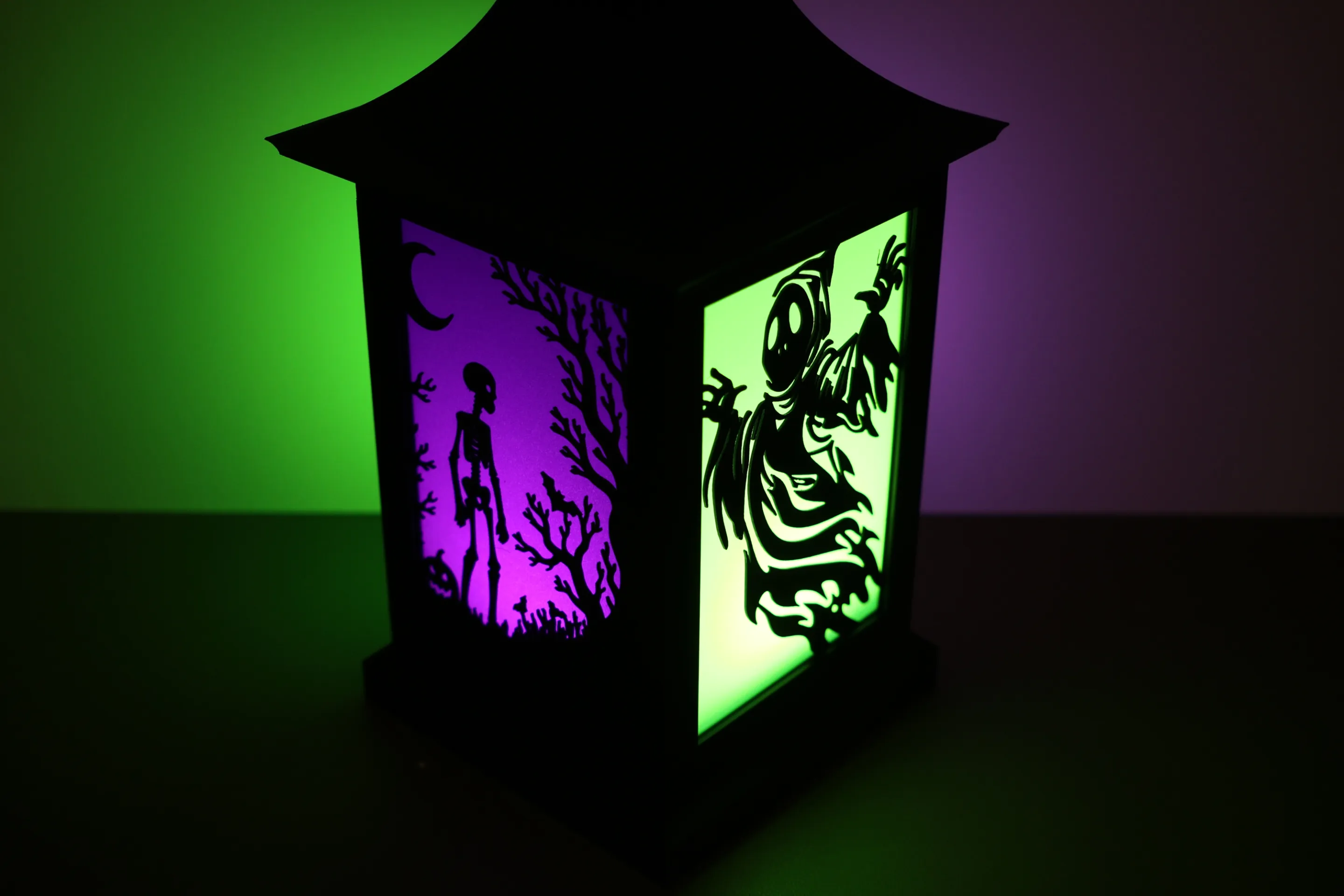
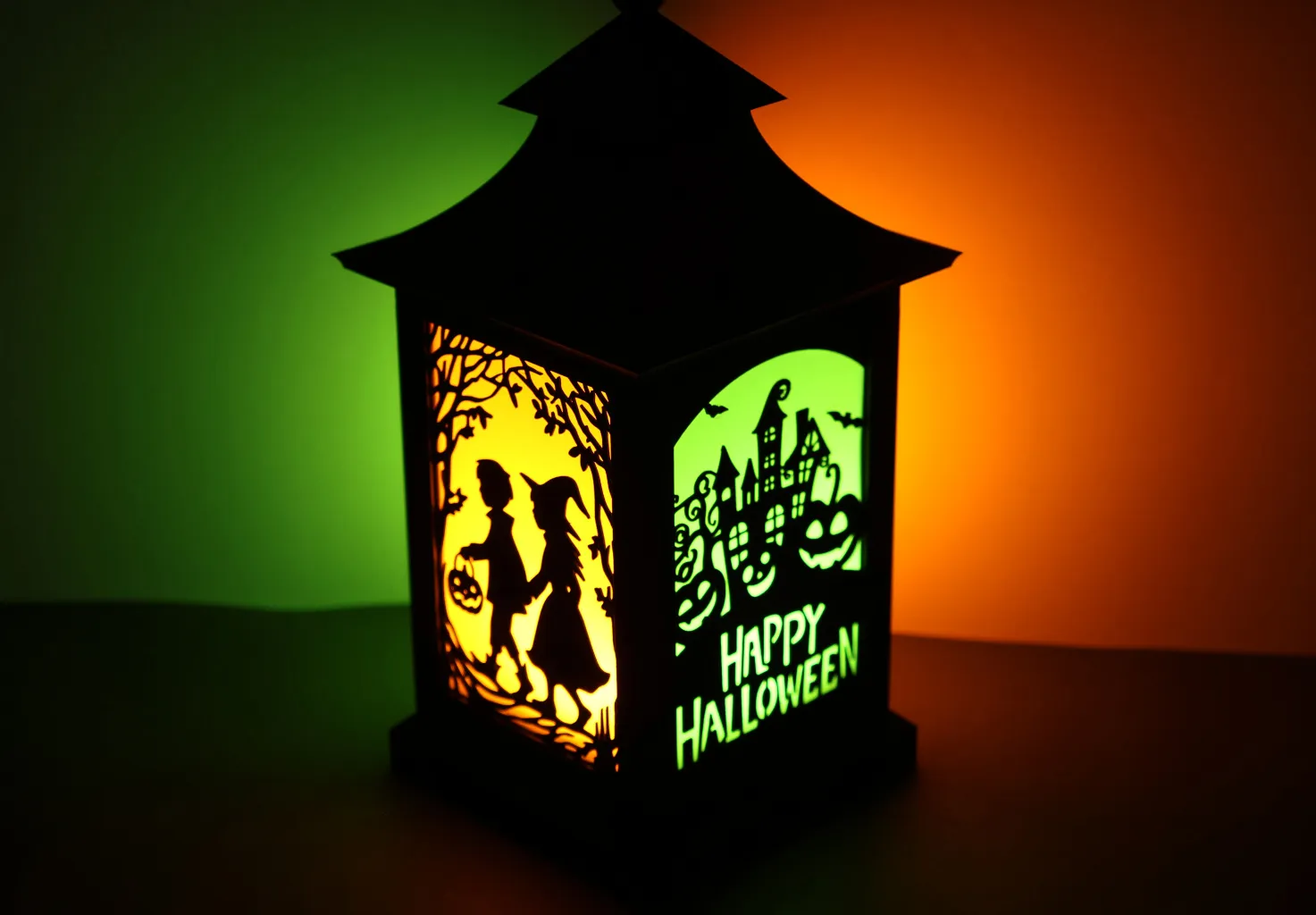

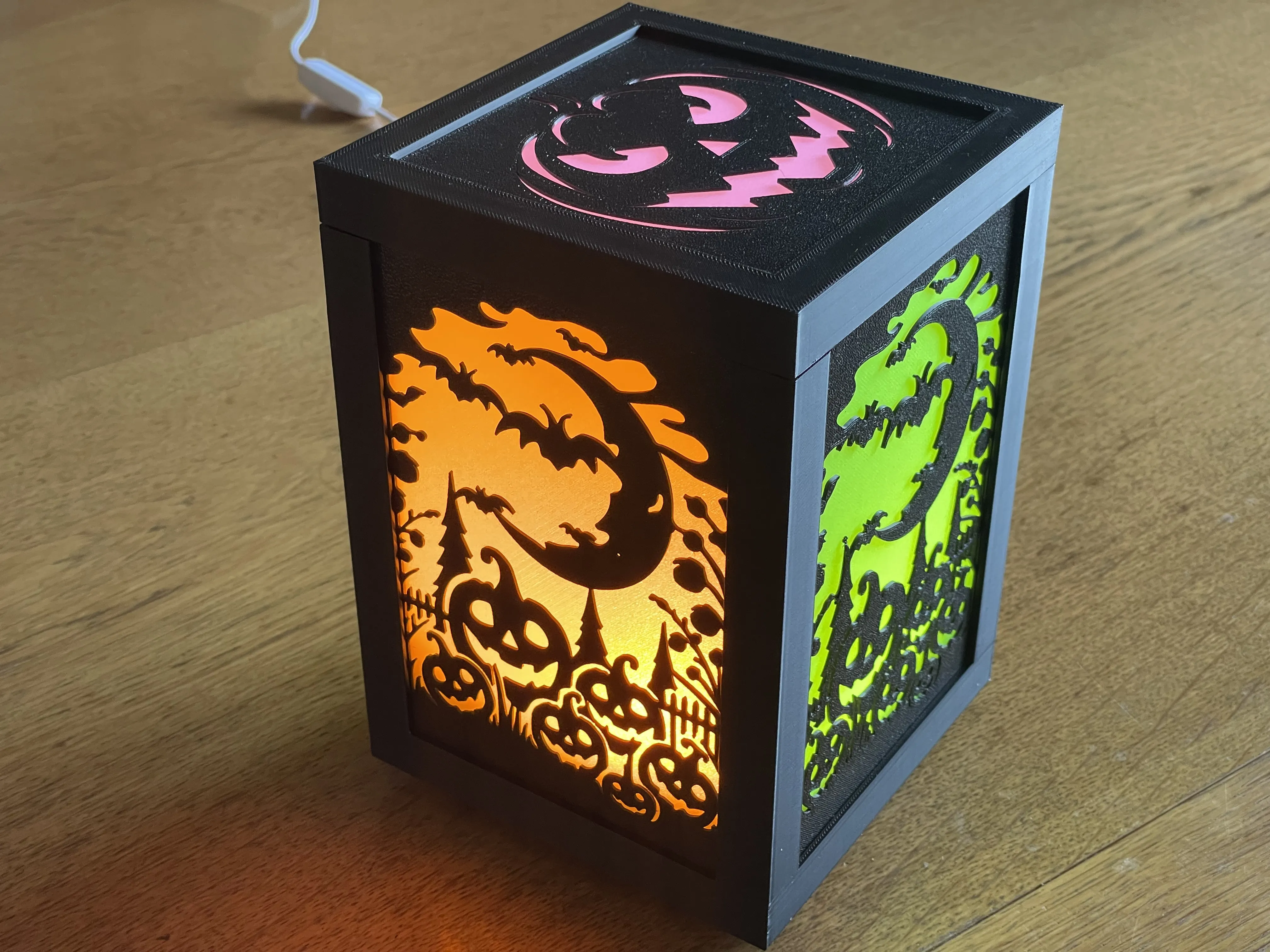
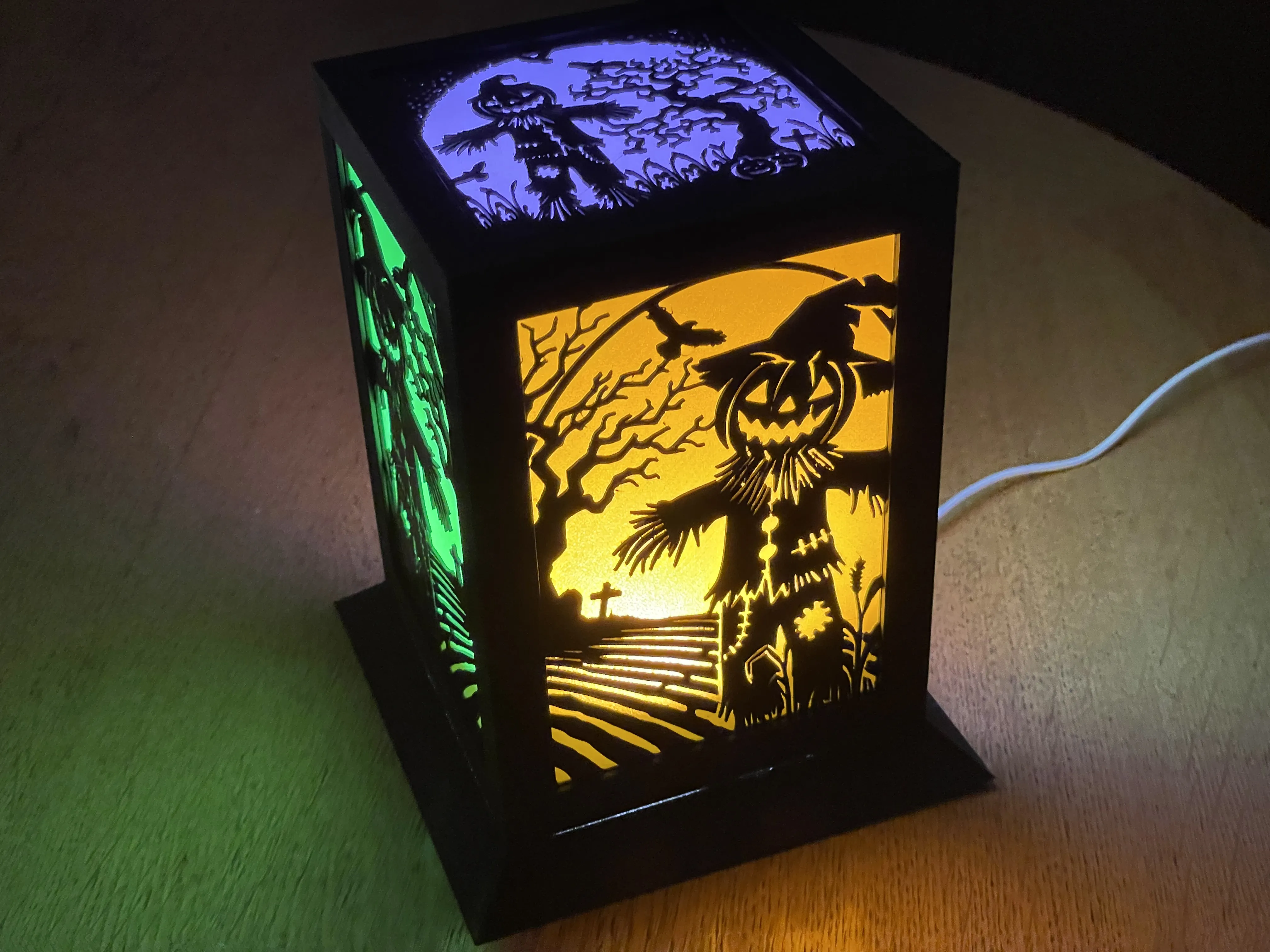
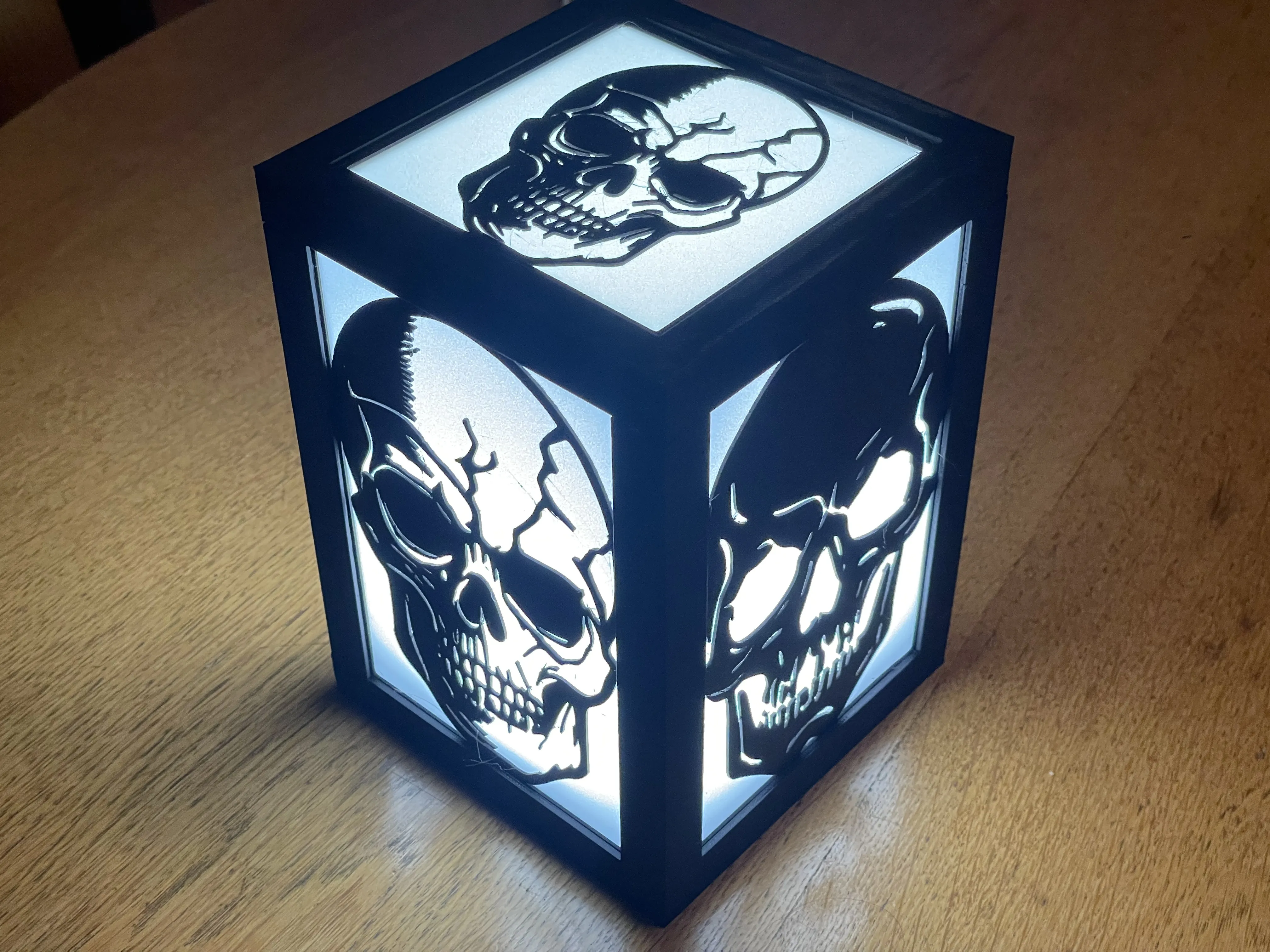
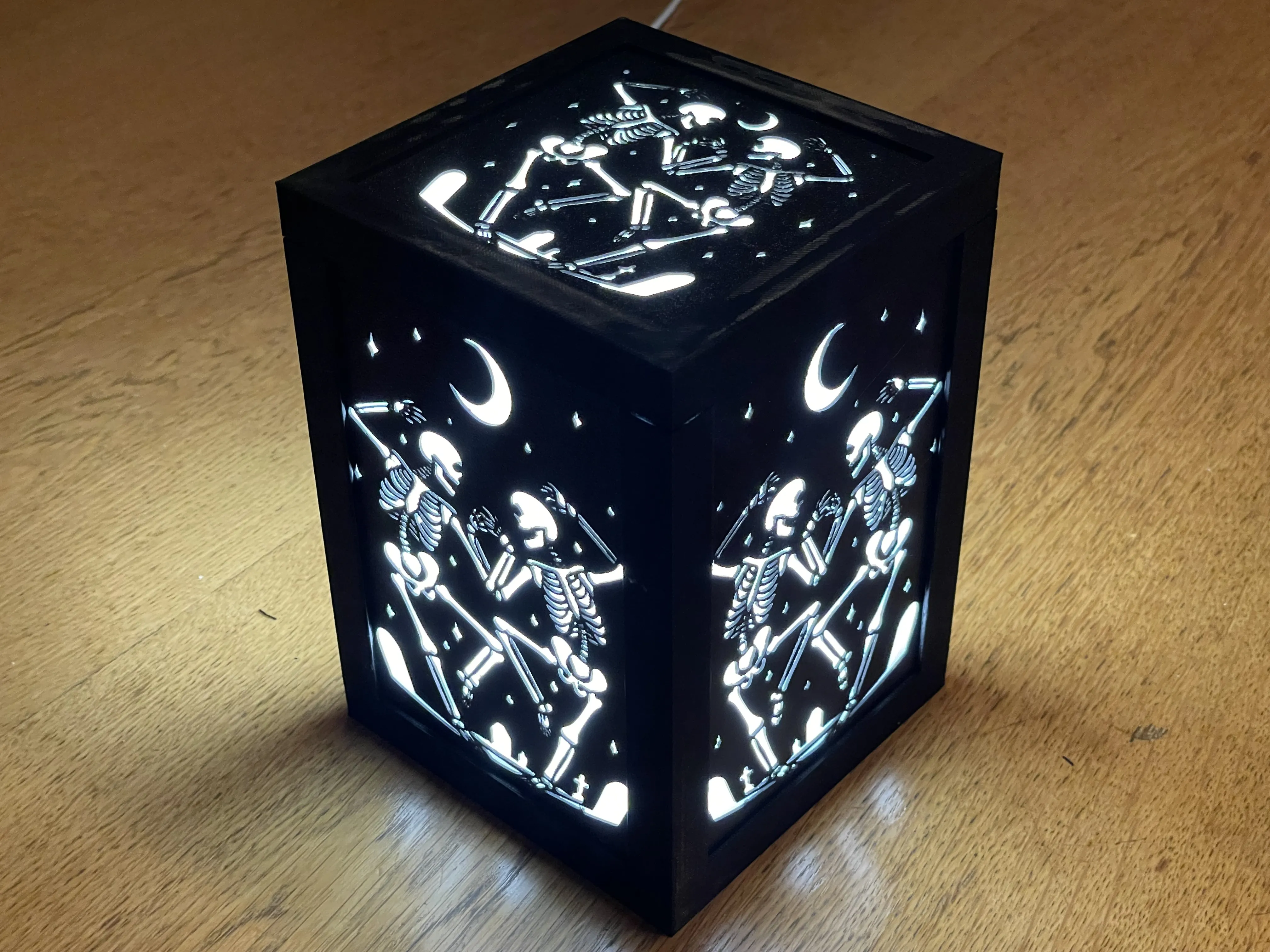
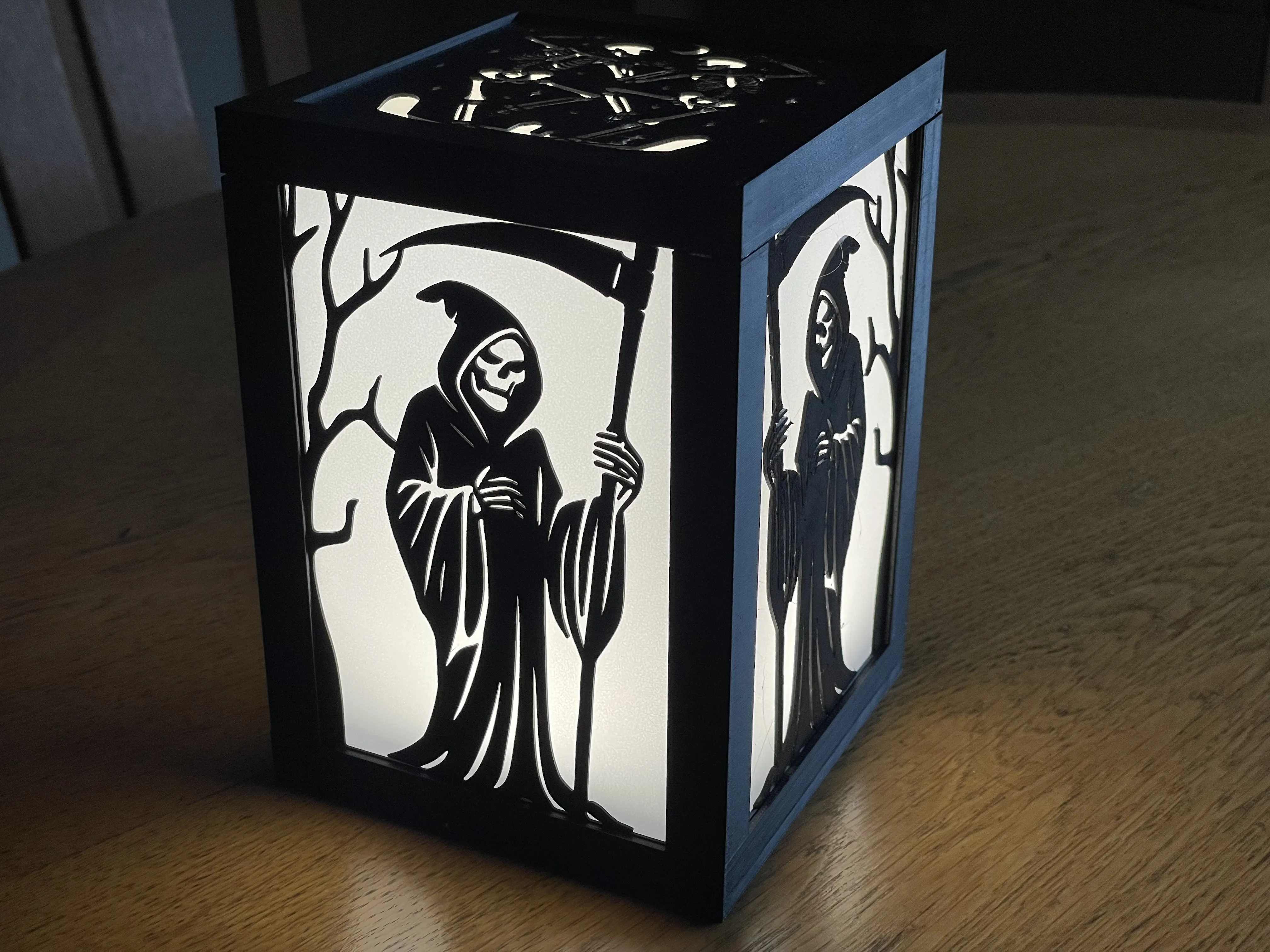
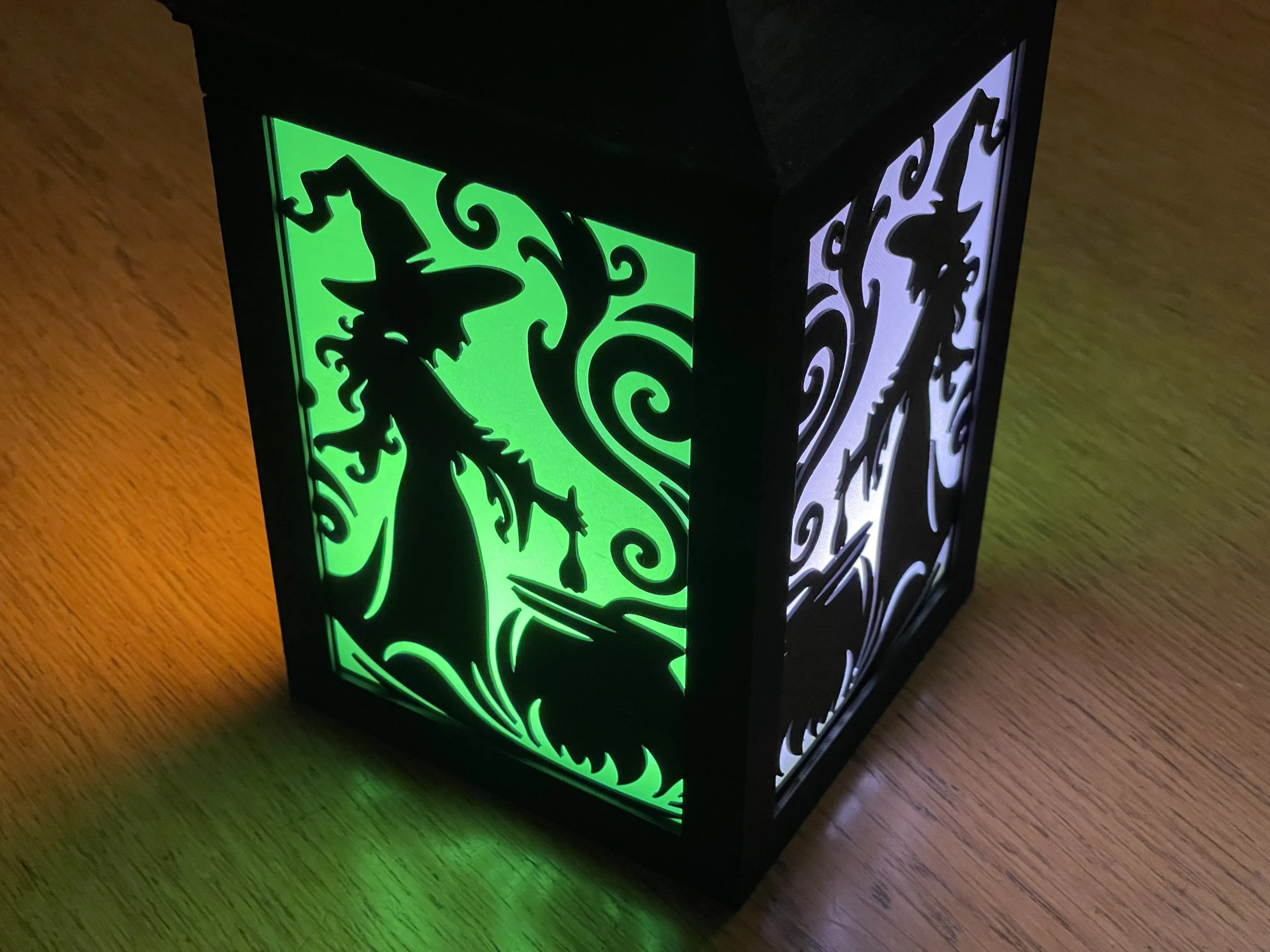

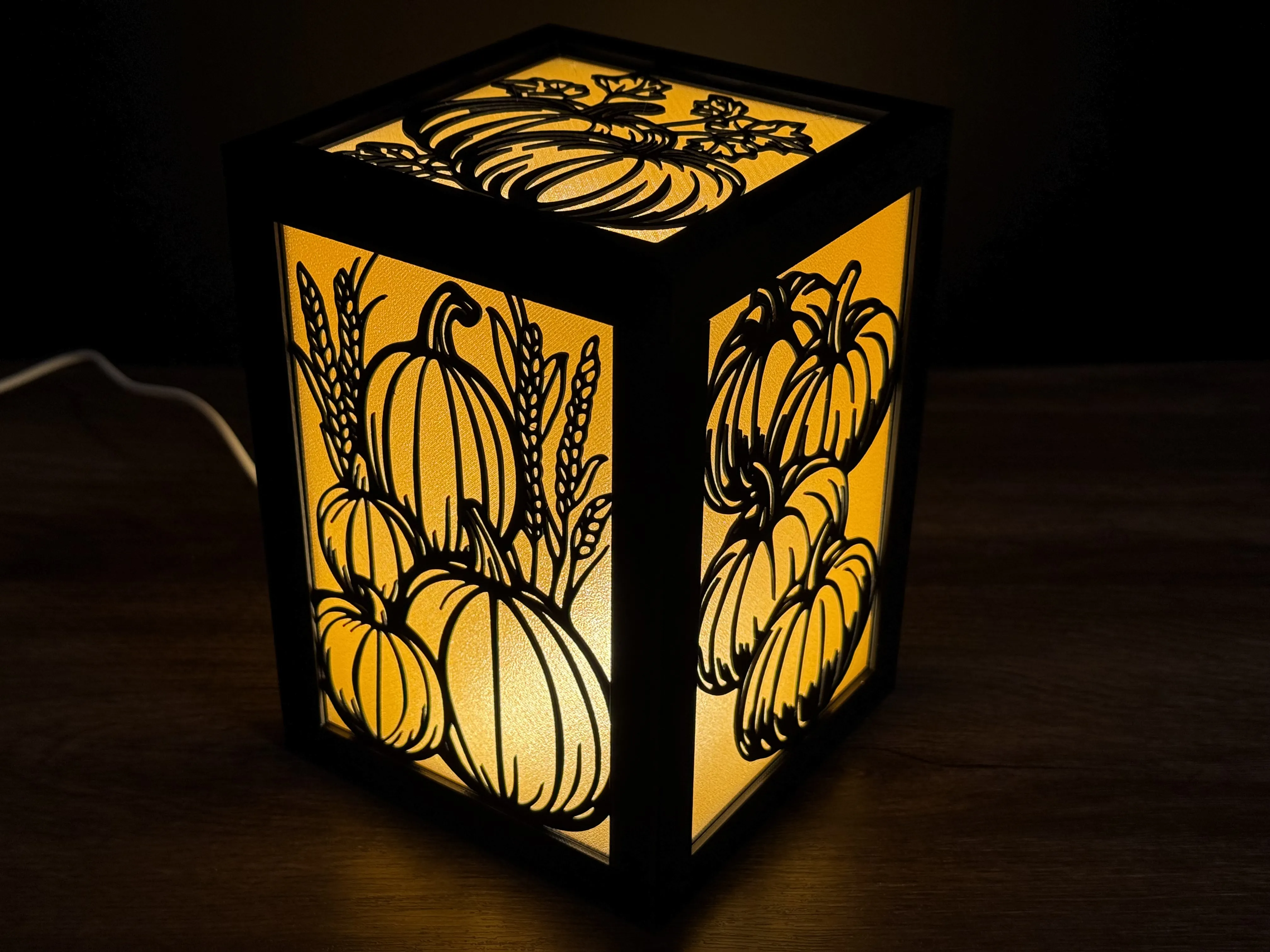
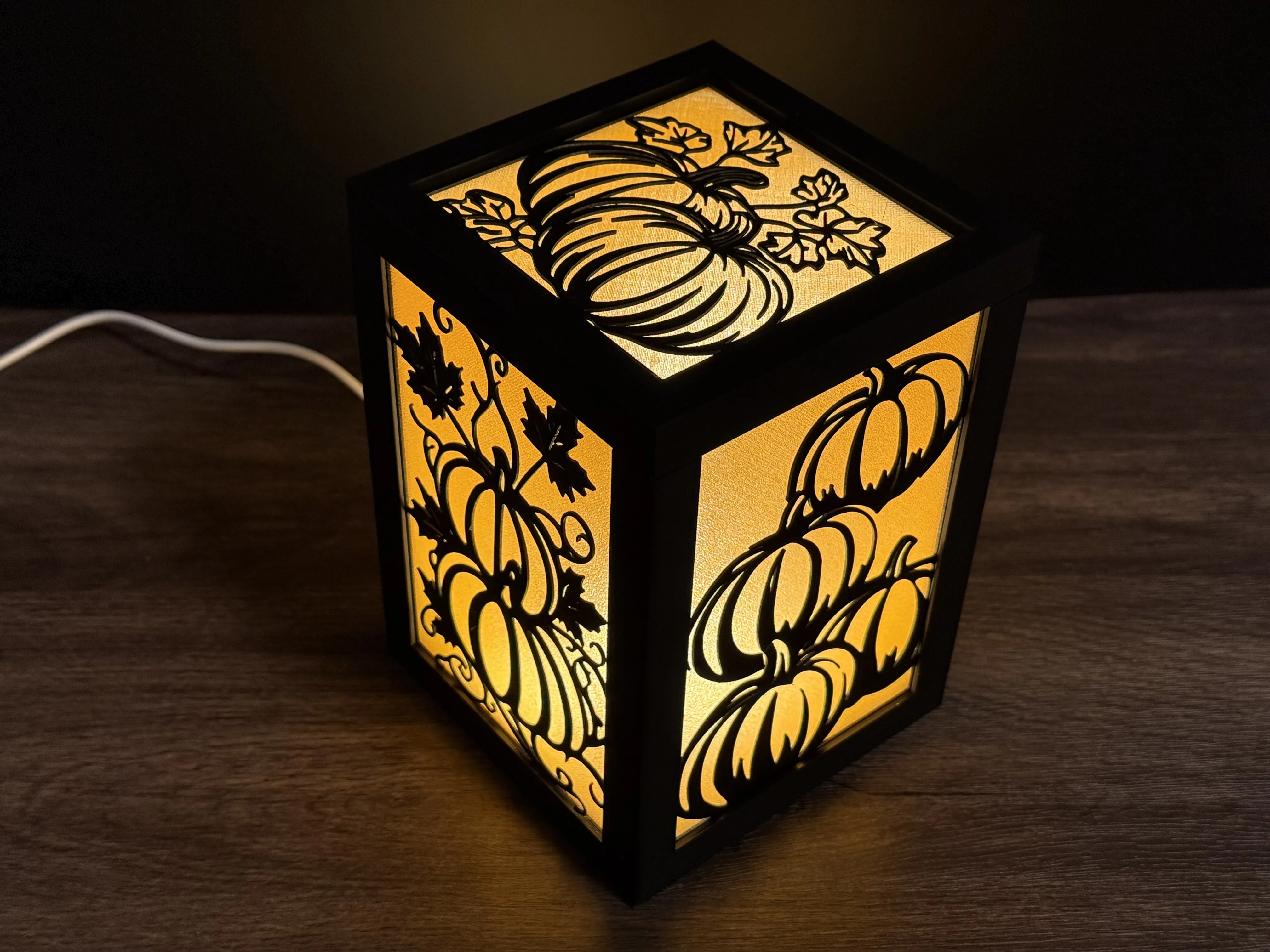
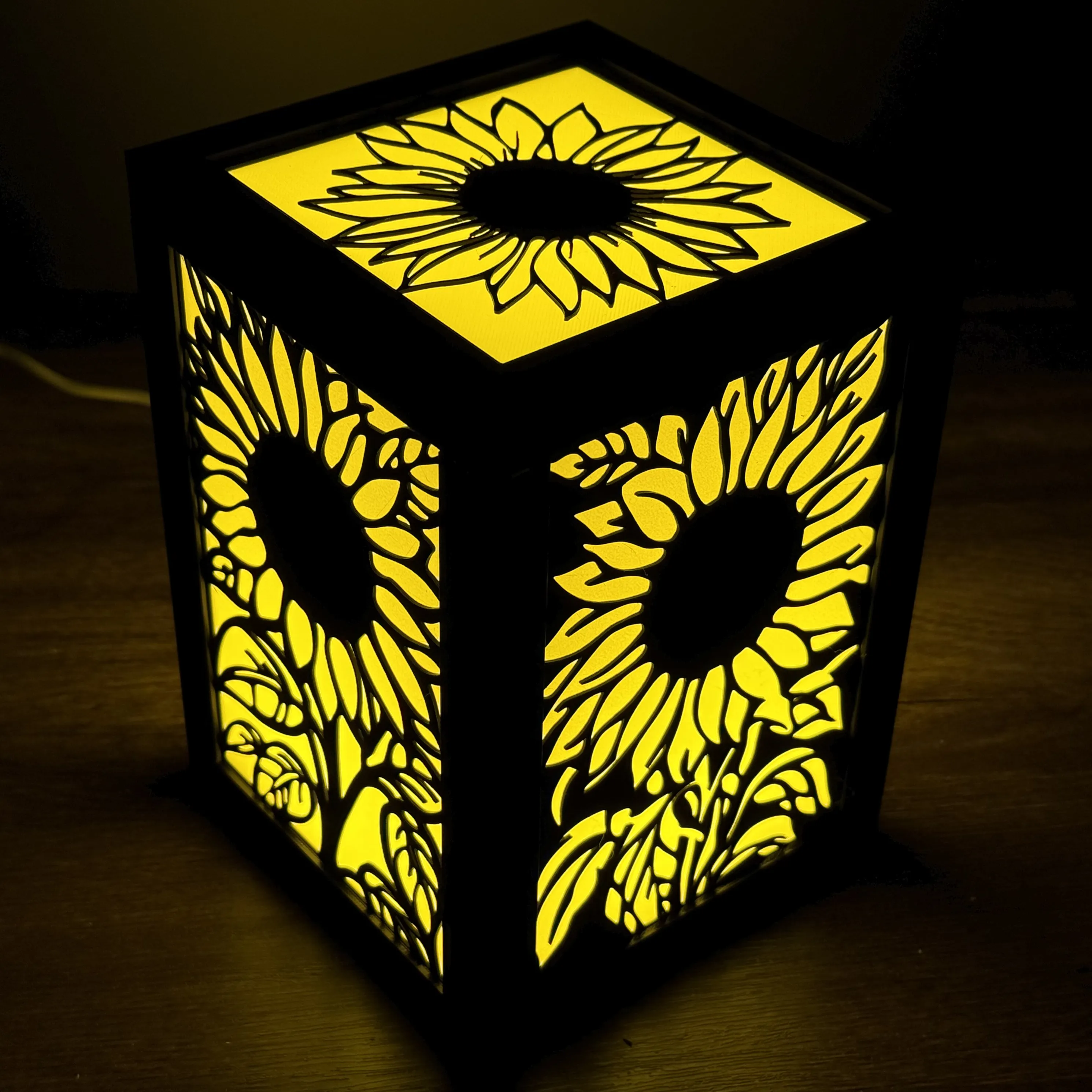
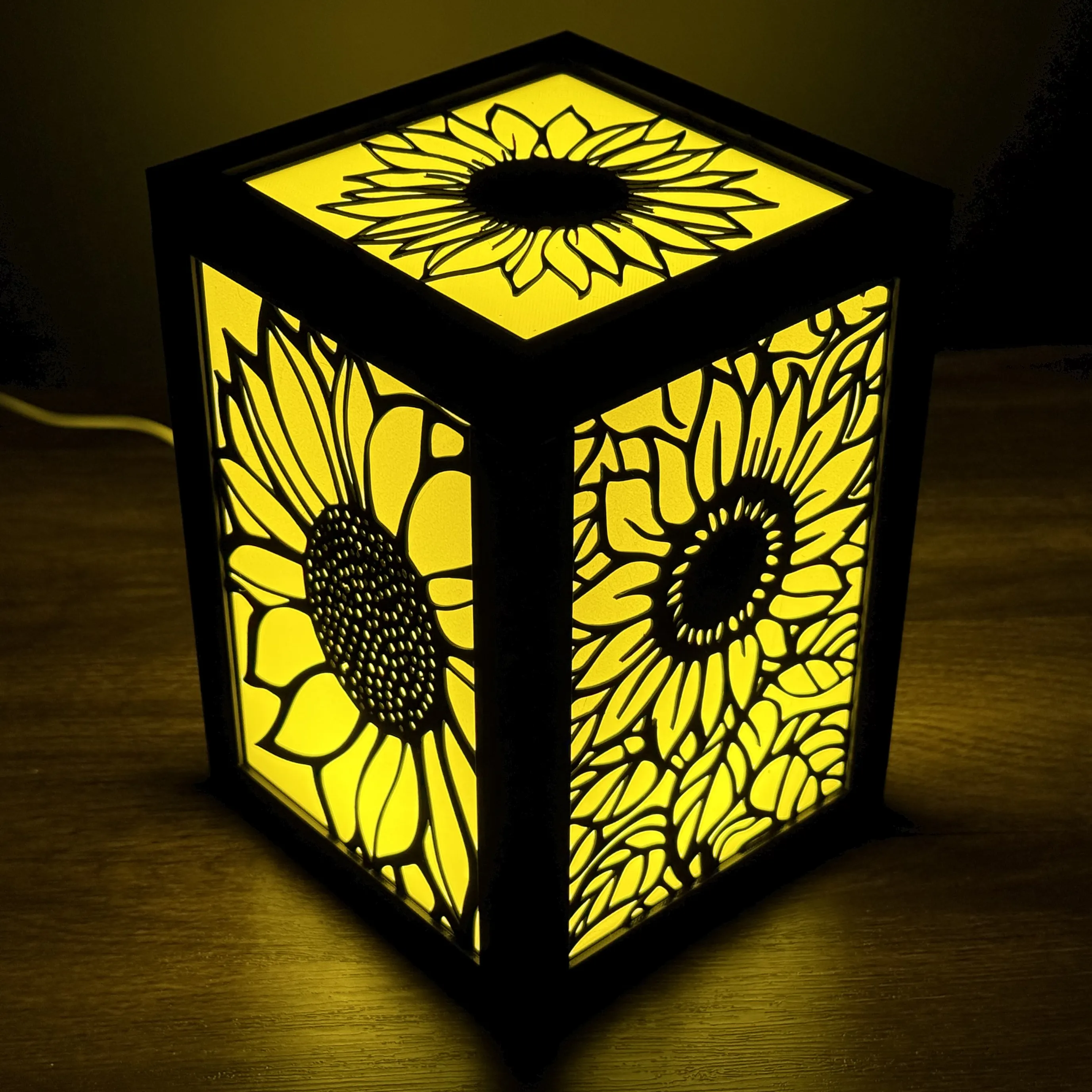
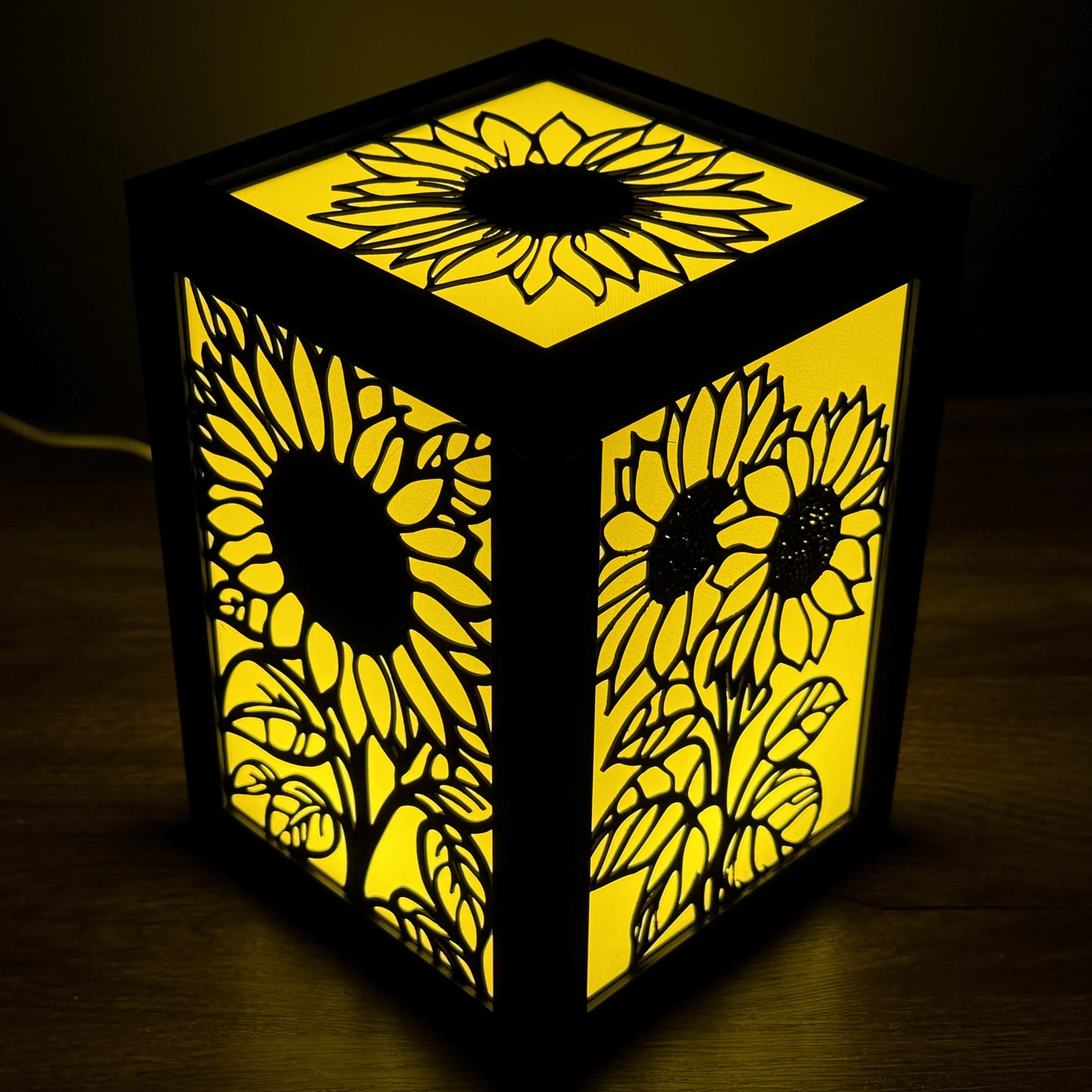
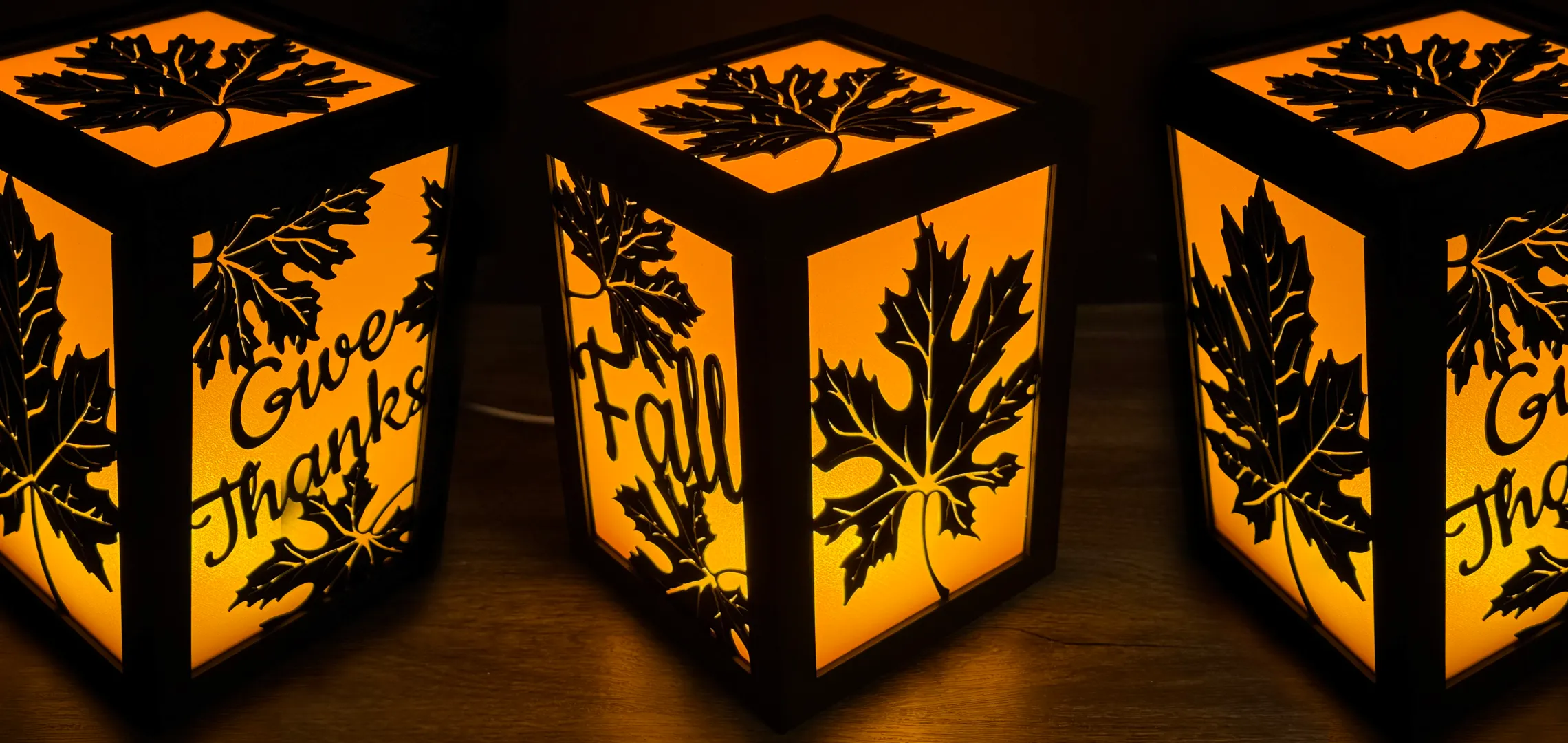
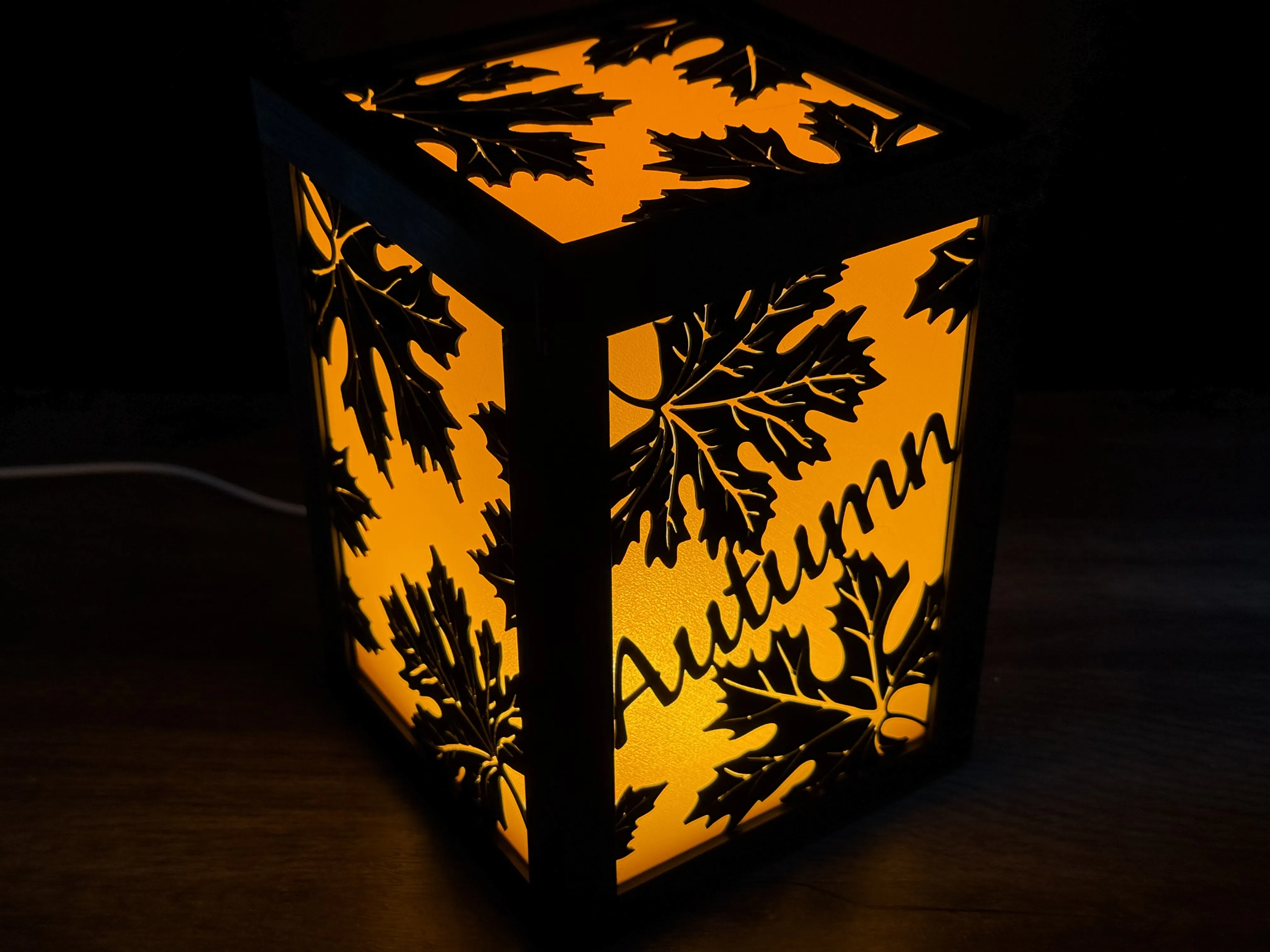
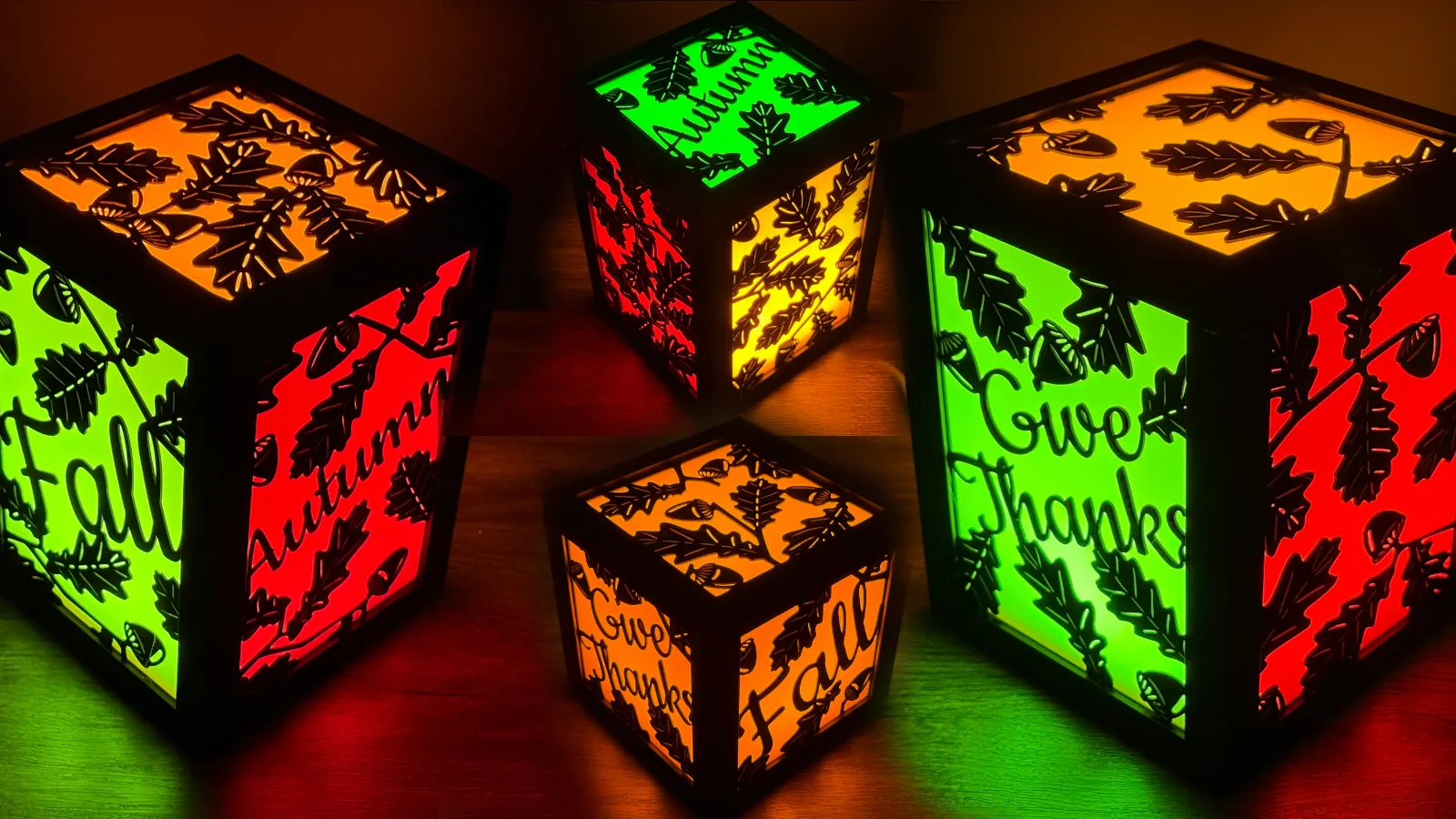
Fall / Autumn / Thanksgiving


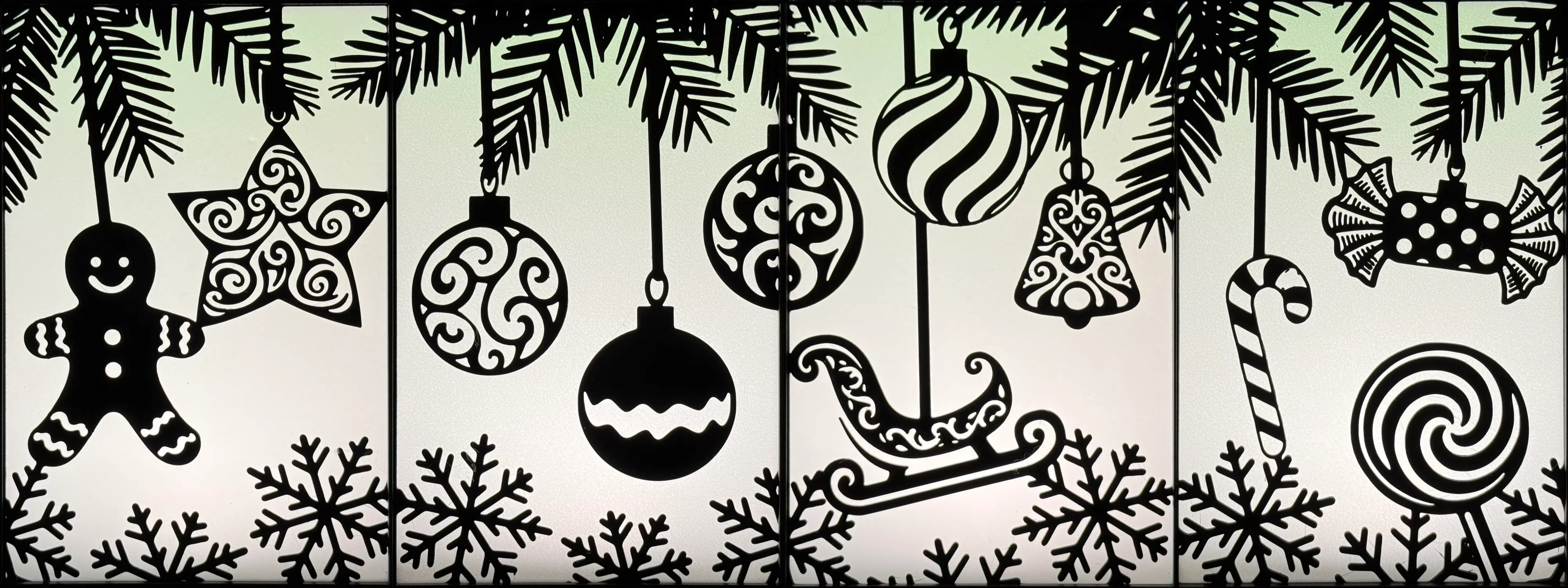
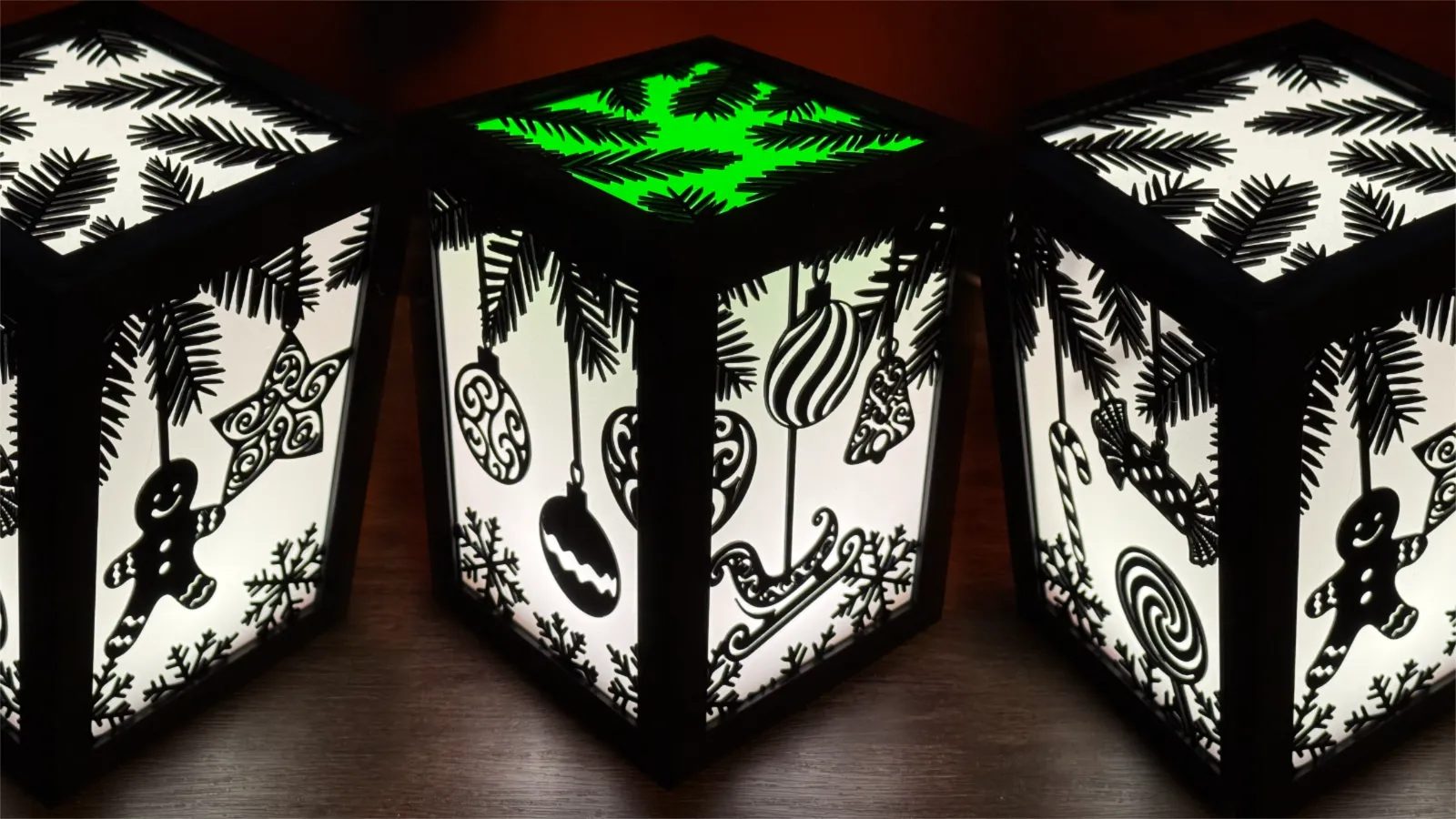
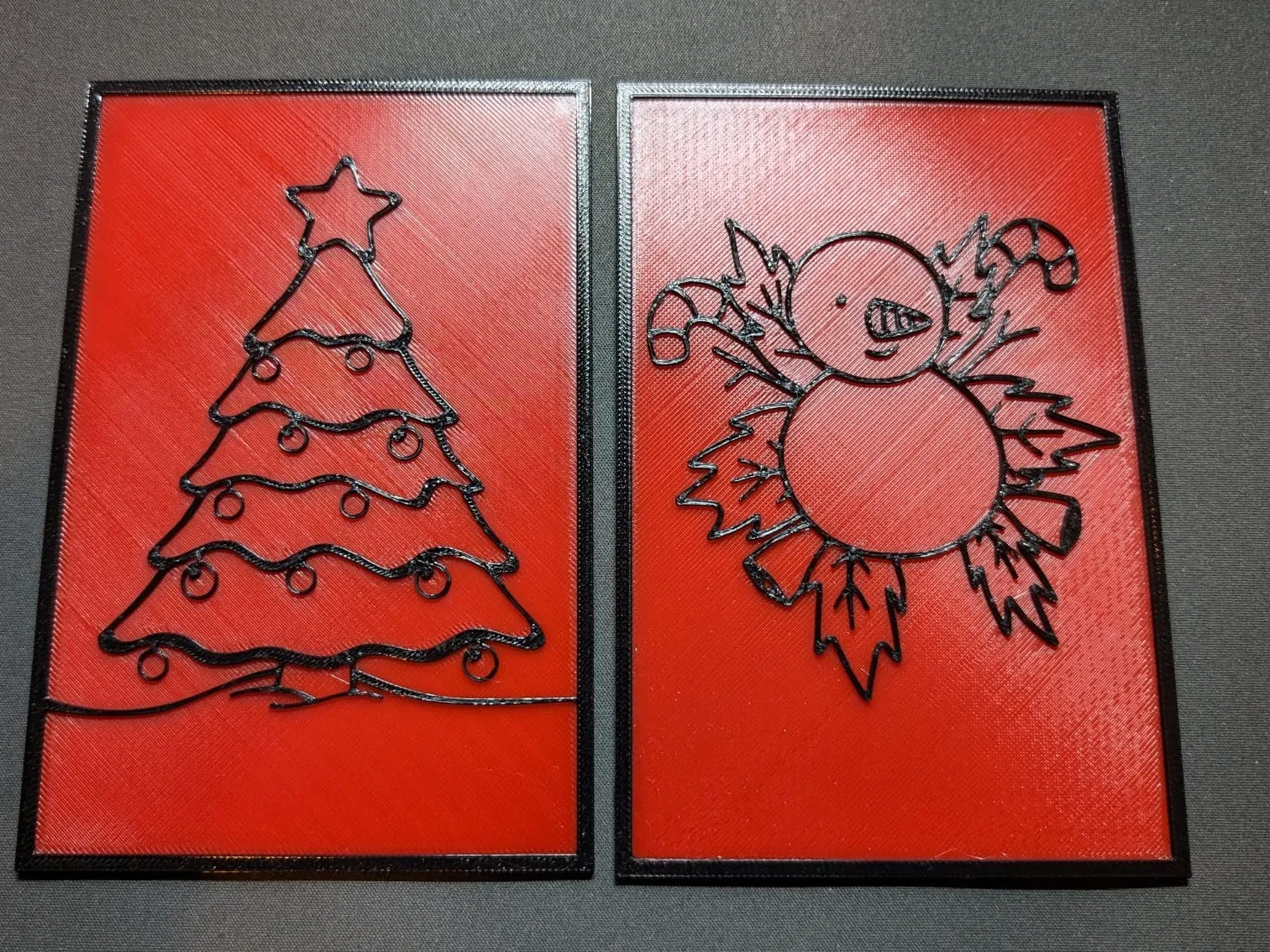
Christmas:


New Year / Celebrate:

Love:


Fleur De Lis:

St Patrick's Day:

Mother's Day:

Spring:

Community Designs
Let me know about your creations that you share and I will post on my Patreon and add to the list below of community designs:
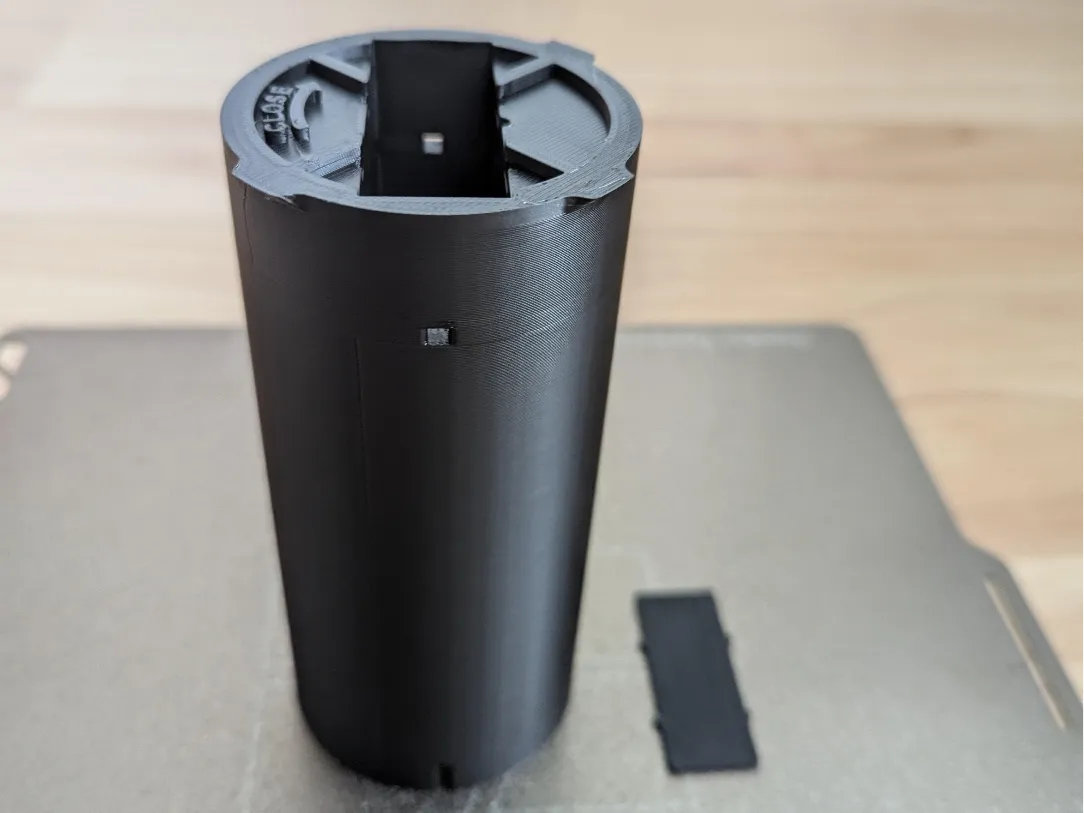
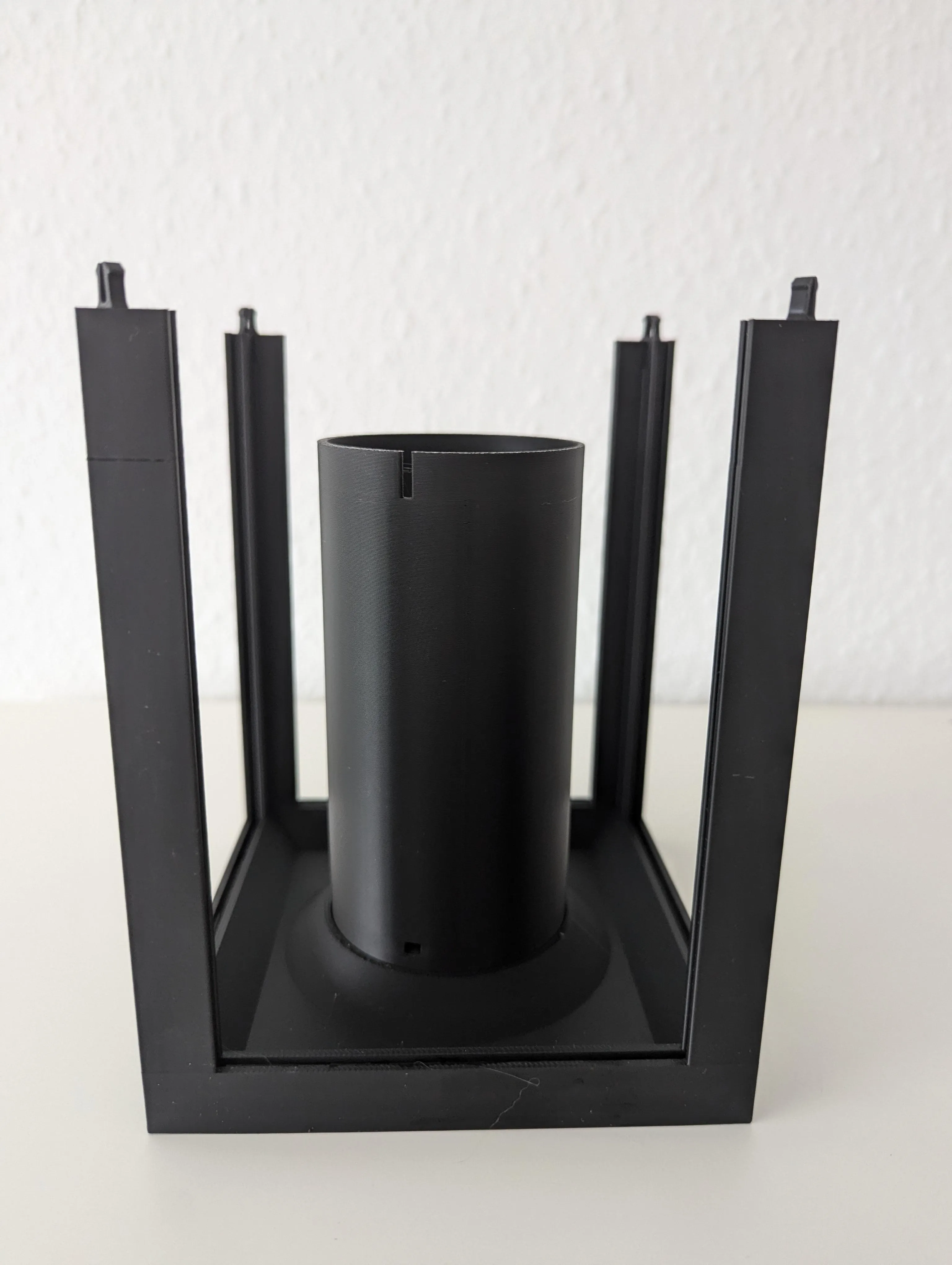
Custom insert for battery LED strings:
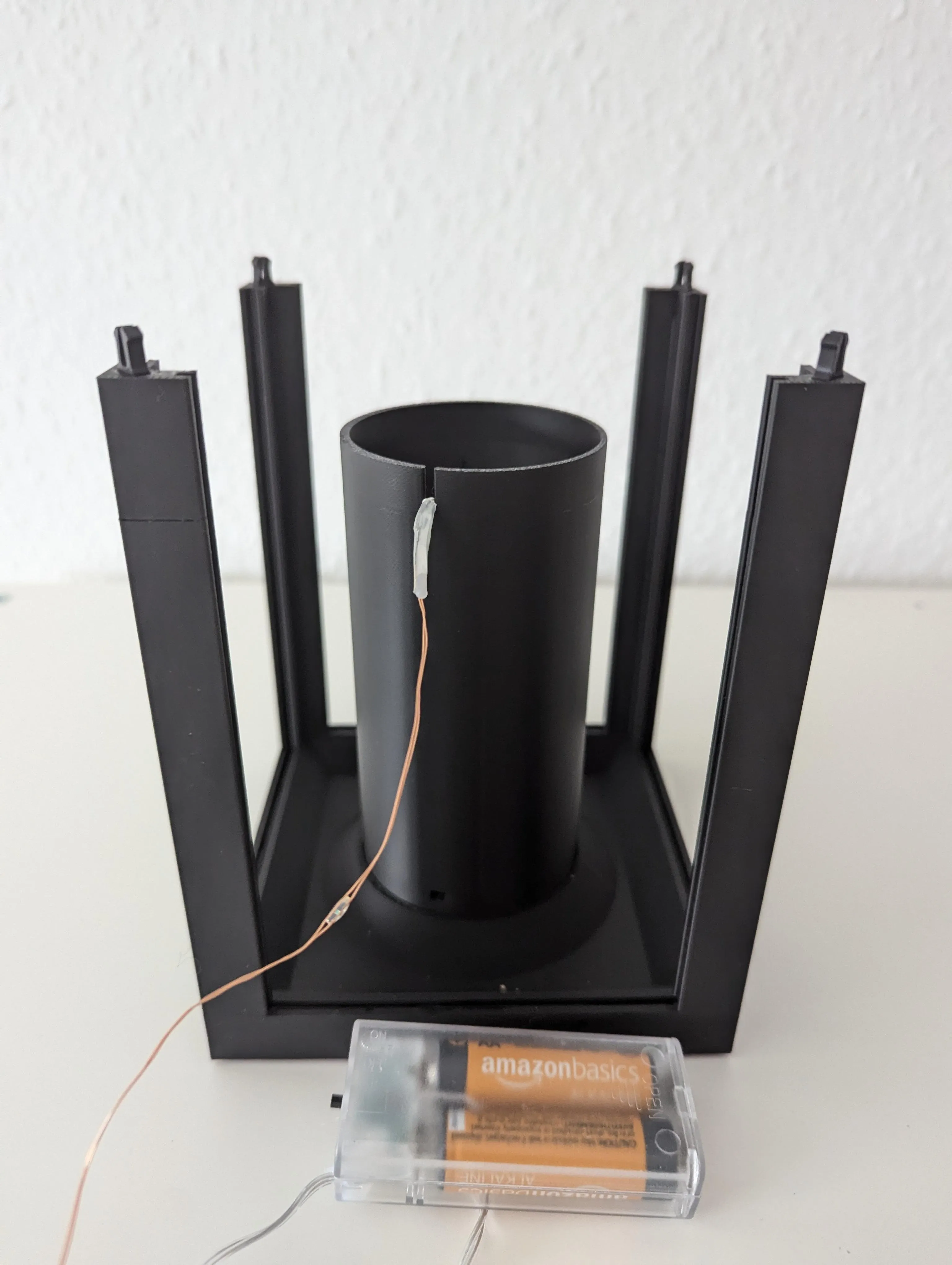
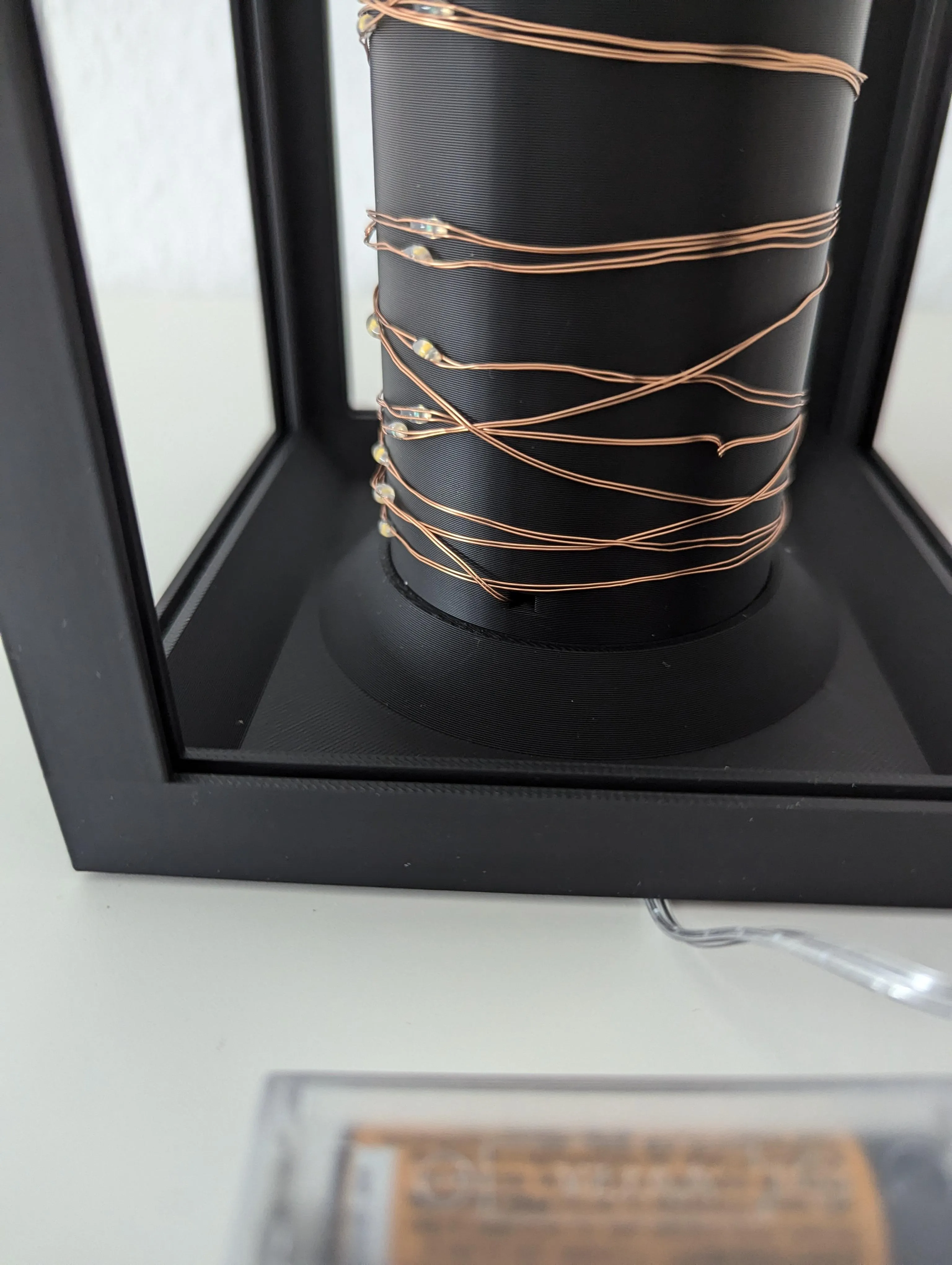
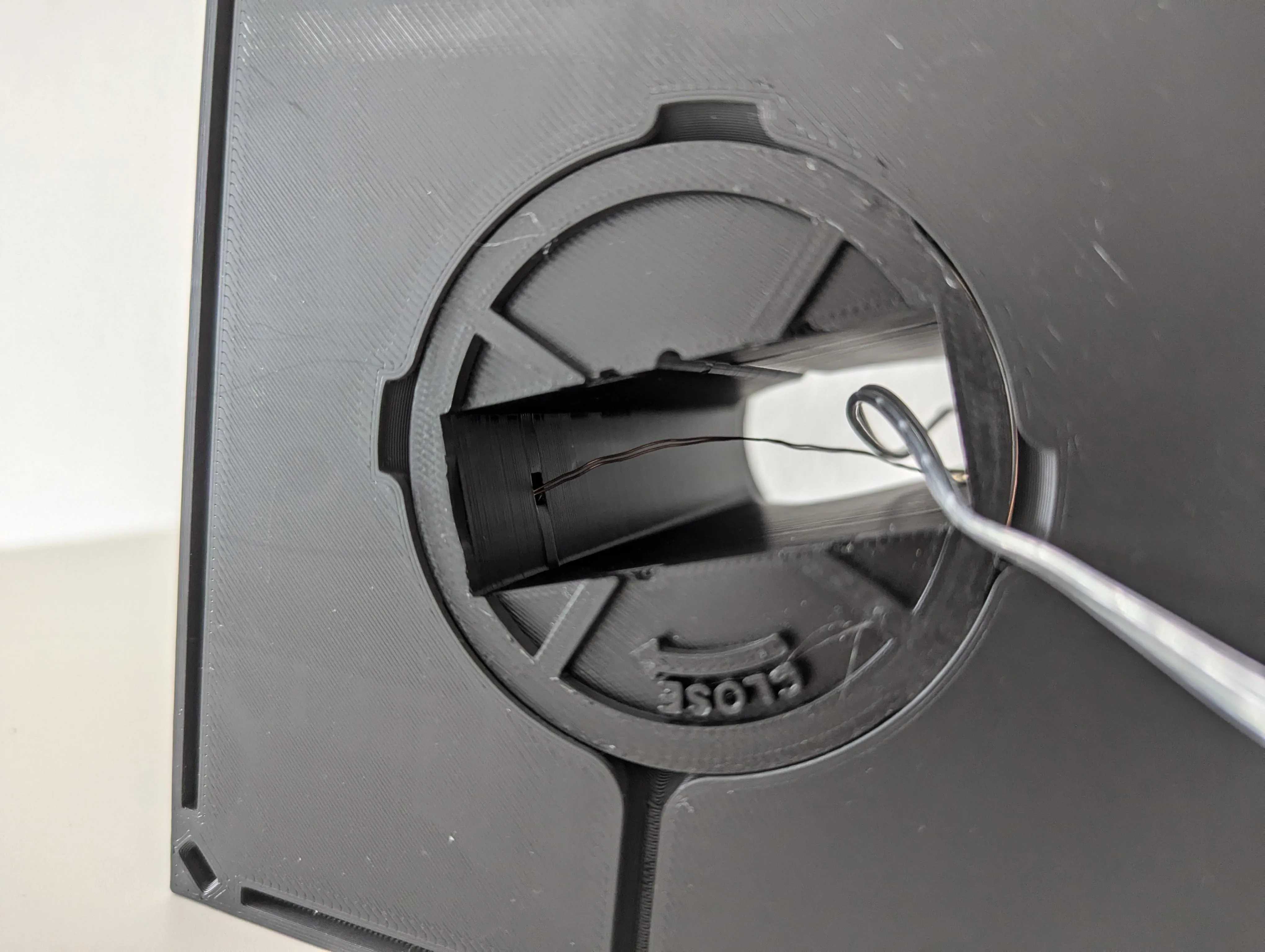
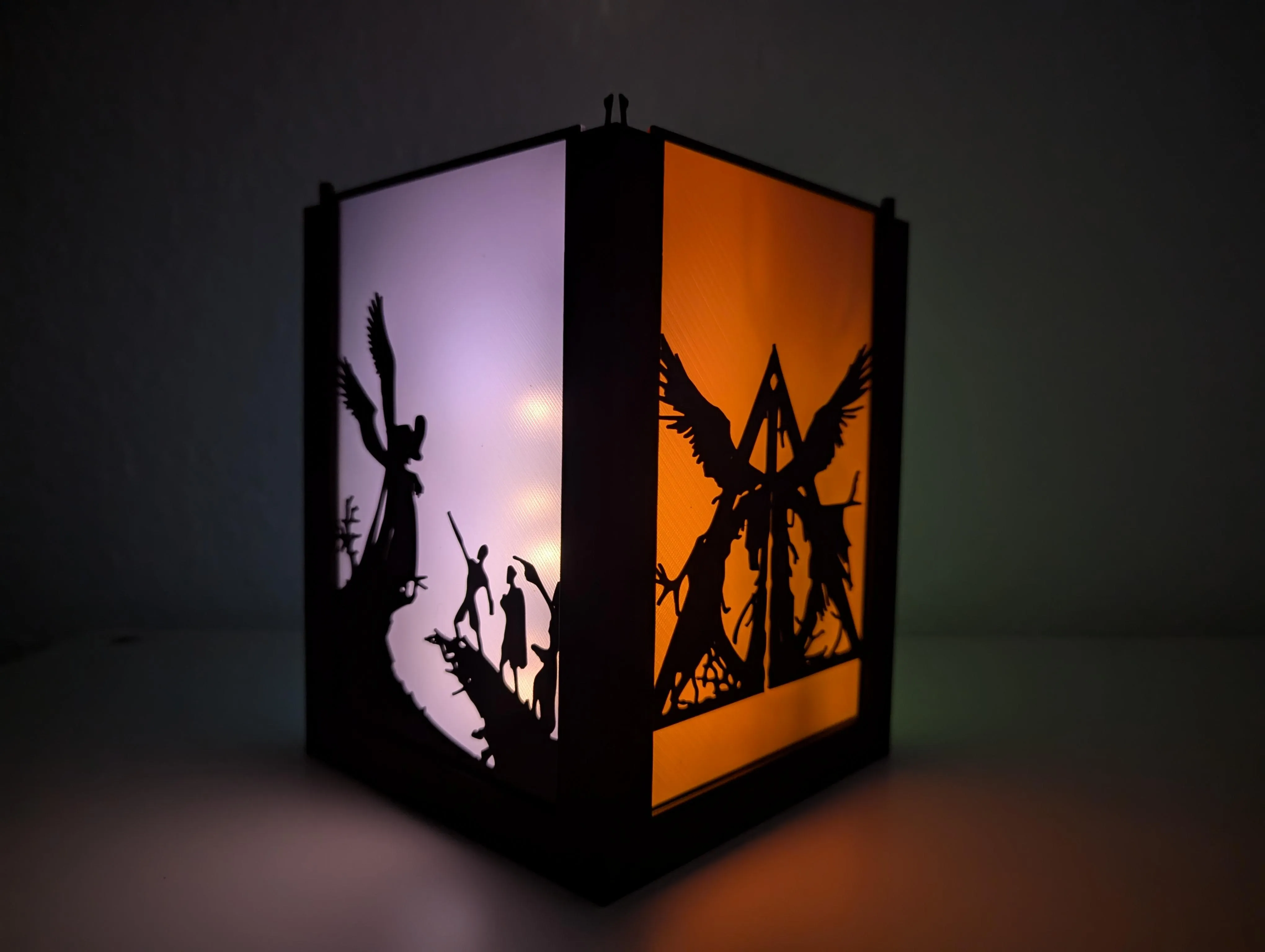
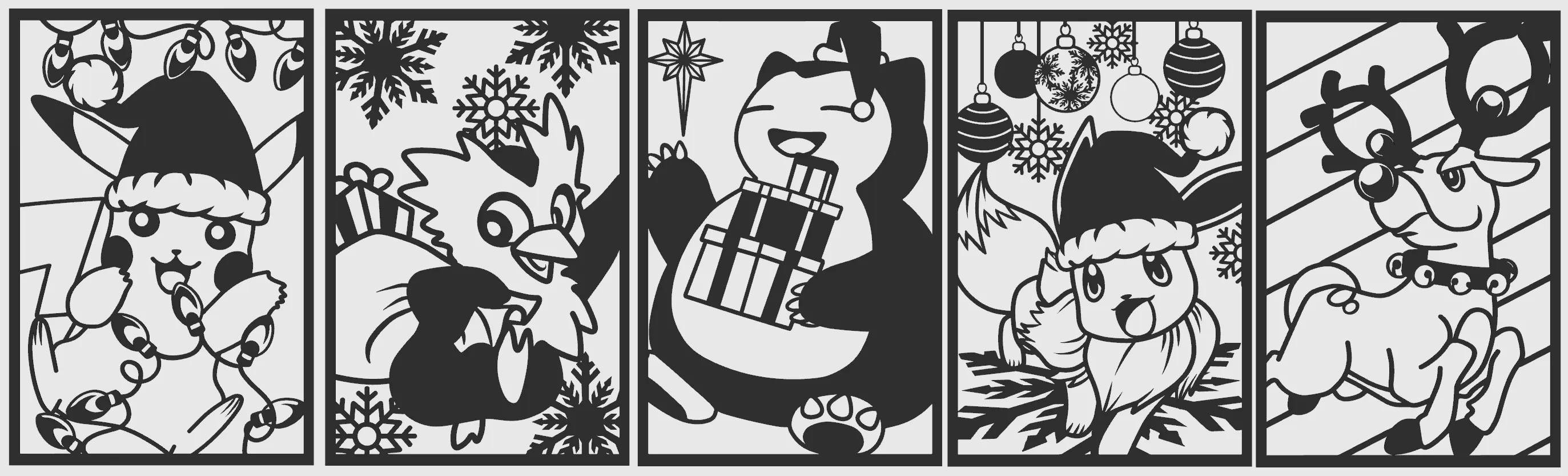
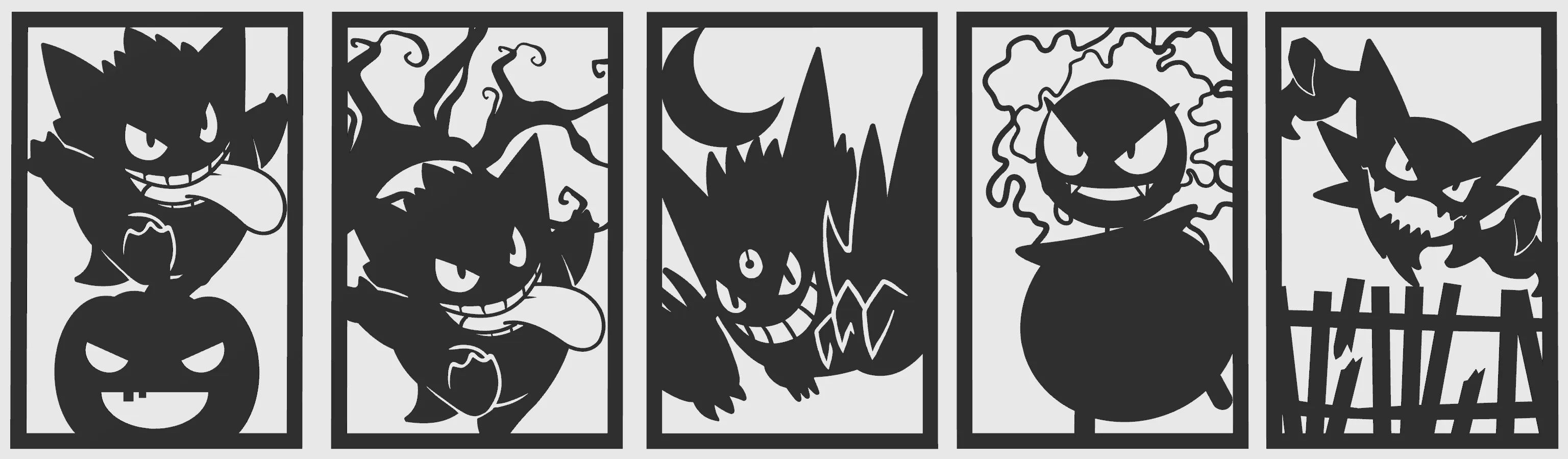
Xmas Pokemon Part1, Part2 by ShadowNinja:

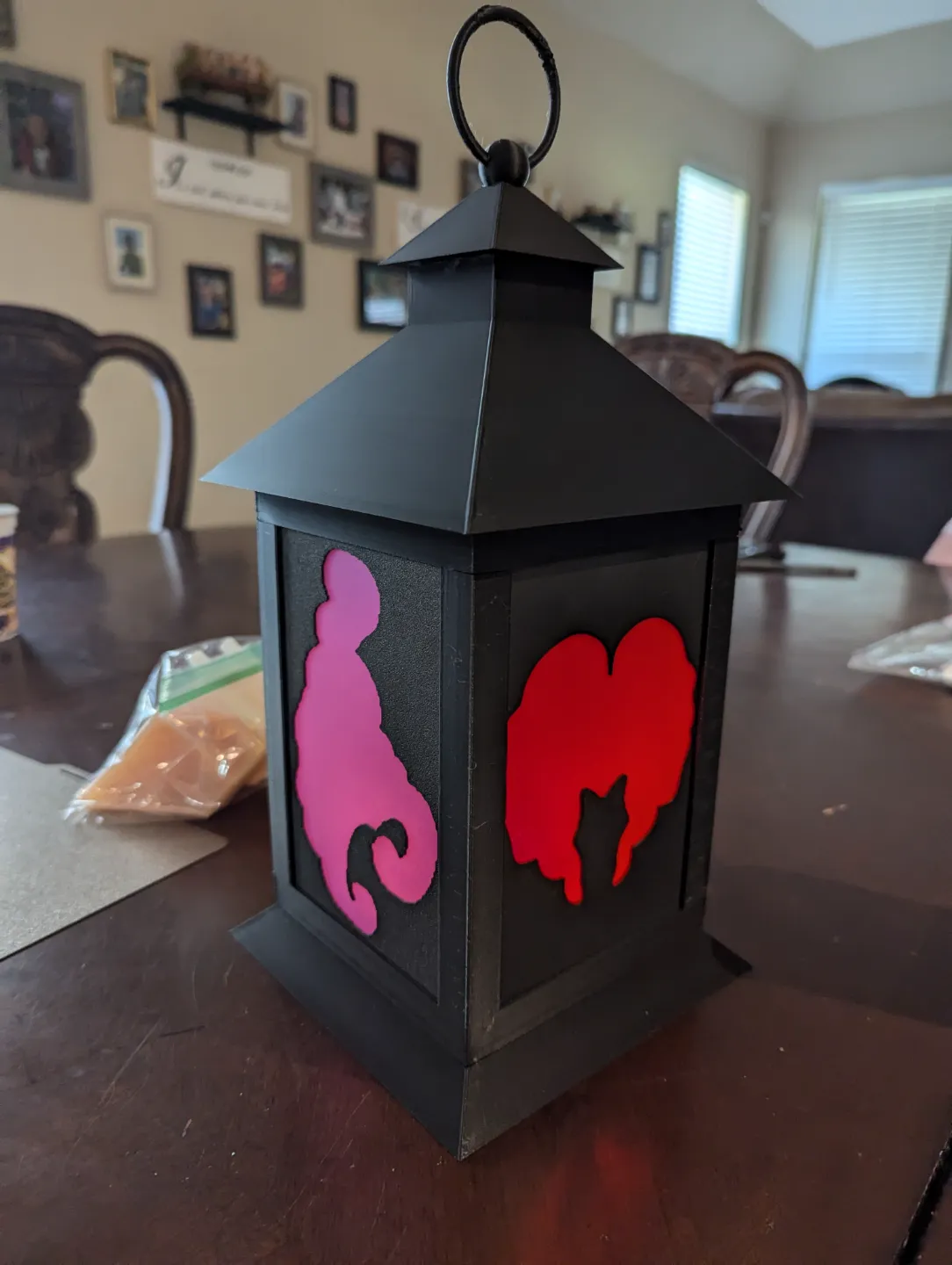
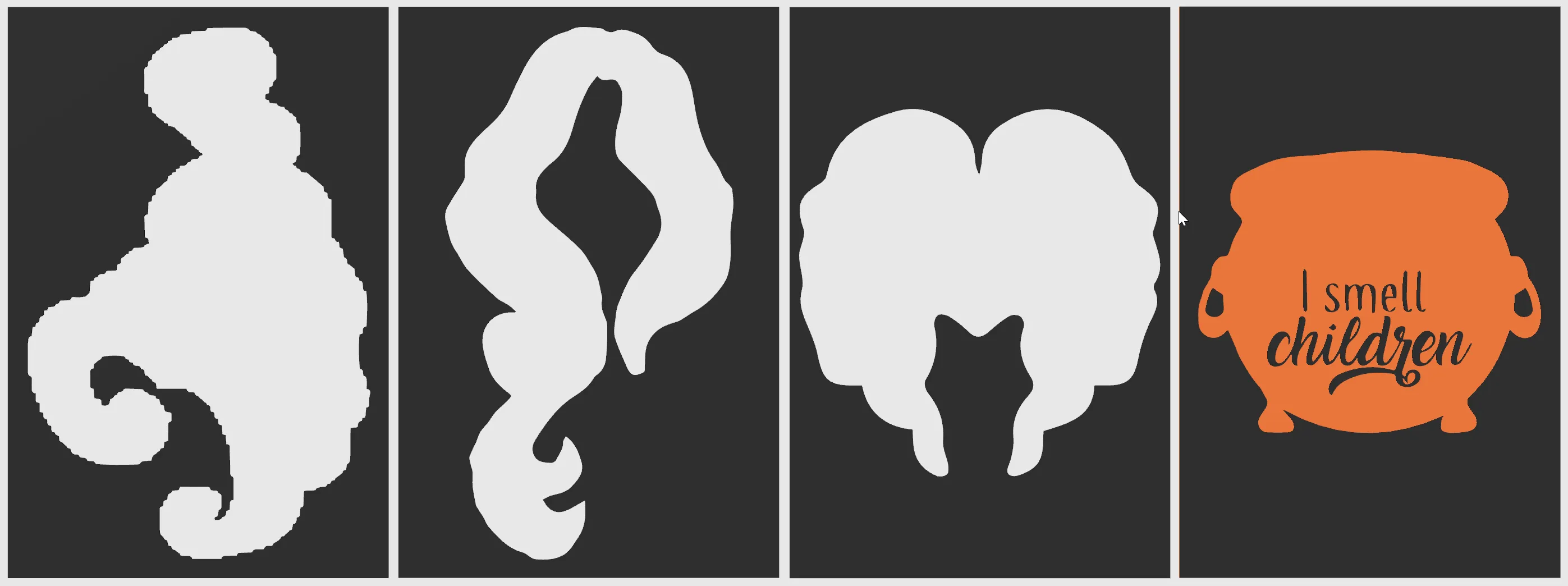
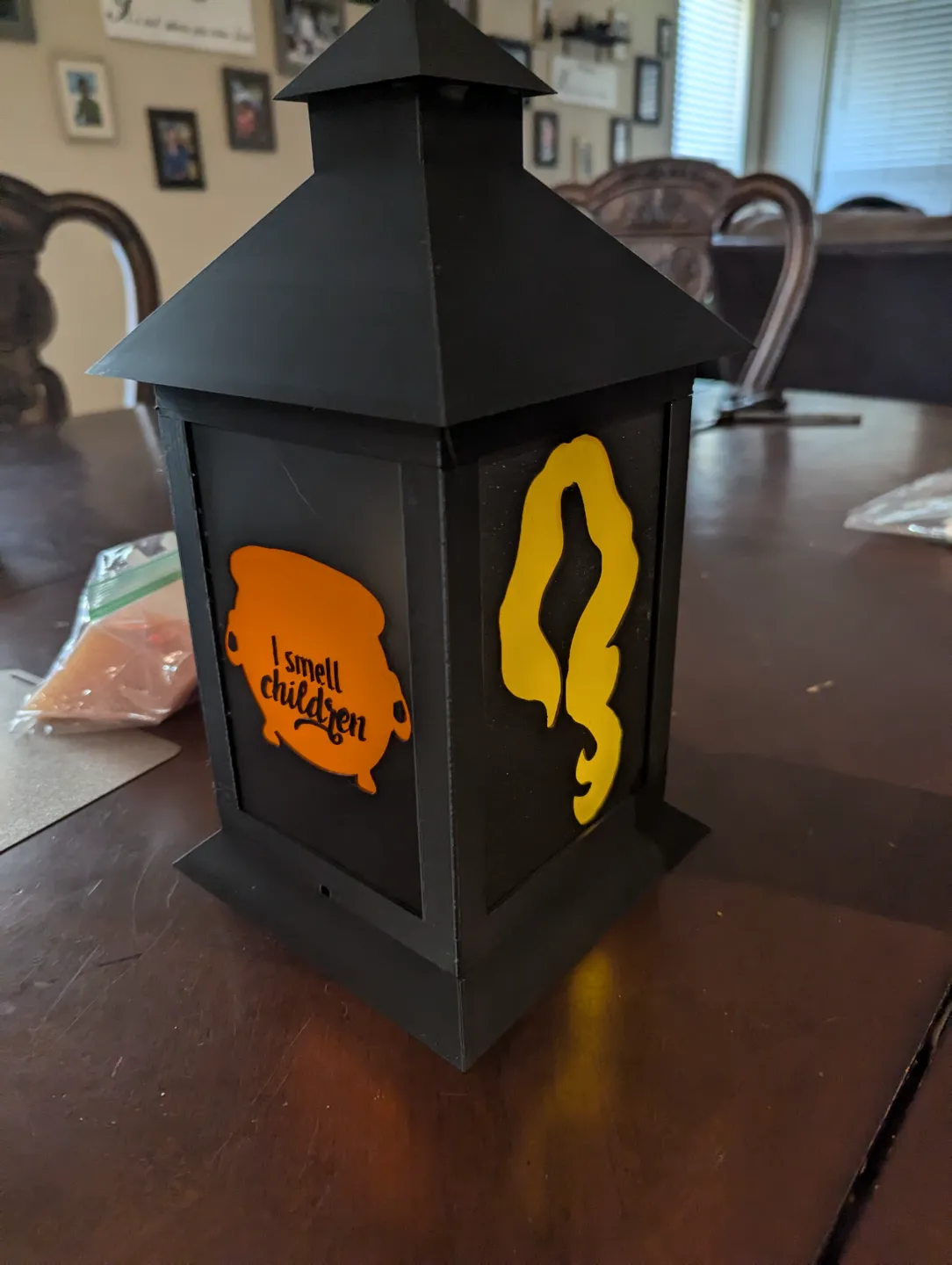
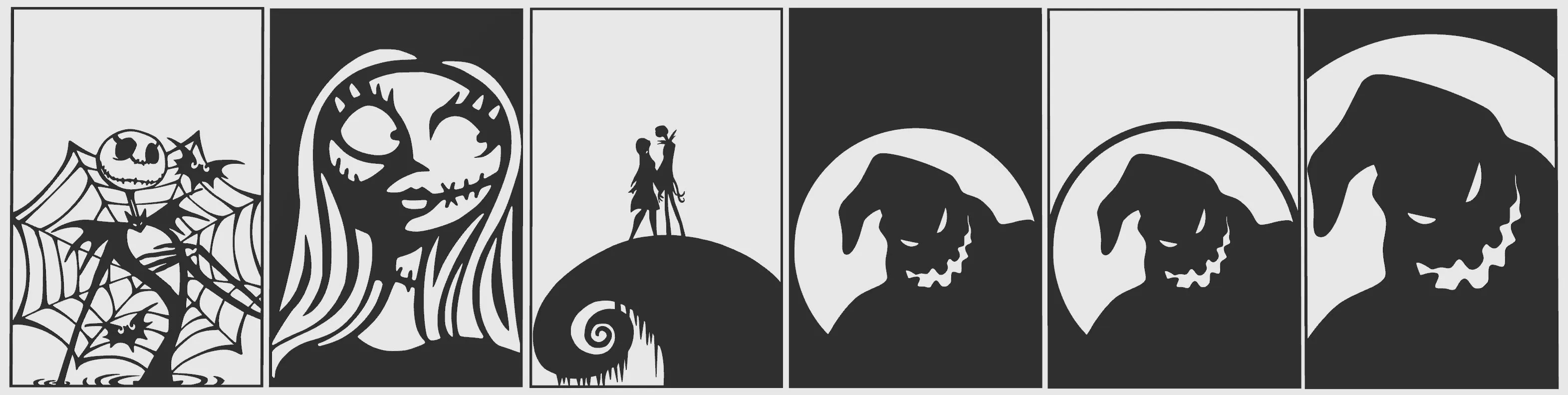
Sanderson Sisters Lantern Inserts:
License

You shall not share, sub-license, sell, rent, host, transfer, or distribute in any way the digital or 3D printed versions of this object, nor any other derivative work of this object in its digital or physical format (including - but not limited to - remixes of this object, and hosting on other digital platforms). The objects may not be used without permission in any way whatsoever in which you charge money, or collect fees.


Comment & Rating (2563)