
Halloween Capybara
Print Profile(4)


Description
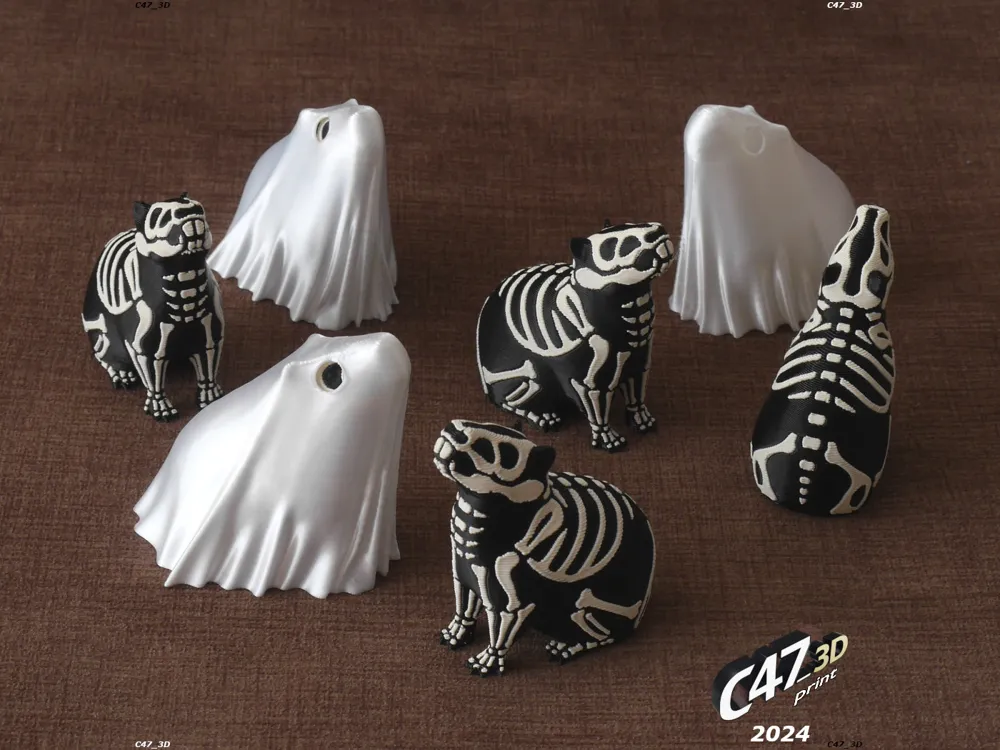
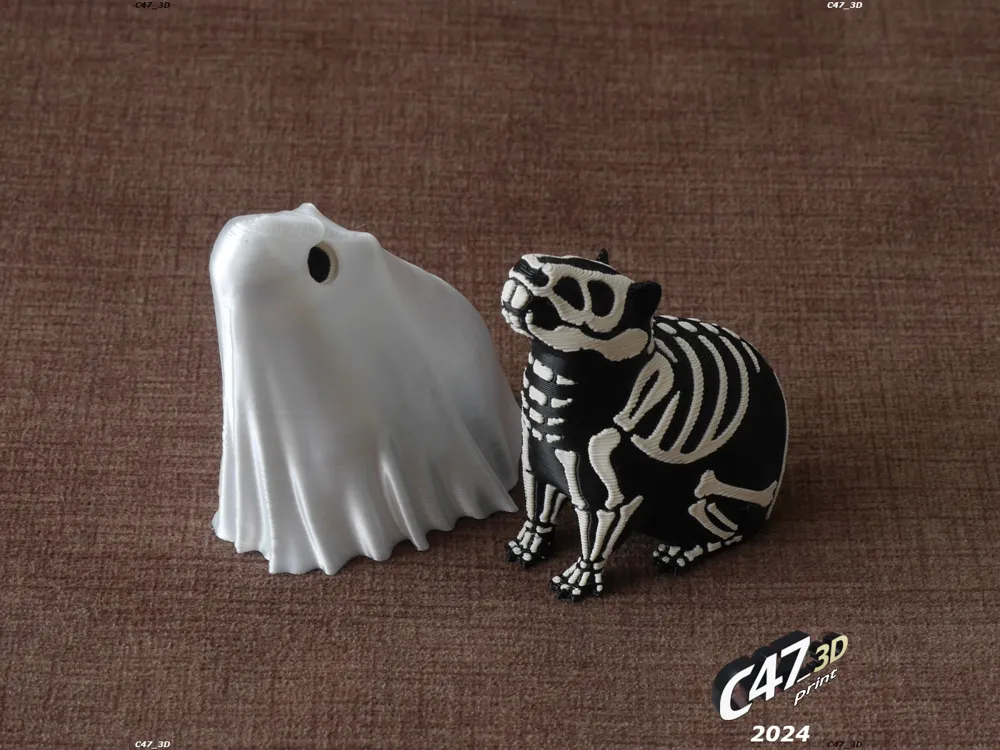
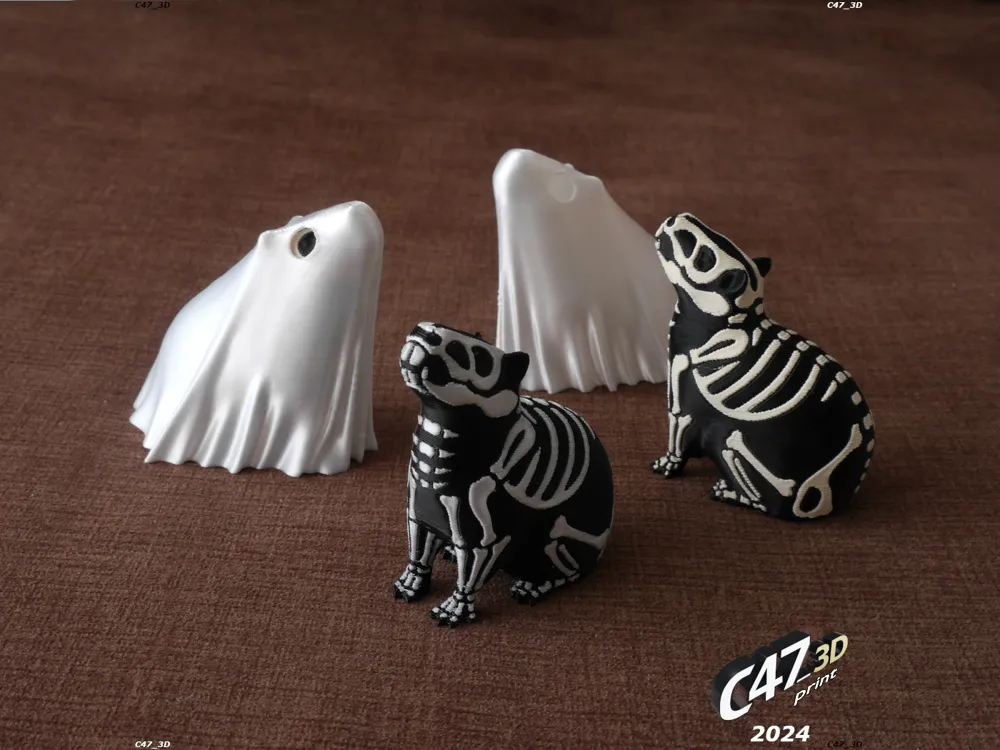
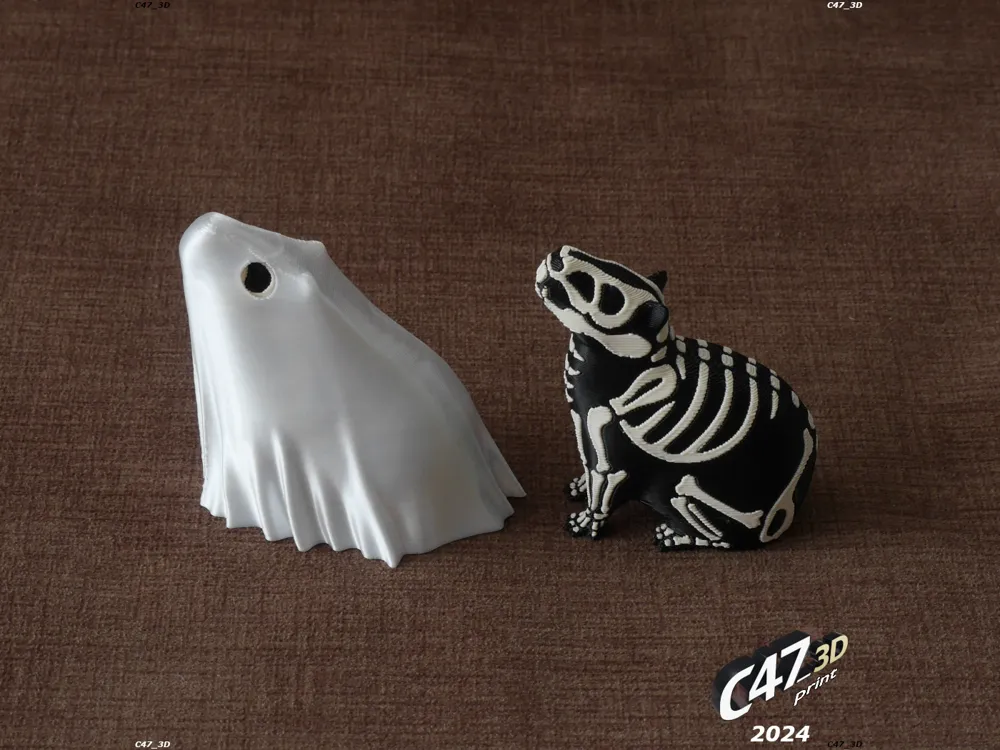
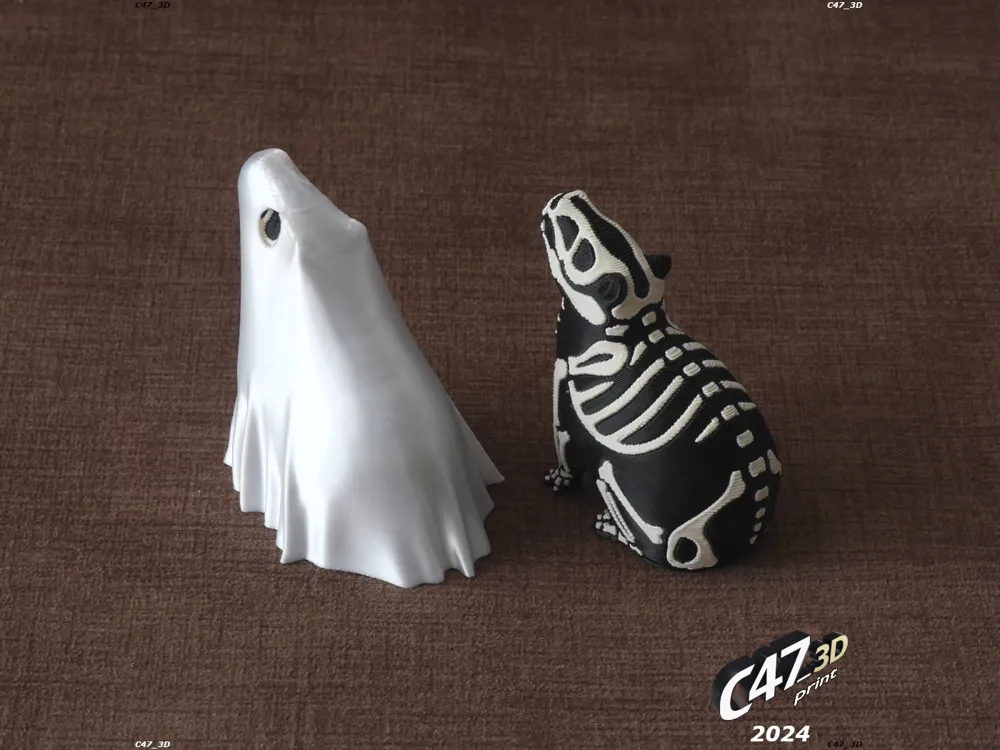
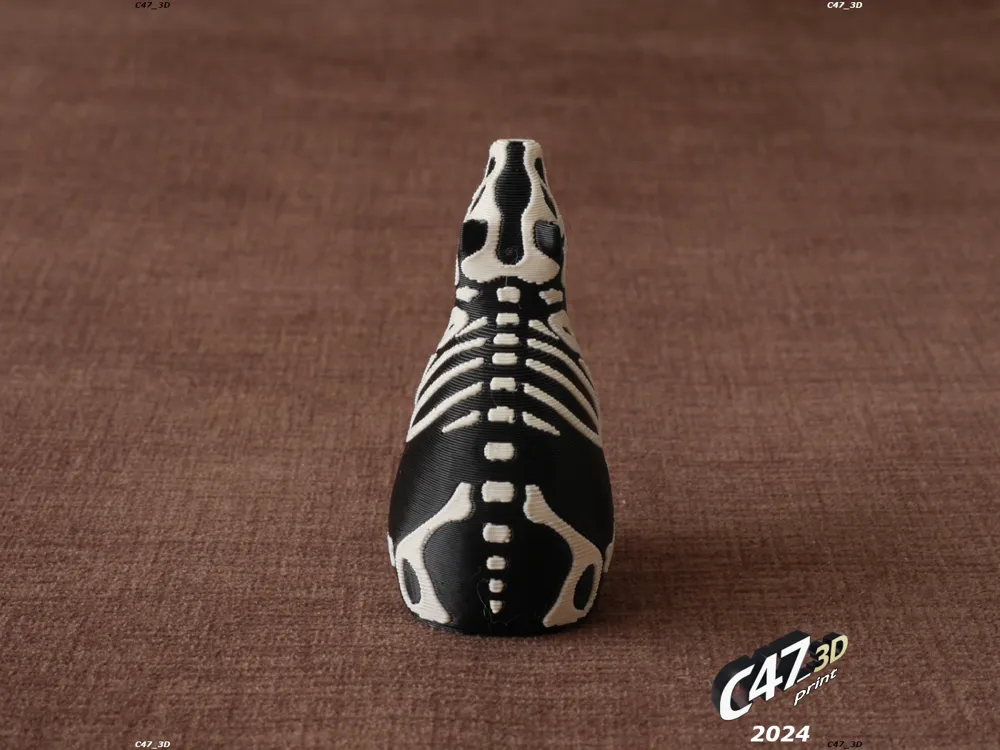
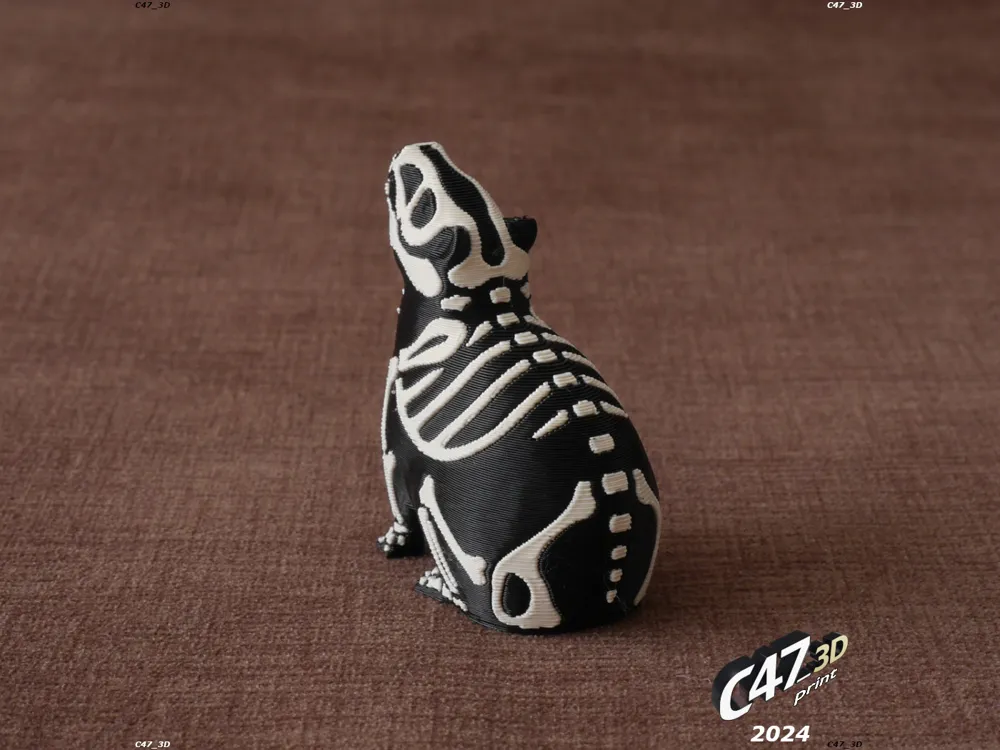
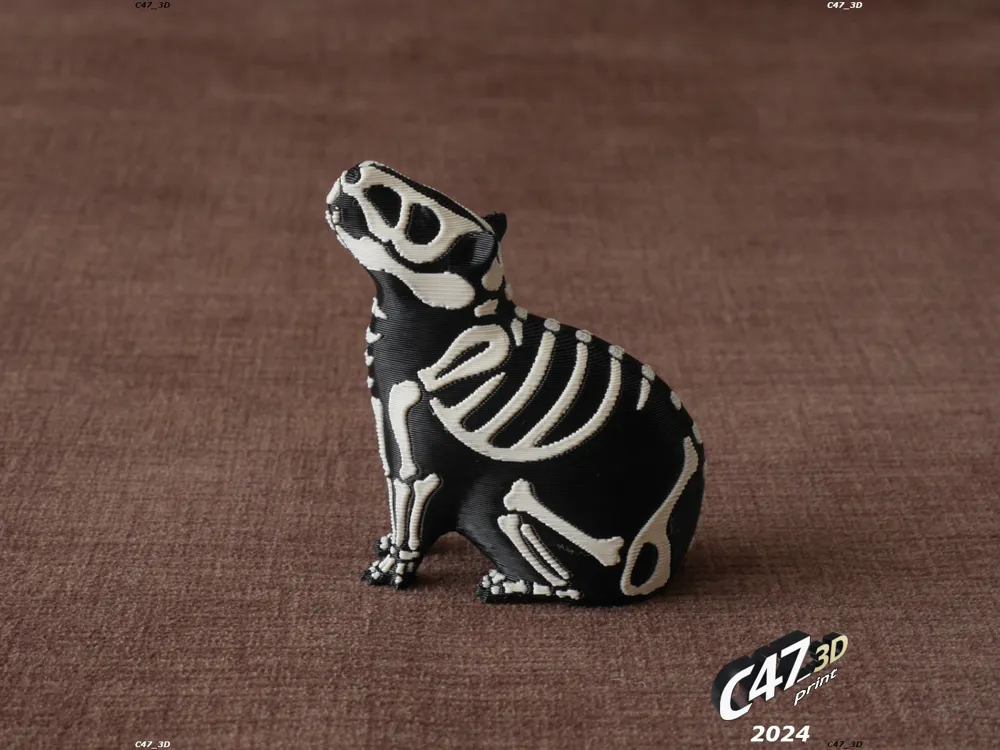
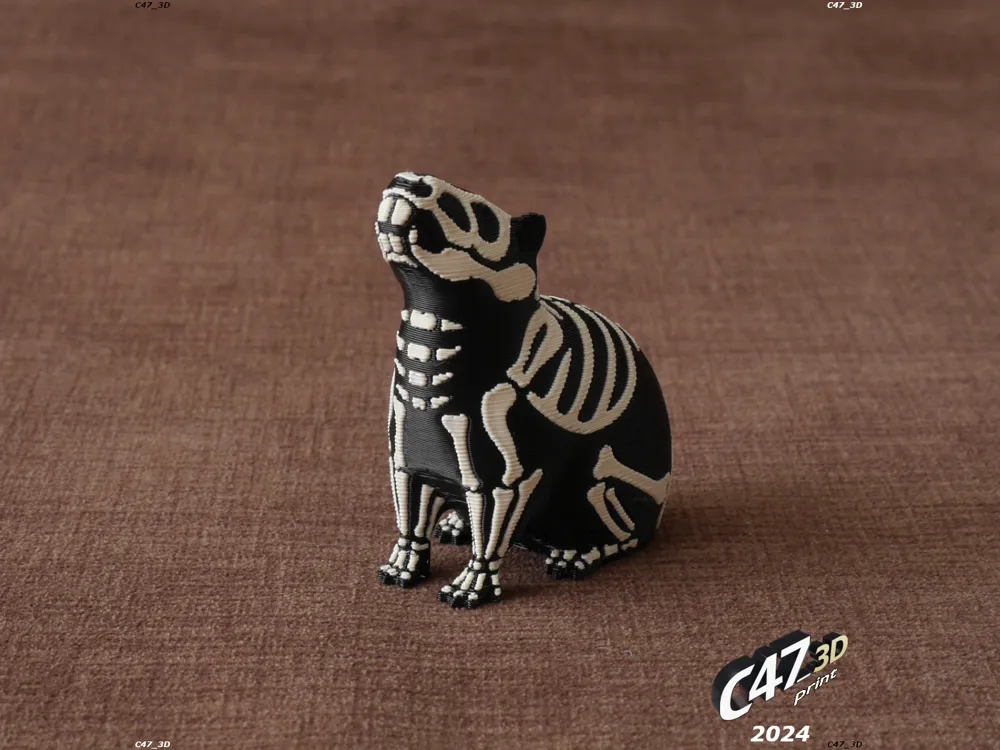
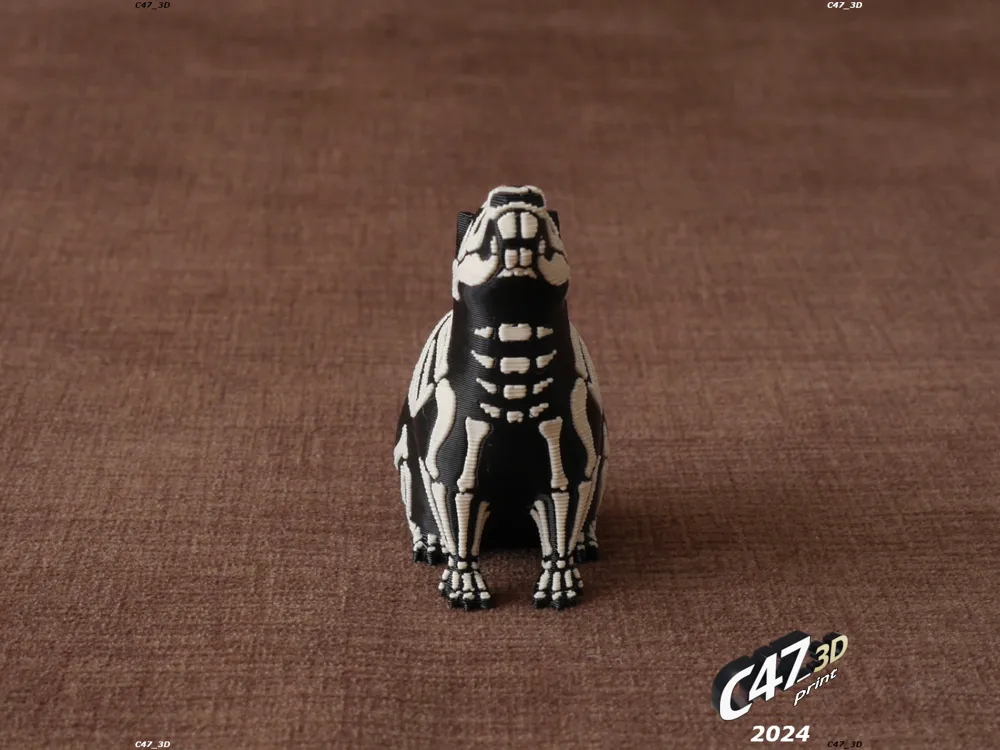
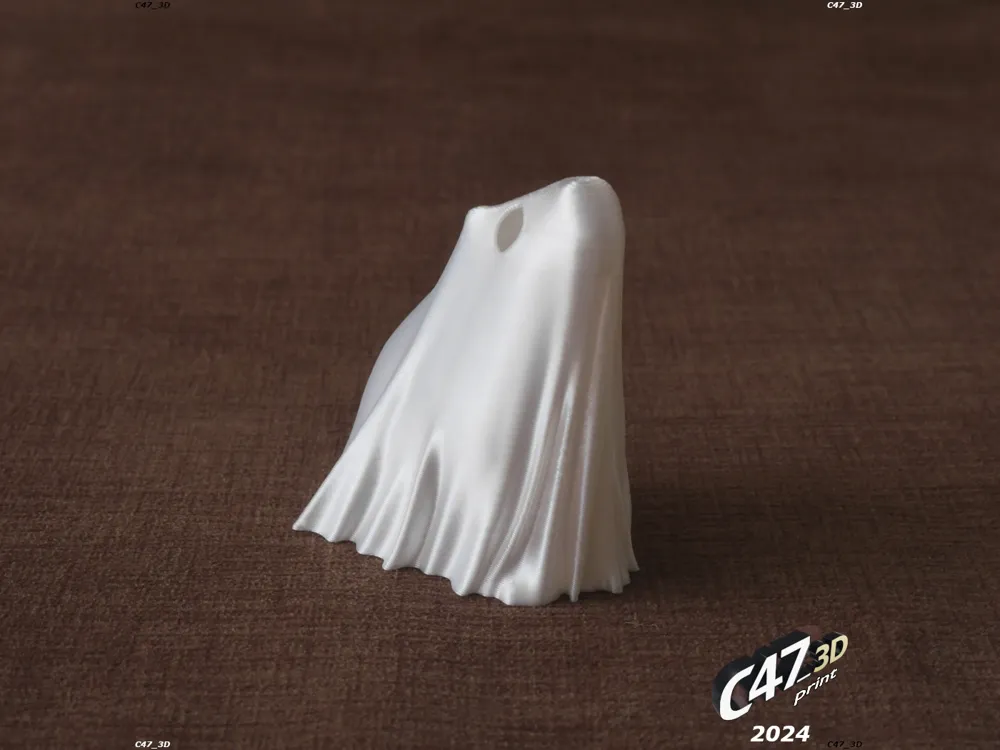
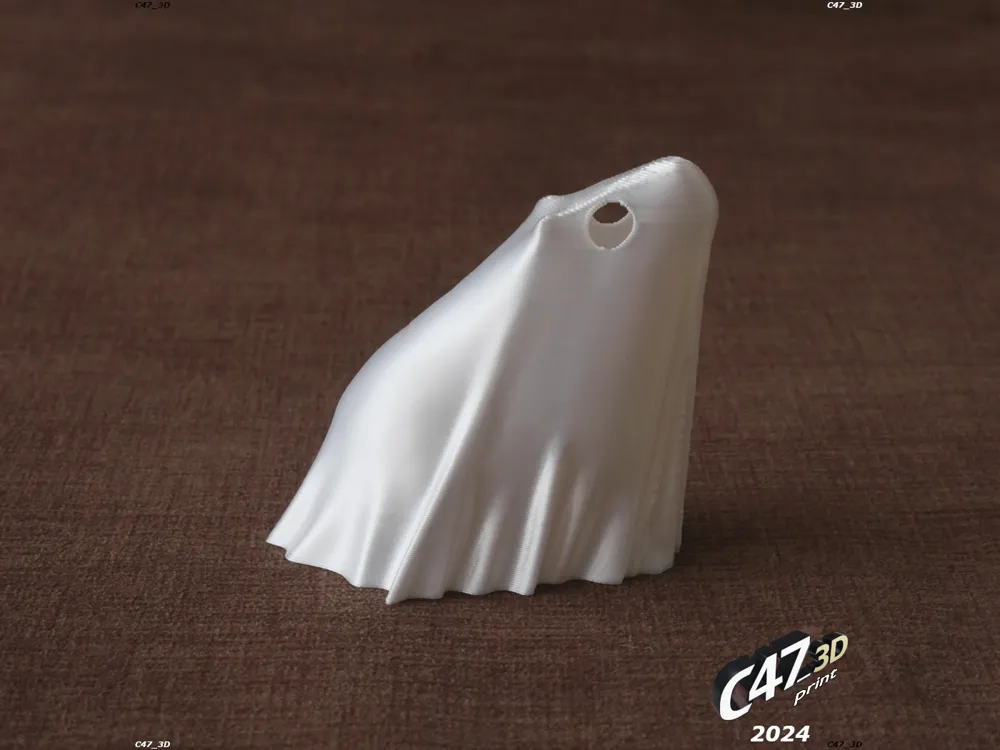
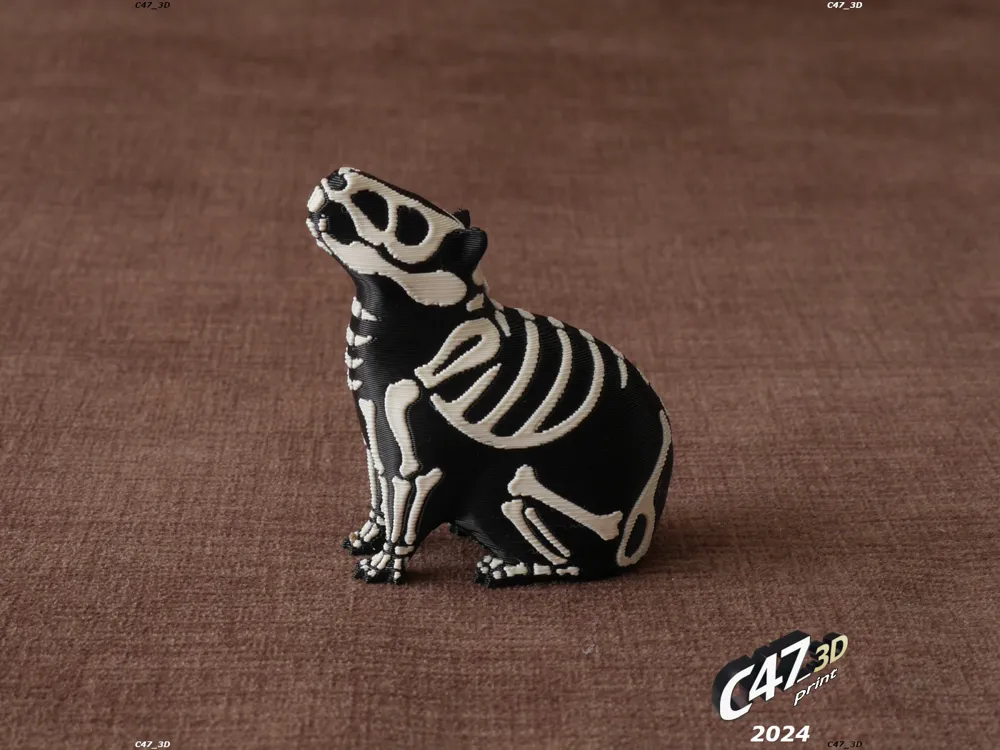
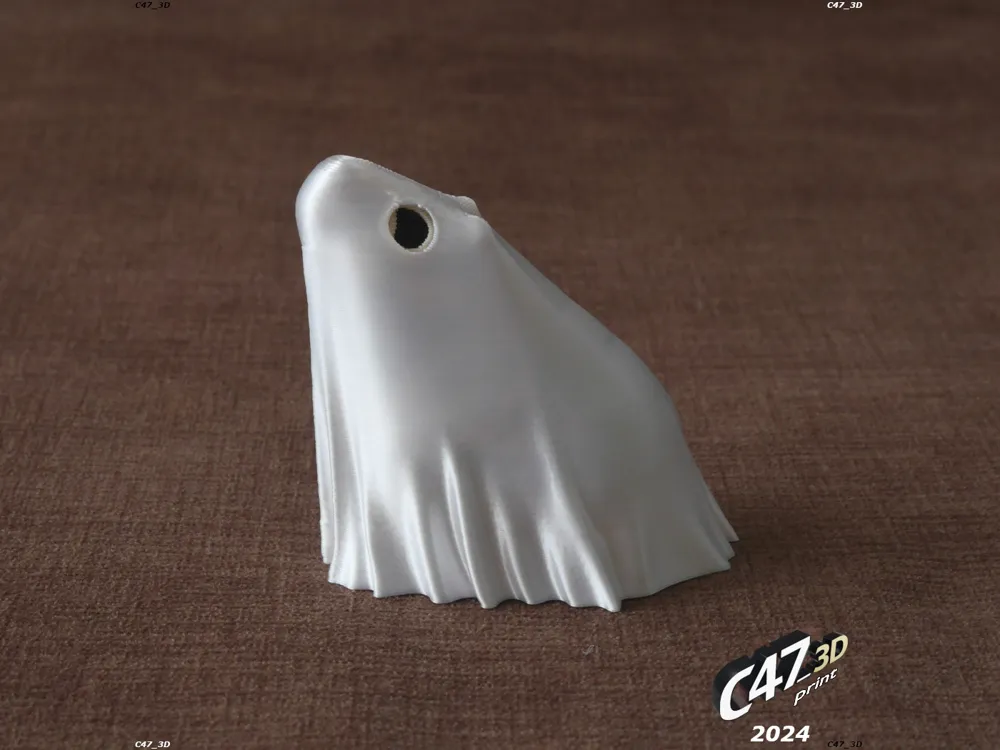
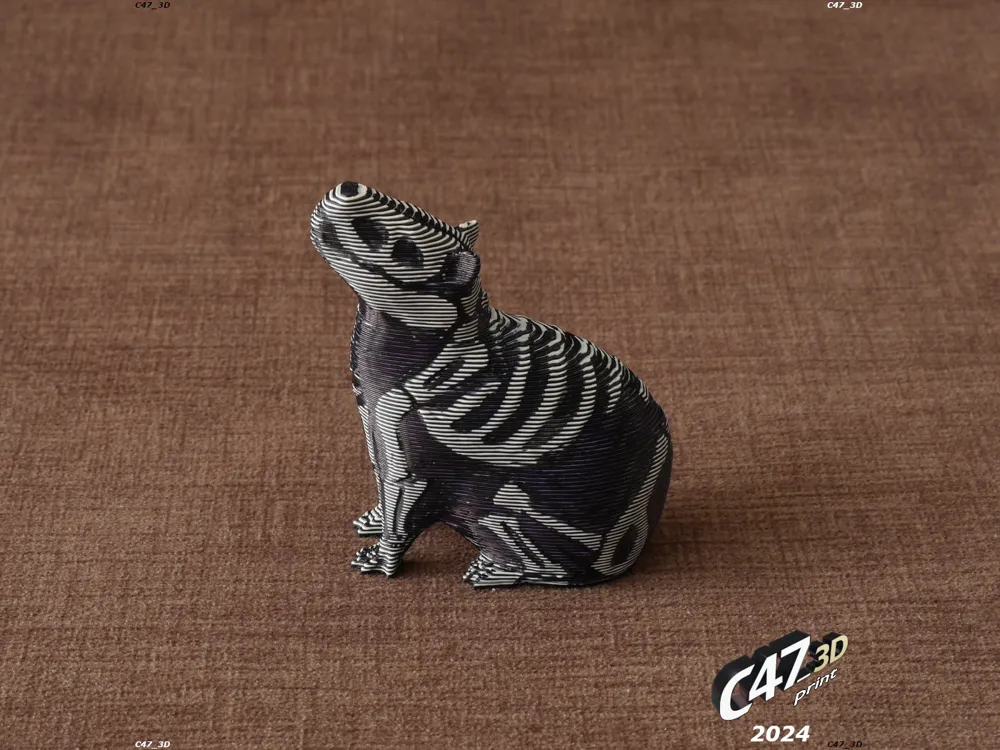
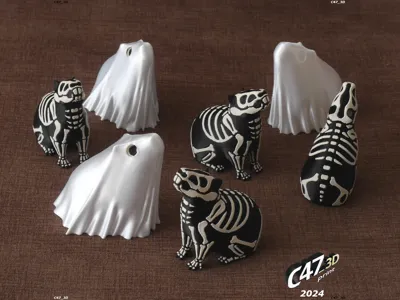
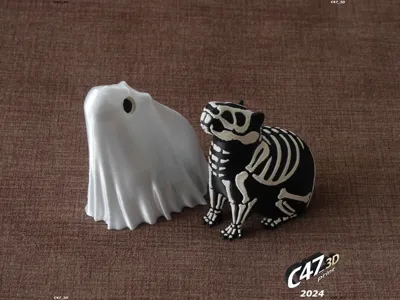
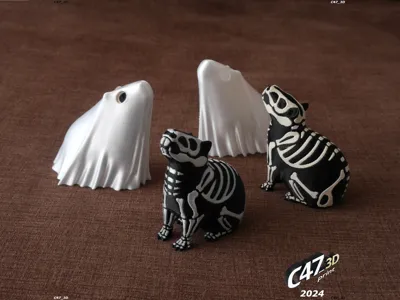
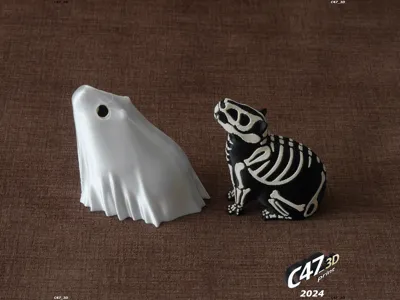
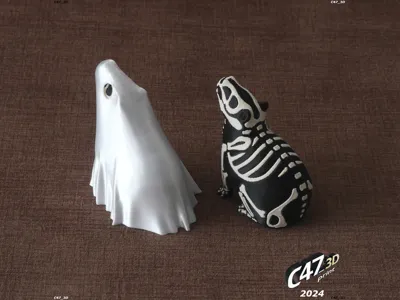
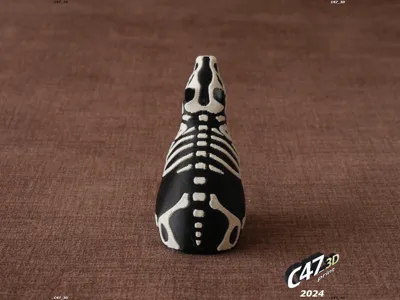
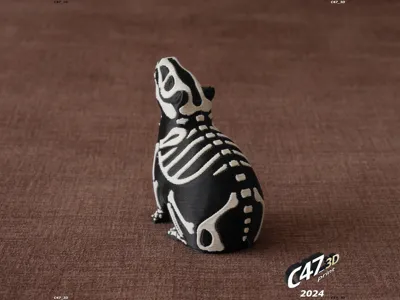
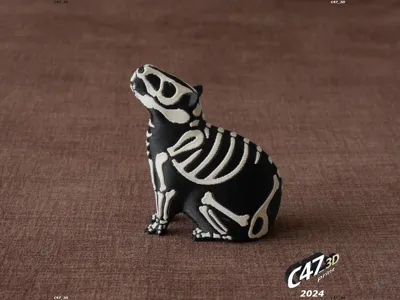
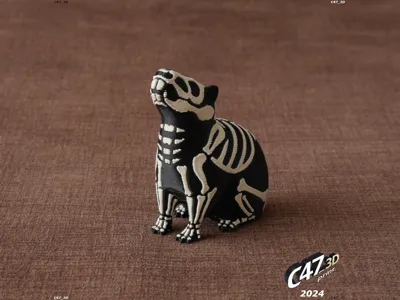
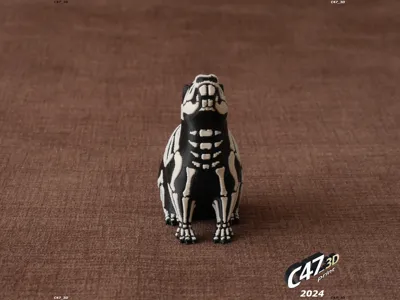
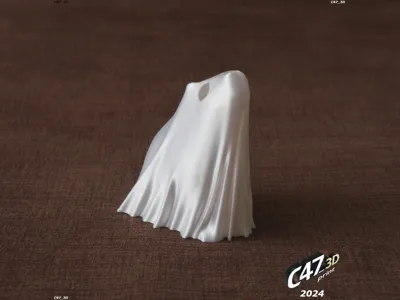
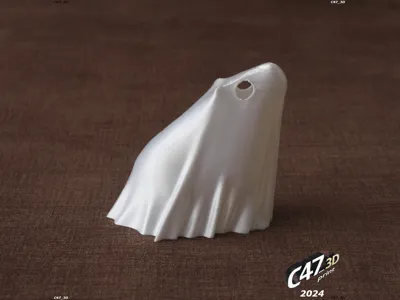
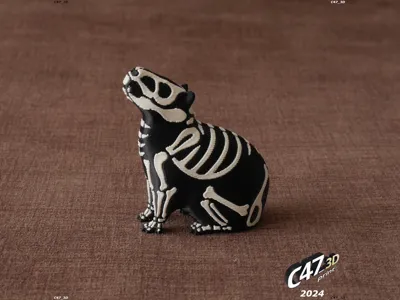
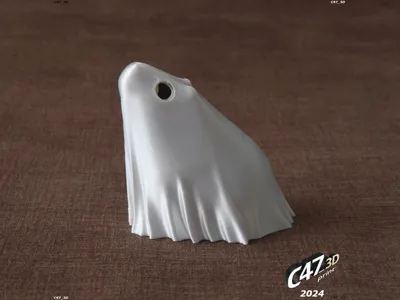
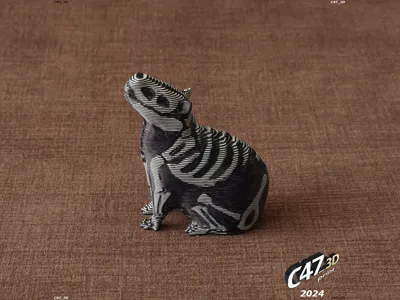
Halloween Capybara as a two-color skeleton model and a ghost
Skeleton version: 20 IX 2024
Ghost version: 01 X 2024
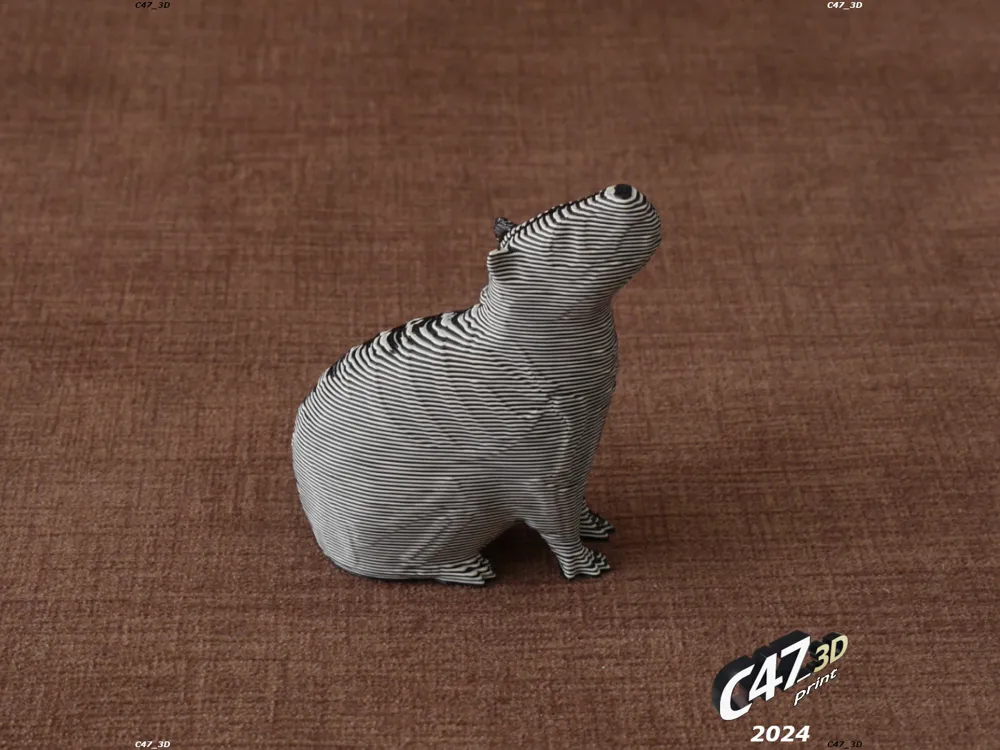
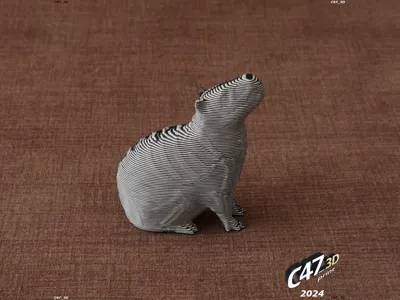
There is also a solid capybara version to print it in a single color (or to use it as ‘flush to object’ when printing two-color capybaras - as I did, see last two photos)
Print it in white and then paint - you can even use a black marker for this
---
If you want to sell prints of this models you can buy a commercial license here:
https://cults3d.com/en/3d-model/various/halloween-capybara-commercial-license
---
Bones model is with a 'frame', a flat surface that will not be printed - Ignore model 'errors' and DO NOT try to 'fix' the model
This way it is easy to line it up with a Body model
Merge both models before cloning and arranging on bed plate
There are two version of a Ghost
Original will snap-in to Capybara - I recommend to use this model - It was updated 16 IX 2024
The easiest way to take off a ghost is to hold it in front and the back and squeeze a little when lifting
Ghost-loose, on the other hand, will not hold the Capybara but cover it more loosely
You can still lift both by holding a ghost on sides slightly more firmly
---
Short video showing Capybaras and how to easly use a ghost
https://www.instagram.com/reel/DABVU64teeE/
---
Update 19 IX 2025
Added a solid capybara model without any bones
---
I printed it with this settings to reduce purge - I saved around 35g of filament on my A1. Printing Silk Filaments with this profile may be problematic or even impossible without imperfections
https://makerworld.com/en/models/91241
There is a 3mf file with 10 two-color skeletons and 1 solid with ‘less poop’ profile - It will not work with Handy App (it's loading default printer gcodes), you need to slice it on a computer
And there is a one file with 'original settings'
I set the number of capybaras to print it in a day only (13h on A1) - add more skeletons to reduce wasted filament
---
Printed with:
0.28mm layer height to reduce number of filament changes - still looks good
3 walls
No infill
For Solid Capybara use much lower layer height for better quality and easier painting
A Ghost may be printed this way too
No supports needed
Recommended filament colors:
Print Bones with white or bone-like
Body with black or dark brown
Solid should be best with matt white, then you can paint the body black
Ghost may look best with silk white or transparent
---
Update 14 IX 2024
One bone (on the neck) was sticking out too much
Slightly reshaped front neck bones and tail bones for better visual look
Models and profiles are updated now
Update 16 IX 2024
Changed a Ghost model. It will snap-in to Capybara
Old model is now named Ghost-loose
Update 17 IX 2024
Removed ‘C47_3D’ from Bones as it could lead to illegible text on some textured build plates
Update 20 IX 2024
Added files with new version (v11) with better angles on the belly and front legs for easier printing and to avoid layer curling and rare case with loosing legs
Also feet are little bigger - will stick better to the bed
Minor tweaking to the bones and smoothing the body parts
Update 01 X 2024
Updated CapybaraGhost model
It is holding CapybaraSkeleton much better than before and still can be easly removed by squizing the front and back
I also rounded two pointy edges on sides (they are still there on ‘loose’ version)
I also removed 10x Ghost profile as it is not needed (you can clone the model in app) and rearranged profiles on list
---
License

You shall not share, sub-license, sell, rent, host, transfer, or distribute in any way the digital or 3D printed versions of this object, nor any other derivative work of this object in its digital or physical format (including - but not limited to - remixes of this object, and hosting on other digital platforms). The objects may not be used without permission in any way whatsoever in which you charge money, or collect fees.


Comment & Rating (78)