

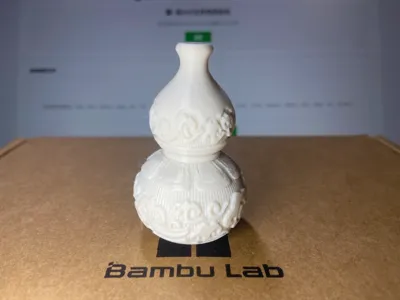
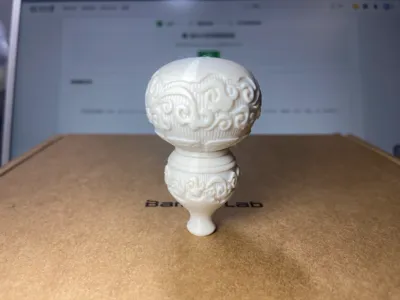
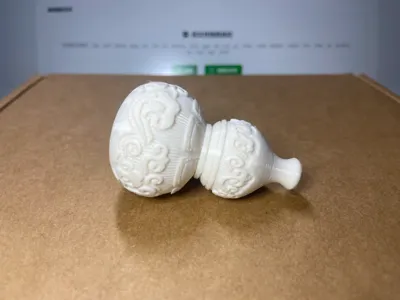
Print Profile(3)
![[Print at Your Own Risk Edition] No supports needed, 0.16mm layer, 2 walls, 15% infill](https://makerworld.bblmw.com/makerworld/model/USab36af1bf83876/137124417/instance/921f9249-2933-4c36-ba76-e3d2d14536dc.webp?x-oss-process=image%2Fresize%2Cw_100%2Fformat%2Cwebp)
![[Stable Upright Printing Plate], Upright, with small supports, flat bottom, 0.16mm layer, 2 walls, 15% infill](https://makerworld.bblmw.com/makerworld/model/USab36af1bf83876/137124419/instance/4489d2a6-8acd-41a2-81f1-381719299e4b.webp?x-oss-process=image%2Fresize%2Cw_100%2Fformat%2Cwebp)
![[Conservative Reversed Version] With Supports 0.16mm layer, 2 walls, 15% infill](https://makerworld.bblmw.com/makerworld/model/USab36af1bf83876/137124418/instance/59ca71c5-cda0-4e33-a22d-7e0fd0b194b4.webp?x-oss-process=image%2Fresize%2Cw_100%2Fformat%2Cwebp)
Description
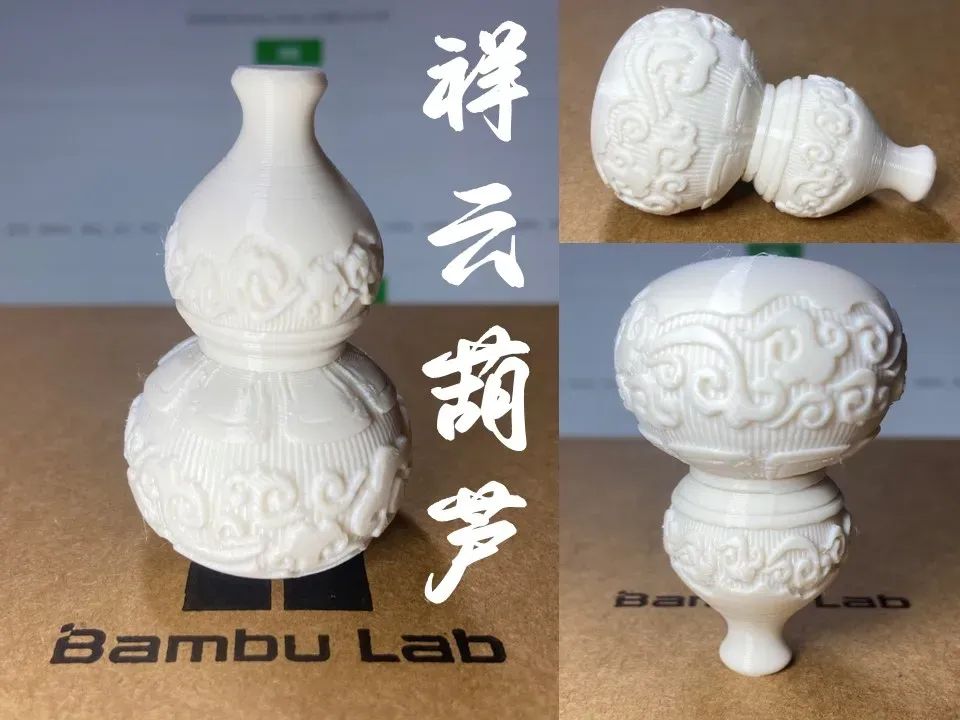
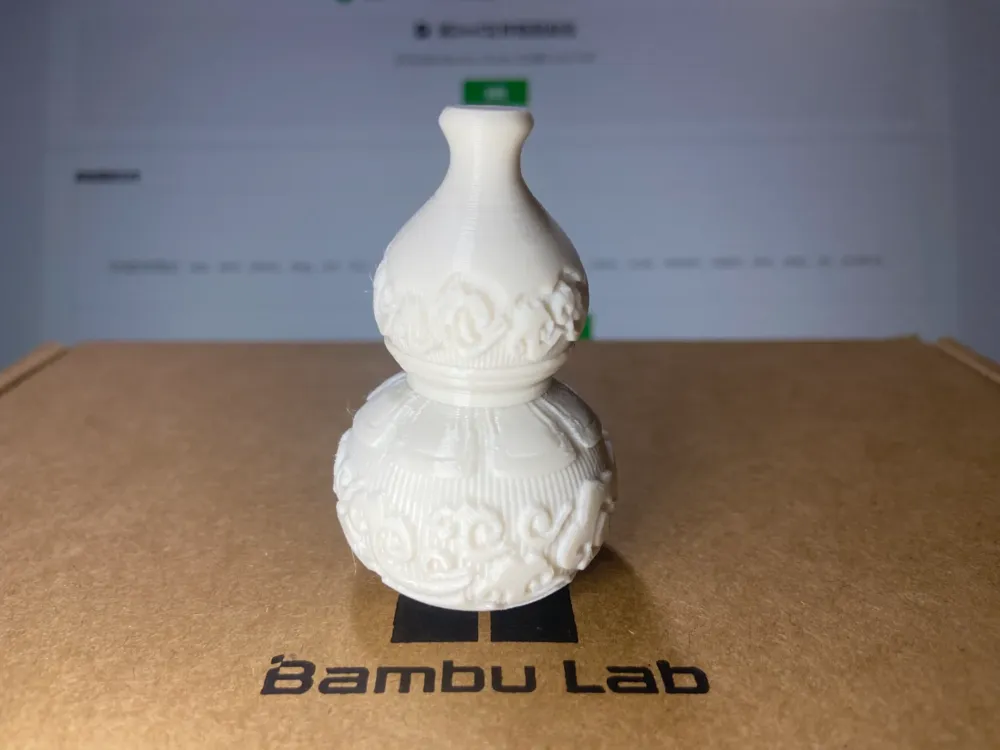

Auspicious Cloud Gourd
Updated 20240829:To mitigate frequent printing failures, a more robust configuration with supports for upright printing has been added. Supports have been manually optimized; please refrain from altering support parameters for optimal printing results. We apologize to those who experienced printing difficulties
Updated 20240827:A configuration with supports has been added. Supports have been manually optimized; please avoid modifying support parameters as automatically generated supports are often unsuitable
Initial configuration base dimensions (L x W x H): 35 x 35 x 56. You can easily scale this model in your slicing software
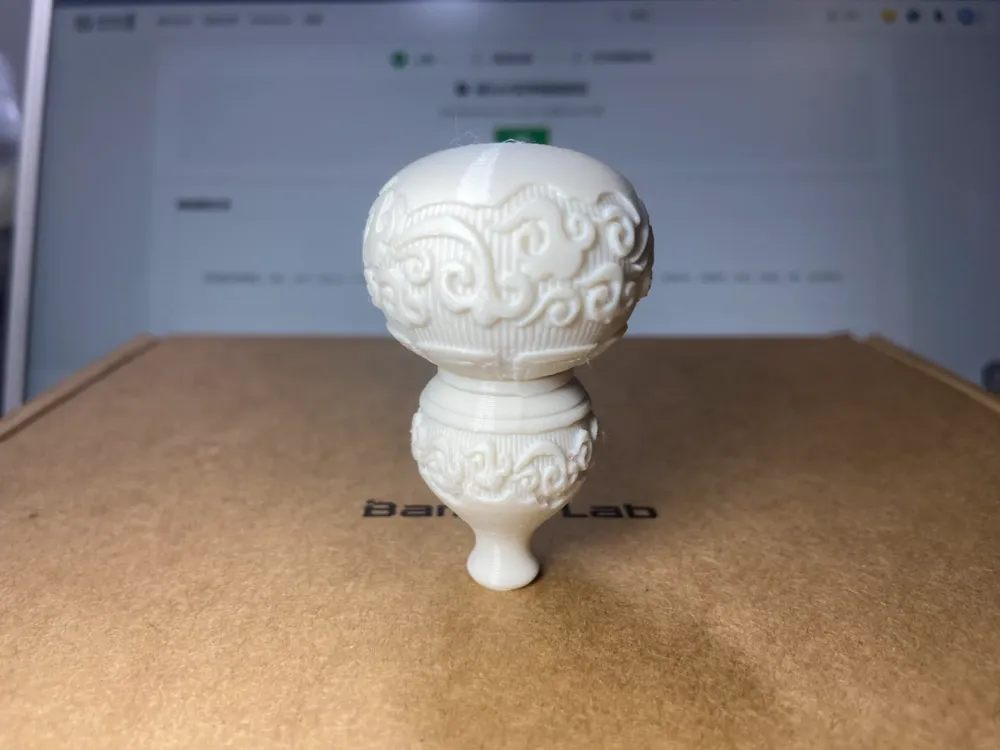
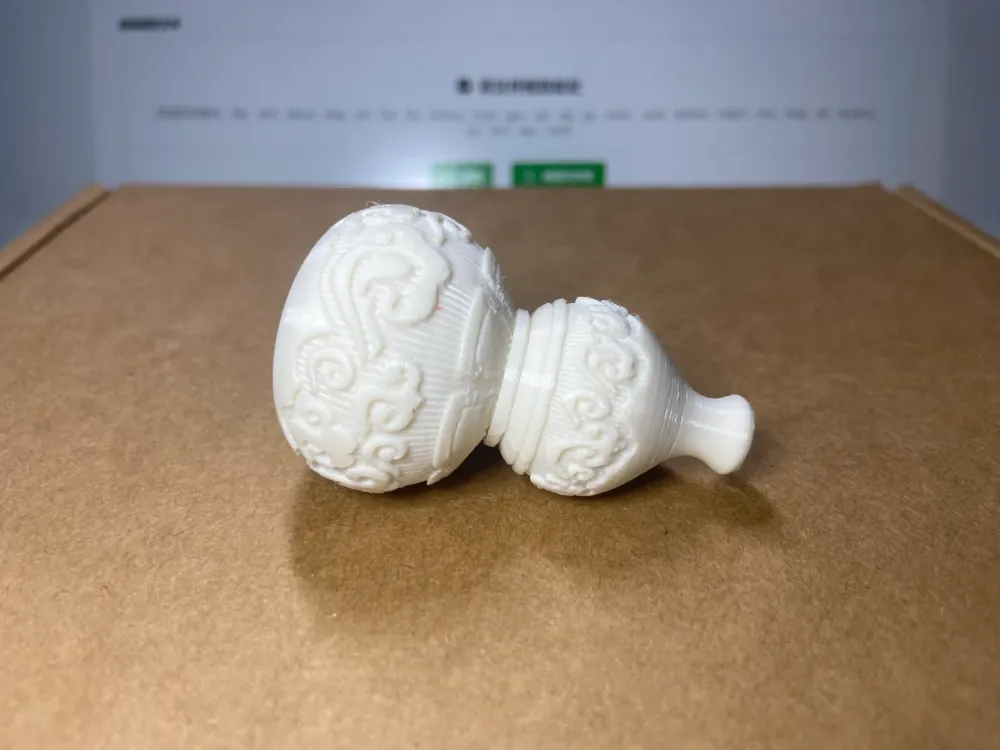
- The original configuration is designed for inverted printing, requiring no supports, but standard print speeds are recommended
- The initial configuration features variable layer heights, allowing for customization to your preferences
Special Announcement 20240901:A hollow version is now available, with the gourd bodyscaled to 300%, incorporating a newly designed cloud pattern lid.The lid features a 4mm diameter hole for attaching a cord
See model link: Auspicious Cloud Purple Gold Gourd (Hollow Version) by dadabu - MakerWorld
Boost Me (for free)
If you enjoy this model and have a boost token, please consider boosting me. Thank you
3D Printing Techniques and Preparation Notes
(Most creator-published models have been tested for compatibility with all machine types. Printing problems often stem from issues with the printer or filament. Troubleshooting these issues is a crucial skill for 3D printing. Feel free to engage in discussions in the comments section – this is the core purpose of our community.)
Please find some important notes below. For further assistance, contact customer support or consult the Bambu Wiki, a valuable resource for learningPrint Quality and Troubleshooting | Bambu Lab Wiki
- Ensure a clean build plate. Regular cleaning is highly recommended! Oil residue from touching the build plate significantly reduces adhesion. Leftover debris from previous prints also impacts the quality of the first layer, reducing success rates.
- Proper filament drying is crucial for print quality and a positive user experience! Filament inevitably absorbs moisture over time. If stringing occurs, consult the manufacturer's instructions for drying parameters. Note that most filaments are not dried before packaging, so some moisture is common, and pre-drying is recommended.
- When using new filament, perform a flow calibration immediately and adjust the calibration factor. This significantly impacts print quality and is a necessary step to ensure compatibility with your printer.
- If print quality suddenly deteriorates or success rates decline, check for nozzle clogs and consider recalibrating the printer.
- Print at the recommended speed as specified in the model instructions. Overhang quality is directly related to print speed. A suitable speed (neither too fast nor too slow) allows adequate time for the material to cool and solidify.
- Set appropriate bed and nozzle temperatures based on the filament used. Temperatures that are too high or too low can lead to warping, layer inconsistencies, or adhesion problems, affecting print quality and success rates.
License

You shall not share, sub-license, sell, rent, host, transfer, or distribute in any way the digital or 3D printed versions of this object, nor any other derivative work of this object in its digital or physical format (including - but not limited to - remixes of this object, and hosting on other digital platforms). The objects may not be used without permission in any way whatsoever in which you charge money, or collect fees.


Comment & Rating (1)