
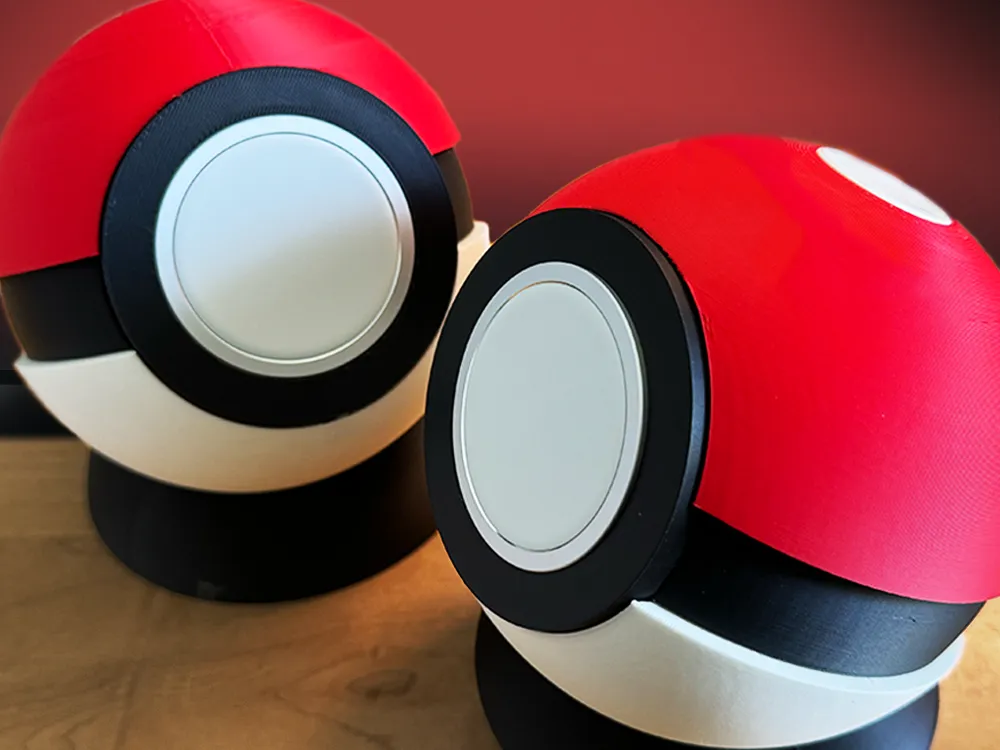
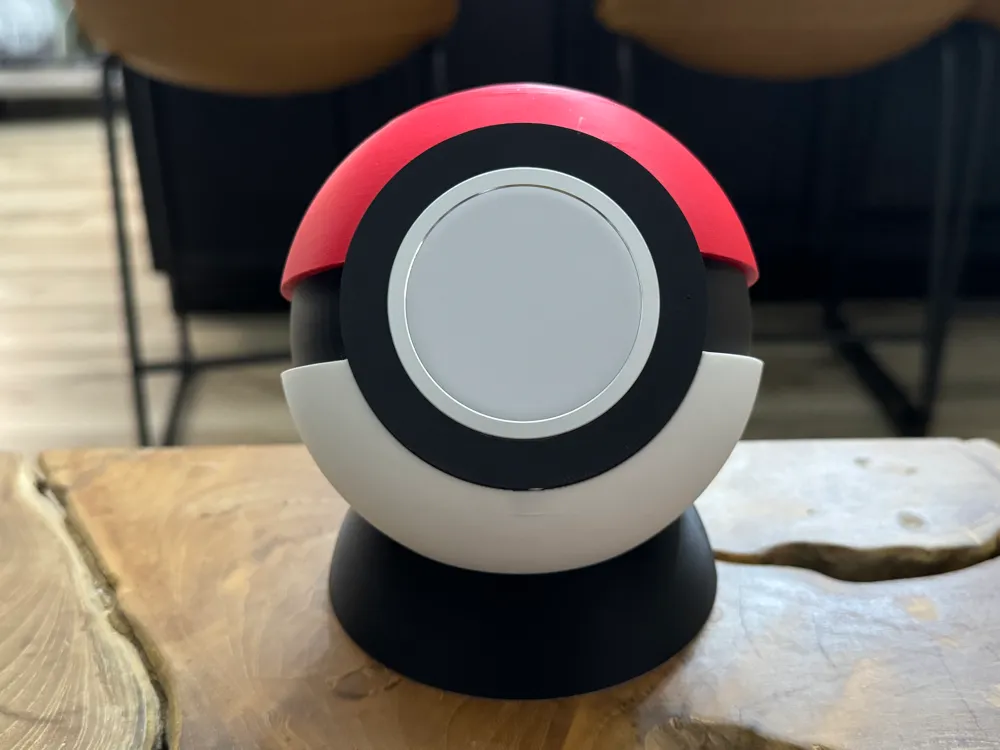
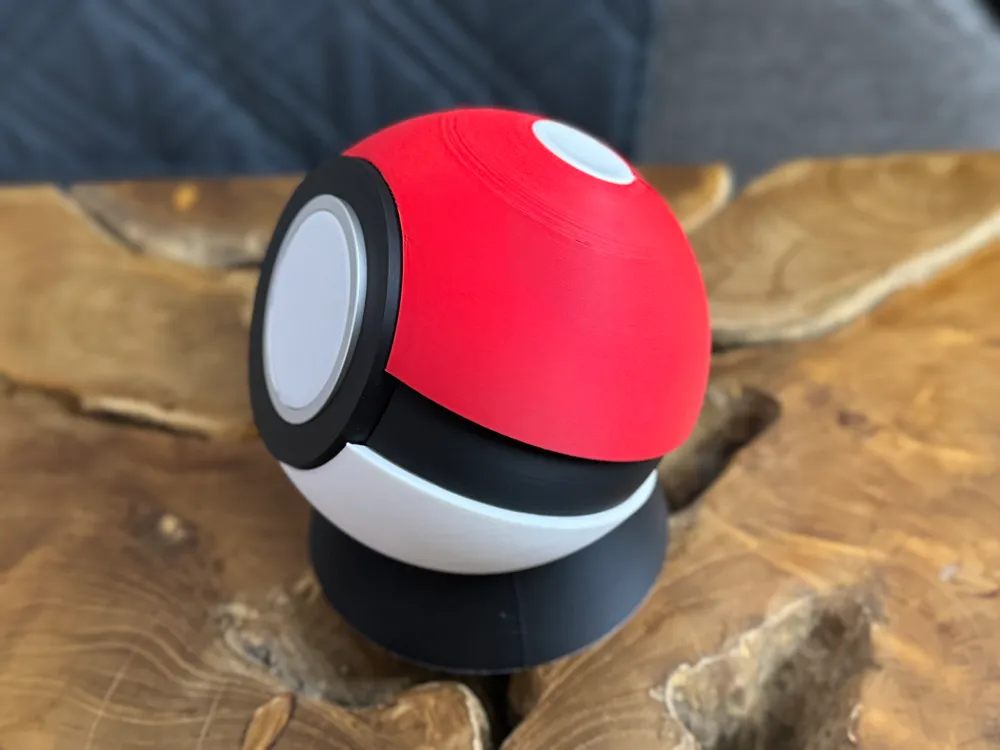
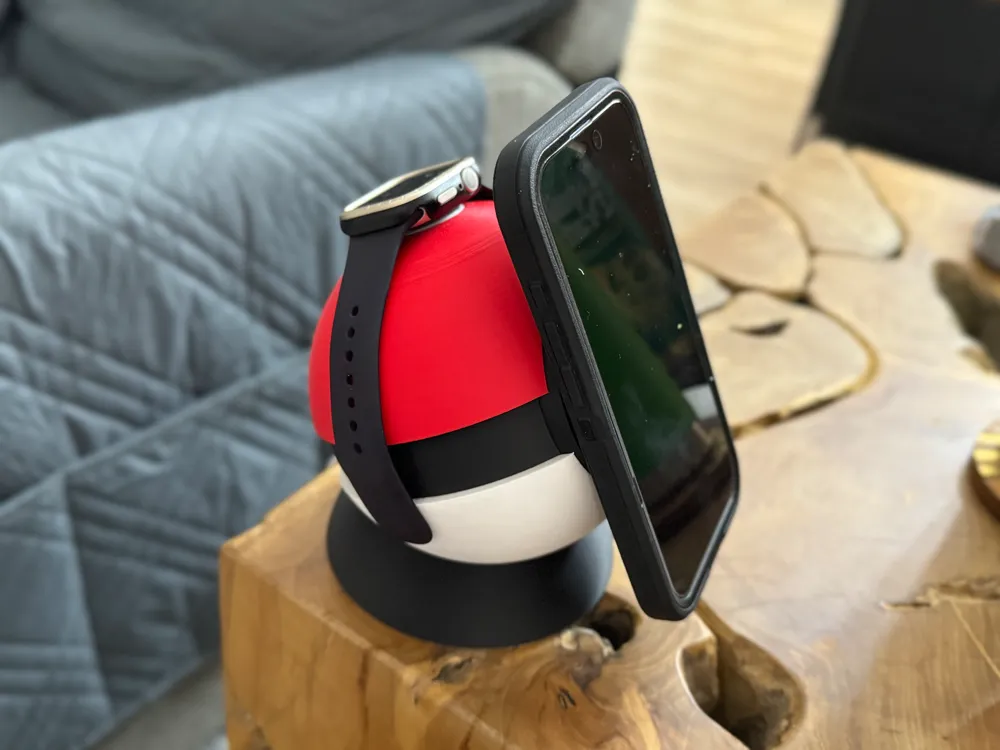
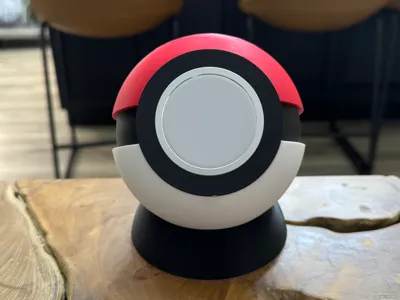
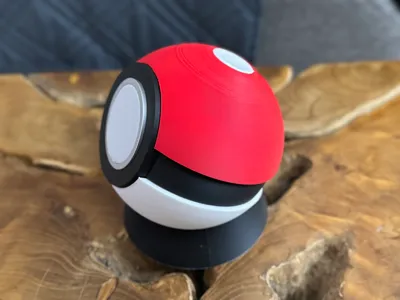
Pokeball MagSafe Charger w/optional Watch Charger


Print Profile(7)


Bill of Materials
- AppleMagsafeCharger x 1:
- AppleAppleWatchCharger x 1:
Description
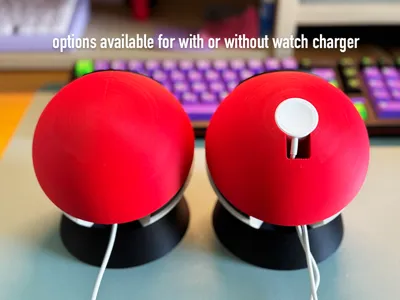
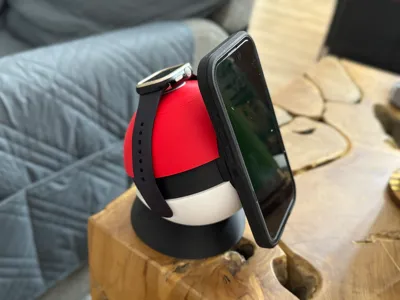
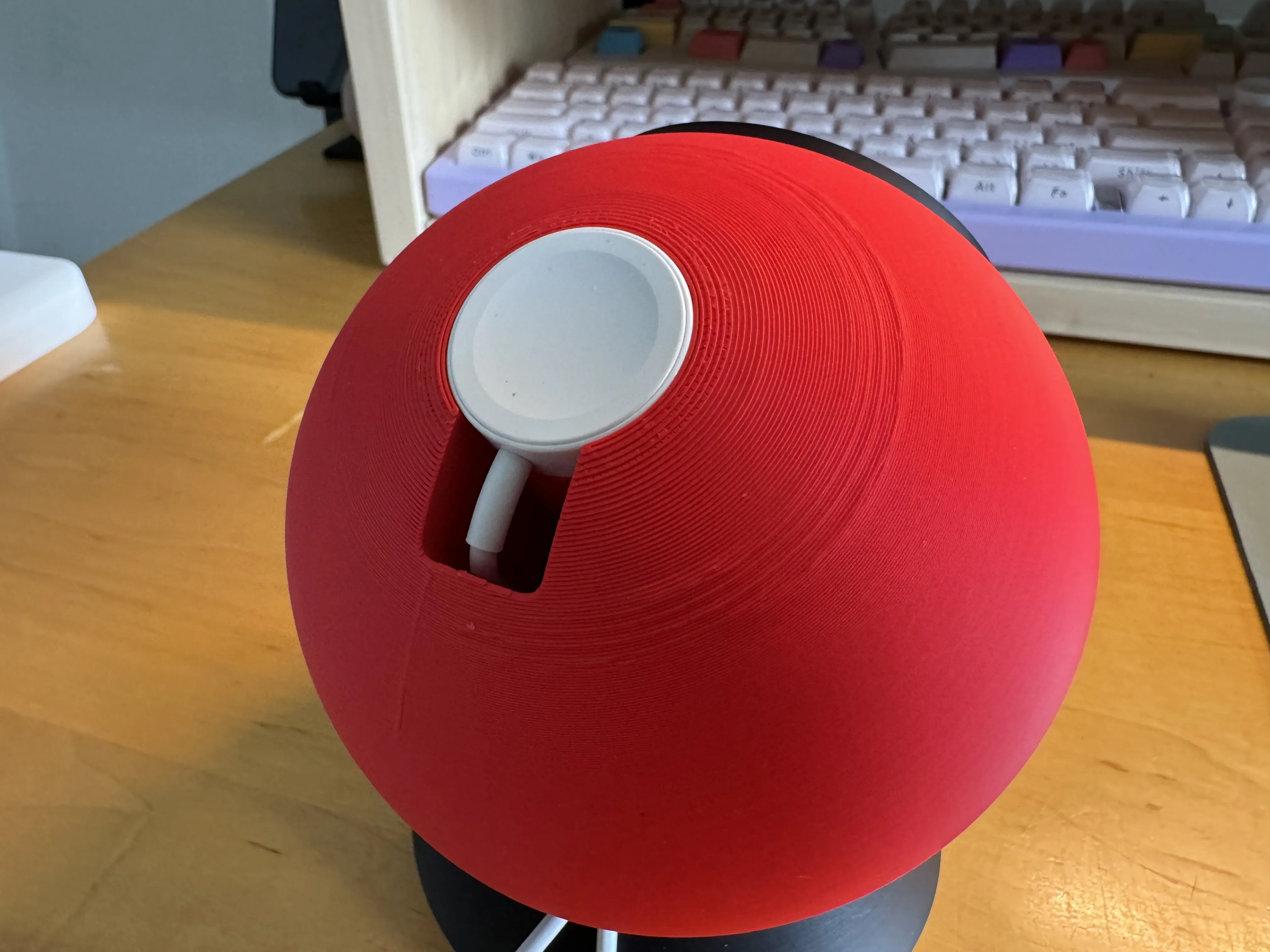
Pokemon MagSafe charger with options to print with or without apple watch charger.
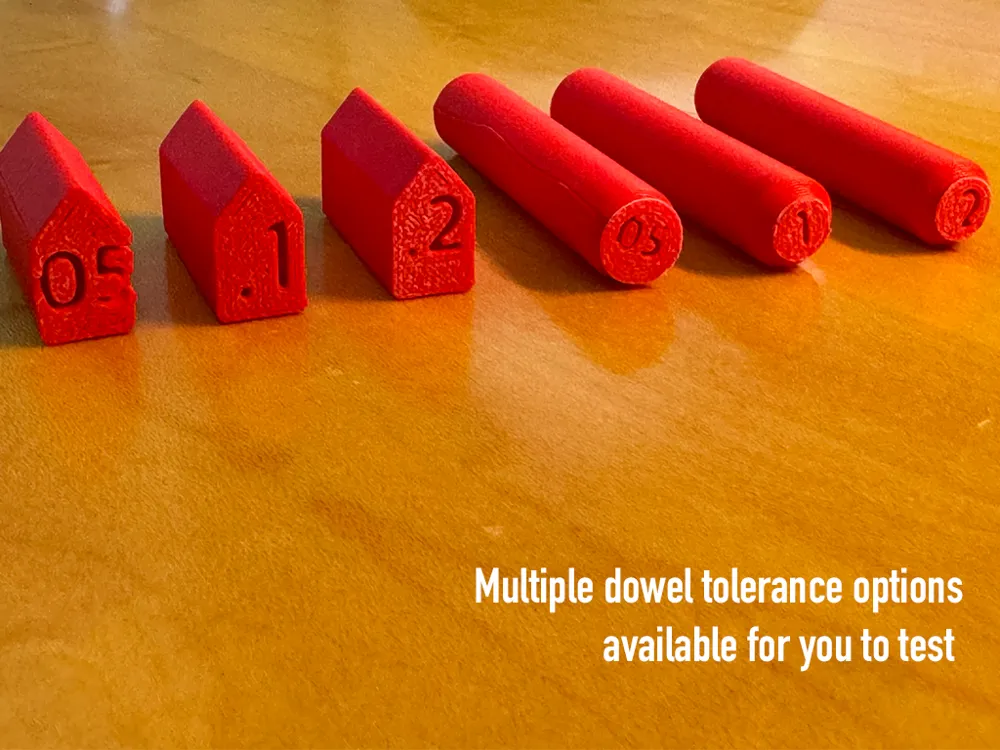
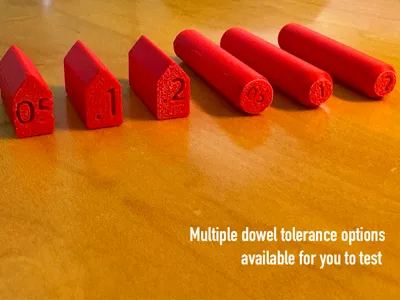
2 top options available, along with dowels with 0.05, 0.1 and 0.2 tolerance so you can test what works for your filament.
5~ hour print total and assembly is required. I tried doing a multicolor one-go print but it would have taken 21 hours so I think this approach is best.
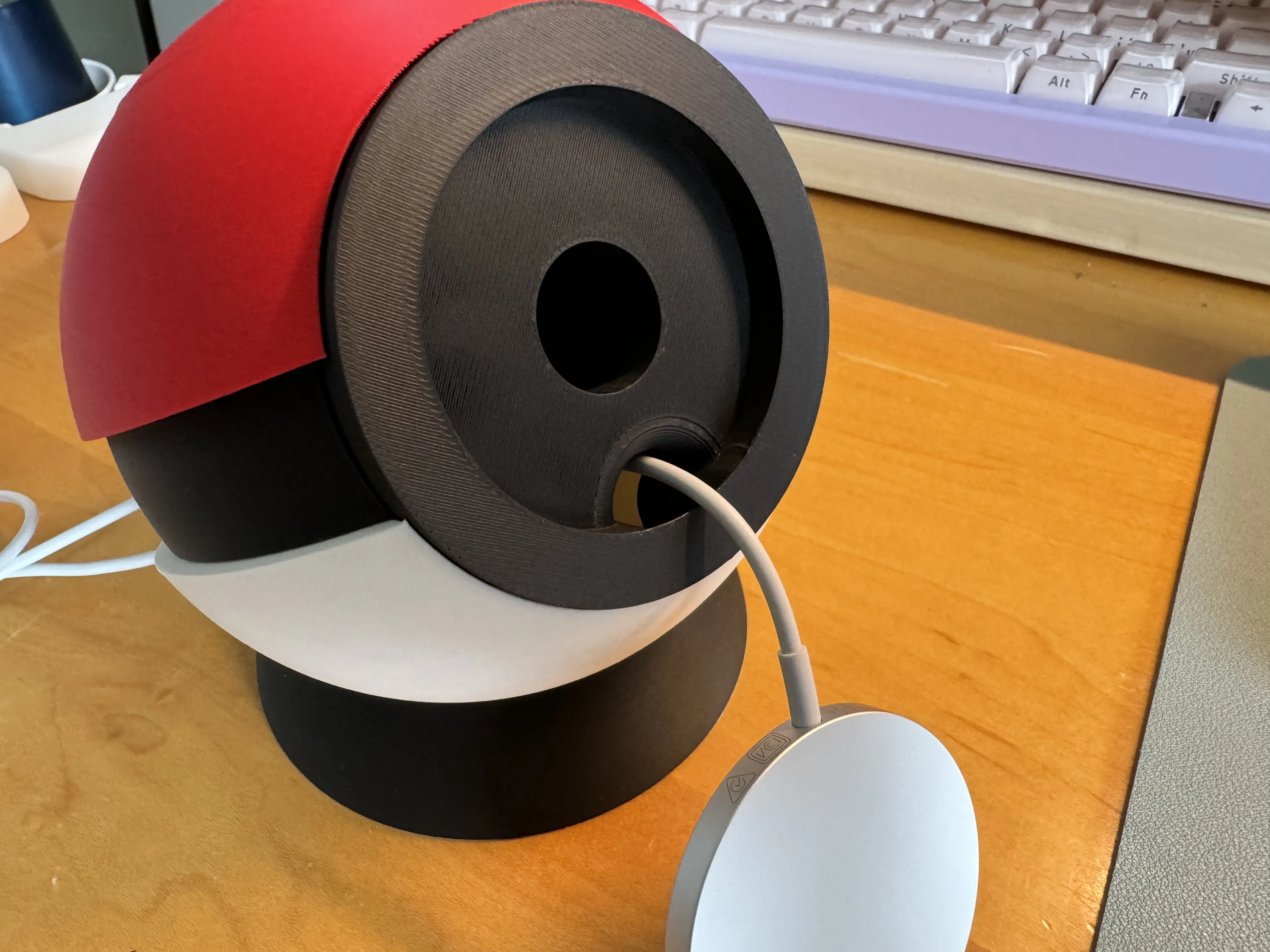
no worries with your MagSafe getting stuck as the disc is modeled with a hole for easy release.
I used Apple MagSafe and Apple watch chargers.
Assembly Instructions:
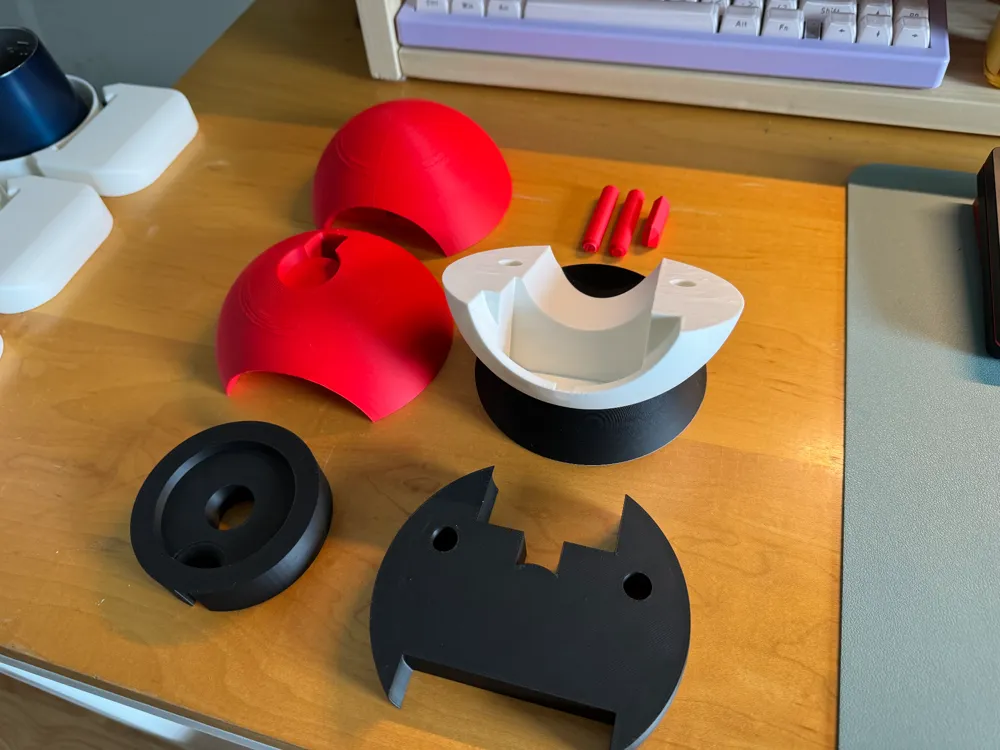
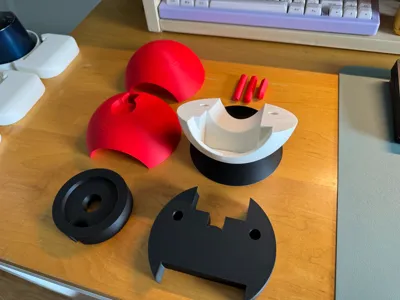
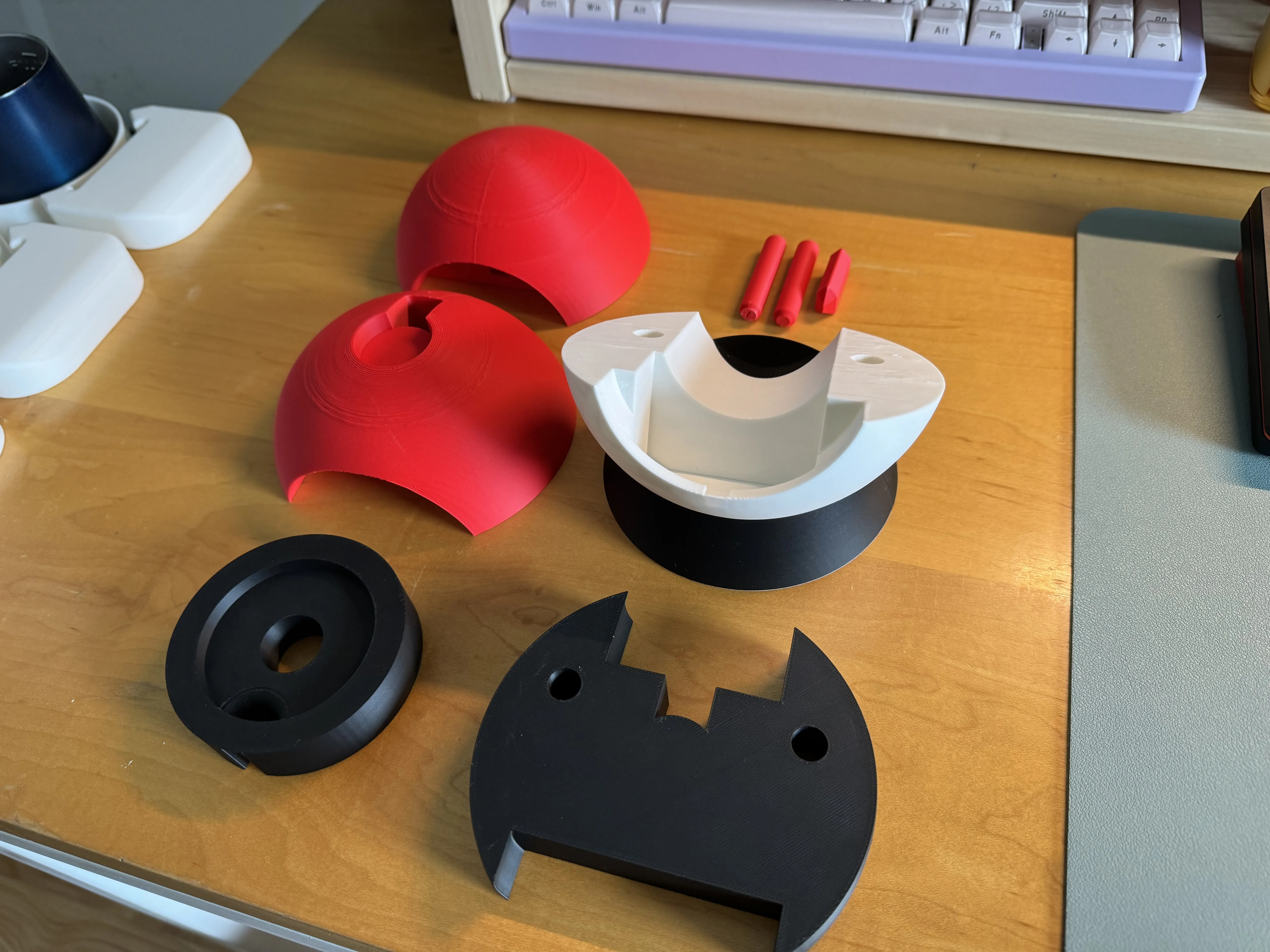
Print plates with disc, band and base, dowels and your preferred top. there are 2 top options: with watch charger and without:
Test dowels and use appropriate size that fits your print based on your filament's tolerance. there are 3 options: 0.05, 0.1 and 0.2 tolerance
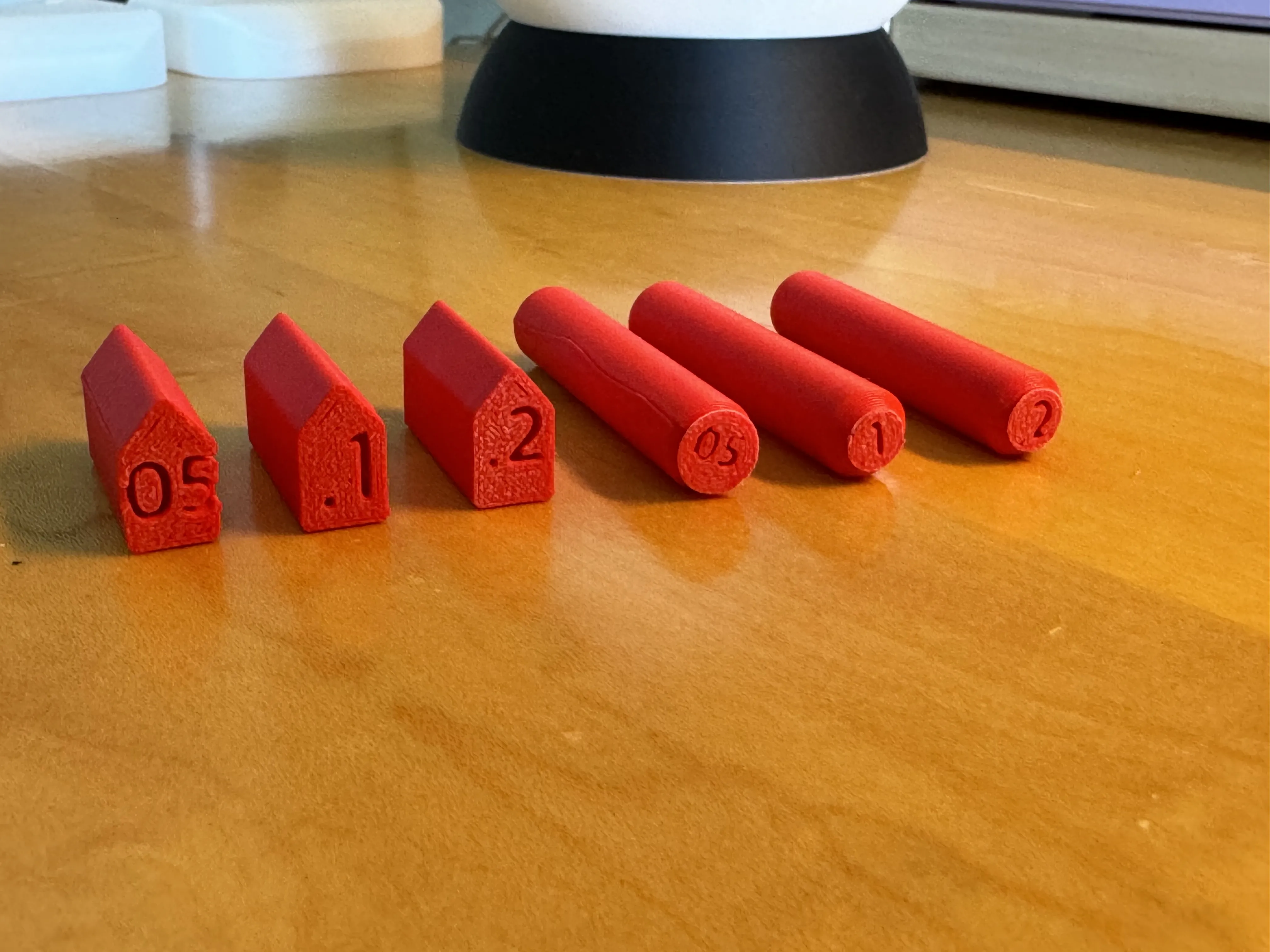
- you will need 2 round dowels and 1 disc dowel
place round dowels on base
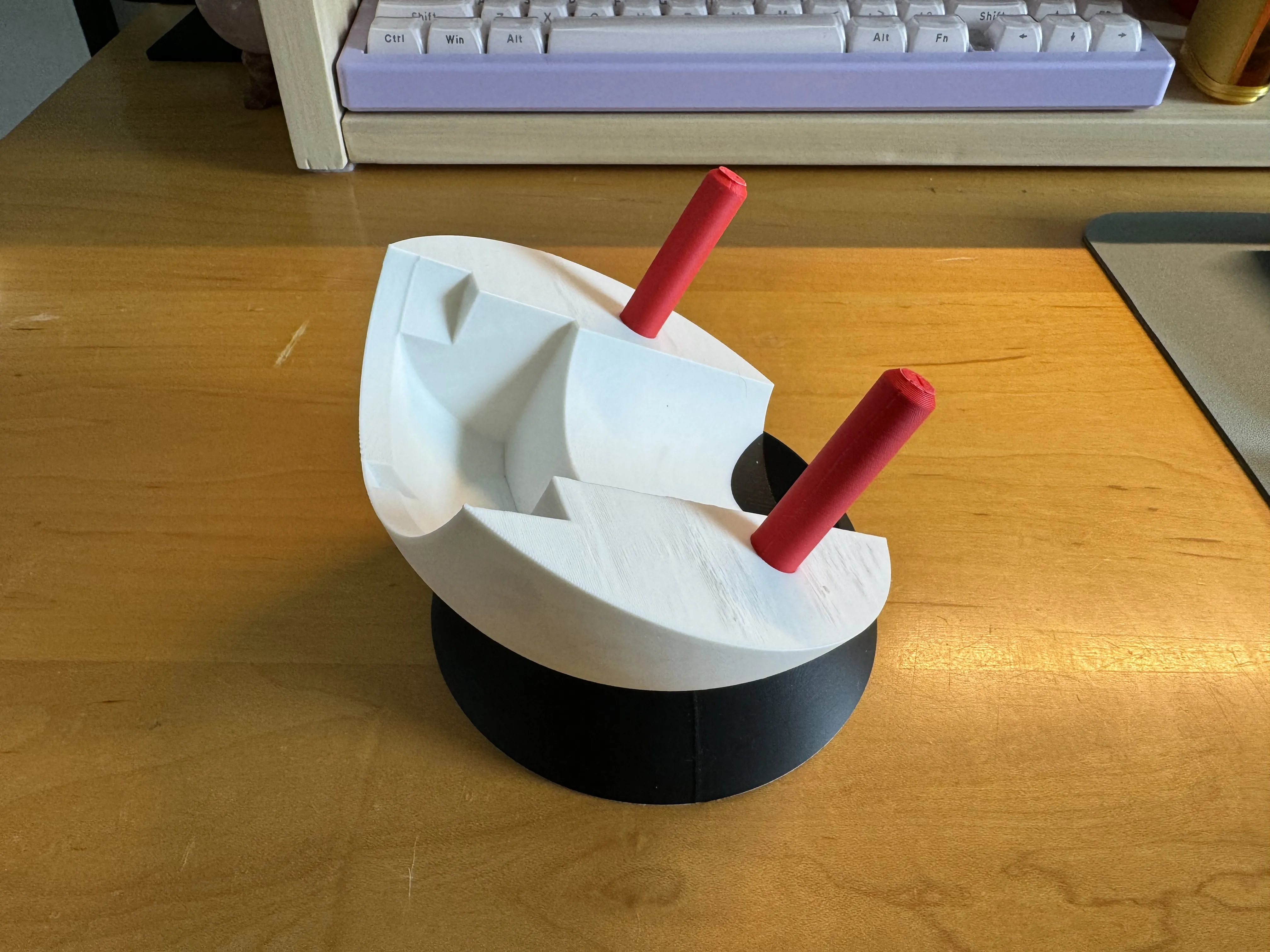
place band
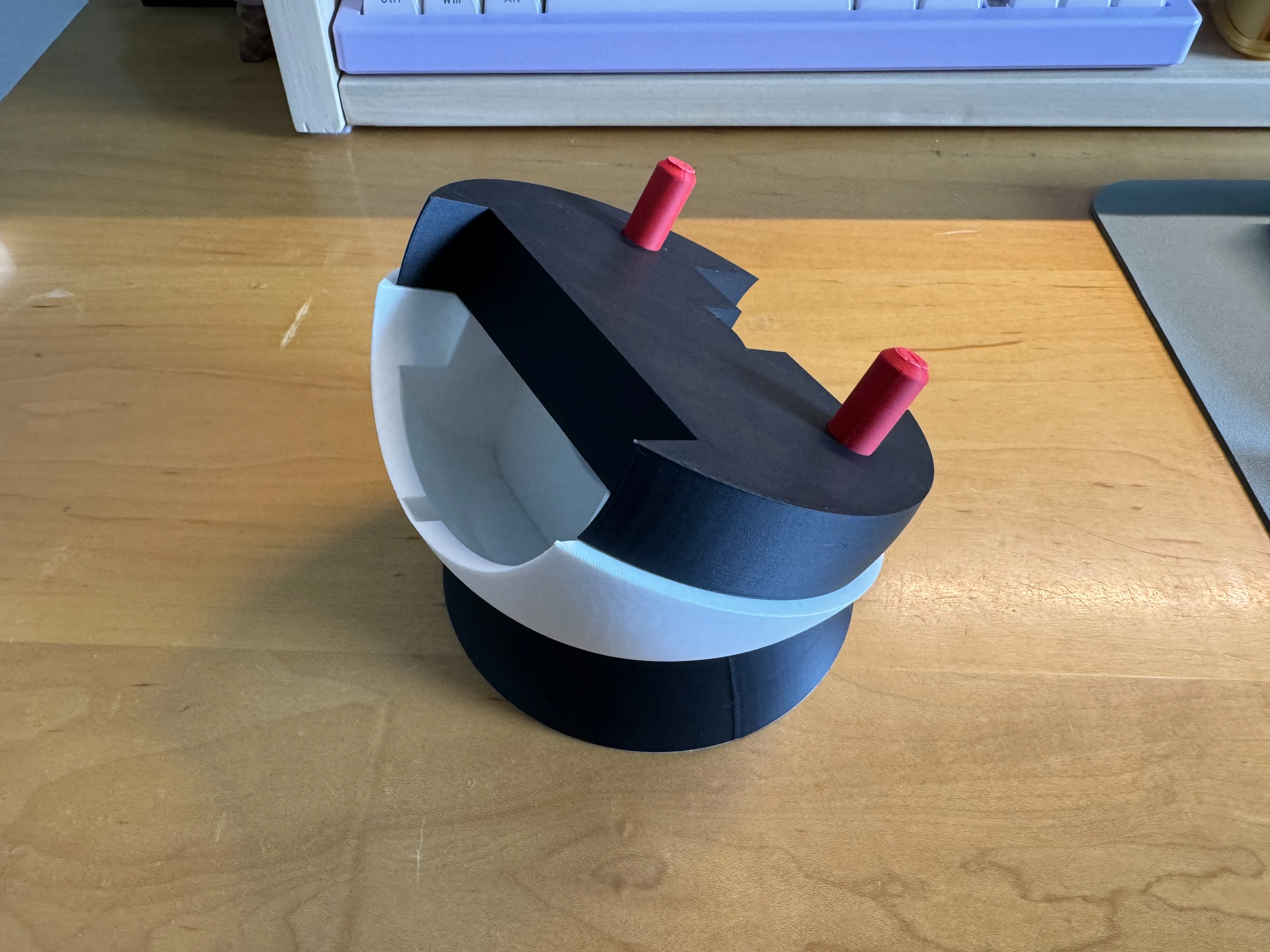
place top that you prefer (top with watch charger or without)
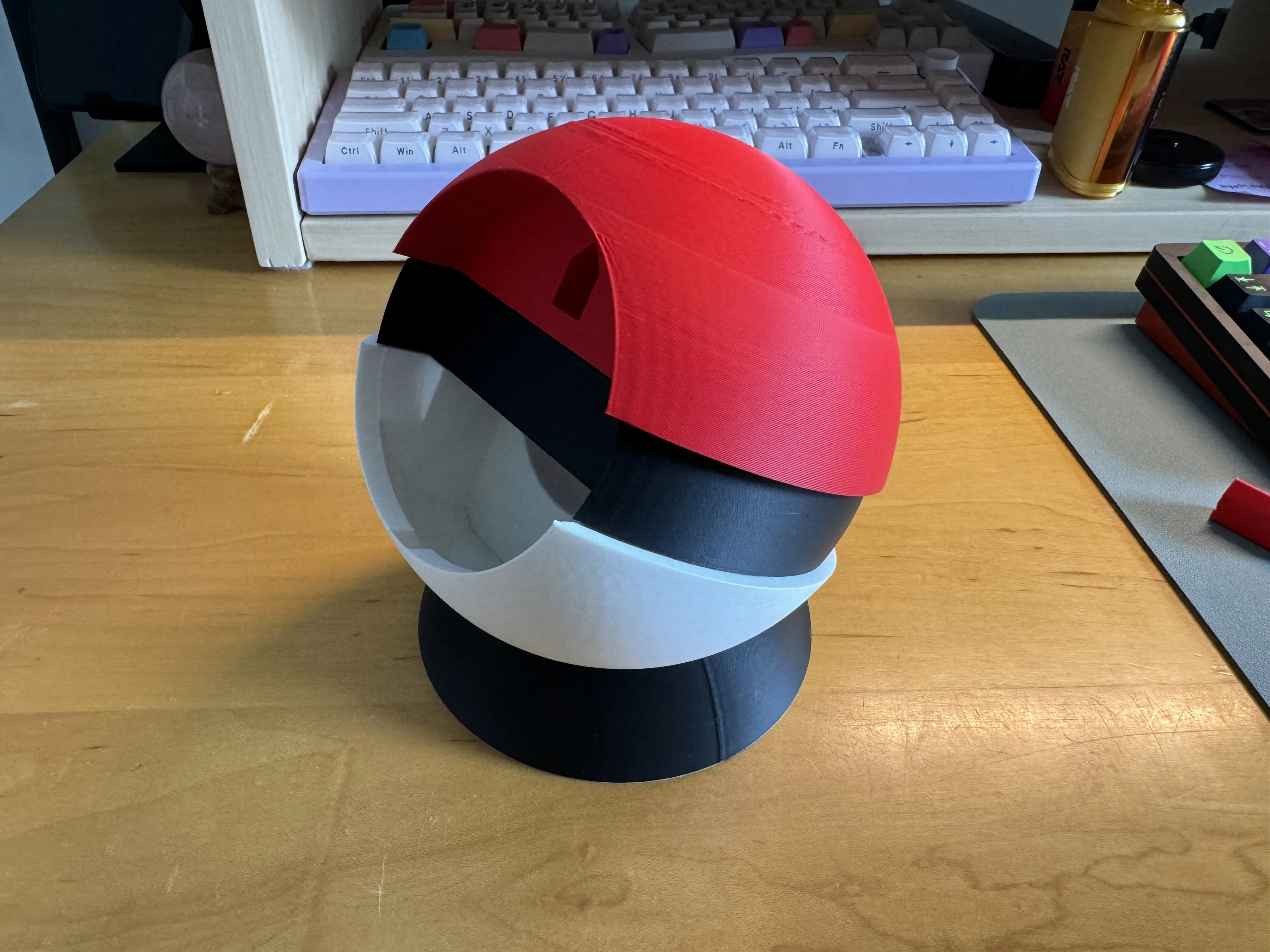
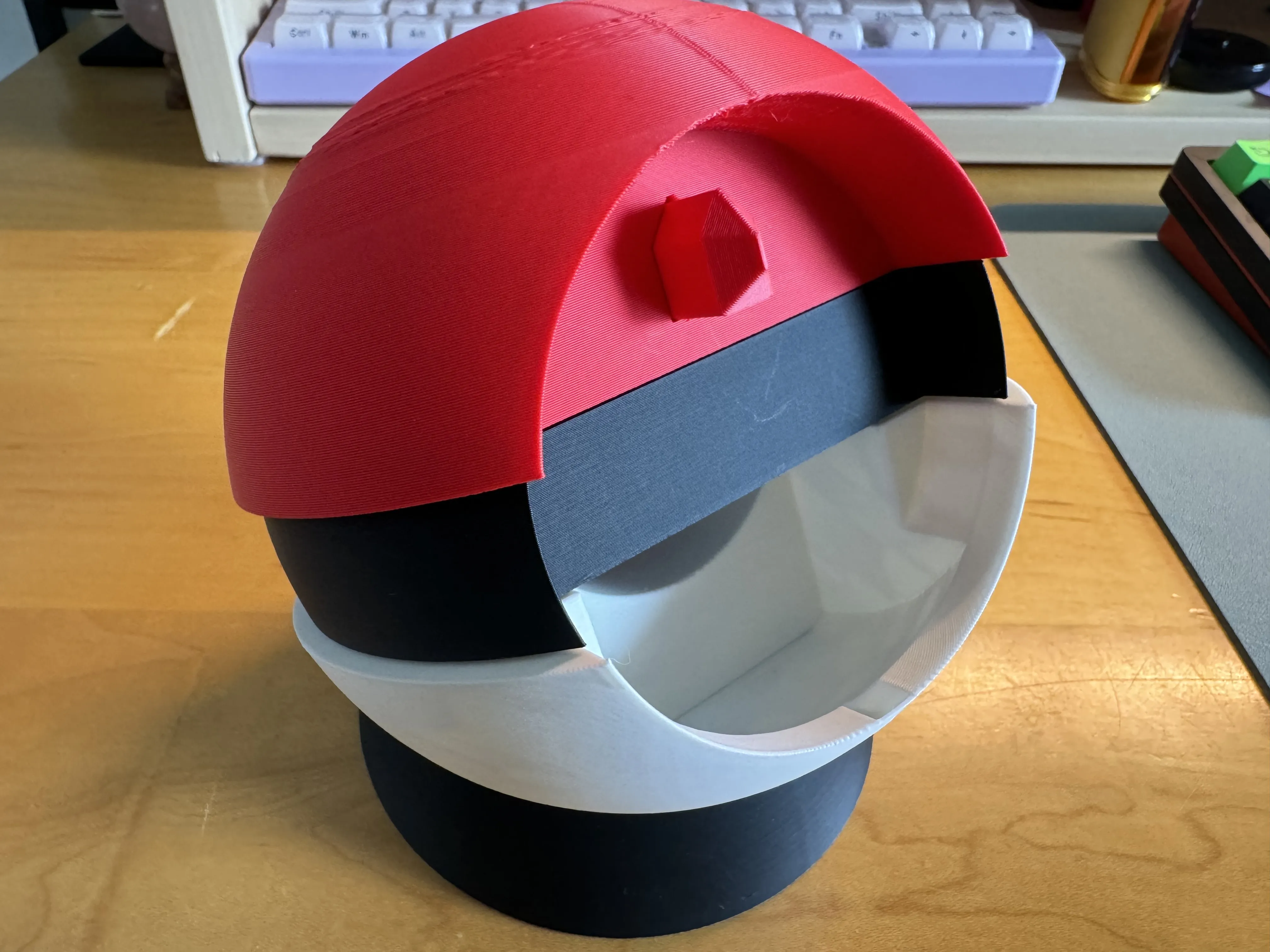
install disc dowel
insert magsafe charger and apple watch chargers through the holes
License



Comment & Rating (233)