
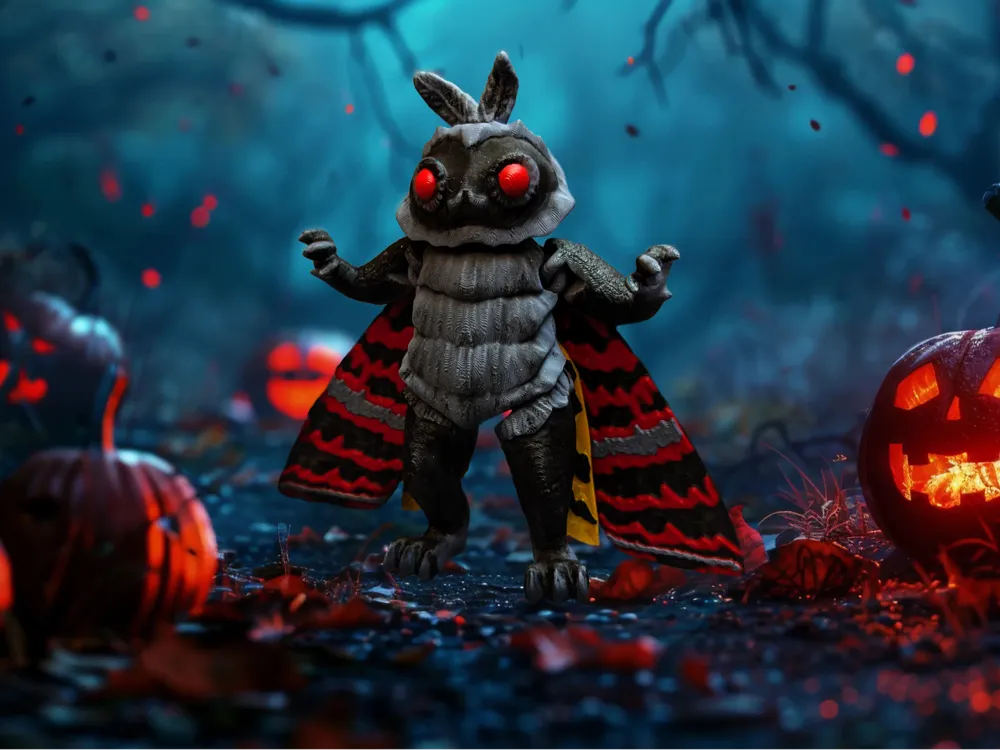
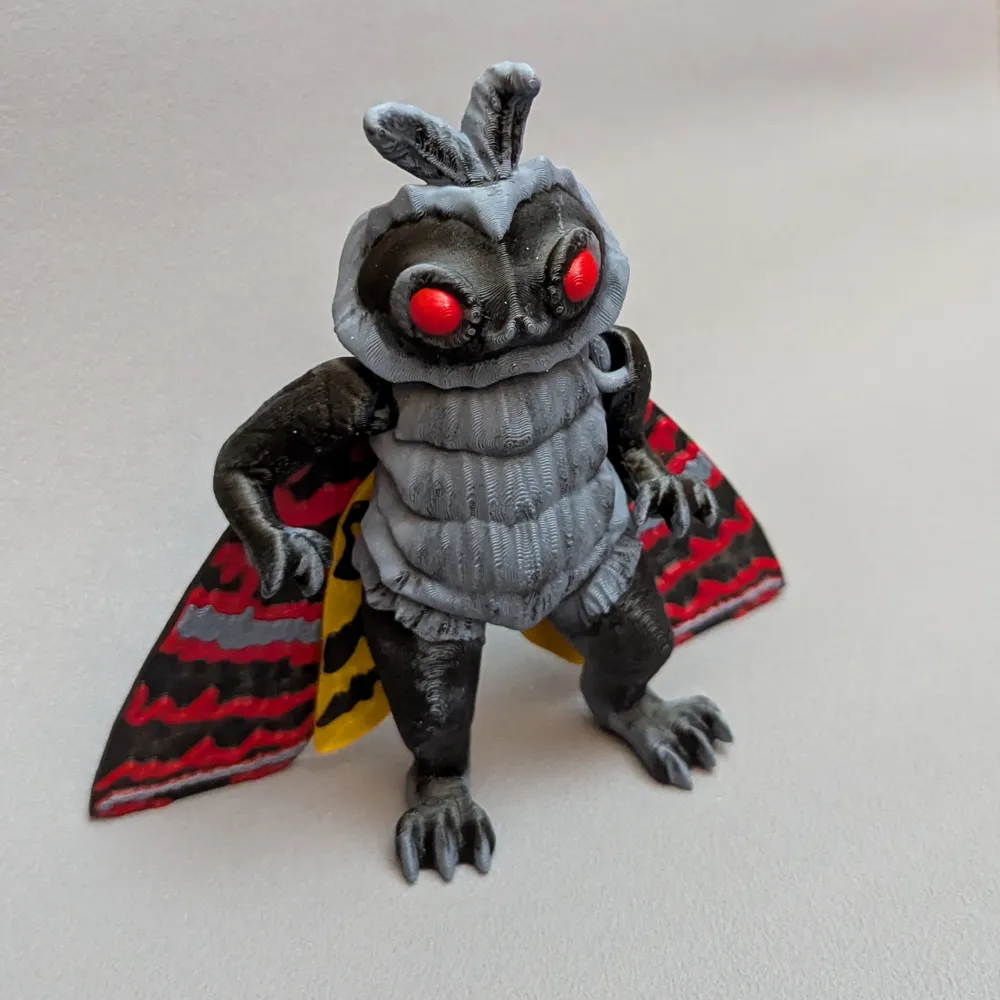
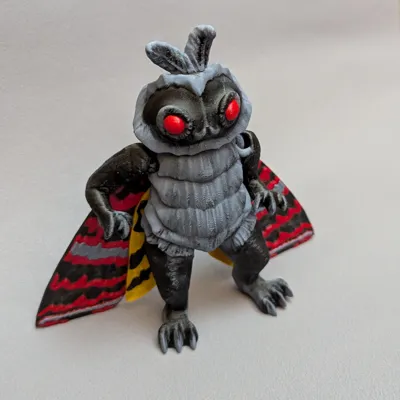
Articulated Mothman Cryptid Monster

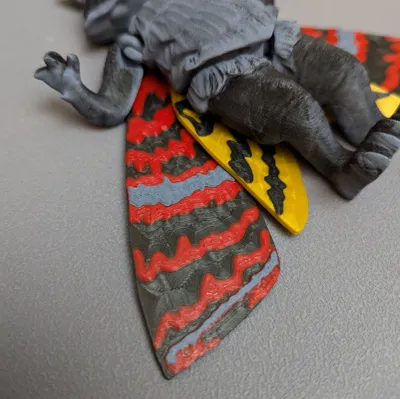
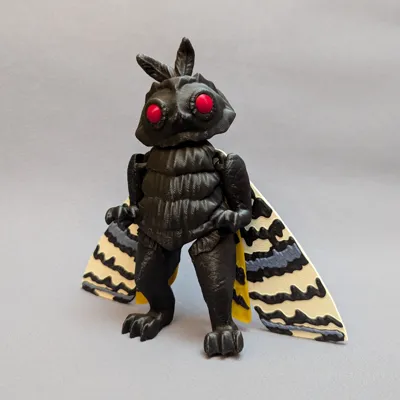
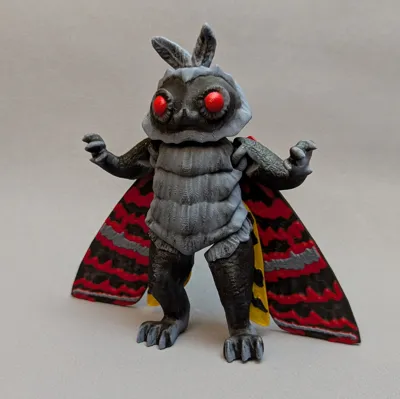
Print Profile(4)


Description
If you like cryptids, then check out my other monster model, the Flatwoods Monster https://makerworld.com/en/models/650606#profileId-577203
This model prints in a few parts. No glue or extra hardware needed for assembly. All parts snap into place with the exception of the “No eyes” model that requires glue for the eyes.
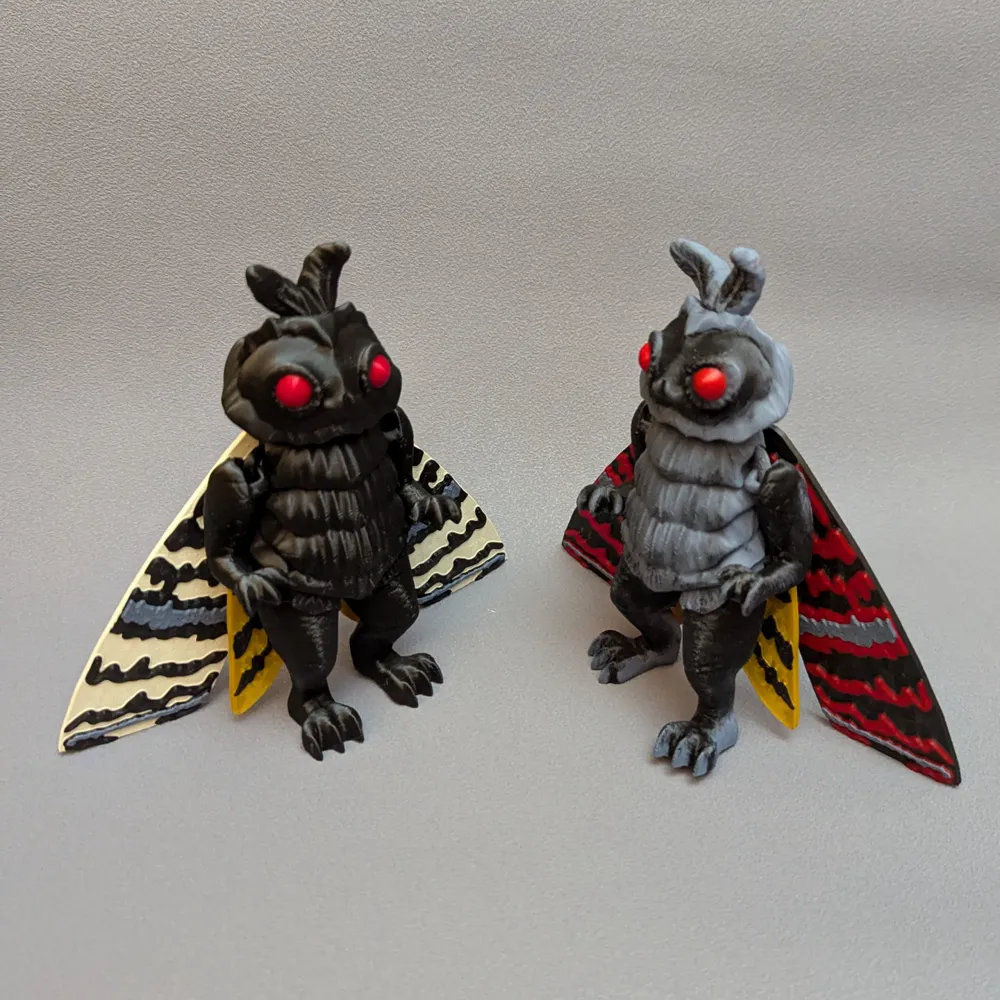
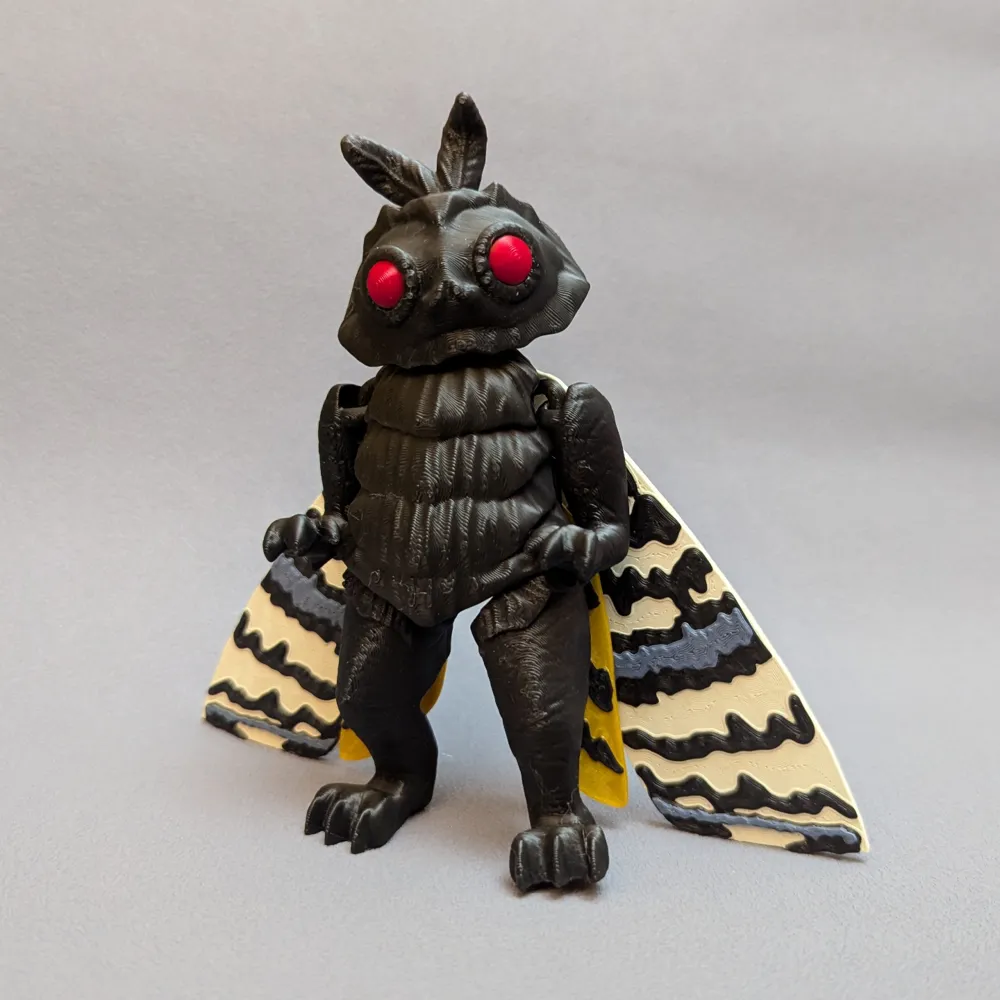
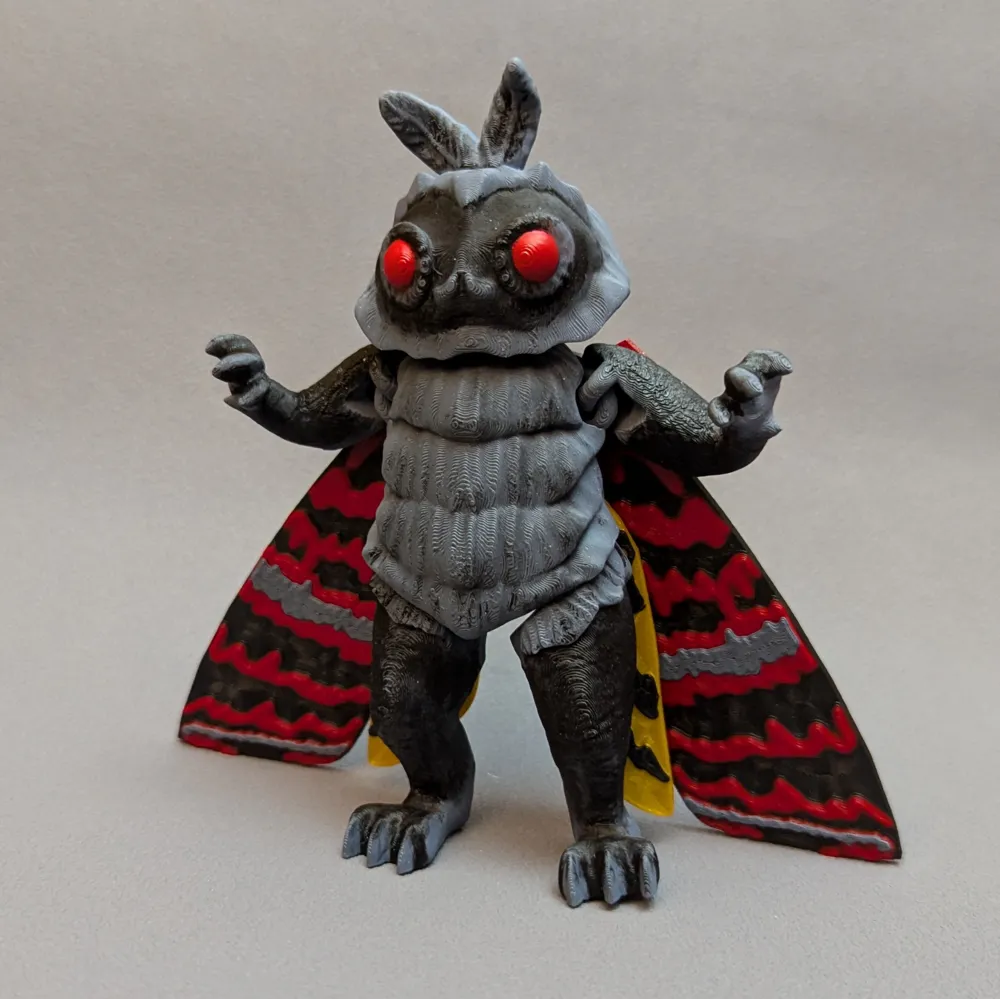
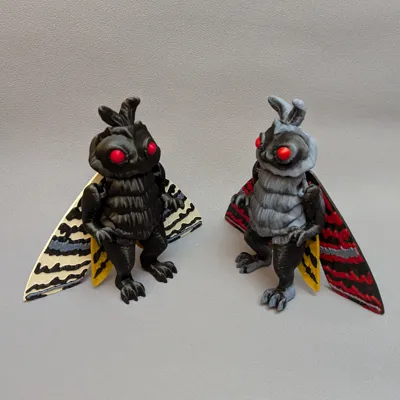
There are two main versions of the body:
- Body with eyes included in model
- Body with eye holes and a separate plate with eyes so they can be printed in red
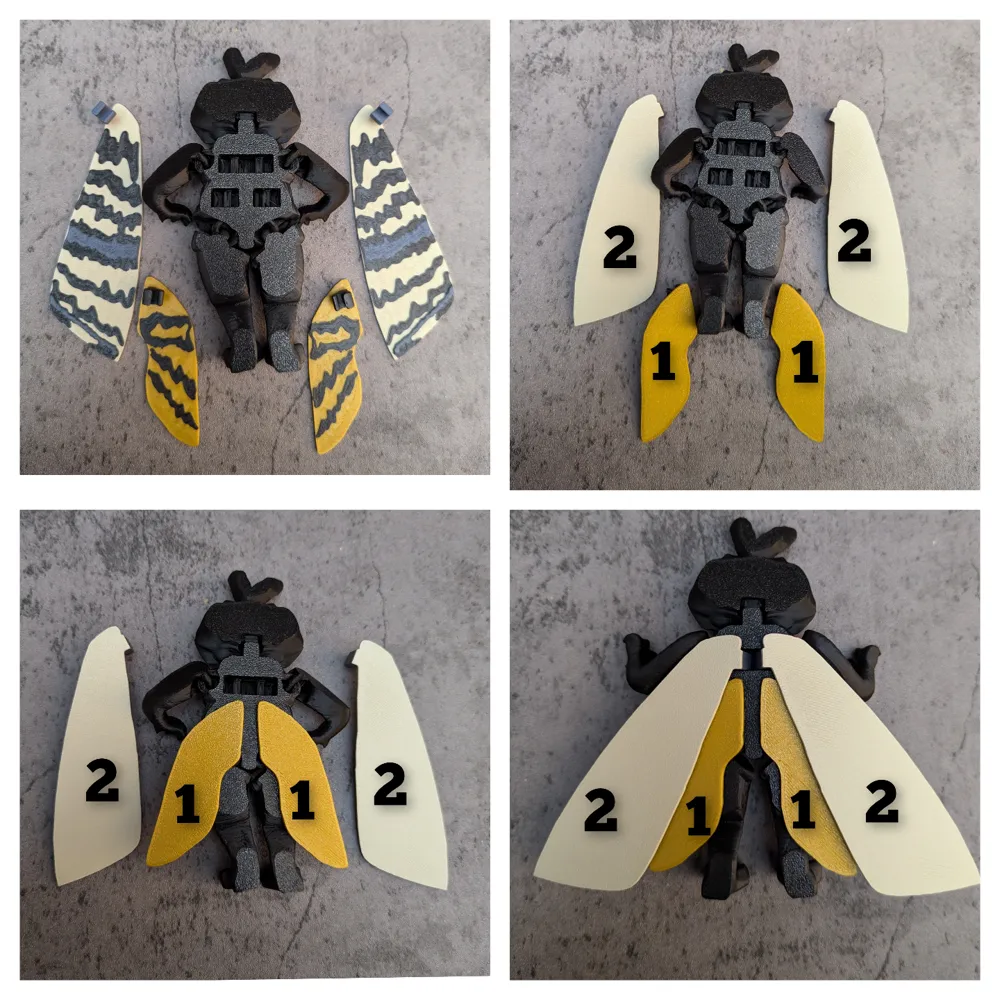
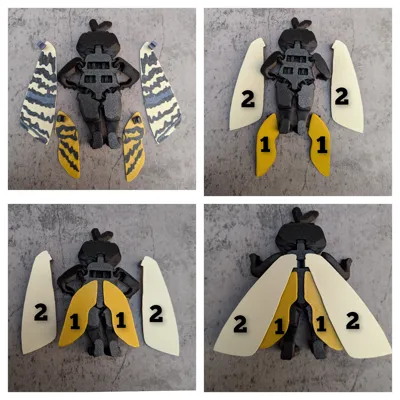
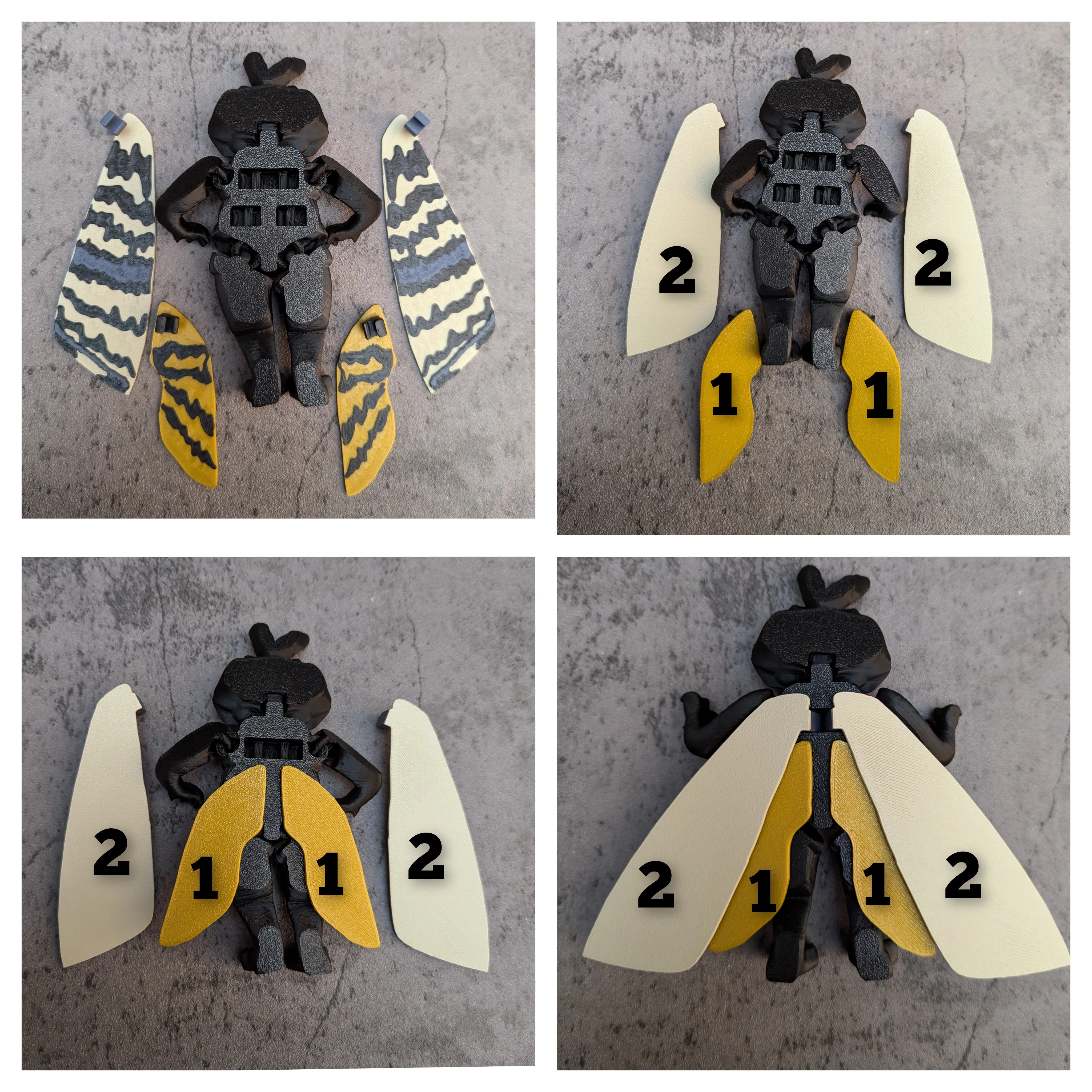
INSTRUCTIONS FOR ASSEMBLY.
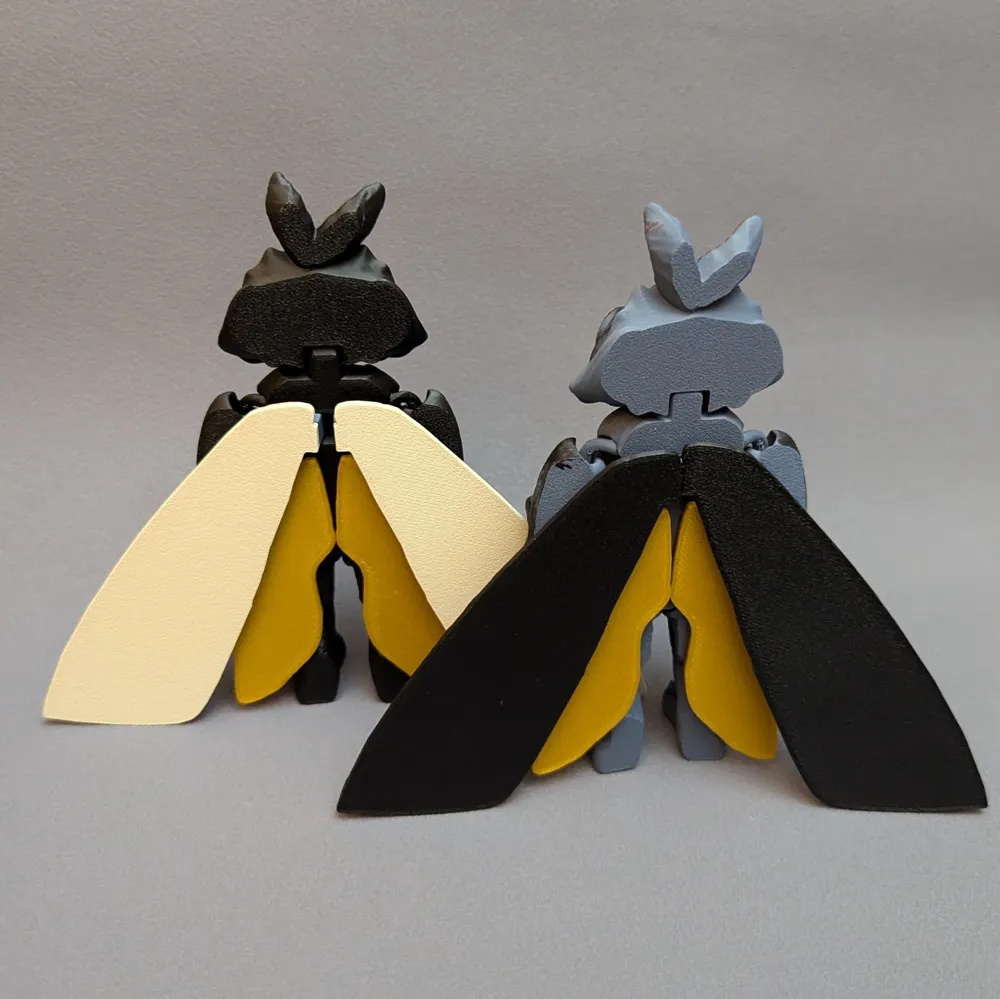
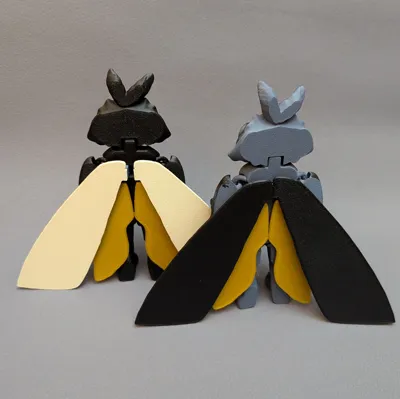
!!!! The bottom lower small wings MUST be placed FIRST. Also, the wings are not intended to be removable. Once they are snapped into place, they stay. So make sure you put them in the right place. See photo.
I have uploaded 3 print profiles:
Full AMS Version: contains 4 color AMS for both the body and wings. Only the “with eyes” body is included in this profile. There are two different coloring options for the main body.
AMS Wings Only Version: The wings have the AMS set up, but the bodies do not. Both the “with eyes” and the “no-eyes” body options are included in this print profile. Just choose which one you want to print from the labeled plates.
Single Color Version: All model parts are included on separate plates including both the “with eyes” and “no eyes” body options. Single color set up.
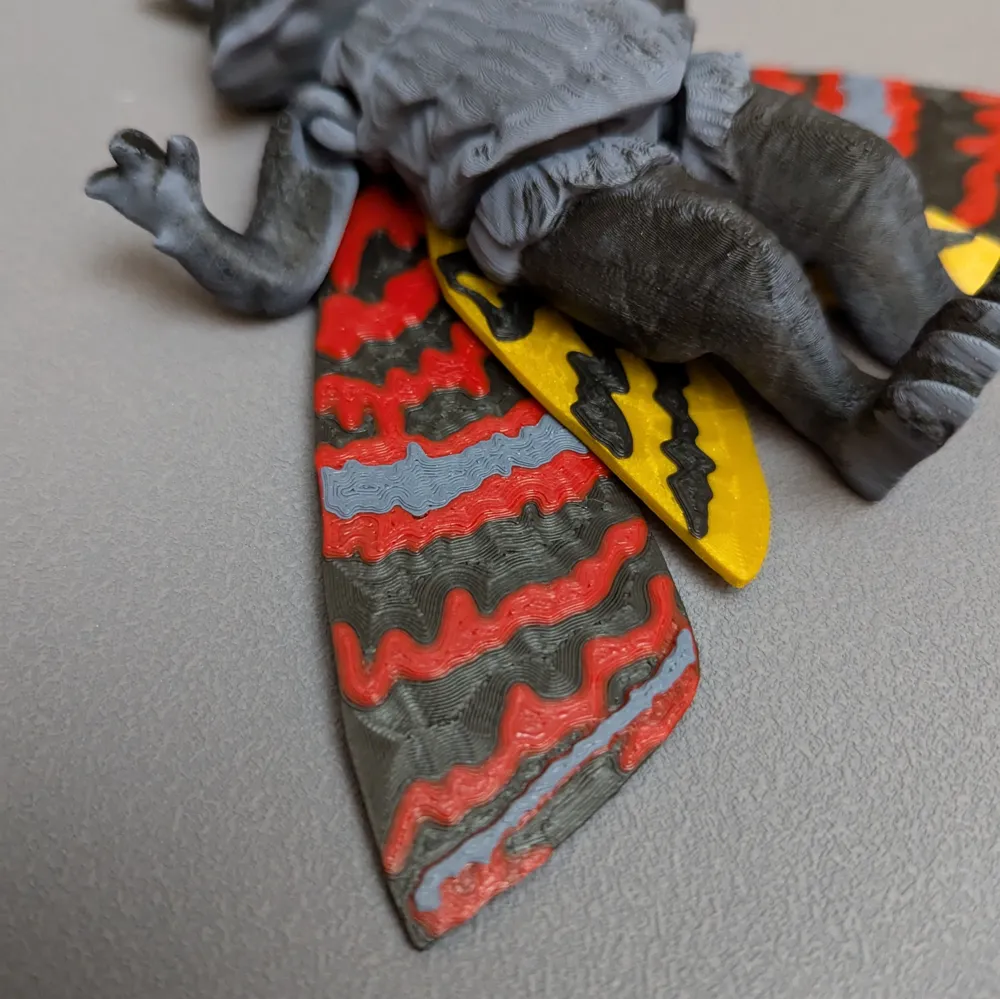
NOTE*The wings are designed with elevated textures. This means that if you only have a single color printer, you can still print these in multi color just like in the photos. You can do a “color change at layer” option.
NOTE FOR AMS*The wings are designed to color change at a specific layer to reduce filament waste. However, the Bambu studio slicer is causing multiple filament changes incorrectly. I am not sure why and I have tried editing the settings multiple times with no luck on a solution. I believe this is a bug. The wings still print fairly fast and do not waste much extra filament, but they should only have filament change 1x for the small wings and 2x for the large wings. But it changes more times than that. If anyone knows of a solution let me know.
Also, the flushing volumes worked well for me but you may need to edit them if you are seeing color bleed. This will highly depend on your filament. I am not sure if this part of the profile setting is saved in the profiles I share here.
This model is 100% my own creation and I give the following permissions:
You can:
Sell printed models (online or locally)
Create remix versions with attribution
Please don't:
Sell the model files
Claim the model as your own
Claim remixes as solely your own
License



Comment & Rating (119)