

Print Profile(1)
Description
TL;DR
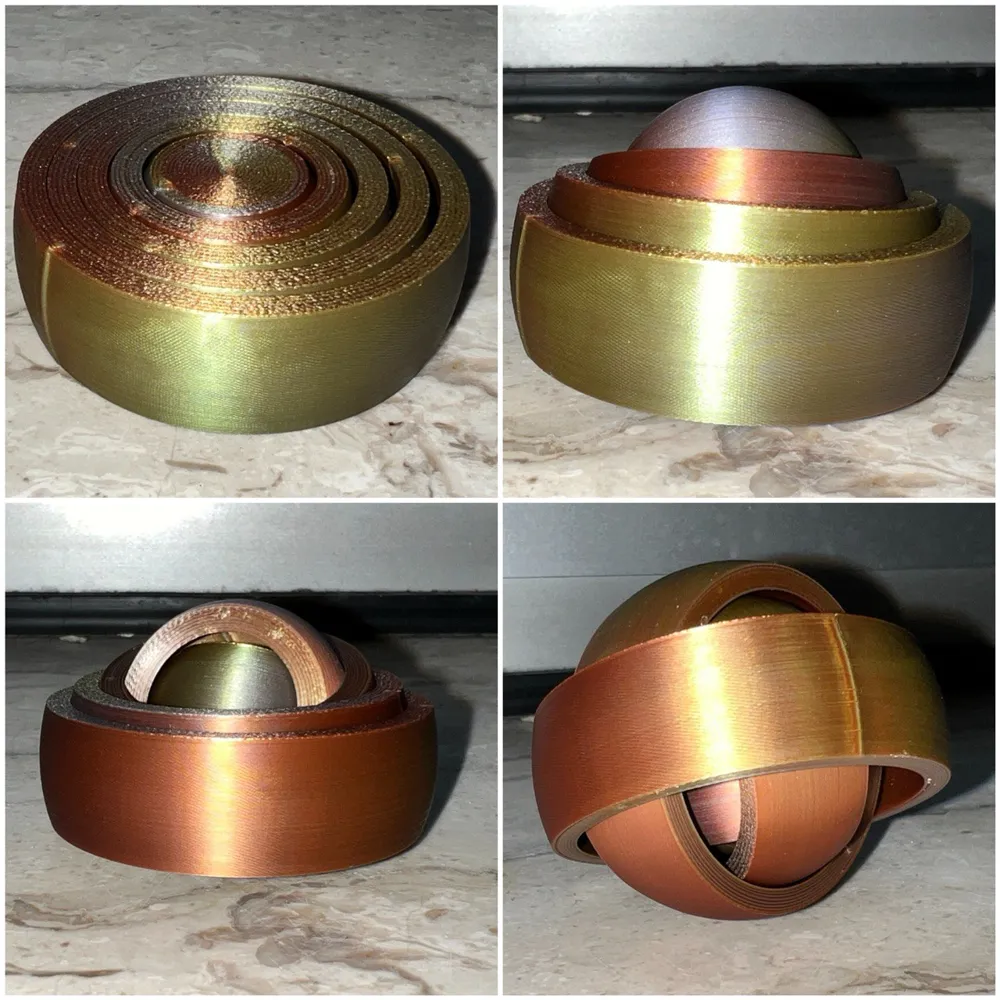
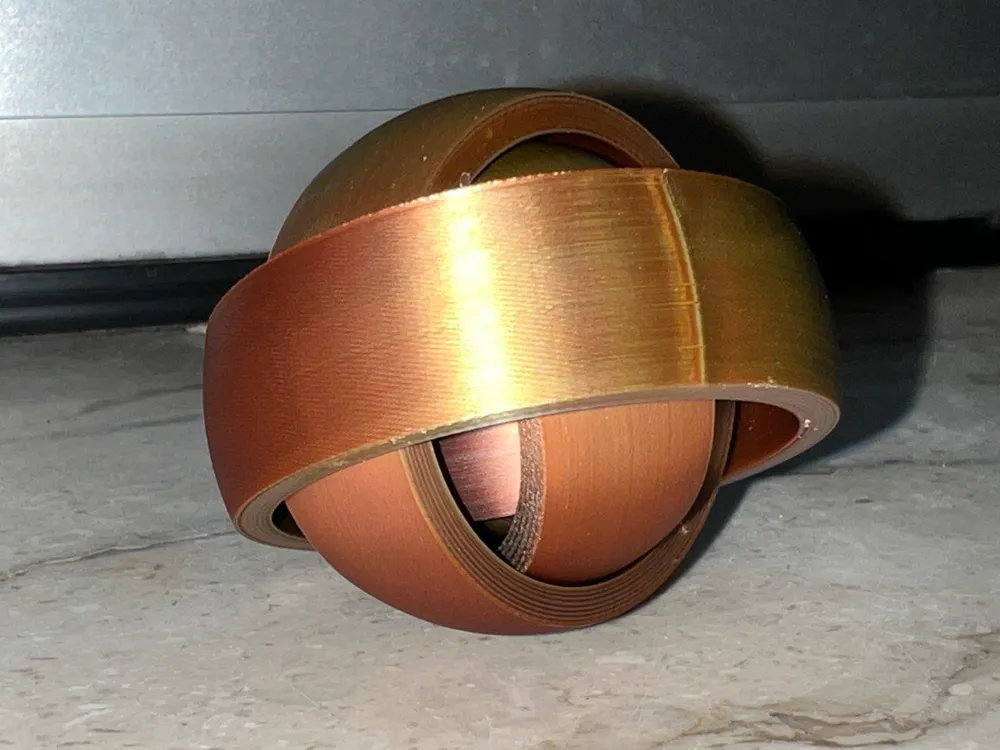
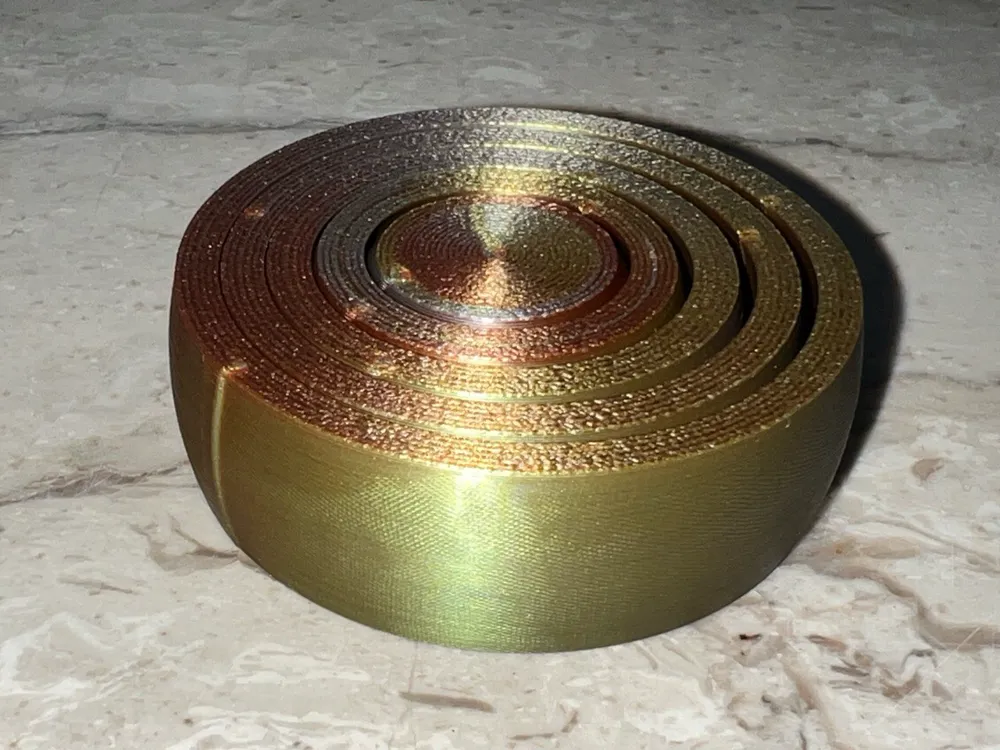
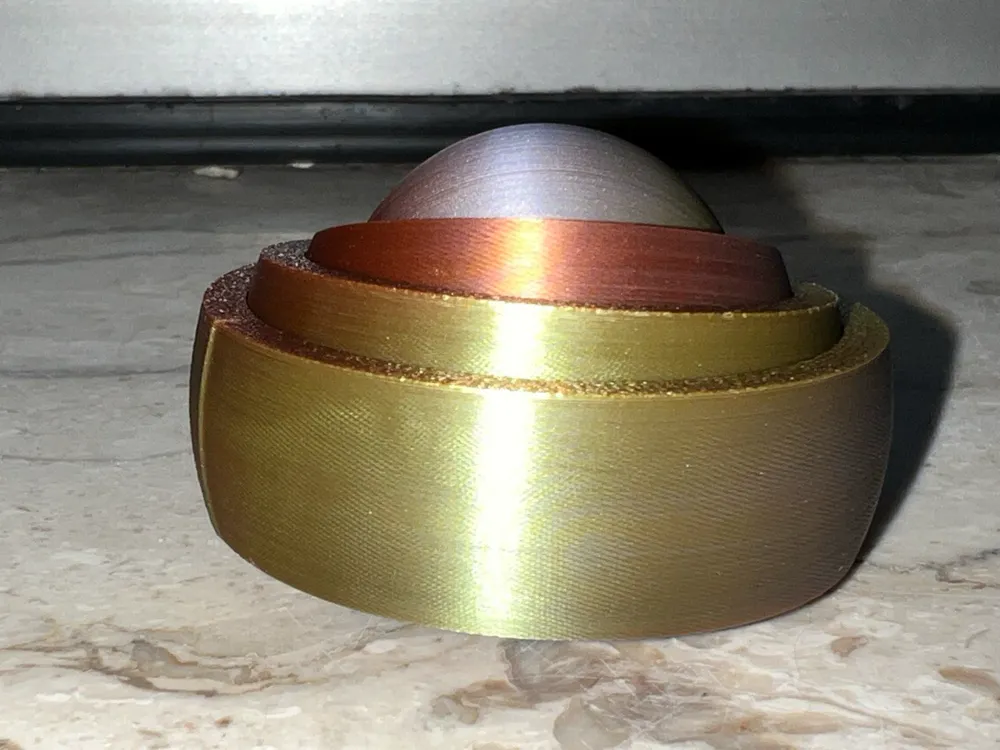
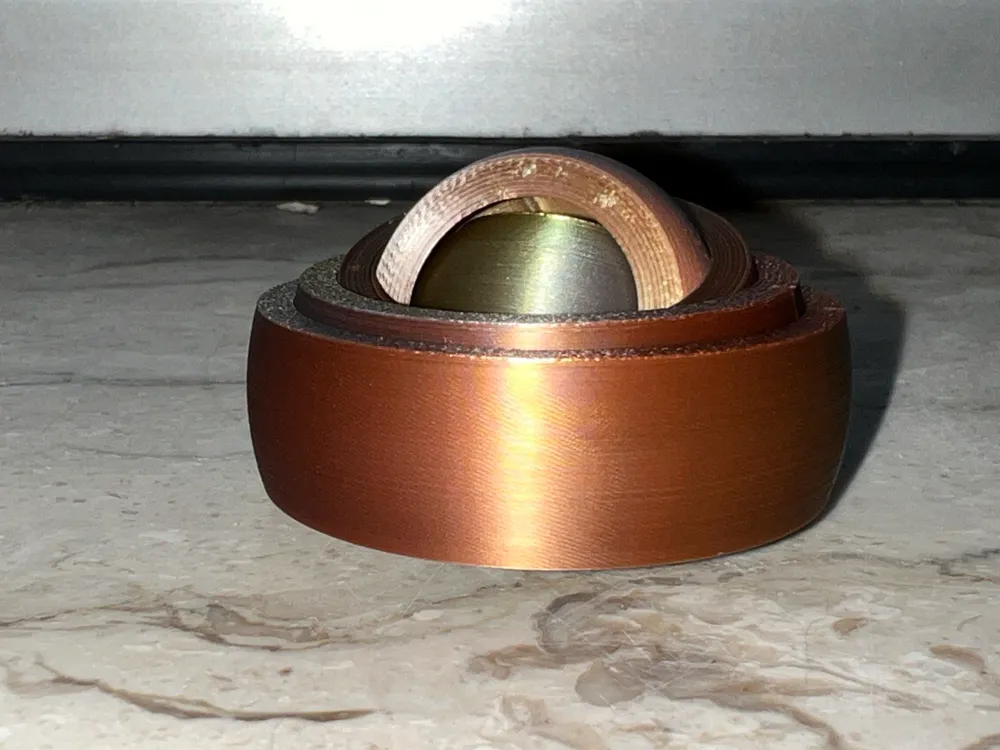
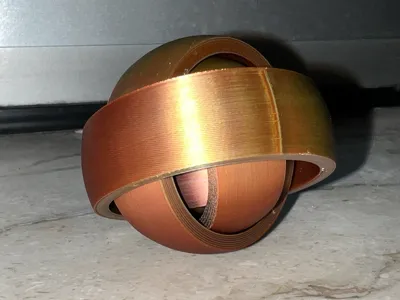
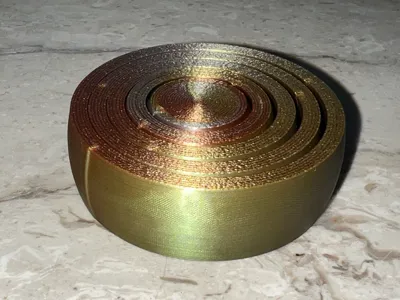
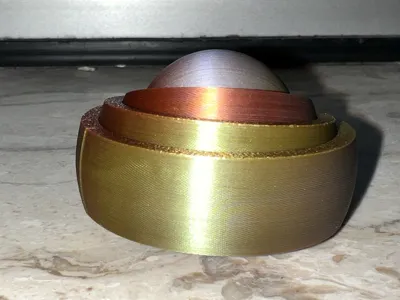
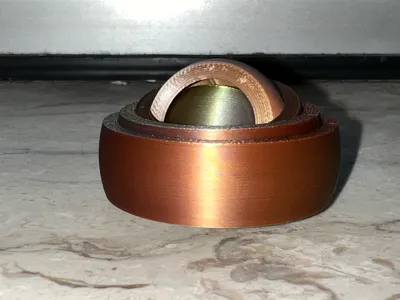
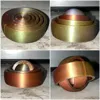
This is a look a like of the Rotating Rings Toy made by RarelyEvil February 16, 2014,
i made this one using only the slicer as a demonstration how mighty the Prusaslicer and most of his forks are today.
Yah, this toy is made without CAD and i show you step by step how that is done.
Collection
Let's get started
Steps to make the famous rotary ring toy
without CAD software using your slicer only.
Step 1 to 4 are each 6 steps but always the same.
XYZ Number?
The first number is the diameter of the sphere,
the second and third are the X and Y coordinates you have to set
this is important to ensure that all parts are placed proper.
The last number i the Z distance.
Example:
XYZ 53 100 100 26.5
This is add sphere with 53 mm diameter and set X and Y to 100
Z did not need to set it has the right value.
XYZ 47 100 100 26.5
This is add negative volumne sphere with 47 mm diameter
and set X and Y to 100 and Z to 26.5
Let's do it:
Start a new project in your slicer
- add sphere diameter position XYZ 53 100 100 26.5
add neg vol sphere diameter position XYZ 47 100 100 26.5
cut 18.5 drop lower part
cut 16 drop upper part
export as STL1.stl
delete all - add sphere diameter 45.8 position XYZ 100 100 22.9
add neg vol sphere diameter position XYZ 39.8 100 100 22.9
cut 14.9 drop lower part
cut 16 drop upper part
export as STL2.stl
delete all - add sphere diameter position XYZ 38.6 100 100 19.3
add neg vol sphere diameter position XYZ 36.6 100 100 19.3
cut 11.3 drop lower part
cut 16 drop upper part
export as STL3.stl
delete all - add sphere diameter position XYZ 31.4 100 100 15.7
add neg vol sphere diameter position XYZ 25.4 100 100 15.7
cut 7.7 drop lower part
cut 16 drop upper part
export as STL4.stl
delete all - add sphere diameter position XYZ 24.2 100 100 12.1
cut 4.1 drop lower part
cut 16 drop upper part
export as STL5.stl
delete all - import all STL[1..5].stl files at once
- save the project.
Recommended slicer settings:
layer height as low as you can go
The lower the smoother.
Will work nice from 0.4 down to 0.1 or less.
No matter if arachne or classic.
Use align for the seam, don't use random, nearest or back.
Concentric for top and bottom layer
Choose if you like the fidget lightweight or heavy!
Many people like the sensation of the heavy version.
light version: 23 g
3 top/bottom layers
2 Perimeters
rectilinear infill 15% for the bullseye only
heavy version: 37 g
3 perimeters
concentric infill 100%

Geometrie of rotating rings
If interested you may have a look into the freecad version i made a while ago:
rotating rings - freeCAD exercise
Filament used
eryone gold silver cooper
License

You shall not share, sub-license, sell, rent, host, transfer, or distribute in any way the digital or 3D printed versions of this object, nor any other derivative work of this object in its digital or physical format (including - but not limited to - remixes of this object, and hosting on other digital platforms). The objects may not be used without permission in any way whatsoever in which you charge money, or collect fees.


Comment & Rating (4)