
Cute Pig Nose Button fidget - fluffy texture feels good
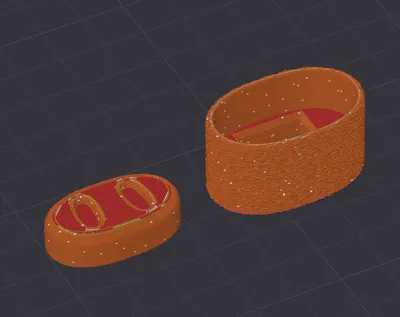
Print Profile(1)

Description

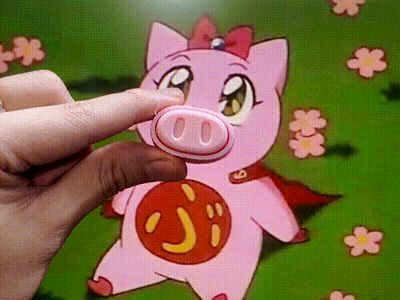
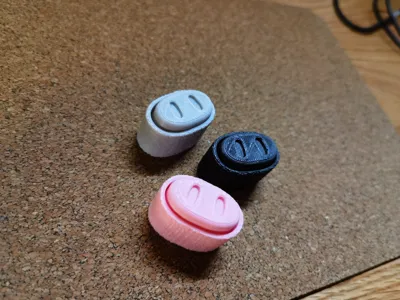
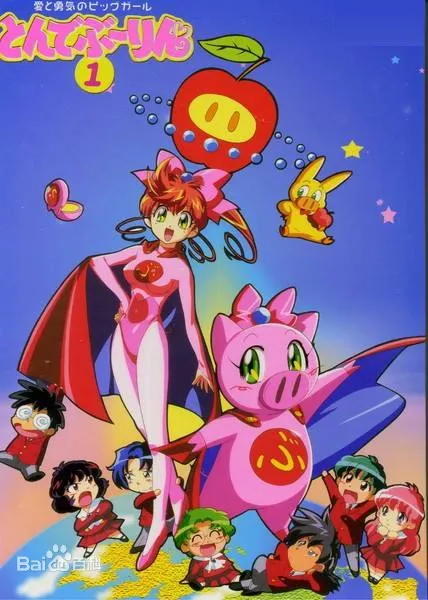
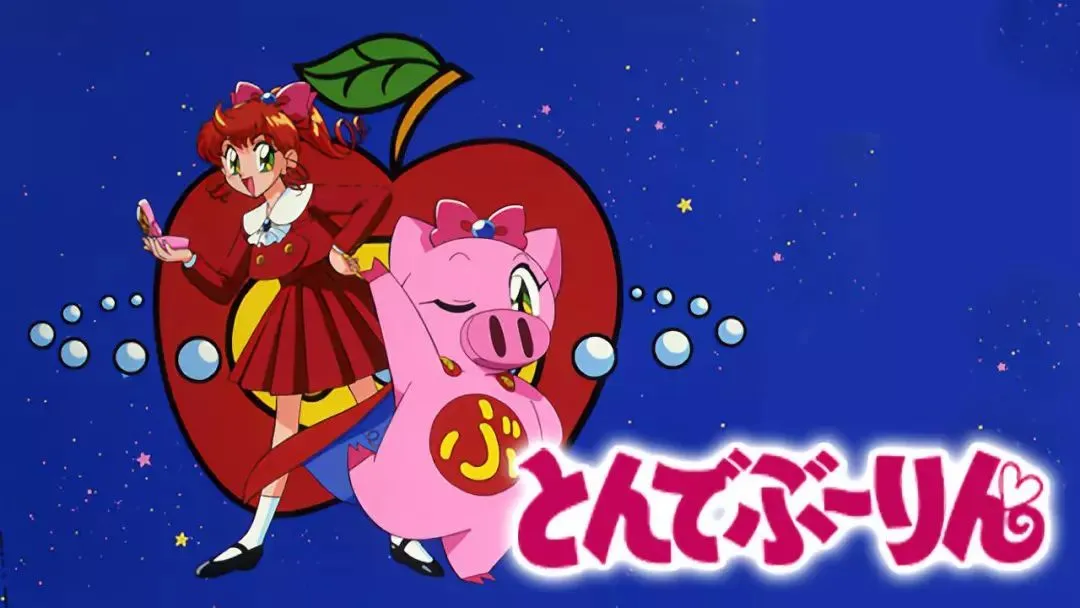
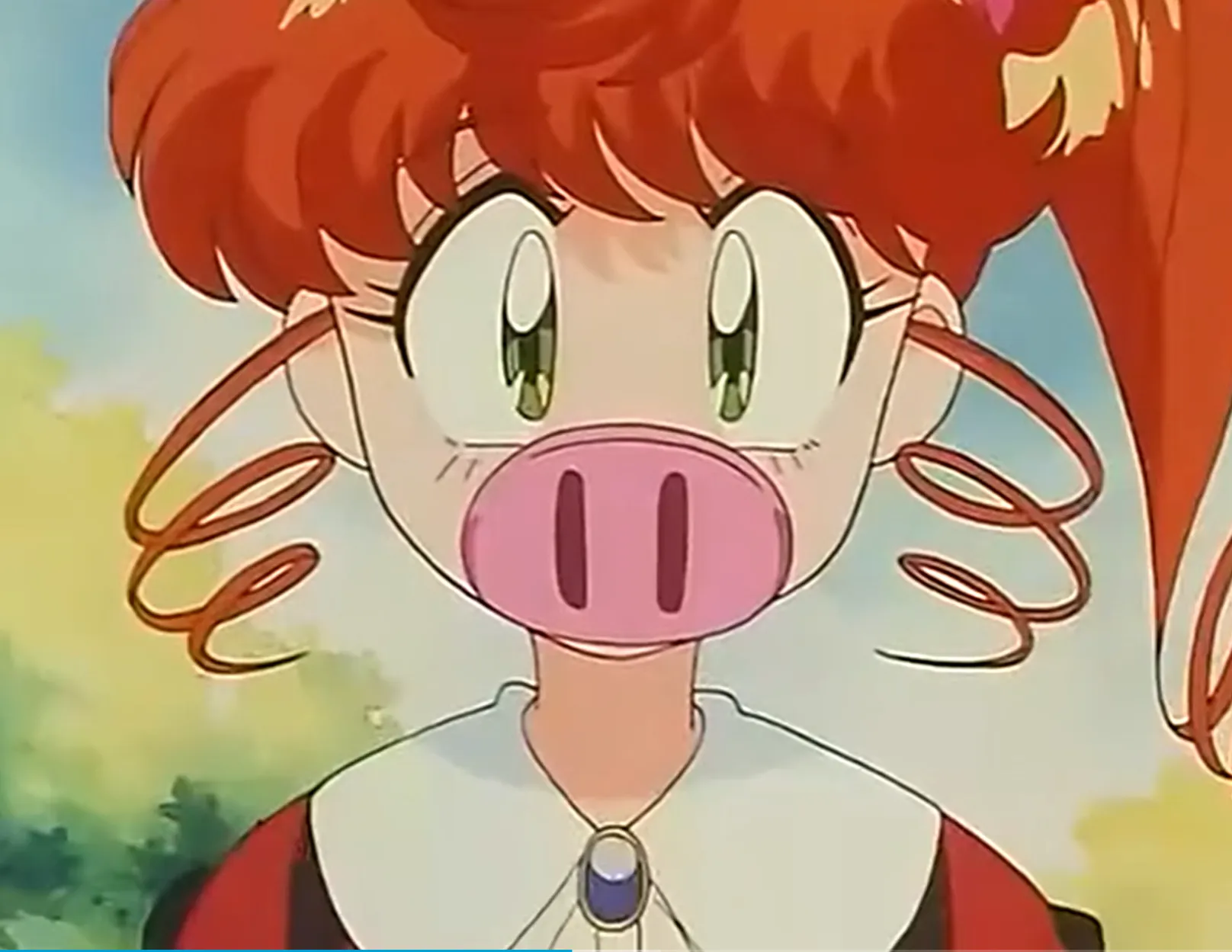
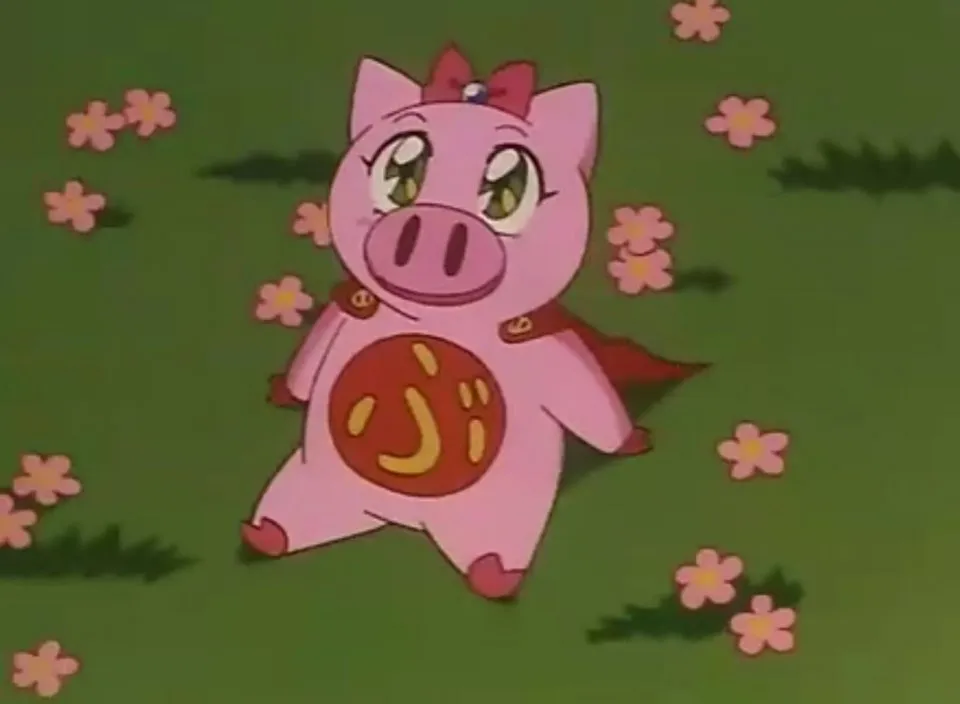
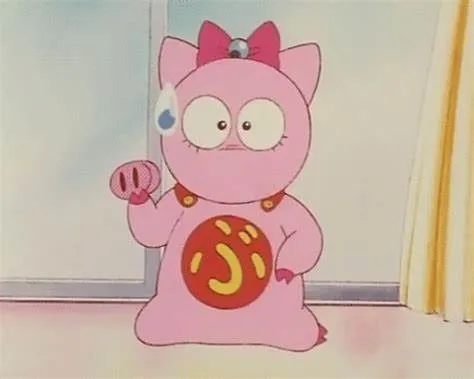
I wanted to make a velvety button fidget and thought of a pink pig nose, reminding me of the anime "Tonde Burin" (TVB translated as Pig-Girl Trouble) I watched as a child Her nose was a transformation device and could even be removed, a very unique magical girl anime where a pretty girl transforms in reverse into a pink cute pig superheroine🤣 There was also a yellow pig that looked very much like Pikachu Ah, my lost childhood is attacking me
(Bilibili actually still has this anime: Tonde Burin Episode 1 - Anime - Full Episodes - HD Online Viewing - Bilibili)
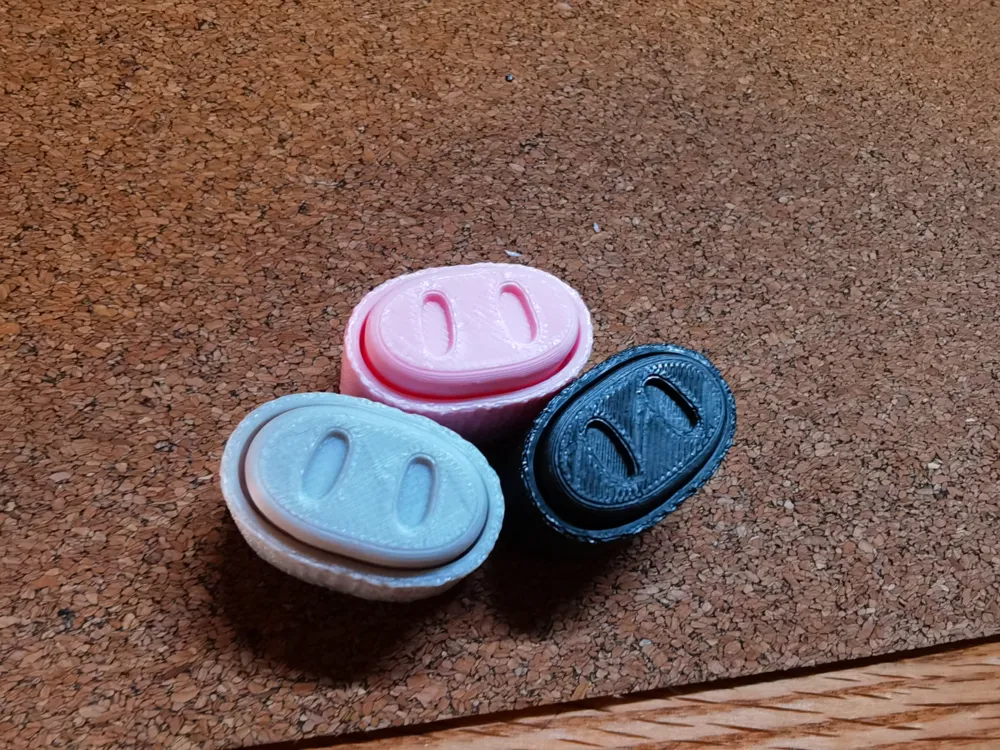
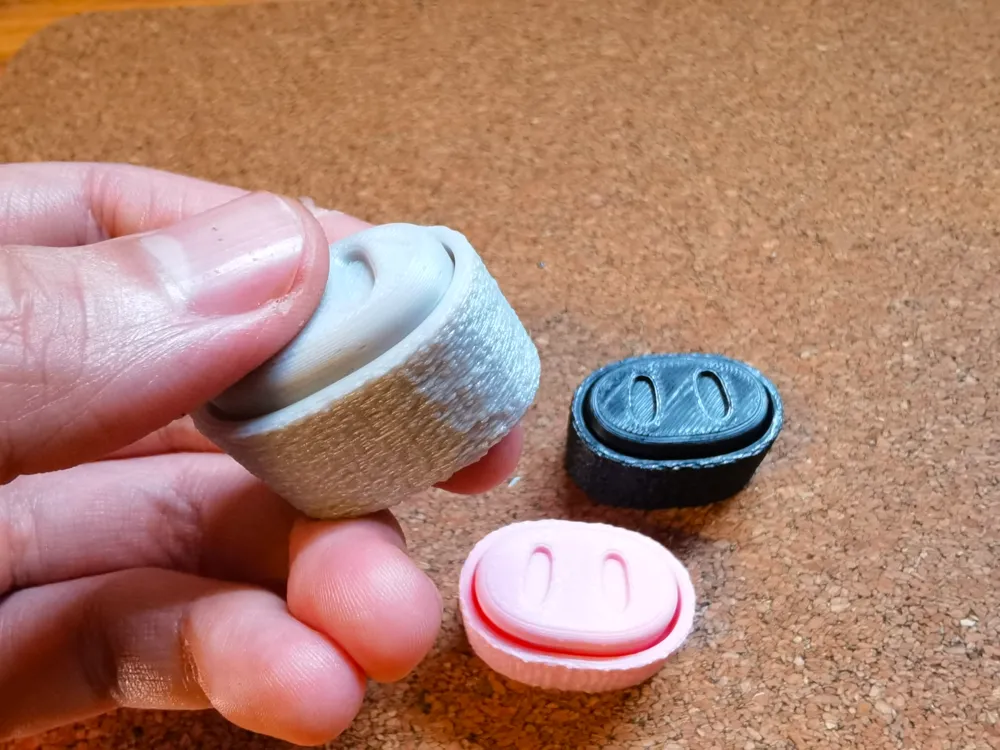
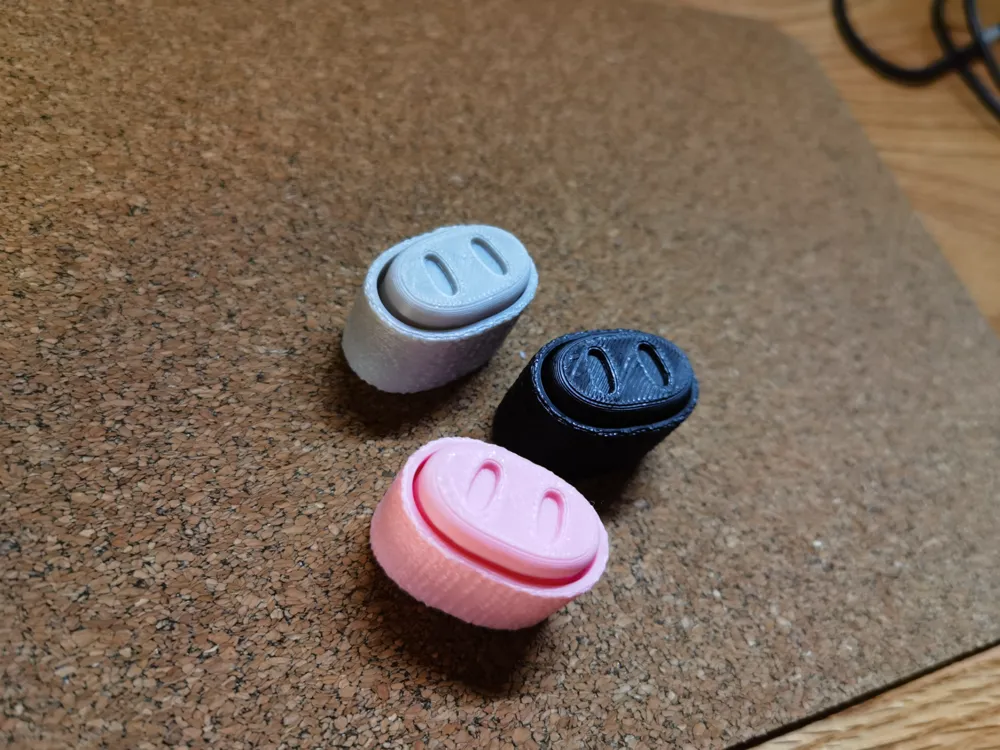
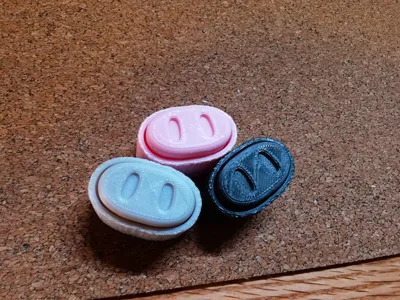
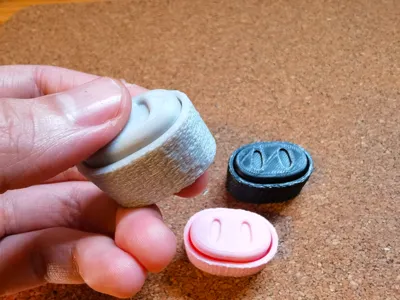
The velvety feel is truly excellent You can press it on your desktop or hold it in your hand, it's very stress-relieving Each print only takes about 30 minutes I made two versions: flocked surface and smooth surface Pink, gray, and black are recommended You can also use your creativity to mix and match different color schemes for printing For example, roasted suckling pig color scheme, braised pork color scheme, curry pork color scheme, I'm hungry(๑´•ω • `๑) Feel free to like, collect, download, print, or comment and share, thanks for your support~
Switch Recommendation:
1 The model does not include mechanical keyboard switches; you will need to purchase them separately From my testing, both clicky and silent switches have good sound effects (tactile or linear switches are also acceptable) I personally like all of them, so please use them according to your personal preference If you like crisp and bright sounds, choose clicky tactile switches like blue switches If you prefer a more stable sound, black or red switch types are suitable You can find inexpensive ones on Taobao or Pinduoduo
2 Please use standard cross-stem switches Switches with dustproof walls may be difficult to install or result in an unsmooth click
Installation Suggestions:
1 Please cut off the 4 long small nubs inside the cover
2 Please note the installation direction One side of the cross-shaped structure is longer, corresponding to the longer side of the switch It is recommended not to install the base first; combine the top cover and the switch, test until it can spring back, then install it onto the base
3 If the size is a bit unsuitable, please appropriately widen the hole or fill the gap If it's still bad, I apologize and suggest adjusting the parameters for compensation
Parameter Settings:
You can directly use the model file I provided for printing, as the parameters have already been set
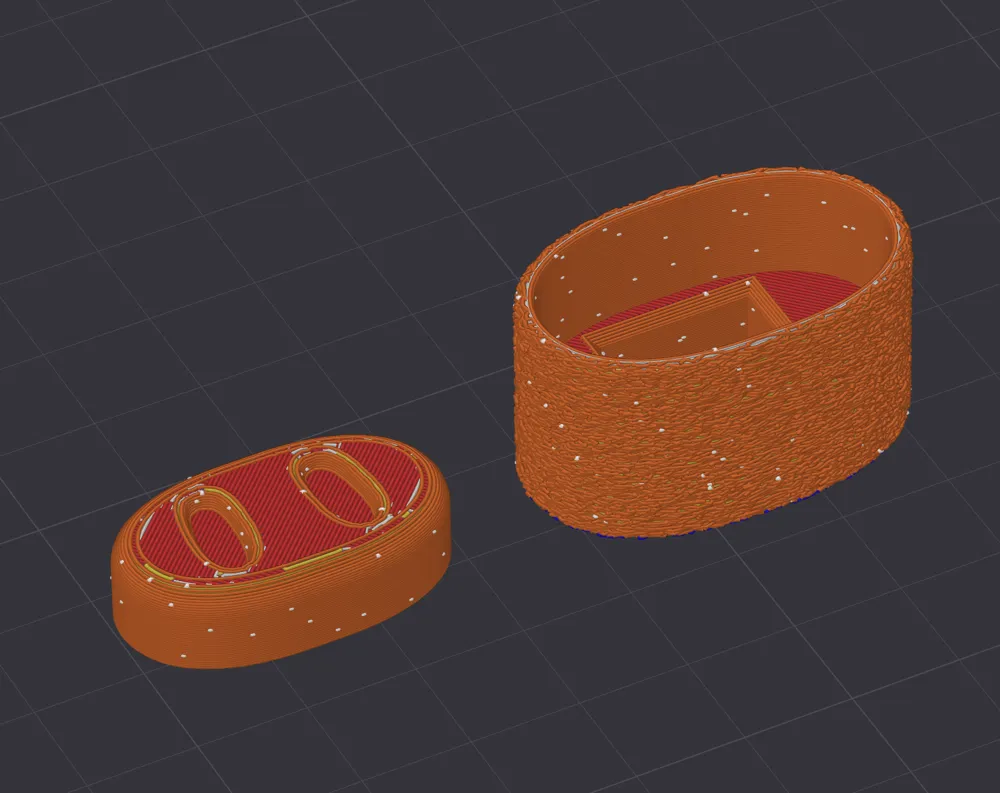
1 "Global" - "Seam Position" set to "Random" or "Nearest" Although this adds 1-2 minutes to printing time, it's quite necessary, because using the default "Aligned" in this model will accumulate into a ridge, which can easily cause sticking and result in unsmooth button pressing
2 Flocked version: Set the base model separately, in "Object" - "Special Mode" - "Flocked Surface" set to "Contour" Other flocked parameters use default settings; you can also test different flocked parameters to see if they yield different tactile sensations
3 Smooth version: Wall Order: Select "Outer/Inner Walls" (To minimize the small seam in the middle transition of the base; if this option is not enabled, a noticeable protrusion will appear in the middle transition area)
4 [Strength]: Sparse infill density: default [15%] You can also change it to 100% or other values as needed Tested and confirmed that the smaller the mass, the more "hollow" the cavity sound (subtle reverberation); conversely, the larger the mass, the more "solid" the cavity sound (crisp)
Filament Selection:
I used PLA for print testing, PETG was not tested If the holes are too large or too small, please fine-tune the hole compensation
This is my 15th model learning 3D modeling, using Fusion 360; my modeling skills are not yet very mature I apologize if you encounter any issues with printing, please bear with me, thank you very much for your support~
License

You shall not share, sub-license, sell, rent, host, transfer, or distribute in any way the digital or 3D printed versions of this object, nor any other derivative work of this object in its digital or physical format (including - but not limited to - remixes of this object, and hosting on other digital platforms). The objects may not be used without permission in any way whatsoever in which you charge money, or collect fees.


Comment & Rating (3)