
CircuitMate - Your electronics lab companion
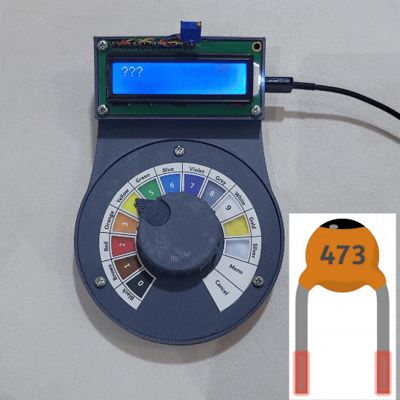
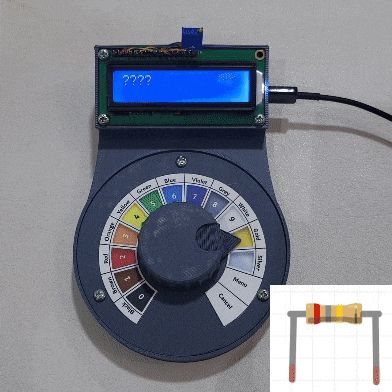
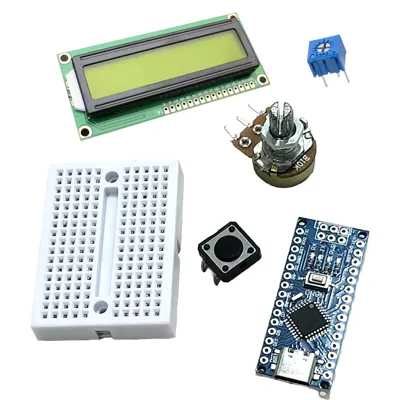
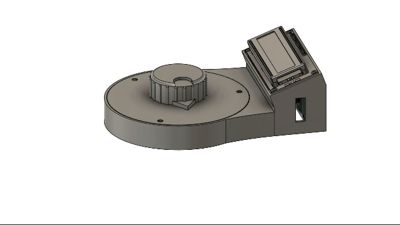
Print Profile(1)

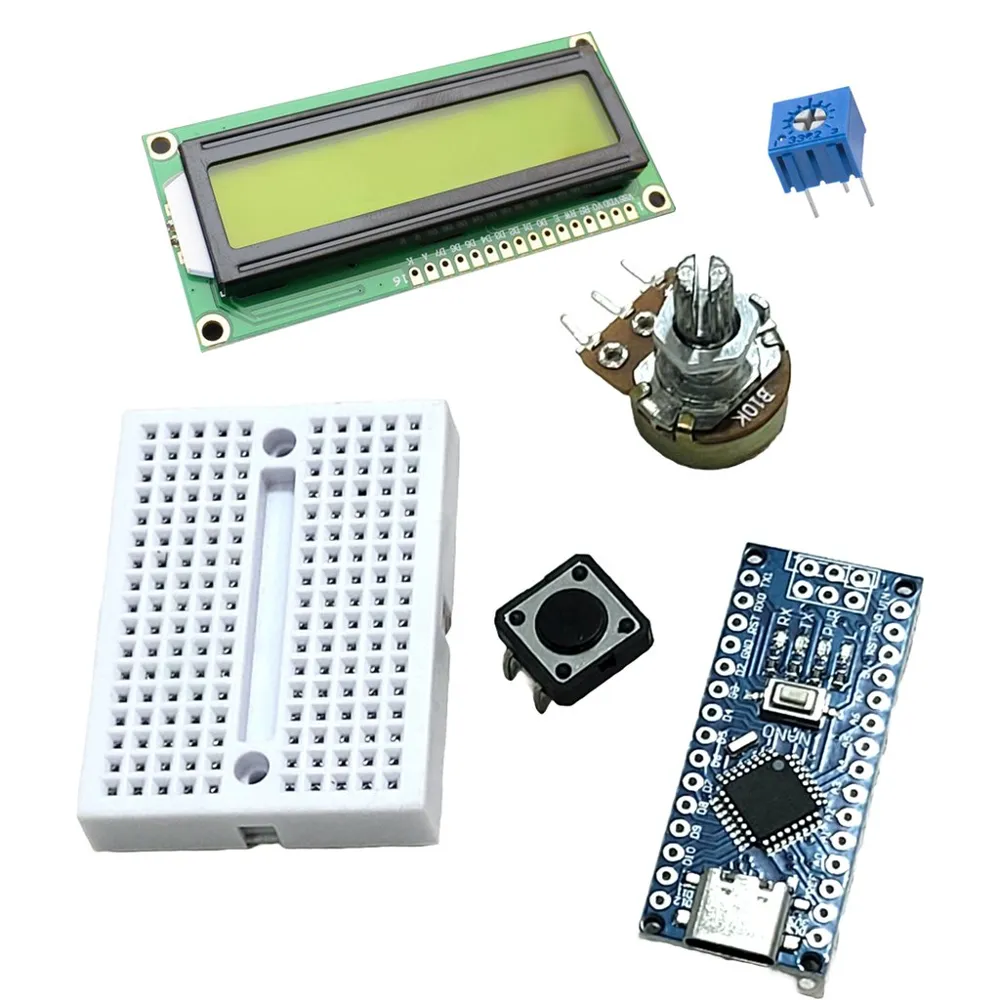
Bill of Materials

- Arduino Nano x 1:
- Potentiometer x 1:
- 12mm x 12mm Push Button x 1:
- Character LCD 16x2 x 1:
- Small Potentiometer x 1:
- Small Breadboard x 1:
Description
Summary
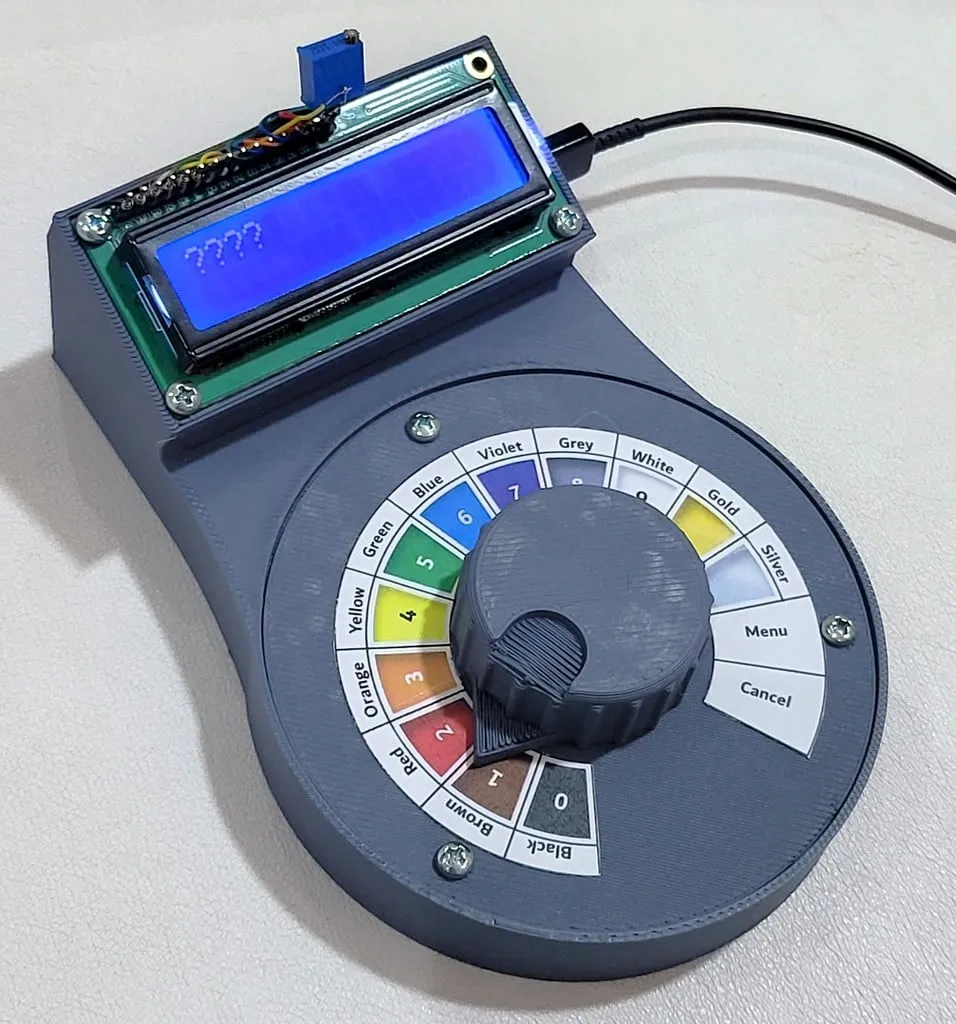
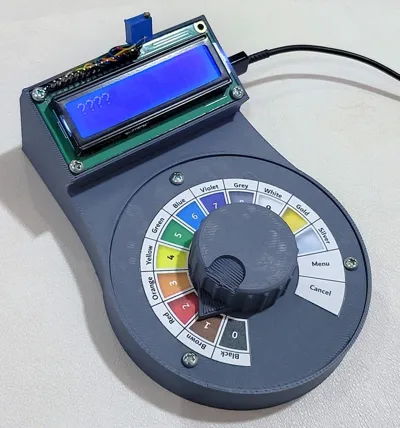
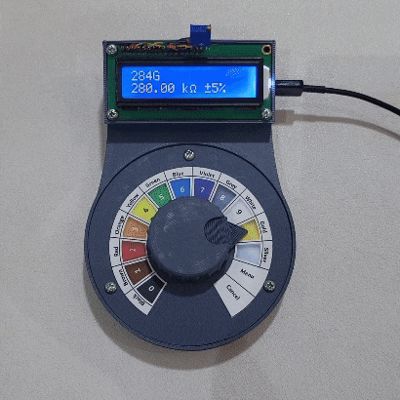
CircuitMate is a versatile electronics calculator designed to assist with various electronics calculations such as resistor and capacitor values.
CircuitMate: Electronics Calculator
Features
You can find the source code and firmware for CircuitMate on the GitHub repository here: CircuitMate GitHub Repository.
The current firmware includes the following features:


- Resistor Calculators:
- DIP resistor calculator (4-Band and 5-Band)
- SMD resistor calculator (3-digit and 4-digit)

- Capacitor Calculator:
- Supports 3-digit ceramic and SMD capacitors
- Games:
- Number guessing game
The firmware is designed to be extensible, allowing users to easily add new applications (For more information, refer to the README file in the repository).
Design Goals
When designing CircuitMate, several key goals guided the development process:
- Usable and Useful: Simple interface for quick and efficient use.
- Intuitive: User-friendly layout and controls.
- Minimal Bill of Materials (BOM): Designed with minimal and easy-to-source components.
- Easy to build: The assembly process is minimized.
- Extensible: Easily modified or expanded with additional features.
Files and Parts Overview

- Base.stl: Holds all components together.
- Upper-part.stl: Holds potentiometers and designed thin to allows flexibility for pressing the button.
- Knob.stl: Attaches to the potentiometer for user control.
- Pot-Button-bridge.stl: Helps close the gap between the potentiometer and the button; may not be needed if using a button with a raised actuator.
- Knob_label.pdf: PDF file for printable labels to attach to the upper part.
Bill of Materials (BOM)
To assemble the CircuitMate, you’ll need the following components:
- Arduino Nano: The microcontroller that powers the CircuitMate.
- Potentiometer: A standard potentiometer to adjust various settings.
- 12mm x 12mm Push Button: A tactile button used to interact with the CircuitMate.
- Character LCD 16x2: A crystal LCD display for showing calculations and other outputs.
- Small Potentiometer: Used specifically for controlling the contrast of the character LCD.
- Small Breadboard: A compact breadboard (e.g., SYB-170) for connecting and holding all components together.
- Heat Inserts: You may use it for easier assembly/disassembly
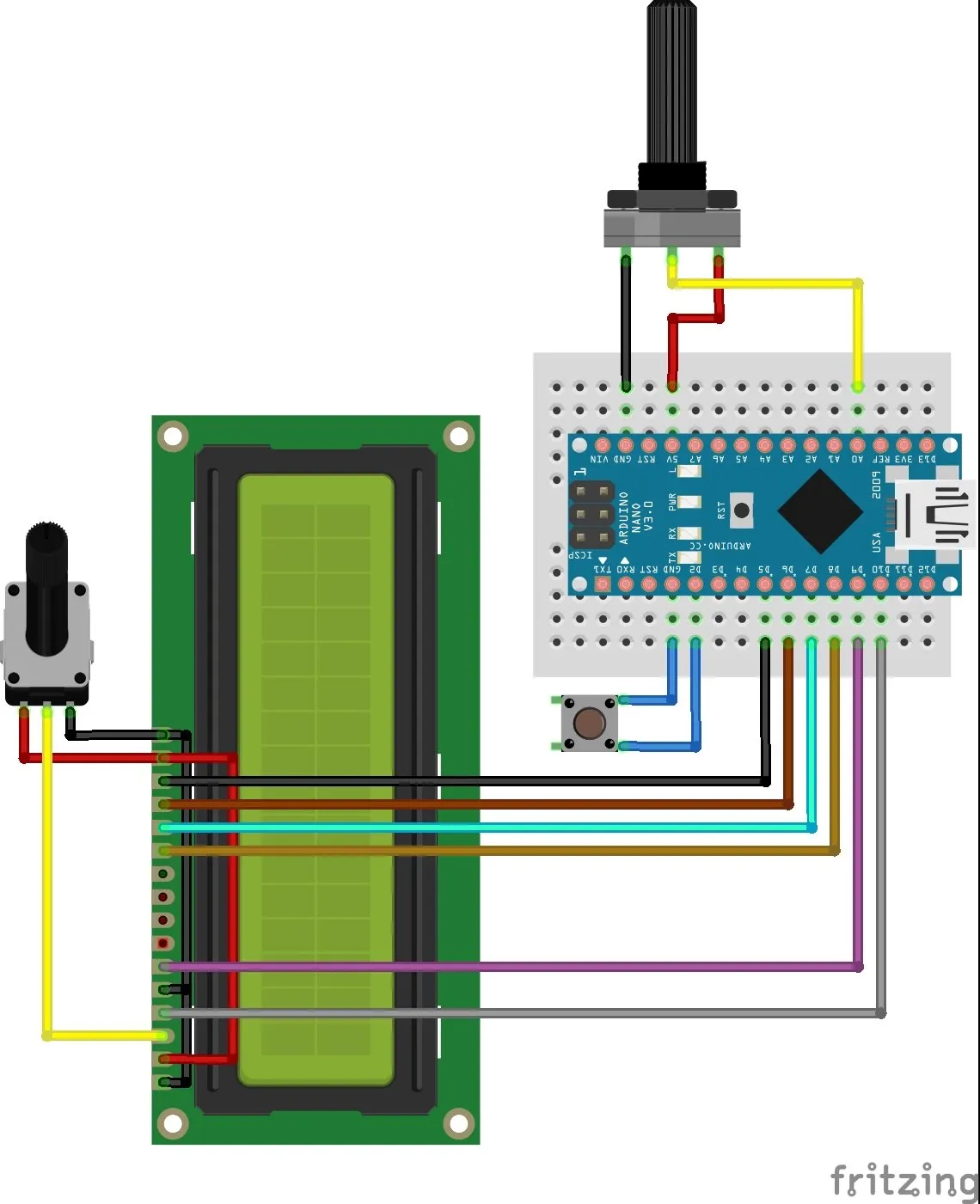
Arduino connections
Assembly Instructions
To assemble the CircuitMate, follow these steps:
- Print Parts: Print all the necessary parts using the provided STL files.
- Prepare Knob Label: Print the knob label from the PDF file and attach it to the upper part using adhesive tape or glue.
- Insert Heat Inserts: Insert heat inserts into the screw slots of the base (for the LCD) and the upper part.
- Component Assembly:
- Attach the button to the base part.
- Mount the potentiometer onto the upper part.
- Place the breadboard inside the base, ensuring the Arduino's USB connector is accessible from the side slot.
- Attach Knob: Secure the knob onto the potentiometer.
- Optional - Potentiometer Bottom Bridge: If needed, use the potentiometer bottom bridge to close any gaps between the potentiometer and the button.
- Electrical Connections: Connect the Arduino Nano, LCD, and other components according to the provided diagram.
- Final Assembly: Attach the upper part and the LCD to the base.
- Download Firmware: Download the Arduino project from the CircuitMate GitHub Repository.
- Calibrate Knob: Calibrate the knob values as described in the repository's README file.
- Enjoy: Your CircuitMate is now ready to use. Have fun!
Important: When attaching the knob, make sure the arrow on the knob aligns with the starting point of the first label (Black) and the ending point of the last label (Cancel). This alignment is crucial to use the full range of the knob’s movement.
Documentation (1)
License



Comment & Rating (10)