
Makita DTD172/XDT19 Bit Holder
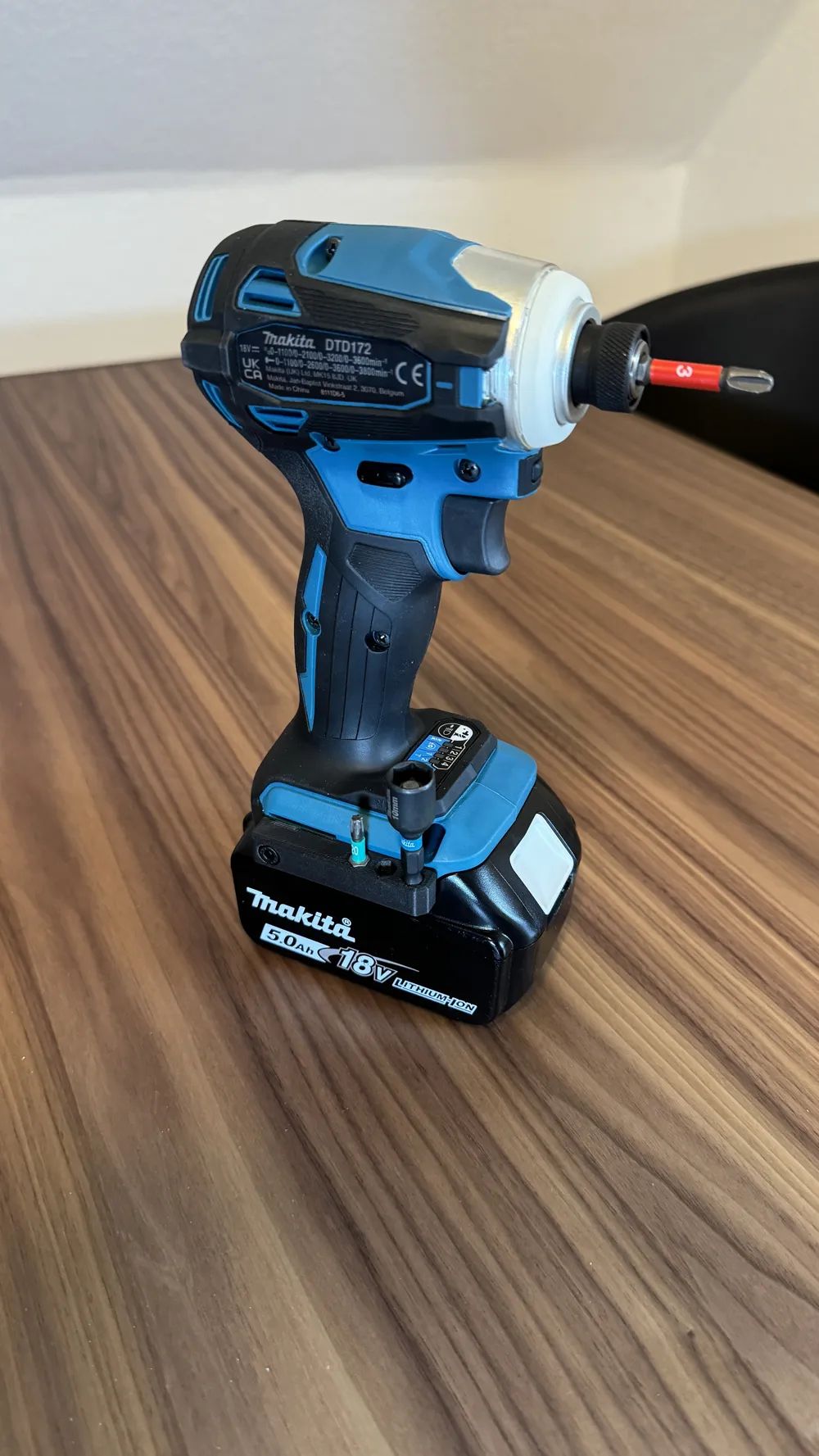

Print Profile(1)

Bill of Materials

- M4x12mm socket head cap bolt x 1: M4x8mm up to M4x14mm also work
Description
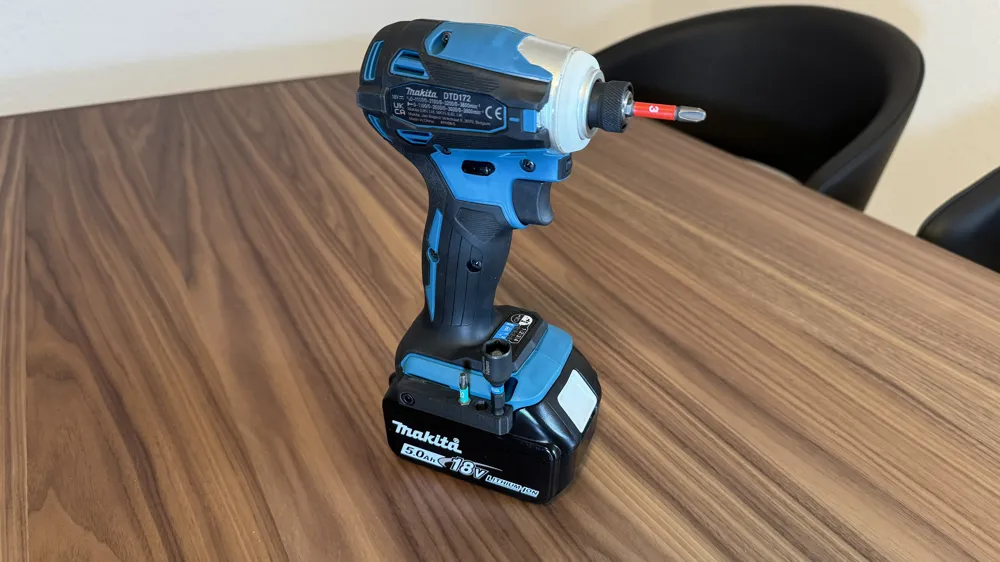
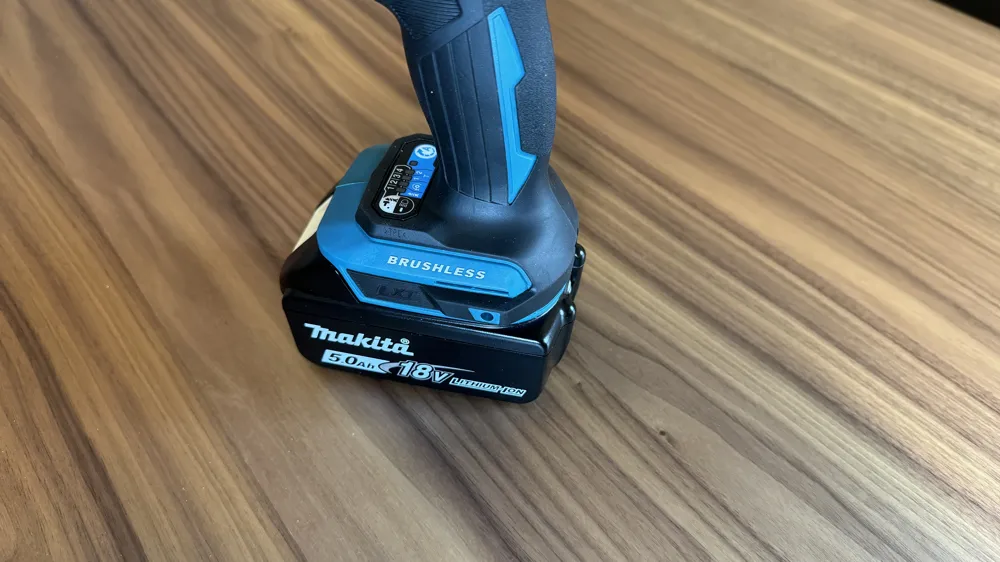
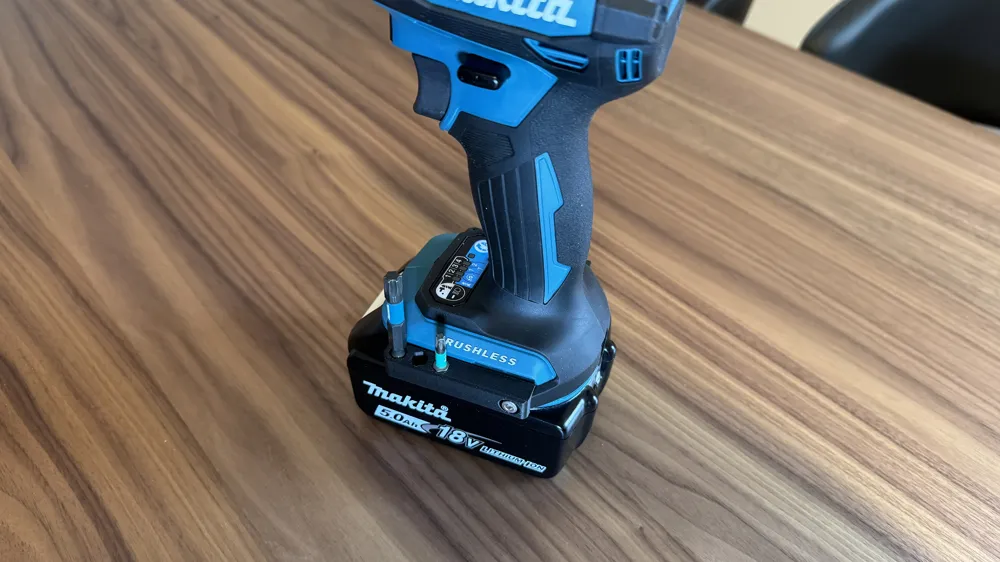
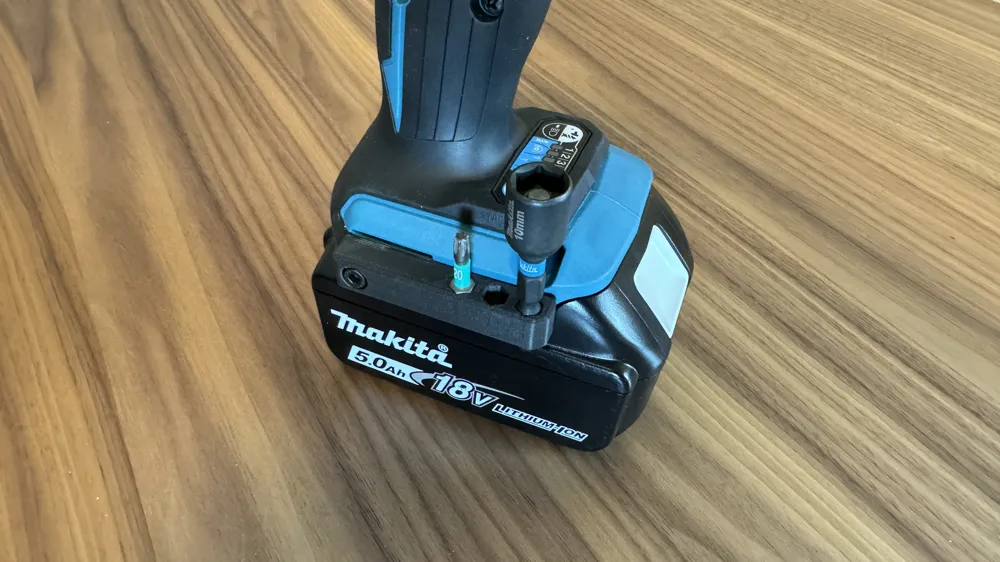
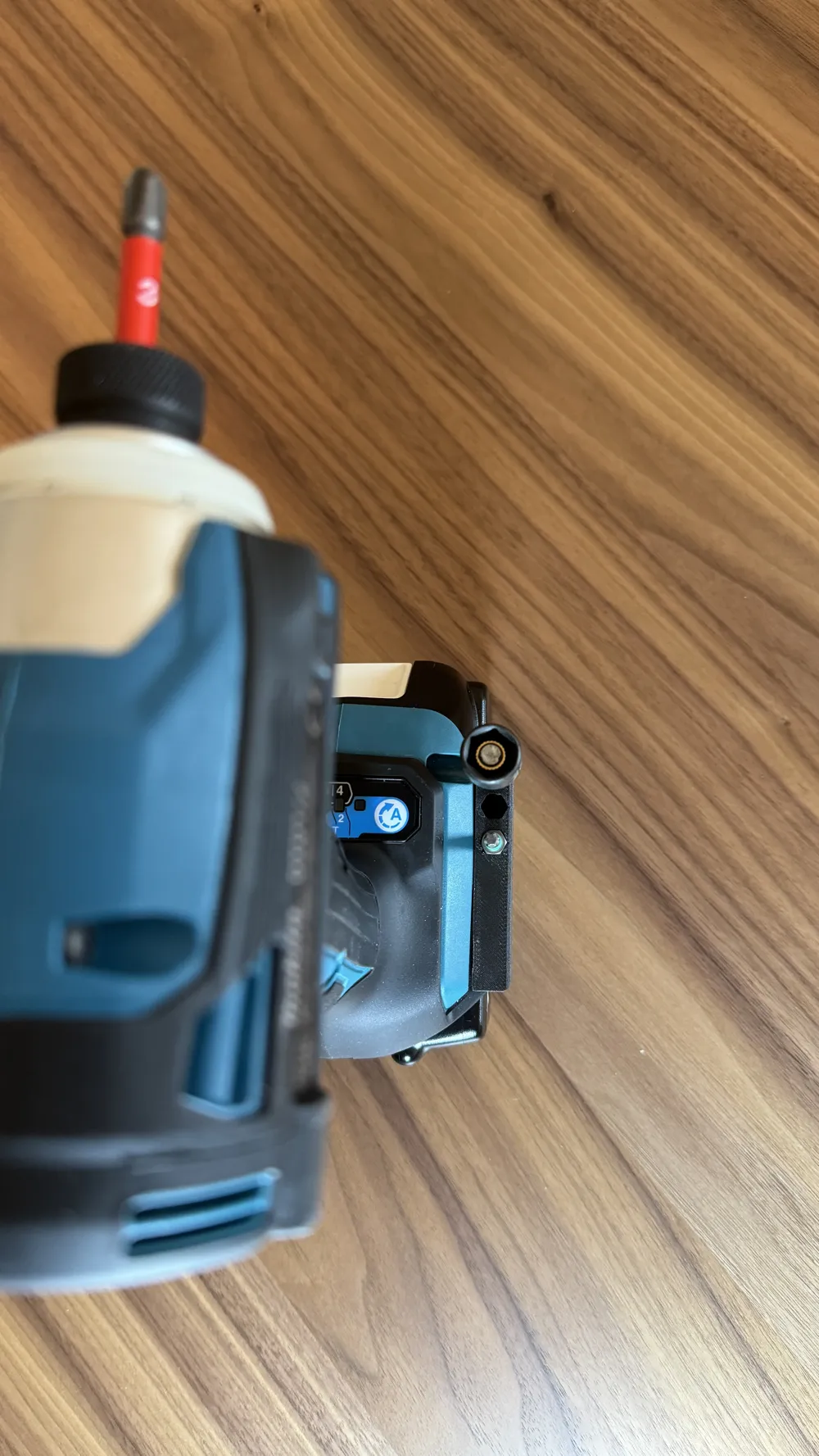
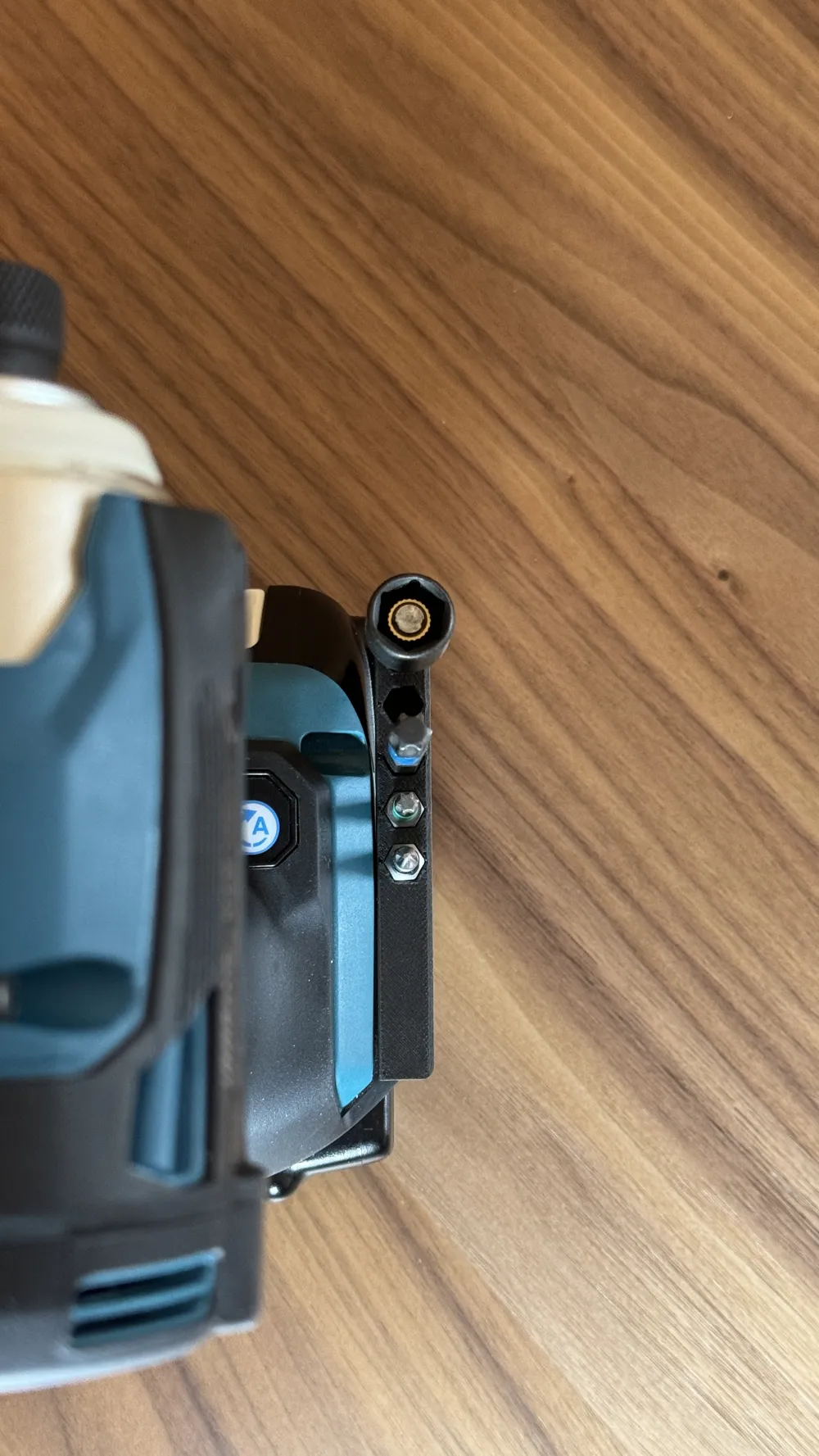
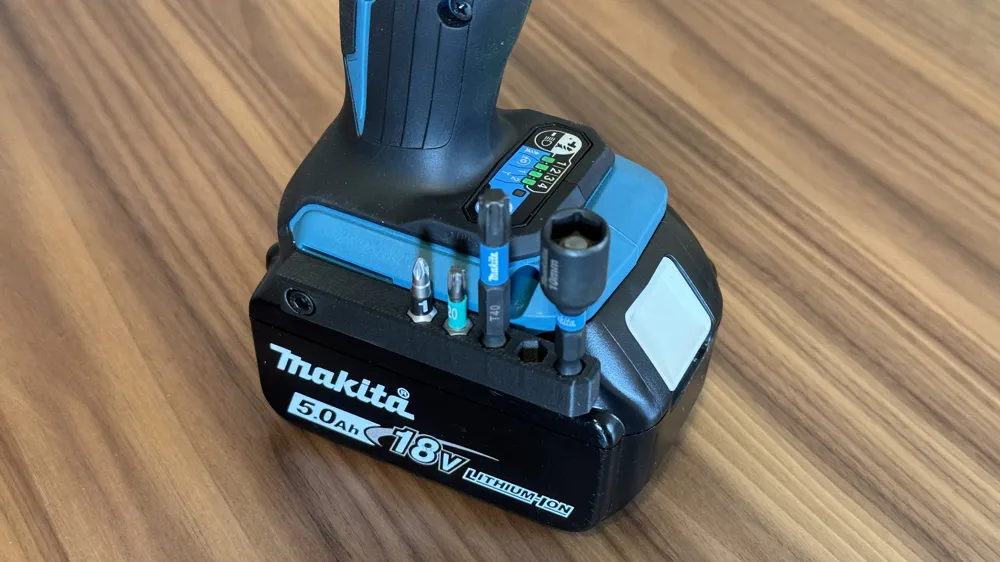
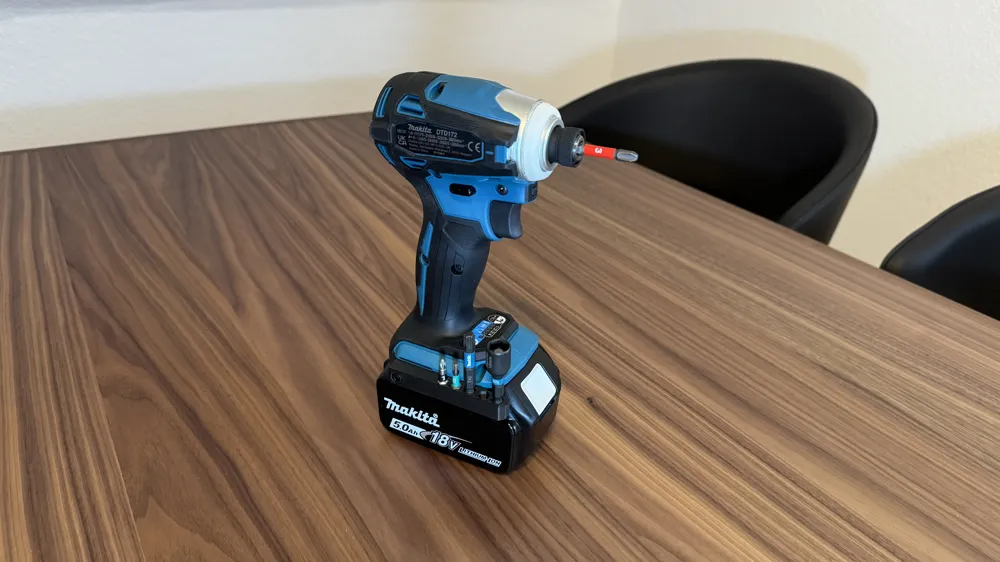
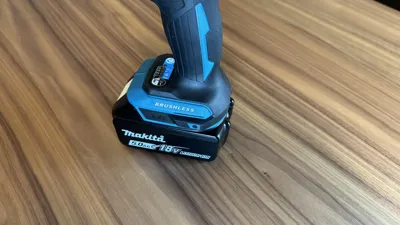
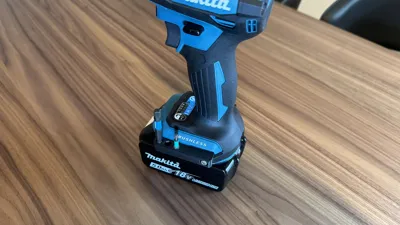
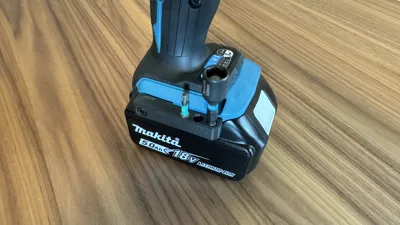
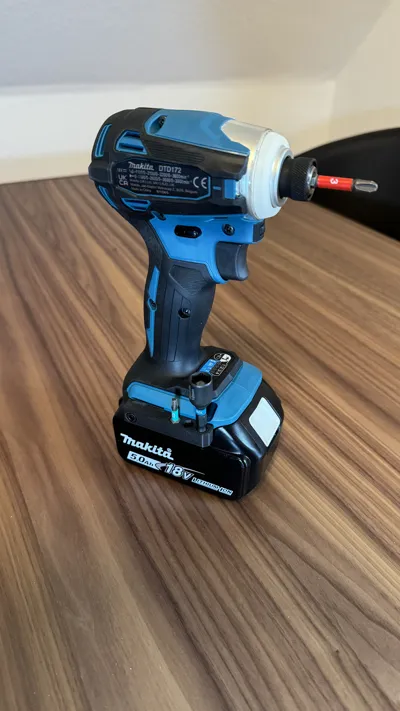
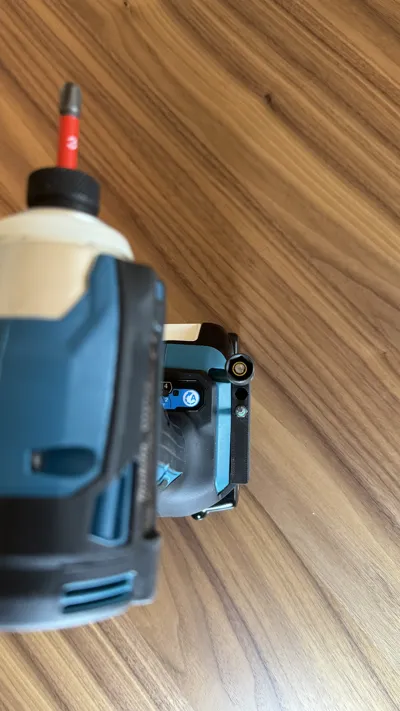
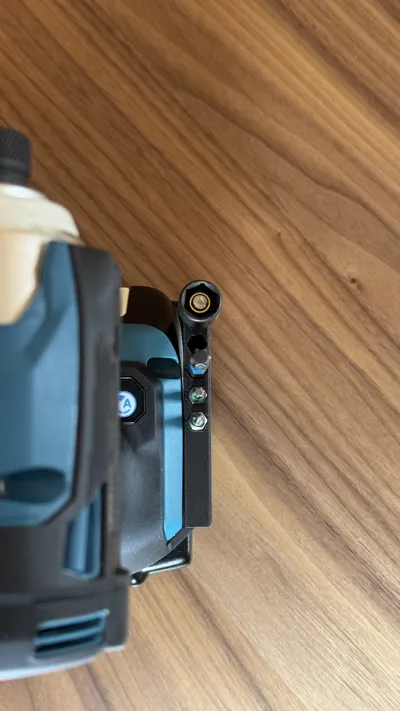
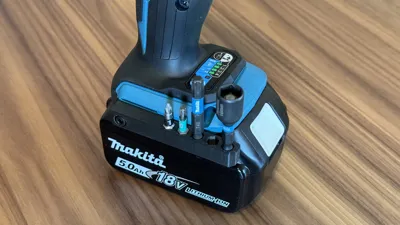
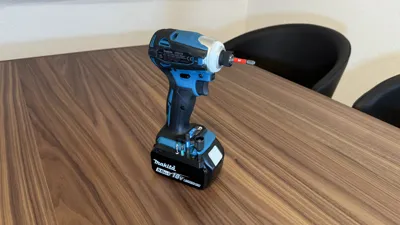
This is a bit holder that fits the newer style Makita base, with an angled design (used to be slightly curved). Holds 3 or 5 standard ¼" hex bits securely with 5x2mm magnets.
Please read the following guide before printing. German version below.
Hi!
With the DTD172/XDT19 Makita has changed the design on the sides of the base from a soft curve to an angled design (see reference photo in the gallery). With that change, existing models by other users don't fit well, so I created a model to fit the new design. This bit holder is available for 3 or 5 standard bits, held by an equal number of 5x2mm magnets embedded in the print. Also requires one M4x12mm socket head cap bolt (M4x8mm up to M4x14mm also work).
This model was created and tested with fully calibrated filaments (PLA and PETG) on a BambuLab P1S and Wera/Felo/Makita bits. Since every printer, filament and bit brings slight variations, I suggest you do test prints to achieve a perfect fit. Without magnets, the bits should not fall out when held upside down, nor should they be too hard to get out. You may need to scale the model up or down in .01% increments.
Printer settings:
| Layer |
|
||
| Wall loops | 2 | ||
| Infill | 15% (non intersecting infill, i.e. Rectilinear, Gyroid, Cubic) | ||
| Support | Yes, I suggest tree type | ||
| Pause | At layer 13 (please verify in the slicer preview) |
Filament used in the pictures is extrudr GreenTEC Pro Carbon.
When you pause the print at layer 13 to set the magnets, you should switch the polarity of the magnets for each hole (N-S-N-S-N), this offers the strongest magnetic force to hold the bits. CA is optional on a magnetic print plate, the magnets will hold themselves in place. If you don't have a magnetic print plate, CA is required.
Have fun printing and enjoy using the finished bit holder!
***German Version***
Hallo!
Makita has changed the design on the sides of the base from a soft curve to an angled design (see reference photo in the gallery) with the DTD172. With that change, existing models by other users don't fit well, so I created a new slim bit holder. The bit holder fits 3 or 5 classic ¼ inch hex bits. In the bit holder, a corresponding number of 5x2mm magnets is embedded. You also need an M4x12mm socket head cap bolt (lengths from M4x8mm to M4x14mm also fit).
The model was printed with fully calibrated filaments (PLA and PETG) on a BambuLab P1S, tested with bits from Wera/Felo/Makita. Because every printer/filament produces slightly different tolerances and not all bits have the same dimensions, I recommend that you make a test print without magnets and, if necessary, scale the model up/down in .01% increments. The bits should not fall out upside down without magnets, but they should not be too difficult to remove either.
Printing settings:
| Layer |
|
||
| Walls | 2 | ||
| Infill | 15% ("non intersecting infill", e.g.: Rectilinear, Gyroid, Cubic) | ||
| Support | Yes, I recommend "tree type" | ||
| Pause | At layer 13 (check in the slicer preview) |
The bit holder in the photos was printed with extrudr GreenTEC Pro Carbon.
When you insert the magnets at layer 13, you don't need any superglue to secure the magnets on magnetic print beds. Also, you should alternate the polarity of each magnet (N-S-N-S-N) for maximum holding power.
Have fun printing and using the bit holder!
License



Comment & Rating (5)