
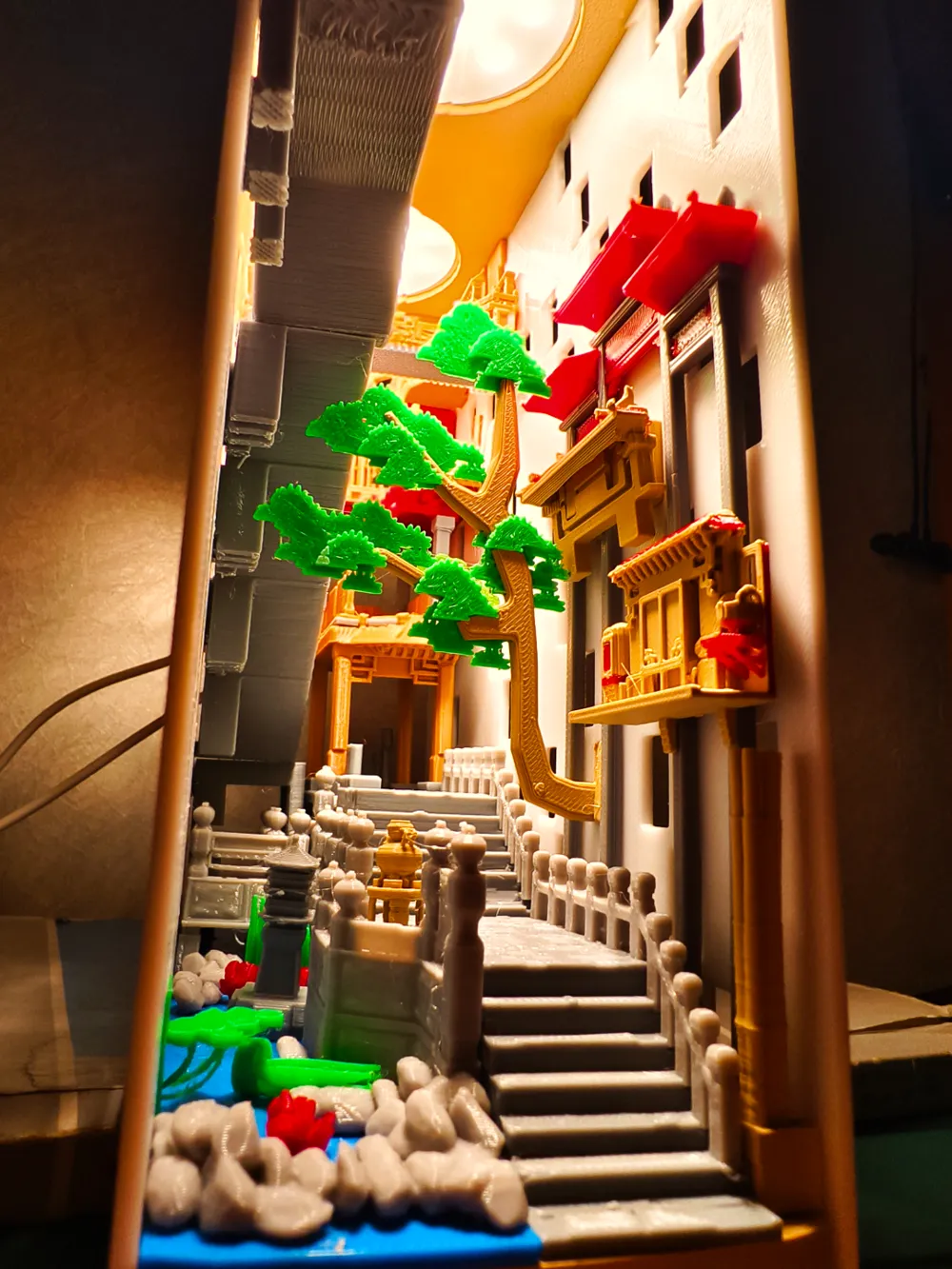
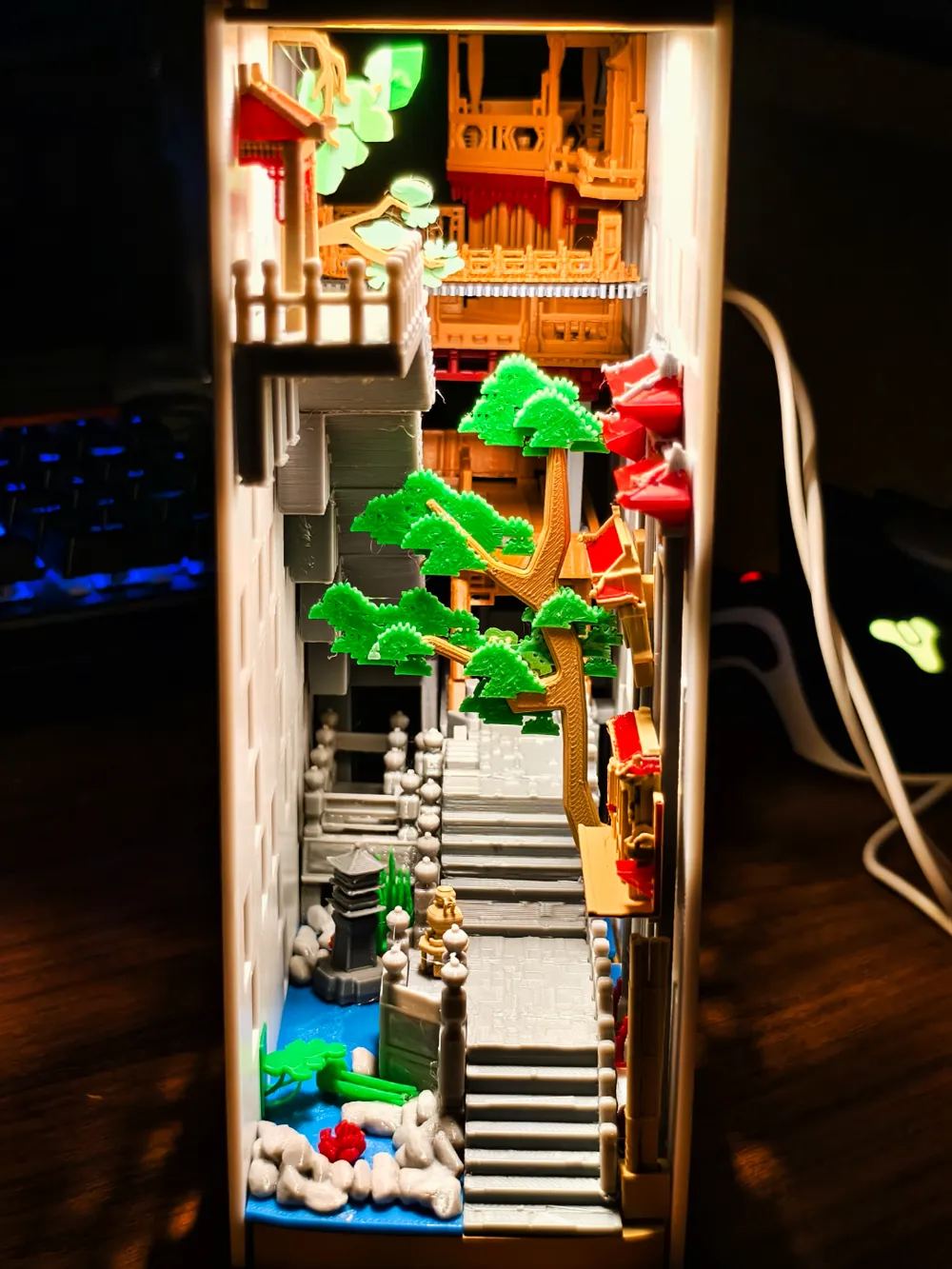
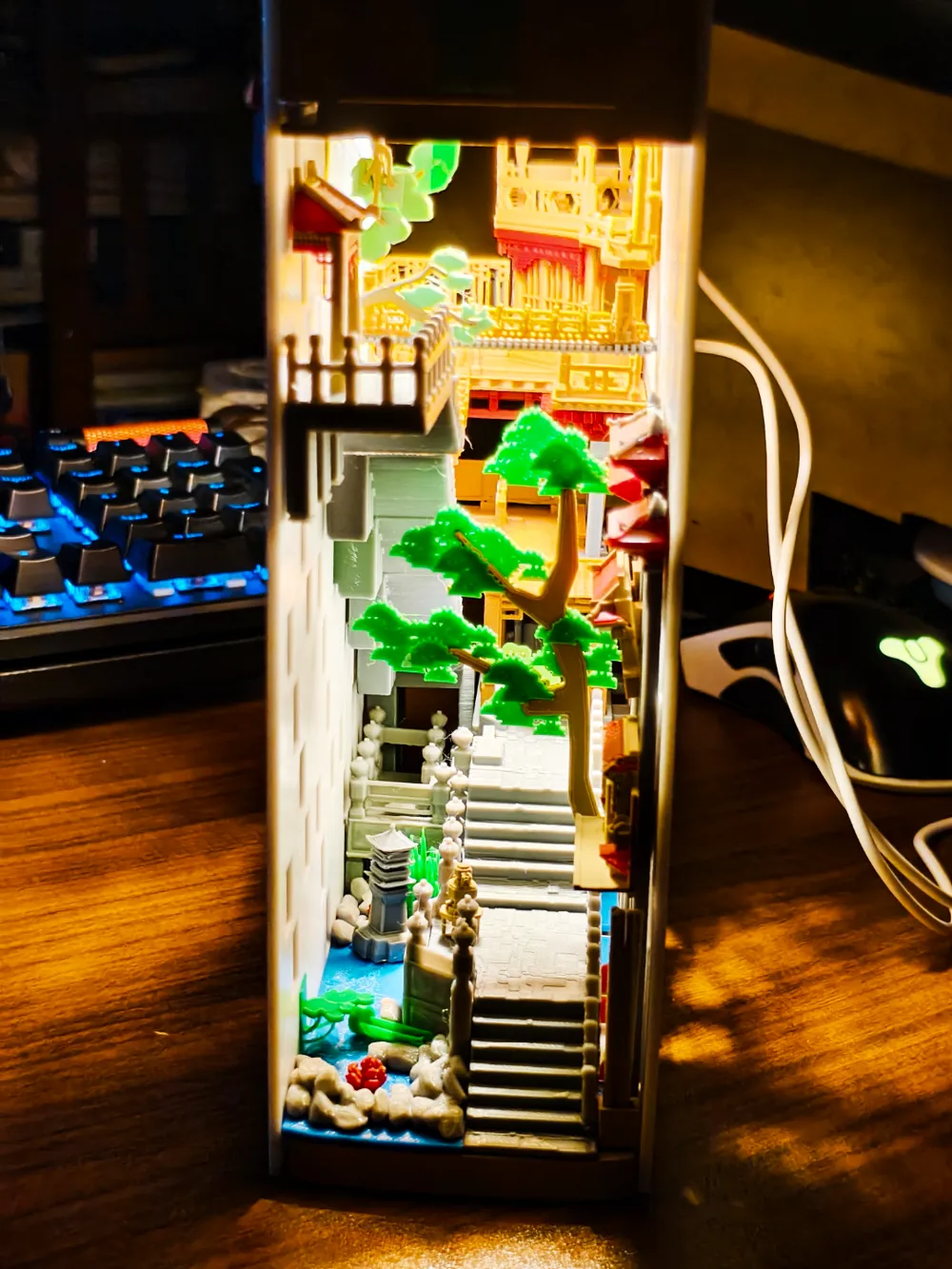
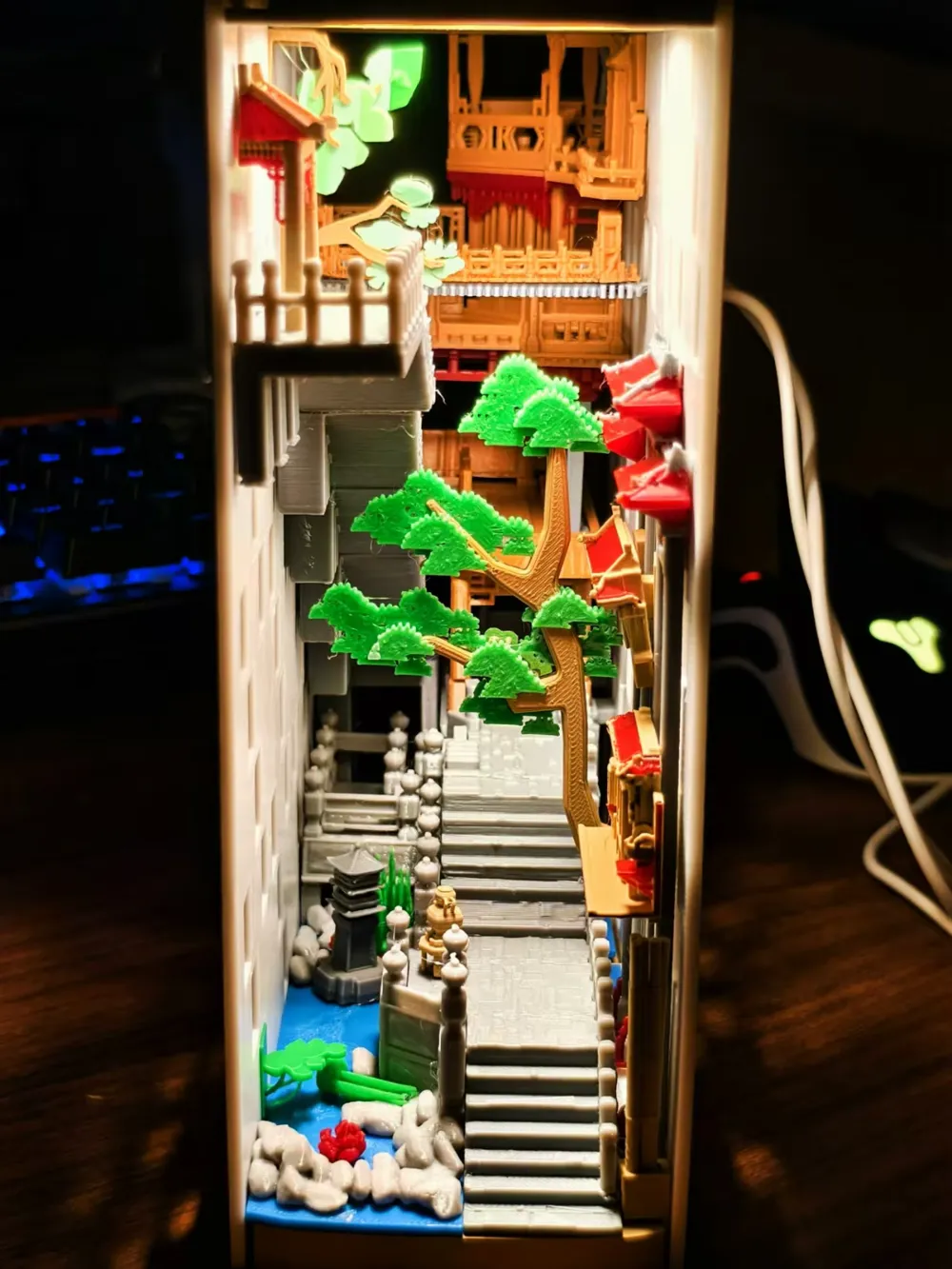
Qushui Street Bookstand/Model
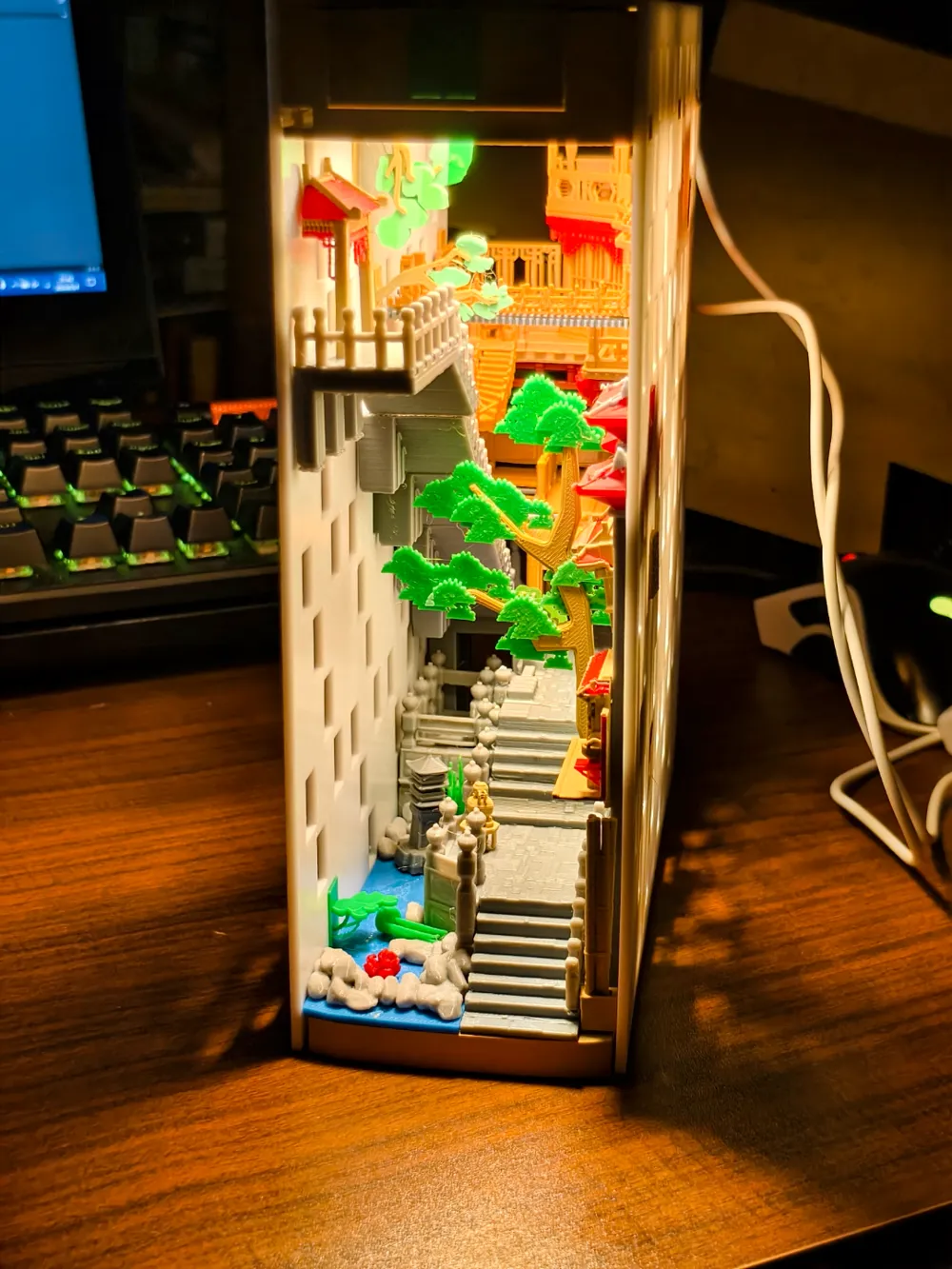
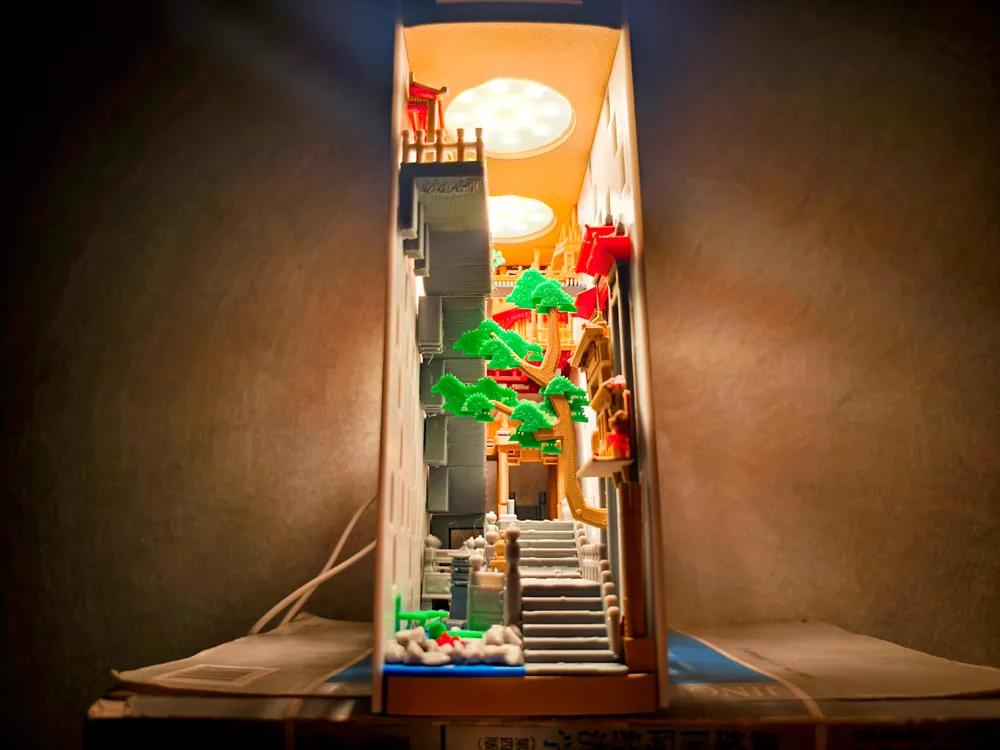
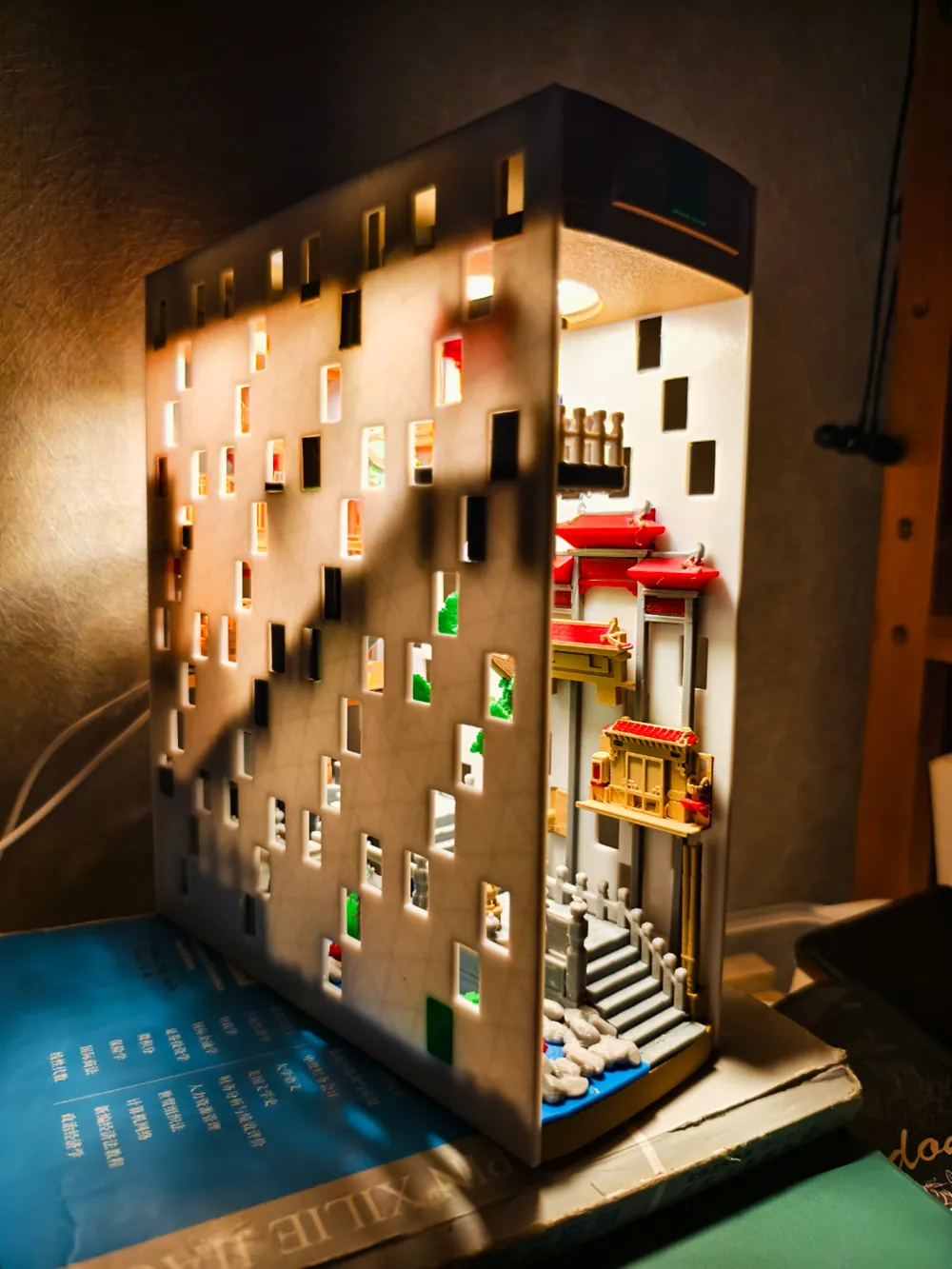
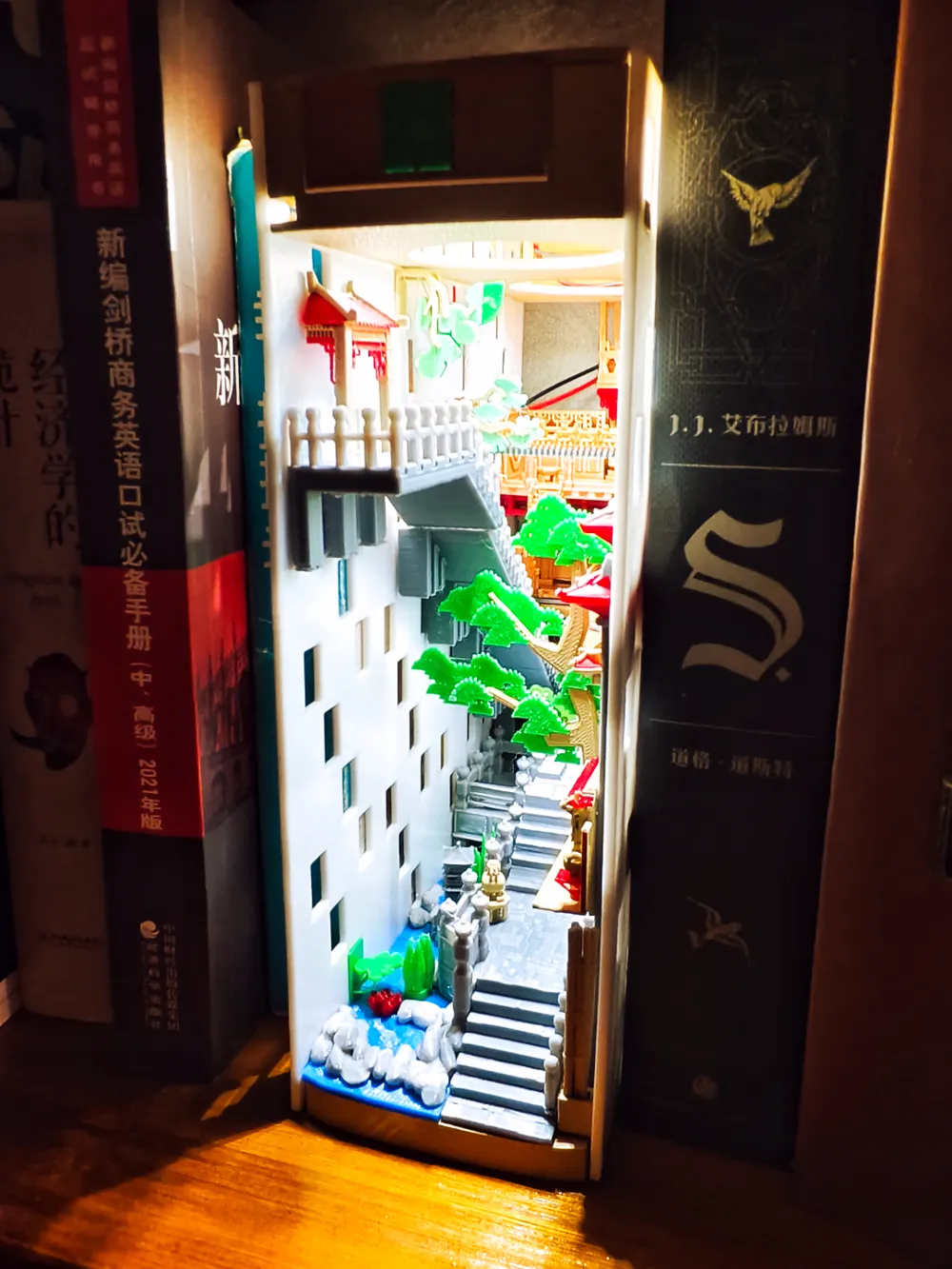

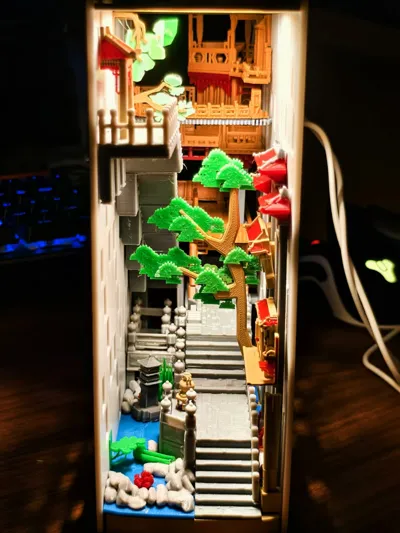
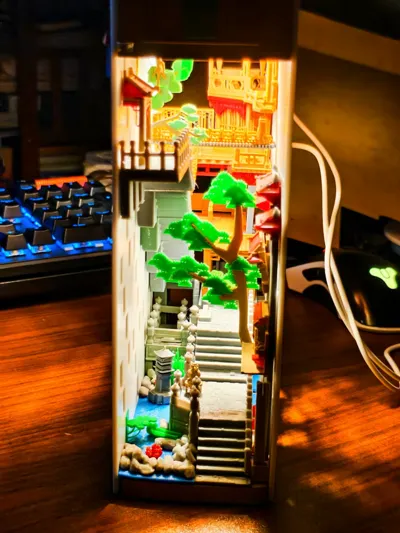
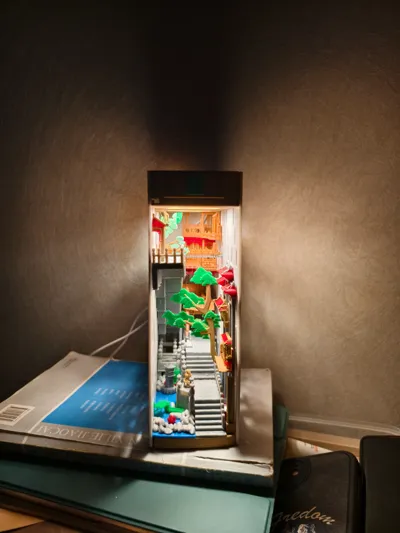
Print Profile(2)


Bill of Materials

Description
Thank you all for your support. We hope you can help us with the coupon support
感谢大家的支持,希望多多助力券支持
Model lighting design
模型灯光设计
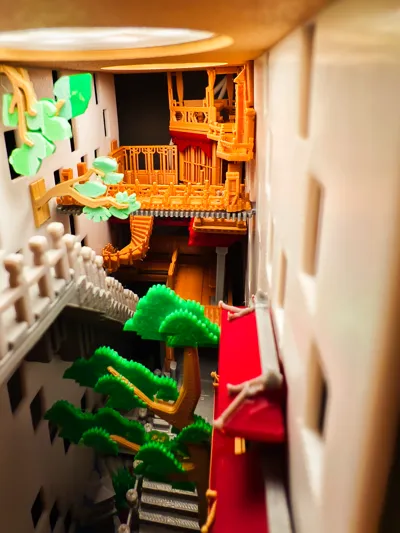
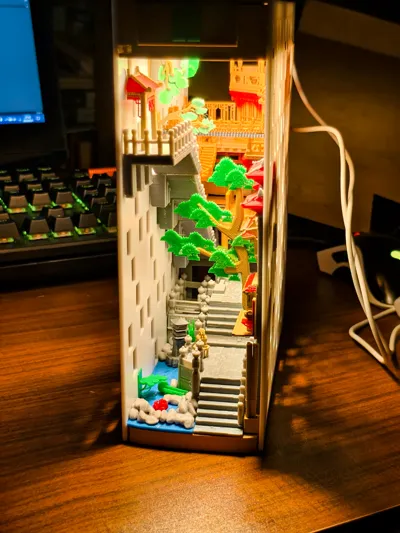
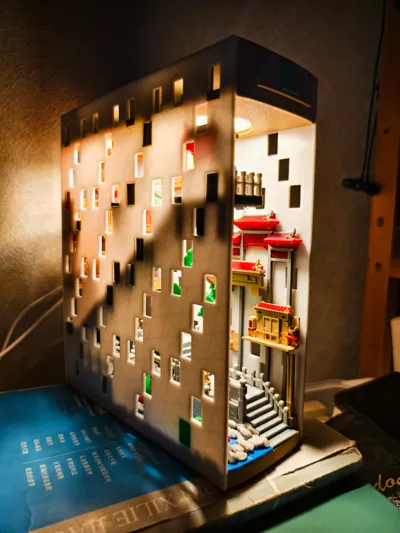
This model can choose between not using lighting or using lighting components.
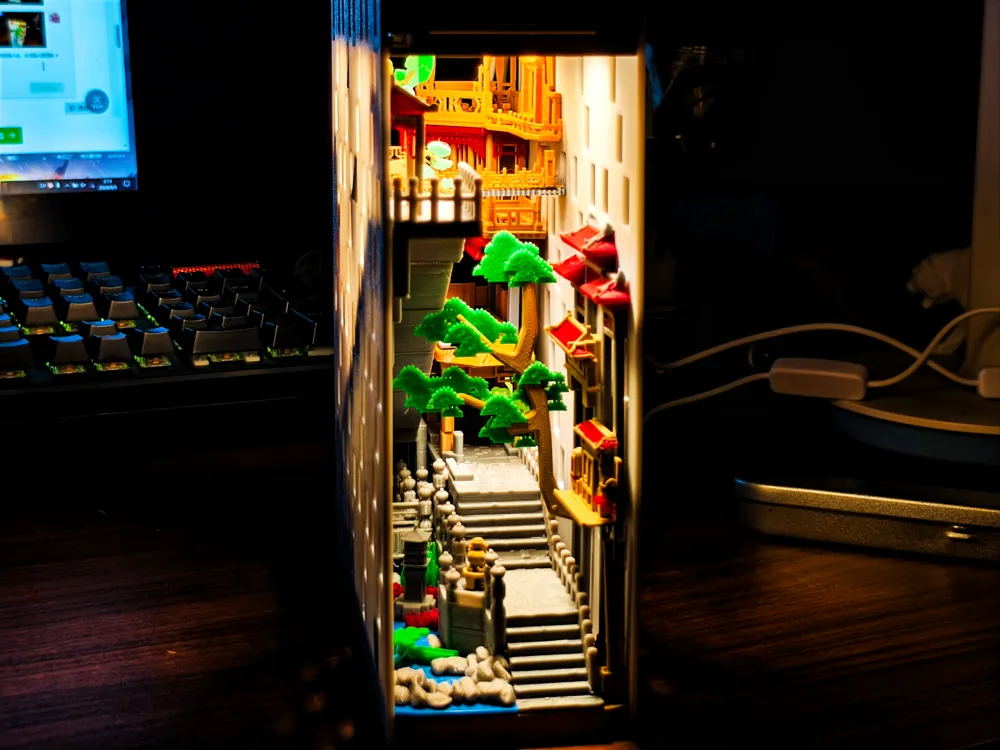
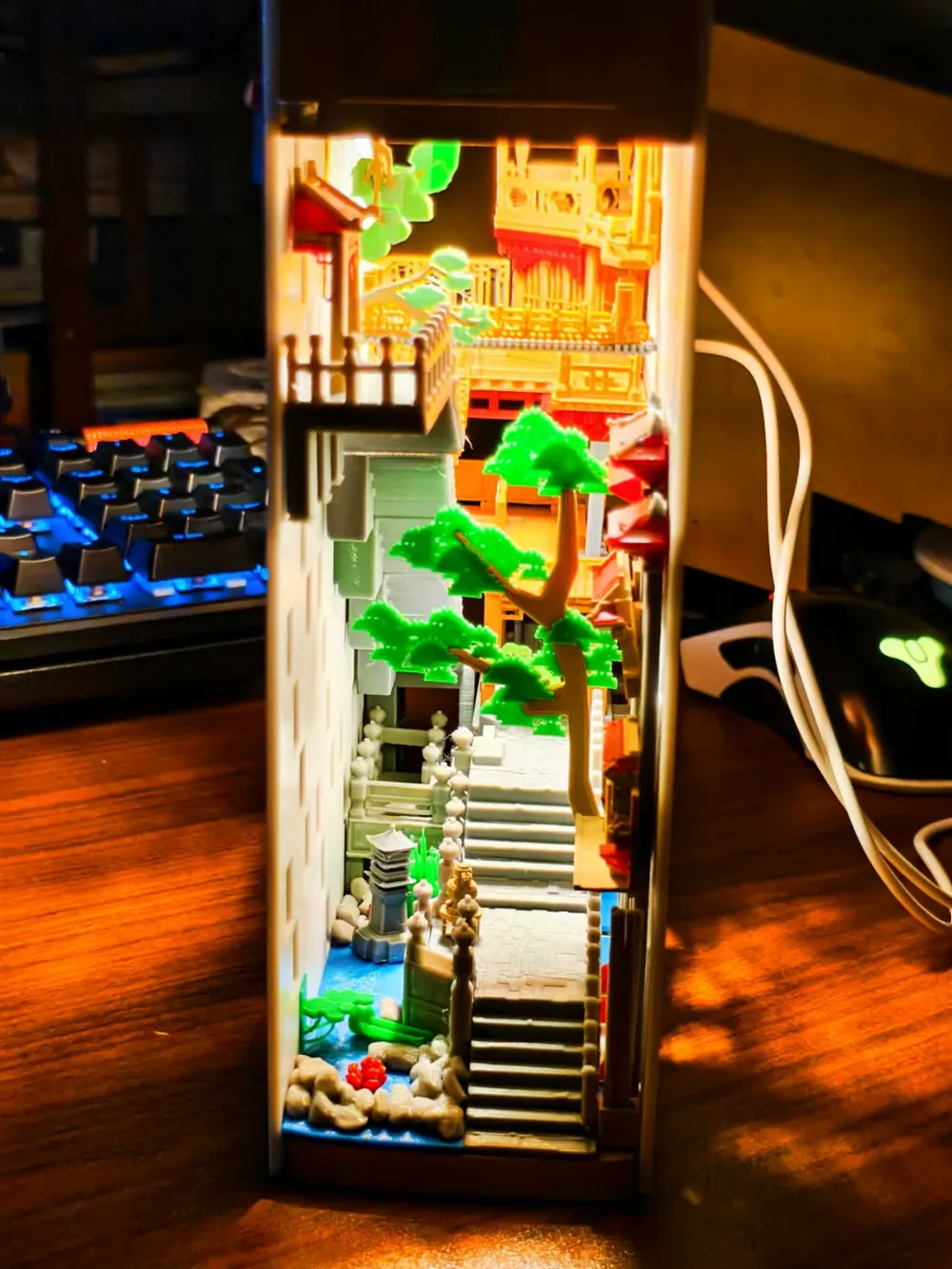
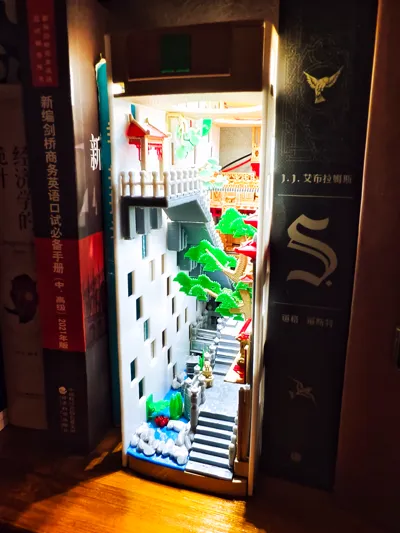
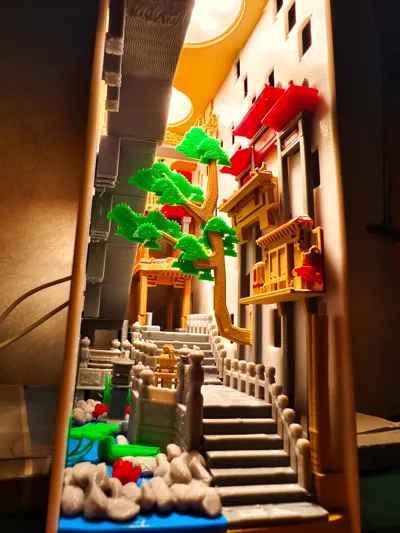
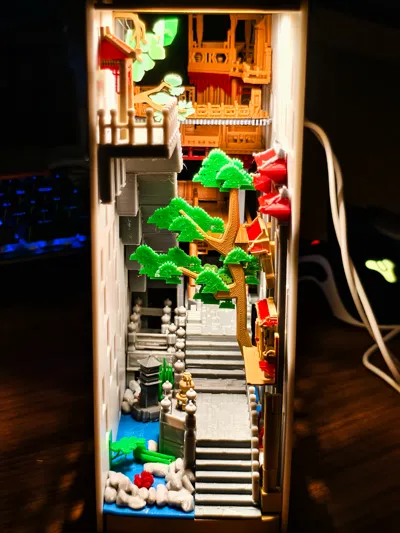
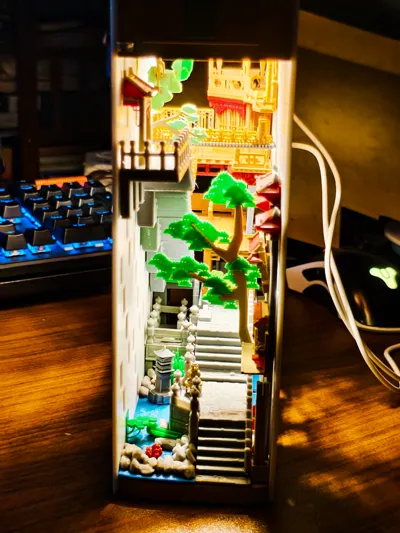
Lighting: 1. Creative component of Tuozhu, which can choose one or two, as well as front or rear layout lines. There will be two pictures of lighting control effects later 2. Other lighting, so you don't need to arrange the wiring. There is sufficient space reserved above the model to accommodate the entire circuit layout (unless your battery compartment is large). The white light in the picture is the self arranged circuit The yellow light in the picture is a creative component using Tuozhu、
This model can choose between not using lighting or using lighting components. Lighting: 1. Creative component of Tuozhu, which can choose one or two, as well as front or rear layout lines. There will be two pictures of lighting control effects later 2. Other lighting, so you don't need to arrange the wiring. There is sufficient space reserved above the model to accommodate the entire circuit layout (unless your battery compartment is large). The white light in the picture is the self arranged circuit The yellow light in the picture is a creative component using Tuozhu、
DIY lighting
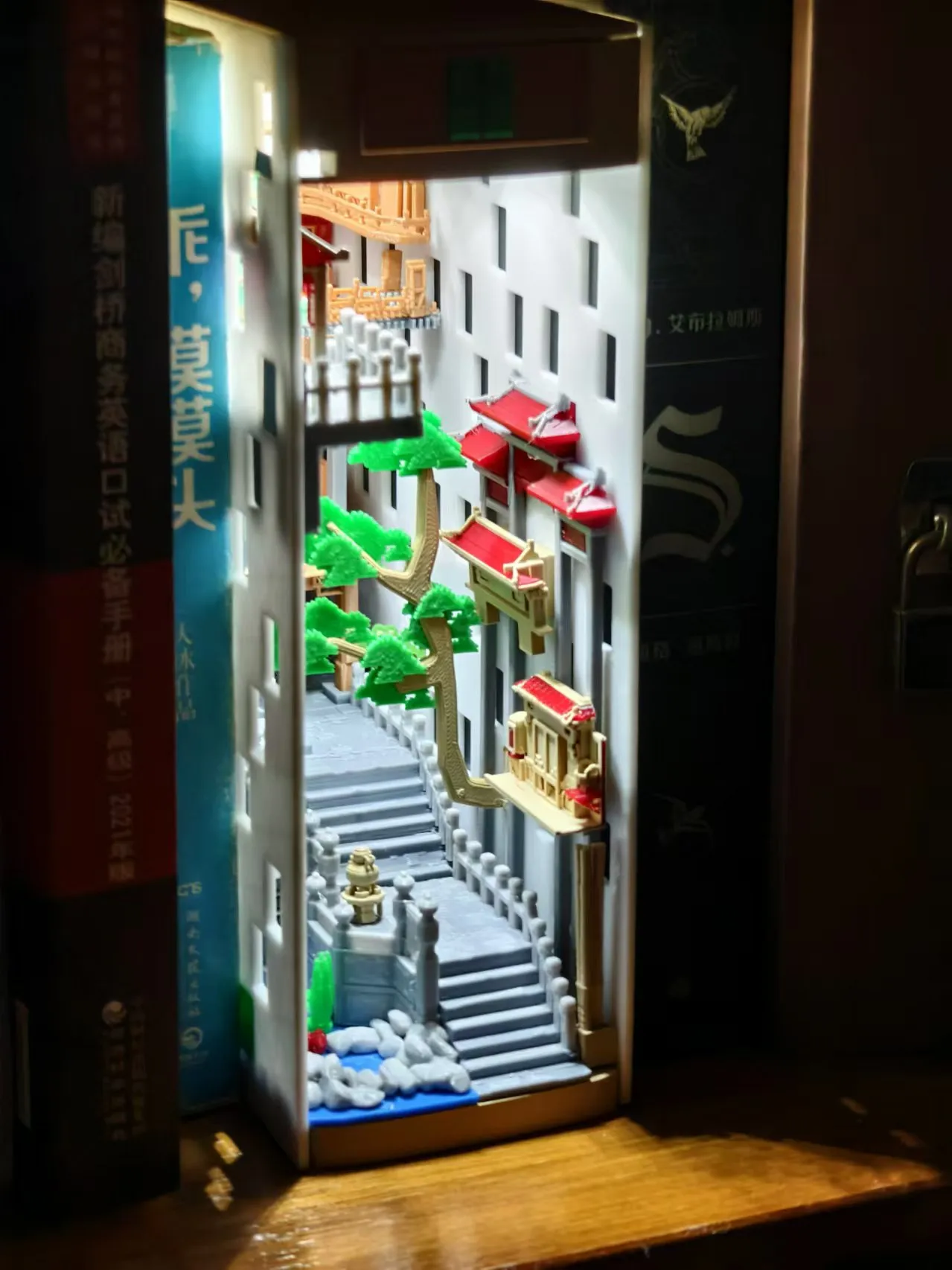
Bambu lighting
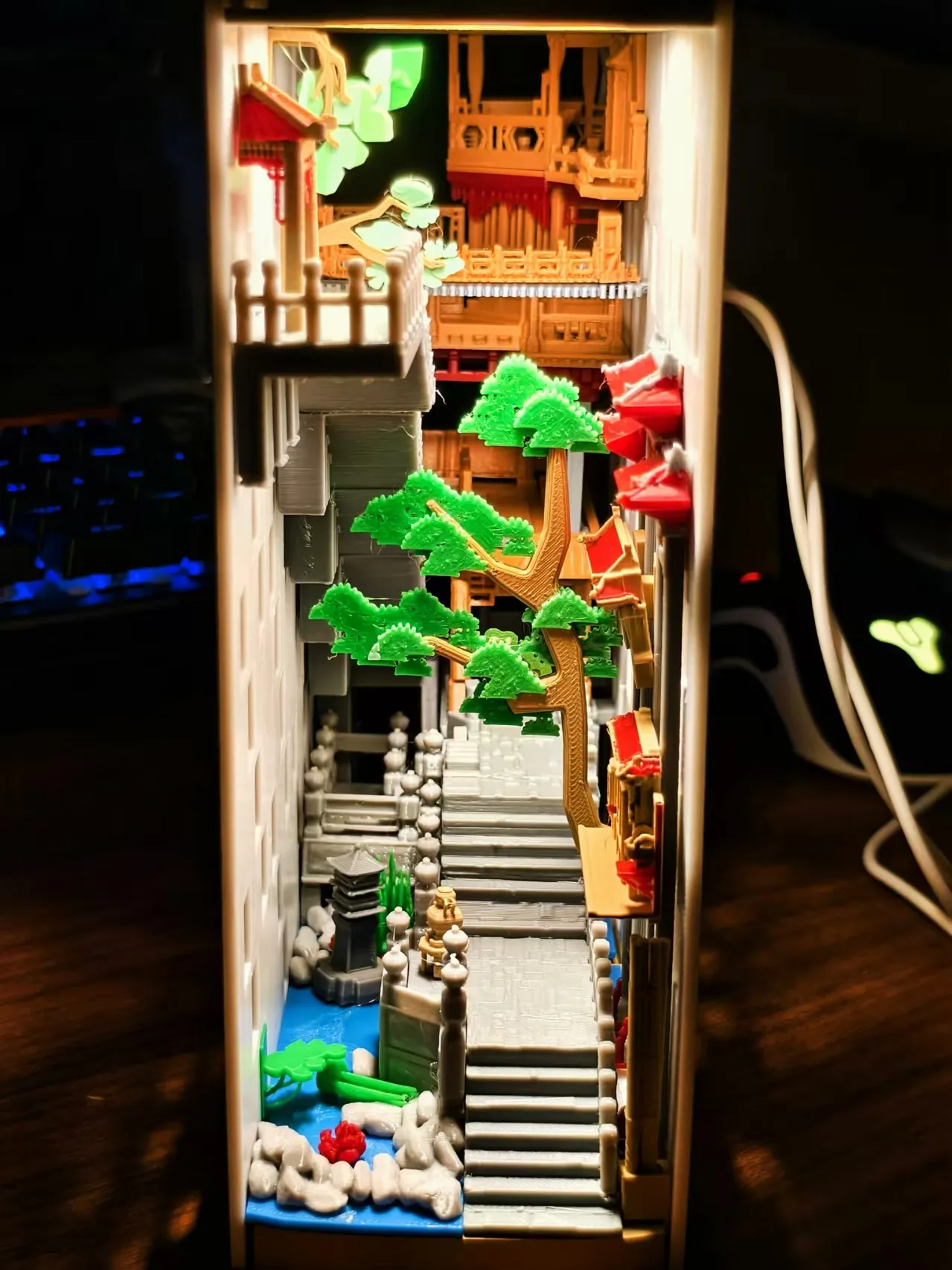
Only turn on the front lights
Only turn on the front lights
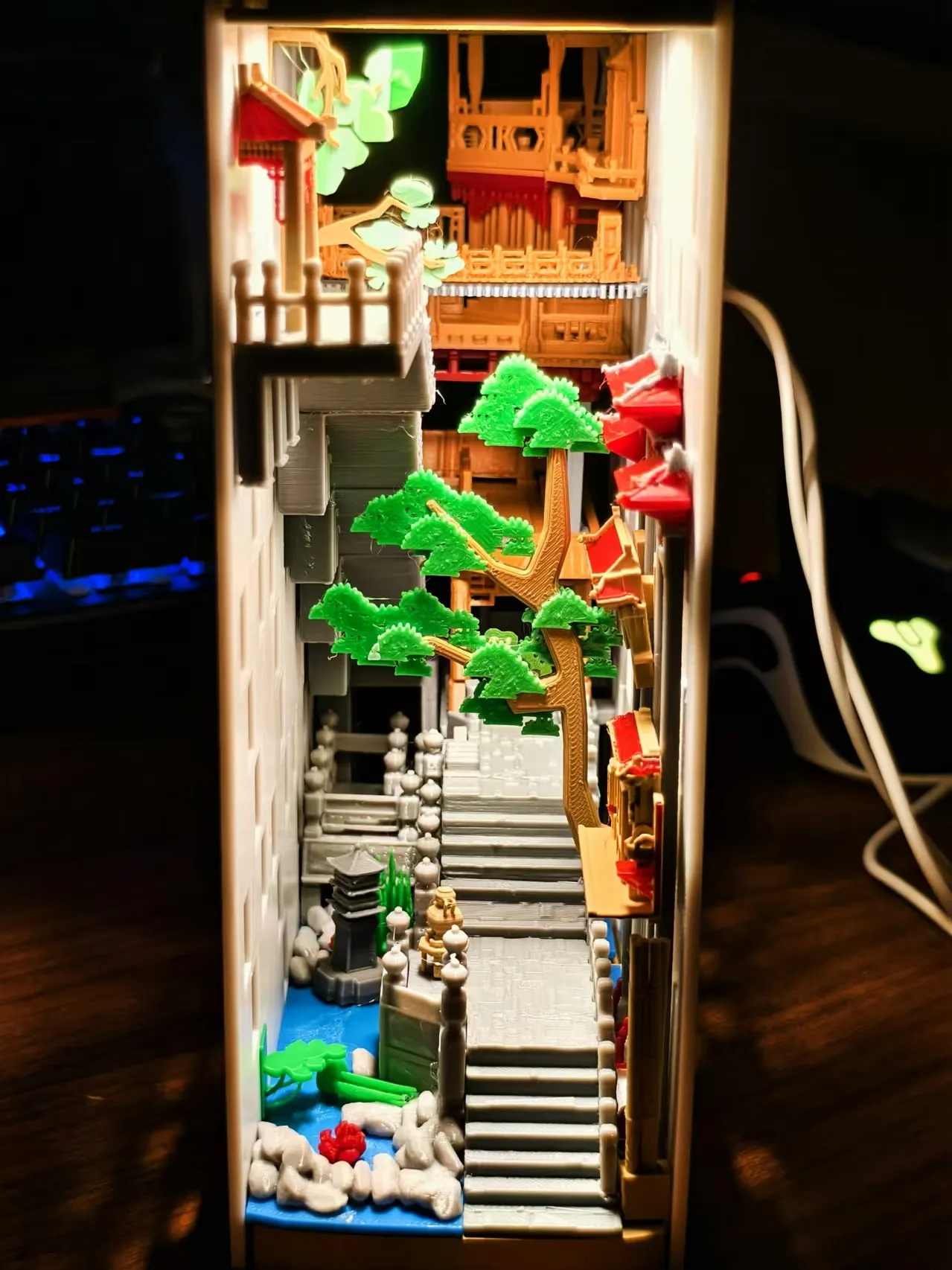
Only turn on the rear light tube
Only turn on the rear light tube
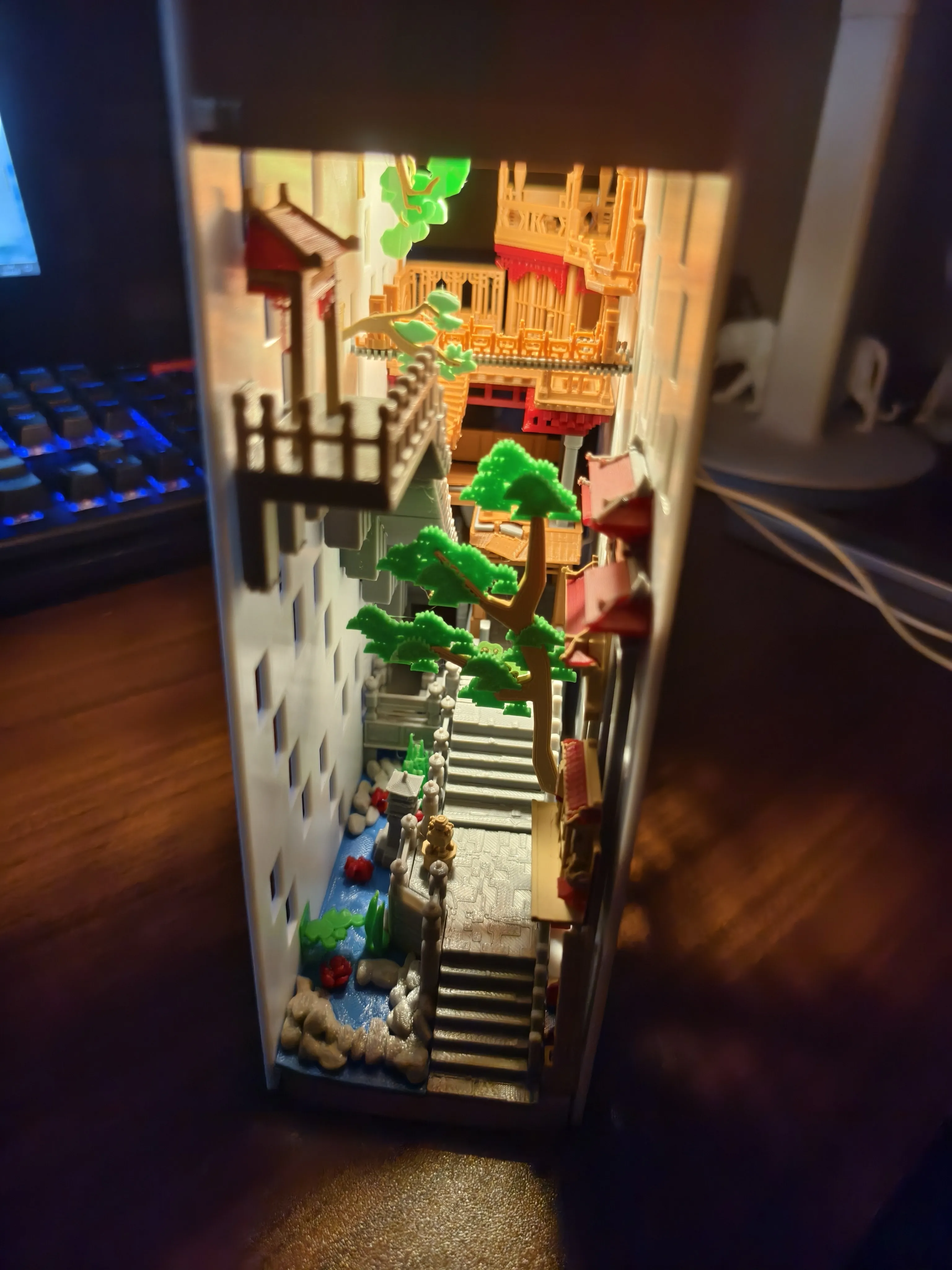
Model assembly+DIY design
1. If you want the effect in the picture, please check the uploaded PDF file, 2. Of course, you can also design your own layout. The production method involves setting countless holes at both ends of the model, and corresponding card buckles in the file. You can use these buckles to perform Boolean operations on your favorite model in the software, so that you can arrange your favorite model throughout the framework or even at both ends. At the same time, you can create your favorite pages and place them at both ends, making it look more like a book
1. If you want the effect in the picture, please check the uploaded PDF file, 2. Of course, you can also design your own layout. The production method involves setting countless holes at both ends of the model, and corresponding card buckles in the file. You can use these buckles to perform Boolean operations on your favorite model in the software, so that you can arrange your favorite model throughout the framework or even at both ends. At the same time, you can create your favorite pages and place them at both ends, making it look more like a book
Model Usage
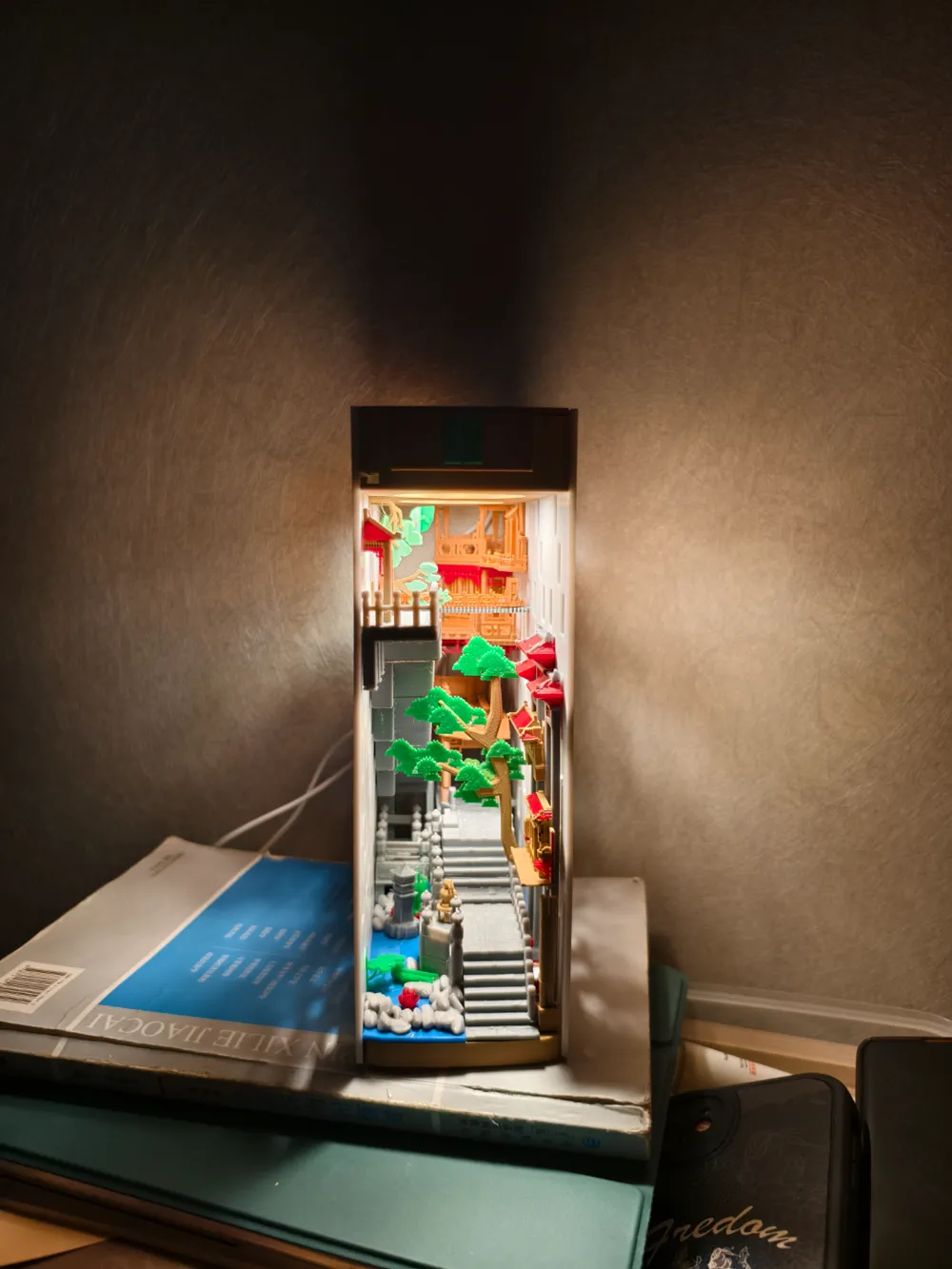
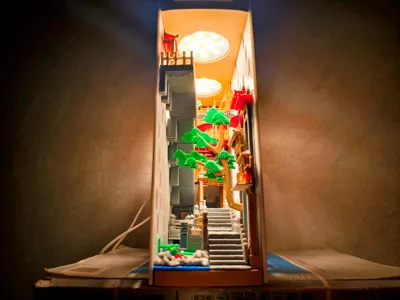
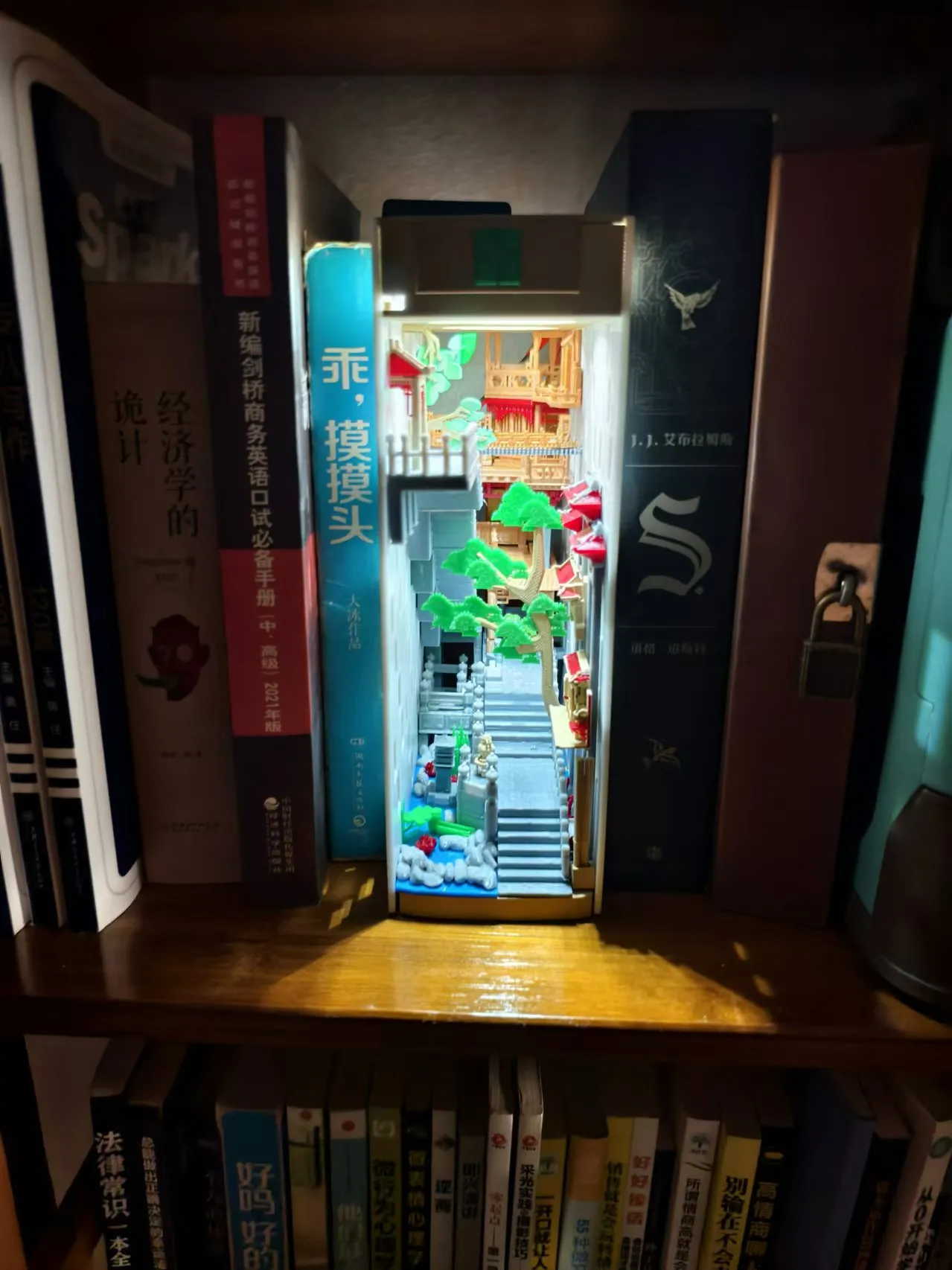
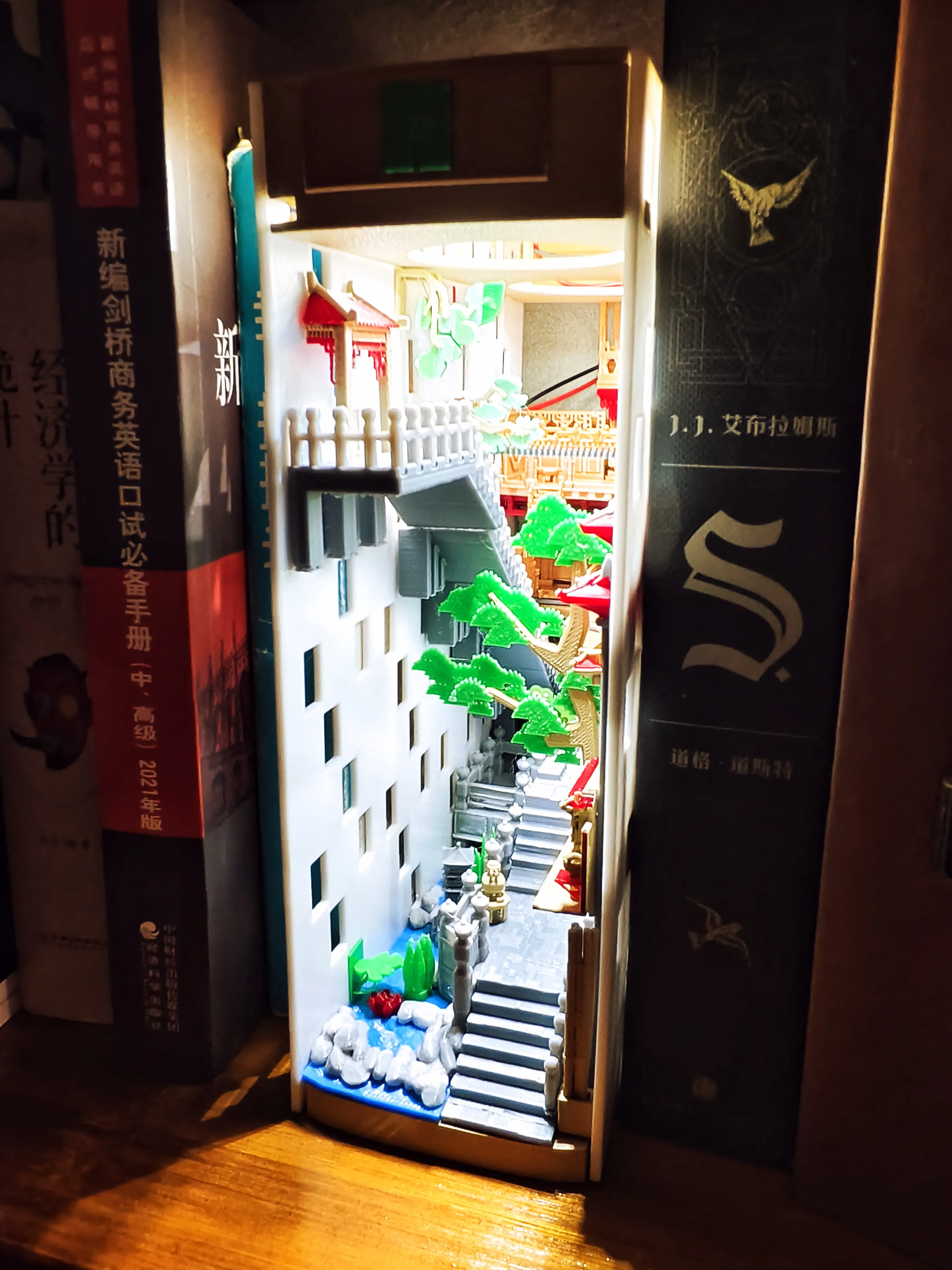
1. Book stand, originally designed as a book stand, but felt that setting up a separate book stand was too monotonous, so the content was enriched on this basis. There will be a picture of the book standing in the following pictures. 2. Ornaments, do not use a book stand base, using a normal base can reduce the footprint of the model.
1. Book stand, originally designed as a book stand, but felt that setting up a separate book stand was too monotonous, so the content was enriched on this basis. There will be a picture of the book standing in the following pictures. 2. Ornaments, do not use a book stand base, using a normal base can reduce the footprint of the model.
Print partition settings
Print partition settings
11. Water 9.4.8.11, Shell 7. It is recommended to use multi-color printing for wall construction 2. Wooden building structure 6. Stone accessories 10. Suspended Bridge 14. Building eaves 13. Rear stone platform 9. Fence, stone fence,! Pay attention to color classification 5. Some miscellaneous items (trees, aquatic plants, bamboo markers, etc.) 6. Stone platform
11. Water 9.4.8.11, Shell 7. It is recommended to use multi-color printing for wall construction 2. Wooden building structure 6. Stone accessories 10. Suspended Bridge 14. Building eaves 13. Rear stone platform 9. Fence, stone fence,! Pay attention to color classification 5. Some miscellaneous items (trees, aquatic plants, bamboo markers, etc.) 6. Stone platform
Documentation (1)
License



Comment & Rating (12)