

Print Profile(2)


Description
After many attempts, here is version 3.0 of our project (I dare not say that it is the final one, because we “inventors” know that there is always space for improvement so I leave the license open to any improvements!).
About a year ago I adopted a guinea pig, a sweet little girl named Uki. In that time I have learned about her needs and have dedicated myself to simplifying the maintenance of her cage so that we can spend more time playing or watching movies together.
That's right, you read that right-we watch movies together-apparently, she likes them too!
If you are reading these lines, you probably also have a guinea pig and are curious to find out how to save time on cage cleaning. I have created a template that, with a couple of tips, will allow you to achieve the same goal as me!
But first, let's talk about the template:
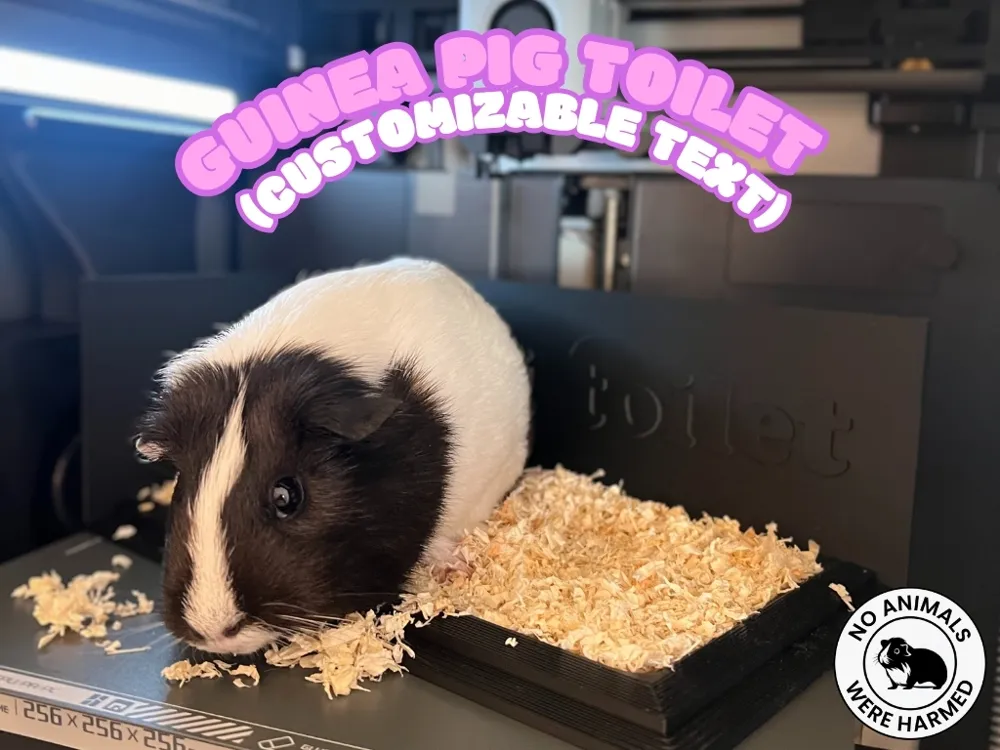
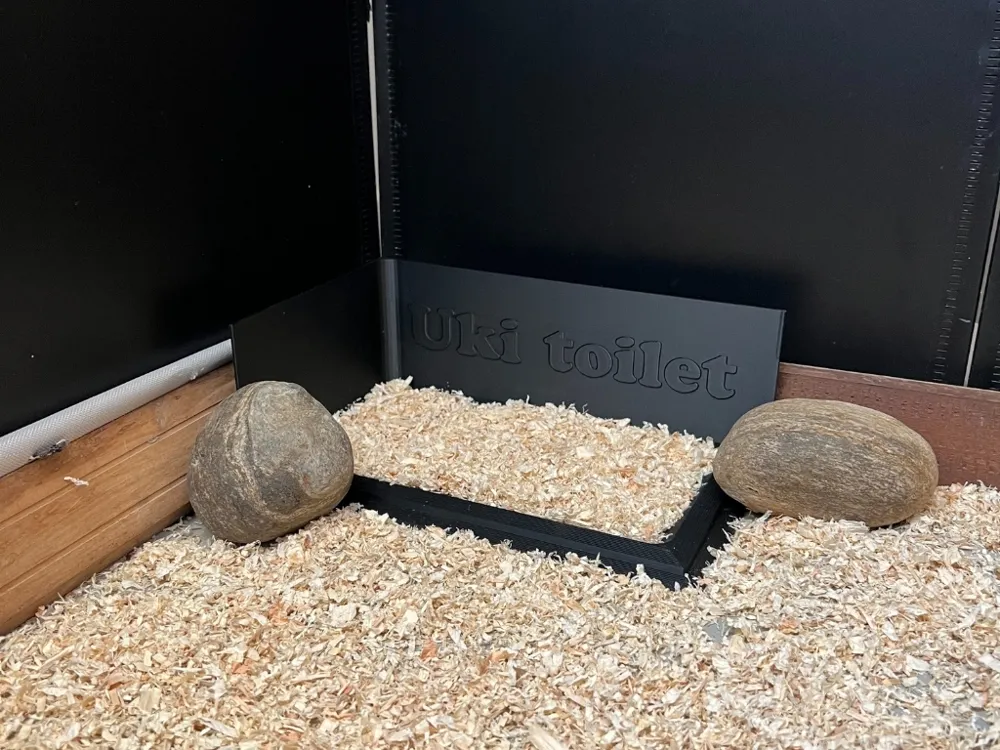
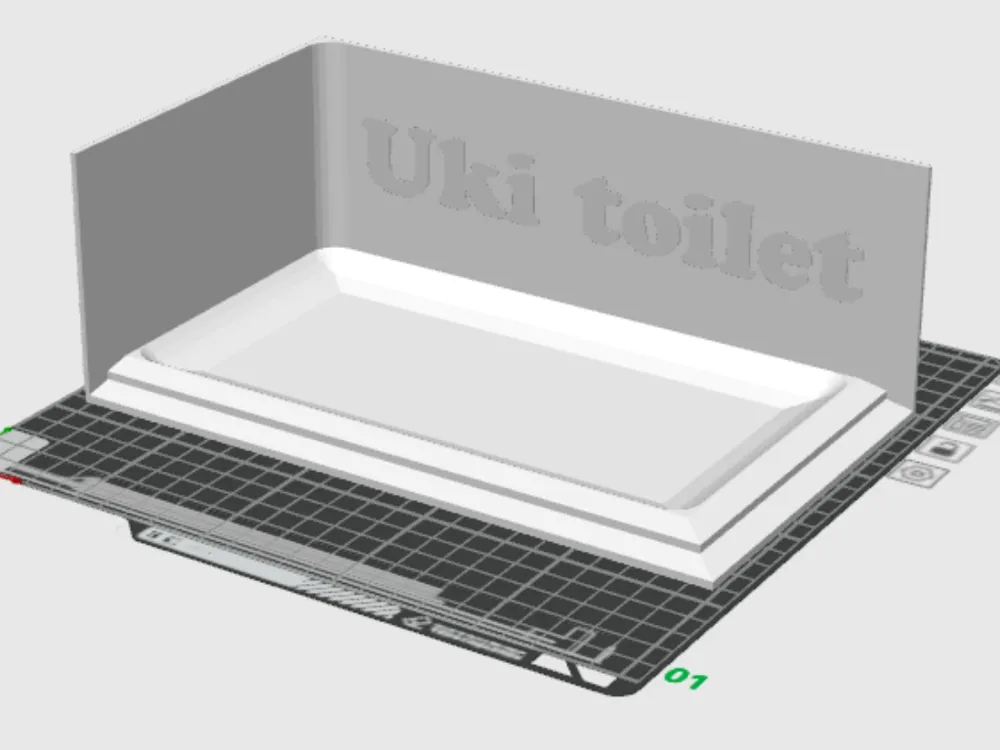
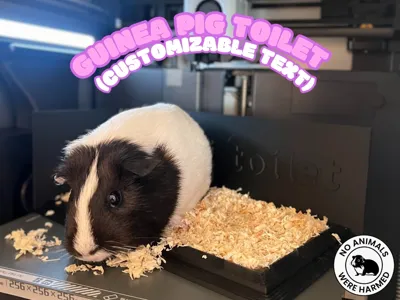
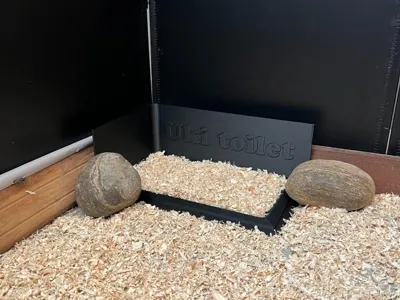
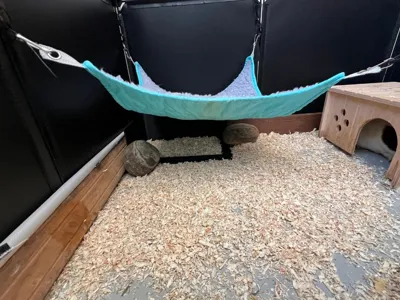
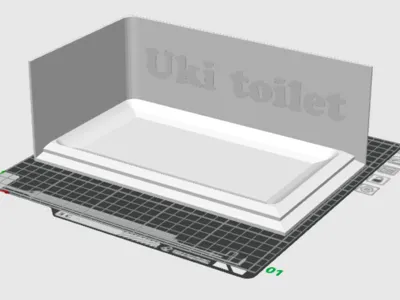
This toilet for your guinea pig is designed to be placed in the corner of the enclosure. The walls were designed by observing the animal's natural behavior, which tends to choose the intersection of floor and wall for its needs. To prevent the toilet from moving from its ideal position, I use two stones, as you can see in the photos.
Cleaning is really easy: just lift the entire toilet structure and empty it directly into the bin. For best results, I recommend using the Bambu bed scraper (Bambu Bed Scraper by Bambu Lab - MakerWorld).
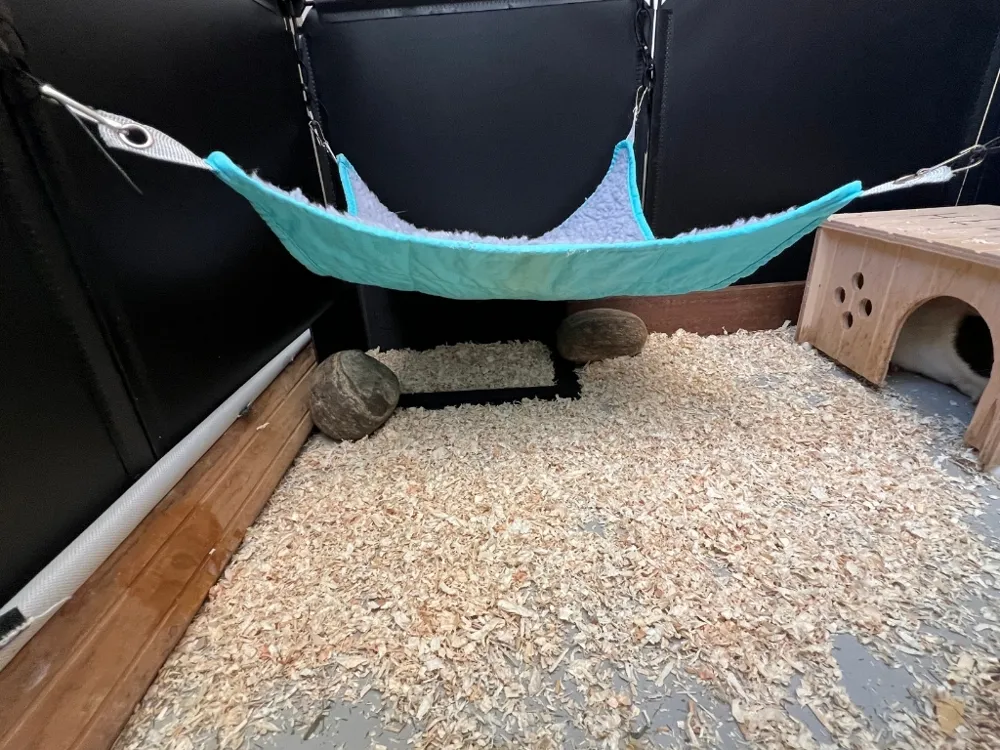
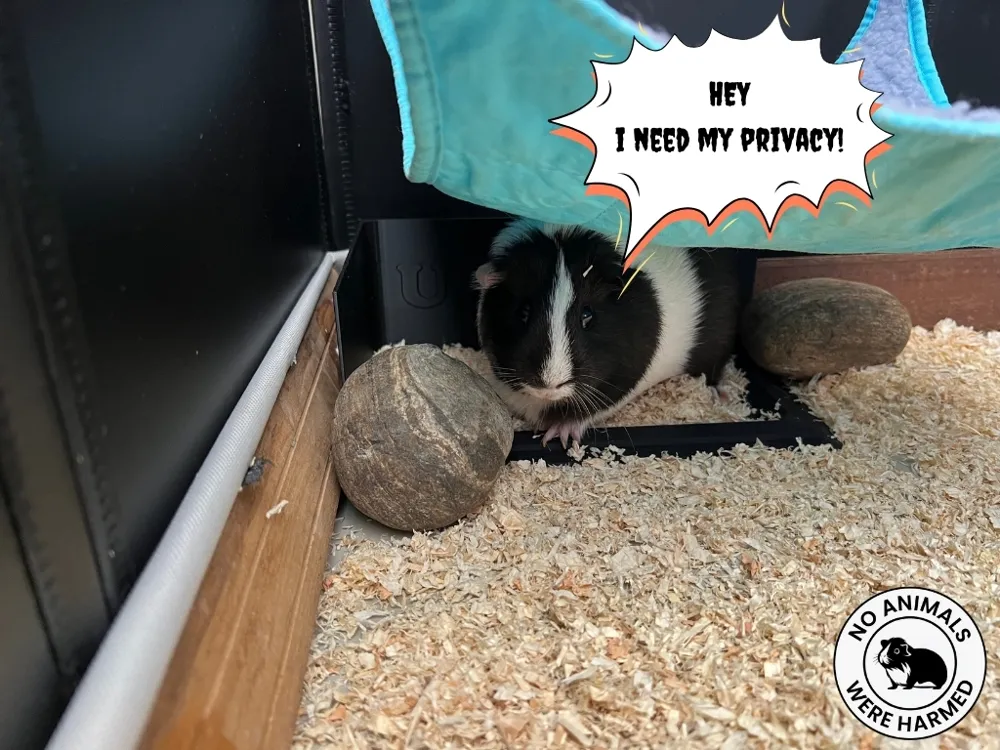
One last tip: create a comfortable area for your little friend! Place a “roof” over the toilet so the guinea pig feels protected and chooses that area to do his business. I used a hammock, but you can find your own solution.
With these arrangements, you'll see that cage cleaning will become a breeze, leaving you more time to enjoy the company of your adorable furry companion!
Customizing the Text: Step-by-Step Guide
Follow these simple steps to edit the text:
Step 1: Open Bambu Studio
To get started, open the project on Bambu Studio.
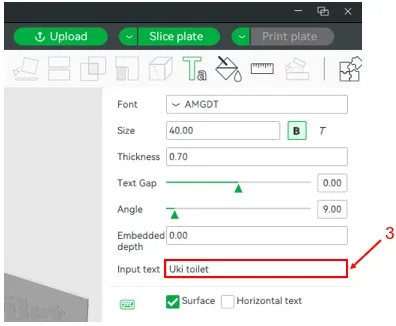
Step 2: Customize the Text
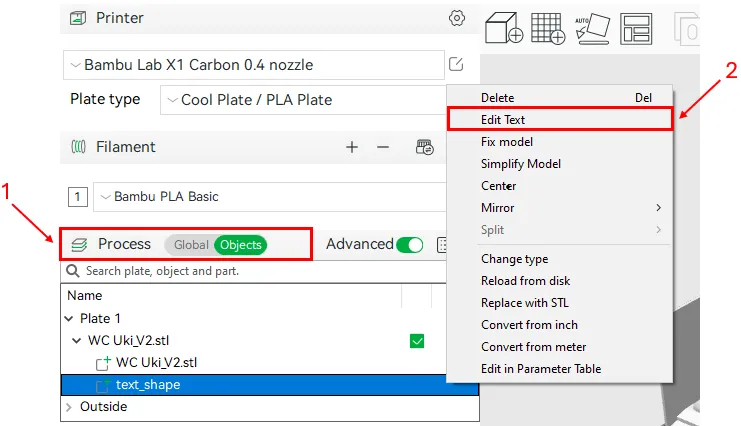
On the “Process” tab, select “Objects.” A list of all the objects in the project will be displayed. Find the “text_shape” item, then right-click. A drop-down menu will appear; select “Edit text” to open the editor. Here you can enter your custom text.
Boost Me (for free)
I am just starting out in this world, but if you like what I do, I could share a lot more. Drop me a boost and help me grow with you! My goal is to gather enough support to get an AMS and make my creations even better
Important Note: If you wish to change the font or other parameters of the text, I recommend that you first test using the “Text on Wall Test” template. This way, you will avoid having to reprint the entire project because of any problems with the text.
PS: If you prefer, you can also delete the text completely by deleting the object directly in Bambu Studio.
Step 3: Slice and Print
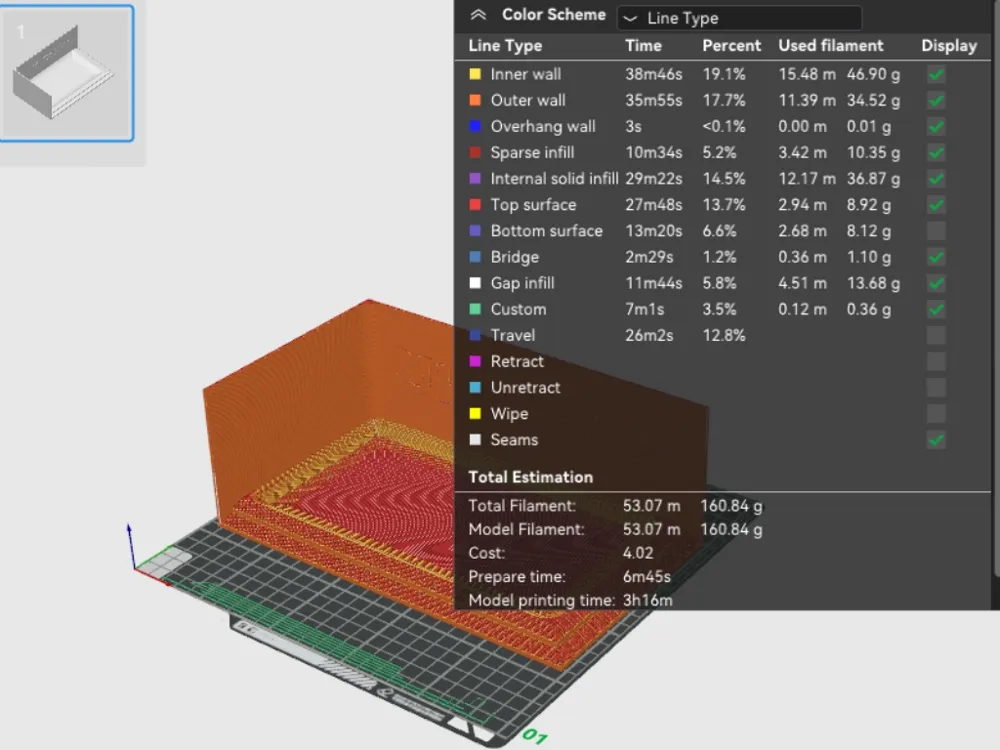
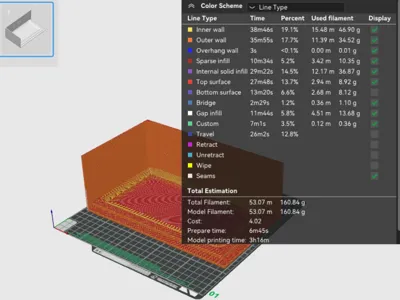
Once you've made your changes, all that's left is to slice the template and start printing the toilet for your guinea pig.
Have fun with the customization!
License



Comment & Rating (10)