

Print Profile(3)


Description
- Updated Jan. 23, 2004 to optimize the weight of the base using variable infill along with making the treat basin deeper.
- Updated Oct. 24, 2024 for easier assembly.
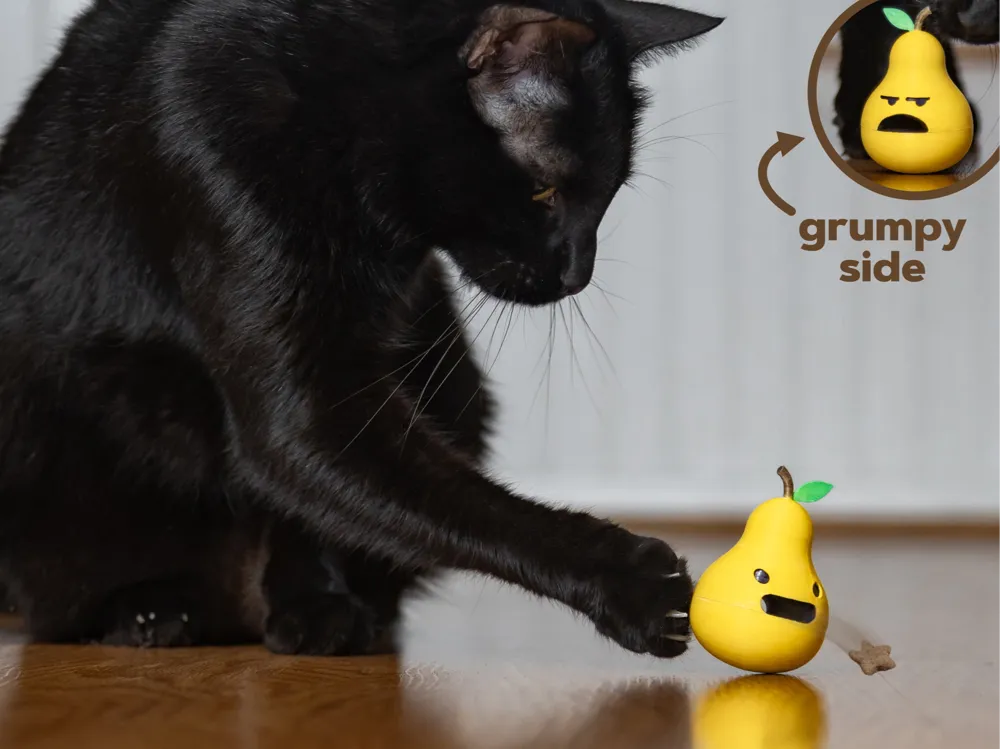
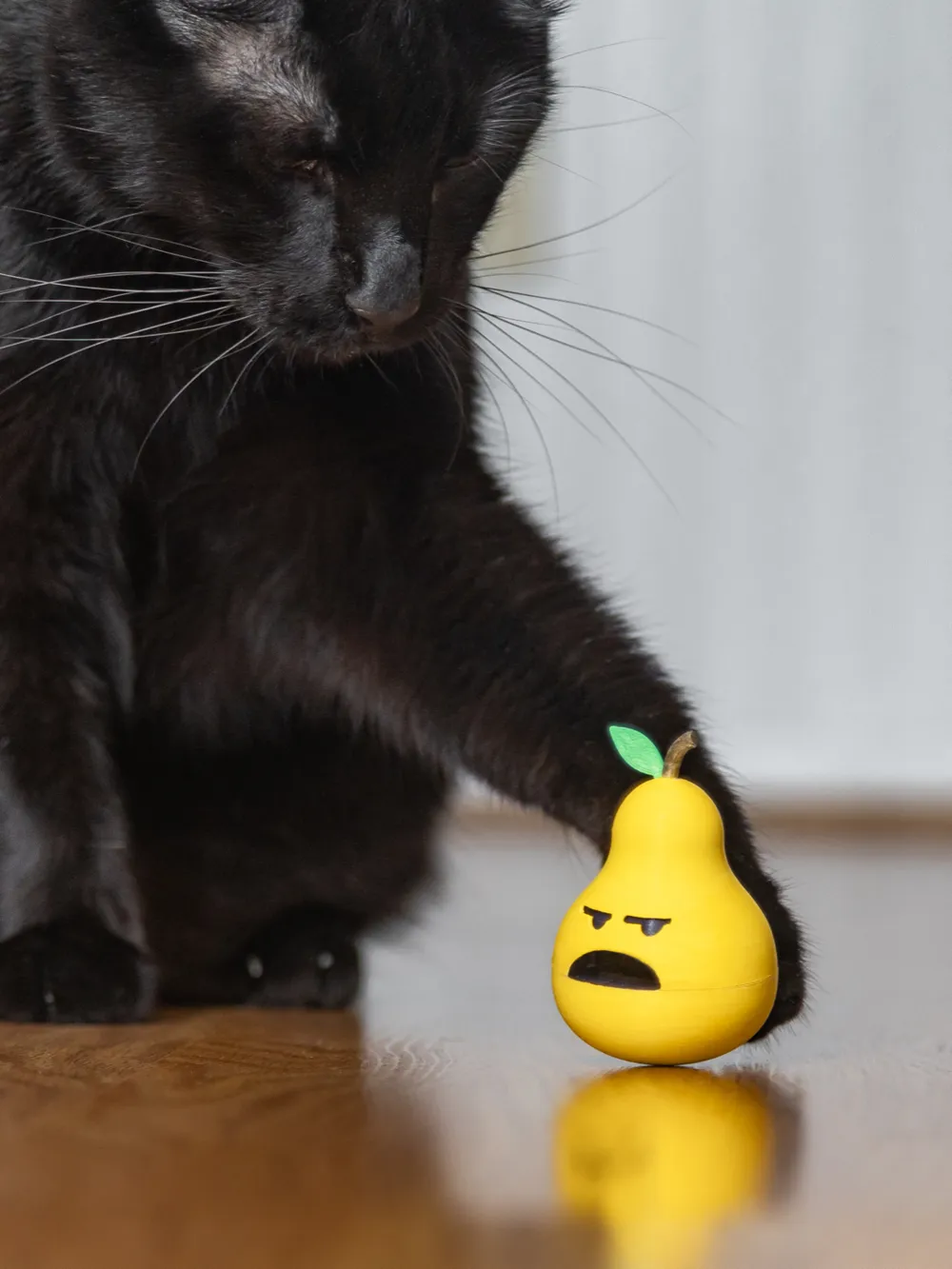
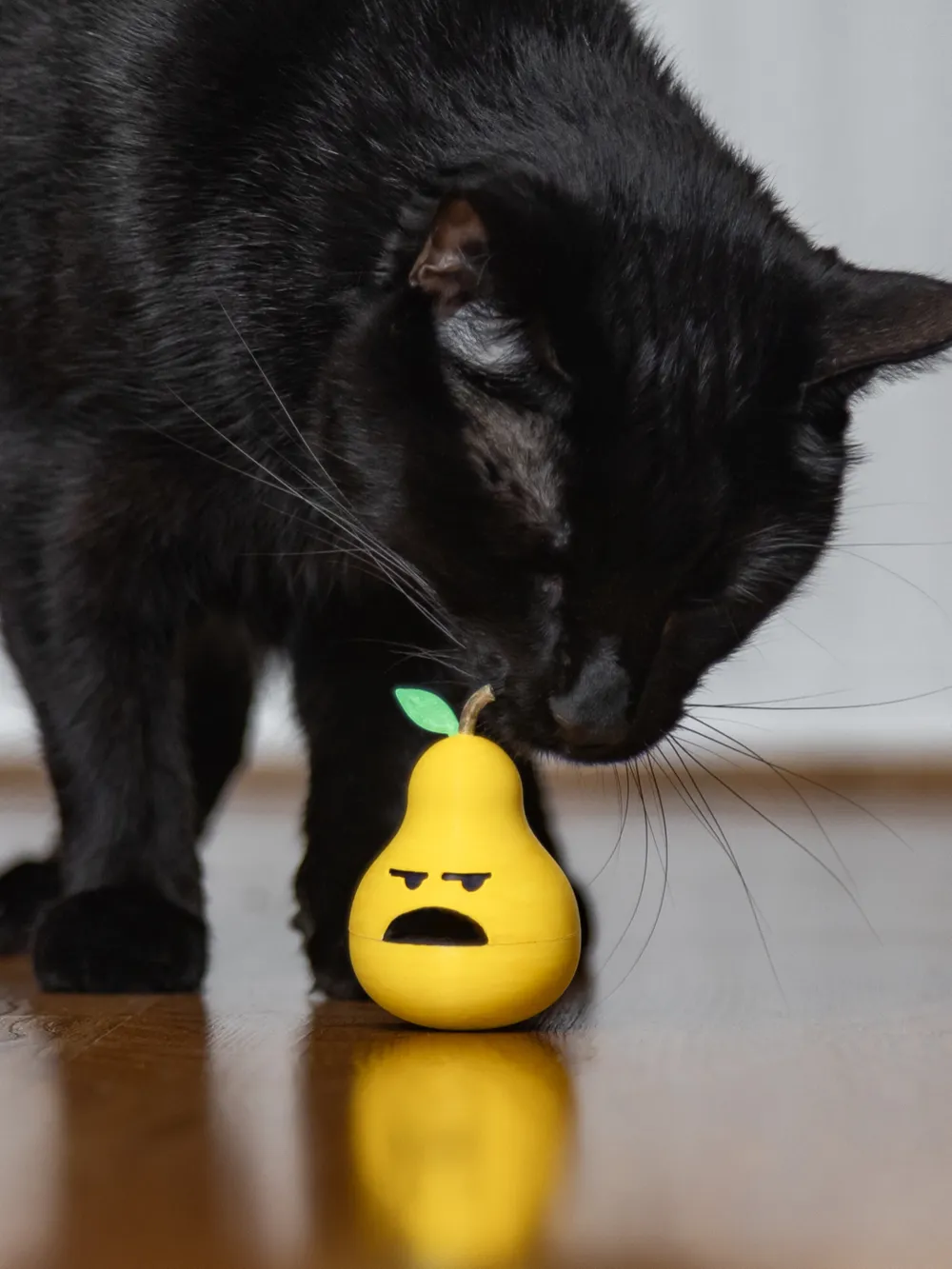

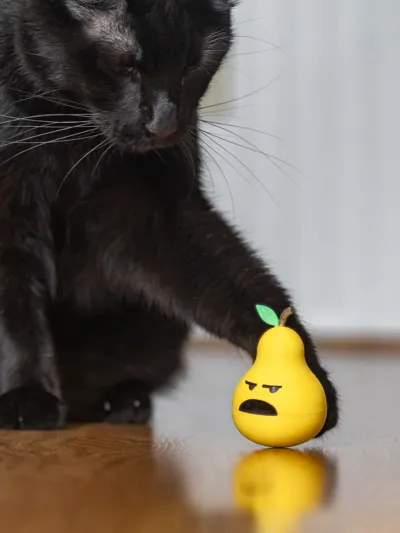
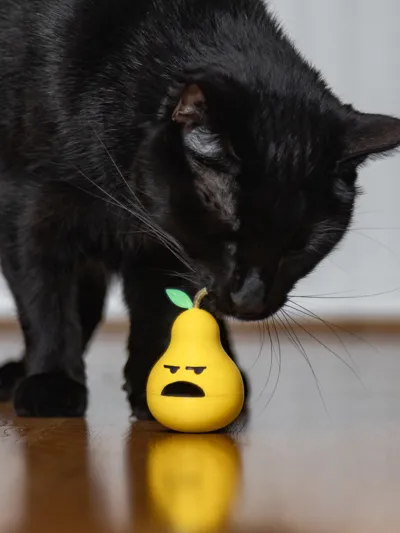
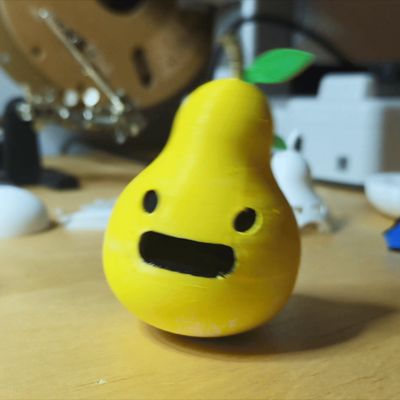

Our cat Taco loves getting treats out of a rocking toy. This one is shaped like a cute pear and has both a happy and grumpy side. Every cat is different! Some enjoy it and some will ignore it :)
Scale and Balance
As included in the profile, this is scaled and balanced for Temptations brand cat treats but you can scale it up and down as needed. You can use the measure tool in Bambu Studio to see if your treats will fit.
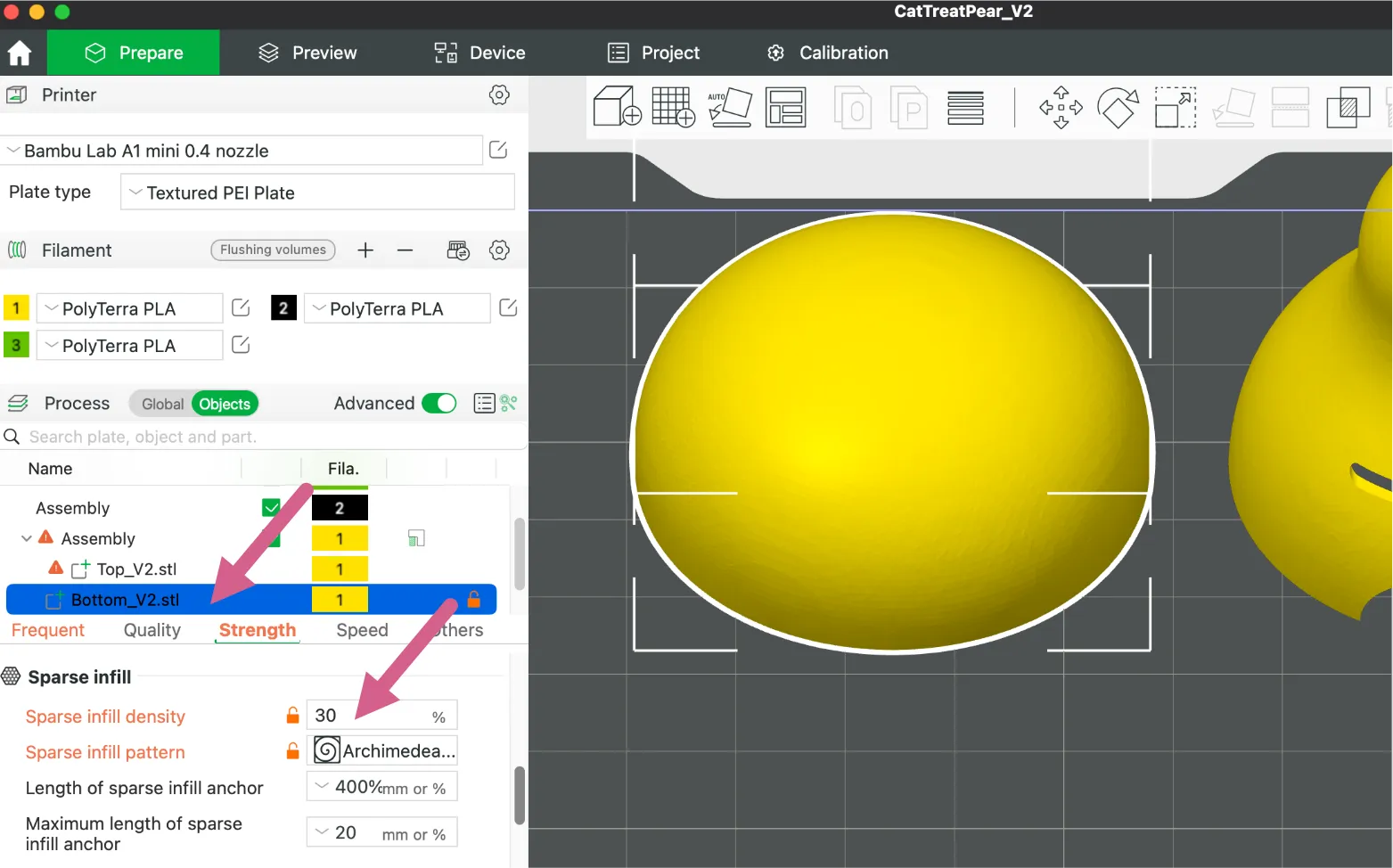
If you have heavier treats, you may need to make the base of the pear more dense so that it can stand upright:
|  |
Parts
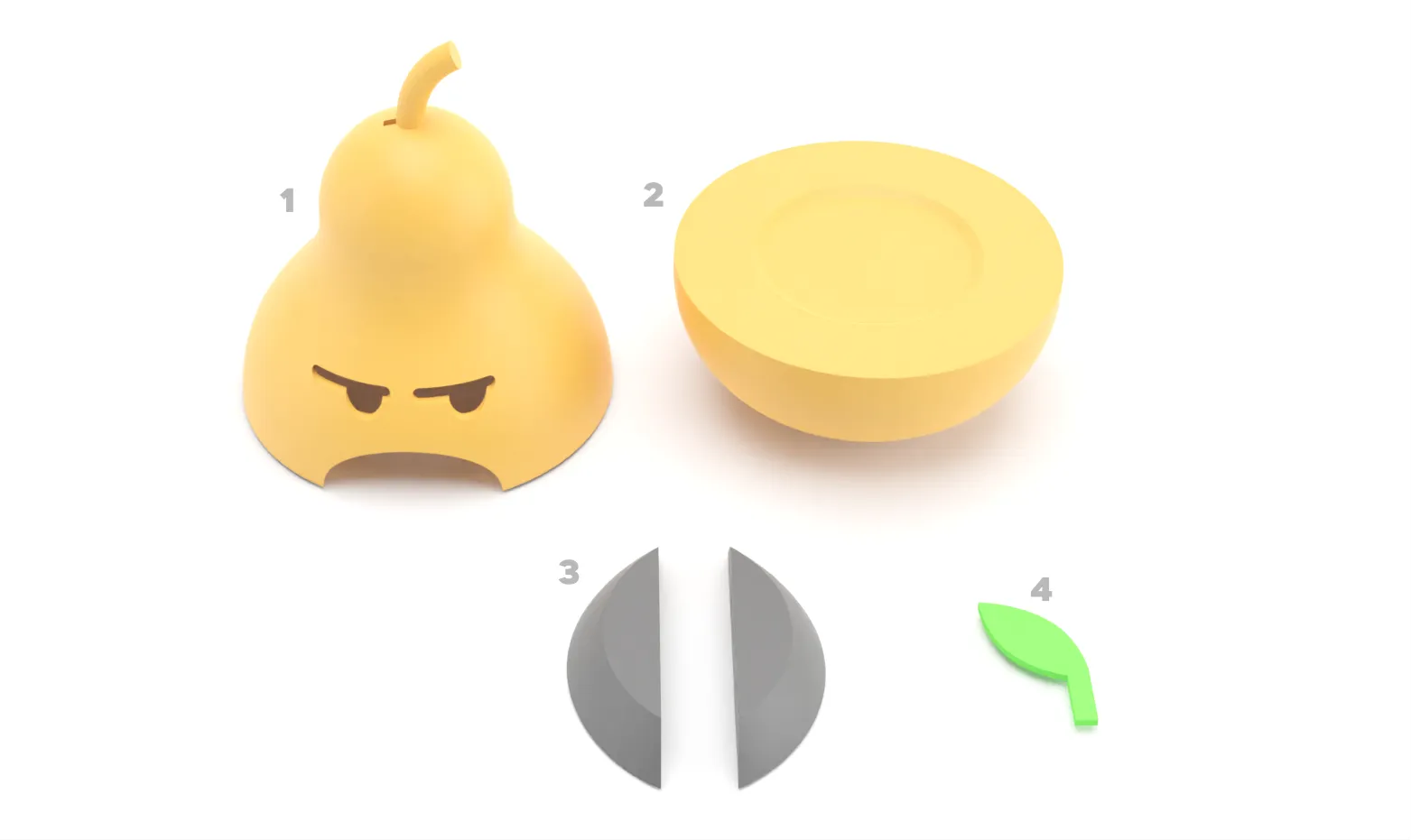
- Pear Top
- Pear Bottom
- Eye Backgrounds
- Leaf
Assembly
| Glue the eye background into the top. You will need to insert them at an angle and then straighten them out. A small dot of superglue should hold them in place. | 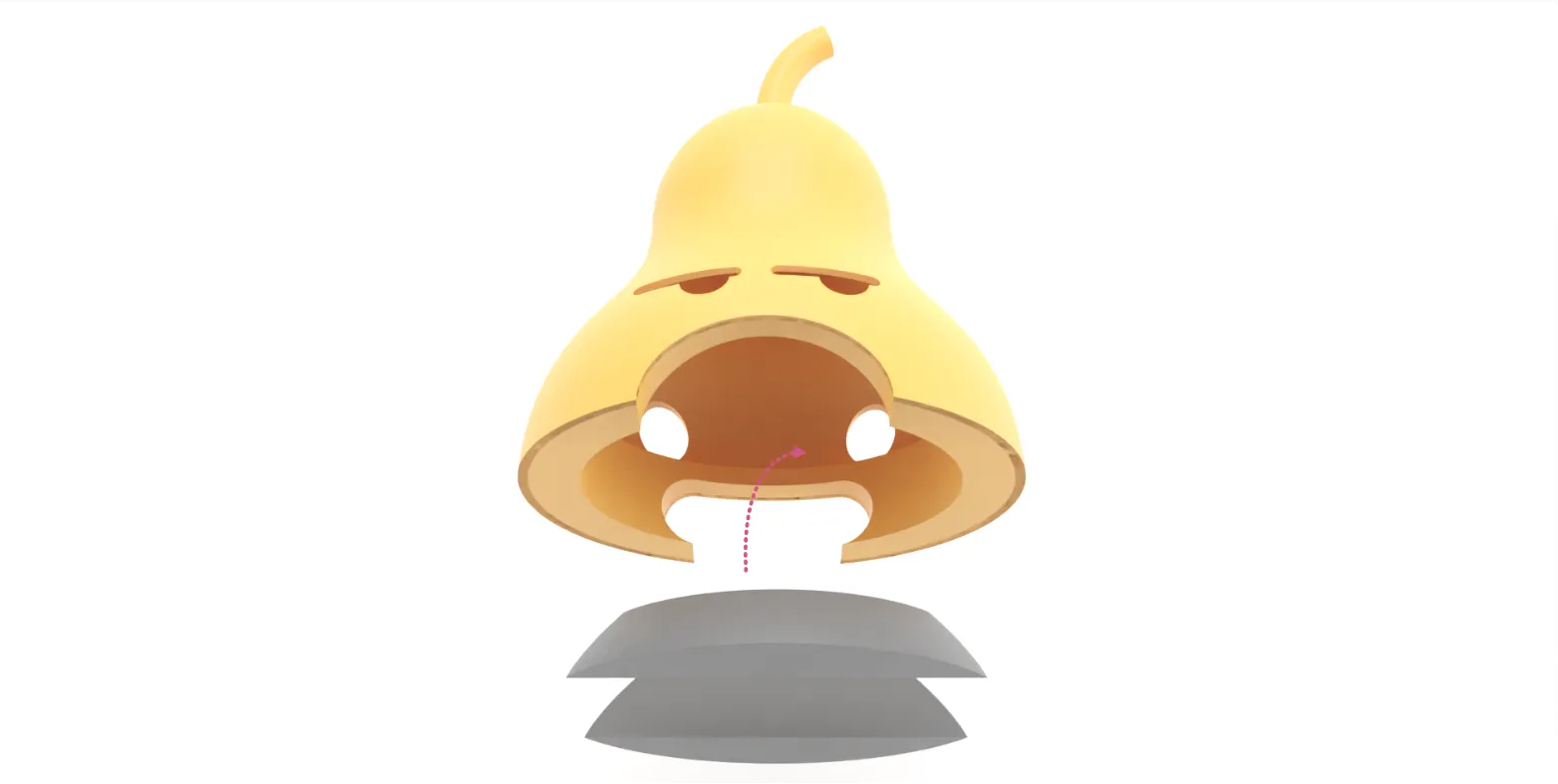 |
| Use a small amount of glue to attach the leaf. | 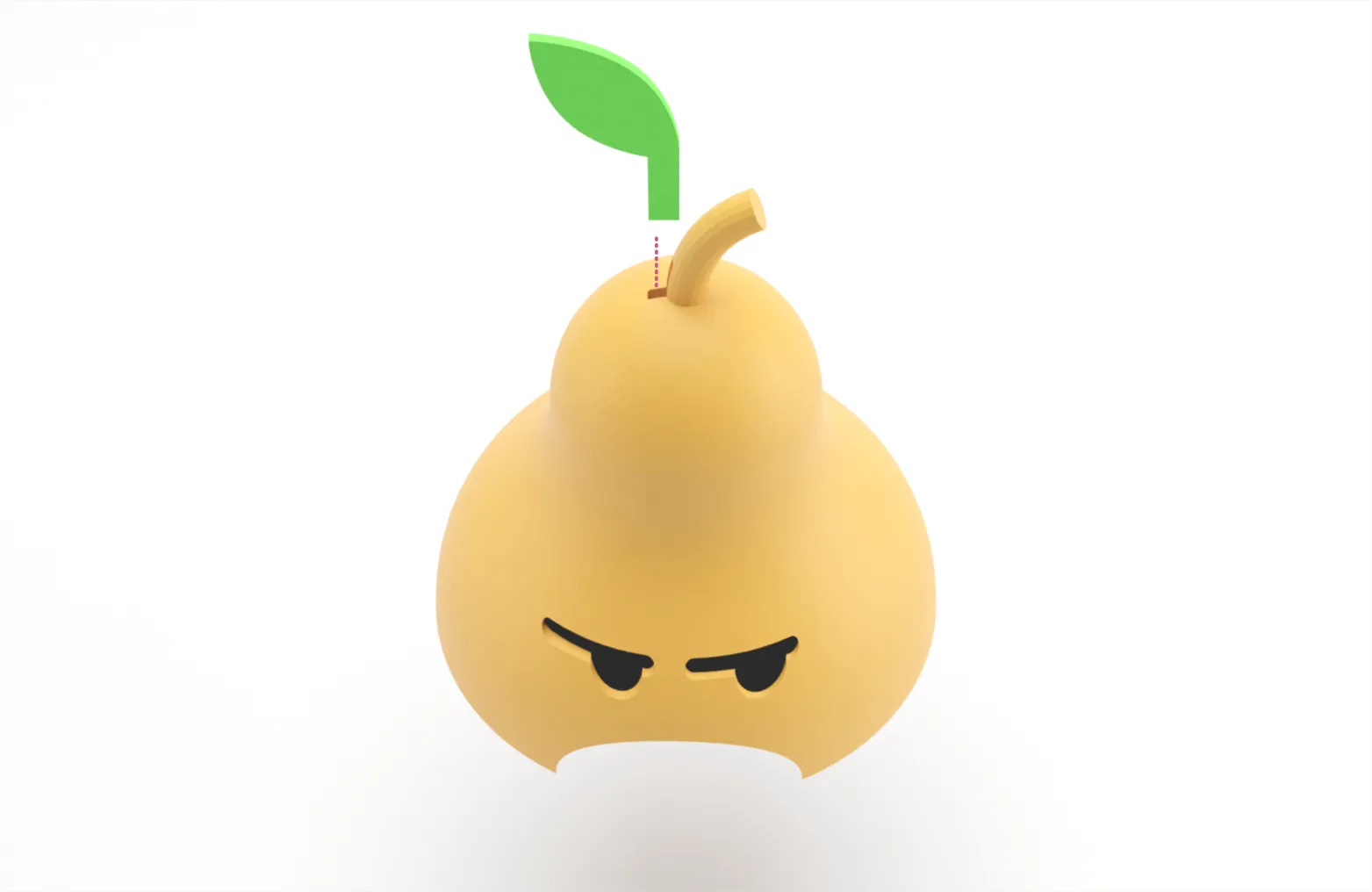 |
| Attach the top to the bottom with a small amount of glue. You can add treats by just feeding them into the mouth. | 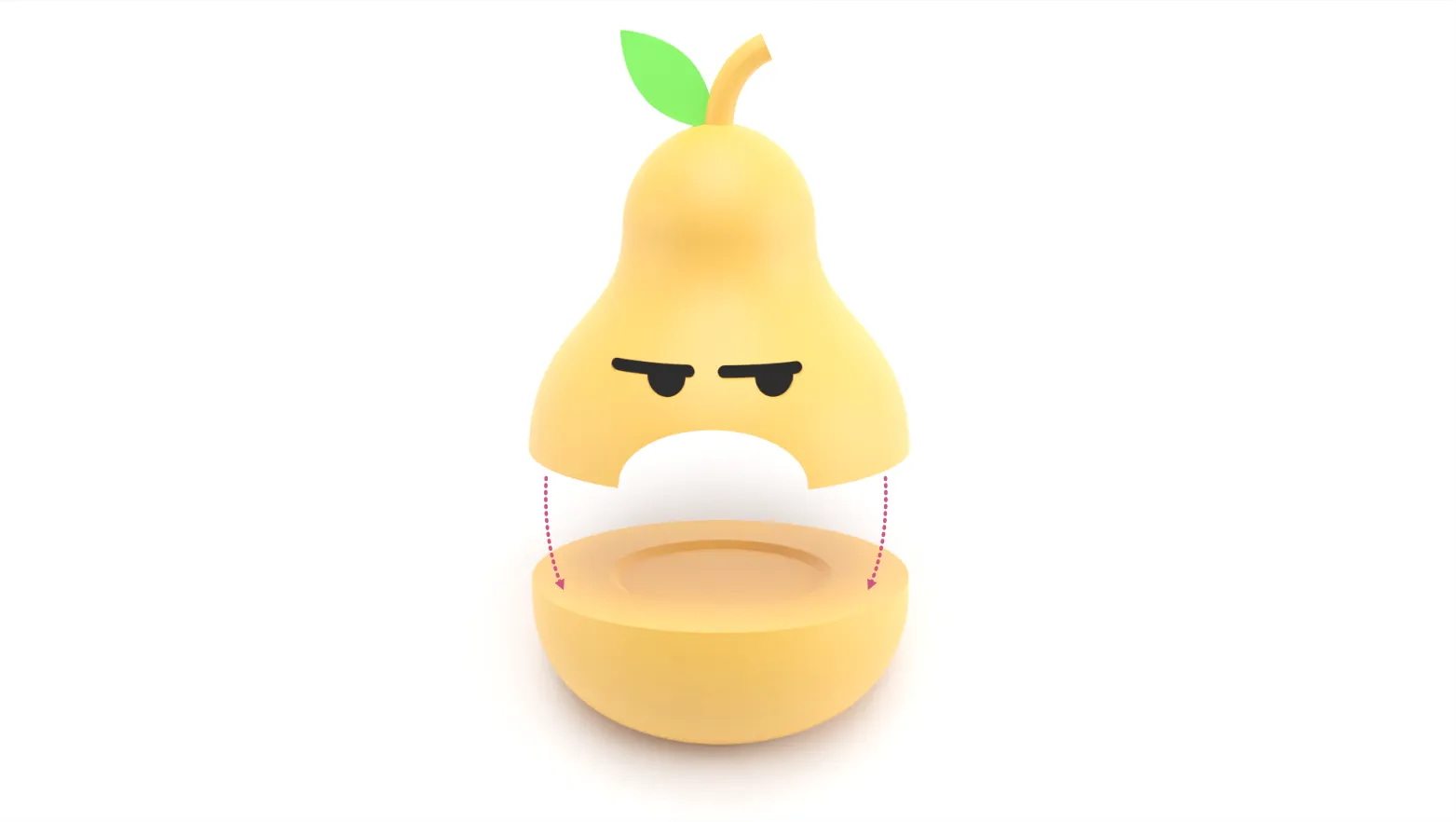 |
Printing & Post-Processing Tips
- This print has been tested with both PLA and PETG.
- The main profile it set to print per object in case you'd like to print in multiple colors without AMS.
- The print shown in the photos for this listing was printed in white PETG and colored with permanent markers.
- Sharpie Create Markers for the yellow and green
- Standard black sharpie for the eyes and mouth
- Metallic Sharpie for the stem
- I colored the inside of the moth with black marker just to make it a bit more consistent.
Boost Me (for free)
If you enjoy my models and would like to support me, please consider sharing a boost!
Membership
Want to sell prints of my models? This Commercial Membership grants you a license to all of my MakerWorld models!
I love creating models to share for free, personal use. If you enjoyed this model, please consider buying me a coffee or joining me on Patreon.
License

You shall not share, sub-license, sell, rent, host, transfer, or distribute in any way the digital or 3D printed versions of this object, nor any other derivative work of this object in its digital or physical format (including - but not limited to - remixes of this object, and hosting on other digital platforms). The objects may not be used without permission in any way whatsoever in which you charge money, or collect fees.


Comment & Rating (552)