
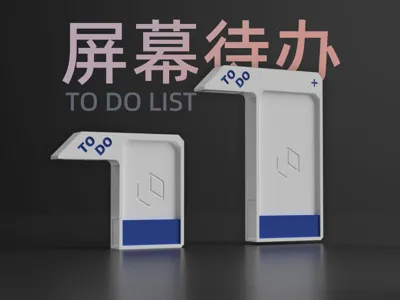
TO DO LIST Screen Reminder Assistant
Print Profile(4)


Description

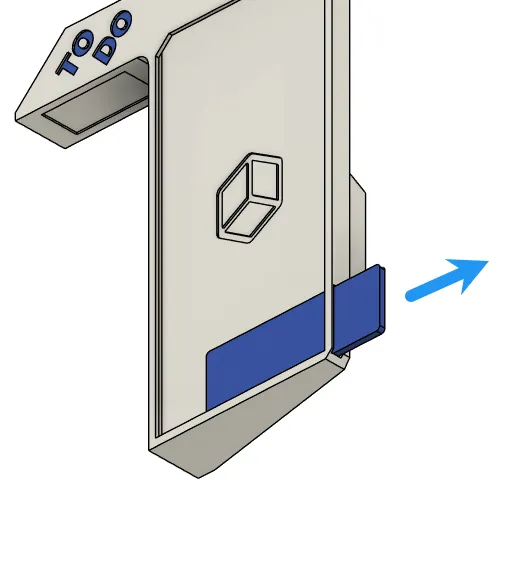
100% Printed Product
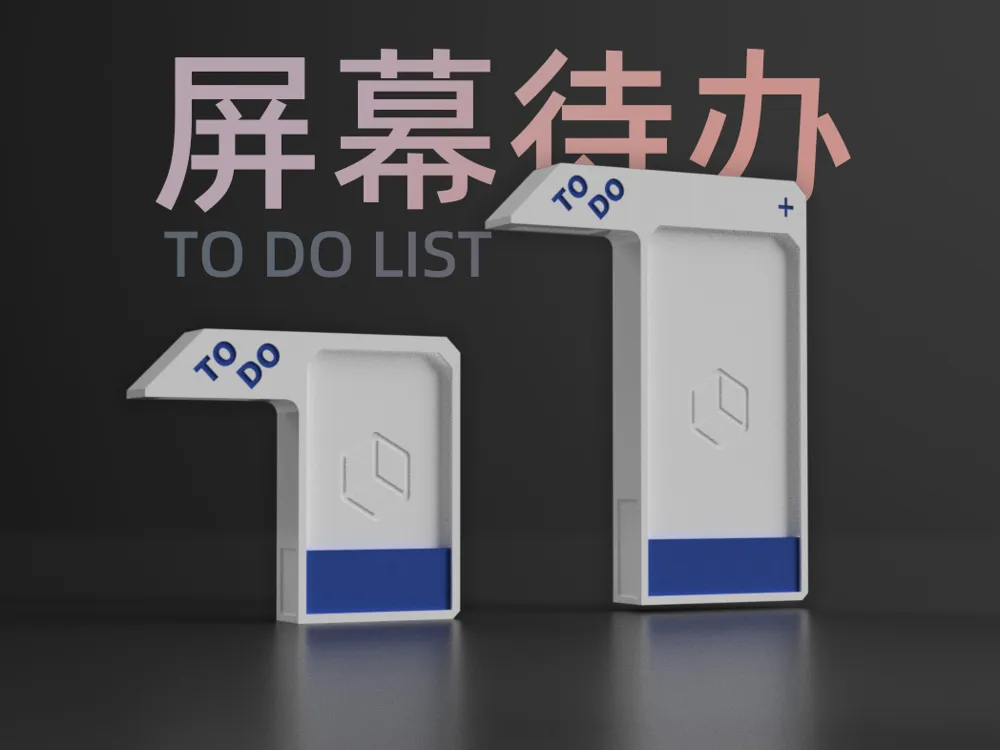
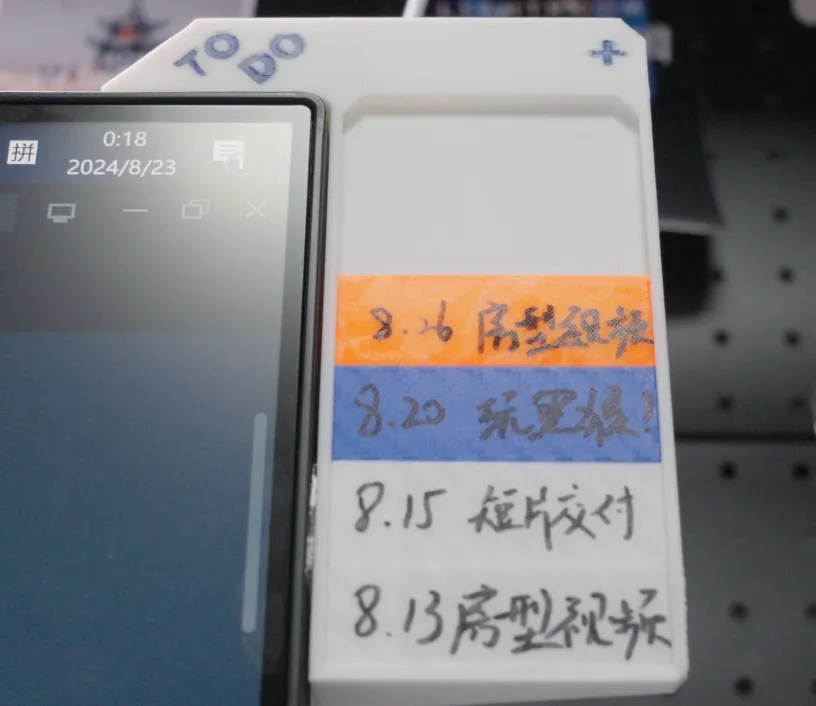
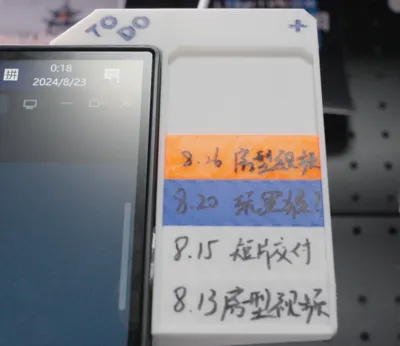
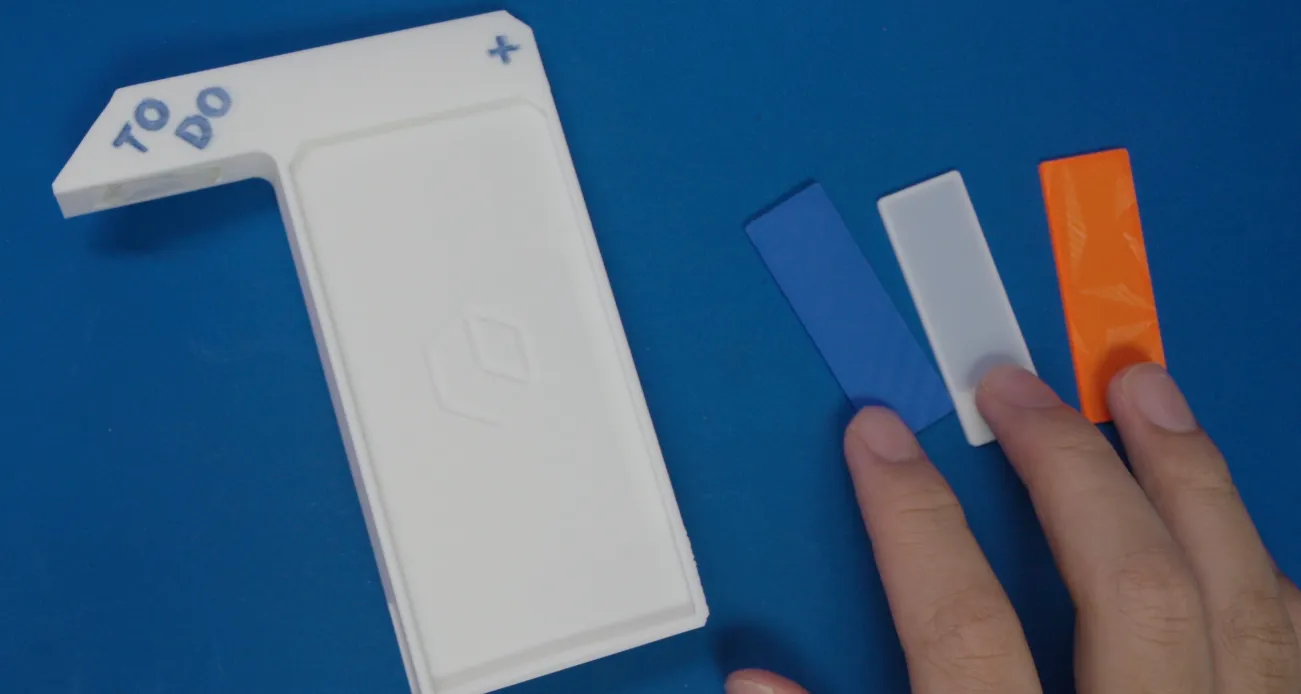
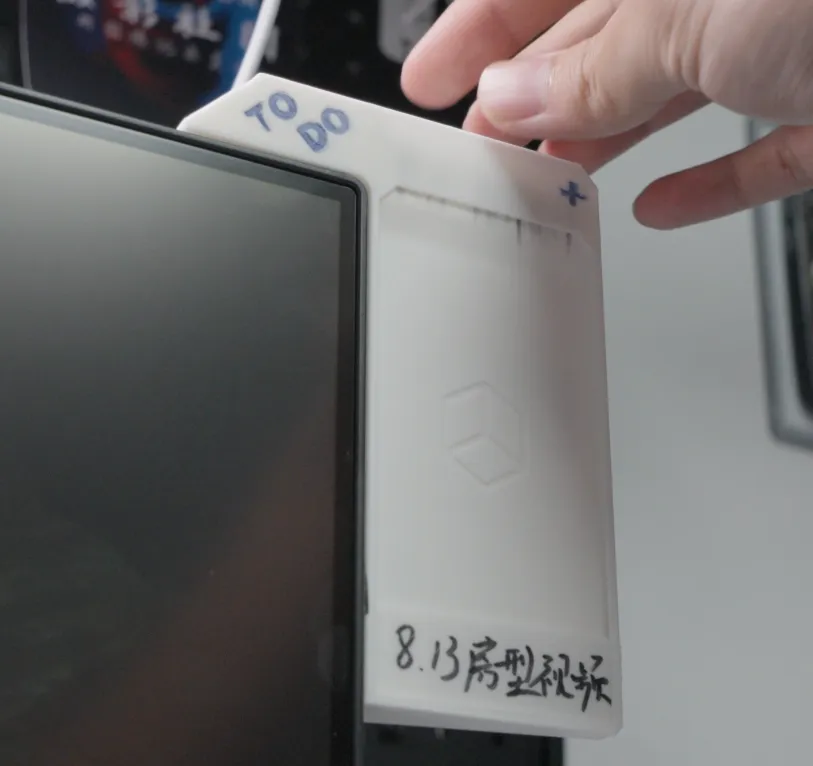
Mount on the side of a monitor screen to use as a physical memo board.
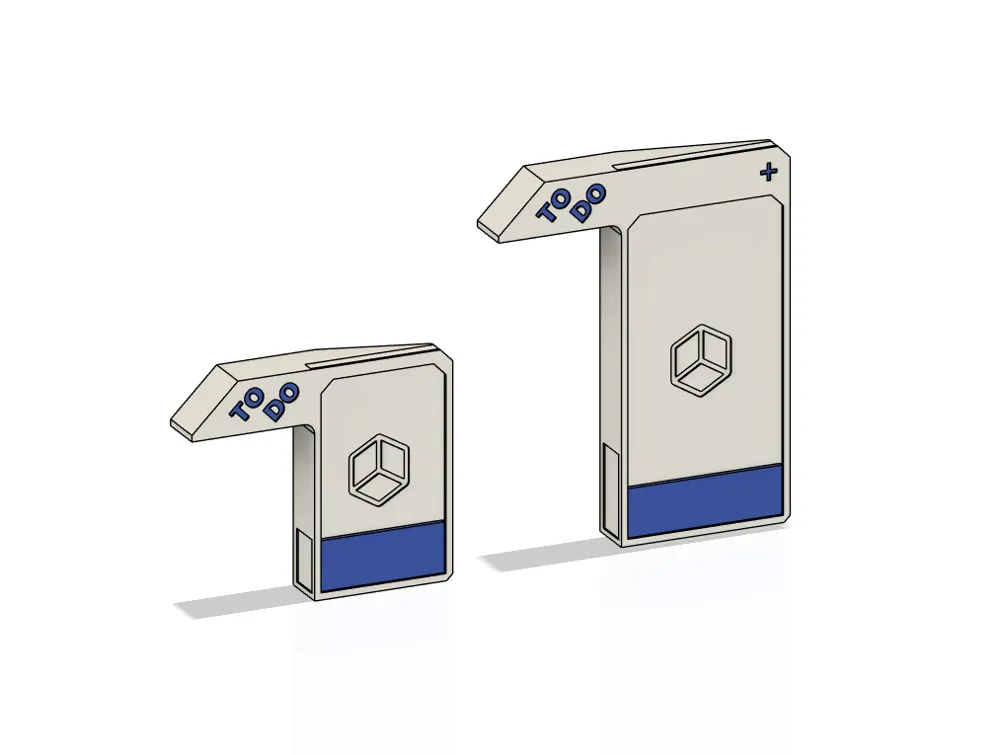
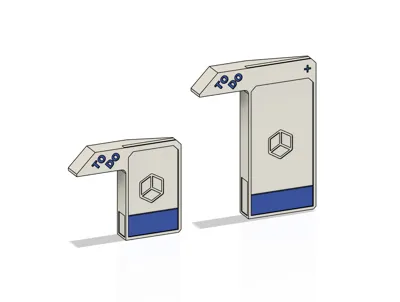
The standard version can display 4 tasks, while the enlarged version can display 6 tasks simultaneously.
You can print memo cards in bulk and store them in the back of the model. Write on them with a marker and replace them freely.
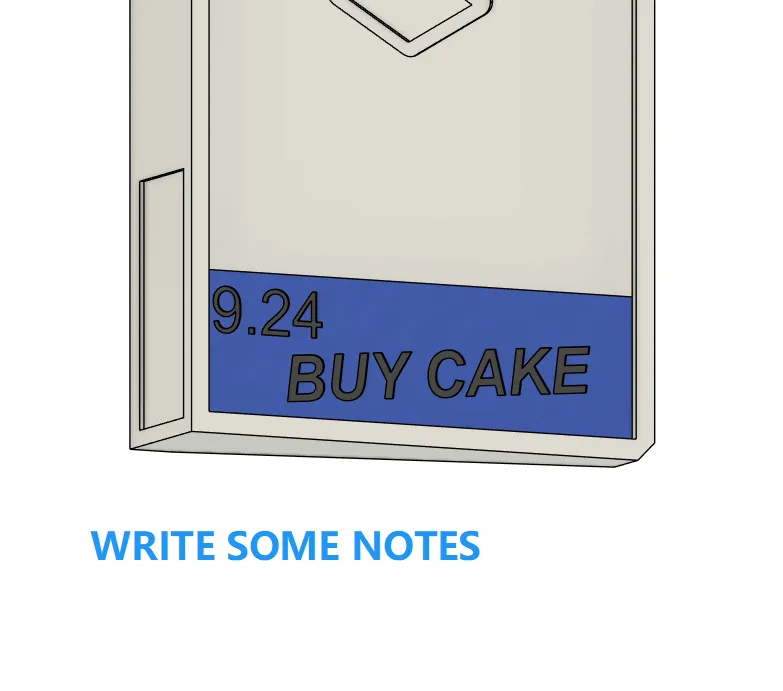
Installation Method:
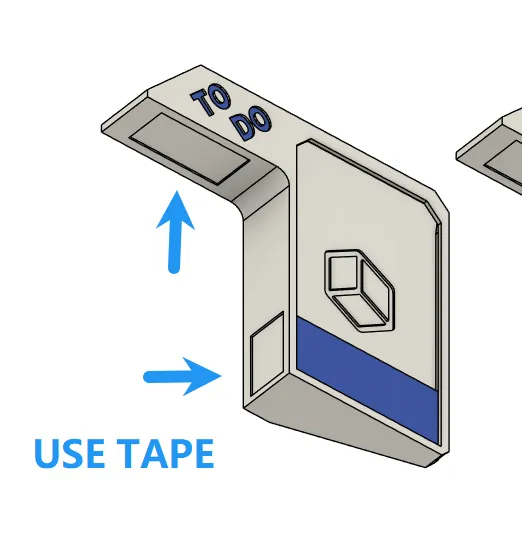
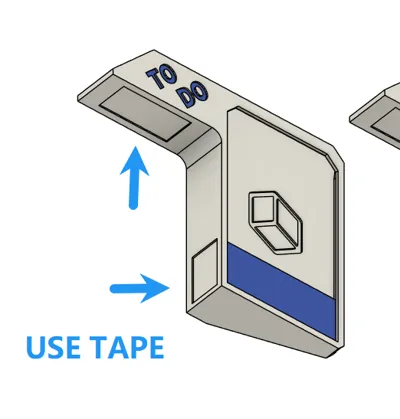
Use nano adhesive to attach it to the left or right corner of the monitor.
Print the main body and several blank memo cards. Use a marker to write down your tasks. Extra blank cards can be stored in the rear slot of the main body.
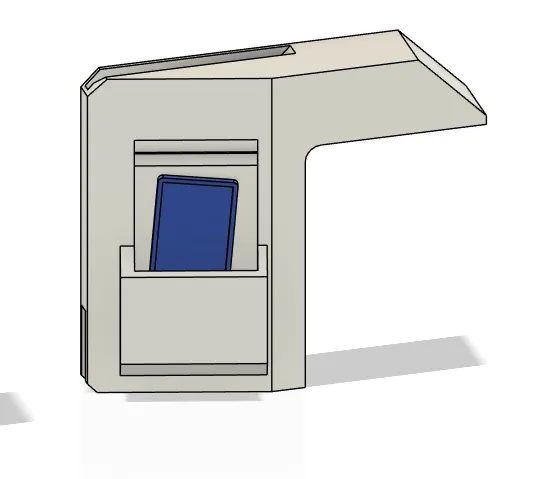
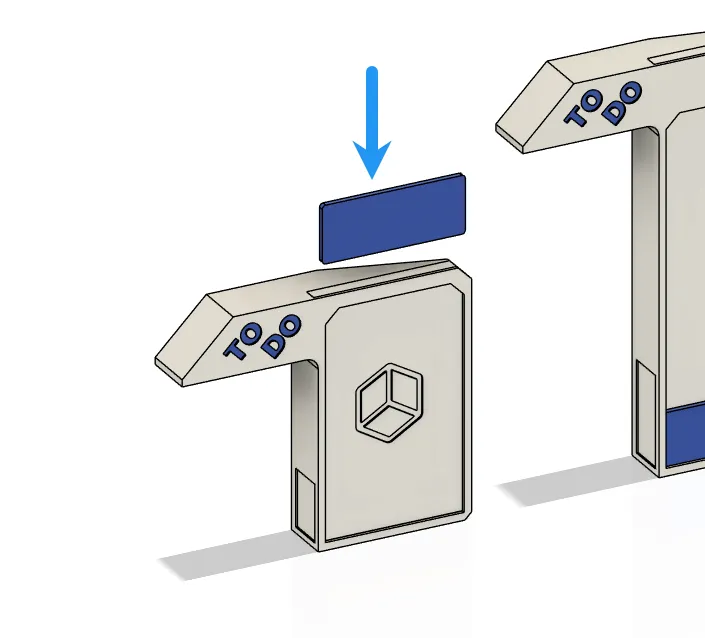
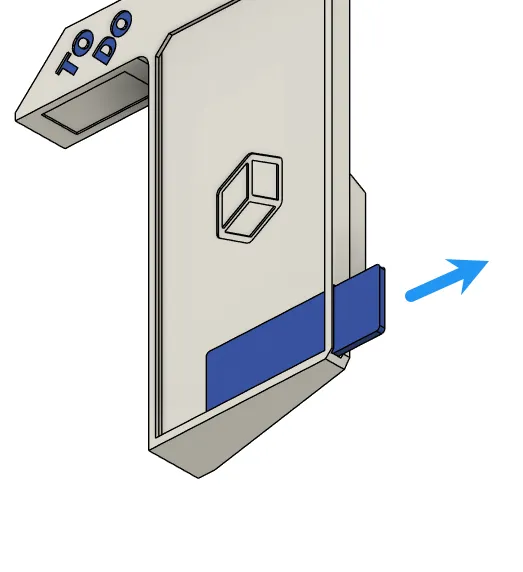
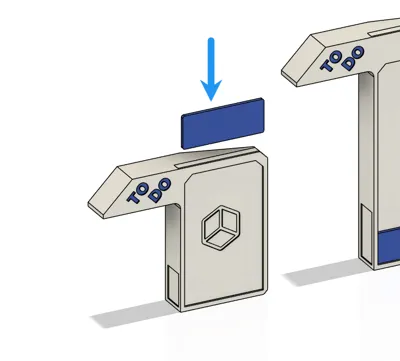
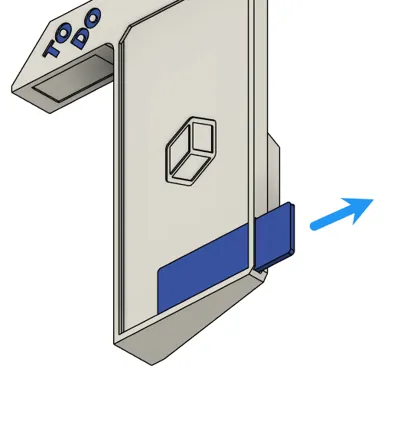
Align and insert the written memo card from the top. Once a task is completed, push it out from the side and discard it.
(You can freely choose different colored memo cards to distinguish importance and types of tasks.)
Fusion 360 project source files have been provided.
----------------------------------------------------
100% 3D Printed Product
Mount on the side of a monitor screen to use as a physical memo board.
- The standard version can display 4 tasks, while the enlarged version can display 6 tasks simultaneously.
- You can print memo cards in bulk and store them in the back of the model. Write on them with a marker and replace them freely.
Installation Method:
- Use nano adhesive to attach it to the left or right corner of the monitor.
- Print the main body and several blank memo cards. Use a marker to write down your tasks. Extra blank cards can be stored in the rear slot of the main body.
Usage:
- Align and insert the written memo card from the top. Once a task is completed, push it out from the side and discard it.
- (You can freely choose different colored memo cards to distinguish importance and types of tasks.)
Fusion 360 project source files have been provided.
License

You shall not share, sub-license, sell, rent, host, transfer, or distribute in any way the digital or 3D printed versions of this object, nor any other derivative work of this object in its digital or physical format (including - but not limited to - remixes of this object, and hosting on other digital platforms). The objects may not be used without permission in any way whatsoever in which you charge money, or collect fees.


Comment & Rating (3)